Improve Your Problem Management

Follow this 6 step guide to optimize your workflow.
Improve Your Problem Management

Optimize Problem Management in Zendesk Support for IT Stability

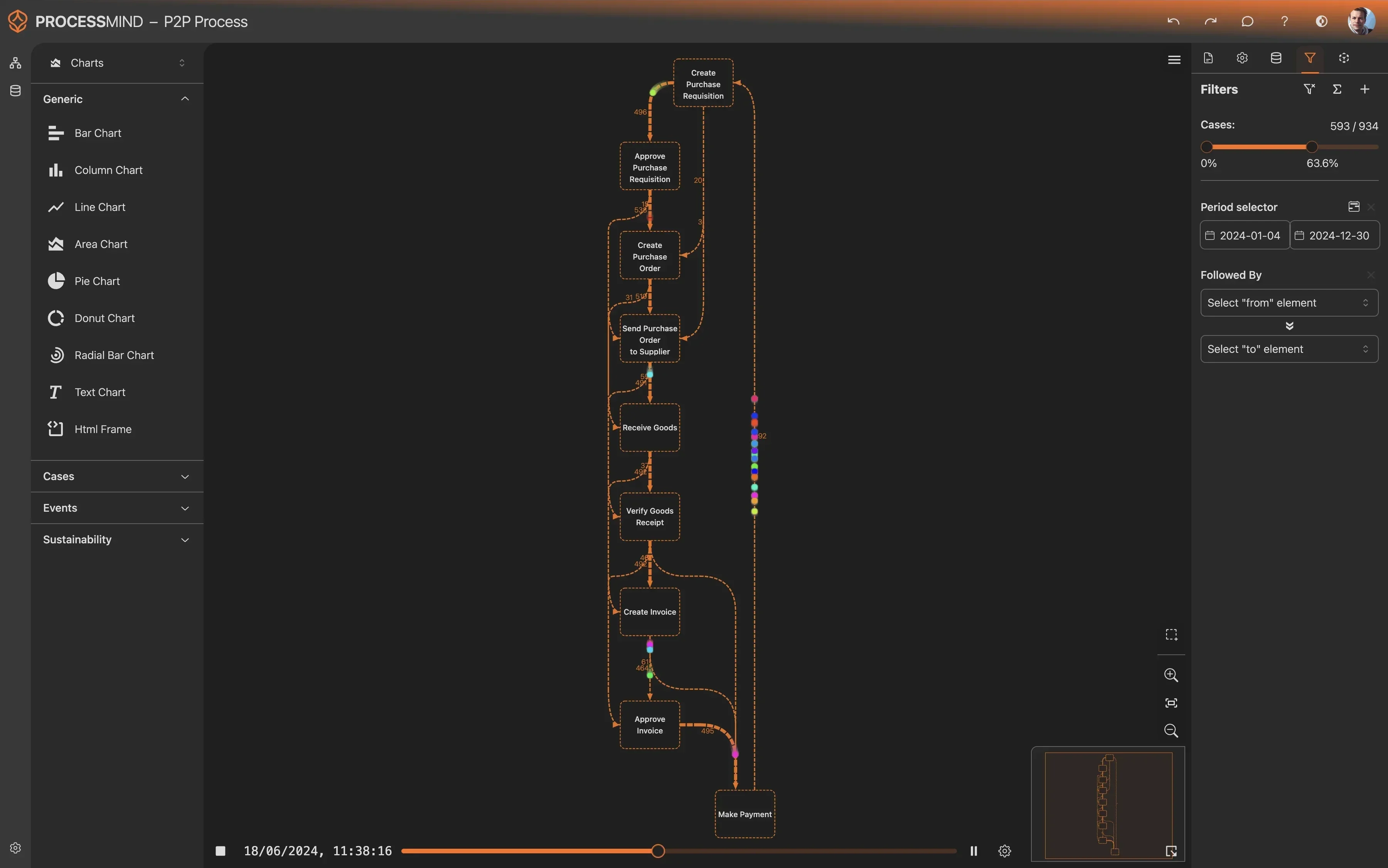
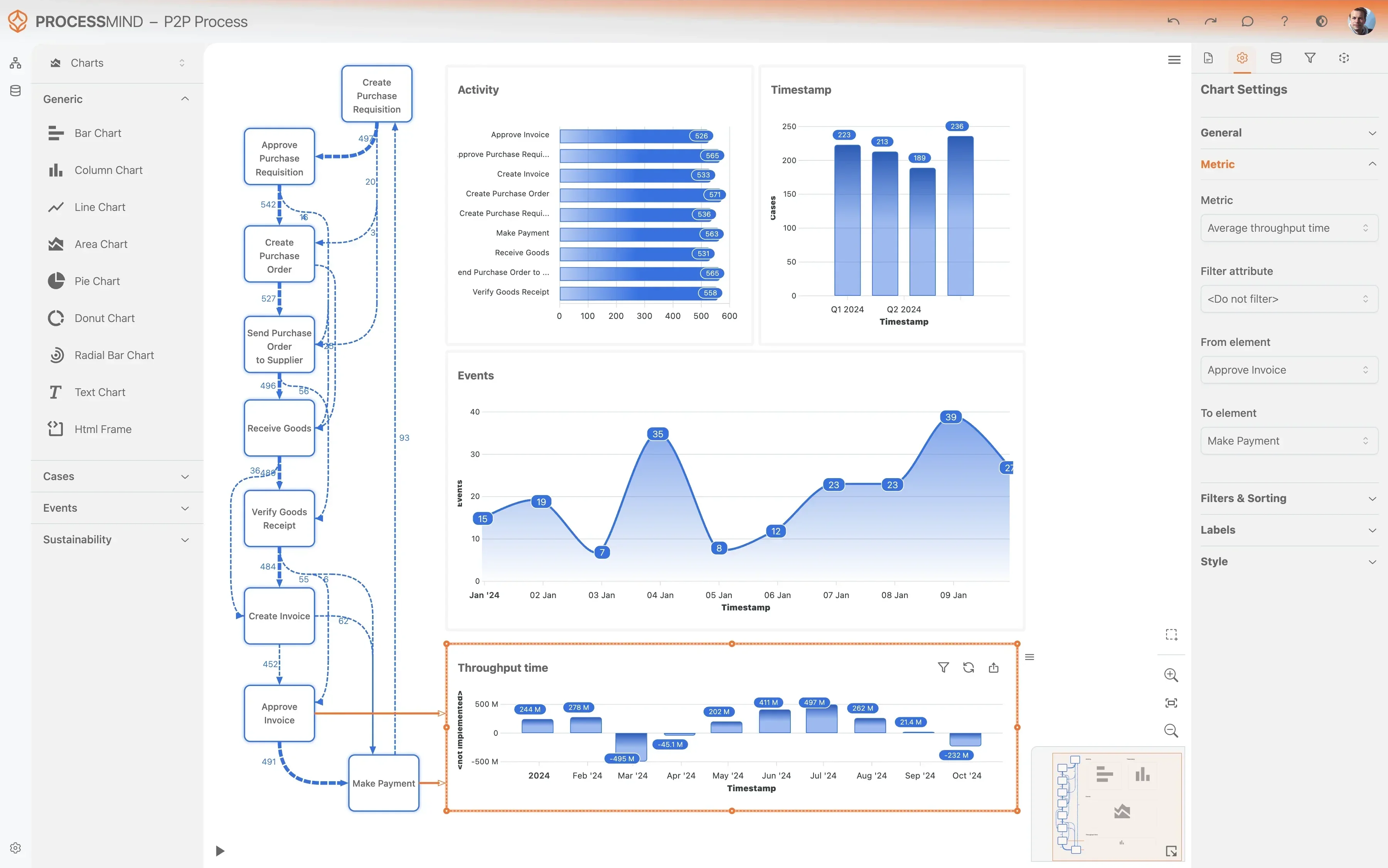
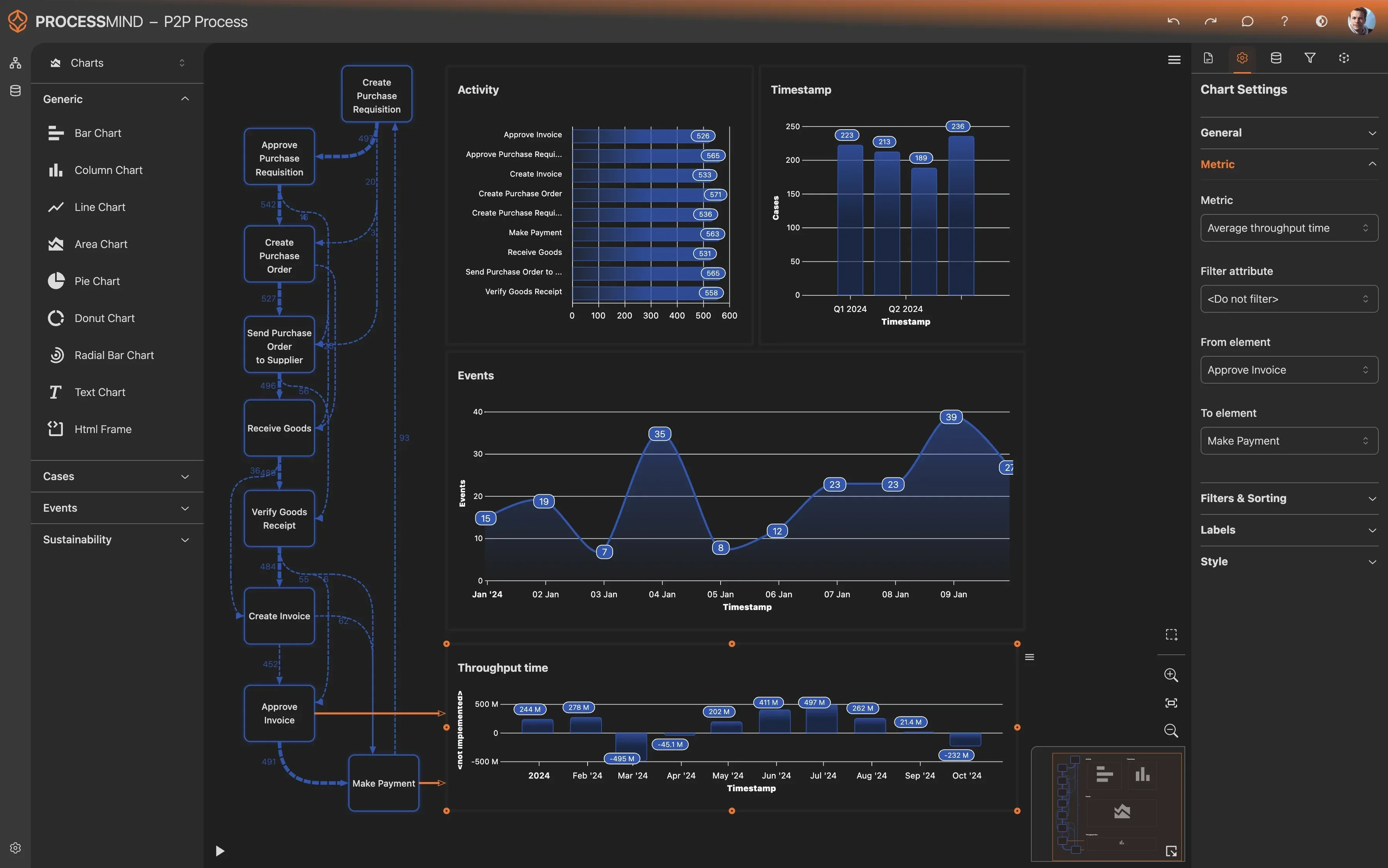
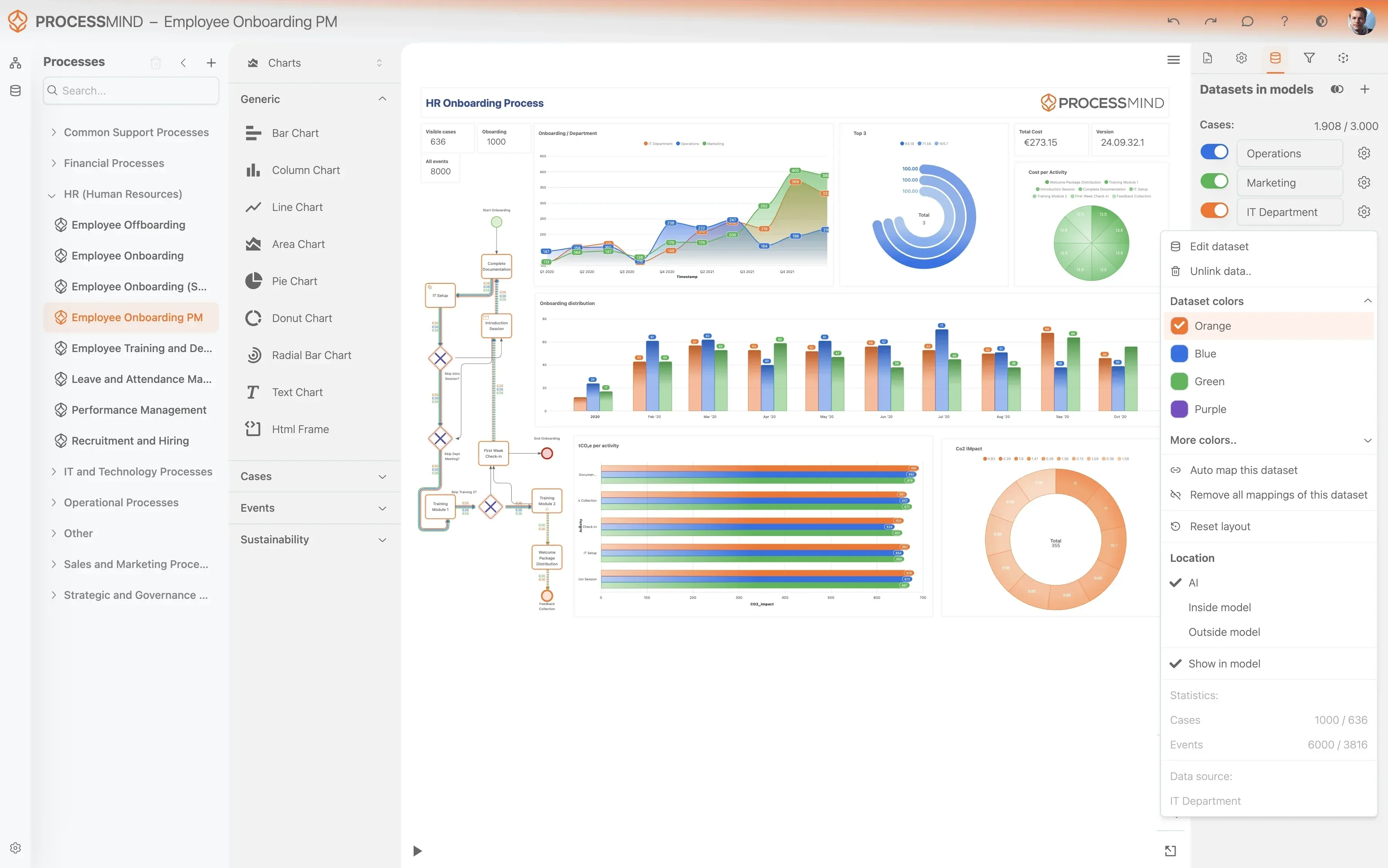
Process mining uncovers hidden bottlenecks and structural delays that often go unnoticed during manual reviews. Our platform identifies where tickets get stuck or cycle repeatedly between teams, allowing you to streamline every phase of the resolution journey. This visibility helps your team focus on high impact fixes instead of managing administrative overhead.

Download our pre-configured data template and address common challenges to reach your efficiency goals. Follow our six-step improvement plan and consult the Data Template Guide to transform your operations.

Show detailed description

Why optimizing Problem Management is critical for IT stability

Problem Management is the backbone of a stable IT infrastructure. While Incident Management focuses on restoring service as quickly as possible, Problem Management is dedicated to finding and eliminating the underlying causes of those incidents. In a Zendesk Support environment, many organizations find themselves caught in a cycle of reactive firefighting, where the same issues recur week after week because the root cause was never properly addressed. This inefficiency carries a heavy price tag, including high operational costs, decreased service availability, and a frustrated support team that feels like they are running in place.

Optimizing this process is about more than just speed, it is about accuracy and prevention. When you refine your Problem Management workflow, you reduce the total volume of incoming incidents over time. This shift from reactive to proactive support allows your most skilled technical resources to move away from repetitive fixes and toward high-value projects that drive the business forward. Without a clear view of how these problems move through your system, it is nearly impossible to identify where the investigation stalls or why solutions are delayed.

How process mining illuminates the Zendesk lifecycle

Process mining changes the way you look at your Zendesk data by reconstructing the actual journey of every problem record. Instead of looking at static reports that show average resolution times, process mining allows you to see the sequence of events as they truly happened. You can visualize every step from the moment a problem is identified to the final post-implementation review. This transparency is vital for understanding the difference between your documented process and the reality of how work gets done.

By analyzing the digital footprint of your technical teams, process mining identifies exactly where momentum is lost. For instance, you might discover that problem records frequently stall after a workaround is identified, because there is no longer a sense of urgency to implement a permanent fix. Process mining highlights these hidden patterns and bottlenecks, such as excessive handoffs between support groups or long waiting periods for change request approvals. This data-driven approach removes the guesswork from process optimization, allowing you to focus your efforts on the specific stages that offer the greatest potential for improvement.

Targeting key improvement areas in your investigation flow

One of the most common areas for improvement in Zendesk Support is the handoff between Tier 2 support and specialized engineering teams. Process mining can reveal if these transitions are smooth or if problems are getting lost in a black hole of unassigned queues. By examining the time spent in the Investigation Commenced stage, you can determine if your teams have the right tools and information to conduct effective root cause analysis. If the investigation phase is consistently long, it may indicate a need for better knowledge base integration or more standardized diagnostic procedures.

Another critical area is the gap between a proposed solution and the actual implementation of a permanent fix. In many organizations, a solution is drafted but then sits in a backlog because the Change Management process is disconnected or overly bureaucratic. Process mining helps you bridge this gap by showing the exact duration of these delays. You can also monitor the effectiveness of your workarounds. If a workaround is published but incidents continue to escalate at the same rate, it suggests that the workaround is either difficult to find or ineffective, necessitating an immediate change in strategy.

Realizing the benefits of a streamlined resolution process

When you successfully optimize Problem Management, the benefits ripple throughout the entire organization. The most immediate impact is a measurable reduction in cycle time for root cause investigations. Faster investigations mean that permanent fixes are implemented sooner, which directly correlates to a decrease in recurring incident volume. This leads to higher service level agreement compliance and improved trust from your business stakeholders.

Beyond just speed, a refined process improves the quality of your technical outcomes. By ensuring that every problem undergoes a thorough resolution verification and a post-implementation review, you prevent the introduction of new issues into your environment. This creates a feedback loop of continuous improvement, where every resolved problem makes the system more resilient. Furthermore, your technical staff experiences less burnout as they spend less time on repetitive issues and more time on complex, rewarding problem-solving tasks.

Getting started with data-driven Problem Management

To begin improving your Problem Management process in Zendesk Support, you must move beyond anecdotal evidence and start relying on your actual process data. Begin by mapping your current state to identify the low-hanging fruit, such as stages with high idle times or support groups that are consistently overloaded. Use these insights to set realistic benchmarks for your technical teams and to justify the resources needed for more complex root cause investigations. As you implement changes, continue to monitor the process flows to ensure that improvements are sustained and that new bottlenecks do not emerge. Transforming your support organization into a proactive powerhouse is an ongoing journey, but with the right visibility into your Zendesk workflows, it is an achievable goal.

Problem Management IT Service Management Root Cause Analysis Incident Reduction Service Desk Manager Change Request Management SLA Compliance

Common Problems & Challenges

Identify which challenges are impacting you

Prolonged investigation phases often leave critical issues unresolved for weeks, leading to an accumulation of technical debt and recurring incidents. When root cause analysis takes too long, the support team remains reactive, which directly impacts IT service stability and increases the operational burden on Zendesk Support agents. This delay often results from unclear investigation paths or lack of historical data access during the troubleshooting phase.

Our solution maps the timeline from Problem Identification to Root Cause Identified, pinpointing exactly where investigations stall. By visualizing the flow across different support groups, you can identify resource bottlenecks and streamline the handover process to accelerate permanent fixes. This ensures that the technical teams focus on high-impact investigations rather than getting lost in process administrative delays.

When problems are not addressed at their source, the same incidents continue to flood the service desk, wasting valuable time and resources. This cycle of fire-fighting prevents the team from focusing on strategic improvements and leads to frustration for end-users who experience the same disruptions repeatedly. Without a clear link between incidents and their root causes, the organization continues to pay for the same mistakes.

We analyze the correlation between problem records and incident counts in Zendesk Support to highlight which problems cause the most disruption. Process mining reveals if workarounds are being used as permanent crutches instead of resolving the underlying issue through a formal change request. This allows you to prioritize problem resolution based on the actual reduction in incident volume and service desk workload.

If technical teams find temporary fixes but fail to publish them to the knowledge base, frontline agents cannot assist users quickly. This lack of communication leads to longer resolution times for incidents while the formal problem record remains in an open investigation state. Valuable institutional knowledge is often lost in private notes or individual email chains rather than being shared across the Zendesk Support platform.

ProcessMind monitors the transition between Workaround Identified and Workaround Published to ensure knowledge sharing is a standard part of your workflow. We identify cases where workarounds are found but not documented, allowing you to enforce better knowledge management practices. This ensures that every known workaround is immediately available to incident responders, reducing the time users spend waiting for a solution.

Failure to meet resolution targets for high-priority problem records can result in significant business disruption and lost productivity. Without clear visibility into the progression of these records, it is difficult to prioritize resources effectively to meet agreed-upon service level targets. Organizations often struggle to identify which stage of the problem lifecycle is causing the most frequent SLA breaches.

By tracking the SLA Due Date attribute against real-time process progress, our platform flags records at risk of breach before they fail. You can see which support groups are struggling to maintain velocity on critical problems and redistribute workloads accordingly within Zendesk Support. This proactive monitoring helps you maintain compliance with service level agreements and ensures that high-impact problems receive the attention they require.

Problem records often bounce between different support groups without meaningful progress, causing unnecessary delays. These transitions frequently result from unclear ownership, insufficient information being passed between teams, or a lack of accountability during the investigation phase. This back-and-forth movement increases the total age of the problem record without moving it closer to a permanent resolution.

Our process mining tool visualizes the flow of problems between Assigned Support Groups to detect circular transitions and idle time. This transparency helps you define clearer ownership boundaries and improve the quality of information shared during handovers. By identifying the specific groups where problems tend to get stuck, you can implement targeted training or process adjustments in Zendesk Support to improve cross-team collaboration.

Identifying the root cause is only half the battle, as many organizations struggle to move from a identified solution to a completed permanent fix. Delays in initiating change requests or applying fixes leave the environment vulnerable to further incidents despite the cause being known. This gap between knowledge and action often stems from a disconnect between the problem management and change management teams.

We track the lifecycle from Proposed Solution Drafted to Permanent Fix Applied to identify friction points in the implementation phase. This allows you to measure the effectiveness of your change management integration and ensure that identified fixes are deployed promptly. By highlighting the time spent waiting for change approvals, you can optimize the workflow between technical identification and practical resolution.

Skipping the post-implementation review phase means the organization misses opportunities to learn from complex problems and prevent future occurrences. Without a structured feedback loop, the same process inefficiencies are likely to be repeated in subsequent problem investigations. This lack of formal closure often leads to a failure in continuous service improvement and a stagnation of IT maturity.

ProcessMind identifies problem records that jump directly from Resolution Verified to Closed without a review activity. By highlighting these gaps, you can ensure that your team follows the full Zendesk Support lifecycle and captures valuable insights for continuous improvement. This data-driven approach ensures that every major problem contributes to a growing library of organizational knowledge and better preventive measures.

If problem records are incorrectly categorized or lack specific root cause attributes, it becomes nearly impossible to perform meaningful trend analysis. This data quality issue hides the true drivers of IT instability and prevents management from making informed decisions about infrastructure investments. When the Problem Category does not match the actual root cause, long-term strategic planning is based on flawed assumptions.

We analyze the use of attributes like Problem Category and Root Cause Category throughout the process flow in Zendesk Support. By identifying where data is missing or changed late in the lifecycle, you can improve data entry standards and gain more accurate insights from your problem data. This helps in pinpointing exactly which business services or configuration items require the most investment and attention.

Teams sometimes rely on temporary workarounds indefinitely to avoid the complexity of a permanent fix. While this might resolve the immediate symptom, it leaves the underlying infrastructure unstable and increases the long-term maintenance burden on the IT department. Over time, the accumulation of these temporary measures creates a fragile environment where minor changes can cause major disruptions.

Our platform detects long-running problem records where a workaround is published but no change request is initiated. This visibility helps you prioritize the transition from temporary mitigation to permanent resolution, reducing overall technical debt. By monitoring the time elapsed since the workaround was published, you can prompt your team to move toward a more stable, long-term solution.

Many problem records are opened but never reach a conclusion, remaining in an active state for months without any updates. These records clutter the queue, skew performance metrics, and represent unresolved risks to the business environment. Often, these records are forgotten as teams move on to more urgent incidents, leaving the underlying problem to eventually trigger another crisis.

We automatically identify records with long periods of inactivity between activities like Investigation Commenced and Proposed Solution Drafted. This allows managers to audit the backlog and either re-energize stalled investigations or formally close records that are no longer relevant in Zendesk Support. Cleaning up these inactive records provides a much more accurate picture of your true problem management capacity and workload.

Typical Goals

Define what success looks like

Focusing on the speed of discovery is essential because long investigation cycles keep systems vulnerable. Reducing the time to find a root cause minimizes potential business disruption and protects service continuity across the entire organization. When investigations are faster, IT teams can move from reactive troubleshooting to proactive stability improvements.

ProcessMind maps the flow from problem identification to root cause discovery in Zendesk Support. It identifies specific stages where investigations stall, allowing managers to reallocate technical experts and streamline diagnostic steps. By identifying these bottlenecks, organizations can reduce the duration of the investigation phase by up to 30 percent.

High incident recurrence indicates that systemic issues are not being solved at their source. By addressing the root cause rather than just the symptoms, IT teams can lower the total cost of support and improve user satisfaction levels. Effective problem management directly translates to fewer tickets in the Zendesk Support queue over time.

Using process mining, teams can correlate problem records with high-frequency incident patterns. ProcessMind highlights which problem resolutions successfully prevent recurrence and which ones fail to address the underlying fault. This visibility enables a 20 percent reduction in recurring ticket volume by prioritizing the problems that cause the most frequent incidents.

Effective workarounds provide immediate relief while a permanent fix is developed. Ensuring workarounds are documented and published quickly reduces downtime for end-users and empowers service desk agents to resolve linked incidents faster. A standardized approach to workarounds ensures that technical knowledge is not trapped within specific teams.

ProcessMind tracks the duration between a workaround being identified and its publication in the knowledge base within Zendesk Support. It flags instances where temporary solutions are known but not shared, ensuring information flows smoothly. This visibility helps increase workaround availability and reduces the average time to restore service for known issues.

Meeting service level agreements for high-priority problems is essential for maintaining business-critical stability. Consistency in meeting these targets builds trust with stakeholders and ensures that the most damaging issues get the attention they require. Failure to meet these targets often leads to cascading failures and lost productivity.

ProcessMind provides real-time visibility into SLA status across all active problem records. It identifies specific process paths that lead to missed deadlines, enabling managers to intervene before a violation occurs. Organizations using these insights can achieve 100 percent compliance for critical problem resolution by removing friction from the escalation path.

Problems often require collaboration between multiple specialized technical teams. Smooth transitions between groups prevent information loss and reduce the idle time that often characterizes complex problem resolution. When handovers are optimized, the entire lifecycle moves faster and communication errors are significantly reduced.

The platform visualizes the hand-off points between different support groups in Zendesk Support. By measuring the wait time at each transition, ProcessMind helps identify silos and streamlines the communication path. This allows managers to refine handover protocols, reducing the time a problem record sits in a pending state during group transfers.

Once a root cause is found, the focus should shift immediately to implementation. Reducing the gap between investigation and the initiation of a change request ensures that systems return to a stable state as quickly as possible. Delays during this transition often stem from administrative hurdles or poor coordination between departments.

ProcessMind analyzes the time elapsed from root cause identification to the creation of a change request or fix application. It reveals administrative friction that prevents rapid movement from the diagnostic phase to the resolution phase. By streamlining this handover, organizations can shorten the total time to resolution for complex IT problems.

Post-implementation reviews are vital for continuous process improvement and organizational learning. Ensuring every major problem undergoes a formal review helps organizations learn from past mistakes and prevents similar issues from surfacing in other areas. Without these reviews, the same process errors are likely to be repeated indefinitely.

Process mining tracks the completion rate of reviews after a problem record is closed in Zendesk Support. It highlights which teams or categories frequently bypass this step, allowing for targeted enforcement of process standards. Increasing review compliance ensures that every major incident contributes to a growing body of institutional knowledge.

Correct categorization is the foundation of meaningful trend analysis and resource planning. Accurate data ensures that resources are directed toward the areas with the highest impact on IT service quality and business performance. When categories are incorrect, management reports become unreliable and root causes are harder to find.

ProcessMind identifies patterns of re-categorization throughout the problem lifecycle. By pinpointing where initial classifications are often wrong, managers can improve training and data entry protocols. Improving data quality at the source leads to more accurate reporting and better strategic decision-making regarding IT infrastructure investments.

Relying too heavily on workarounds creates technical debt and long-term instability for the business. The ultimate goal of problem management is to move from temporary fixes to permanent solutions that eliminate the underlying vulnerability entirely. Reducing the number of problems that stay in a workaround state indefinitely is a key success metric.

The platform monitors the volume of problems that remain in a workaround state for extended periods. It provides the data needed to justify the technical effort required to implement permanent fixes rather than staying in a reactive mode. This transition reduces the long-term maintenance burden on technical teams and increases overall system reliability.

Open problem records that show no activity represent neglected risks to the environment. Keeping the backlog clean and active ensures that the IT team is focused on current priorities rather than managing an ever-growing list of stagnant items. Stagnant records often hide unresolved issues that could lead to major future outages.

ProcessMind detects inactive problem records based on the time since the last activity or status change in Zendesk Support. It allows managers to automate alerts or trigger reassignment for records that have not progressed within a set timeframe. This proactive monitoring ensures that no problem record is forgotten and that the backlog remains manageable.

High-priority problems have the most significant impact on business operations and revenue. Increasing the speed and frequency with which these issues are resolved protects the most valuable business services and assets. A high resolution rate for critical items is a primary indicator of a high-performing problem management process.

ProcessMind provides deep dives into the lifecycle of high-priority records compared to standard ones. It identifies if critical issues are being treated with the appropriate urgency and where procedural hurdles exist. This insight allows teams to prioritize the most important work, leading to a higher percentage of critical problems resolved within targeted timeframes.

Investigating problems can be extremely resource-intensive, often requiring hours from senior engineers. Streamlining the analysis process allows these experts to spend less time on administrative tasks and more time on complex technical troubleshooting and innovation. Reducing the cost of analysis makes the entire problem management function more sustainable.

By quantifying the labor hours and duration associated with different types of investigations, ProcessMind identifies the most efficient resolution paths. This data helps standardize best practices across all technical support teams. Organizations can leverage these insights to reduce the average cost per problem resolution while maintaining high quality standards.

The 6-Step Path for Zendesk Problem Management

1

Download the Template

What to do

Download the pre-configured Excel template designed for Zendesk Problem Management data structures.

Why it matters

Using a standard format ensures your problem records and ticket links align perfectly with the analysis engine.

Expected outcome

A ready-to-use data template for Zendesk problem tracking.

YOUR DISCOVERIES

Uncover Root Causes and Fix Problem Management Delays

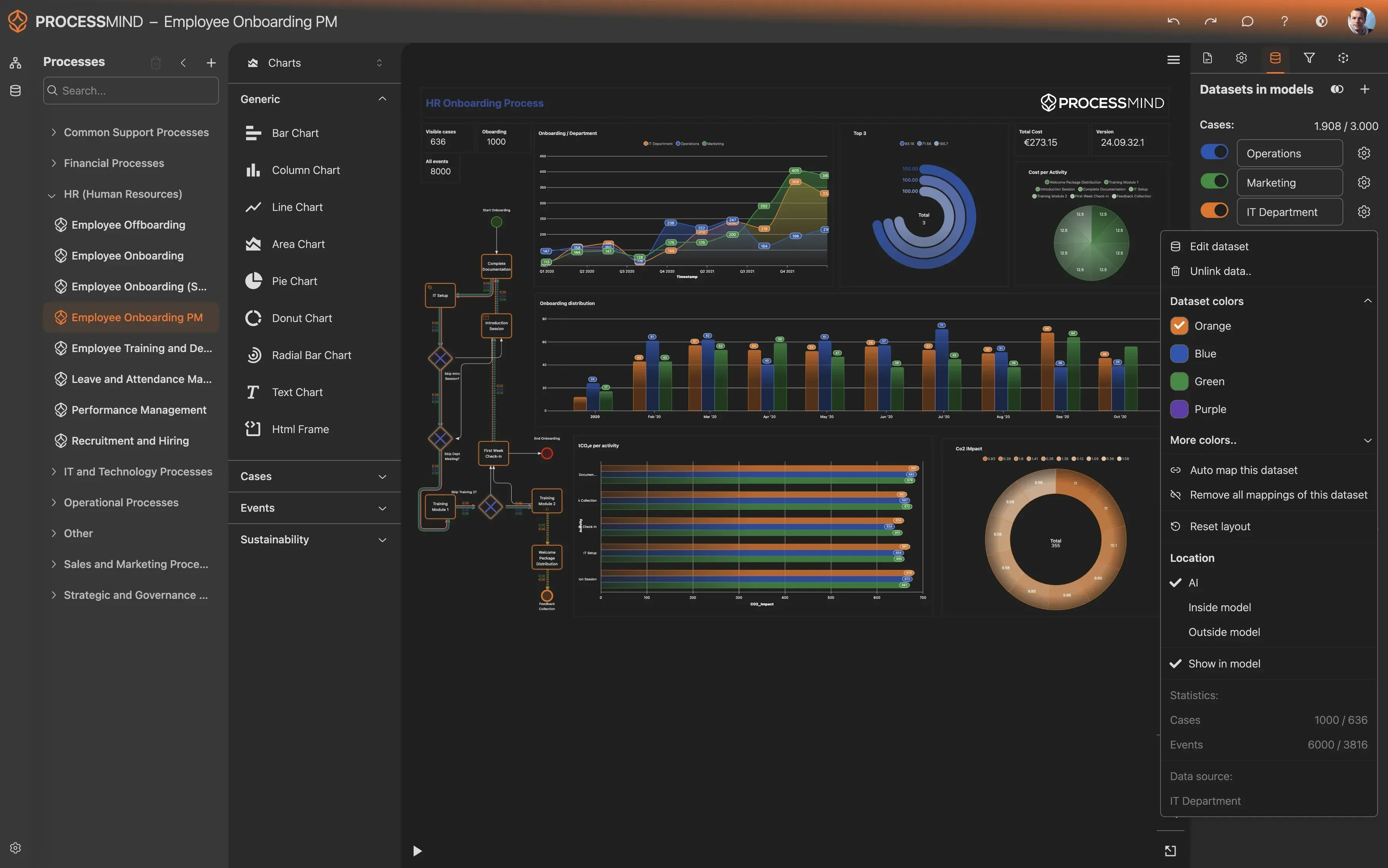
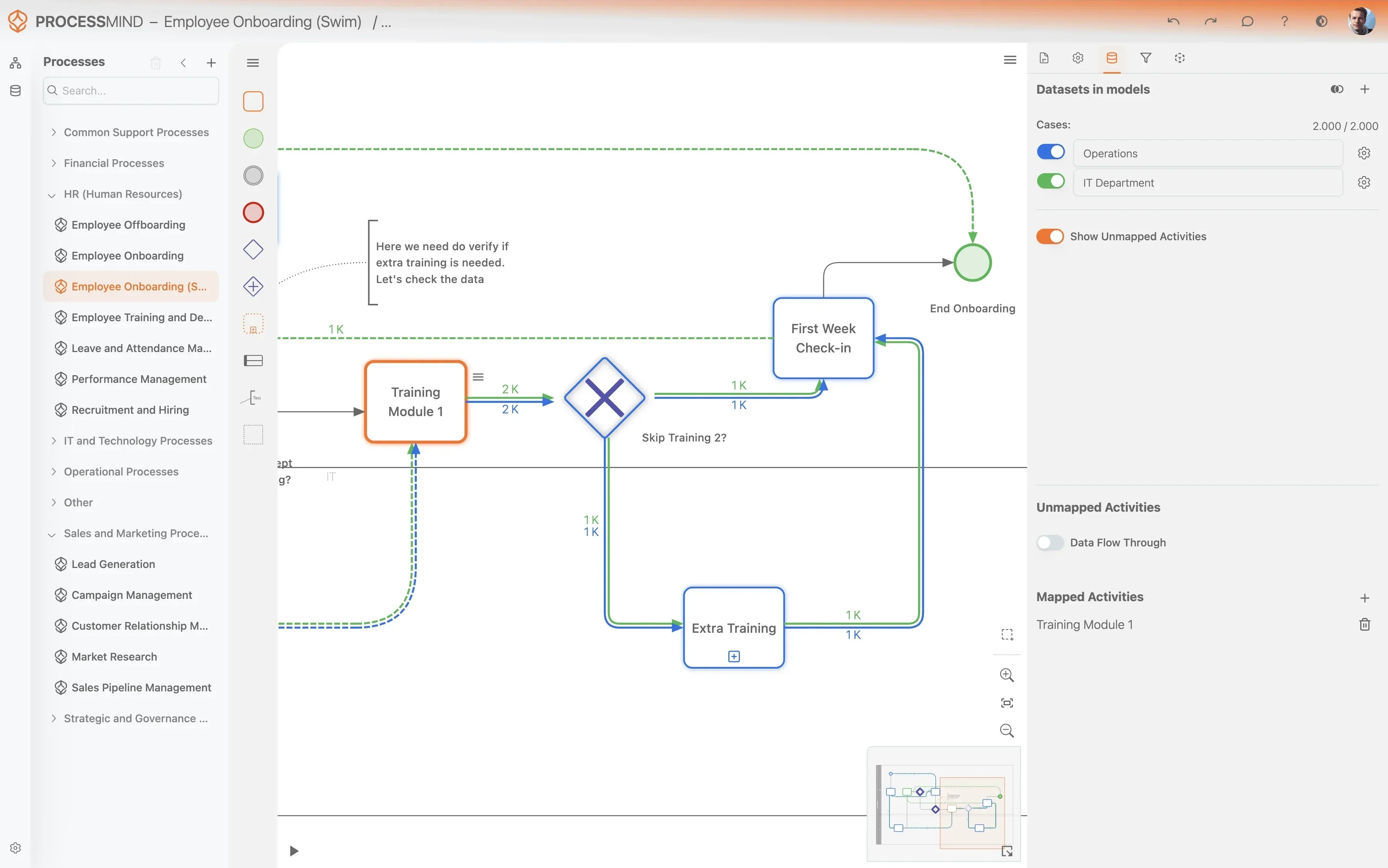
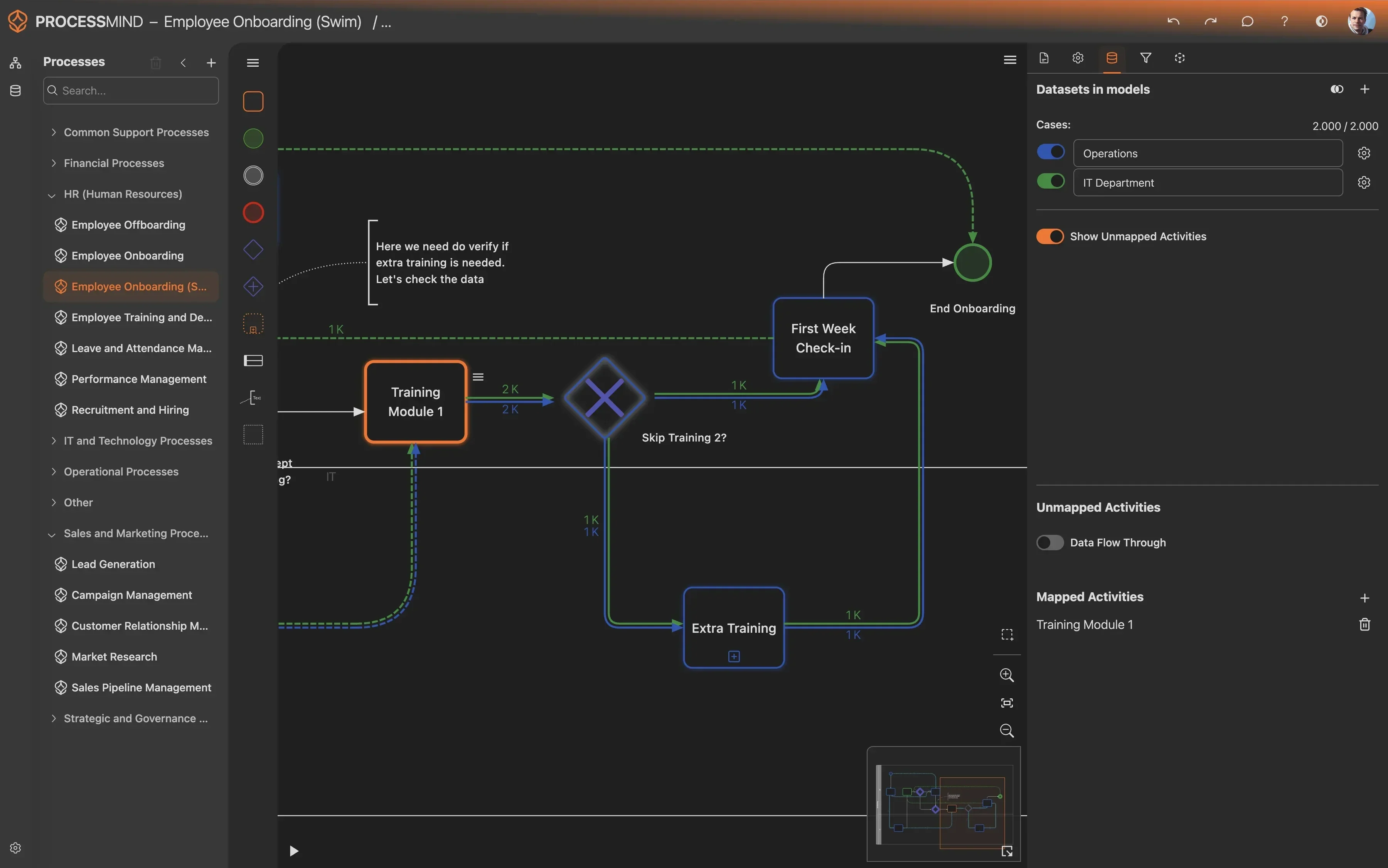
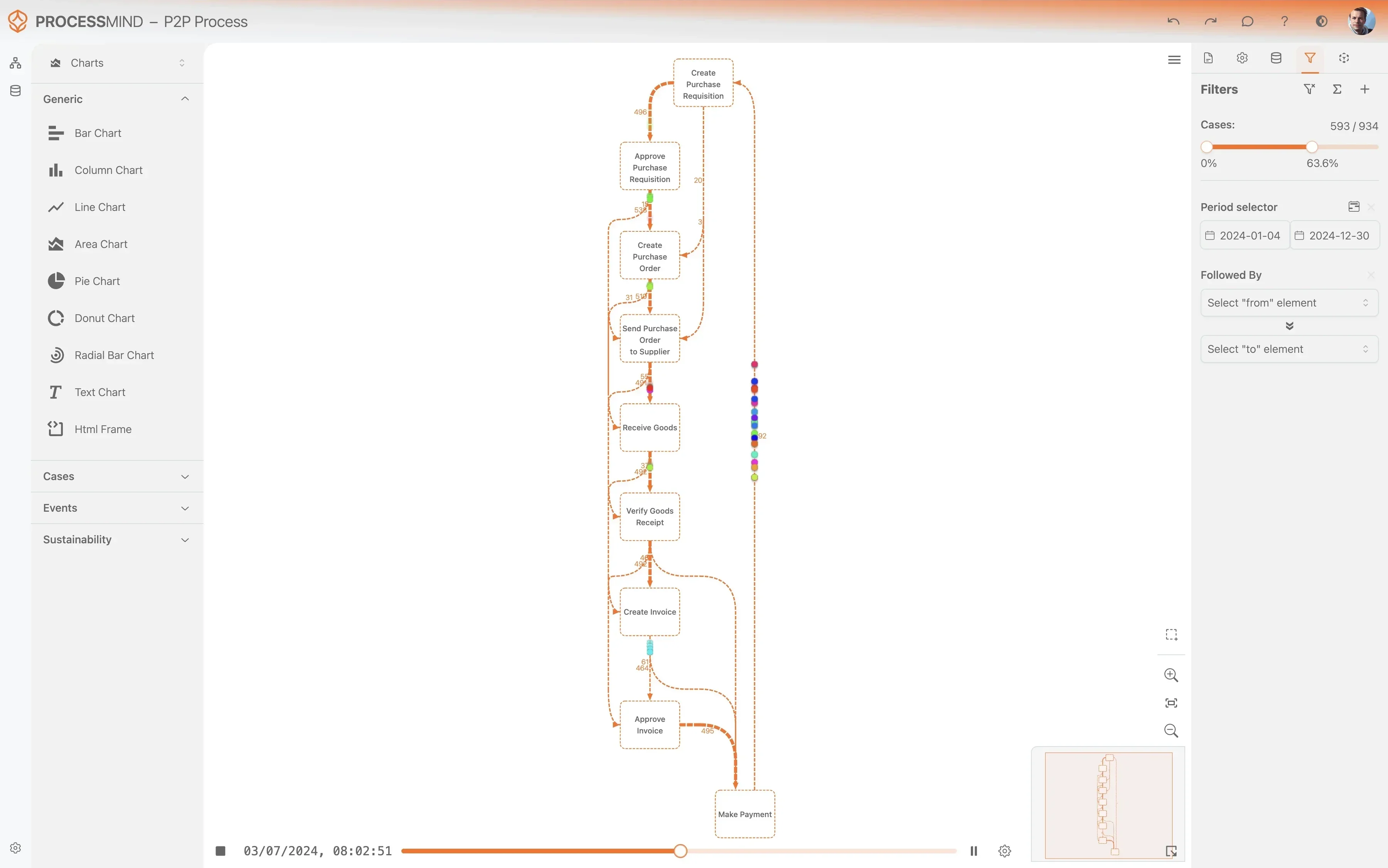
ProcessMind maps your Zendesk workflows to reveal exactly where investigations stall and how fixes are delayed. You will gain a clear view of your actual resolution cycle from the initial ticket to the final permanent solution.
  • Map every step of your resolution journey
  • Pinpoint delays in root cause analysis
  • Identify bottlenecks in fix implementation
  • Measure consistency across support teams
Discover your actual process flow
Identify bottlenecks and delays
Analyze process variants
Design your optimized process

PROVEN OUTCOMES

Optimizing the Problem Management Lifecycle

By analyzing Zendesk Support data with process mining, organizations identify bottlenecks in problem resolution and eliminate recurring incidents through targeted root cause analysis.

0 %
Faster Root Cause Analysis

Reduction in diagnostic time

Identifying diagnostic bottlenecks allows teams to accelerate the discovery of root causes and resolve underlying issues more efficiently.

0 %
Lower Incident Volume

Decrease in related incidents

Improving the permanent fix rate directly reduces the number of downstream incidents, which significantly lowers the total cost of support operations.

+ 0 %
Better Workaround Adoption

Increase in documentation rate

Ensuring workarounds are consistently published helps service desk agents restore service faster while permanent fixes are being developed.

0 days
Leaner Group Handovers

Reduction in wait times

Visualizing inter-departmental transfers allows organizations to eliminate idle time when records move between different technical support groups.

0 %
Improved First-Time Fixes

Reduction in re-opened cases

Validating the effectiveness of permanent fixes ensures that root causes are truly addressed, preventing the recurrence of critical service disruptions.

0 %
Reduced Record Stagnation

Cleanup of idle problem cases

Automated monitoring of open records ensures that no investigation is forgotten, keeping the backlog focused on active, high-priority items.

Individual results vary based on process complexity and data quality. These figures represent typical improvements observed across various Zendesk implementations.

FAQs

Frequently asked questions

Process mining uses your existing Zendesk event logs to create a visual map of how problem records actually move through your system. It identifies hidden bottlenecks and deviations from your standard operating procedures, allowing you to see exactly where investigations stall.

To get started, we typically need the Problem Record ID, a timestamp for each status change, and the activity name such as status updates or assignment changes. Additional fields like priority, category, or assignee group are helpful for deeper filtering and root cause analysis.

By mapping the relationship between incidents and problem records, you can identify patterns where certain issues are repeatedly patched with workarounds rather than being permanently resolved. This visibility helps you prioritize high impact fixes that eliminate entire clusters of recurring support tickets.

Most teams see their first process maps within a few days of connecting their Zendesk data. Because the system uses historical logs, you do not have to wait for new data to accumulate to identify significant bottlenecks or compliance issues.

Yes, the tool tracks the transition of problem records between different support groups and technical teams. This allows you to pinpoint exactly where handovers fail or where records sit idle for too long, enabling better resource allocation.

No, process mining works by analyzing the audit logs that Zendesk already generates in the background. You do not need to change your workflows, add custom fields, or alter how your agents currently work to get accurate results.

The system monitors the time spent in each process stage against your defined service level targets. It can alert you to specific paths that frequently lead to SLA breaches, such as delays in the transition from diagnosis to repair.

By analyzing the sequence of activities, the tool can flag records that jump directly to a closed state without passing through mandatory steps like root cause analysis or post implementation review. This ensures that your team follows the required quality standards for every major issue.

Optimize Your Problem Management for Faster IT Fixes

Reduce resolution cycles by 30 percent and fix IT bottlenecks.

Start Your Free Trial

No credit card required. Setup in minutes.