Improve Your Customer Service

Select a process
Choose a process to continue working in your connected workspace.
Optimize Customer Service in Dynamics 365
Inefficient customer service processes can lead to frustrated customers and increased operational costs. Our platform helps you precisely identify bottlenecks in your service request flow, from initial contact to resolution. Discover opportunities to streamline operations, enhance agent efficiency, and deliver exceptional customer experiences.
Download our pre-configured data template and address common challenges to reach your efficiency goals. Follow our six-step improvement plan and consult the Data Template Guide to transform your operations.
Show detailed description
Why Optimizing Customer Service is Critical
Customer Service is the lifeblood of any organization, directly impacting customer loyalty, brand reputation, and ultimately, your bottom line. In today's competitive landscape, customers expect swift, accurate, and consistent support. However, behind the scenes, complex processes within systems like Microsoft Dynamics 365 Customer Service can become inefficient, leading to frustrating delays, repeated contacts, and dissatisfied customers. These inefficiencies not only erode customer trust but also drive up operational costs through increased agent workload, extended resolution times, and the need for rework. Understanding the actual flow of service requests, from the moment a customer initiates contact to the final resolution, is paramount for sustainable growth and customer retention. Without clear insights into your current processes, you are merely guessing where the problems lie, making effective improvement initiatives nearly impossible.
How Process Mining Unlocks Hidden Efficiencies
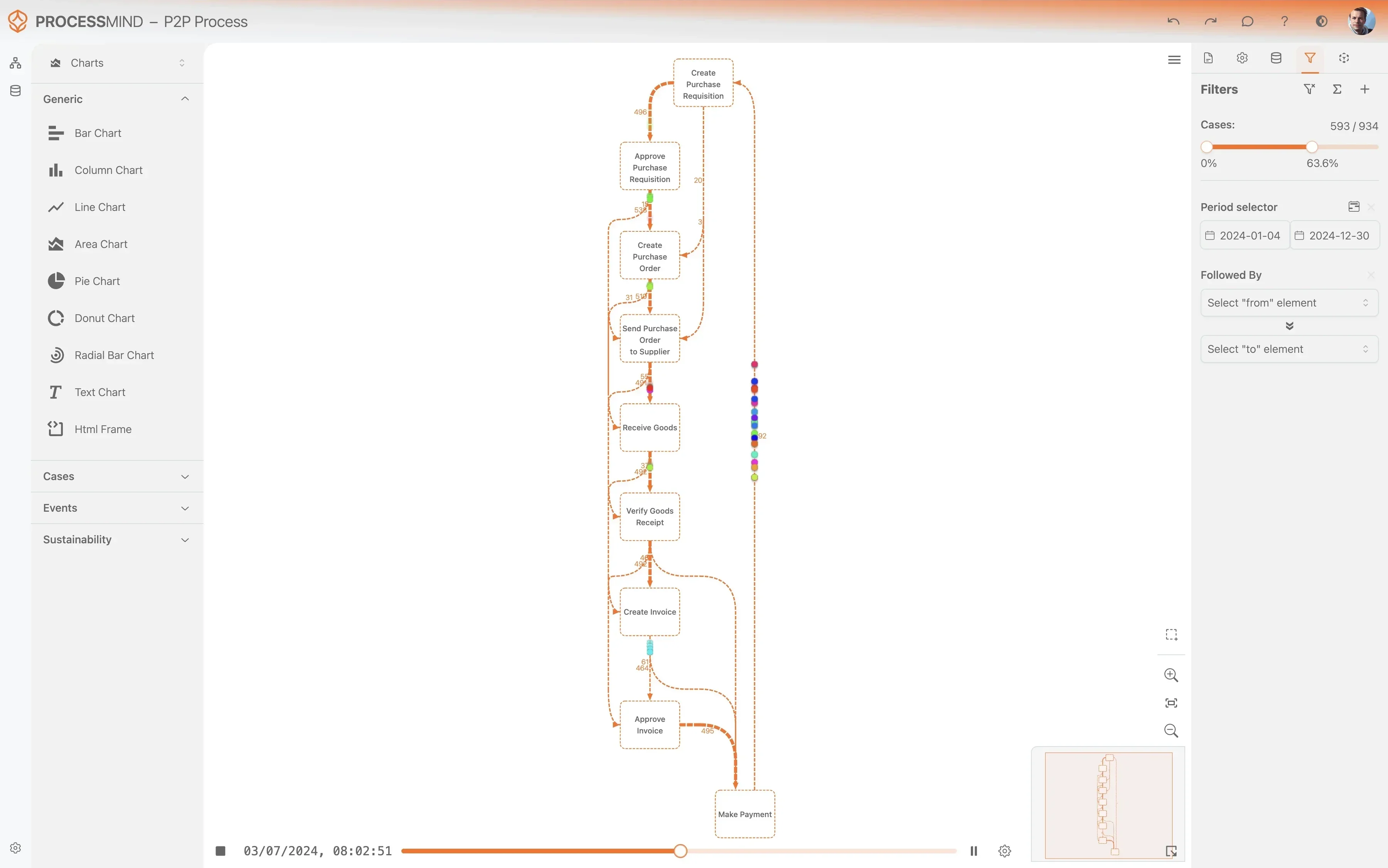
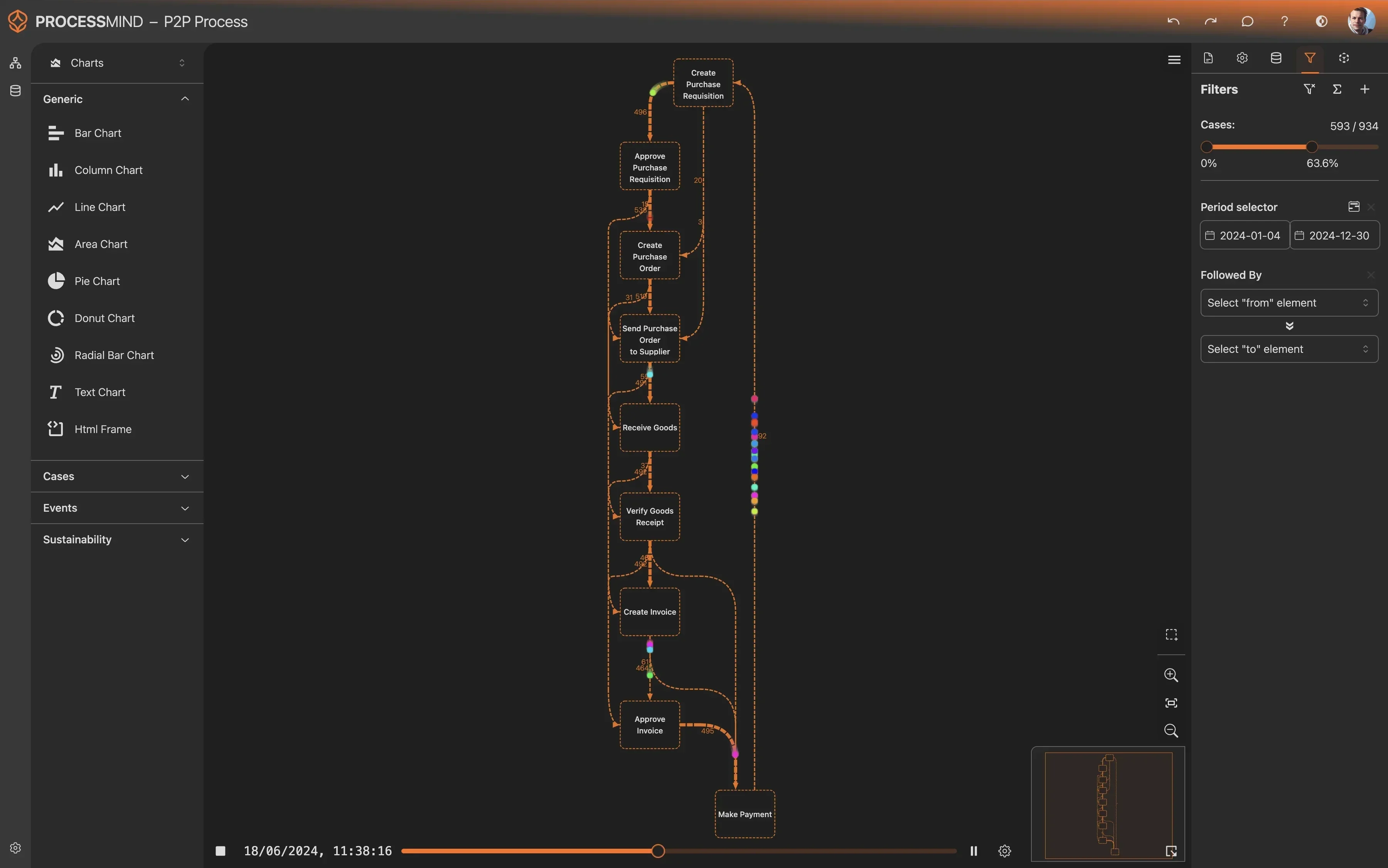
Process mining offers a powerful, data-driven approach to truly understand and improve your Customer Service operations within Microsoft Dynamics 365 Customer Service. By analyzing event logs generated from your system, process mining constructs an objective, visual map of how service requests actually flow, revealing every step, deviation, and bottleneck that impacts your service delivery. This isn't about how you think your process works, but how it actually works, based on real-world data.
Specifically, for Customer Service, process mining traces each 'Service Request' from its 'Customer Contact Initiated' to 'Service Request Closed' activities. It highlights where service requests spend excessive time, such as during 'Request Assigned to Agent', 'Agent Investigates Issue', or waiting for 'Information Requested from Customer'. This detailed perspective allows you to pinpoint exact moments of delay, identify rework loops where issues are reopened or re-escalated, and uncover compliance gaps that might go unnoticed in standard reporting. It's a precise diagnostic tool for process optimization, offering unparalleled visibility into your entire service request lifecycle.
Key Improvement Areas Identified Through Process Mining
Applying process mining to your Customer Service data in Microsoft Dynamics 365 Customer Service illuminates several critical areas for improvement:
- Reduce Service Request Cycle Time: By visualizing the entire journey, you can identify activities or handoffs that unnecessarily prolong the 'Service Request Resolved' or 'Service Request Closed' events. This could include delays in 'Request Categorized and Prioritized', prolonged 'Agent Investigates Issue' phases, or inefficient 'Internal Escalation Triggered' processes. Optimizing these steps directly reduces the overall time a customer waits for a resolution.
- Enhance Agent Efficiency and Productivity: Process mining helps understand agent workload, identify common rework patterns, and pinpoint areas where agents might be struggling or where training could be beneficial. For example, if many cases involve repeated 'Information Requested from Customer' or multiple 'Internal Escalation Triggered' events, it might indicate a need for better initial information capture or improved knowledge base articles in Dynamics 365 Customer Service.
- Improve Customer Experience and Satisfaction: Understanding customer sentiment and common pain points becomes clearer. By analyzing the flow, you can identify activities that lead to customer frustration, such as long queues, repeated explanations, or prolonged waiting for 'Solution Proposed to Customer'. Streamlining these interactions leads to higher customer satisfaction.
- Ensure Compliance and Standardization: Deviations from standard operating procedures, such as cases bypassing critical approval steps or missing 'Initial Customer Acknowledgment Sent', are immediately visible. This helps ensure that your team adheres to best practices and regulatory requirements, maintaining service quality and consistency.
Expected Outcomes of Process Optimization
By leveraging the insights gained from process mining, organizations can expect transformative results for their Microsoft Dynamics 365 Customer Service operations. You will achieve a significant reduction in your average service request cycle time, leading to faster resolutions and happier customers. Operational costs will decrease due to improved agent efficiency, less rework, and optimized resource allocation. Beyond efficiency, you will see a measurable increase in customer satisfaction scores, better adherence to service level agreements (SLAs), and an overall more consistent and reliable service delivery model. These data-driven improvements provide a clear path to sustained excellence and a competitive advantage.
Getting Started with Customer Service Process Improvement
Embarking on your journey to optimize Customer Service in Microsoft Dynamics 365 Customer Service is more accessible than you might think. With process mining, you gain a clear, actionable roadmap to enhance your service delivery without requiring extensive data engineering expertise. The insights are immediate and tangible, empowering you to make informed decisions that drive real, impactful change. Begin your process optimization today and transform your customer service from a cost center into a powerful differentiator. Discover how to improve Customer Service and how to reduce Customer Service cycle time effectively with objective data. This approach is designed to guide you from initial analysis to sustained process improvement, leveraging the full potential of your Dynamics 365 environment.
The 6-Step Improvement Path for Customer Service
Download the Template
What to do
Get the Excel template designed for Microsoft Dynamics 365 Customer Service. This ensures your data will be structured correctly for analysis.
Why it matters
Using the right template prevents data mismatches, allowing for accurate and efficient analysis of your customer service process.
Expected outcome
A ready-to-use Excel template with the correct headers and format for your Customer Service data.
Export Your Data
What to do
Extract 3-6 months of historical data from your Microsoft Dynamics 365 Customer Service environment. Populate the downloaded template with your actual process data.
Why it matters
Comprehensive historical data provides a solid foundation for identifying recurring issues and understanding long-term trends in customer service performance.
Expected outcome
A completed Excel template populated with relevant, recent historical data from your Customer Service system.
Upload Your Dataset
What to do
Securely upload your filled Excel template to ProcessMind. Our system will automatically process and prepare your data for analysis.
Why it matters
This step quickly transforms raw data into an actionable format, enabling rapid insights without manual data manipulation.
Expected outcome
Your Customer Service process data is securely ingested and ready for AI-driven analysis within ProcessMind.
Analyze Your Process
What to do
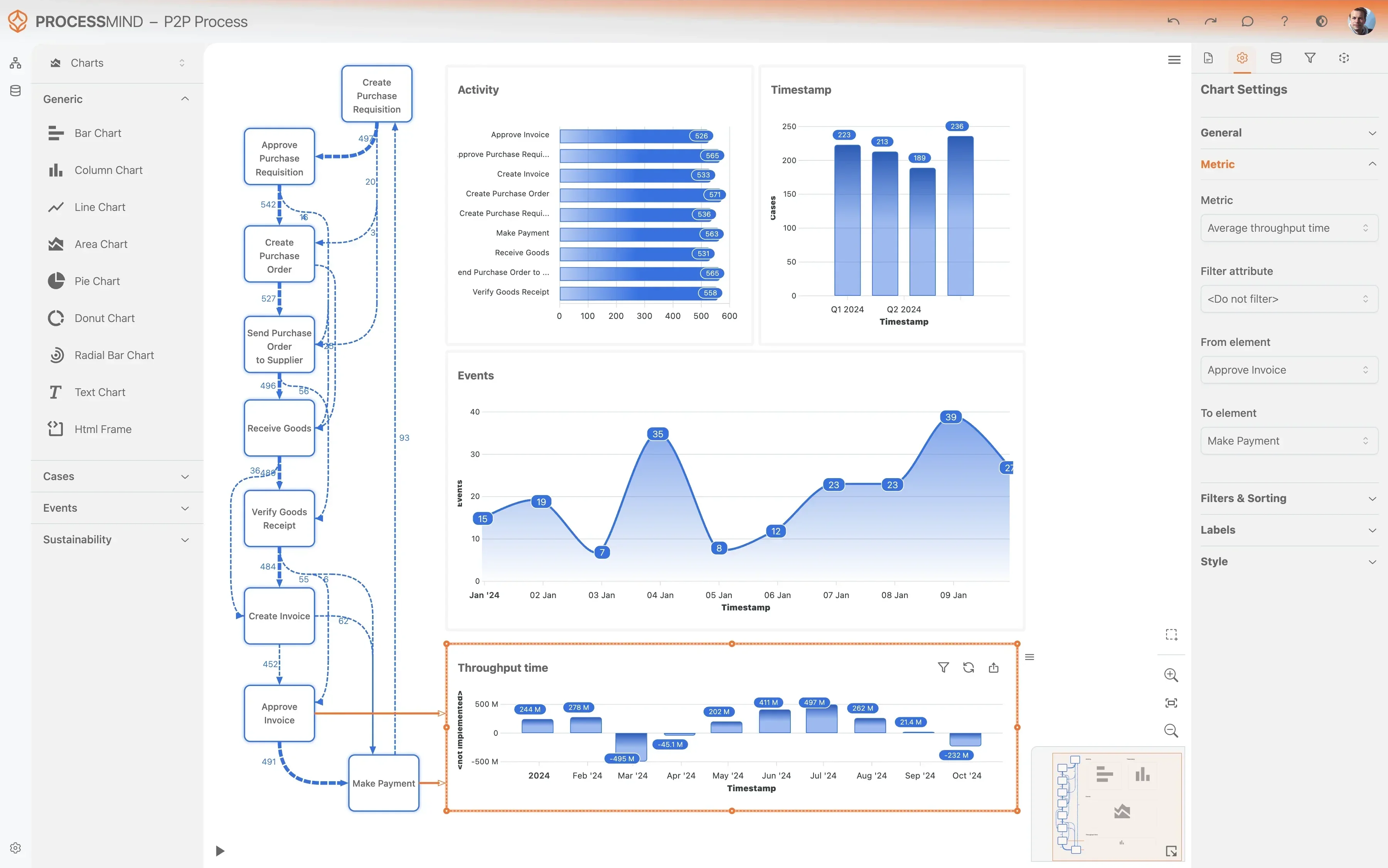
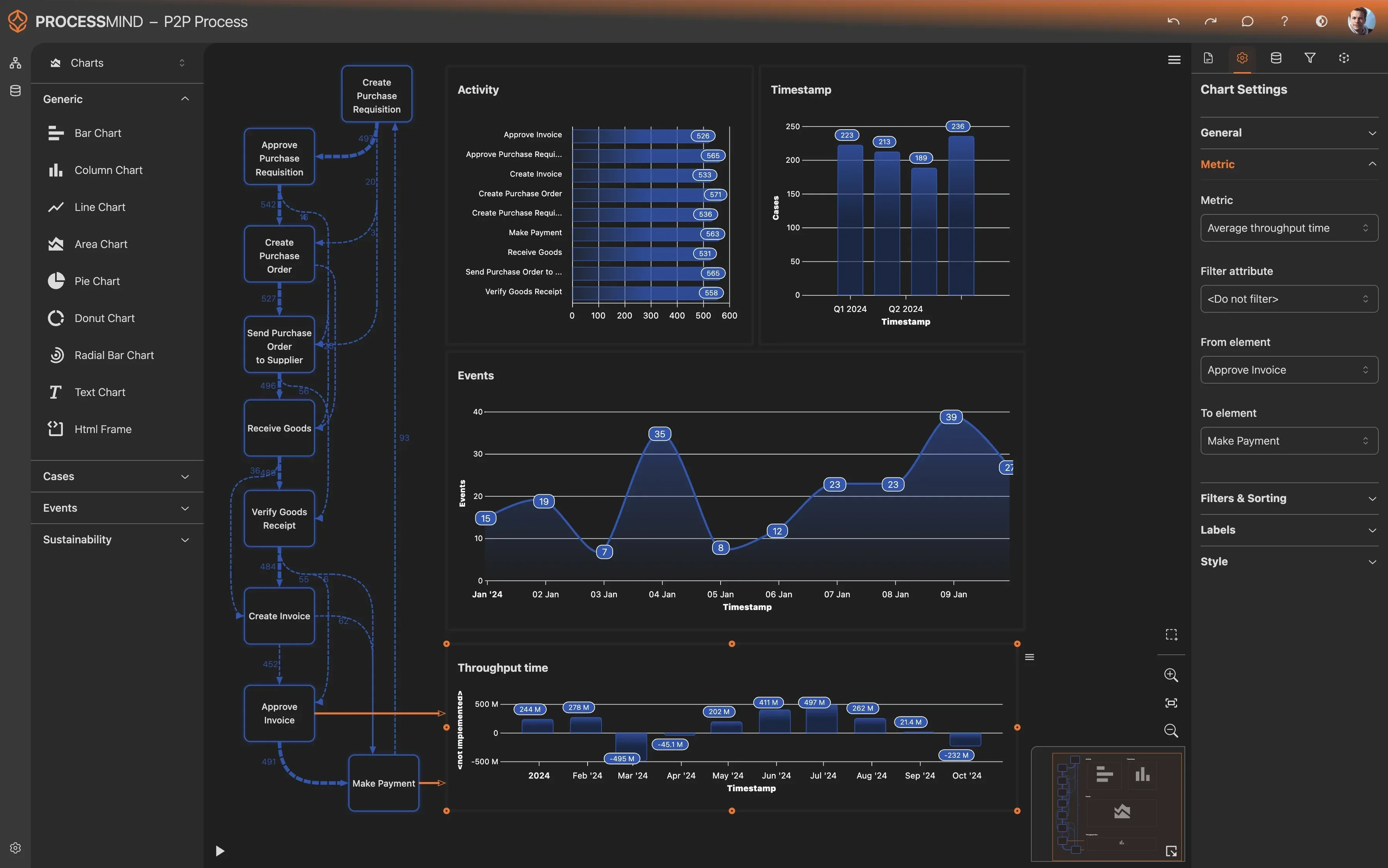
Explore the auto-generated dashboards and insights provided by ProcessMind. Leverage AI-driven recommendations to pinpoint bottlenecks and deviations.
Why it matters
Understanding the root causes of inefficiencies, like case reassignment loops or long resolution times, is crucial for targeted improvements.
Expected outcome
A clear understanding of your customer service process's strengths, weaknesses, and specific areas ripe for optimization.
Implement Improvements
What to do
Prioritize and implement the identified opportunities in your Microsoft Dynamics 365 Customer Service workflow. Take concrete action based on the insights gained.
Why it matters
Translating insights into action directly improves customer satisfaction, reduces operational costs, and enhances agent productivity.
Expected outcome
Specific process changes or system configurations within Microsoft Dynamics 365 Customer Service are initiated to address identified issues.
Monitor Your Process
What to do
Periodically re-upload updated data from Microsoft Dynamics 365 Customer Service to track the impact of your implemented improvements over time.
Why it matters
Continuous monitoring ensures that improvements are sustained and allows for timely adjustments, driving ongoing efficiency and better customer outcomes.
Expected outcome
Measurable improvements in key performance indicators, like reduced resolution times and higher customer satisfaction, are observed.
WHAT YOU WILL GET
Discover True Customer Service Process Performance
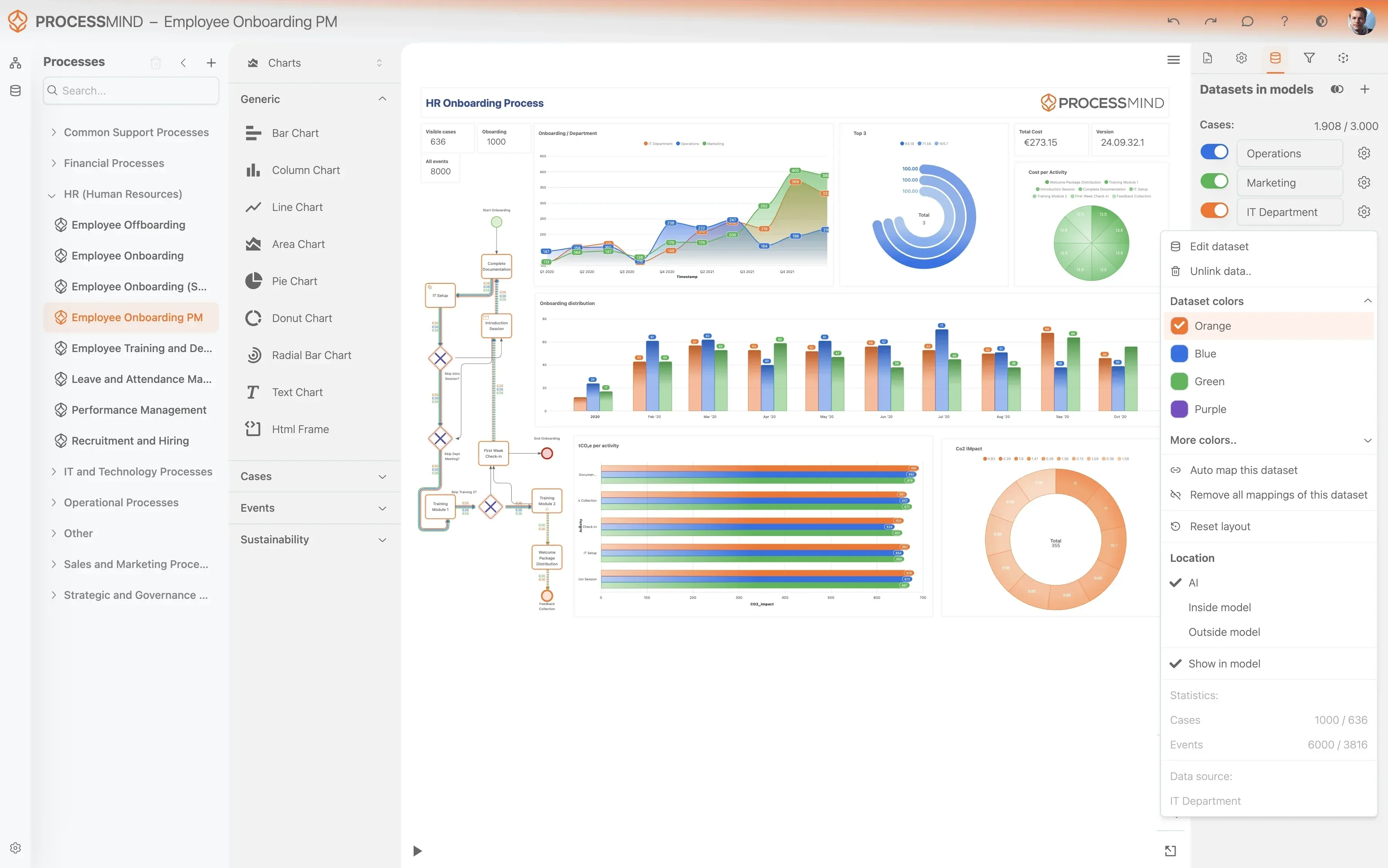
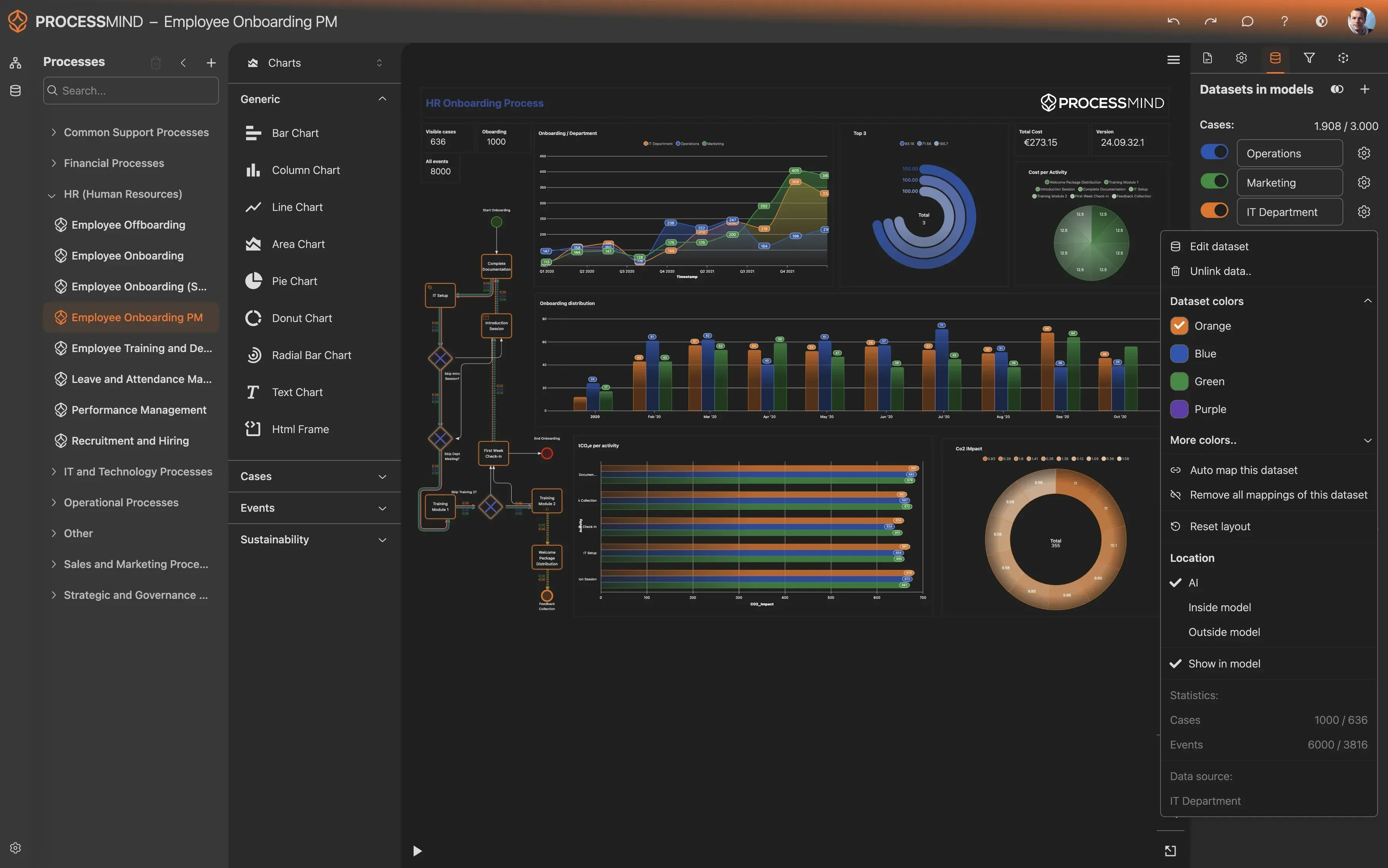
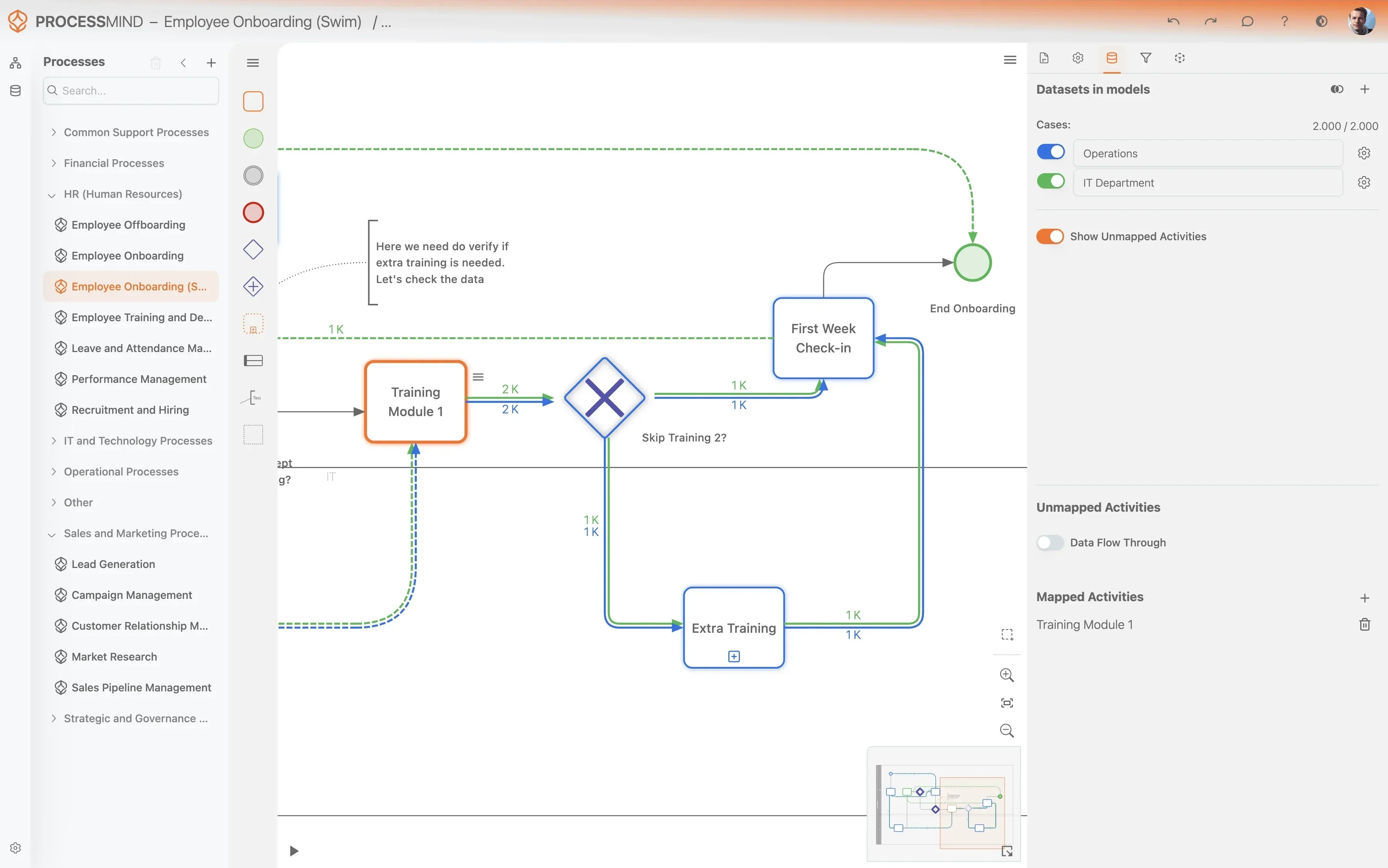
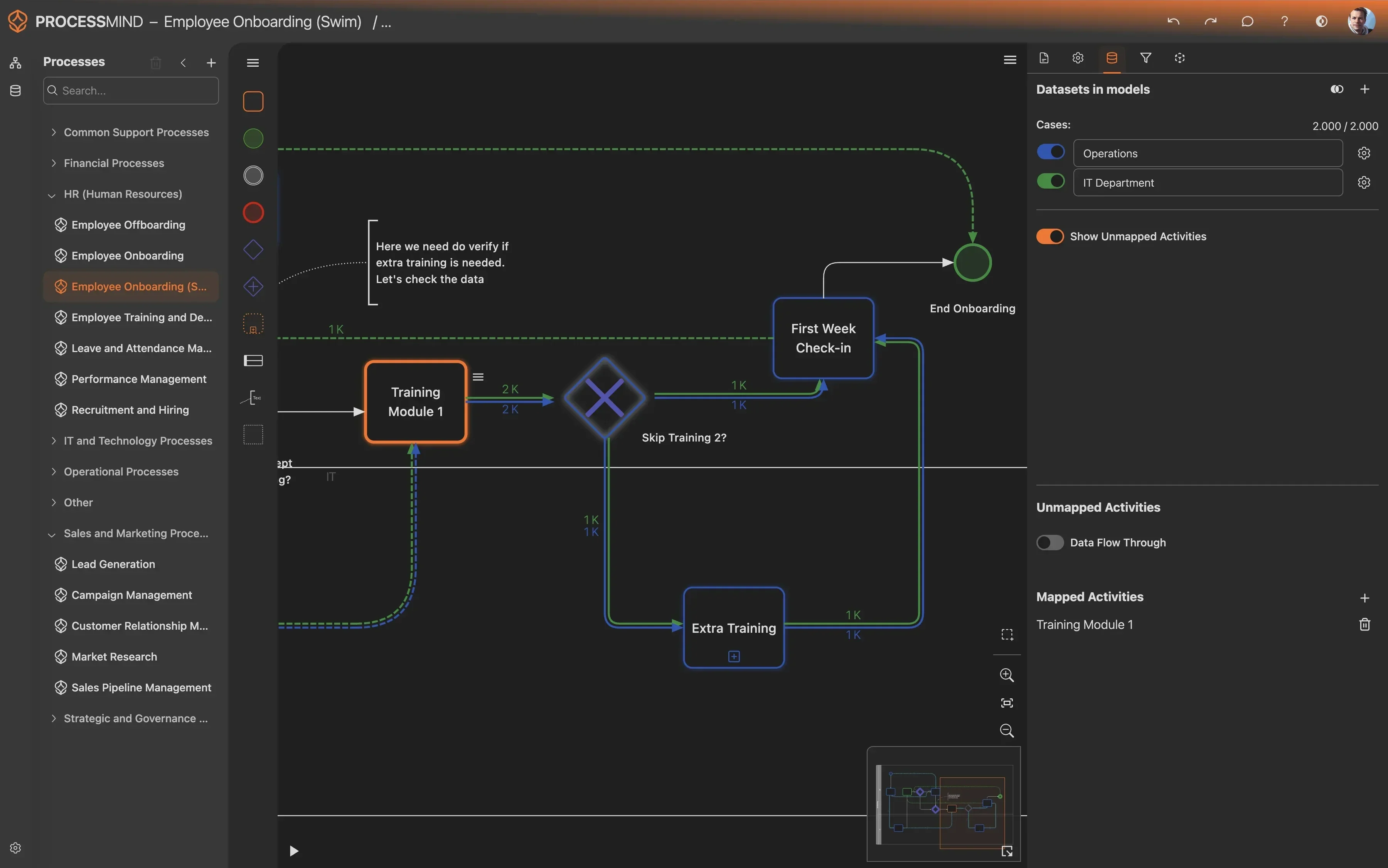
- Map actual customer service request flows
- Pinpoint service process bottlenecks instantly
- Optimize agent handoffs and response times
- Boost customer satisfaction and resolution
TYPICAL OUTCOMES
Real-World Improvements in Customer Service
These outcomes represent the tangible benefits organizations typically achieve by applying process mining to their Customer Service operations, identifying bottlenecks and inefficiencies in service request processing within Microsoft Dynamics 365 Customer Service.
Average cycle time reduction
By identifying and removing bottlenecks in the service request lifecycle, organizations significantly reduce the time it takes to resolve customer issues, leading to quicker service delivery and happier customers.
Decrease in complex case routing
Process mining helps uncover root causes for internal escalations, enabling teams to empower first-line agents with better resources and knowledge, thereby reducing the need to involve higher-tier support.
Improved adherence to service commitments
By pinpointing process deviations and delays that jeopardize service level agreements, organizations can proactively optimize workflows to consistently meet or exceed promised resolution times, avoiding penalties and enhancing trust.
Greater efficiency in initial interactions
Analyzing customer journey maps helps identify opportunities to resolve issues during the initial customer contact, reducing repeat calls and saving both customer and agent time, ultimately improving efficiency.
Higher post-resolution CSAT scores
Understanding customer sentiment and friction points throughout the service process allows organizations to implement targeted improvements that lead to happier customers and stronger brand loyalty after their issues are resolved.
Results vary based on the specific complexities of your customer service processes and the quality of your data within Microsoft Dynamics 365 Customer Service. These figures illustrate typical improvements observed across various implementations.
Recommended Data
FAQs
Frequently asked questions
Process mining analyzes event logs from your Microsoft Dynamics 365 Customer Service system to visualize and understand the actual flow of service requests. It helps identify deviations, bottlenecks, and rework, revealing how processes truly operate versus how they are designed. This insight is crucial for optimizing efficiency and improving customer satisfaction.
You typically need an event log containing a case identifier, an activity name, and a timestamp for each step in a service request's lifecycle. For Dynamics 365 Customer Service, this includes data points like Service Request ID, activity type, and creation/completion dates for various stages or tasks. Additional attributes, such as agent, queue, or resolution status, can enrich the analysis.
Data extraction often involves using standard Dynamics 365 reporting tools, Power BI connectors, or direct database queries to access the underlying event logs. The goal is to collect the necessary case, activity, and timestamp information in a structured format, typically a CSV or similar file. Many process mining tools also offer pre-built connectors for Dynamics 365.
Process mining can identify issues such as protracted service request resolution times, frequent internal escalations, and inconsistent adherence to service level agreements. It also uncovers root causes for excessive rework, uneven agent workloads, and underutilized knowledge articles. By visualizing these problems, organizations can target specific areas for improvement.
Once the necessary data is extracted and prepared, initial insights can often be generated within a few days to a week. The primary time investment is in data extraction, cleansing, and mapping, which can vary based on data complexity and source system accessibility. Subsequent analyses are typically much faster.
No, process mining is a non-invasive analytical technique. It operates on historical data extracted from your Dynamics 365 system, not directly on live operations. The analysis is performed offline, ensuring no impact on your ongoing customer service activities or system performance.
Expect tangible benefits like reduced service request resolution times, fewer internal escalations, and improved compliance with service level agreements. Organizations can also achieve optimized agent workload distribution, reduced operational costs, and elevated post-resolution customer satisfaction. These improvements stem from data-driven process redesign.
While basic data extraction skills are beneficial, modern process mining tools are designed for business users. Many platforms offer user-friendly interfaces and automated data connectors, minimizing the need for deep technical expertise. Specialized support may be required for complex data integration scenarios or advanced analytics.
Optimize Customer Service: Boost FCR, Reduce Costs Now
Identify bottlenecks and achieve 80% first-contact resolution for happier customers.
No credit card required. Set up in minutes.