



A Strategic Guide for Data-Driven Process Improvement
A comprehensive guide to using data for effective process improvement and business transformation.

What You'll Learn
This guide shows you how to monitor your processes effectively after gaining insights and implementing changes. You’ll learn when periodic monitoring is enough, when to go real-time, and how to sustain improvements over the long term.
So you’ve analyzed your process and discovered valuable insights. You’ve implemented improvements to address the issues you found. But here’s the question that many organizations forget to ask:
How do you know if the improvements are actually working?
And equally important: How do you ensure the process stays in control over time?
This is where process monitoring comes in, a cornerstone of any continuous improvement process. Without it, you’re flying blind. Improvements might fade, new problems might emerge, and you wouldn’t know until someone complains (or worse, until it affects your bottom line).
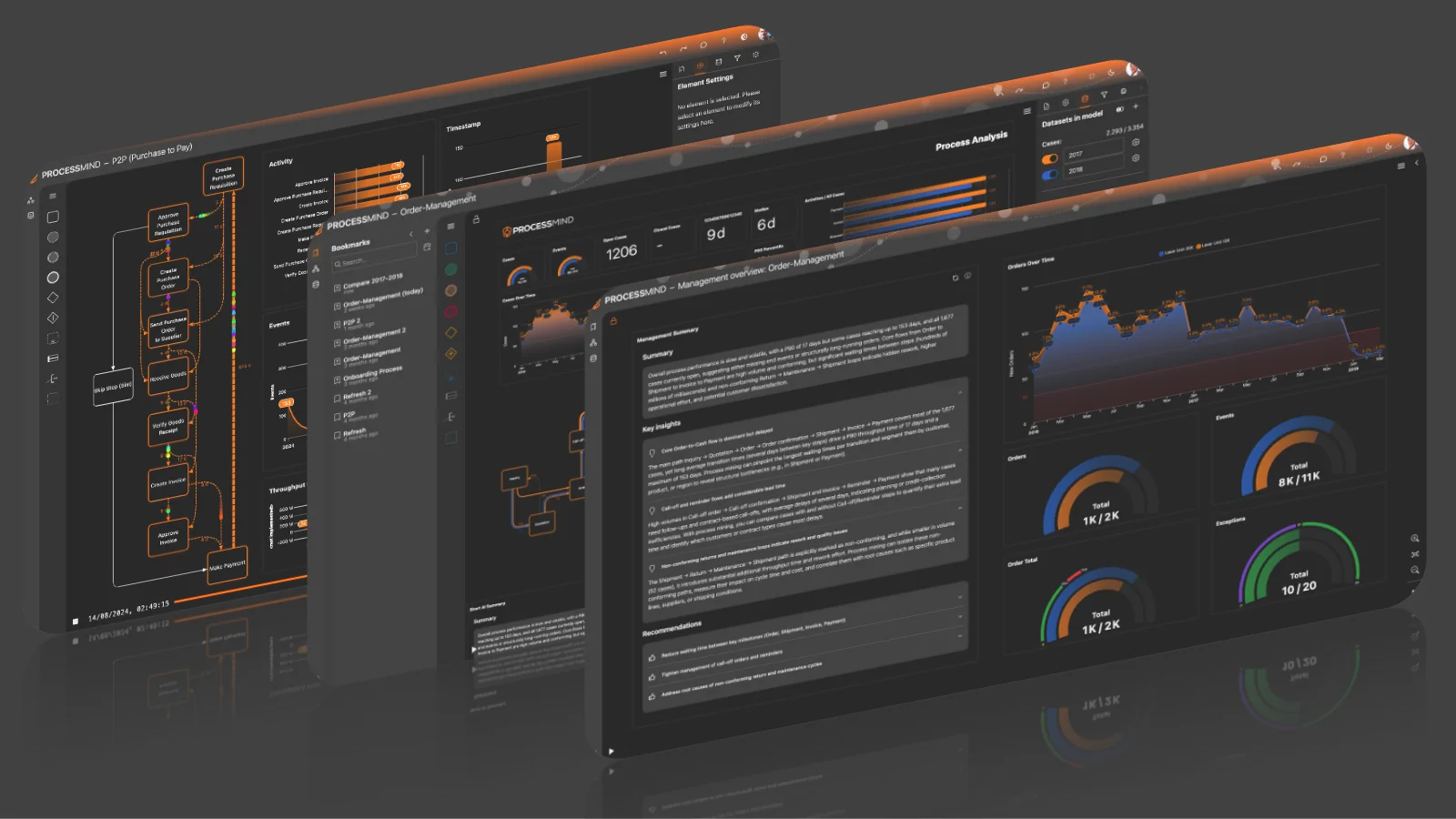
With ProcessMind you can set up monitoring dashboards that give you ongoing visibility into how your processes perform, helping you catch issues early and verify that changes deliver the expected results.
This blog is part of our process improvement series. See also our guides on analyzing your process and implementing improvements for the complete improvement cycle.
One of the first questions teams ask is: “Do we need real-time monitoring?” The honest answer: probably not, at least not initially.
The right monitoring frequency depends on several factors:
| Factor | Implication |
|---|---|
| Process variability | Highly variable processes may need more frequent checks |
| Impact of changes | Significant changes warrant closer initial monitoring |
| Business criticality | Customer-facing processes may need faster response |
| Resource availability | More frequent monitoring requires more effort |
| Change velocity | Rapidly evolving processes need more attention |
Here’s practical advice: start with periodic monitoring (monthly or quarterly), then increase frequency only if needed.
Why? Because:
Think of it like checking your home’s smoke detectors versus watching your security cameras 24/7. Both have their place, but you should know when each is appropriate.
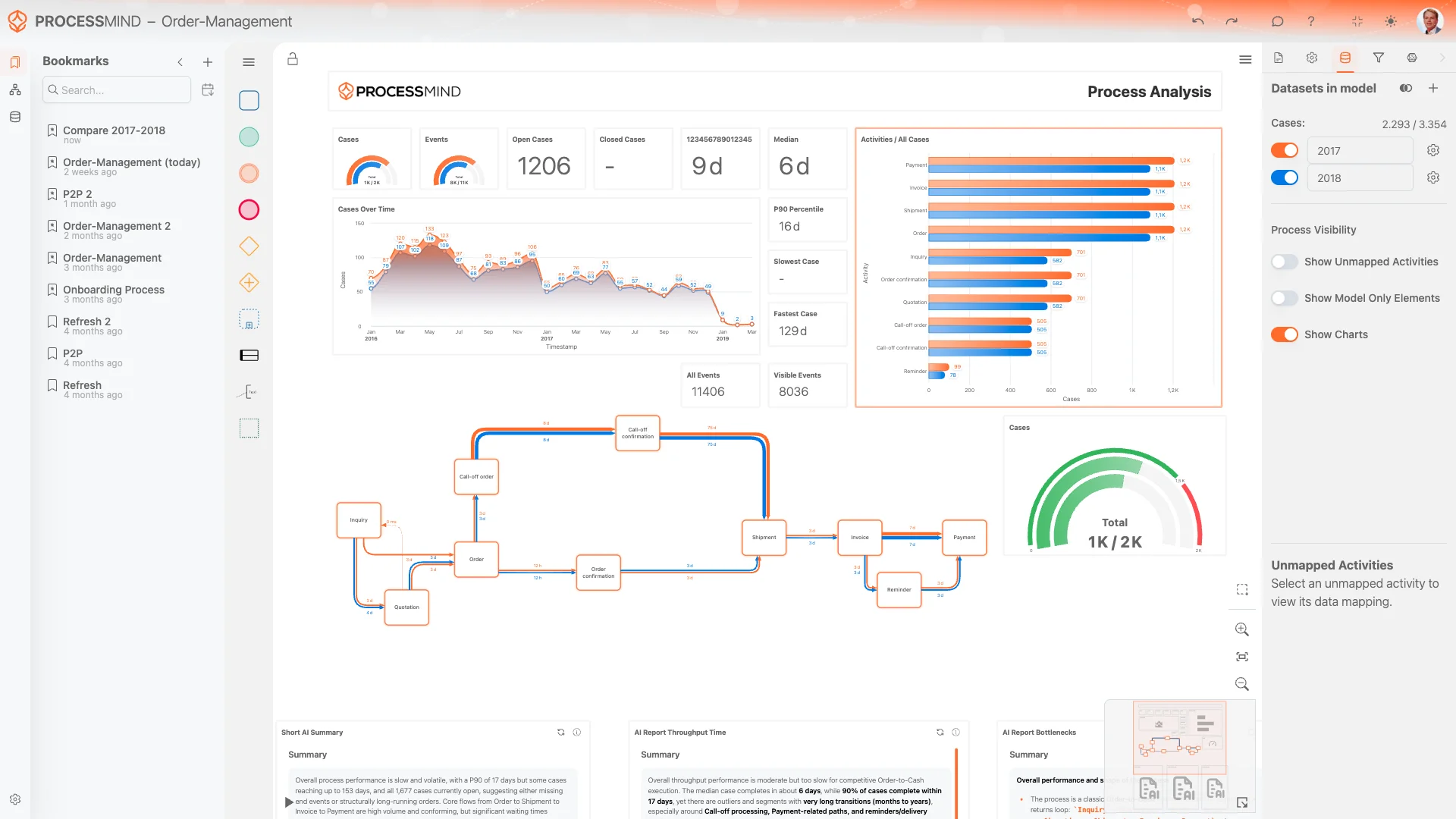
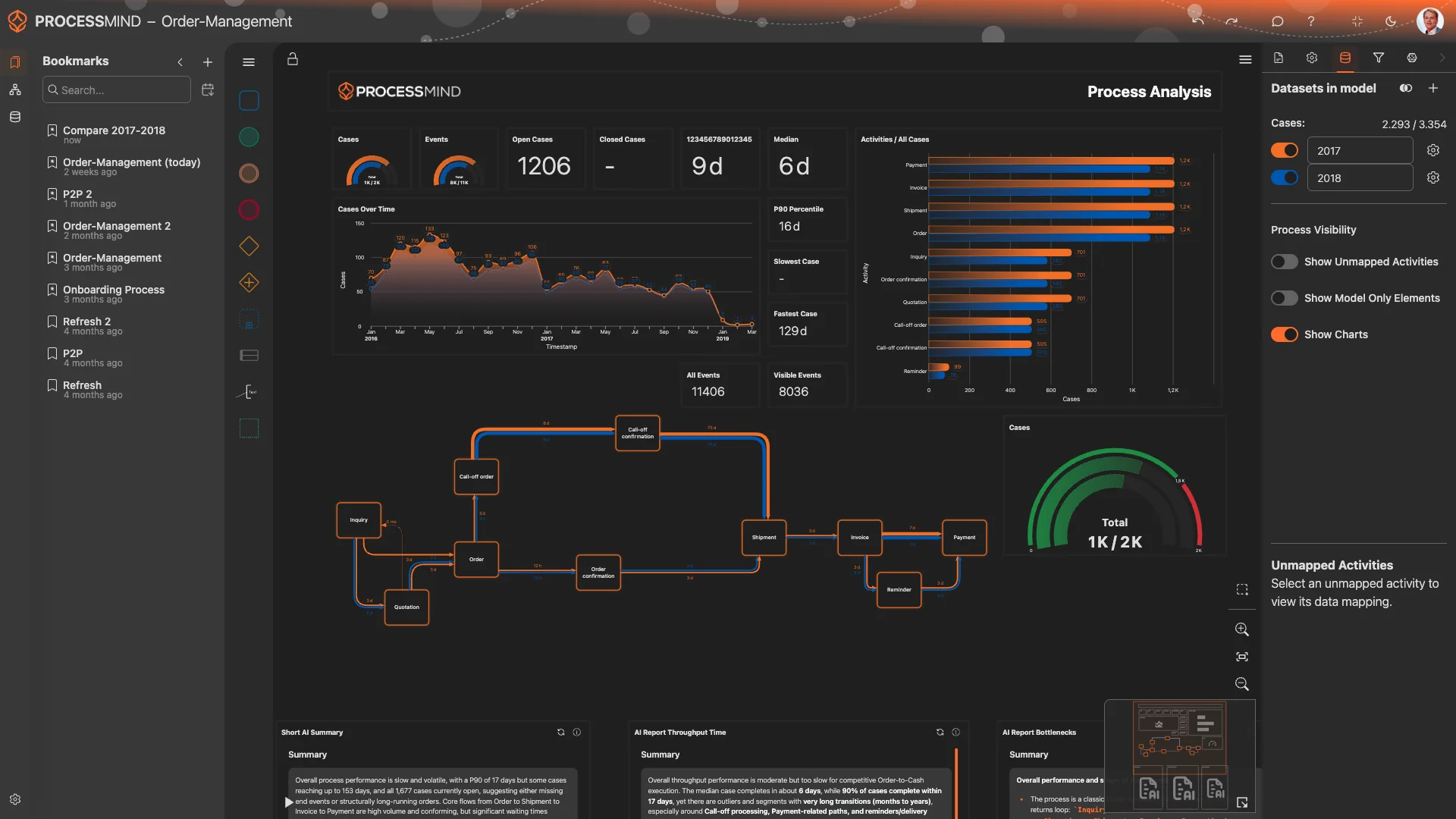
Start by saving the dashboard views that led to your original insights. In ProcessMind, use bookmarks to capture:
These bookmarks become your “before” picture and your ongoing monitoring checkpoints.
When it’s time to review, follow this process:
1. Add Fresh Data
Import your latest process data into ProcessMind. Whether you’re uploading new files or pulling from connected systems, get your data current.
2. Load Your Bookmarks
Open your saved monitoring bookmarks to see how current performance compares to your baseline.
3. Compare Periods
Use comparison features to see the previous state alongside the current state:
4. Set Norms and Targets
Use norms to establish target KPIs for your process. This makes it immediately clear when performance falls outside acceptable ranges:
5. Document and Communicate
Record what you find and share with stakeholders. A simple monthly report keeps everyone informed without creating excessive overhead.
Pro Tip
Don’t just look at averages. Check the distribution of your metrics. An improving average can hide a growing tail of problematic cases.
When periodic reviews reveal issues, use filters to dig deeper:
If you implemented changes on a specific date:
While periodic monitoring works for most situations, some scenarios call for real-time (or near-real-time) monitoring:
When you’re ready for continuous monitoring:
1. Automate Data Updates
Use the ProcessMind API to automate data ingestion. Your dashboards will refresh automatically as new data arrives.
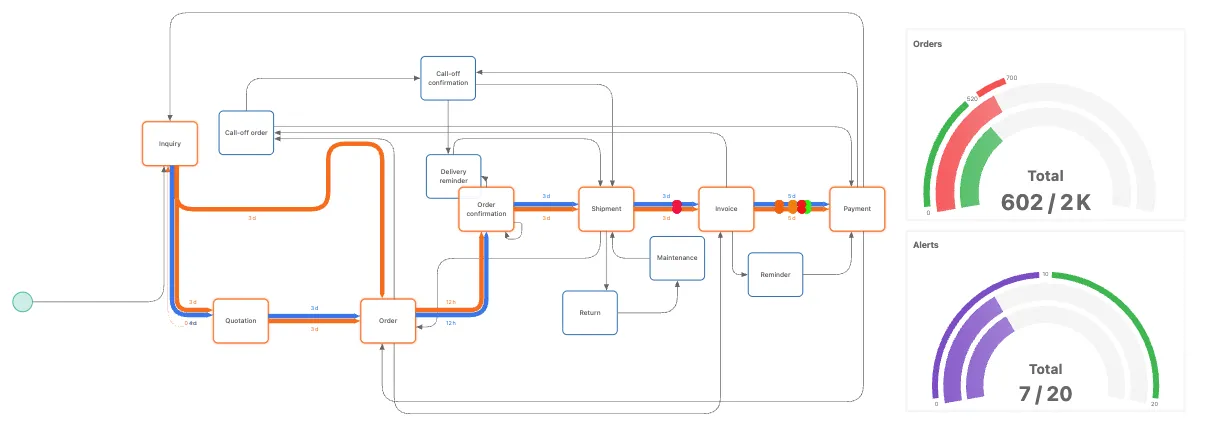
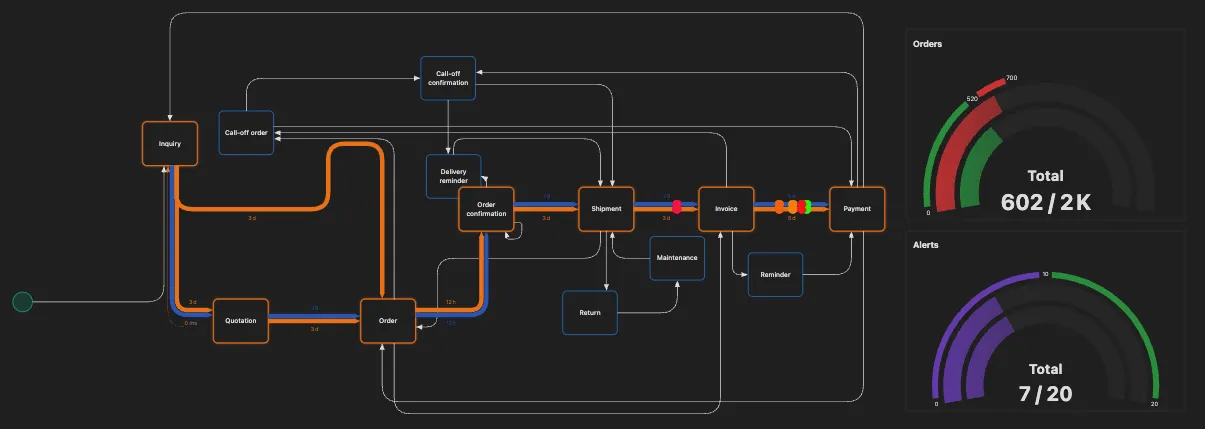
2. Create Monitoring Dashboards
Build dedicated monitoring views focused on operational KPIs:
3. Set Up Alerts
Configure notifications when metrics fall outside acceptable ranges. This way you learn about problems without constantly watching dashboards.
4. Establish Review Cadence
Even with real-time dashboards, schedule regular reviews:
Different stakeholders need different levels of detail and different timeframes.
Real-time monitoring is only valuable if the right people see the right information at the right time. Consider:
During analysis and implementation, you documented expected improvements:
Now verify these expectations:
| Metric | Before | Expected | Actual | Status |
|---|---|---|---|---|
| Avg cycle time | 5 days | 4 days | 3.8 days | ✅ Exceeded |
| Rework rate | 15% | under 10% | 11% | ⚠️ Close |
| Approval wait | 2 days | 1 day | 0.9 days | ✅ Met |
Sometimes improvements in one area create issues elsewhere:
Monitoring helps you catch these ripple effects before they become significant problems.
As you monitor improved processes, you’ll spot new improvement opportunities:
Continual process improvement is exactly that: continuous. Each monitoring cycle feeds into the next in a continual improvement cycle, following proven methods like the PDCA cycle (plan-do-check-act) or kaizen continuous improvement to drive sustainable growth.
Not everything needs monitoring forever. Know when to reduce or stop:
Rather than stopping abruptly:
Even when active monitoring stops, maintain the ability to quickly reinstate it:
Processes change, priorities shift, and you may need to spin monitoring back up.
| Audience | Format | Frequency | Focus |
|---|---|---|---|
| Executives | Summary report | Monthly | Key KPIs, trends, decisions needed |
| Managers | Dashboard access | Weekly | Team performance, issues, priorities |
| Process owners | Detailed views | Daily/weekly | Operational metrics, case queues |
| Analysts | Full data access | As needed | Deep investigation capability |
ProcessMind supports multiple ways to share monitoring insights:
Resist the urge to share everything. Ask:
A focused dashboard that drives action beats a comprehensive dashboard that no one uses.
Long-term monitoring success, true process excellence, requires more than tools. It requires organizational commitment and a culture of continual improvement.
Embed monitoring into existing rhythms:
Don’t let monitoring become one person’s job:
When monitoring reveals something valuable:
This reinforces that monitoring matters, boosts employee engagement, and encourages ongoing commitment to operational excellence.
ProcessMind makes process monitoring straightforward:
Whether you’re implementing continuous quality improvement, running periodic reviews, or building real-time operational dashboards, ProcessMind gives you the tools to keep your processes under control and drive customer satisfaction.
Start your free trial and see how monitoring transforms your process management.
Related Resources:
A comprehensive guide to using data for effective process improvement and business transformation.
Compare Celonis process mining with ProcessMind for 2025. Discover which process mining software fits your business needs, budget, and goals.
Compare Disco and ProcessMind to find the best fit for your team's process mining needs in 2025. Discover key features, pricing, and use cases.
See how ProcessMind compares to SAP Signavio for process mining, modeling, and simulation. Find the best fit for your business in 2025.
Instant access, no credit card, no waiting. Experience how mapping, mining, and simulation work together for smarter, faster decisions.
Explore every feature, uncover deep insights, and streamline your operations from day one.
Start your free trial now and unlock the full power of Process Intelligence, see real improvements in under 30 days!
We use cookies to enhance your browsing experience, serve personalized content, and analyze our traffic. By clicking "Accept All", you consent to our use of cookies.