Improve Your Accounts Receivable

Select a process
Choose a process to continue working in your connected workspace.
Optimize Accounts Receivable in Microsoft Dynamics 365
Process mining identifies hidden bottlenecks in your financial workflows that cause payment delays. By analyzing every step of the cycle, you can find exactly where friction occurs and resolve disputes faster. This visibility helps your team improve cash flow by streamlining every stage of the ledger lifecycle.
Download our pre-configured data template and address common challenges to reach your efficiency goals. Follow our six-step improvement plan and consult the Data Template Guide to transform your operations.
Show detailed description
The Strategic Importance of Accounts Receivable Optimization
Accounts Receivable is the lifeblood of any organization, as it directly impacts liquidity and the ability to reinvest in growth. Within Microsoft Dynamics 365 Finance, the complexity of managing thousands of customer invoices across various business units and regions can often lead to a lack of transparency. When your invoice-to-cash cycle is inefficient, the consequences extend far beyond a late payment. You face increased borrowing costs, higher risks of bad debt, and a strained relationship with customers who may be frustrated by billing inaccuracies or slow dispute resolution. Optimizing this process is about more than just speeding up collections, it is about creating a predictable, scalable, and professional financial operation. By focusing on process optimization, you ensure that capital is not unnecessarily locked up in unpaid invoices, allowing your organization to remain agile in a competitive market.
Unlocking Dynamics 365 Data with Process Mining
Microsoft Dynamics 365 captures a wealth of information within its General Ledger and Accounts Receivable modules, but this data is often viewed through a static lens. Standard reports might tell you which invoices are overdue, but they rarely explain why the delay occurred or where the breakdown in the workflow happened. Process mining changes this dynamic by extracting the digital footprints left in the General Ledger and Financial Dimension tables to reconstruct the entire lifecycle of every invoice. This technology provides a transparent view of how work actually happens, rather than how it is documented in a manual. You can see the real-time movement from the moment an invoice is created to the final bank clearing, identifying every detour, manual adjustment, and wait state. This visibility allows finance leaders to move from anecdotal evidence to data-backed decision-making, ensuring that efforts to improve cycle time are directed at the actual bottlenecks.
Targeted Improvement Areas for Financial Efficiency
There are several key areas where process mining reveals opportunities for significant improvement in the Accounts Receivable cycle. One of the most common friction points is the dispute management process. When an invoice is contested, it often falls into a black hole of emails and manual status updates. By analyzing the flow in Dynamics 365, you can identify if disputes are lingering in a particular stage, such as pending internal approval or waiting for a credit memo. Another critical area is the payment application and reconciliation phase. If your team is manually matching bank statements to ledger entries, you are losing valuable time that could be spent on high-value analysis. Process mining helps identify patterns in failed automated matches, allowing you to refine your posting rules and increase your auto-match rates. Finally, you can evaluate the effectiveness of your collection strategies by tracking how different customer segments respond to various reminder cadences, enabling a more personalized and effective approach to collections.
Measurable Outcomes of a Streamlined AR Process
The primary metric for success in Accounts Receivable is the reduction of Days Sales Outstanding, often referred to as DSO. By streamlining the process and removing unnecessary hurdles, you can significantly lower this number, which directly translates to improved cash flow. Beyond the financial metrics, you will see a marked improvement in operational efficiency. When you eliminate redundant steps and automate routine tasks, your finance team can shift their focus from administrative data entry to strategic financial management. Compliance also becomes easier to maintain, as process mining provides a complete, unalterable audit trail of every transaction. This level of detail is invaluable during year-end audits or when investigating specific customer account histories, as it ensures that every action taken within Microsoft Dynamics 365 is fully documented and transparent.
Starting Your Journey Toward Financial Excellence
Transforming your Accounts Receivable process does not require a complete overhaul of your existing systems. Instead, it starts with gaining a clear understanding of your current state. By leveraging the data already stored in your Microsoft Dynamics 365 environment, you can begin to map out your processes and identify the low-hanging fruit for optimization. Start by focusing on a specific business unit or a high-volume customer segment to see immediate results. As you gain insights into the bottlenecks and deviations that occur most frequently, you can implement targeted changes and monitor their impact in real-time. This iterative approach ensures that your optimization efforts are always aligned with your business goals, leading to a more resilient and efficient financial future.
Improving Accounts Receivable in Microsoft Dynamics 365
Download the Template
What to do
Access the Excel template specifically mapped for Microsoft Dynamics 365 Finance modules like General Ledger and Financial Dimensions.
Why it matters
Using a standardized structure ensures your financial data integrates seamlessly with process mining algorithms for accurate analysis.
Expected outcome
A pre-formatted template ready for your AR transaction data.
Export Your Data
What to do
Extract three to six months of invoice and payment data from Microsoft Dynamics 365 and populate the downloaded template.
Why it matters
Real-world data reveals the actual journey of customer invoices, from the initial billing entry to the final settlement and clearing.
Expected outcome
A comprehensive file of your recent AR transaction history.
Upload Your Dataset
What to do
Securely upload your AR data file to ProcessMind for automated transformation into a comprehensive process model.
Why it matters
Automated analysis instantly converts complex ledger entries into a visual flow of your end to end invoice lifecycle.
Expected outcome
A fully mapped digital representation of your AR process.
Analyze Your Process
What to do
Use AI-driven dashboards to find bottlenecks in dispute resolution and identify patterns in delayed customer payments.
Why it matters
Quantifying the impact of process variations allows you to focus on the issues that most significantly affect your days sales outstanding.
Expected outcome
Prioritized list of optimization opportunities and bottlenecks.
Implement Improvements
What to do
Execute changes in your Microsoft Dynamics 365 workflow, such as automating payment reminders or updating credit rating logic.
Why it matters
Strategic process adjustments reduce manual intervention and accelerate the conversion of receivables into available cash.
Expected outcome
Improved operational efficiency and reduced collection times.
Monitor Your Process
What to do
Regularly upload updated transaction data to track the impact of your changes on key performance indicators and cash flow.
Why it matters
Continuous visibility allows you to verify that improvements are lasting and identify new areas for optimization as they emerge.
Expected outcome
Long-term health metrics and sustained financial performance.
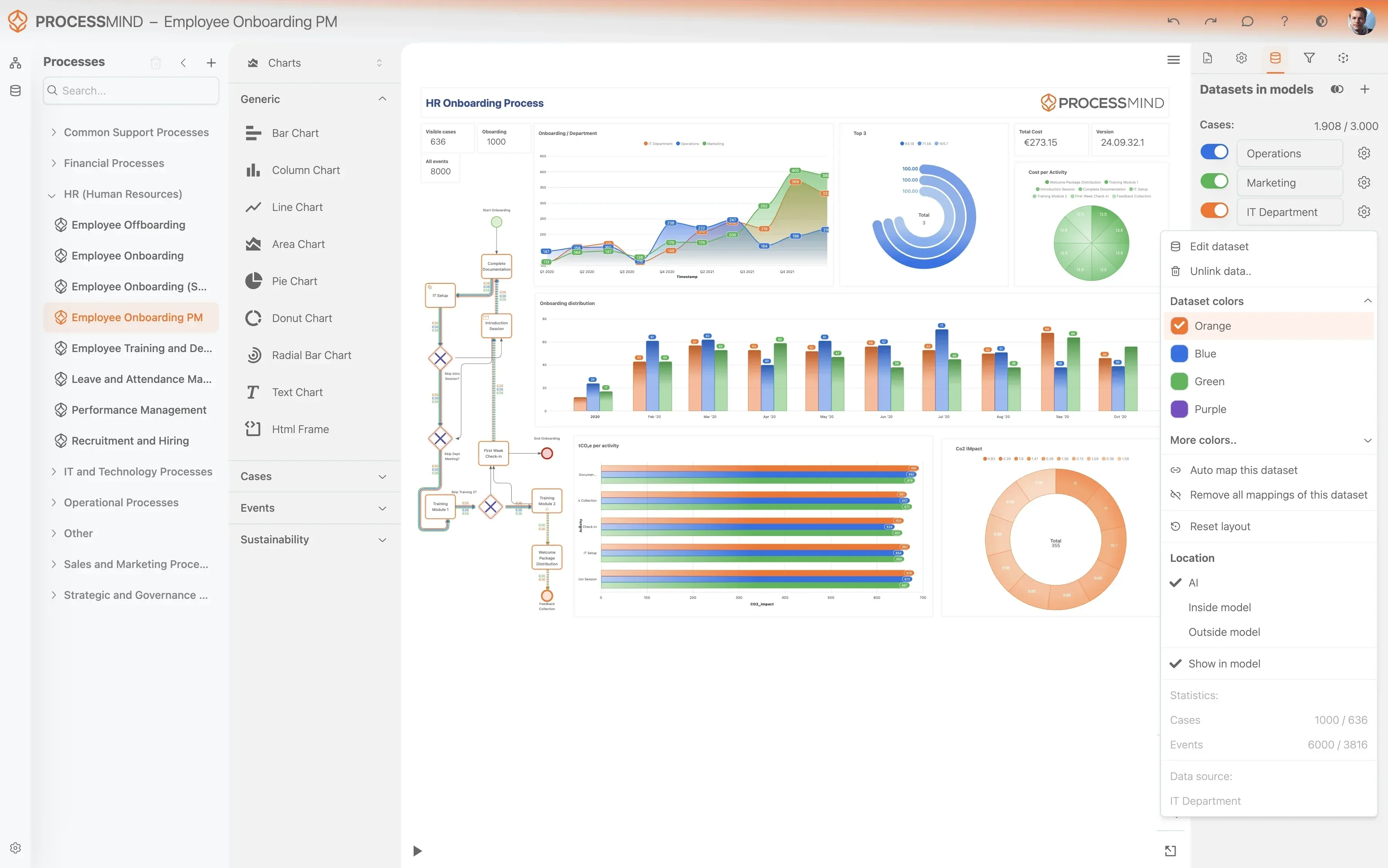
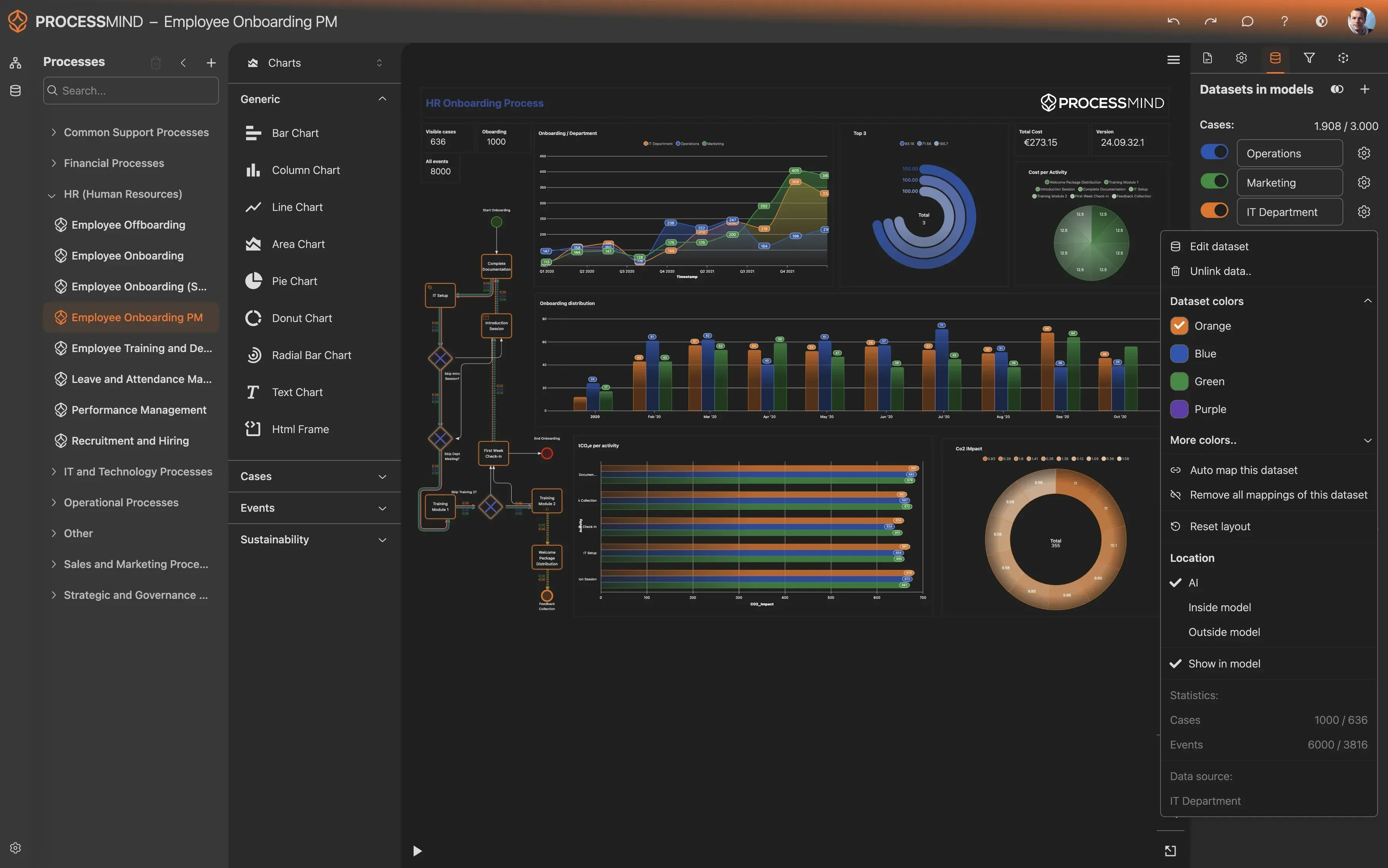
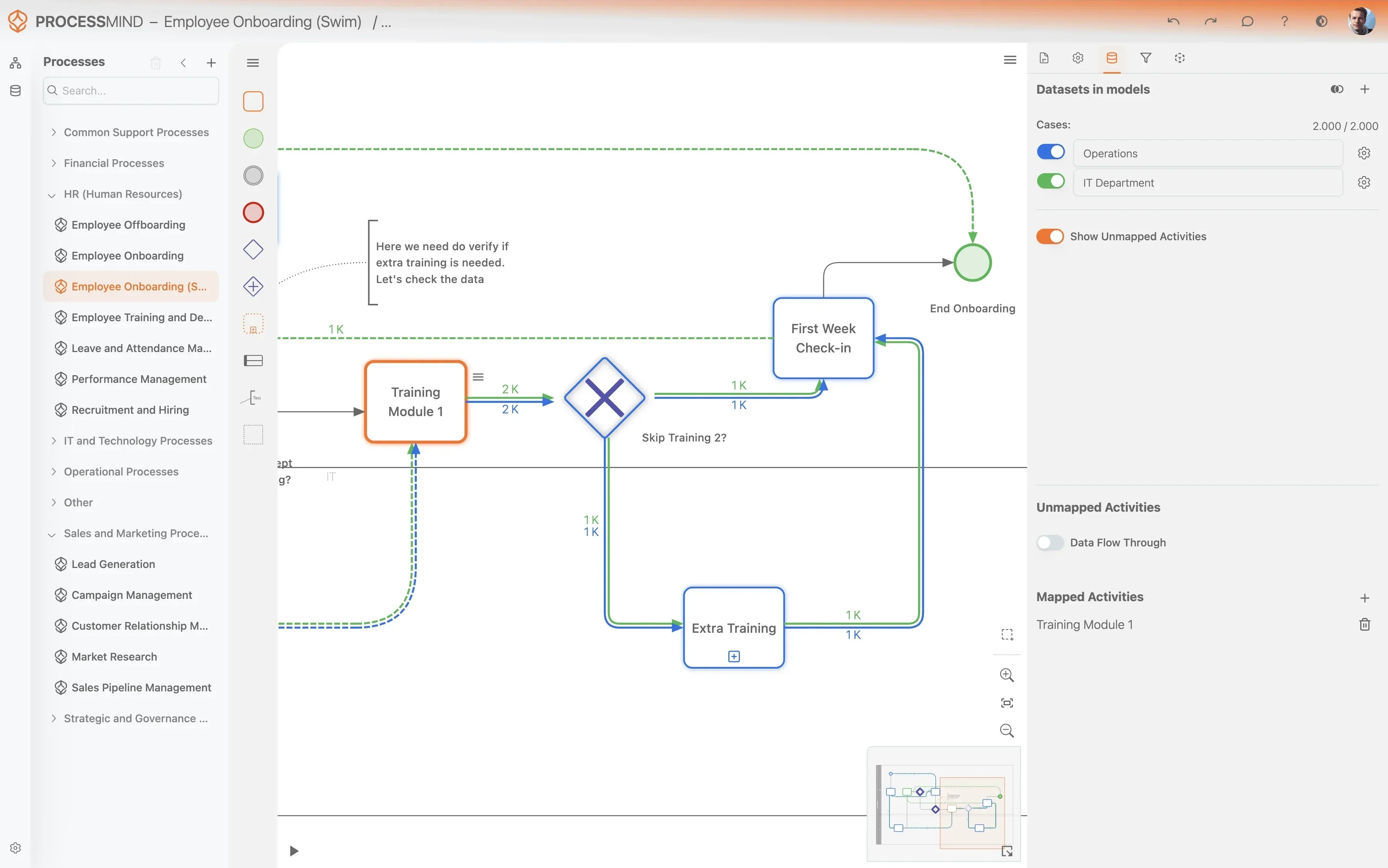
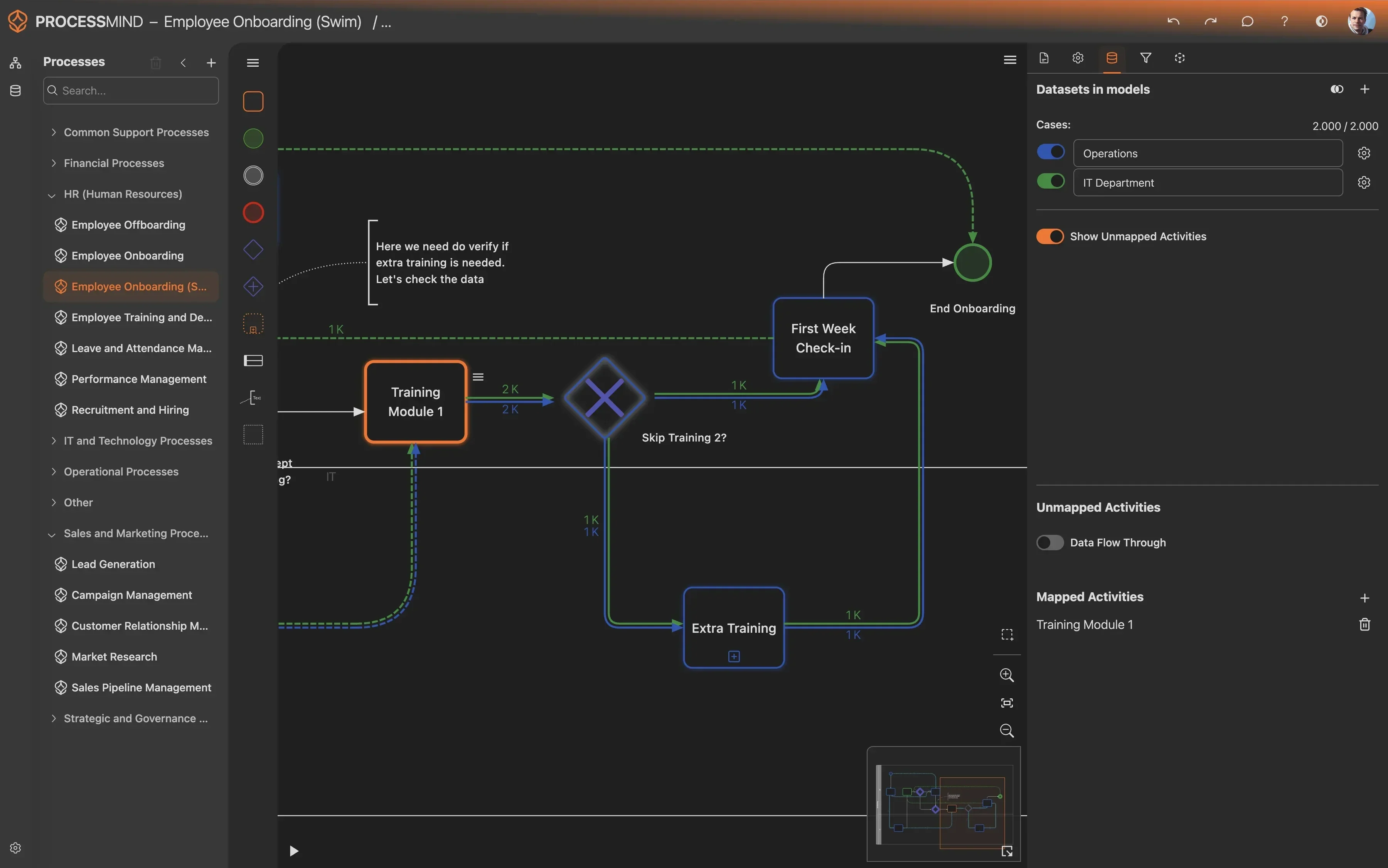
YOUR AR INSIGHTS
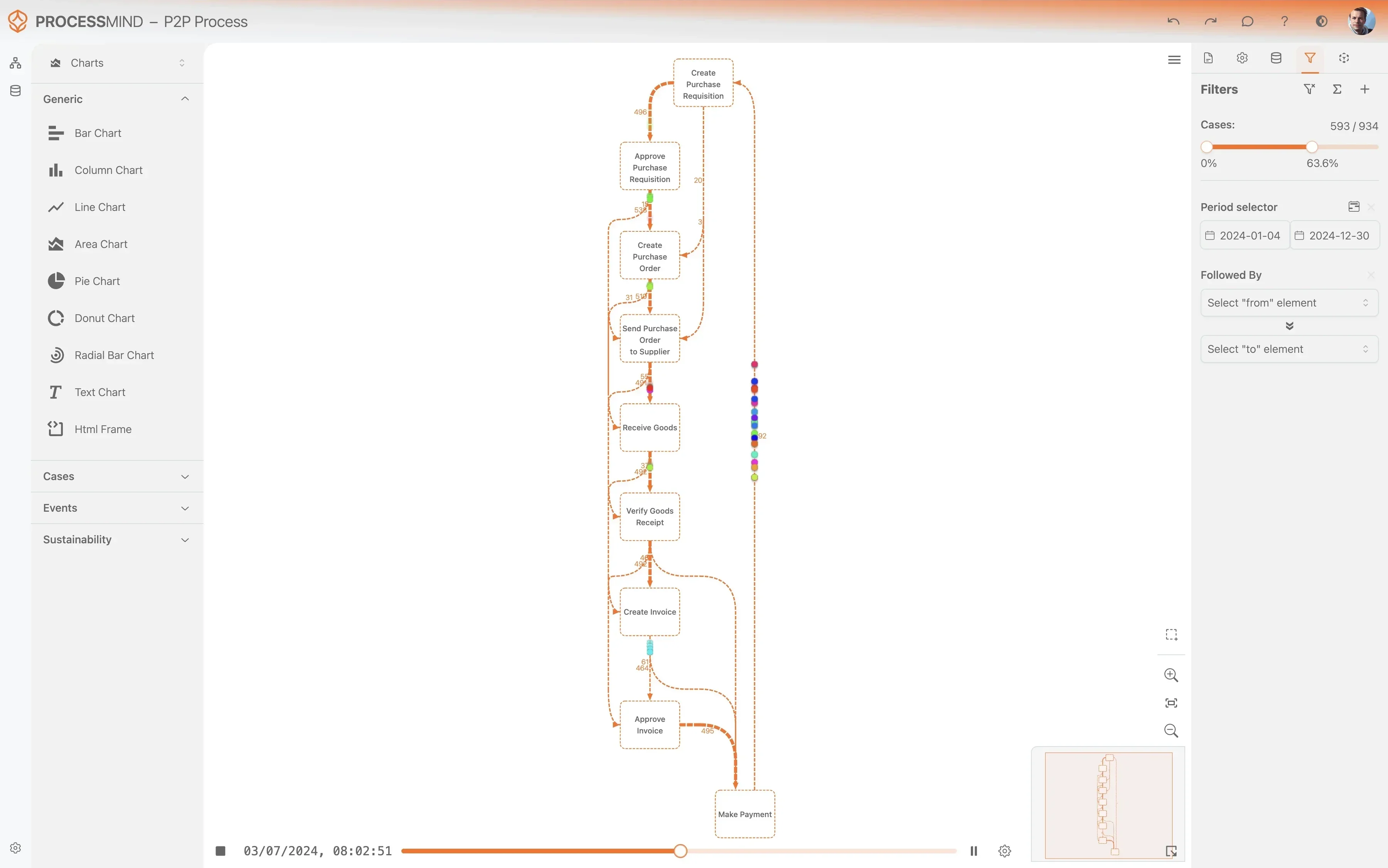
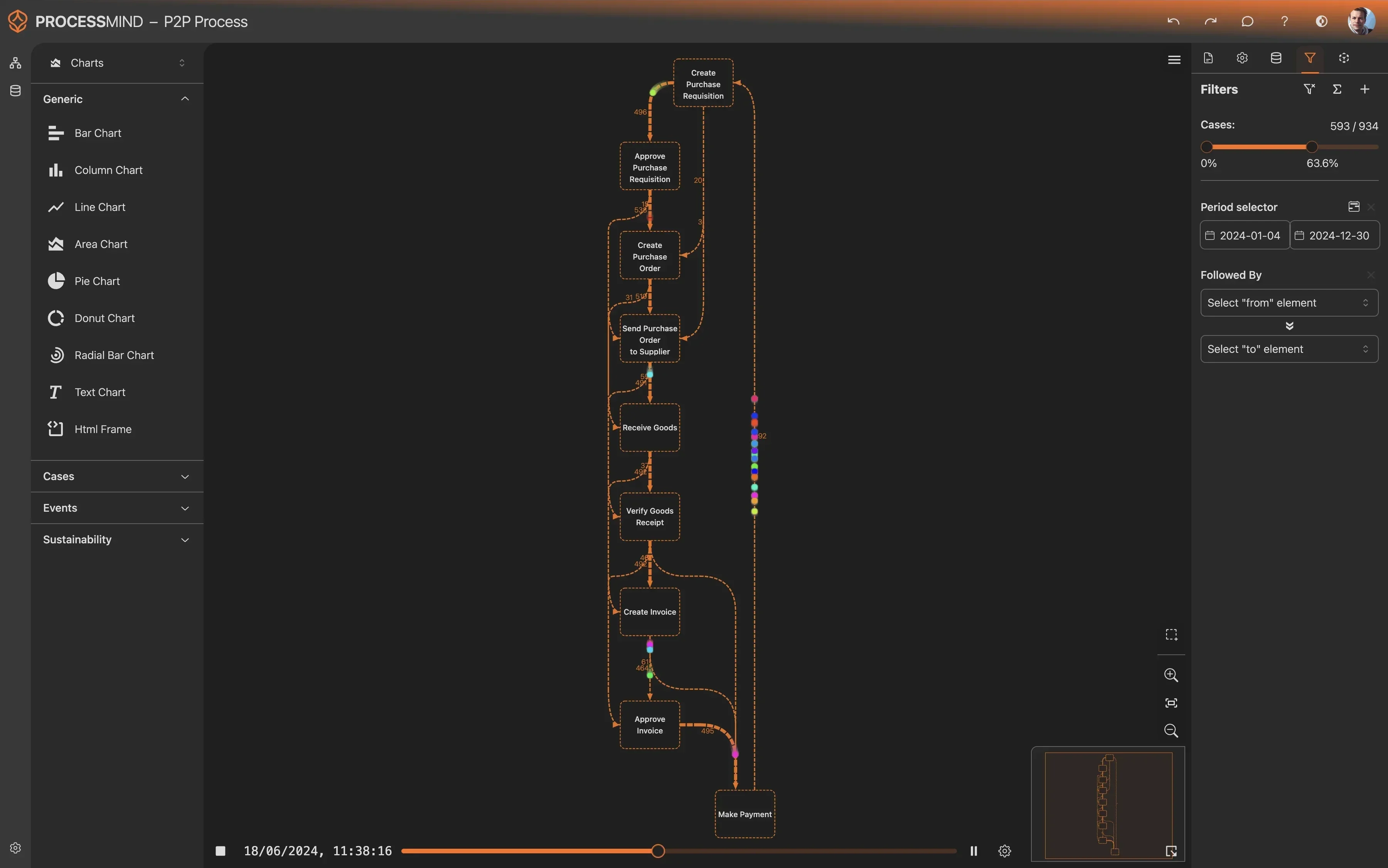
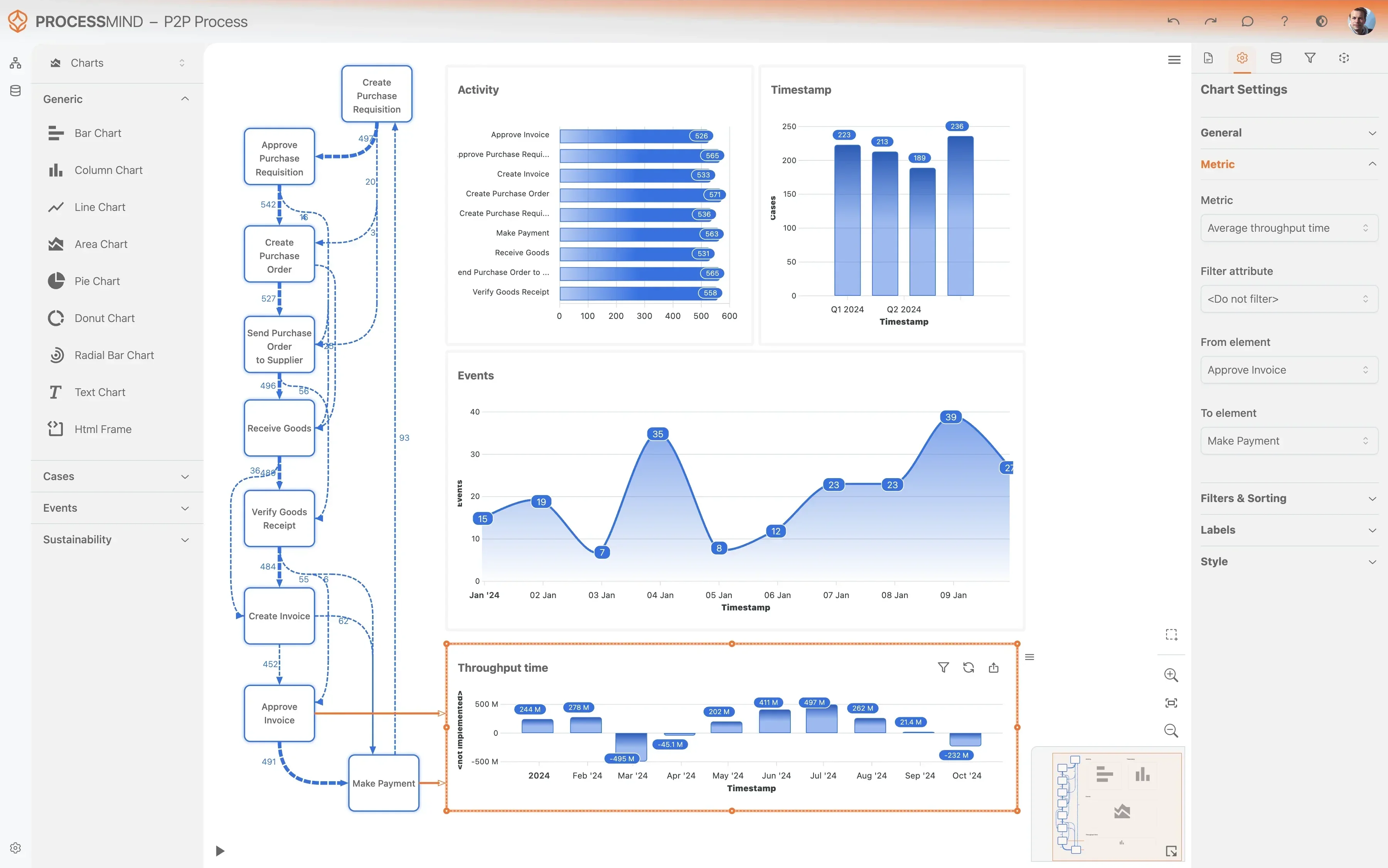
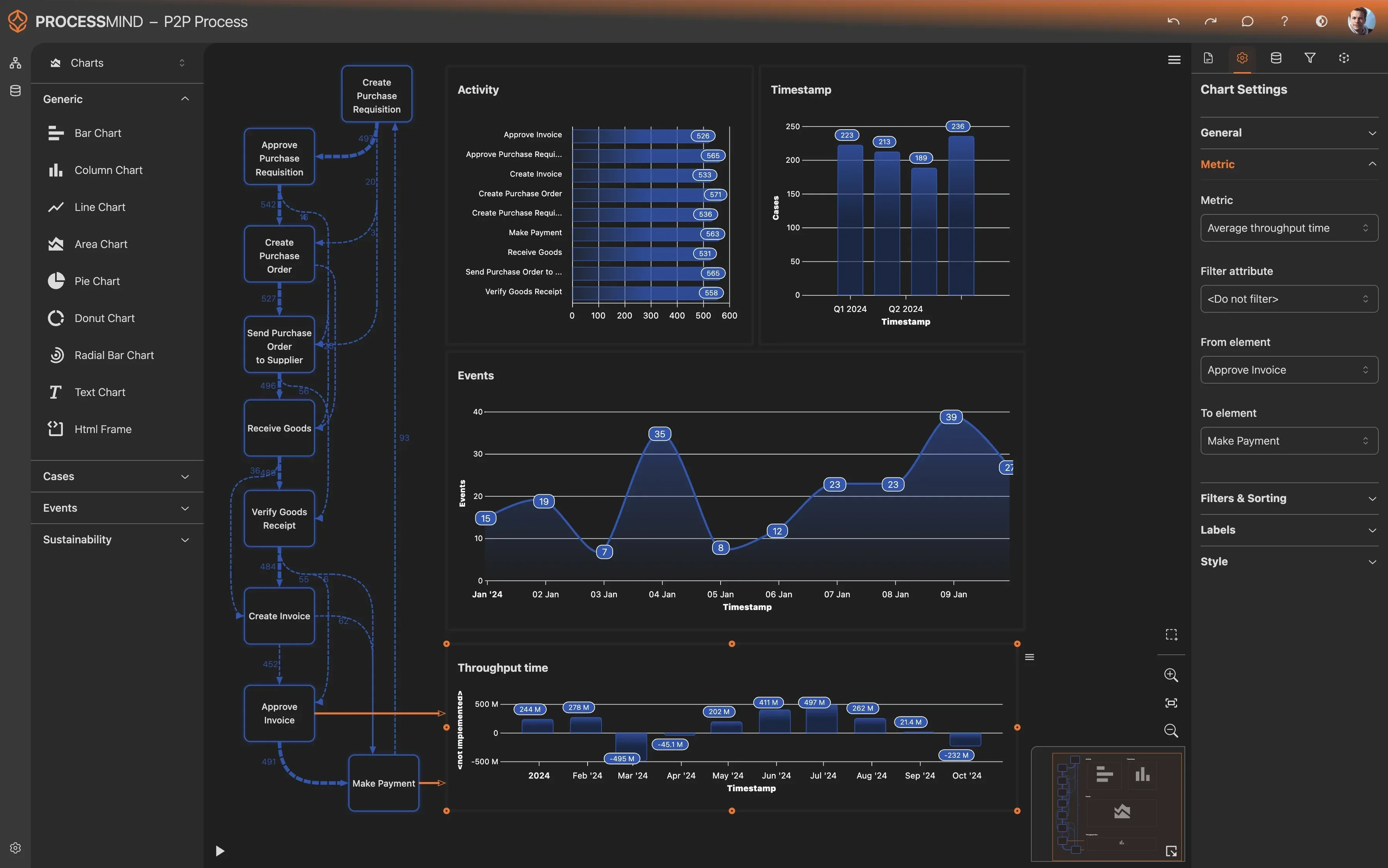
Visualize Your Full Accounts Receivable Journey
- Map your complete invoice lifecycle
- Spot bottlenecks in dispute resolution
- Identify root causes of payment delays
- Monitor collection KPIs in real time
TYPICAL OUTCOMES
Transforming Accounts Receivable Efficiency
By analyzing the full lifecycle of the Invoice Number within Microsoft Dynamics 365, organizations can uncover hidden bottlenecks and streamline their collection workflows.
Average reduction in days to clear
Streamlining the path from invoice creation to final clearance helps release working capital faster by removing administrative delays.
Decrease in manual interventions
Optimizing reconciliation settings in Microsoft Dynamics 365 reduces the labor required for bank statement matching and automated clearing.
Improvement in billing accuracy
Reducing rework and credit memos ensures invoices are paid correctly the first time, which avoids the need for costly manual corrections.
Reduction in resolution time
Identifying bottlenecks in the dispute workflow allows teams to resolve customer issues sooner, directly improving the cash conversion cycle.
Fewer redundant payment reminders
Synchronizing bank clearing with communication workflows prevents the friction of sending payment reminders for invoices already settled by the customer.
Capture of early payment savings
Accelerating the internal processing of payments ensures more invoices are cleared within the discount eligibility window to maximize financial gains.
Results vary based on process complexity and data quality. These figures represent typical improvements observed across standard implementations.
Recommended Data
FAQs
Frequently asked questions
Process mining provides a transparent view of the end to end invoice lifecycle by visualizing every step from creation to final clearing. This allows finance teams to identify the root causes of delays, such as inefficient bank statement matching or prolonged gaps in dispute resolution, which are often hidden in standard reports.
Data is typically extracted using secure connectors that pull information from transaction tables and event logs within the Dynamics environment. The extraction focuses on timestamped activities related to invoice numbers, ensuring a complete audit trail of every status change and manual intervention.
Initial insights are usually available within four to six weeks once the data connection is established. This timeframe includes the data mapping phase and the generation of the first process models, allowing you to start identifying bottlenecks almost immediately.
Standard reporting focus on static outcomes like Days Sales Outstanding or total aging balances. Process mining reveals the flow and friction between those outcomes, showing you exactly where manual credit memos are issued or where reminders are being sent for already settled invoices.
The main requirement is read access to your Dynamics 365 database or Dataverse environment to pull the relevant transaction logs. You will also need to define the specific business rules and custom fields that identify your unique AR milestones to ensure the process map is accurate.
The analysis primarily relies on tables such as CustTrans for transactions, CustSettlement for payment applications, and CustInvoiceJour for invoice headers. By linking these tables through the Invoice Number, the tool reconstructs the sequence of events for every single transaction.
Yes, the tool tracks the exact lead time between invoice dispatch and payment settlement against your discount terms. It identifies specific stages where bottlenecks occur, such as slow internal approvals, helping you streamline the process to meet critical discount deadlines.
The software maps out the entire dispute resolution path, highlighting loops where invoices bounce between departments. By analyzing these patterns, you can see if specific customers or invoice types consistently trigger manual interventions, allowing for targeted process improvements.
By comparing automated clearing events with manual entries, process mining quantifies the cost and time impact of human touchpoints. This helps you prioritize which parts of the clearing process should be targeted for further automation within Dynamics 365.
Optimize Your Accounts Receivable and Boost Cash Flow Now
Join teams reducing DSO by 15-20 days in Microsoft Dynamics 365
No credit card required, setup in 5 minutes