Improve Your Inventory Management

Select a process
Choose a process to continue working in your connected workspace.
Optimize Microsoft Dynamics 365 Inventory Management
Our platform helps you uncover hidden inefficiencies in your operations. It identifies exact bottlenecks, from initial goods receipt through to final dispatch. This reveals crucial opportunities to cut costs and significantly improve fulfillment rates.
Download our pre-configured data template and address common challenges to reach your efficiency goals. Follow our six-step improvement plan and consult the Data Template Guide to transform your operations.
Show detailed description
Understanding the Criticality of Inventory Management in Microsoft Dynamics 365
Effective Inventory Management is the backbone of a healthy supply chain, directly impacting profitability and customer satisfaction. In a complex ERP environment like Microsoft Dynamics 365, managing inventory involves intricate processes, from initial goods receipt and put-away to internal movements, adjustments, picking, and eventual dispatch or consumption. Without clear visibility into these actual workflows, organizations often grapple with significant challenges: capital tied up in excess stock, costly stockouts leading to lost sales, increased carrying costs, and inefficient warehouse operations. The sheer volume of transactions and varied user actions within Dynamics 365 can obscure true process performance, making it difficult to pinpoint where inefficiencies truly lie or how to reduce Inventory Management cycle time effectively. This lack of transparency can lead to suboptimal decisions, unnecessary expenses, and a reactive approach to inventory challenges.
How Process Mining Unlocks Inventory Efficiency
Process mining offers a powerful lens to analyze and improve Inventory Management by transforming raw event data from your Microsoft Dynamics 365 system into a comprehensive, visual representation of your actual processes. Focusing on the lifecycle of individual Inventory Batches or Lots, this approach captures every event, timestamp, and actor involved in their journey. By analyzing entities like InventOnHand, InventTrans, and InventJournal, process mining constructs an end-to-end view, revealing the exact paths inventory takes, identifying deviations from standard procedures, and highlighting where bottlenecks occur. You can see precisely how long it takes from Goods Receipt Recorded to Put-away Completed, or from Picking Initiated to Goods Issue Recorded. This data-driven insight helps you understand not just what happened, but why it happened, enabling targeted process optimization rather than guesswork.
Pinpointing Key Areas for Inventory Process Optimization
With process mining, you gain the ability to meticulously examine critical stages of your Inventory Management process within Microsoft Dynamics 365:
- Goods Receipt and Put-away Efficiency: Uncover delays between goods arrival and their proper storage. Identify non-standard put-away routes or excessive handling that inflate lead times and labor costs.
- Internal Movement and Transfers: Analyze the frequency and duration of internal stock movements, revealing inefficient layouts or unnecessary transfers that add no value. Understand the reasons behind frequent stock adjustments or discrepancies.
- Order Picking, Packing, and Dispatch Performance: Detect bottlenecks in order fulfillment, such as extended picking times, re-picks, or delays between packing and final goods issue. Optimize picking routes and resource allocation to improve order fulfillment rates.
- Inventory Accuracy and Compliance: Identify the root causes of inventory discrepancies and rework in reconciliation processes. Ensure that inventory counts are performed efficiently and adjustments are processed correctly and promptly, supporting higher data integrity and compliance with internal policies.
- Waste and Obsolescence: Track the lifecycle of stock that is Scrapped or Disposed, understanding patterns and reasons to proactively minimize waste and associated costs.
By addressing these specific areas, you can significantly enhance your operational flow and reduce waste.
Achieving Tangible Business Outcomes Through Optimized Inventory
The insights gained from process mining translate into measurable improvements across your Inventory Management operations. By identifying and resolving process bottlenecks, you can expect:
- Reduced Carrying Costs: Optimize stock levels, minimize excess inventory, and improve storage utilization, freeing up valuable capital.
- Faster Cycle Times: Significantly reduce the time from goods receipt to availability, and from order picking to dispatch, enhancing overall supply chain responsiveness.
- Improved Inventory Accuracy: Minimize discrepancies, leading to more reliable stock data, fewer stockouts, and better forecasting.
- Enhanced Operational Efficiency: Streamline workflows, reduce manual effort, and eliminate non-value-adding activities across all inventory processes, from quality inspection to goods issue.
- Better Compliance and Risk Management: Ensure adherence to internal policies and external regulations by identifying and correcting process deviations, reducing audit risks.
- Boosted Customer Satisfaction: Faster and more accurate order fulfillment directly contributes to a superior customer experience.
These outcomes empower you to make data-driven decisions that continuously refine your inventory strategy within Microsoft Dynamics 365.
Empowering Your Team for Continuous Inventory Improvement
Leveraging process mining for your Microsoft Dynamics 365 Inventory Management is not just about a one-time fix; it's about establishing a foundation for continuous improvement. By understanding the true flow of your inventory batches and lots, your team can move beyond assumptions and implement targeted changes that yield lasting results. This capability democratizes process improvement, allowing operational teams to proactively identify problems and test solutions based on hard data. Embrace the power of process mining to transform your Inventory Management from a cost center into a strategic asset, ensuring your supply chain operates at peak efficiency.
The 6-Step Improvement Path for Inventory Management
Download the Template
What to do
Obtain the dedicated Excel template to structure your inventory data. This ensures your data from Microsoft Dynamics 365 aligns perfectly for analysis.
Why it matters
A standardized template simplifies data preparation, saving time and preventing errors, which is crucial for accurate process mining.
Expected outcome
A ready-to-fill Excel template that matches ProcessMind's required data structure for inventory events.
Export Your Data
What to do
Extract 3-6 months of historical inventory transaction data from Microsoft Dynamics 365. Populate the downloaded template with your real-world inventory movements.
Why it matters
Comprehensive historical data provides the foundation for deep insights, revealing actual bottlenecks and inefficiencies in your inventory lifecycle.
Expected outcome
A completed data template filled with relevant inventory batch and transaction history from Dynamics 365.
Upload Your Dataset
What to do
Securely upload your populated data template to ProcessMind. Our platform will automatically process and prepare your inventory event log for visualization.
Why it matters
Effortless data ingestion means you quickly move from raw data to actionable insights, accelerating your journey to optimized inventory processes.
Expected outcome
Your inventory data successfully processed and loaded into ProcessMind, ready for automated analysis and discovery.
Analyze Your Process
What to do
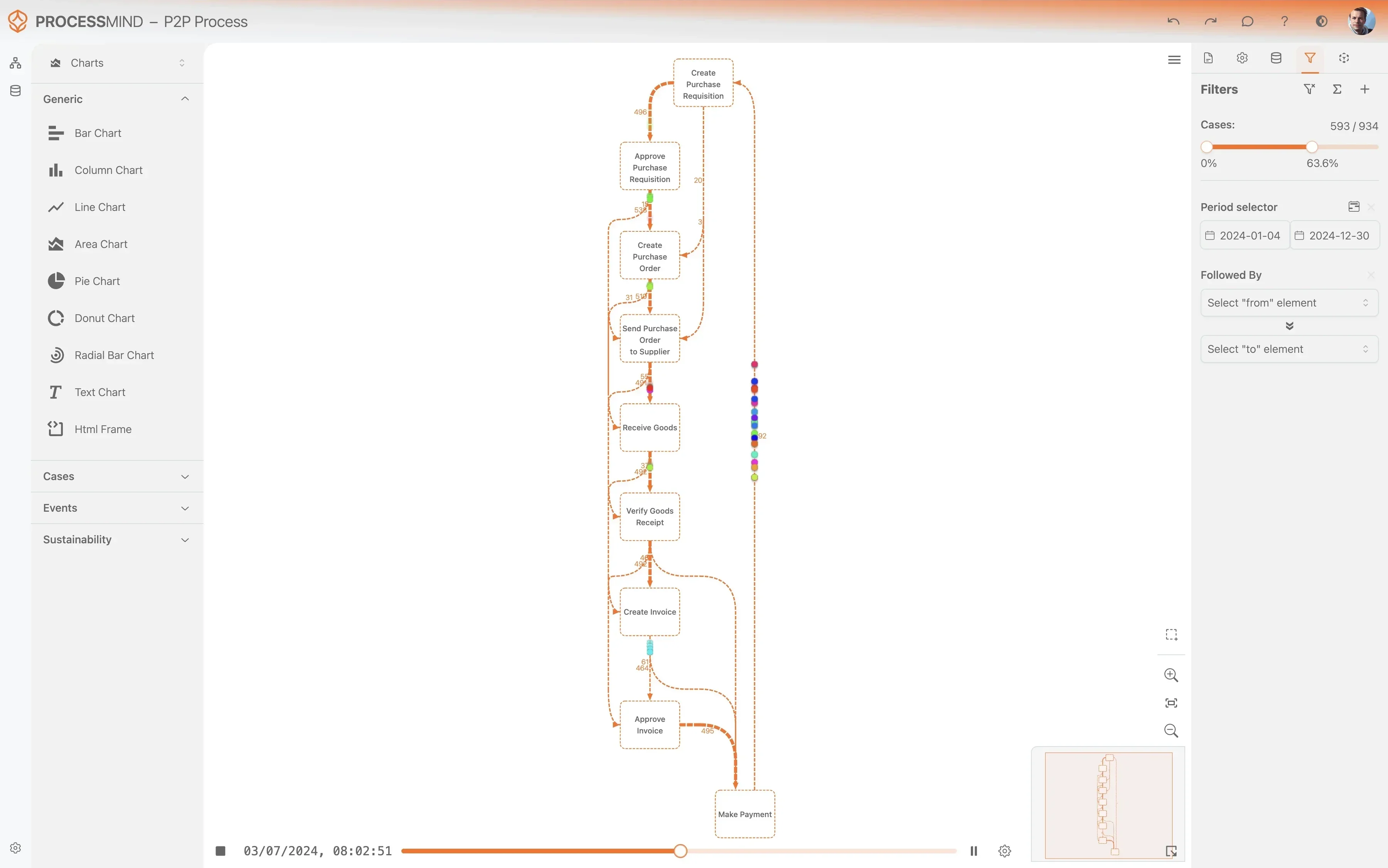
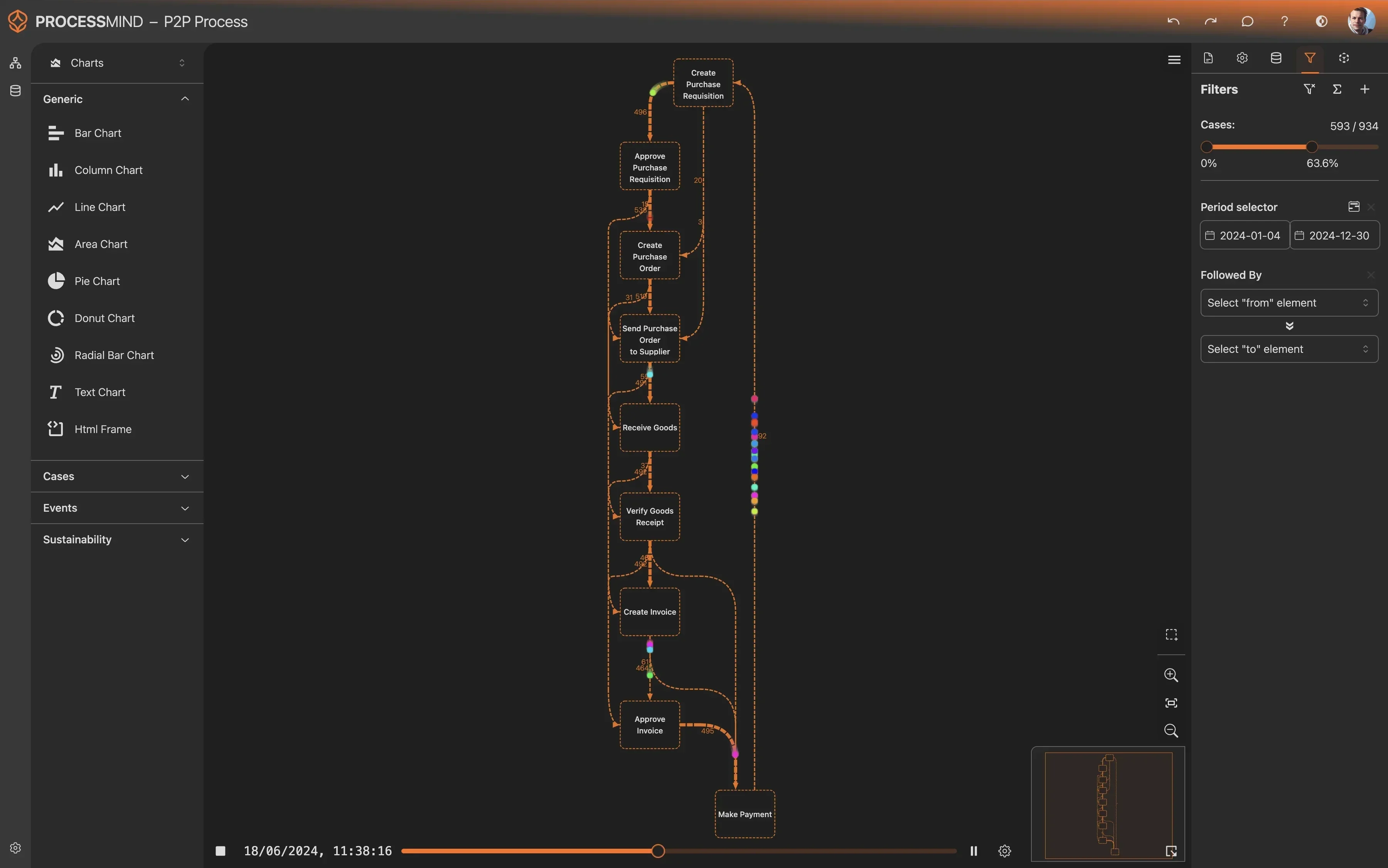
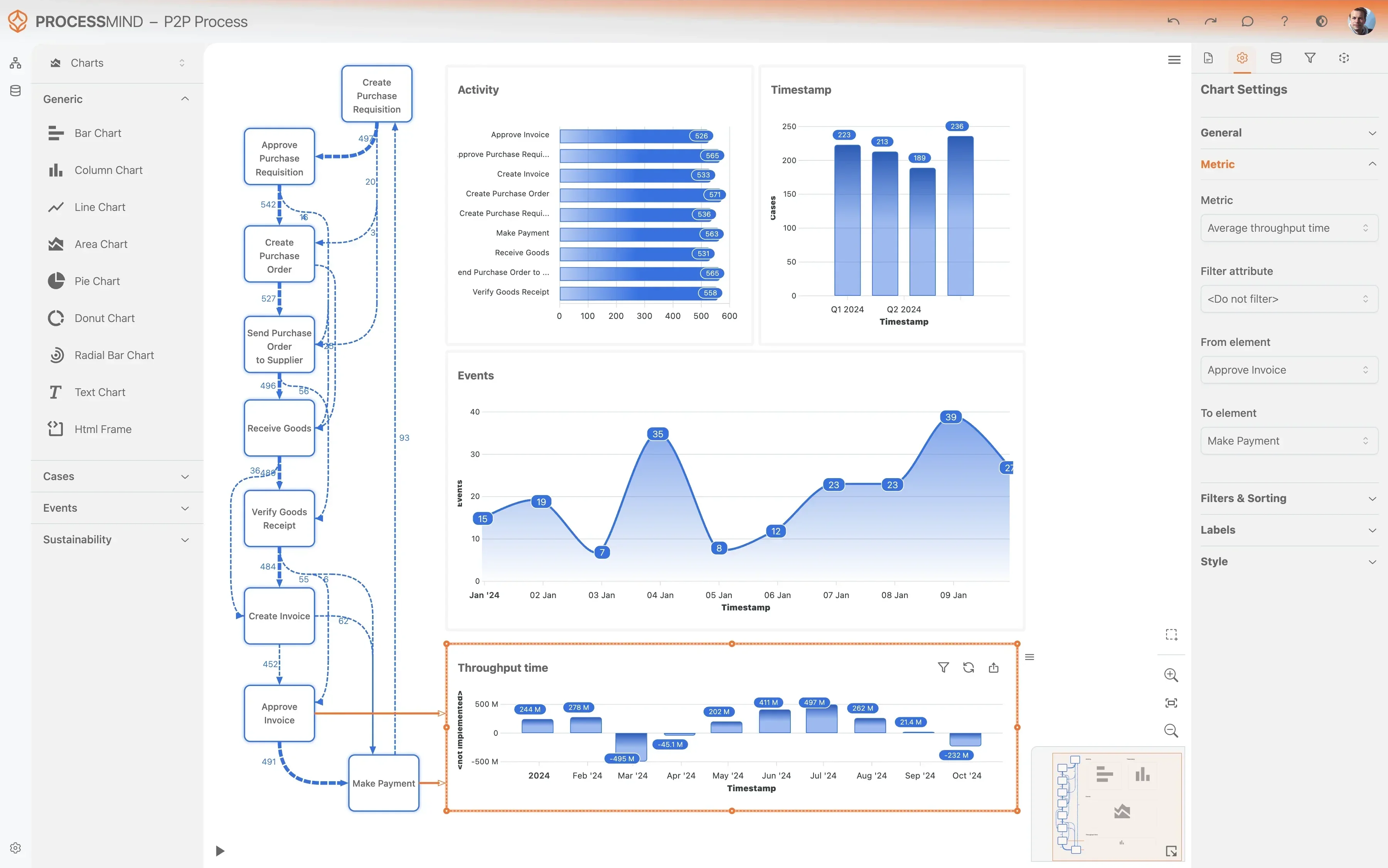
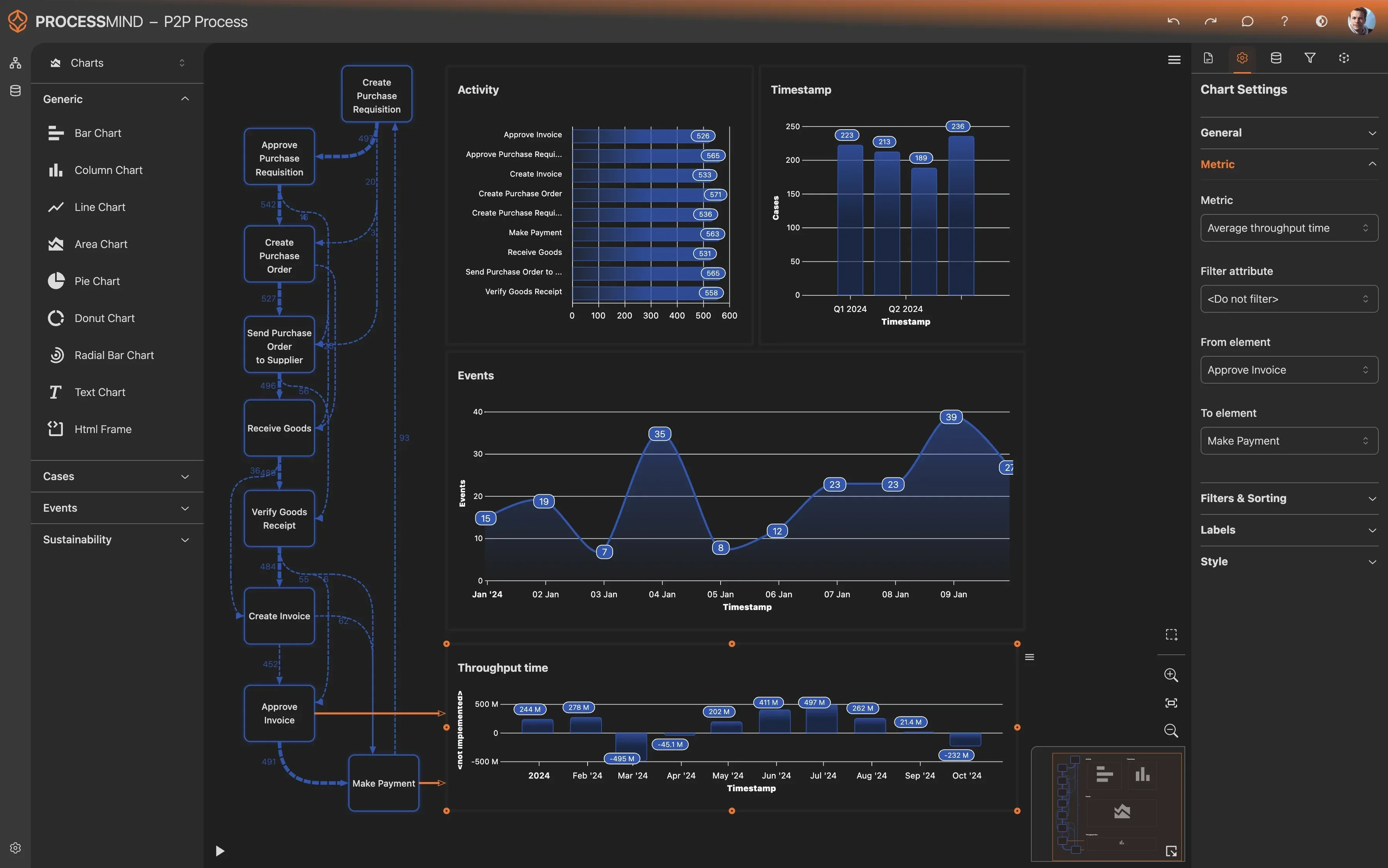
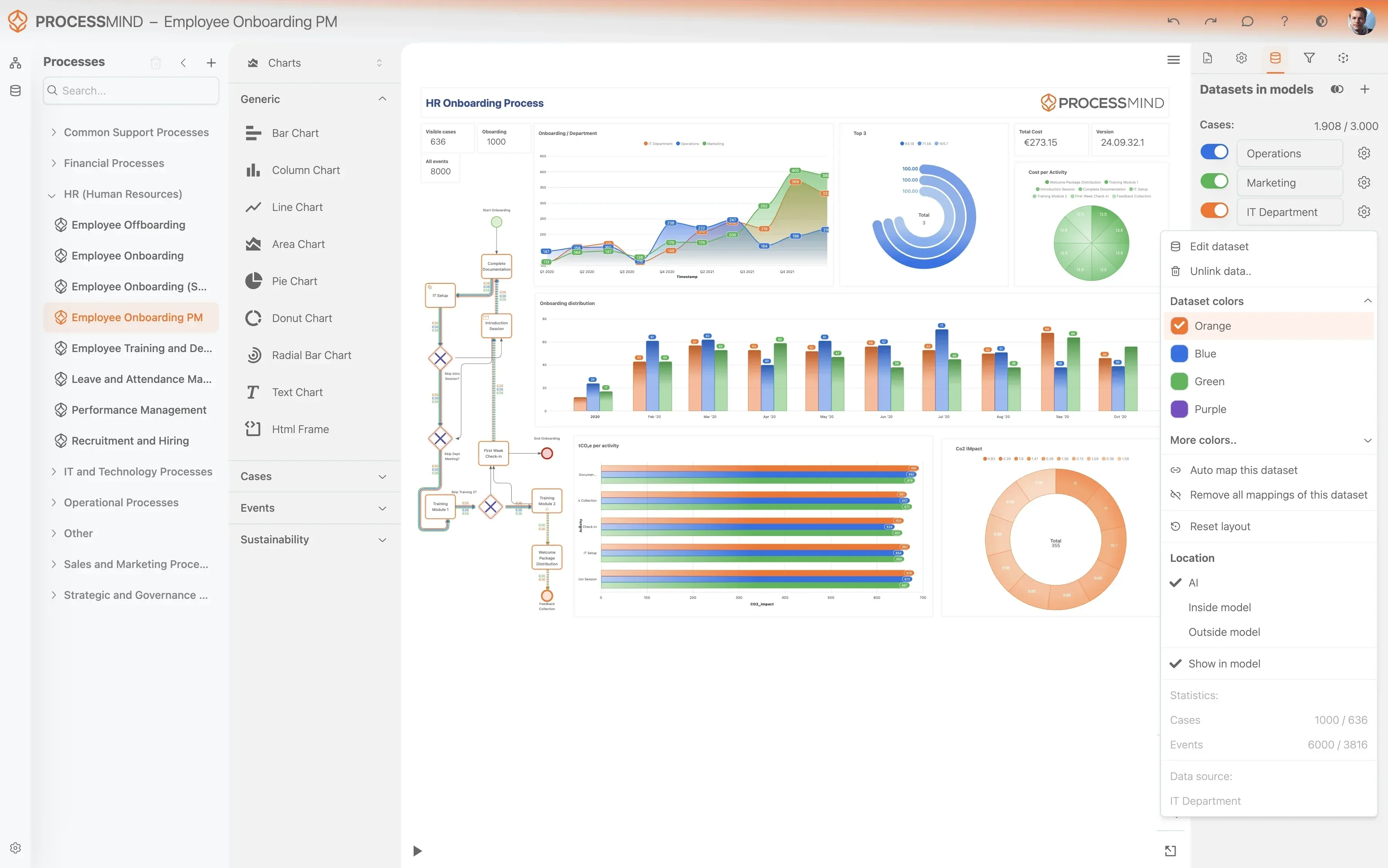
Explore the auto-generated dashboards to visualize your inventory flows. Leverage AI-driven recommendations to pinpoint bottlenecks in put-away, transfers, or picking.
Why it matters
Gaining clear visibility into inventory movements identifies hidden inefficiencies, allowing you to prioritize areas for significant cost reduction and service improvement.
Expected outcome
A clear understanding of your current inventory process performance, including key deviations, bottlenecks, and improvement opportunities.
Implement Improvements
What to do
Based on ProcessMind's insights, prioritize and implement changes, like refining put-away strategies or optimizing internal stock transfer routes in Dynamics 365.
Why it matters
Translating insights into action directly leads to tangible benefits, such as reduced carrying costs, minimized stockouts, and improved order fulfillment rates.
Expected outcome
Concrete improvements applied to your inventory management practices and configurations within Microsoft Dynamics 365.
Monitor Your Process
What to do
Periodically re-upload fresh data from Microsoft Dynamics 365 to track the impact of your changes. Continuously measure improvements against your inventory KPIs.
Why it matters
Ongoing monitoring ensures that improvements are sustained and allows for continuous adaptation, maintaining optimal inventory efficiency over time.
Expected outcome
A clear trend of improved inventory performance metrics and sustained operational efficiency within your Dynamics 365 system.
TYPICAL OUTCOMES
Achieving Excellence in Inventory Management
These outcomes represent the tangible benefits organizations realize by applying process mining to their Inventory Management workflows within Microsoft Dynamics 365, particularly when analyzing inventory batch and lot data. By identifying bottlenecks and inefficiencies, businesses can optimize stock levels, reduce carrying costs, and accelerate order fulfillment.
Average reduction in put-away duration
Process mining identifies bottlenecks in your put-away process, leading to a significant decrease in the time it takes to stock incoming goods. This ensures faster availability of products for sales.
Reduction in discrepancy events
By pinpointing root causes of inventory discrepancies, organizations can reduce errors that lead to lost sales or excess stock. This improves overall data reliability and operational planning.
Increase in order fulfillment speed
Uncover delays and inefficiencies within the picking and packing stages of order fulfillment. This leads to quicker customer shipments and improved service levels.
Decrease in inventory write-offs
Gain insights into the lifecycle of your inventory to identify slow-moving or obsolete items earlier. This minimizes carrying costs and prevents significant financial losses from write-offs.
Fewer unnecessary stock movements
Analyze internal stock transfer patterns to identify and eliminate inefficient movements, leading to better use of warehouse space. This reduces operational costs and handling time.
Individual results will vary based on the complexity of your inventory processes, the quality of your data, and specific business objectives. The figures presented illustrate common improvements observed in similar process mining engagements.
Recommended Data
FAQs
Frequently asked questions
Process mining visualizes your actual inventory processes using data from Dynamics 365, revealing how inventory truly moves. It identifies bottlenecks like slow put-away or picking, flags frequent stock discrepancies, and exposes inefficient transfers. This helps you understand where to focus your efforts to improve efficiency, reduce costs, and ensure compliance.
Process mining connects directly to your Microsoft Dynamics 365 system to extract event logs related to inventory movements and transactions. It uses your Inventory Batch/Lot as the case identifier, tracking every step an item takes from receipt to shipment or adjustment. This data allows for reconstruction of the complete process flow and detailed analysis.
To perform process mining, you primarily need event logs containing a case identifier, activity, and timestamp. For Inventory Management, this means tracking your Inventory Batch/Lot, the specific action performed, and when it occurred. Additional attributes, such as resource, location, or quantity, can enrich the analysis and provide deeper insights.
The timeline can vary based on data volume and complexity, but initial data extraction and model setup typically take a few weeks. After that, you can expect to see your first process maps and identify major bottlenecks within 4-6 weeks. Subsequent analysis cycles can then be much faster, providing continuous improvement opportunities.
You can expect quantifiable improvements such as a reduction in put-away cycle time, improved inventory accuracy, and accelerated picking and packing speeds. Process mining helps minimize obsolete inventory, streamline returns, and optimize storage utilization. Ultimately, this leads to reduced operational costs and enhanced customer satisfaction.
Yes, process mining is scalable and beneficial for inventory operations of all sizes. While larger organizations might have more complex data sets, even smaller businesses can gain significant value by identifying and optimizing their core inventory processes. The methodology applies universally, regardless of the scale of your Dynamics 365 usage.
Common challenges include ensuring data completeness and consistency across different modules, especially with highly customized Dynamics 365 environments. Data volume can also be a factor, requiring robust extraction methods. Access permissions and understanding the underlying table structures are also key considerations during the setup phase.
While some technical expertise is beneficial for initial data connection and transformation, many modern process mining tools are designed for business users. They offer intuitive interfaces for analysis once the data is prepared. However, a collaborative effort between business stakeholders, IT, and potentially a process mining expert often yields the best results.
Process mining tools are designed to work with real-world data, which often contains inconsistencies. They can identify gaps, outliers, and deviations in your event logs, which themselves can be valuable insights into data quality issues. Depending on the tool, various techniques exist to filter, repair, or impute missing data points for accurate analysis.
Optimize Inventory Management, Boost Flow Today
Reduce inventory cycle time by 30% and boost fulfillment rates.
No credit card required. Setup in minutes.