Process Architecture
Structure, document, and govern your entire process landscape, from hierarchy levels and value streams to roles, RACI, documentation, governance, and the Proces
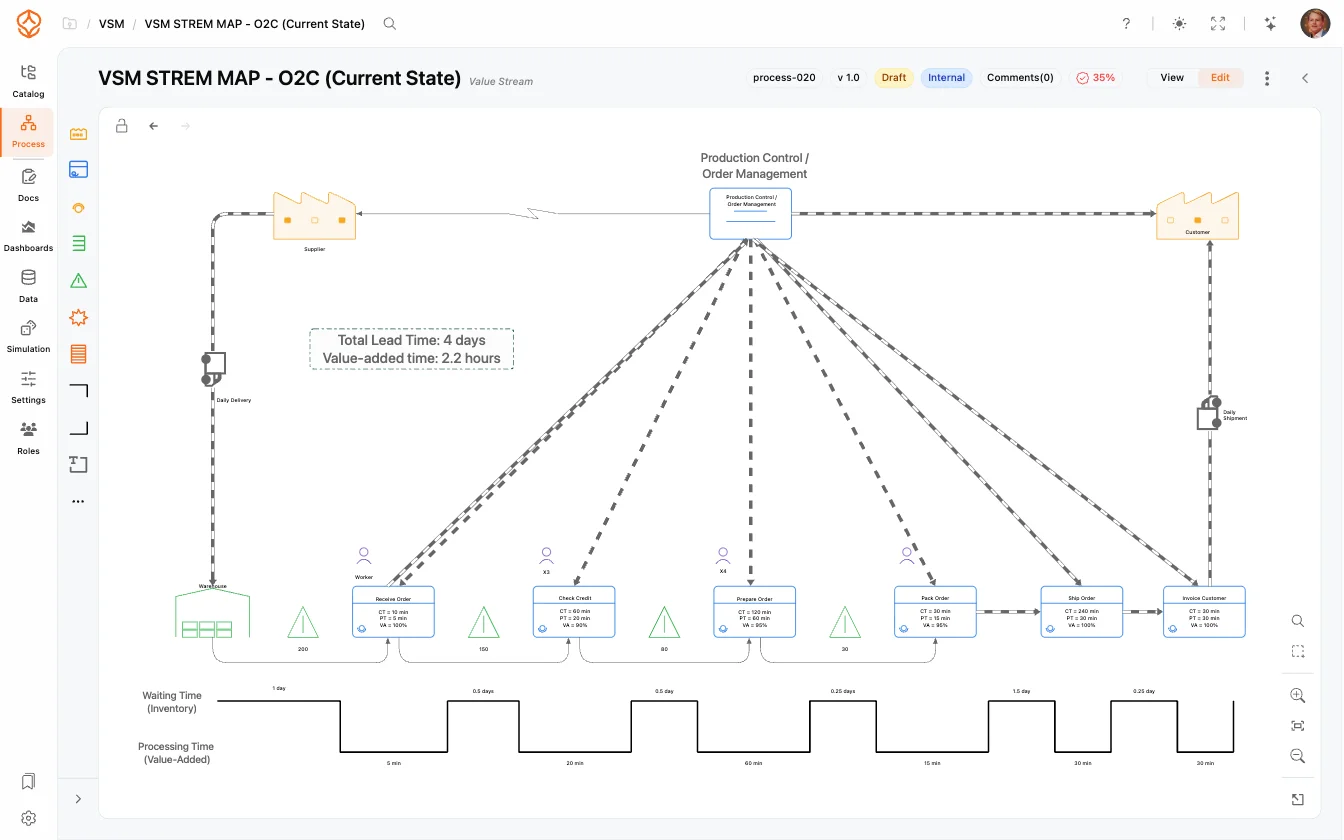
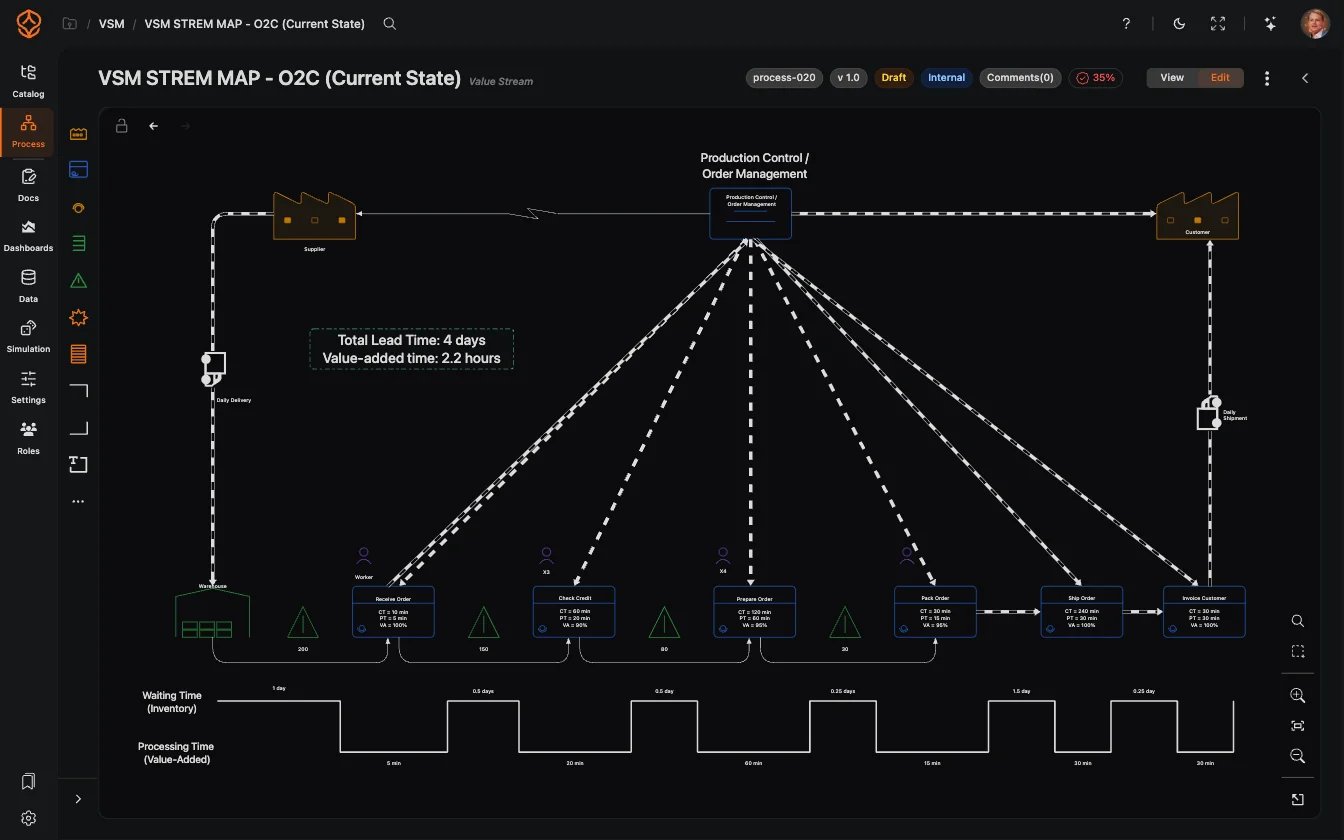
Value Stream Mapping (VSM) is a lean-management technique for visualizing the steps (and the material and information flows) required to deliver a product or service to a customer. ProcessMind includes dedicated VSM shapes in the modeler, so you can create value stream maps alongside your regular BPMN models.
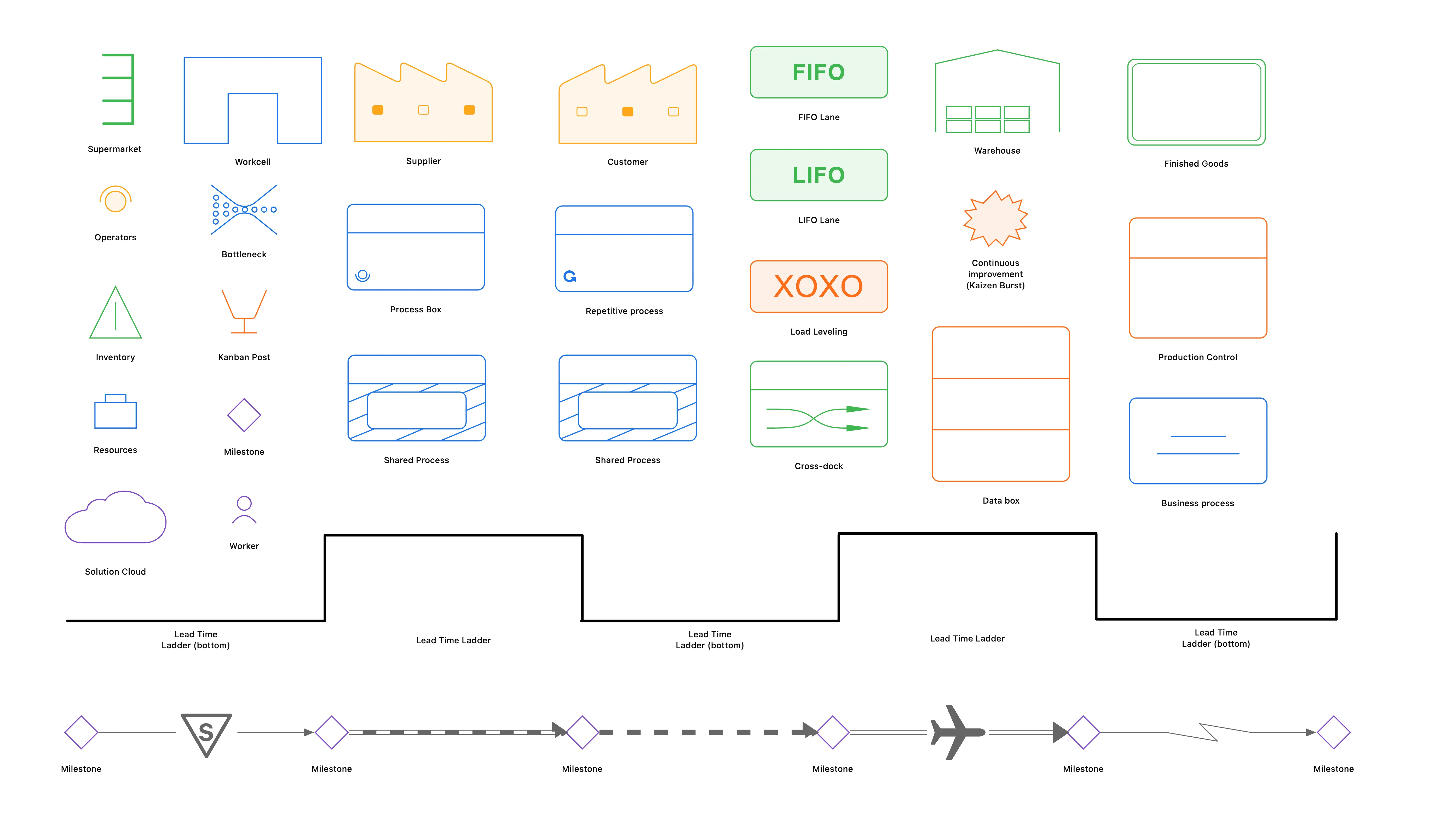
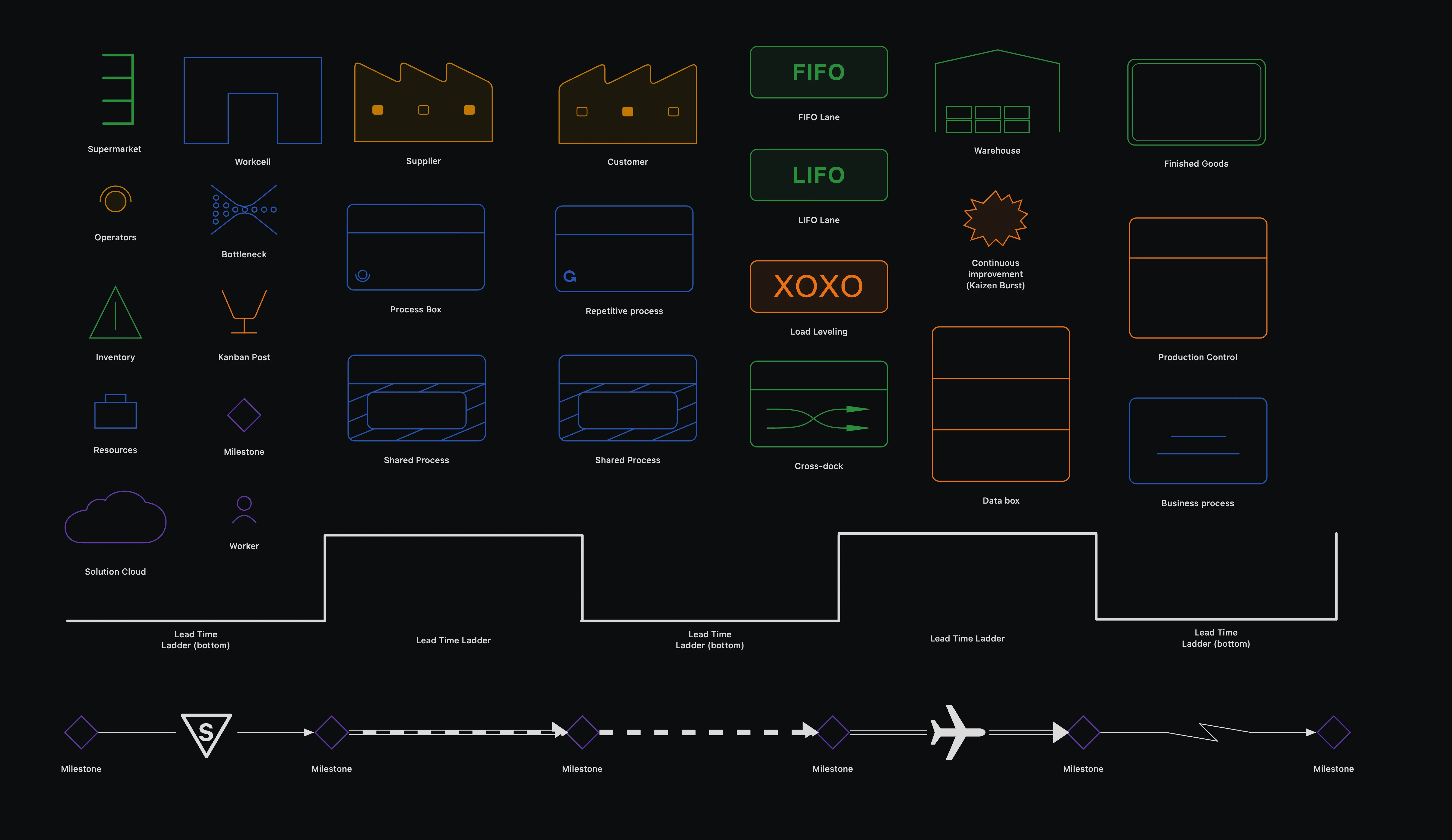
The VSM palette includes the following 33 shapes:
| Group | Supported shapes |
|---|---|
| Operational flow | Process Box, Shared Process, Workcell, Supplier, Customer, Inventory, Finished Goods, Warehouse, Cross-dock, Resources |
| Planning and replenishment | Supermarket, Kanban Post, Production Control, Load Leveling, Go-See Production Planning, MRP / ERP, FIFO Lane, LIFO Lane, Safety Stock, Customer Demand |
| People and architecture | Business process, Worker, Operators, Solution Cloud |
| Analysis and annotation | Milestone, Data box, KPI / Metric, Repetitive process, Bottleneck, Continuous improvement (Kaizen Burst), Lead Time Ladder, Lead Time Ladder (bottom), Text |
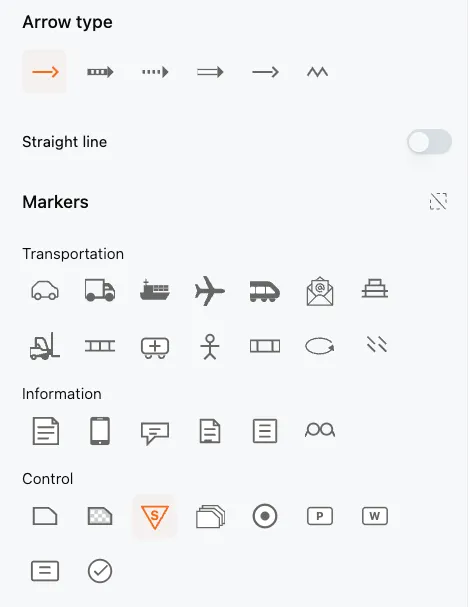
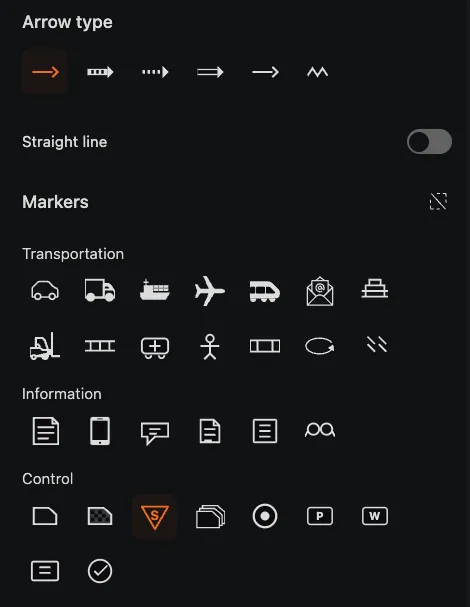
VSM connections can use different types of connections, represented by various VSM arrow types:
Every VSM arrow type can be drawn as an automatic routed line or as a straight line. The connection settings also provide optional markers:
Value streams are typically modeled at the value stream level of your process architecture. Once you have mapped a value stream, link the underlying process models to it so users can drill down from the value stream to the detailed BPMN processes that implement each step.
This keeps your landscape consistent: the value stream shows the end-to-end view, while the process documentation and governance workflows cover the detail behind every step.
Use value stream maps when you need to communicate how value is created across departmental boundaries, identify waste, and prioritize which processes to redesign first.
Get instant access with no credit card and no waiting. Turn the way your organization works into clear, connected process designs.
Build your process architecture, define ownership and controls, and align roles and responsibilities across every level.
Start your free trial and create one reliable foundation for governing, managing, and continuously improving your processes.
We use cookies to improve your experience, personalize content, and analyze traffic. Anonymous page measurement happens without them; analytics consent adds an identifier that links your visits. By clicking "Accept All," you consent to our use of cookies.