Modeling
Editor features for building BPMN models in ProcessMind: the modeling canvas, element settings, AI generation, import and export, versioning, and auto layout.
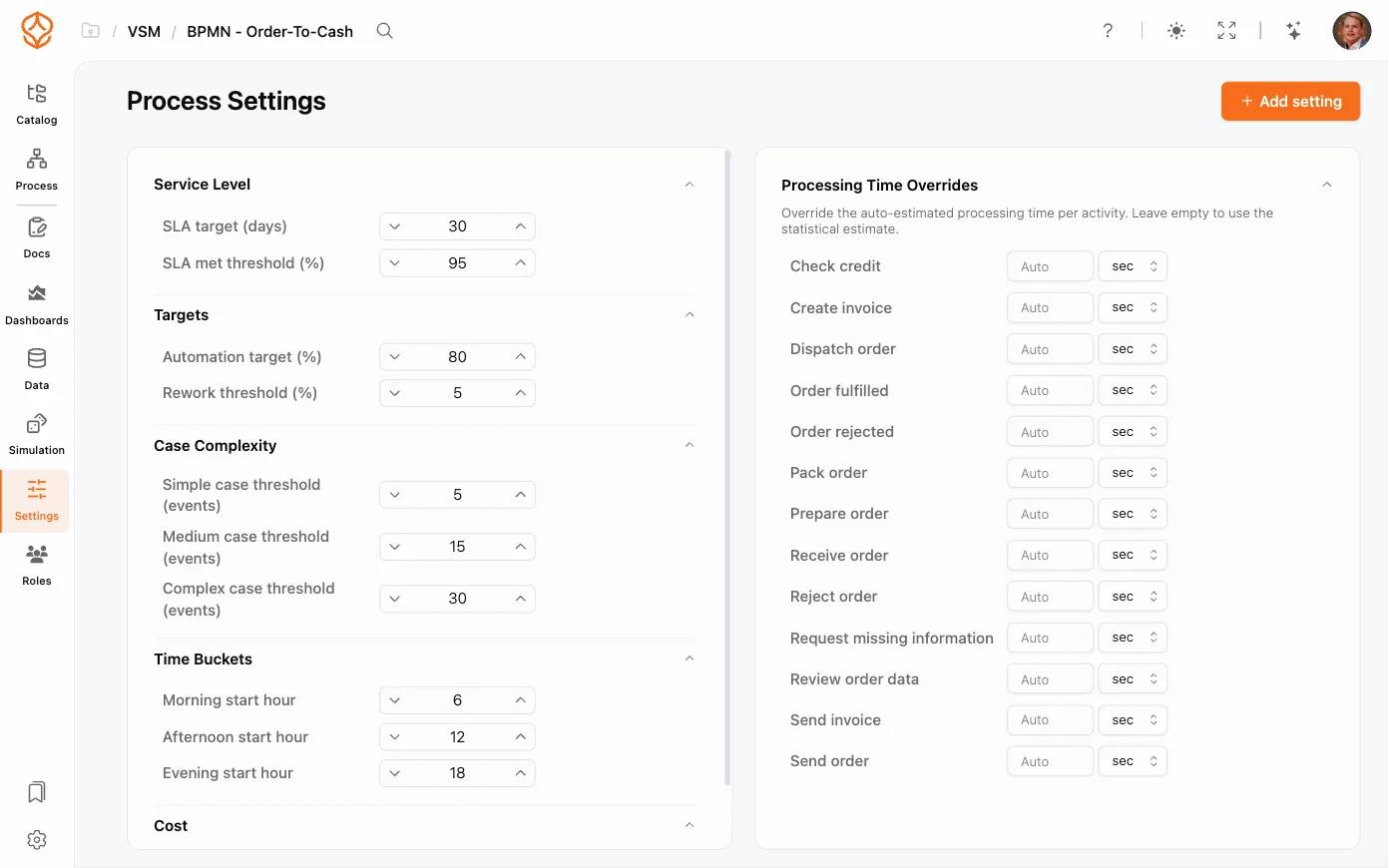
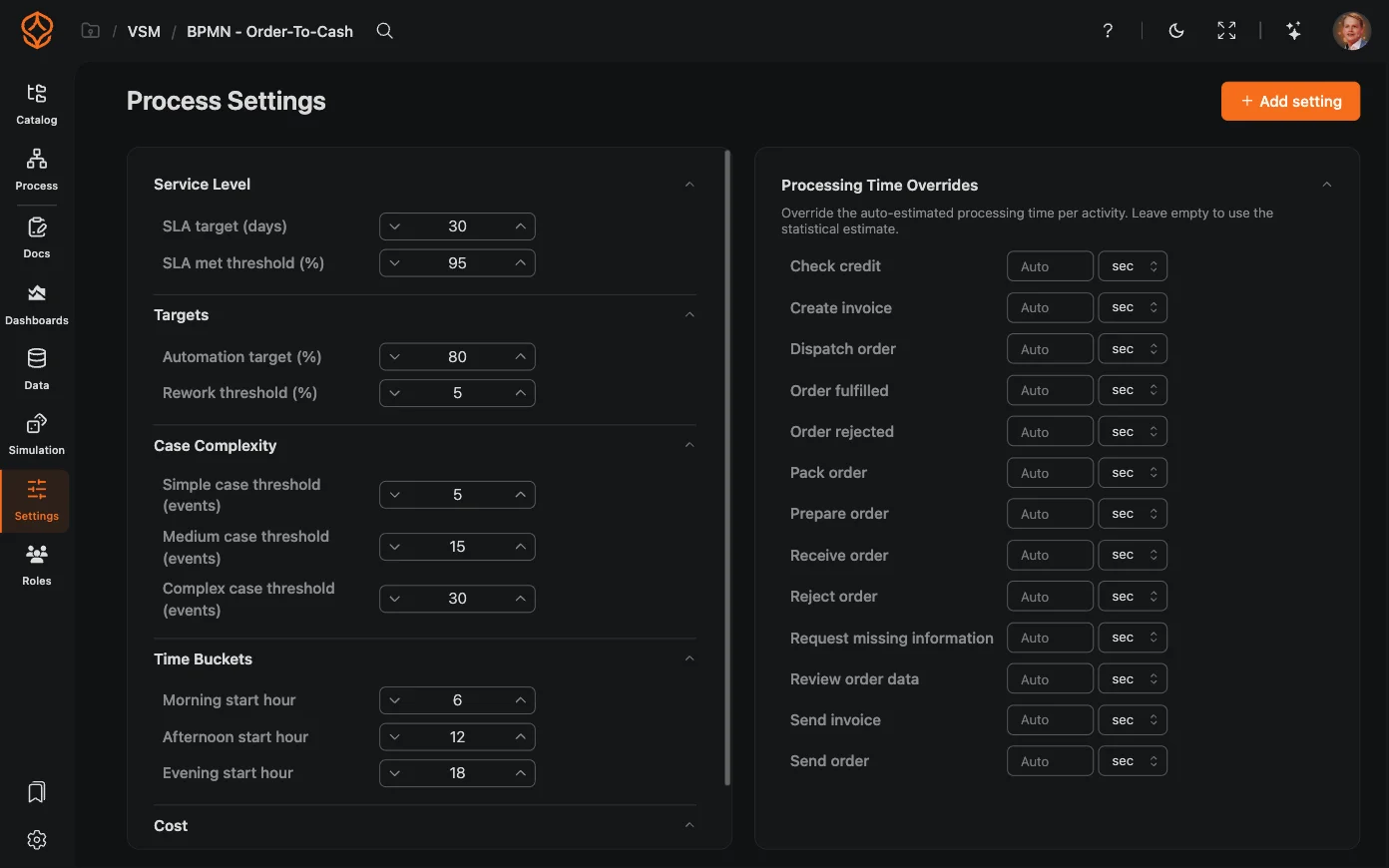
Process Settings hold process-wide configuration that simulation and analytics use: named constants you can reference, and processing time overrides for activities whose real duration differs from the data. Everything here applies to the whole model, not to a single element. You can try them on your own model with a free trial.
Changes save as you work; new simulation runs and analyses use the updated values.
When you run a simulation, the engine combines your process settings with the resource pools and distributions configured in the simulation itself. Overriding processing times at the process level is a fast way to model “what if” scenarios (for example, “what if every approval takes half as long?”) without editing each activity.
Settings vs. simulation configuration
Process settings are separate from the simulation configuration, which controls how a specific simulation run behaves. See also AI-Assisted Simulation to generate parameters automatically.
Next: put your settings to work in Running a Simulation.
Get instant access with no credit card and no waiting. Turn the way your organization works into clear, connected process designs.
Build your process architecture, define ownership and controls, and align roles and responsibilities across every level.
Start your free trial and create one reliable foundation for governing, managing, and continuously improving your processes.
We use cookies to improve your experience, personalize content, and analyze traffic. Anonymous page measurement happens without them; analytics consent adds an identifier that links your visits. By clicking "Accept All," you consent to our use of cookies.