Process Architecture
Structure, document, and govern your entire process landscape, from hierarchy levels and value streams to roles, RACI, documentation, governance, and the Proces
Process architecture is the practice of organizing your organization’s processes into a structured hierarchy so that everyone can find, understand, and relate them to business goals. ProcessMind lets you organize processes into folders, assign them to levels, and navigate by drilling down from the top level to individual activities. You can try it on your own landscape with a free trial.
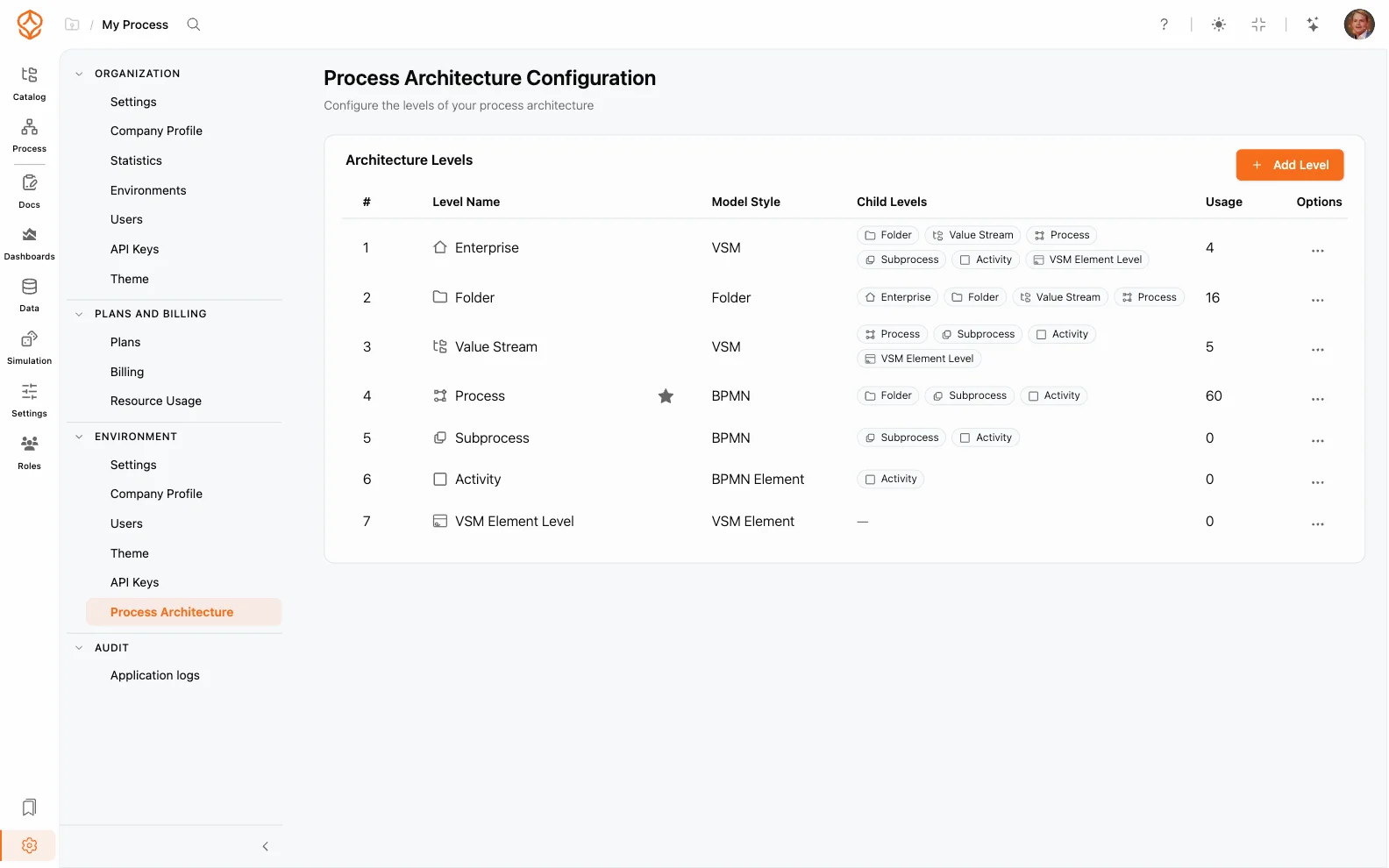
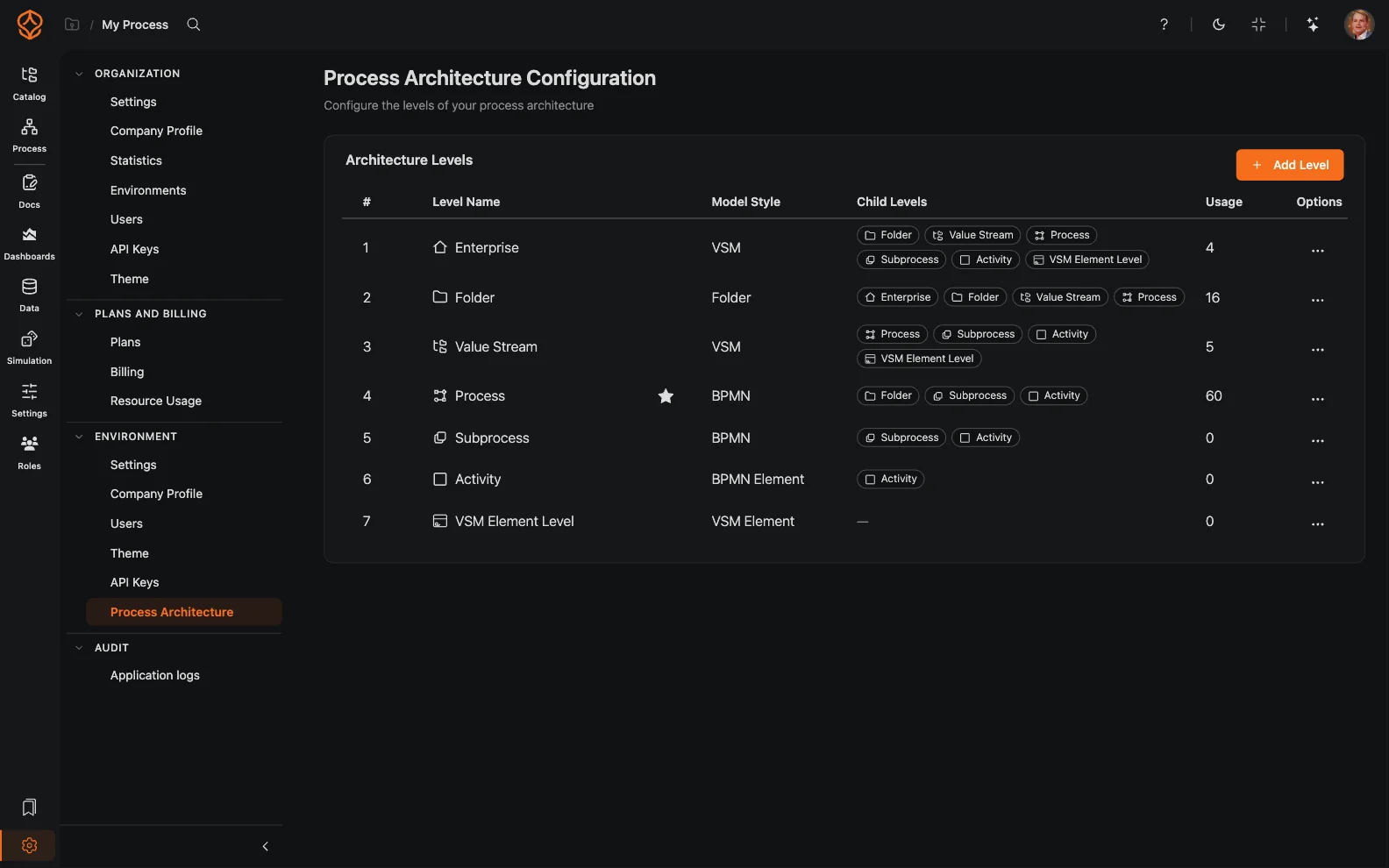
ProcessMind lets you organize processes into levels that mirror how your organization thinks about its process landscape. The levels are configurable by an administrator under the environment’s architecture configuration. By default, ProcessMind ships with a starter set of seven levels, including Enterprise Value Stream, Process, and Subprocess. You can add, rename, or remove levels (for example, Enterprise, Task, Procedure, Work Instruction, or Activity) so the hierarchy matches your own framework.
Each model carries a level badge so you can see at a glance where it fits in the landscape. You can also reorder levels at any time.
When you start from an empty catalog, the architecture setup wizard (Build your process architecture) creates the first version of your hierarchy for you. Choose how you want to build it:
.bpmn file becomes a process with its model in your catalog.After the tree is applied, the wizard can create organization roles for your levels in the same session. You can close the wizard and resume later, or re-run it from the catalog header at any time.
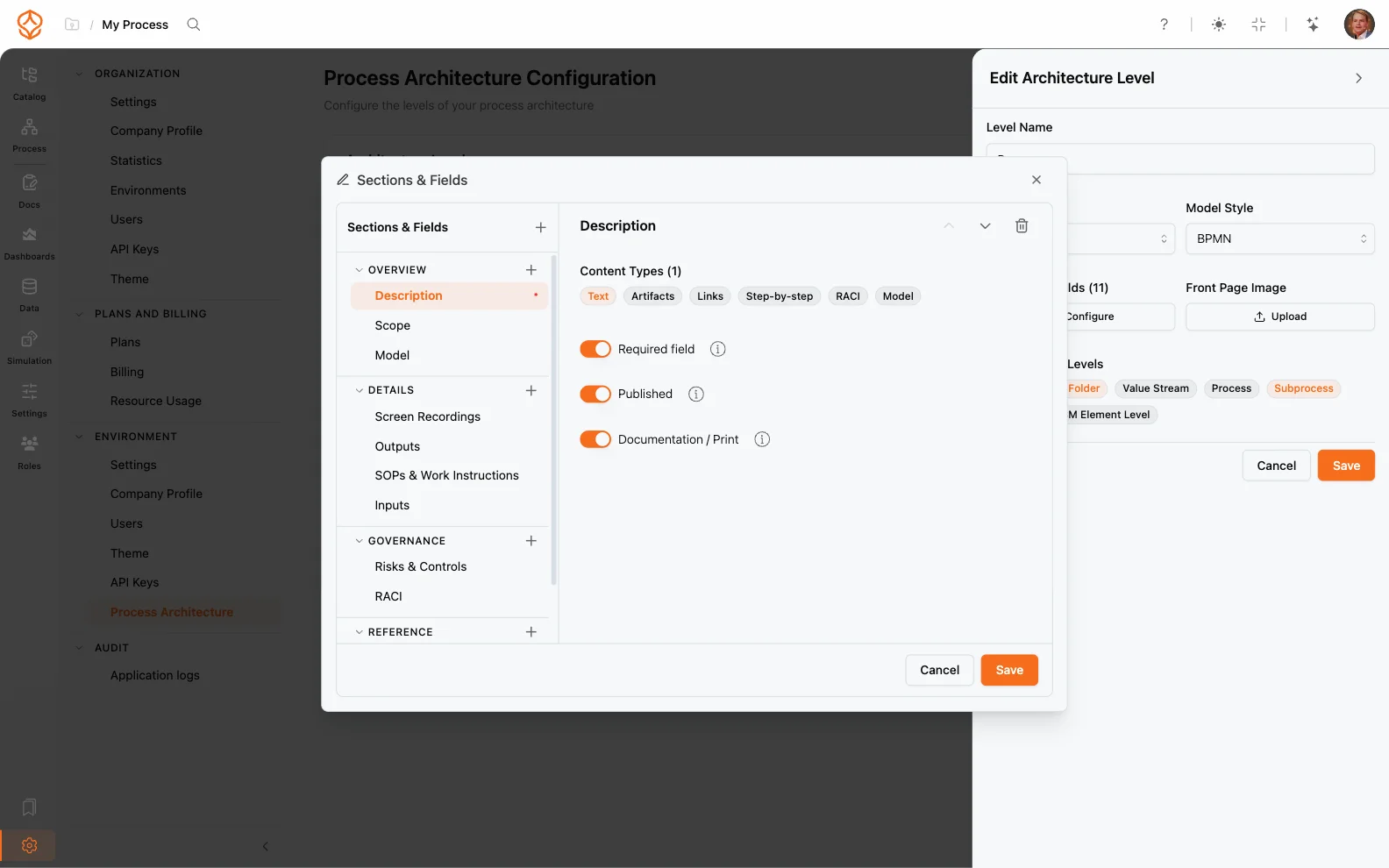
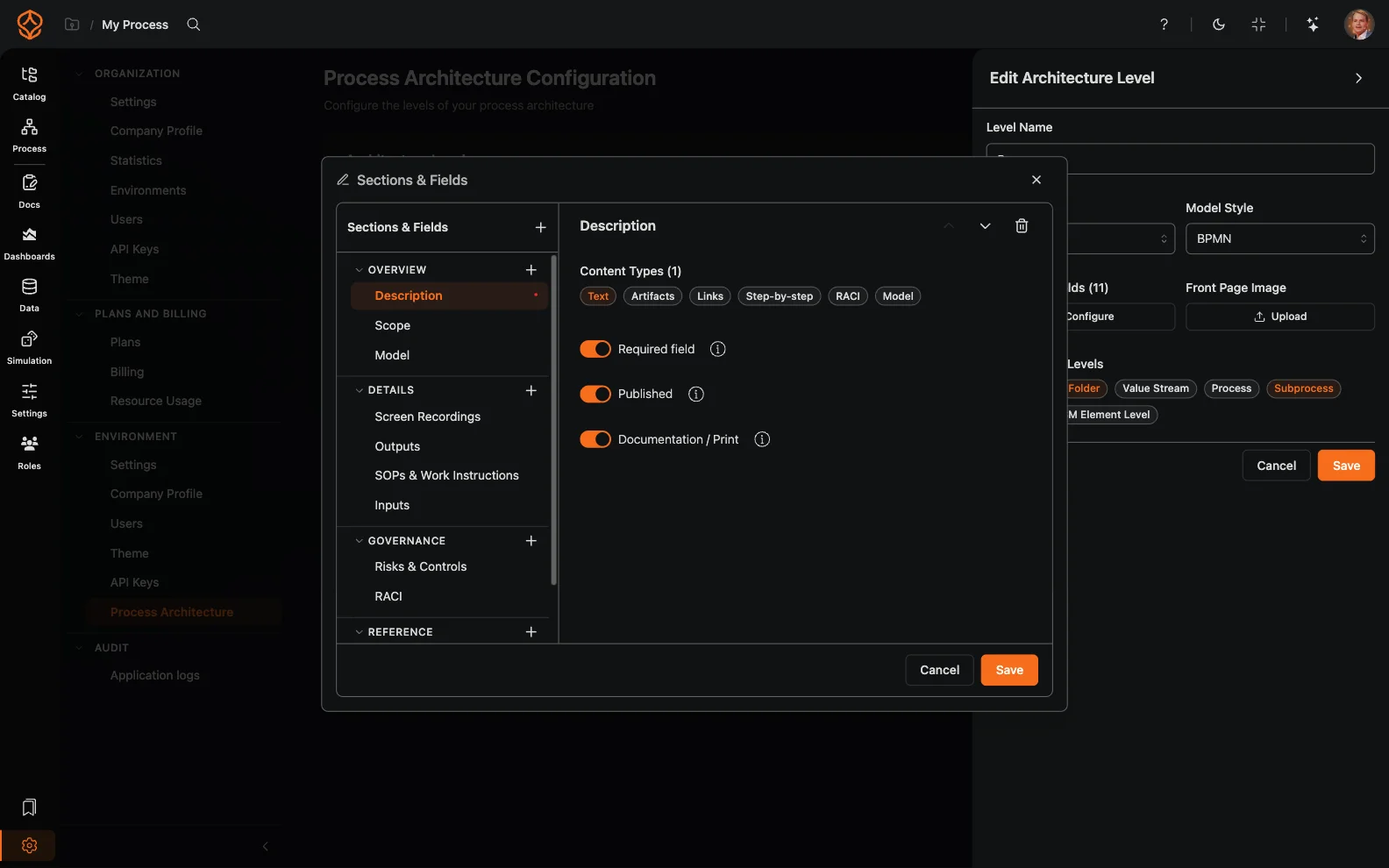
Once your hierarchy is in place, you can assign roles and RACI responsibilities to the people who own each level and document each process in a consistent structure.
For an end-to-end view that cuts across your hierarchy, model your top-level domains as value streams and link the underlying processes to them.
Get instant access with no credit card and no waiting. Turn the way your organization works into clear, connected process designs.
Build your process architecture, define ownership and controls, and align roles and responsibilities across every level.
Start your free trial and create one reliable foundation for governing, managing, and continuously improving your processes.
We use cookies to improve your experience, personalize content, and analyze traffic. Anonymous page measurement happens without them; analytics consent adds an identifier that links your visits. By clicking "Accept All," you consent to our use of cookies.