Data in ProcessMind
Upload, configure, and keep your datasets healthy in ProcessMind: attributes, activities, quality checks, incremental loading, and AI recommendations.
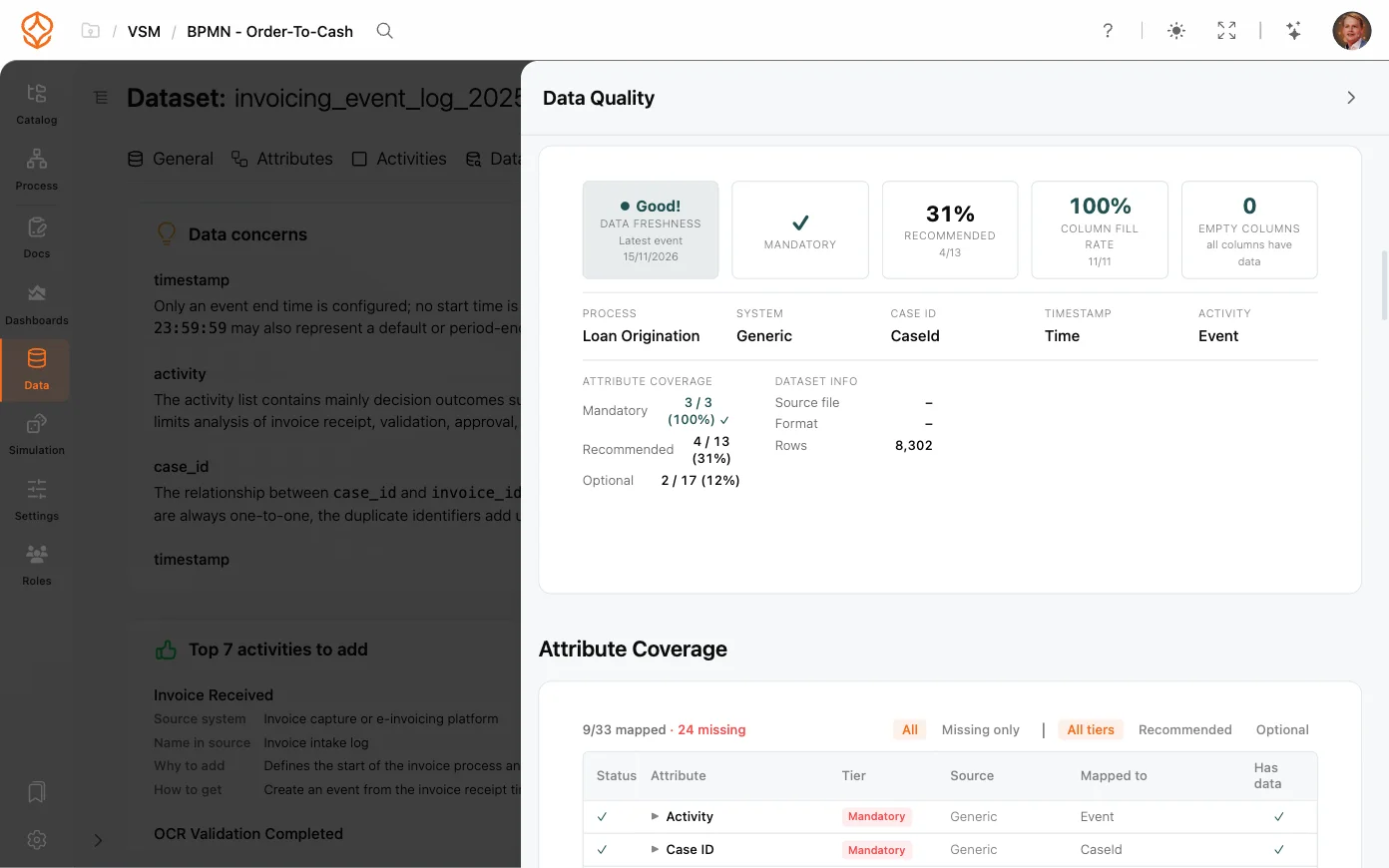
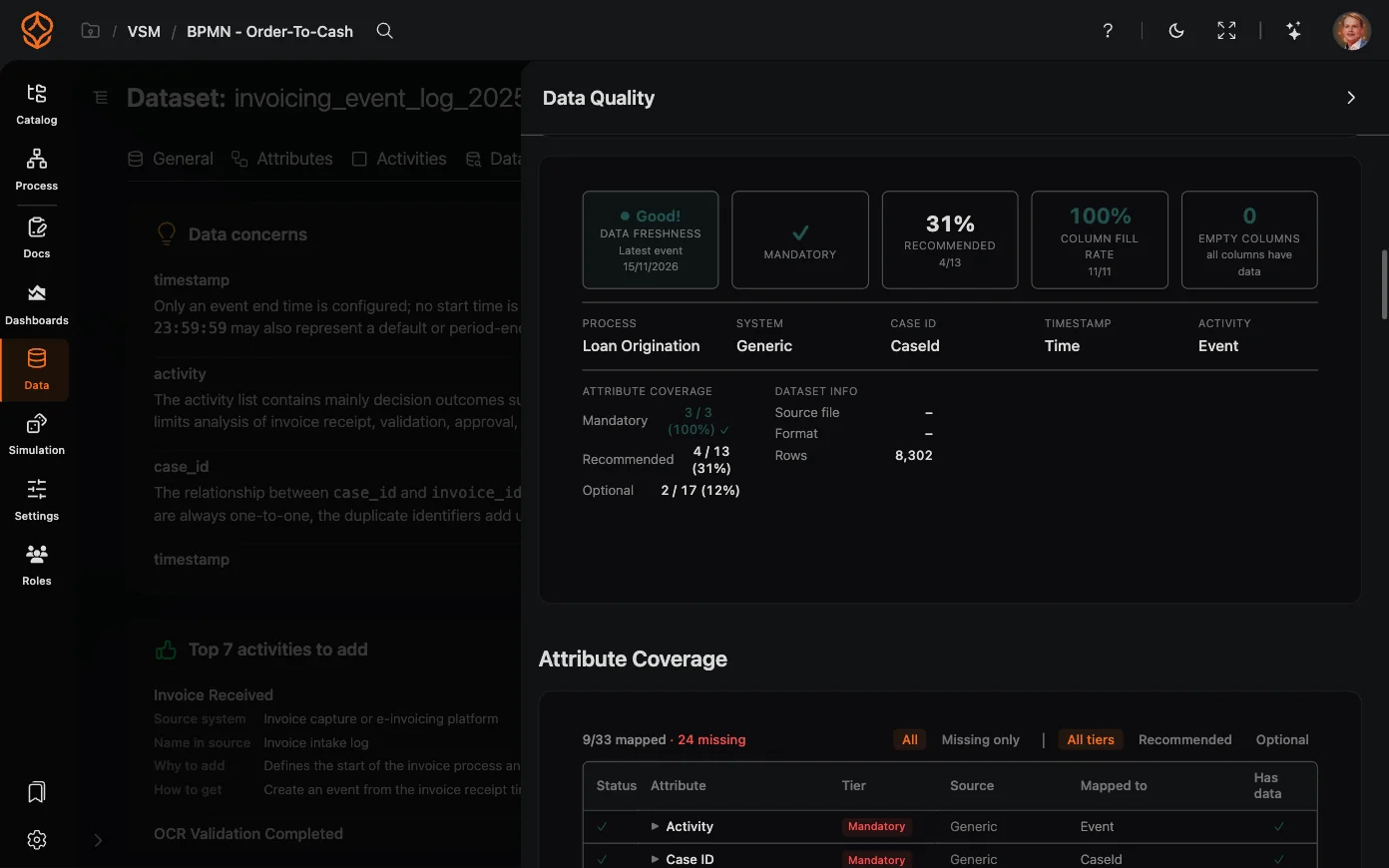
Process analysis is only as reliable as the data behind it. ProcessMind gives you a built-in view of your dataset’s quality (through a quality badge on the dataset and a slide-in quality dashboard) so you always know how much to trust your results.
The badge shows a percentage score for the process: the process health score, a CURES composite of conformance, uniformity, rework, efficiency, and smoothness. It is color-coded so you can see at a glance how the process is scoring, and it appears when the dataset is opened in a process context that has a health score.
This is not a cleanliness or completeness score for the dataset file. To judge how clean and complete a dataset is, open the panel and read its overview, attribute coverage, and activity analysis.
Click the quality badge (or the quality indicator next to your dataset) to open the Data Quality slide-in panel. The panel gives you the full picture:
From the panel you can also jump to AI data recommendations to find issues automatically.
Get instant access with no credit card and no waiting. Turn the way your organization works into clear, connected process designs.
Build your process architecture, define ownership and controls, and align roles and responsibilities across every level.
Start your free trial and create one reliable foundation for governing, managing, and continuously improving your processes.
We use cookies to improve your experience, personalize content, and analyze traffic. Anonymous page measurement happens without them; analytics consent adds an identifier that links your visits. By clicking "Accept All," you consent to our use of cookies.