ProcessMind Configuration and Setup Guide
Set up ProcessMind: learn configuration, environments, billing, SSO, and more for business process management.
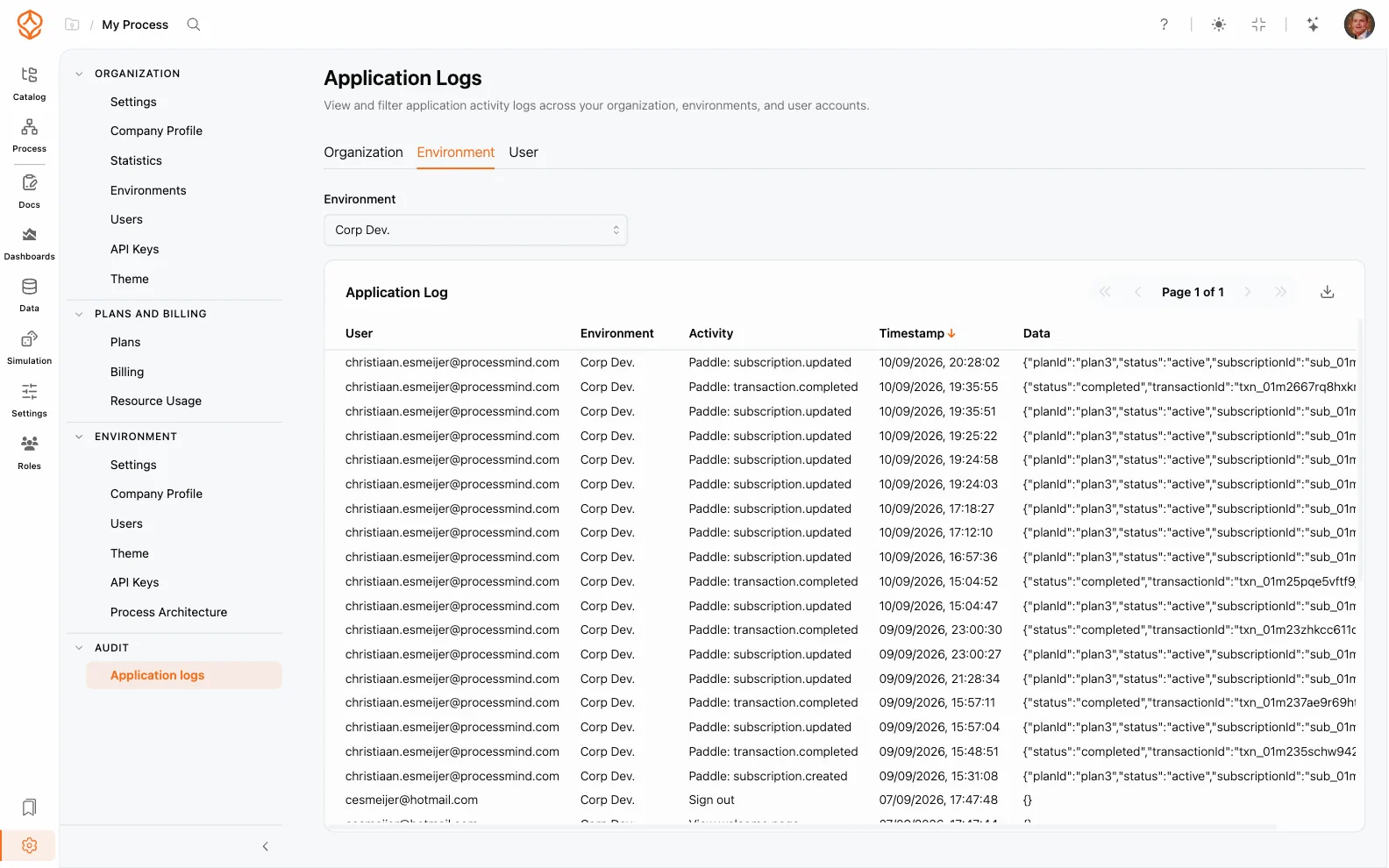
The Audit Log (also called the user activity log) records actions performed by users across your organization. It gives admins a chronological record of who did what, when, and in which environment, supporting governance, troubleshooting, and compliance.
info
The audit log is only accessible to organization admins and environment admins. Regular users cannot view audit entries.
The audit log captures many kinds of actions, including:
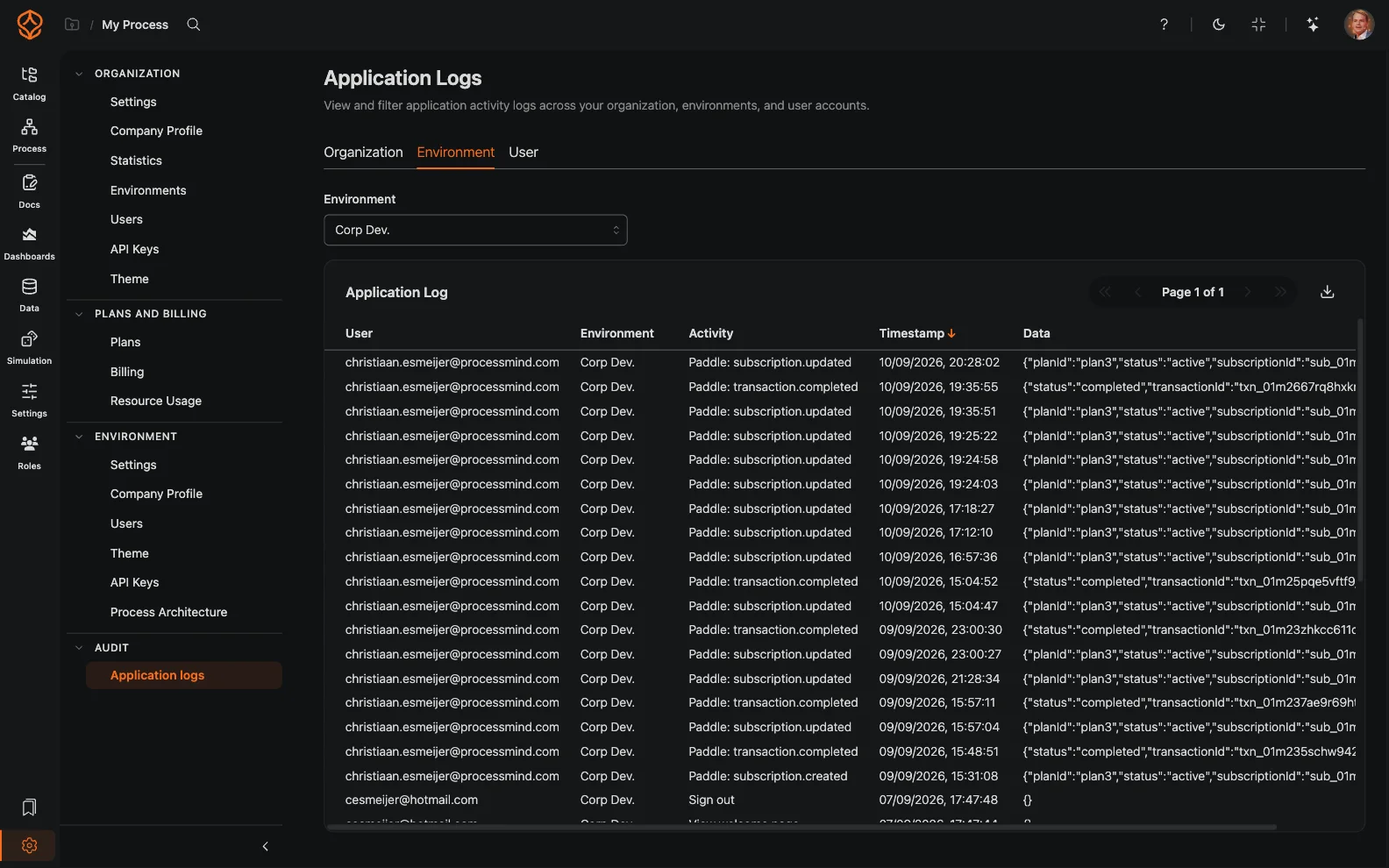
Each entry includes the user, the action, the timestamp, and the environment in which it occurred.
To review audit entries:
Entries are listed newest first. You can:
For example, to investigate who changed a process last week, filter by the relevant user and environment, then sort by timestamp to inspect the matching entries.
The audit log helps you:
Because environments are isolated, audit entries are recorded per environment. Organization admins can review activity across all environments, while environment admins see only their own. See Organization Settings for how roles work, and Single Sign-On (SSO) for the authentication events that appear in the log.
Get instant access with no credit card and no waiting. Turn the way your organization works into clear, connected process designs.
Build your process architecture, define ownership and controls, and align roles and responsibilities across every level.
Start your free trial and create one reliable foundation for governing, managing, and continuously improving your processes.
We use cookies to improve your experience, personalize content, and analyze traffic. Anonymous page measurement happens without them; analytics consent adds an identifier that links your visits. By clicking "Accept All," you consent to our use of cookies.