Analyzing Processes in ProcessMind
Learn how to explore, filter, and understand your process data using ProcessMind dashboards. A guide for dashboard viewers and analysts.
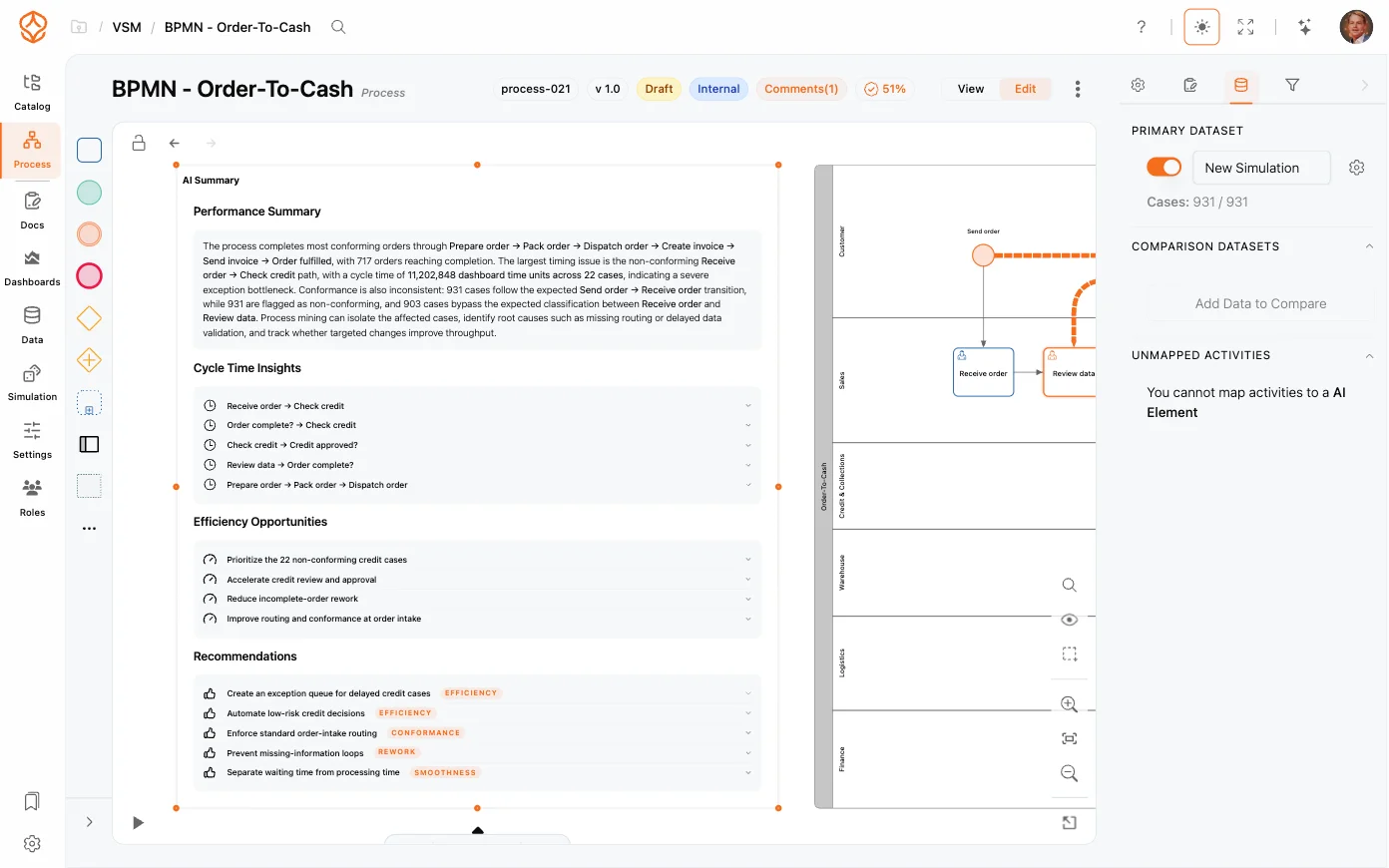
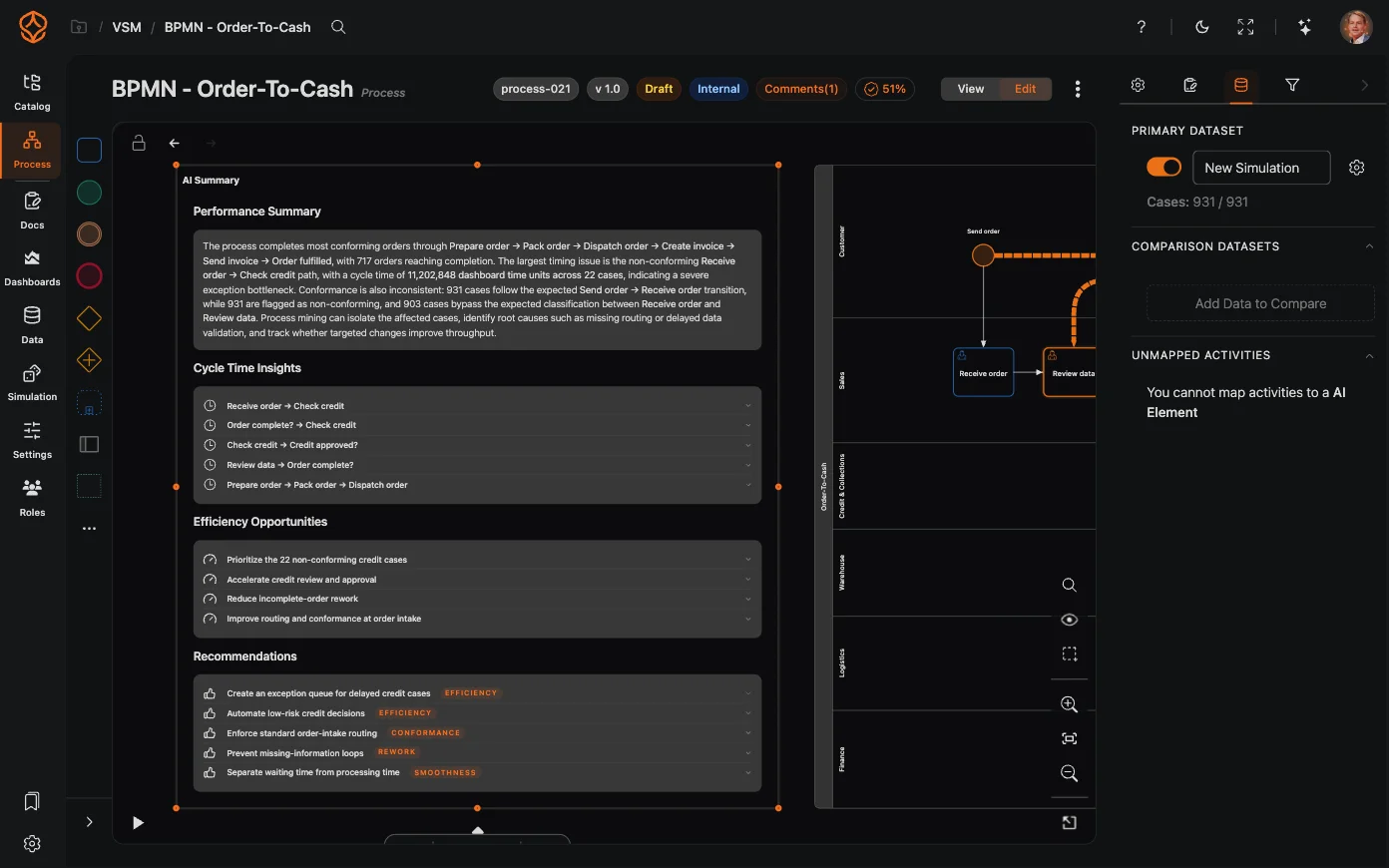
AI Summaries add an AI-generated summary element directly onto your process canvas. Instead of opening dashboards and cross-referencing metrics, the element explains what is happening in your process in plain language, right next to the model. You can try AI Summaries on your own process with a free trial.
Each summary type answers a specific question about your process:
Additional summary types are available for specific uses: a generic AI Summary (free-form analysis), a Short AI Summary, and an AI Comparison (compare datasets or periods side by side). There is also an AI Process Health summary.
AI summaries are designed to be read in seconds:
AI summaries are available with a Process Intelligence seat or higher. Generating summaries consumes AI credits from the same monthly pool as the AI Assistant. Once generated, a summary stays on your canvas and can be refreshed as needed. Track your balance on the usage and credits screen.
Get instant access with no credit card and no waiting. Turn the way your organization works into clear, connected process designs.
Build your process architecture, define ownership and controls, and align roles and responsibilities across every level.
Start your free trial and create one reliable foundation for governing, managing, and continuously improving your processes.
We use cookies to improve your experience, personalize content, and analyze traffic. Anonymous page measurement happens without them; analytics consent adds an identifier that links your visits. By clicking "Accept All," you consent to our use of cookies.