ProcessMind Configuration and Setup Guide
Set up ProcessMind: learn configuration, environments, billing, SSO, and more for business process management.
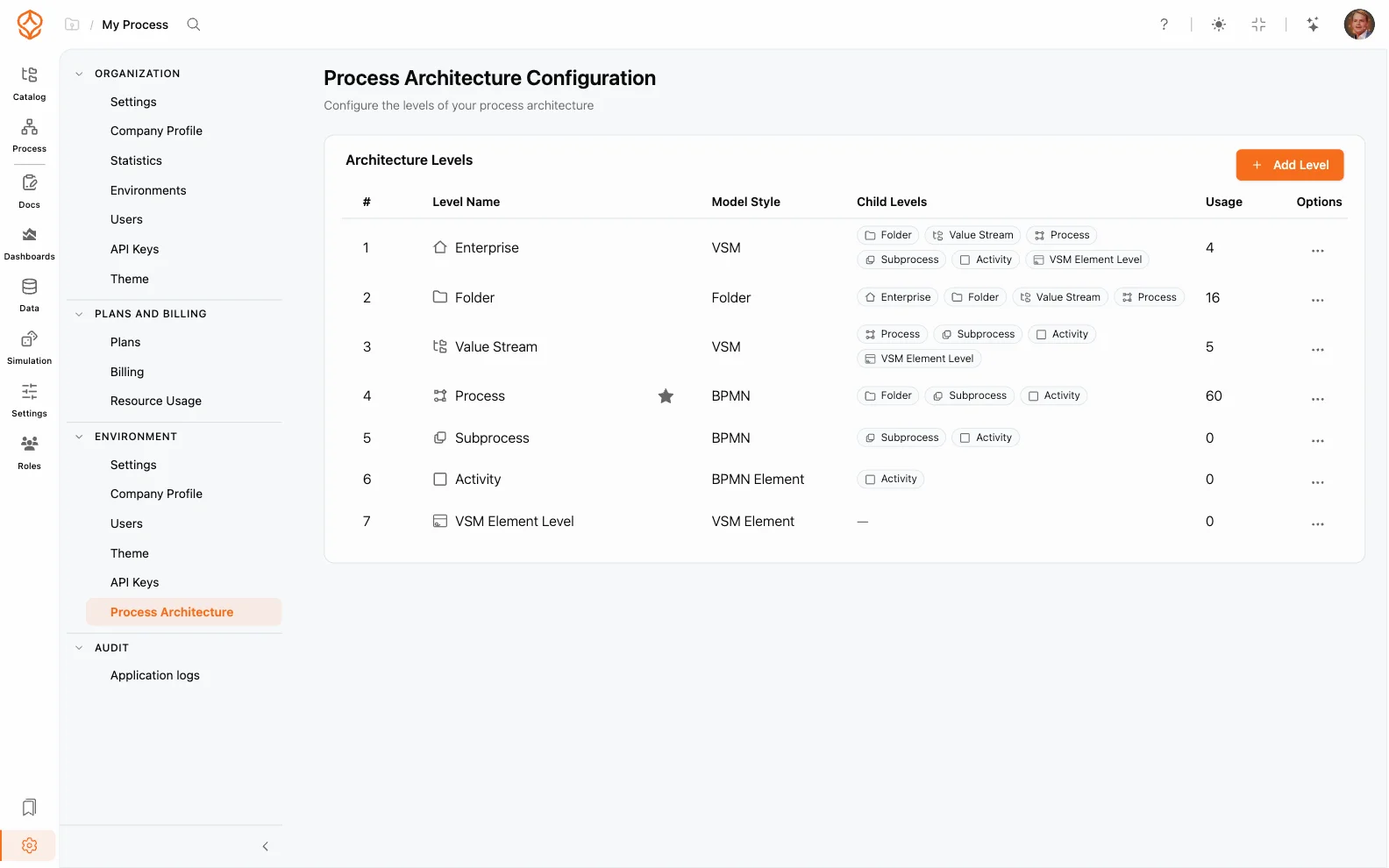
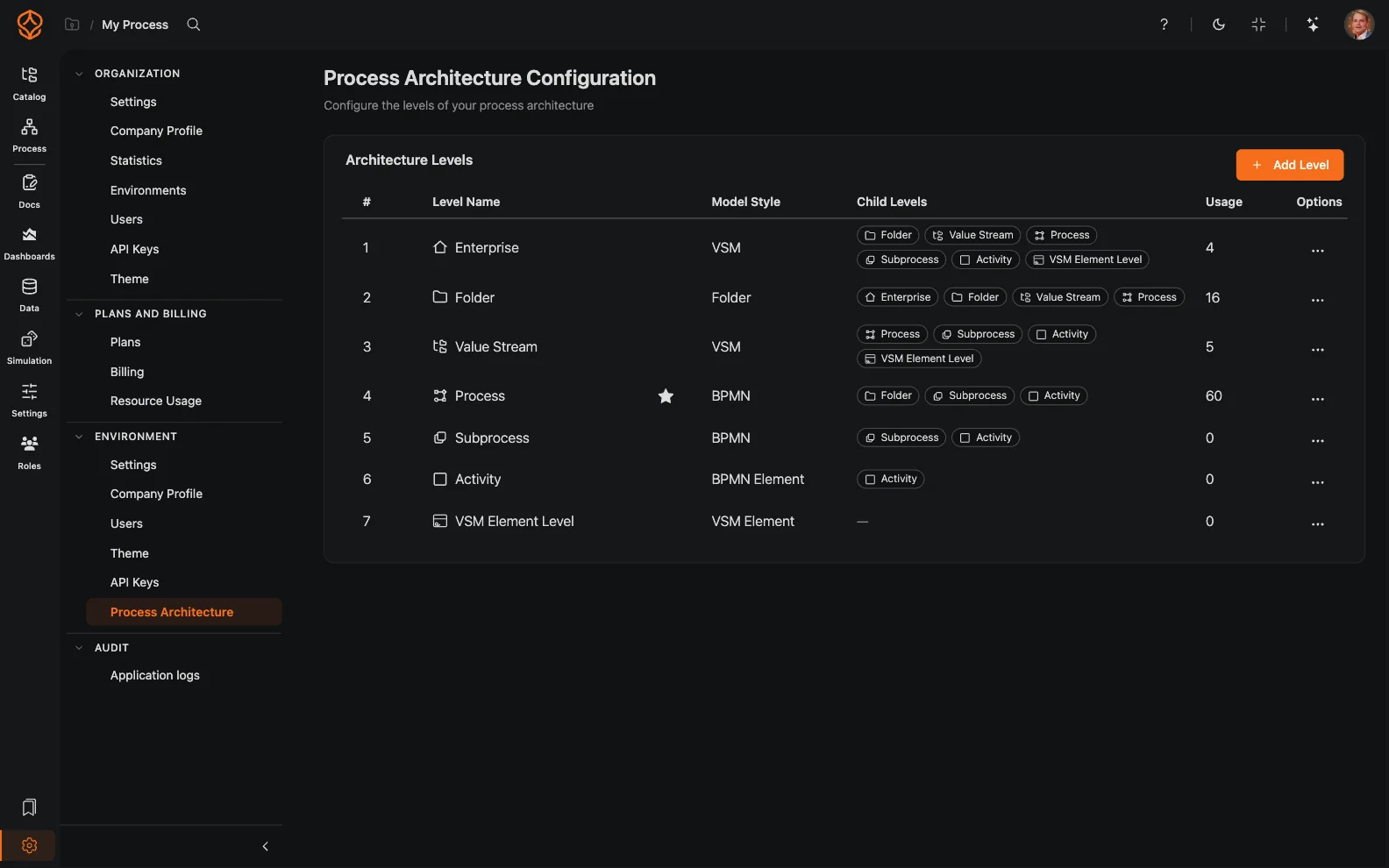
Architecture levels let you define the semantic levels of your process architecture per environment. Instead of a flat list of processes and folders, you can model a real hierarchy (for example, Enterprise Value Stream → Process → Subprocess). Every level has its own name, icon, documentation fields, and rules.
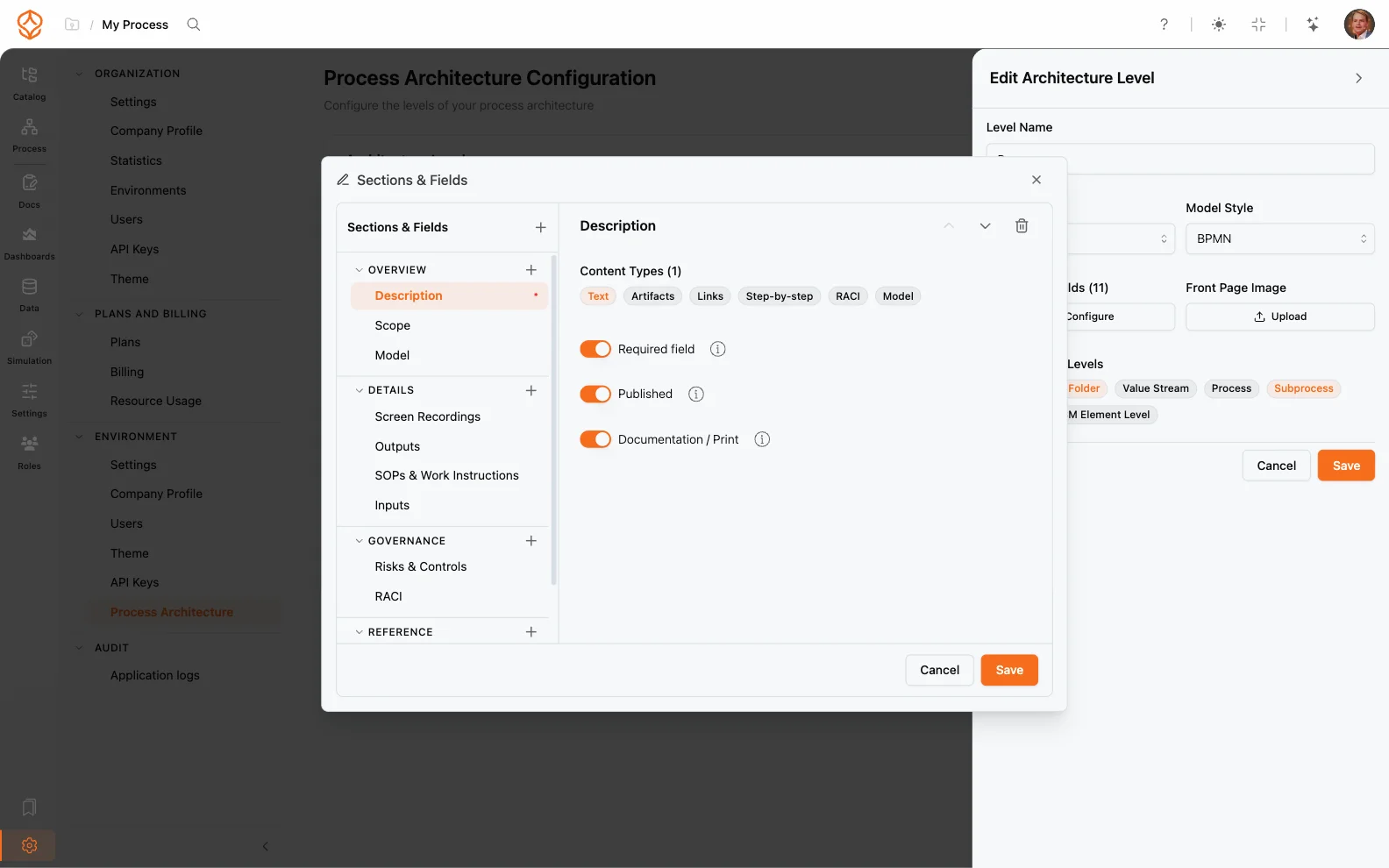
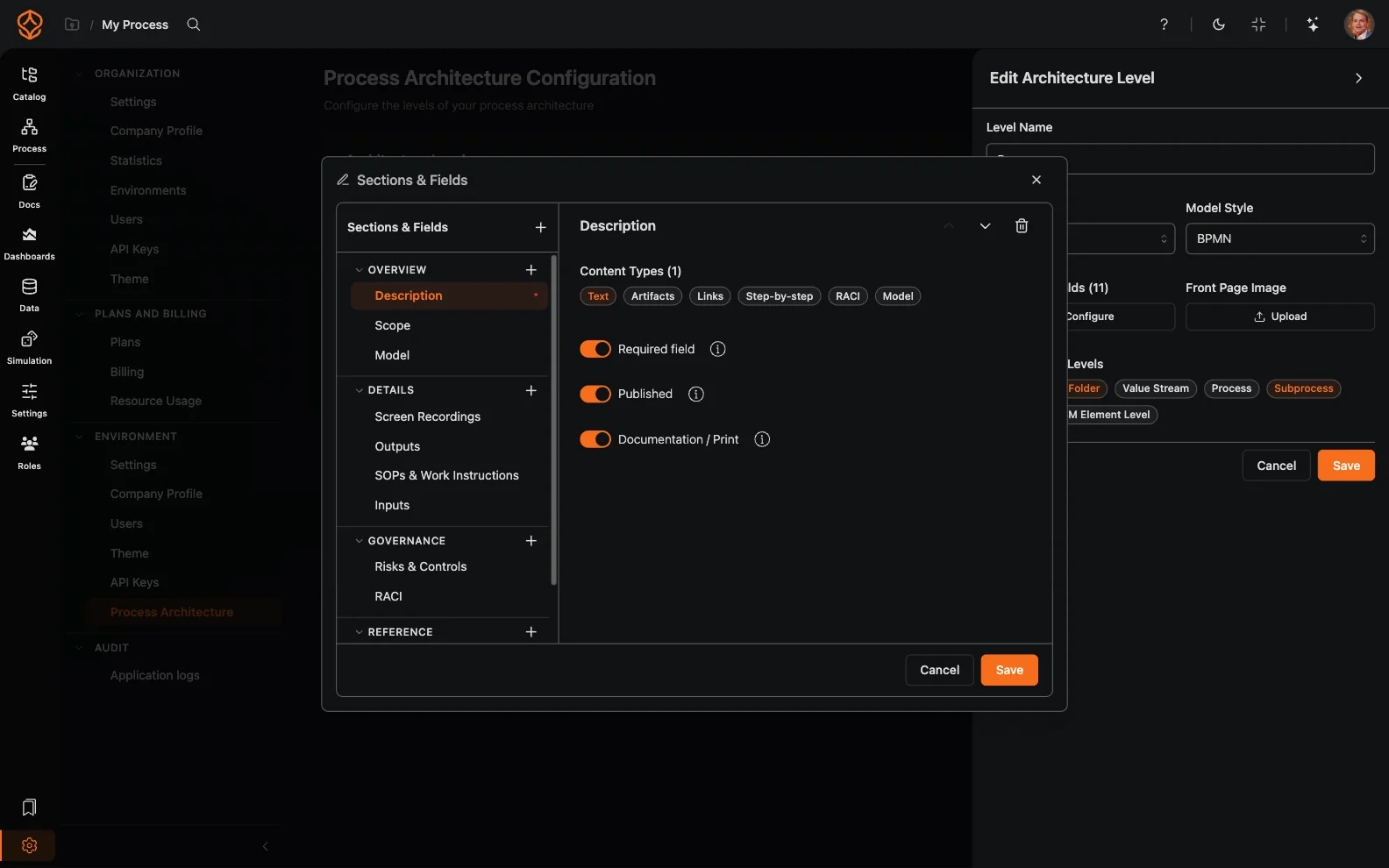
Each level is a configurable process “type” in your hierarchy. A level defines:
Exactly one level is the default level of the hierarchy: the level new items are assigned to in the catalog. Folders remain pure organizational containers: they carry no documentation sections and no model.
When an environment is created, ProcessMind seeds it with a starter set of levels:
| Level | Description |
|---|---|
| Enterprise Value Stream | The top level, representing an end-to-end value stream |
| Process | Standard processes that make up a value stream |
| Subprocess | Detailed subprocesses nested within a process |
| Value Stream | Value streams modeled with a Value Stream Mapping (VSM) model |
| VSM Element Level | The elements inside a VSM model |
| Folder | An organizational container: no documentation sections, no model |
| Activity | Individual activities inside a process, documented on the BPMN model |
Process is the default level of a new environment, so processes that have no level of their own are assigned to it. You can rename, add, and remove levels at any time, and you decide which level is the default.
To define your own architecture:
Changes apply to new and existing processes of that level, so the catalog, process settings, and documentation adapt to the level automatically.
Once configured, levels drive the entire process experience:
This makes your Process Catalog reflect your actual process architecture. For the broader picture of environments and hierarchy, see Environments (Tenants) and Organization Settings.
Get instant access with no credit card and no waiting. Turn the way your organization works into clear, connected process designs.
Build your process architecture, define ownership and controls, and align roles and responsibilities across every level.
Start your free trial and create one reliable foundation for governing, managing, and continuously improving your processes.
We use cookies to improve your experience, personalize content, and analyze traffic. Anonymous page measurement happens without them; analytics consent adds an identifier that links your visits. By clicking "Accept All," you consent to our use of cookies.