Process Mining
Discover how ProcessMind mines your real process from event data: what process mining is, what data you need, and where to start.
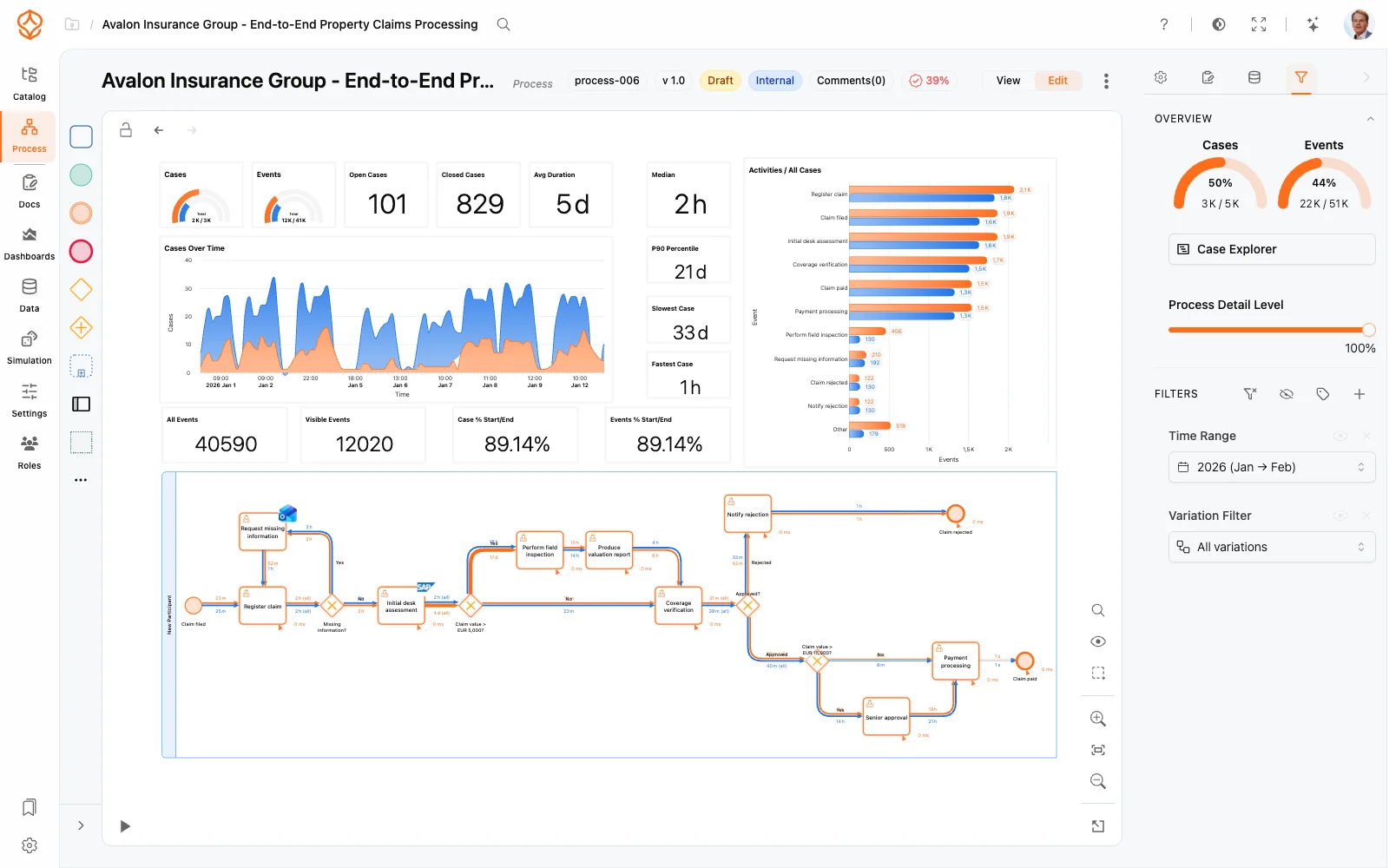
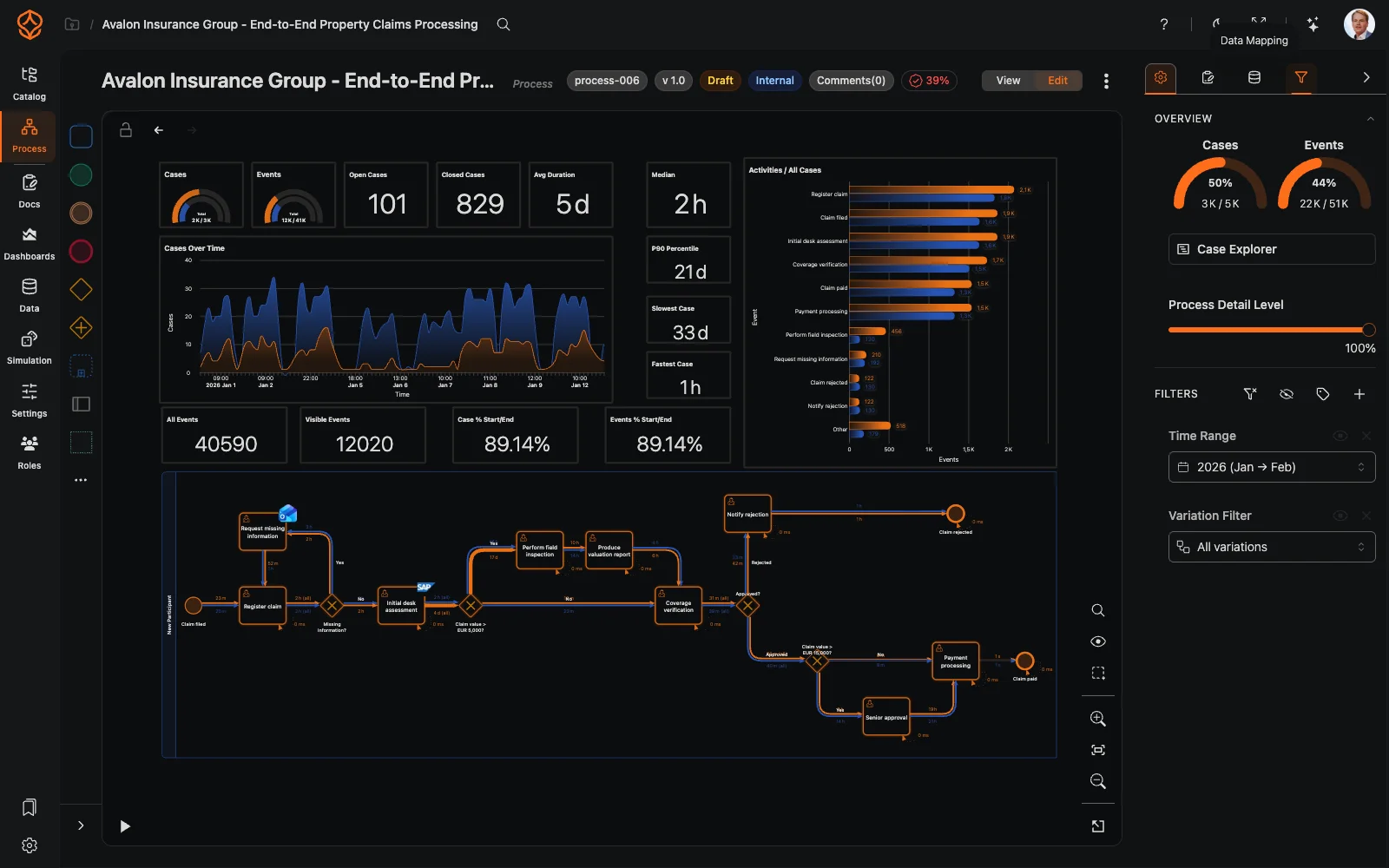
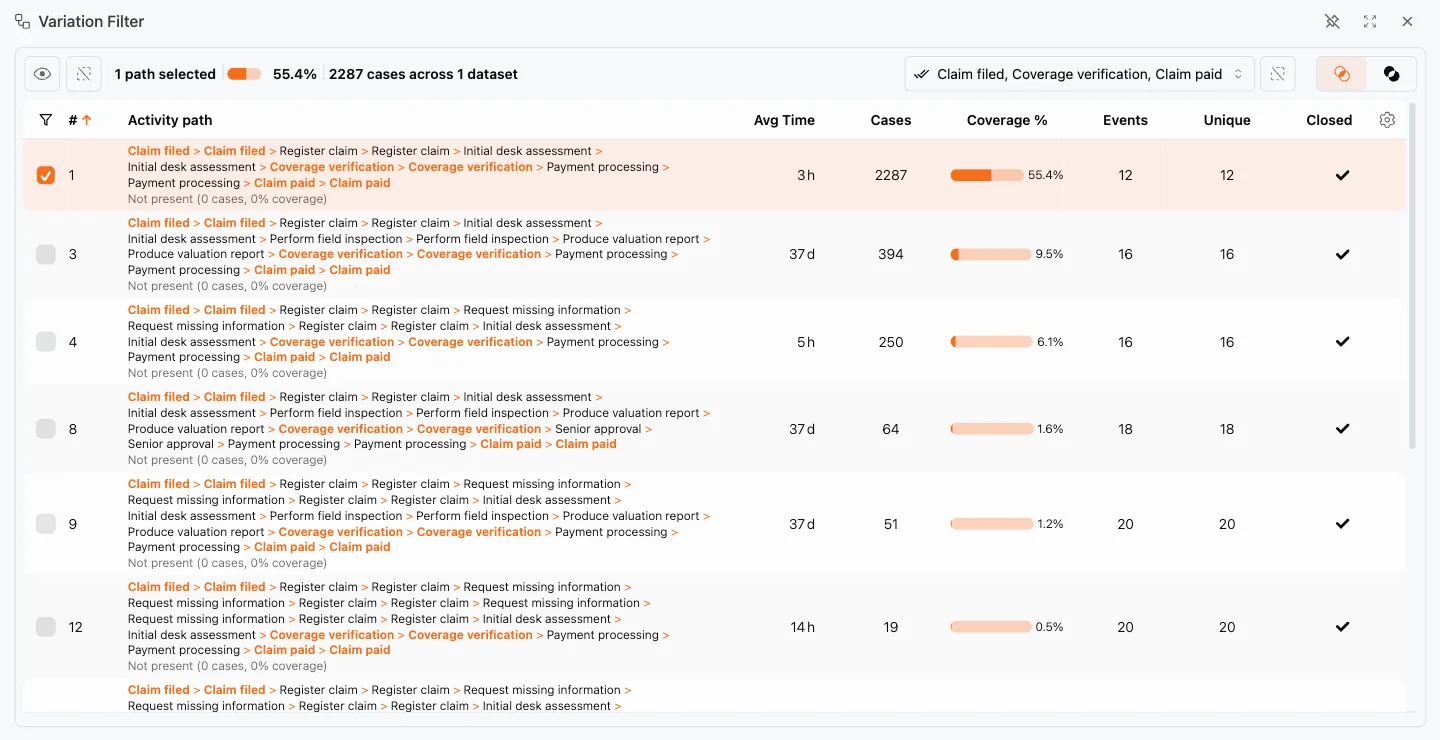
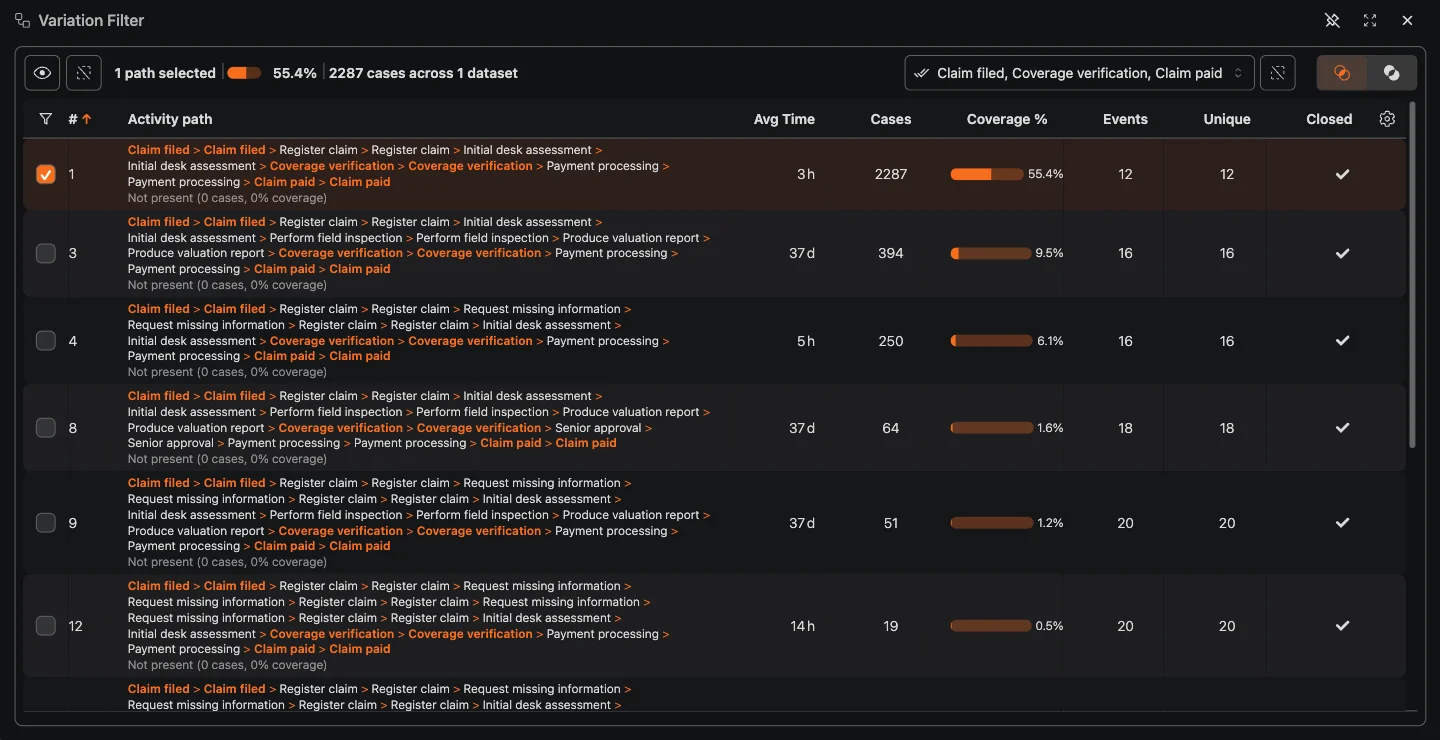
Process mining reconstructs your actual business process from the event log data your systems already record. Instead of relying on how your process is supposed to look, ProcessMind discovers what is happening in practice, including the shortcuts, rework, and exceptions that never made it into the model. You can mine a process of your own with a free trial.
Mining starts with your event data and ends with an interactive process map:
Once your dataset is mapped, ProcessMind builds a model that reflects the real flow of work:
Explore the resulting map with the process graph and drill into individual cases with the case explorer.
A mined model is a starting point, not an endpoint:
When a process already has a model on the canvas and mapped flow data, you can rebuild it from what the data actually does:
The dialog also covers plain layout: choose Horizontal or Vertical and click Update to rearrange the existing model without re-mining. Mining replaces the model structure, so create a version first if you may want the current shape back.
Because your mined model is based on real behavior, it is a good foundation for forecasting. Use the discovered process as input for simulation to test changes before you implement them, and explore scenarios with what-if analysis.
Get instant access with no credit card and no waiting. Turn the way your organization works into clear, connected process designs.
Build your process architecture, define ownership and controls, and align roles and responsibilities across every level.
Start your free trial and create one reliable foundation for governing, managing, and continuously improving your processes.
We use cookies to improve your experience, personalize content, and analyze traffic. Anonymous page measurement happens without them; analytics consent adds an identifier that links your visits. By clicking "Accept All," you consent to our use of cookies.