Modeling
Editor features for building BPMN models in ProcessMind: the modeling canvas, element settings, AI generation, import and export, versioning, and auto layout.
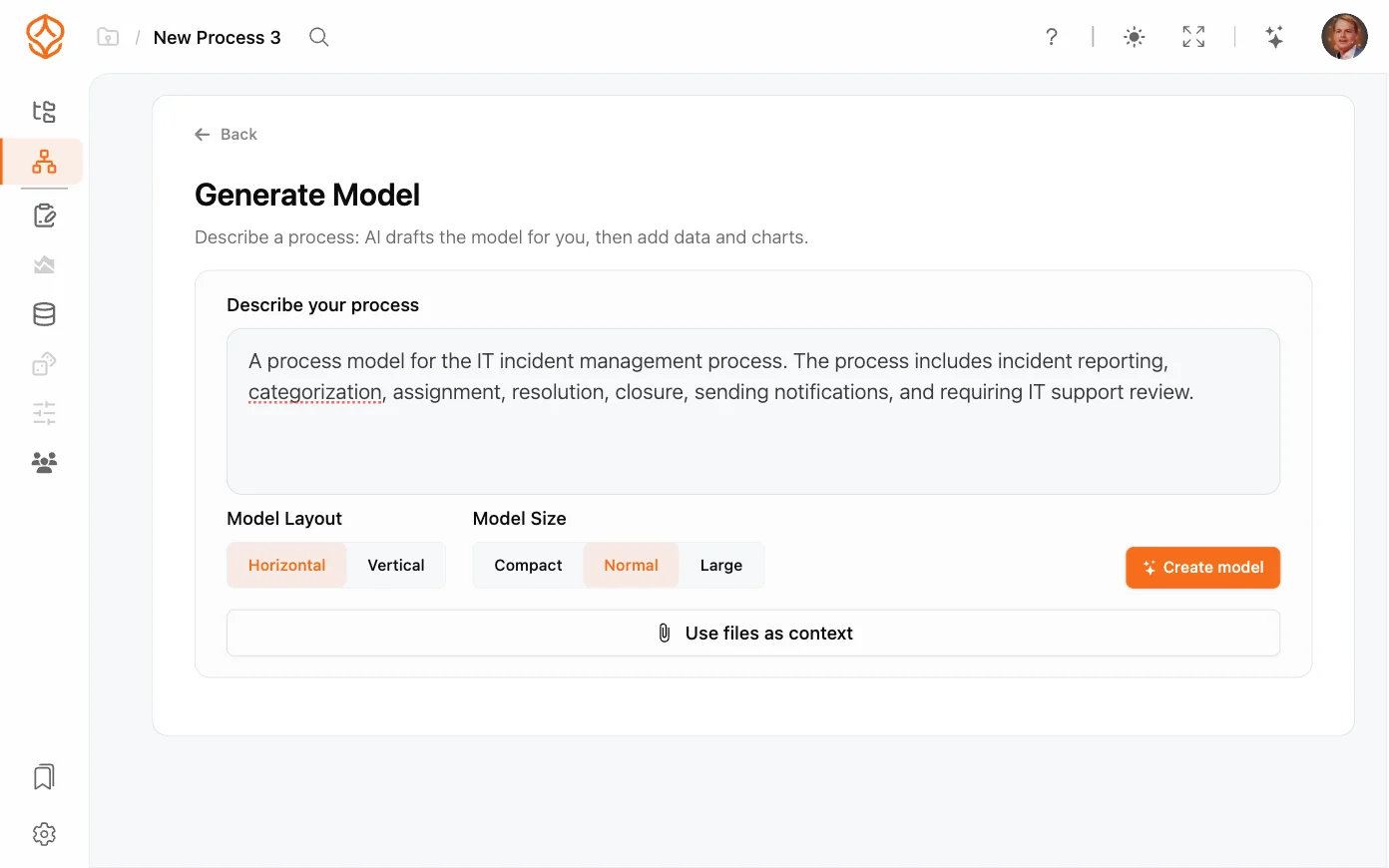
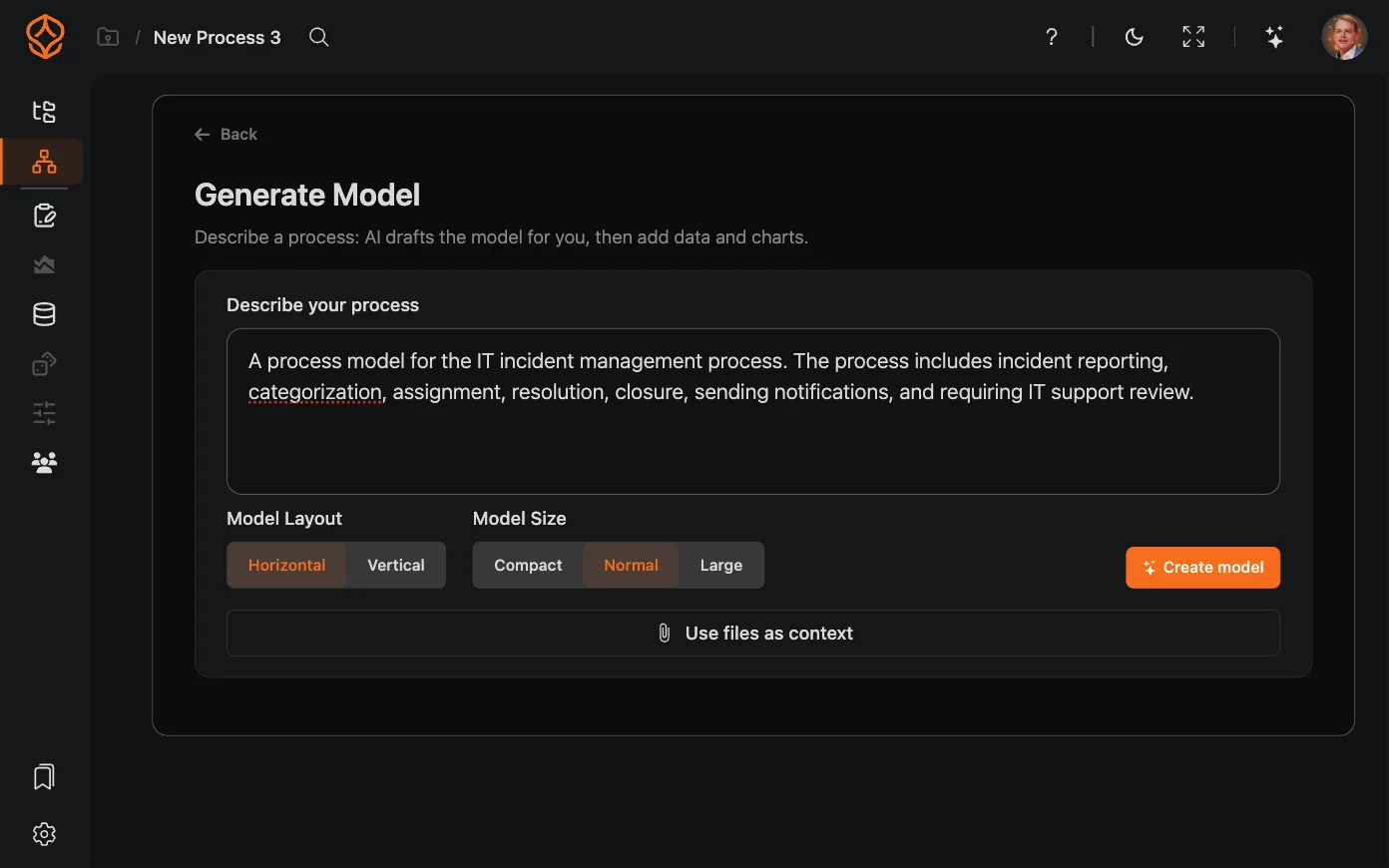
AI process generation turns a plain-language description of a process into a working BPMN model. Instead of starting from a blank canvas, you describe what happens (“customer onboarding with email verification and an approval step”) and ProcessMind builds the initial flow for you. It’s the fastest way to a first draft, even if you’ve never modeled before. You can generate your first model with a free trial.
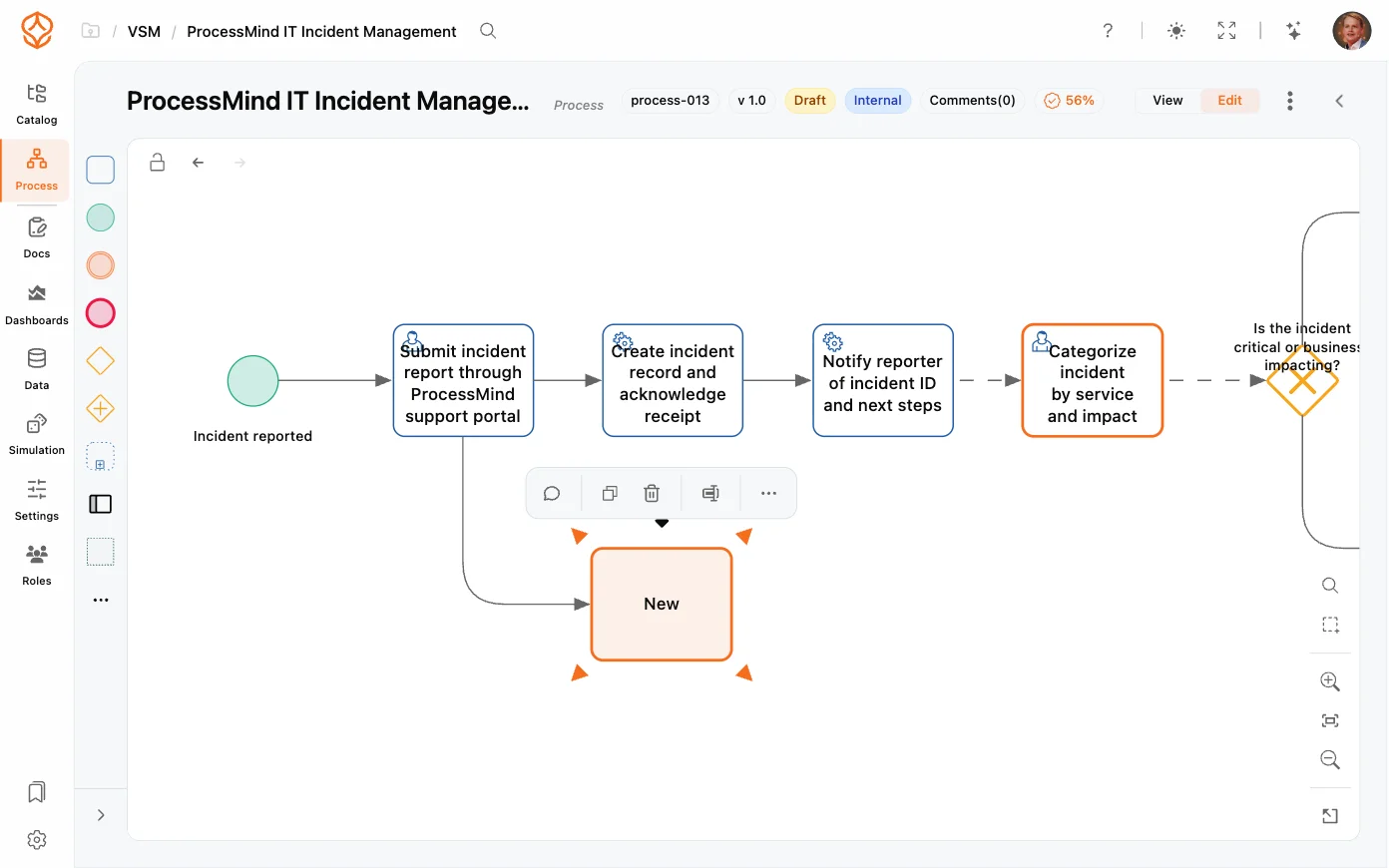
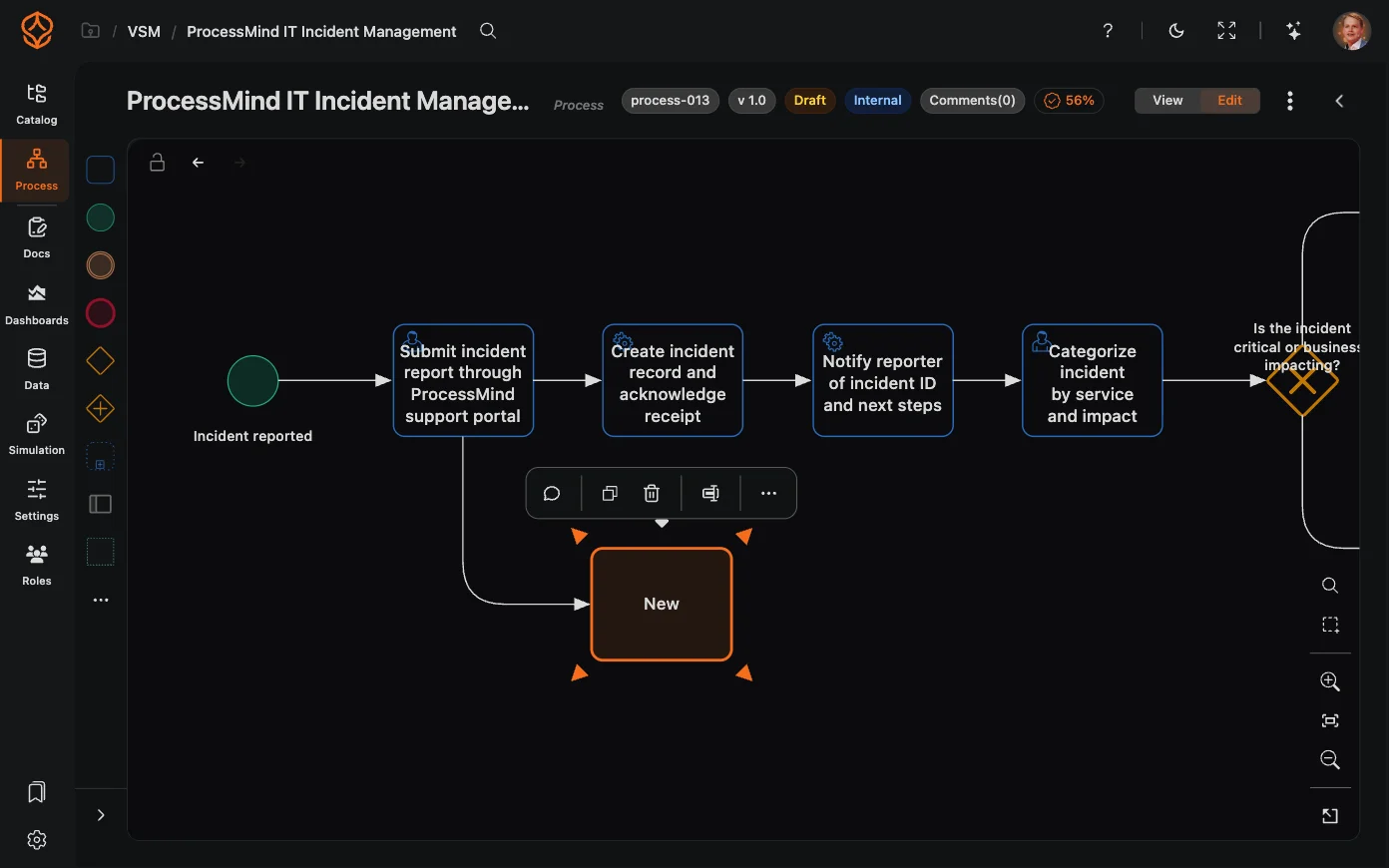
ProcessMind returns a complete model with activities, events, and gateways arranged on the canvas.
The layout option controls how the generated model reads on the canvas:
You can change the direction later with the auto-layout engine, so don’t overthink this choice at generation time.
The generated model is a starting point, not a finished product:
AI generation is a great fit when you:
For longer or more complex processes, you can also mine a model from data or import an existing BPMN file.
Get instant access with no credit card and no waiting. Turn the way your organization works into clear, connected process designs.
Build your process architecture, define ownership and controls, and align roles and responsibilities across every level.
Start your free trial and create one reliable foundation for governing, managing, and continuously improving your processes.
We use cookies to improve your experience, personalize content, and analyze traffic. Anonymous page measurement happens without them; analytics consent adds an identifier that links your visits. By clicking "Accept All," you consent to our use of cookies.