Collaboration
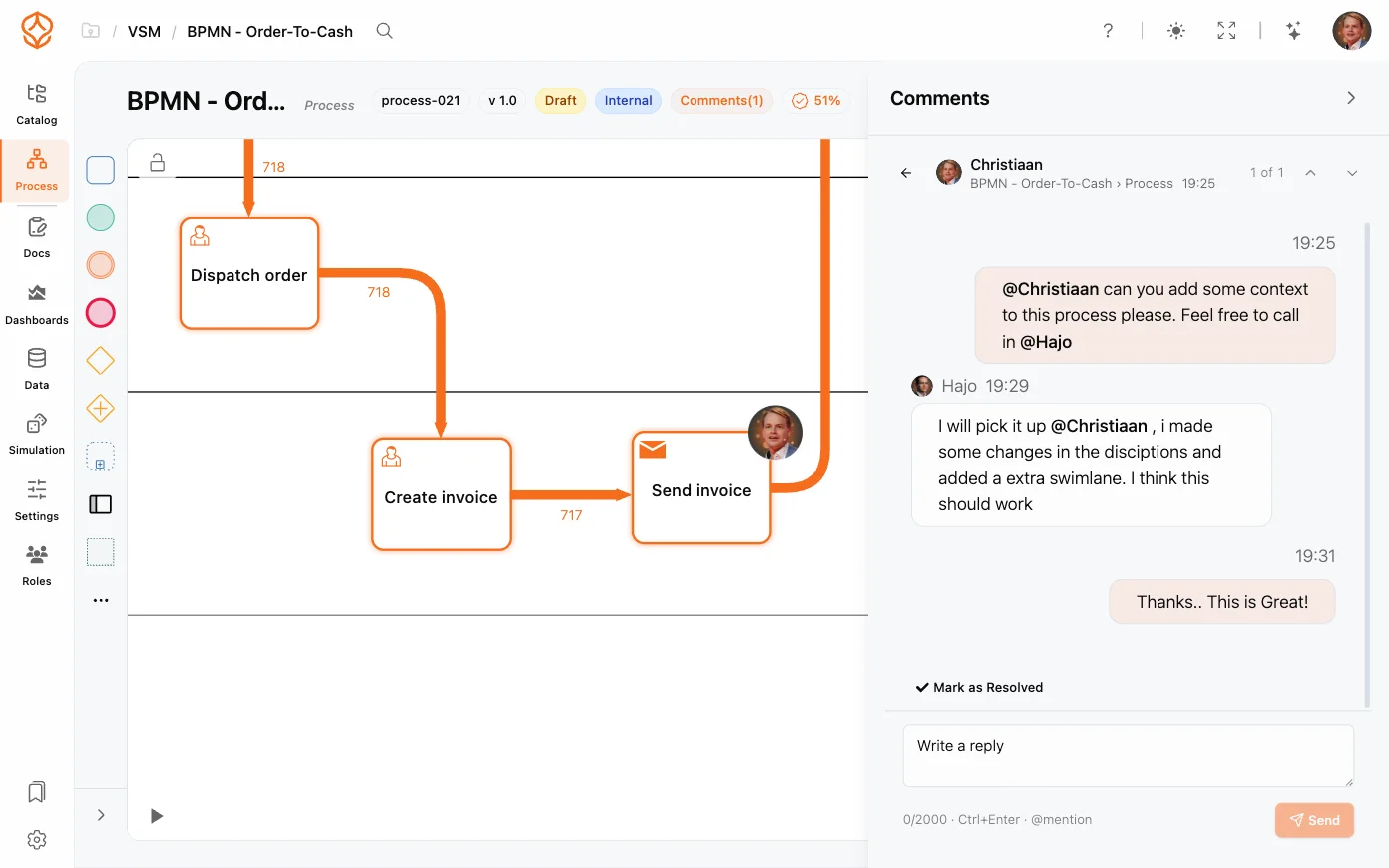
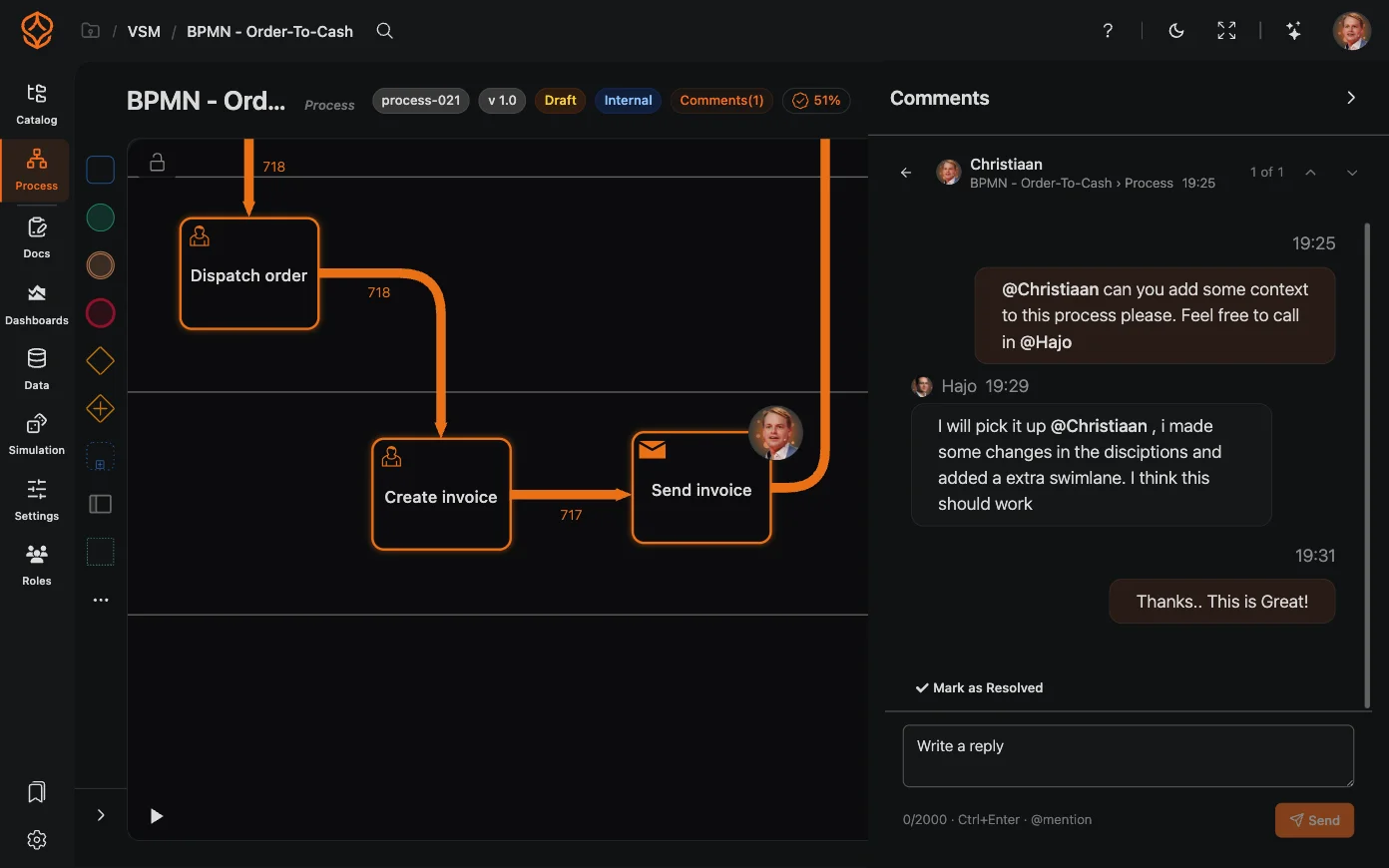
Work together on processes with comments and mentions on model elements and processes in ProcessMind.
ProcessMind lets multiple people work on the same process model at the same time. When a teammate opens a model you are editing, you both see the same live canvas, and every change appears on the other person’s screen as it happens.
Models update in real time across screens:
Because everyone edits the same model, it is possible for two people to edit the same element at the same time. In that case, the two edits are not merged: one edit wins and the other is discarded.
To avoid losing work:
Get instant access with no credit card and no waiting. Turn the way your organization works into clear, connected process designs.
Build your process architecture, define ownership and controls, and align roles and responsibilities across every level.
Start your free trial and create one reliable foundation for governing, managing, and continuously improving your processes.
We use cookies to improve your experience, personalize content, and analyze traffic. Anonymous page measurement happens without them; analytics consent adds an identifier that links your visits. By clicking "Accept All," you consent to our use of cookies.