ProcessMind Configuration and Setup Guide
Set up ProcessMind: learn configuration, environments, billing, SSO, and more for business process management.
info
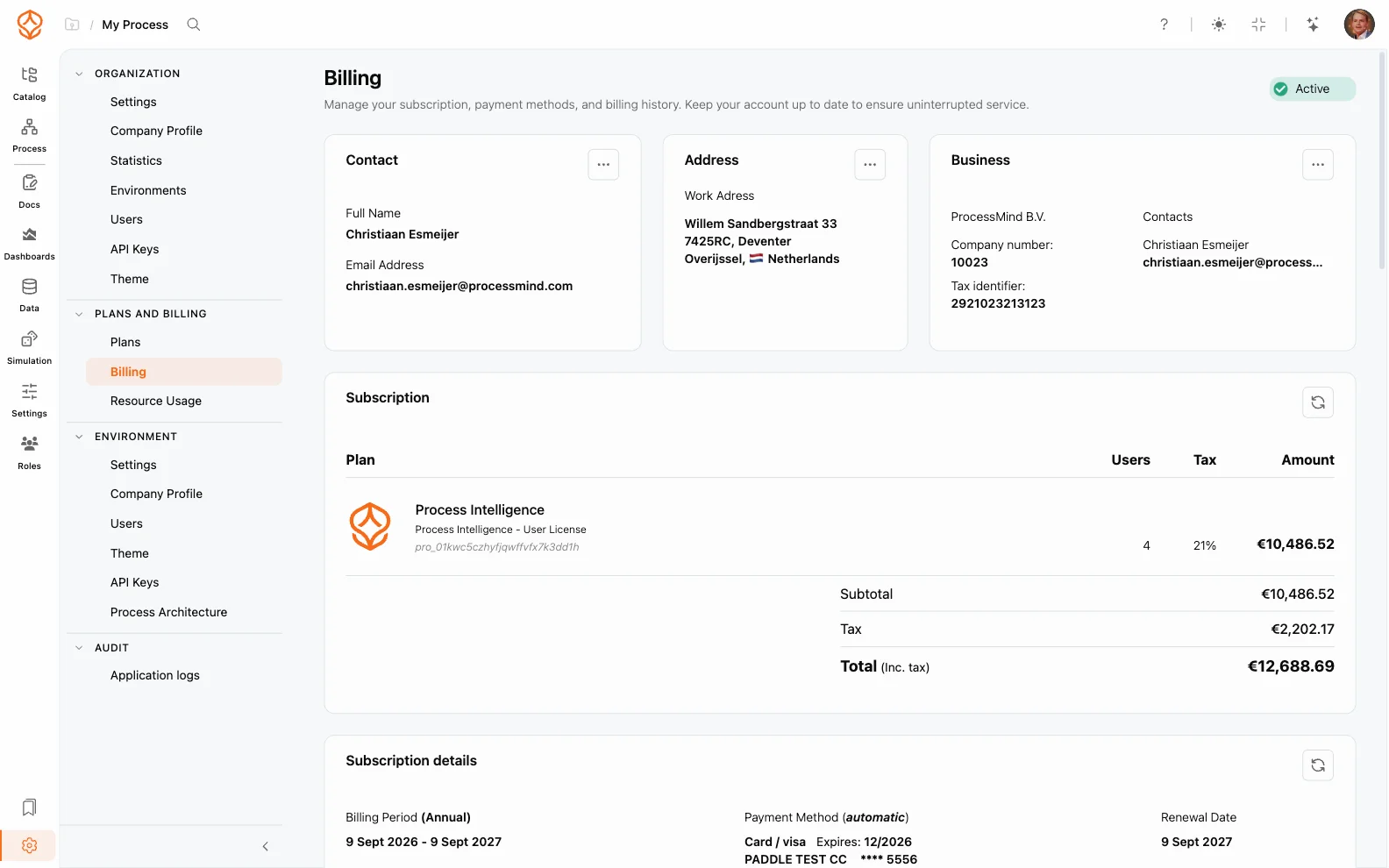
The Billing and Payments section is only accessible to users with the role of Organization Admin and an active subscription.
You can find your Billing and Payments settings in the Settings menu.
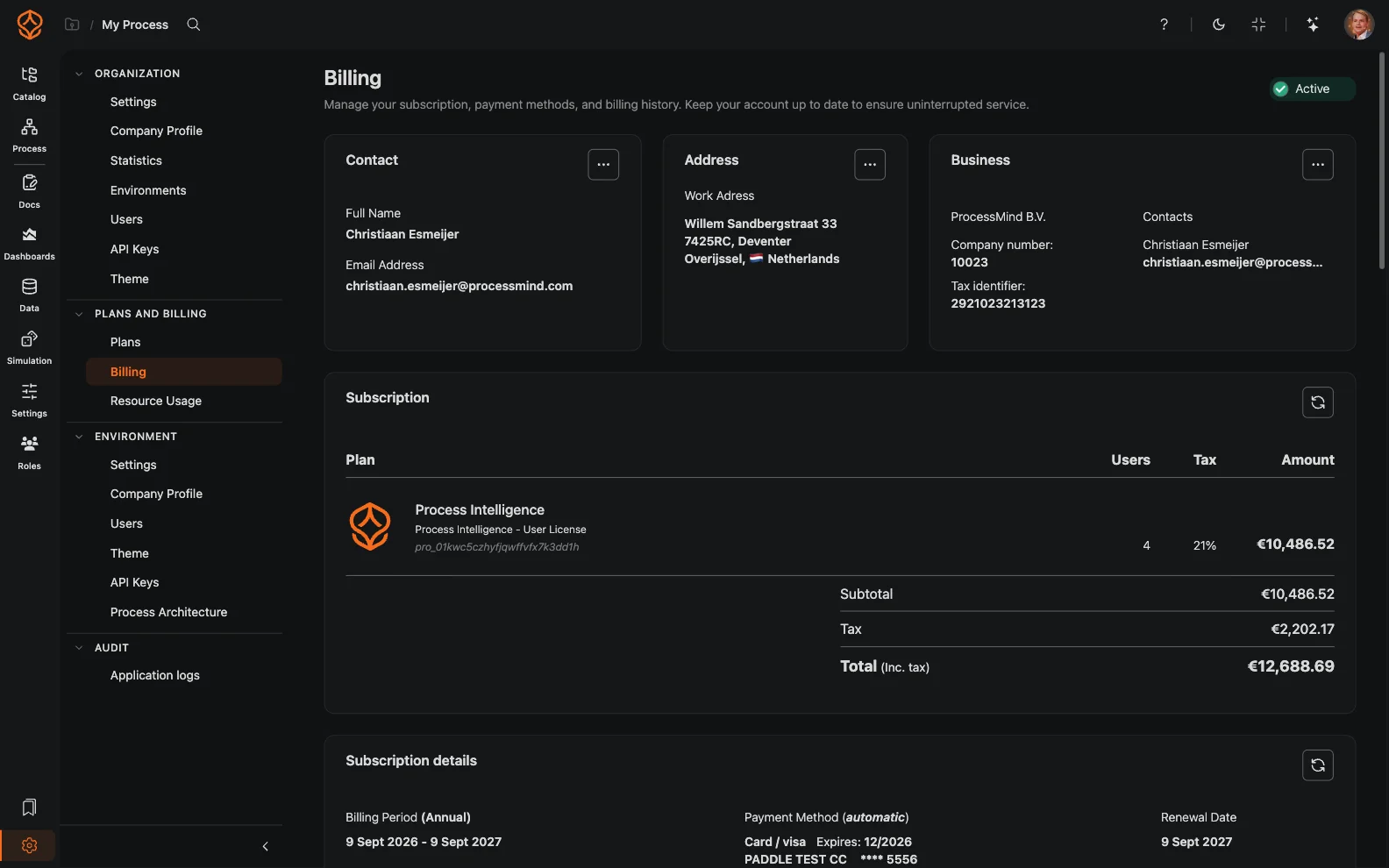
In the Billing and Payments section, you can manage all aspects of your account’s billing and subscription:
This section gives you complete control over your subscription and payment settings.
Seats determine how many people can use each access level, and they are billed. When your team changes, the Plans page shows any difference between your licensed seats and the seats you actually use:
The confirmation shows the new amount before you commit, so you can check the impact on your invoice.
info
You cannot change your payment currency or country. If you need to make this change, contact the support team.
When your subscription expires or a payment fails, ProcessMind keeps your data safe and helps you get back up and running:
If you need help renewing or upgrading, contact the support team. See also Usage and Credits to understand how your plan’s AI credits are allocated.
We use cookies to improve your experience, personalize content, and analyze traffic. By clicking "Accept All," you consent to our use of cookies.