Process Documentation
Create professional process documentation with a structured doc tree, configurable sections, an embedded RACI matrix, and PDF, Word, Markdown, and print exports
Artifacts are files you attach to tasks and documents in ProcessMind. They keep supporting material close to the process it belongs to, and they give the AI assistant extra context to work with.
Supported file types include documents, spreadsheets, PDFs, and images.
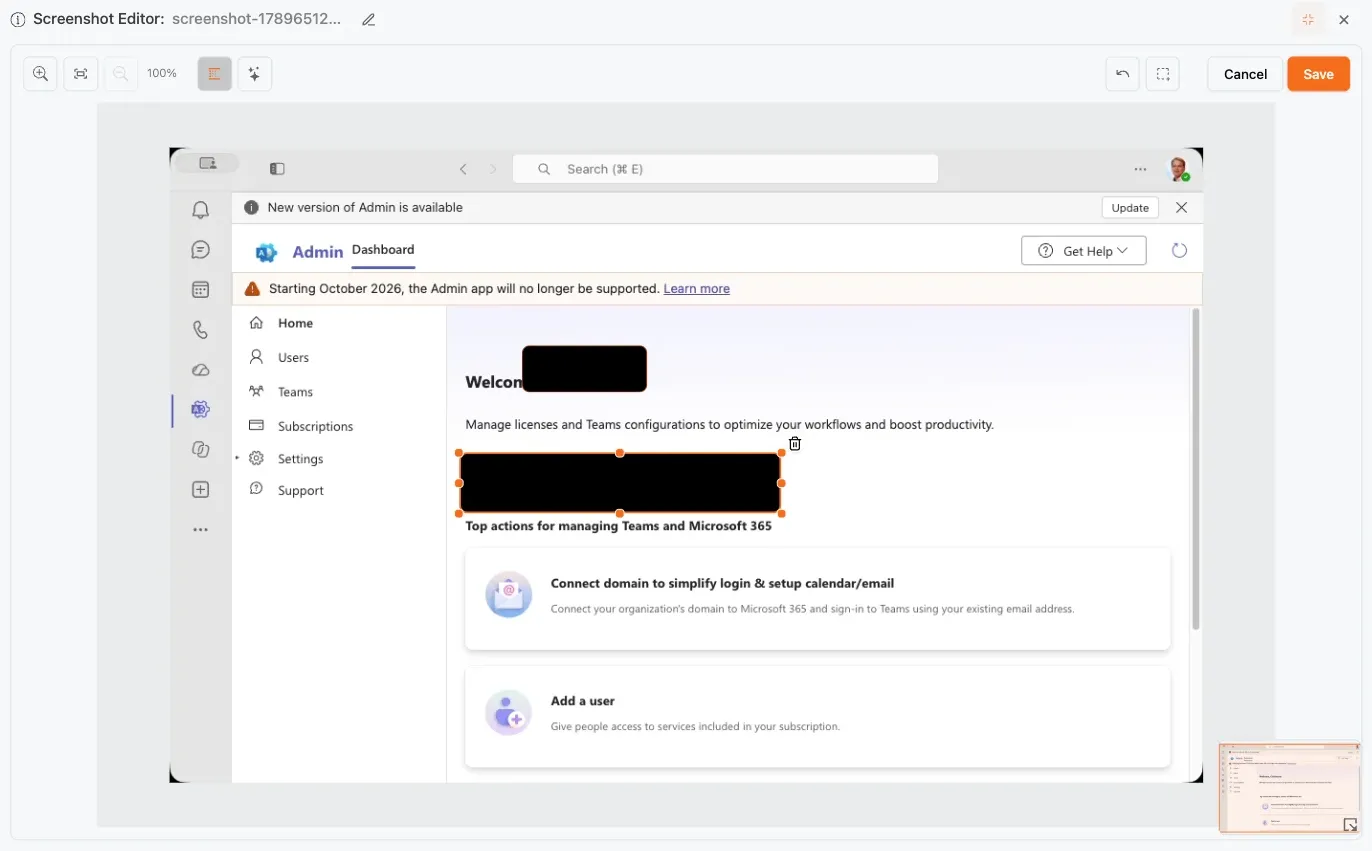
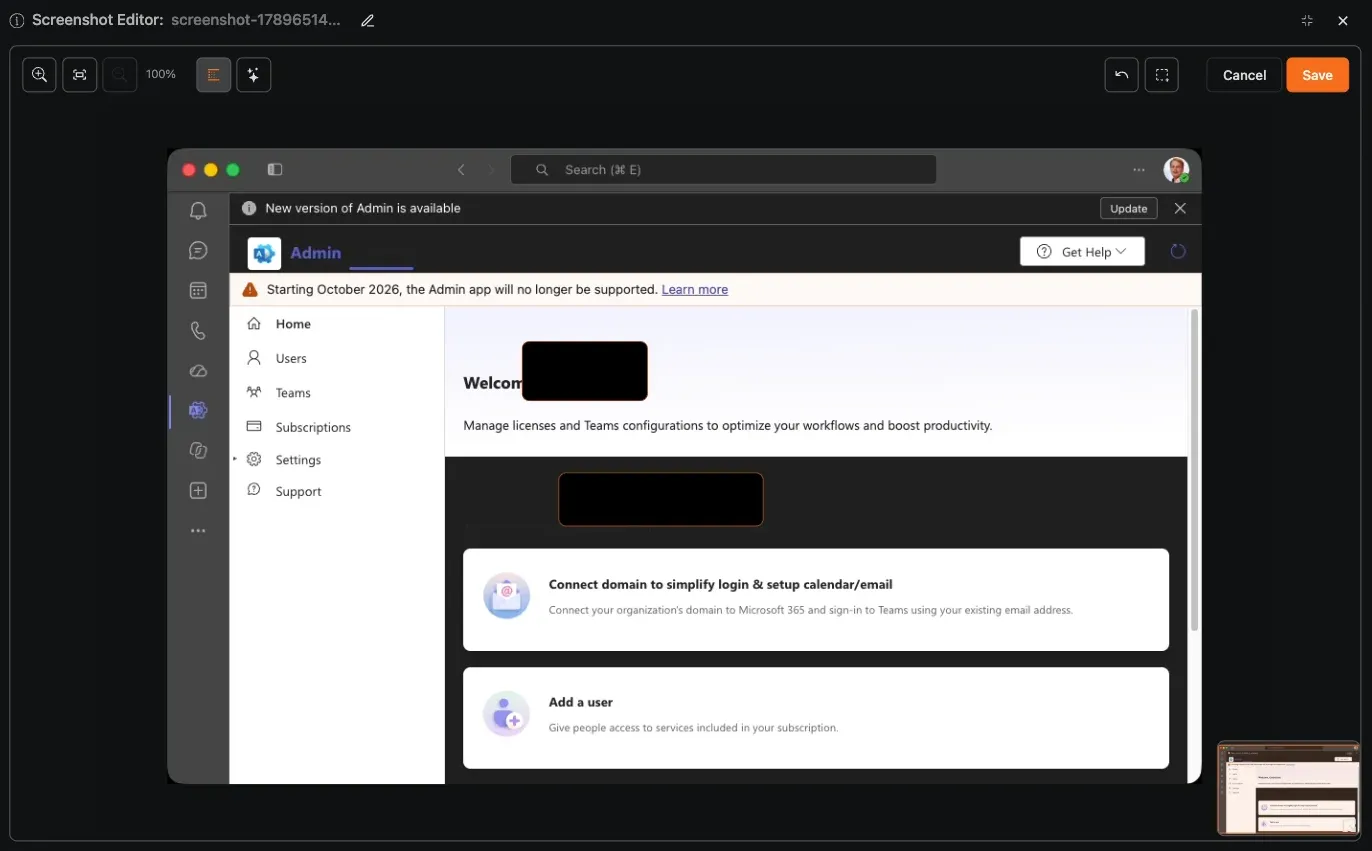
Artifacts can also be created from screen captures for step-by-step process instructions. Capture the relevant part of the screen, then edit the image before saving it as an artifact:
This makes it possible to turn a quick screen capture into a reusable, privacy-conscious work instruction that can be attached to the relevant process step.
Open an artifact’s menu (⋯) to manage it:
Keep artifacts organized: attach the latest version of a policy or template so readers and the AI always work with current information.
ProcessMind preprocesses most common file types so their content can be viewed, searched, and used by the AI assistant:
When you attach a supported file, ProcessMind preprocesses it in the background to extract its content:
To find something inside your files rather than in the model, use Search content in the artifact picker: type a query such as “invoice approval”, then switch between Semantic (meaning-based), Exact (words as typed), and Hybrid matching. Results show the matching passage, with Open to preview the artifact and More from this file to see every match in one document.
Attached artifacts become part of the context the AI assistant can use:
When an AI flow lets you choose its context, click Use files as context to pin exactly the files that matter for that request; they are sent along with your prompt.
Because artifacts are shared with the AI, avoid attaching sensitive or confidential material unless your organization’s policy allows it.
Artifacts work hand in hand with process documentation: attach forms, checklists, or guidelines to the relevant section so process participants find everything they need in one place. Together with roles & RACI, artifacts help make your documented processes complete and useful.
Get instant access with no credit card and no waiting. Turn the way your organization works into clear, connected process designs.
Build your process architecture, define ownership and controls, and align roles and responsibilities across every level.
Start your free trial and create one reliable foundation for governing, managing, and continuously improving your processes.
We use cookies to improve your experience, personalize content, and analyze traffic. Anonymous page measurement happens without them; analytics consent adds an identifier that links your visits. By clicking "Accept All," you consent to our use of cookies.