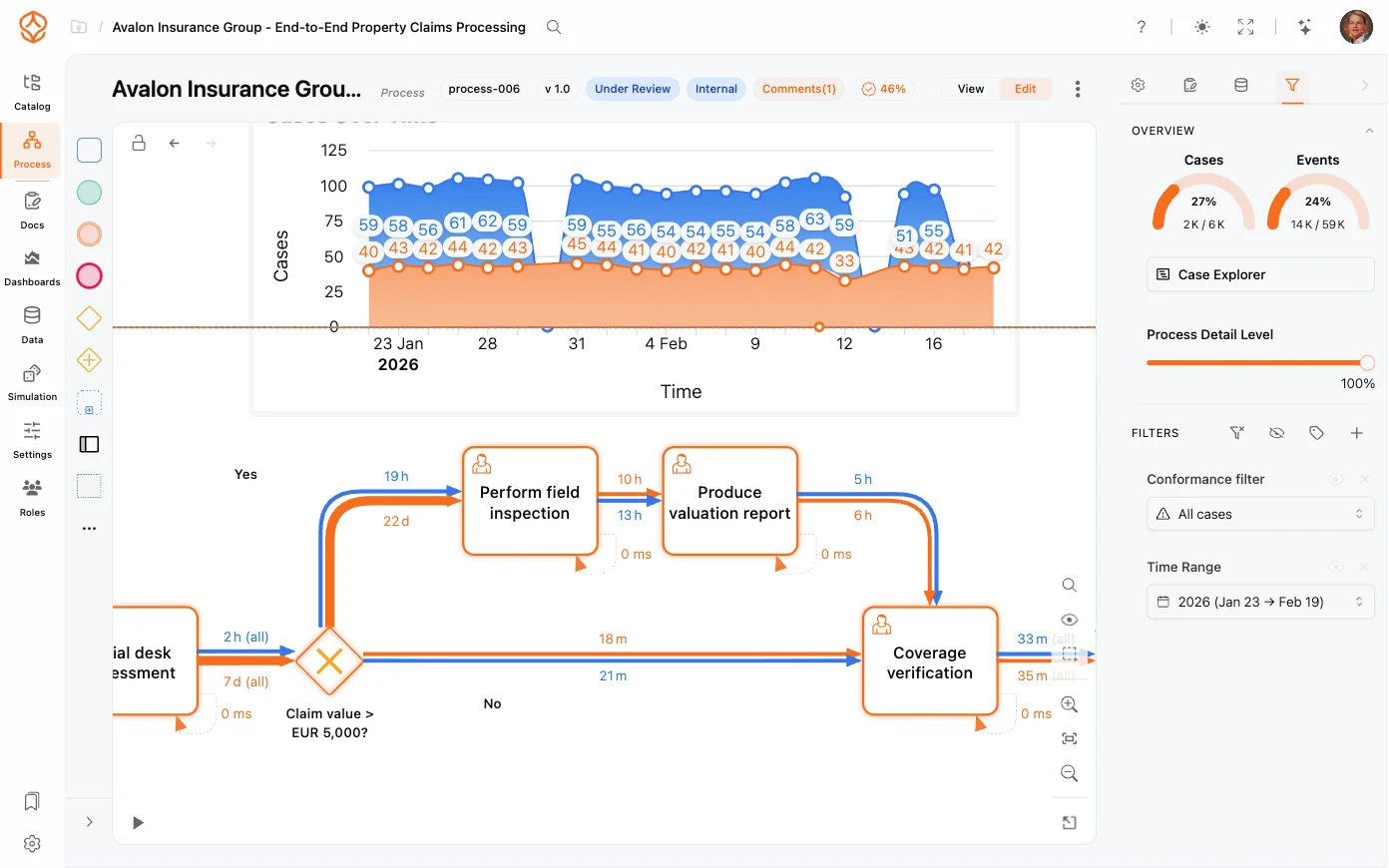
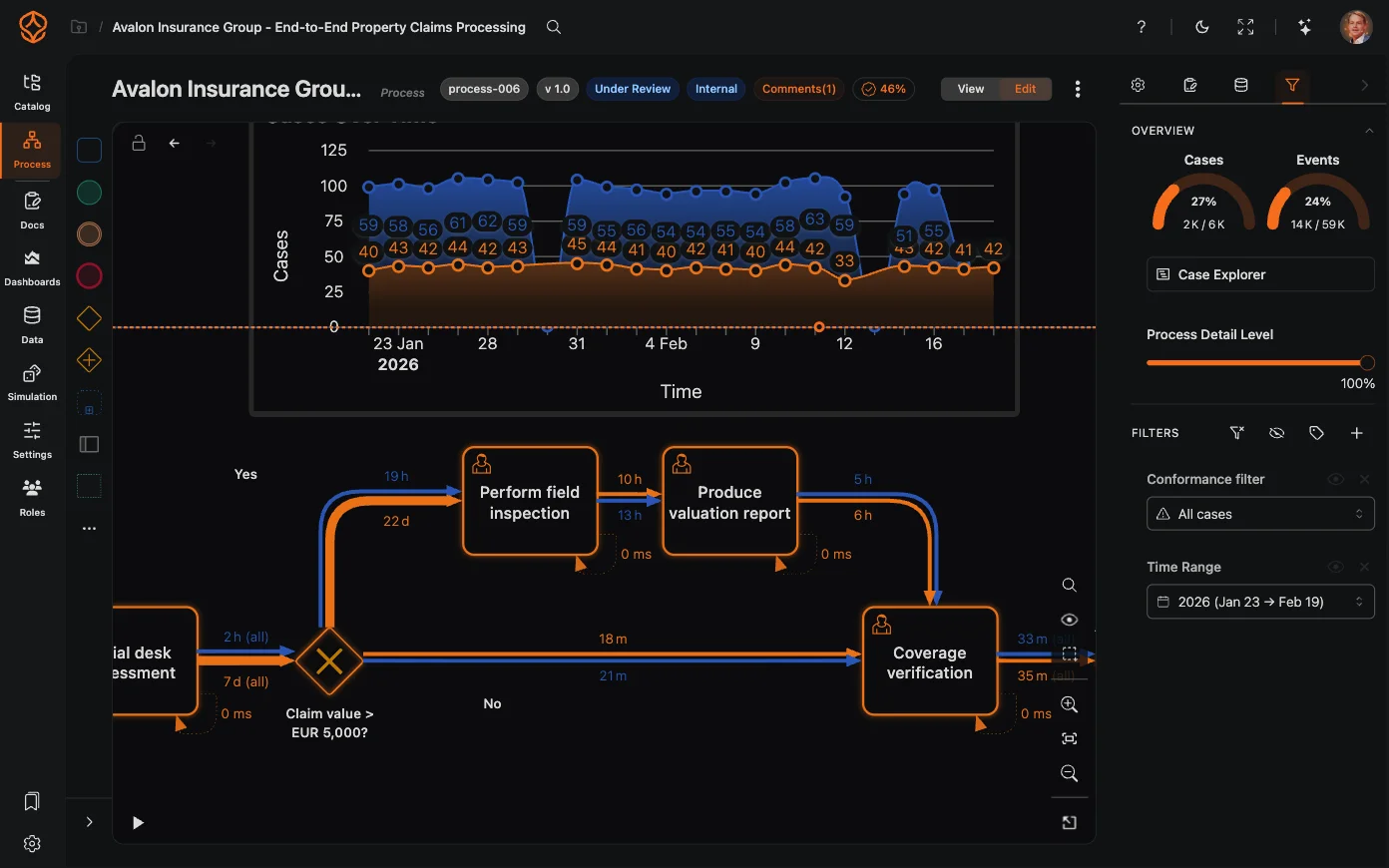
Analyzing Processes in ProcessMind
Learn how to explore, filter, and understand your process data using ProcessMind dashboards. A guide for dashboard viewers and analysts.
In ProcessMind, you can designate a primary dataset and a comparison dataset to analyze differences in flow, performance, and outcomes across time periods, regions, systems, or any other segmentation.
For how the dataset roles themselves work — switching primary, promoting, or removing datasets — see Primary and Comparison.
Common pairings include last month vs. this month, before vs. after a change, and region A vs. region B.
With a comparison in place, ProcessMind highlights the differences:
Use the comparison to prove impact:
Get instant access with no credit card and no waiting. Turn the way your organization works into clear, connected process designs.
Build your process architecture, define ownership and controls, and align roles and responsibilities across every level.
Start your free trial and create one reliable foundation for governing, managing, and continuously improving your processes.
We use cookies to improve your experience, personalize content, and analyze traffic. Anonymous page measurement happens without them; analytics consent adds an identifier that links your visits. By clicking "Accept All," you consent to our use of cookies.