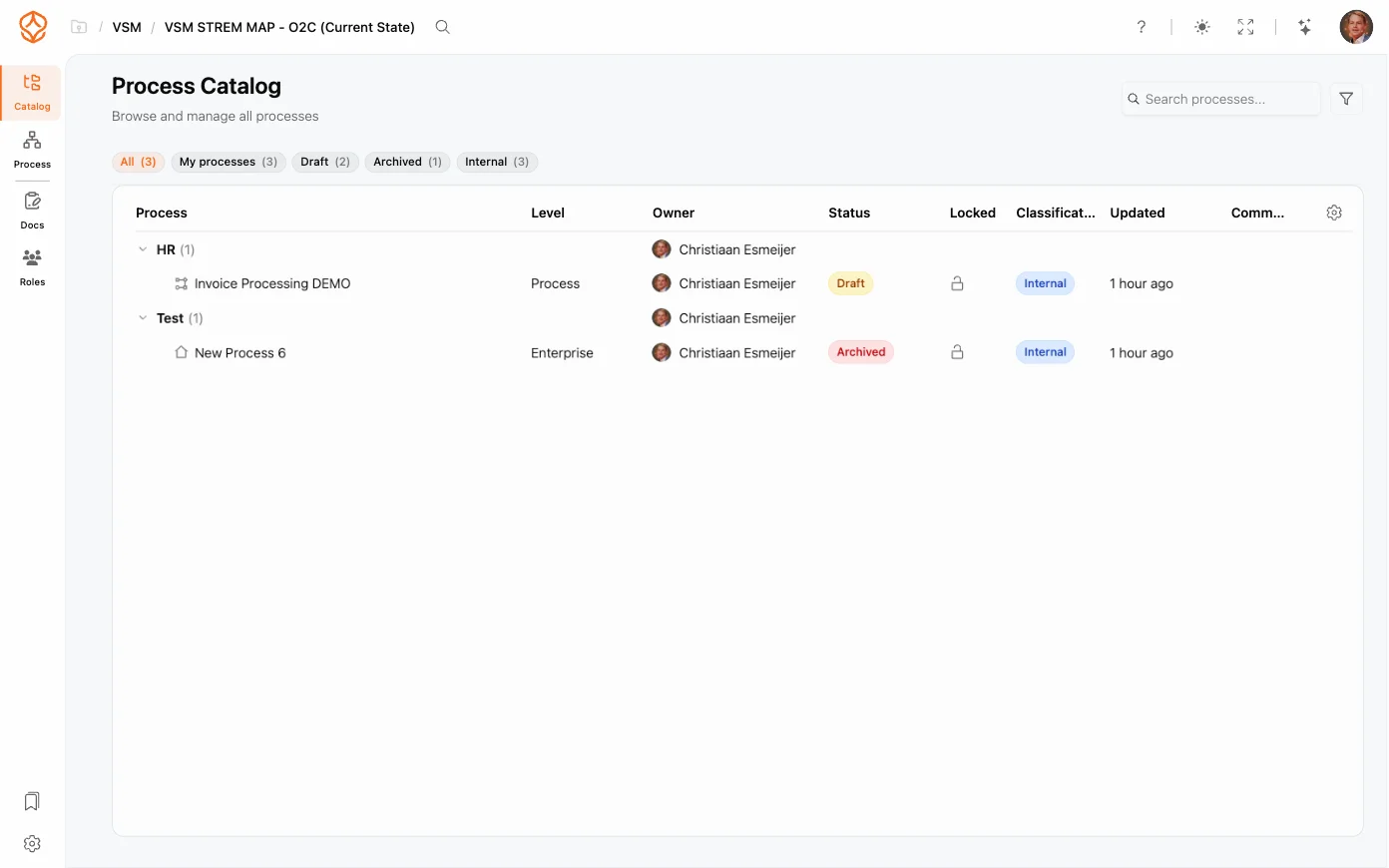
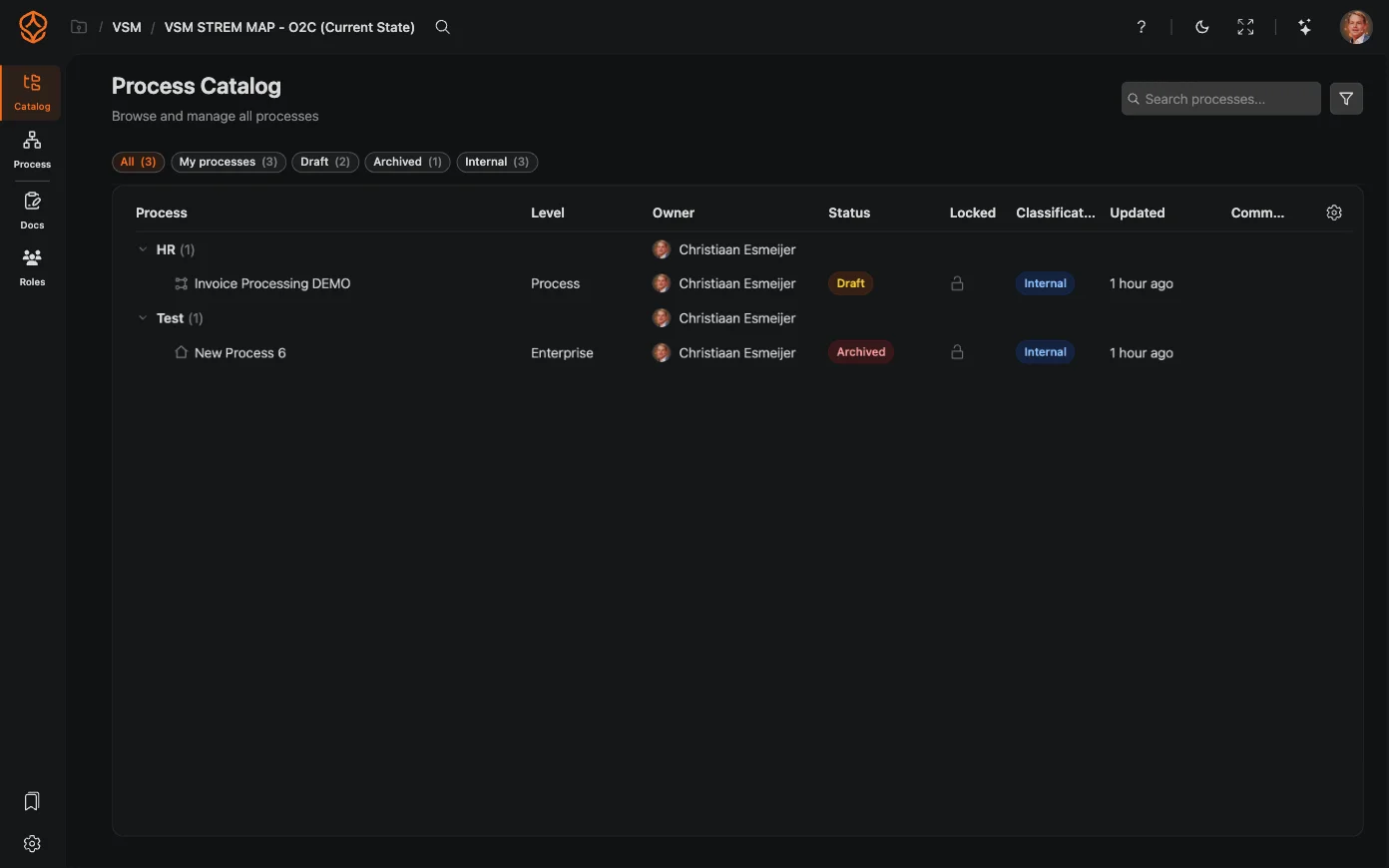
Process Portal
Share read-only, published processes with the rest of your organization: browse the catalog, open models, read documentation, and export documents.
The portal shows what you publish, so setting it up is about three things: preparing the content, running processes through review, and sharing the result with the people who need to read it.
Portal viewers are free and never count against paid seats: every Process Architecture and Process Intelligence seat includes 10, and extra packs of 100 can be added (rates on the pricing page). To add or manage the people who can open published processes, see Viewer Users.
Get instant access with no credit card and no waiting. Turn the way your organization works into clear, connected process designs.
Build your process architecture, define ownership and controls, and align roles and responsibilities across every level.
Start your free trial and create one reliable foundation for governing, managing, and continuously improving your processes.
We use cookies to improve your experience, personalize content, and analyze traffic. Anonymous page measurement happens without them; analytics consent adds an identifier that links your visits. By clicking "Accept All," you consent to our use of cookies.