Process Catalog
Organize, find, and share your processes with the Process Catalog: tree, cards, and list views, folders, search, filters, and export options.
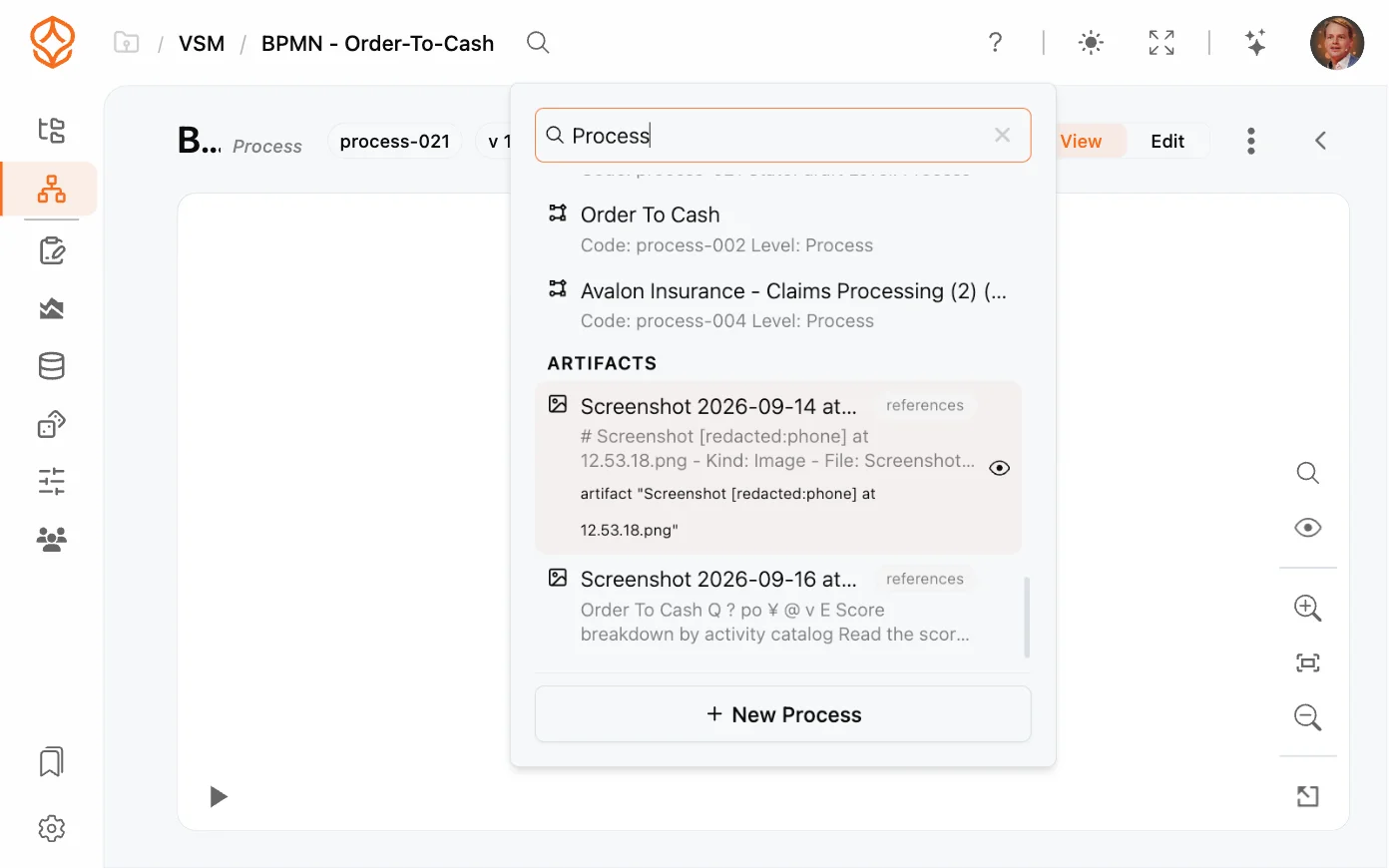
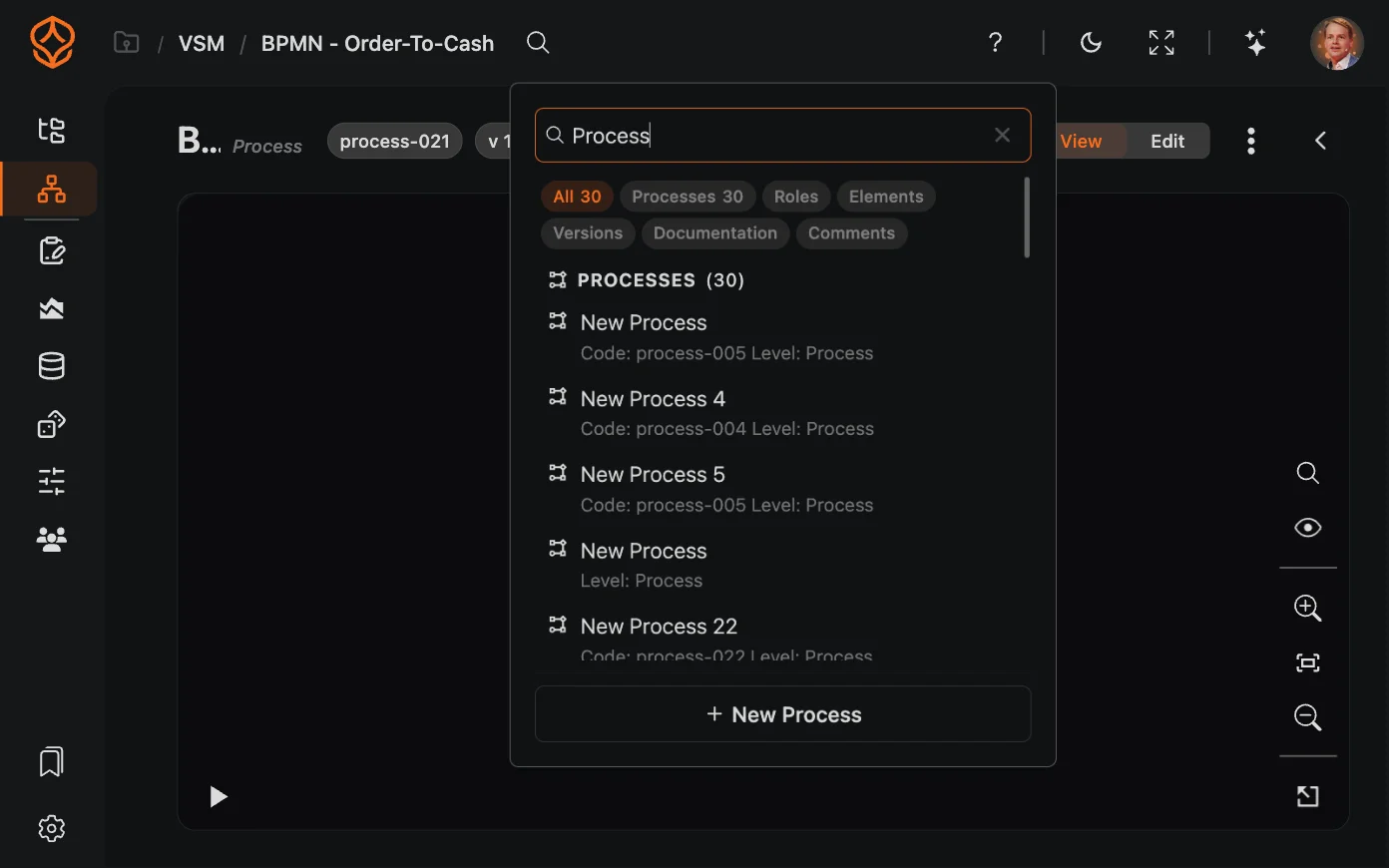
Global search lets you find anything in ProcessMind from a single search box, without knowing which folder or page it lives in. It searches across processes, folders, model elements, roles, versions, and documentation, and groups results by category so you can jump straight to the right place.
Global search lives in the app bar at the top of the application:
When you open search without entering a query, it shows the five most recently used processes at the top. This makes it easy to jump back into a process and continue where you left off. As soon as you start typing, the search results update to match your query.
Global search indexes the content of your workspace, including:
Results are grouped by category, so you can tell at a glance whether a hit is a process, a role, an element, a version, or a document.
When your search matches the content of an attached document, the result shows the document name, a snippet of the matching text, and the section or artifact it came from. You can jump to a specific paragraph in a long process document without opening every file.
Get instant access with no credit card and no waiting. Turn the way your organization works into clear, connected process designs.
Build your process architecture, define ownership and controls, and align roles and responsibilities across every level.
Start your free trial and create one reliable foundation for governing, managing, and continuously improving your processes.
We use cookies to improve your experience, personalize content, and analyze traffic. Anonymous page measurement happens without them; analytics consent adds an identifier that links your visits. By clicking "Accept All," you consent to our use of cookies.