Data in ProcessMind
Upload, configure, and keep your datasets healthy in ProcessMind: attributes, activities, quality checks, incremental loading, and AI recommendations.
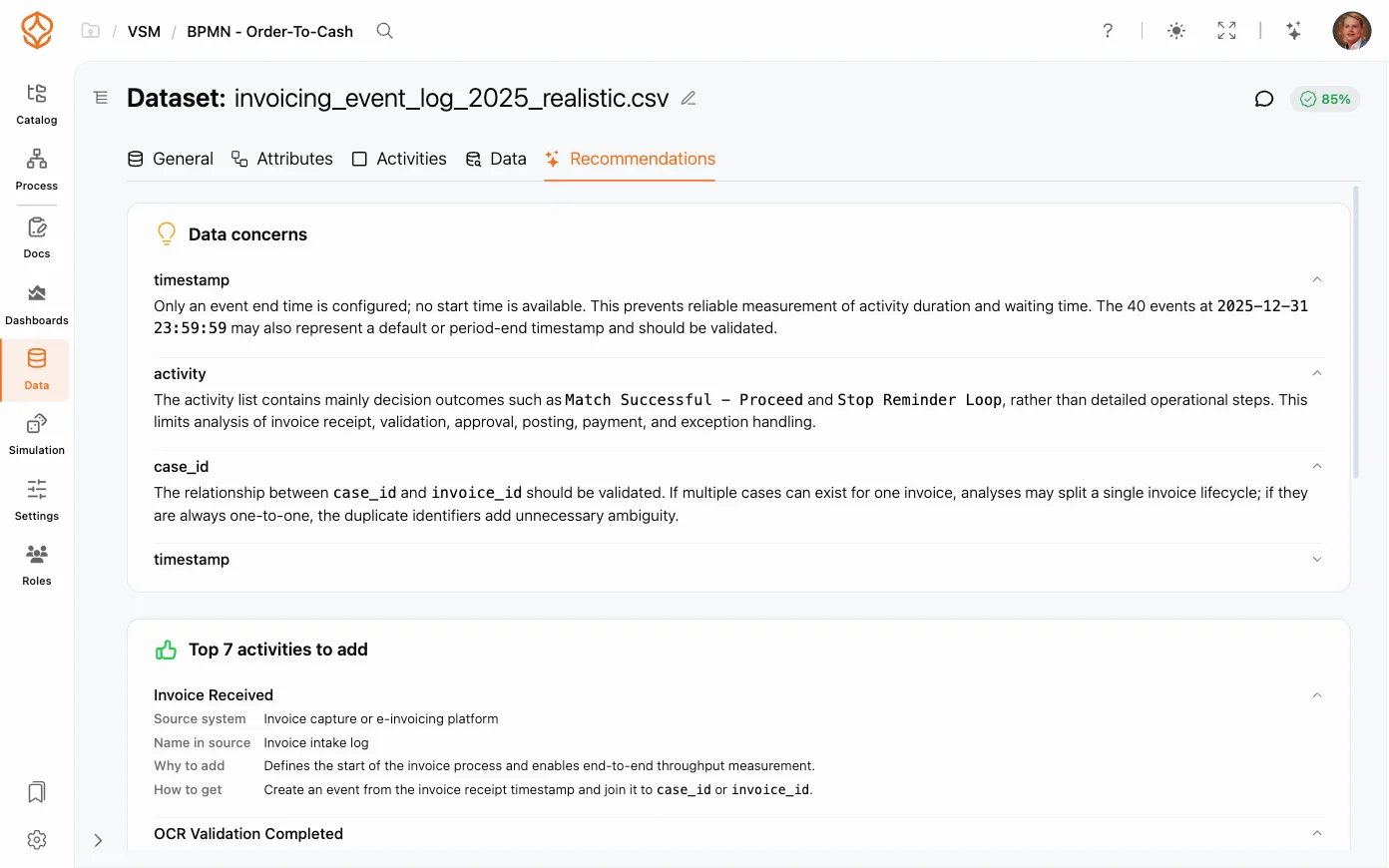
The quality of your process analysis depends on the quality of your data. AI Data Recommendations scans your dataset and surfaces concrete suggestions (in the Recommendations tab of your dataset) so you can fix problems before they skew your results.
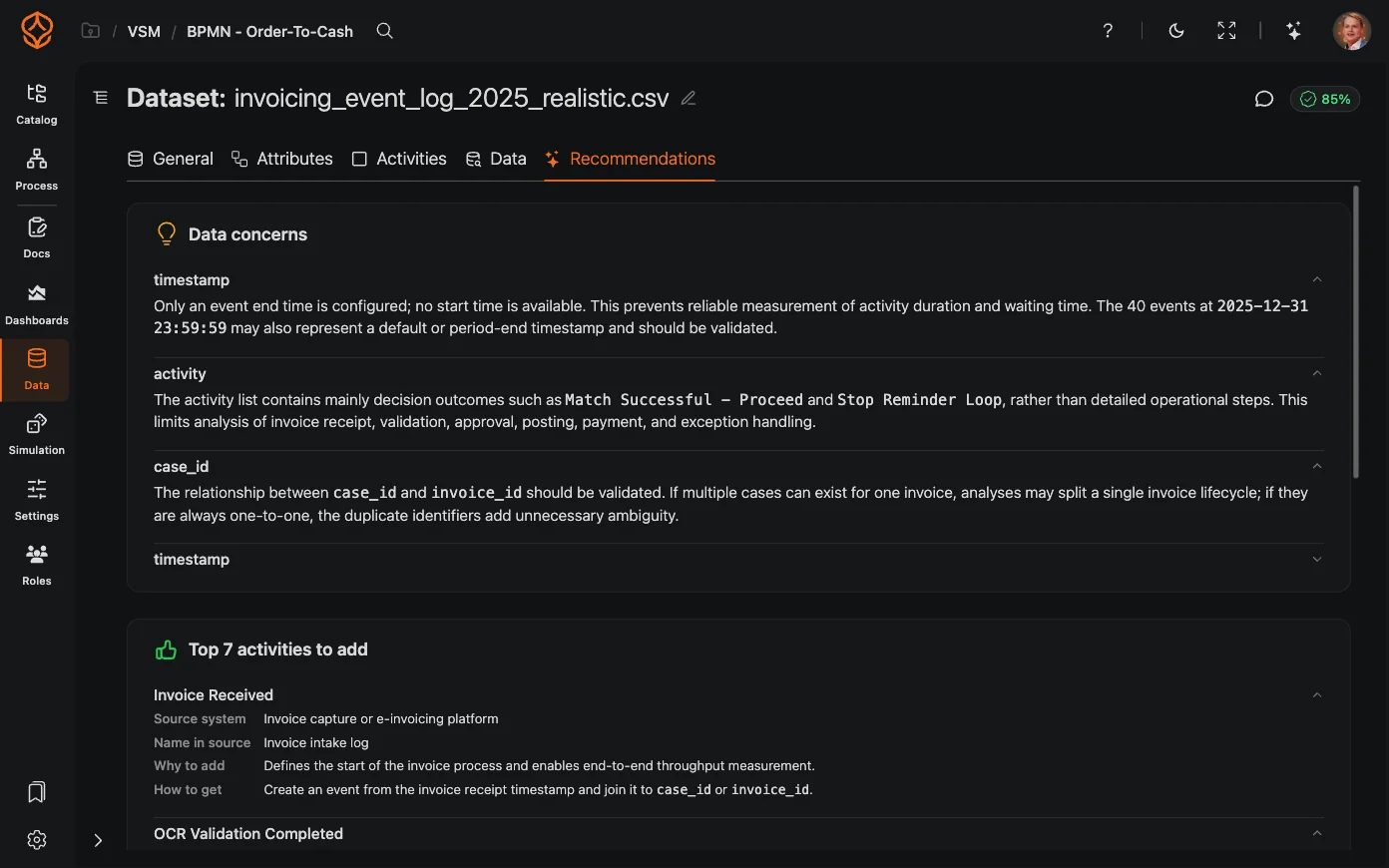
The AI scans your dataset and surfaces issues with the current data, identifies the process and source system, and suggests improvements:
The Recommendations tab is informational: it shows data concerns, mapping suggestions, and suggestions for additional attributes, activities, or data sources. Use these as input to improve your dataset and mapping.
The scan runs automatically when your data changes (with a short cooldown between runs) and refreshes on its own, so there is nothing to apply, dismiss, or re-run manually.
AI Data Recommendations is available with a Process Intelligence seat. The scan runs automatically when your data is processed, so it does not consume AI credits; recommendations are metered as part of your data uploads instead. Track your usage on the usage and credits screen.
Get instant access with no credit card and no waiting. Turn the way your organization works into clear, connected process designs.
Build your process architecture, define ownership and controls, and align roles and responsibilities across every level.
Start your free trial and create one reliable foundation for governing, managing, and continuously improving your processes.
We use cookies to improve your experience, personalize content, and analyze traffic. Anonymous page measurement happens without them; analytics consent adds an identifier that links your visits. By clicking "Accept All," you consent to our use of cookies.