Process Documentation
Create professional process documentation with a structured doc tree, configurable sections, an embedded RACI matrix, and PDF, Word, Markdown, and print exports
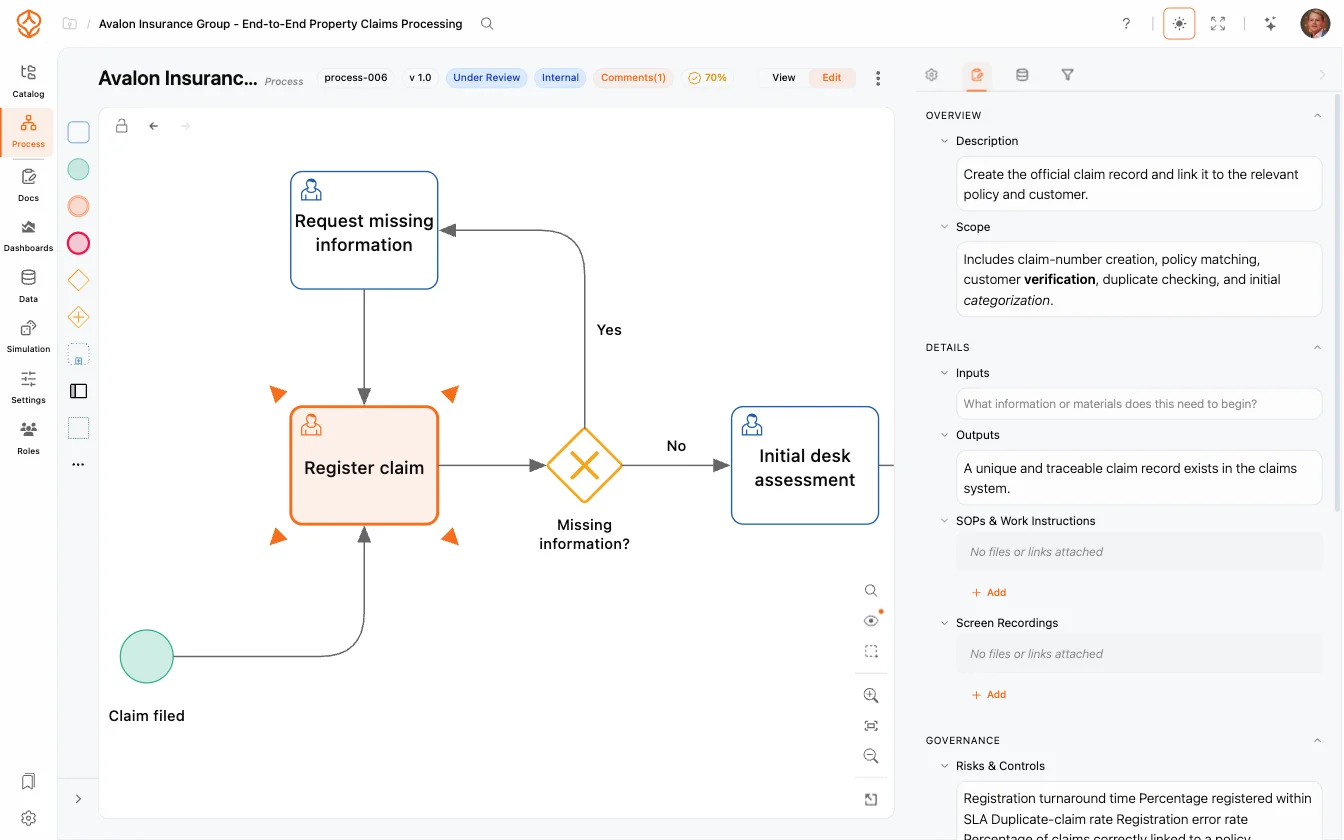
Well-documented processes are easier to follow, audit, and improve. Open a process and switch to the Documentation tab to write documentation that stays connected to your models, roles, and governance workflows, so your documents never drift from the actual process.
Attach artifacts (templates, policies, or images) to any section, and review everything together in the governance workflow before publishing.
Get instant access with no credit card and no waiting. Turn the way your organization works into clear, connected process designs.
Build your process architecture, define ownership and controls, and align roles and responsibilities across every level.
Start your free trial and create one reliable foundation for governing, managing, and continuously improving your processes.
We use cookies to improve your experience, personalize content, and analyze traffic. Anonymous page measurement happens without them; analytics consent adds an identifier that links your visits. By clicking "Accept All," you consent to our use of cookies.