ProcessMind Configuration and Setup Guide
Set up ProcessMind: learn configuration, environments, billing, SSO, and more for business process management.
The Company Profile gives ProcessMind’s AI context about your business. AI features use these details to tailor their output to your company: generated process architectures, role suggestions, the empty-canvas wizard, and the AI Assistant all become more relevant when the profile is accurate.
The profile feeds the AI with a short company summary — name, website, description, industry, and size. It is used when ProcessMind:
Two things the profile is not:
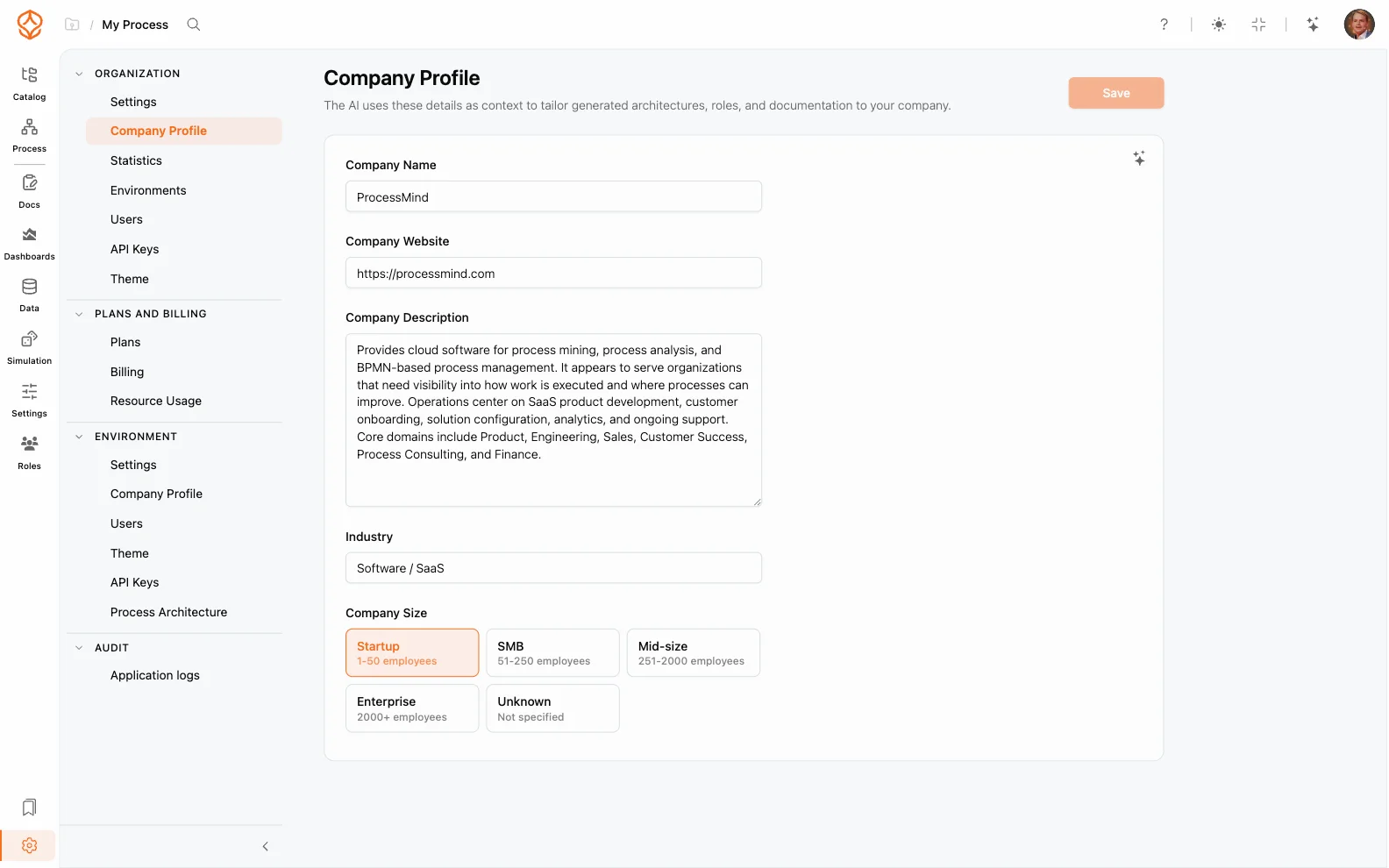
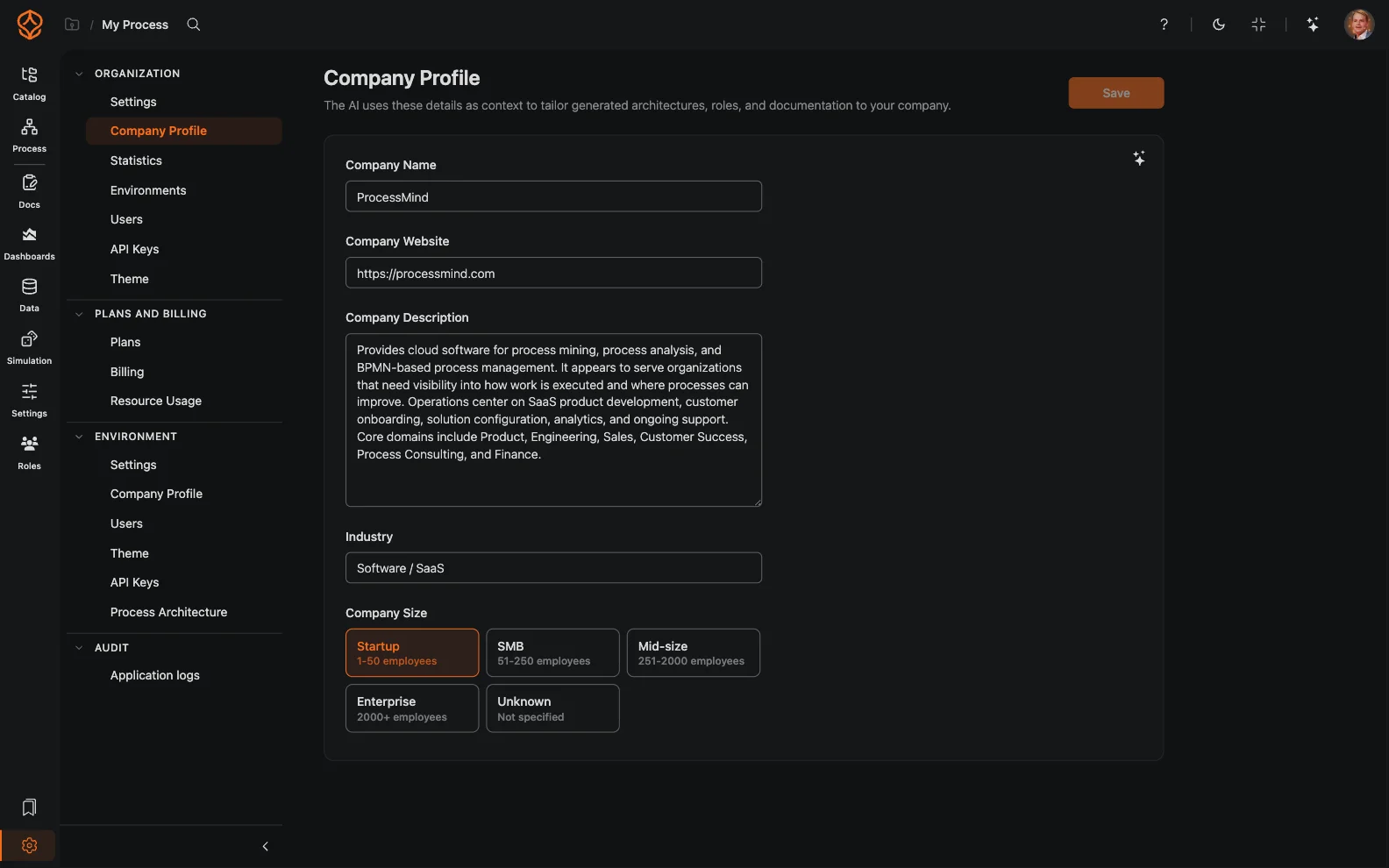
Organization admins edit the profile under Settings → Organization → Company Profile:
| Field | What to enter |
|---|---|
| Company Name | Your actual company name, used by AI. This is separate from the organization display name. |
| Company Website | Your website. AI research reads it to enrich the profile. |
| Company Description | A short description of what your company does, used by AI wizards. |
| Industry | Your industry, for example “Software / SaaS”. |
| Company Size | Startup, SMB, Mid-size, Enterprise, or Unknown. Bigger companies get a deeper generated process architecture. |
Field limits: company name and website accept up to 200 characters, the description up to 1000, and the industry up to 100.
By default, every environment uses the organization profile. To give one environment its own details — for example a sandbox, a department, or a partner environment that represents a different business:
Empty fields fall back to the organization values field by field, so you only need to enter what differs.
AI research is logged for usage transparency but never counts toward your AI credits or limits; see Usage and Credits.
Get instant access with no credit card and no waiting. Turn the way your organization works into clear, connected process designs.
Build your process architecture, define ownership and controls, and align roles and responsibilities across every level.
Start your free trial and create one reliable foundation for governing, managing, and continuously improving your processes.
We use cookies to improve your experience, personalize content, and analyze traffic. Anonymous page measurement happens without them; analytics consent adds an identifier that links your visits. By clicking "Accept All," you consent to our use of cookies.