Process Catalog
Organize, find, and share your processes with the Process Catalog: tree, cards, and list views, folders, search, filters, and export options.
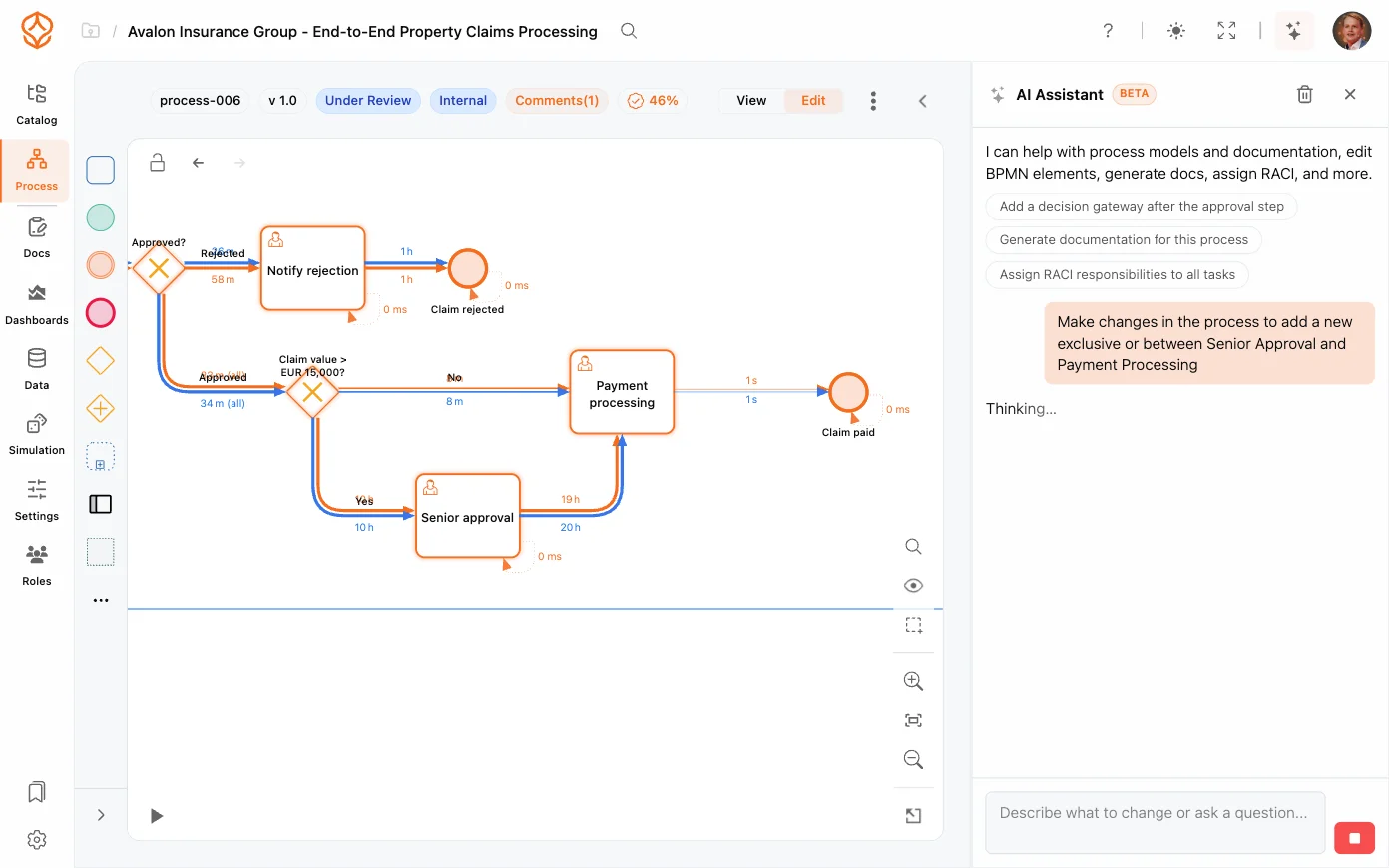
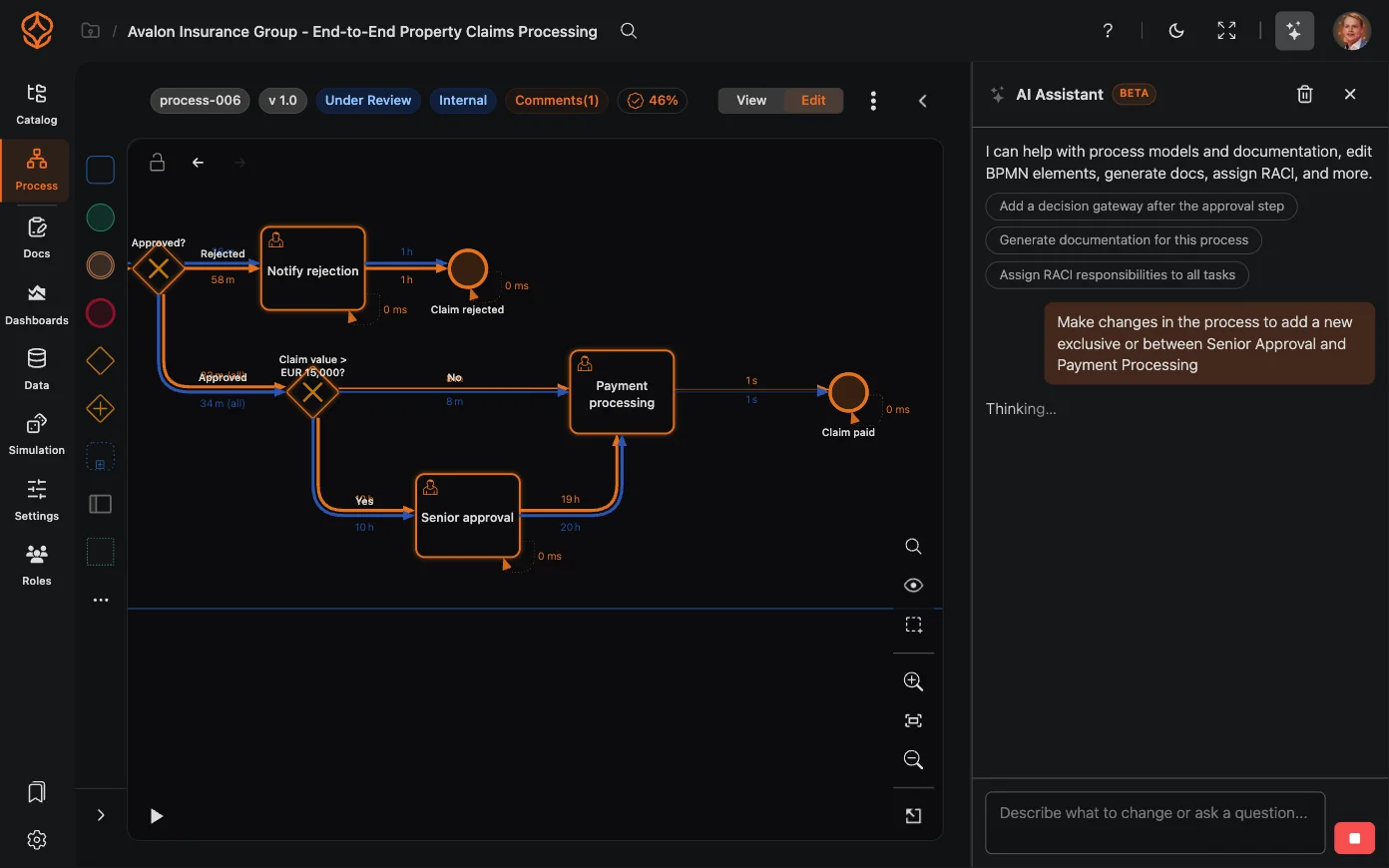
The AI Assistant is your on-demand expert for process management. Instead of hunting through menus and dashboards, you can ask questions in plain language, get concrete recommendations, and apply changes to your process, all from one chat panel. You can try it on your own process with a free trial.
The assistant is available on every plan. Your monthly AI credit allowance depends on your seats; for example, a Process Foundation seat includes 500 AI credits per month.
The assistant understands the context of your workspace:
When the assistant suggests a change to your model or configuration, it shows you a diff: a clear before/after preview of exactly what would change:
Before an accepted change is applied, the assistant creates an automatic version of the process, so the previous state is always one step away: open Versioning and restore the version that was created for you.
This makes AI assistance safe: nothing changes without your explicit review and approval.
The assistant remembers the context of your conversation, so you can build up an analysis step by step. Ask a follow-up question and it stays focused on the topic you are working on, without losing the thread.
To answer accurately, the assistant can use tools, such as querying your datasets, reading your dashboards, or inspecting your models. When a tool is used, the assistant tells you, so you always know the source of its answer.
Get instant access with no credit card and no waiting. Turn the way your organization works into clear, connected process designs.
Build your process architecture, define ownership and controls, and align roles and responsibilities across every level.
Start your free trial and create one reliable foundation for governing, managing, and continuously improving your processes.
We use cookies to improve your experience, personalize content, and analyze traffic. Anonymous page measurement happens without them; analytics consent adds an identifier that links your visits. By clicking "Accept All," you consent to our use of cookies.