Process Portal
Share read-only, published processes with the rest of your organization: browse the catalog, open models, read documentation, and export documents.
The Process Portal is the read-only side of ProcessMind: the place where the rest of your organization opens the processes you published. Everything in it comes from your published content, so viewers only ever see finished work: drafts stay invisible, empty sections stay hidden, and models open without edit controls.
The portal opens on a welcome page and has three main views — the same ones you already work with, but read-only.
Viewers land on the portal welcome page. It shows the configured Headline and Welcome text, a Need help? line with your support contact, and the published processes shared with them. From there they can open a process, browse the catalog, or continue a conversation they are part of.
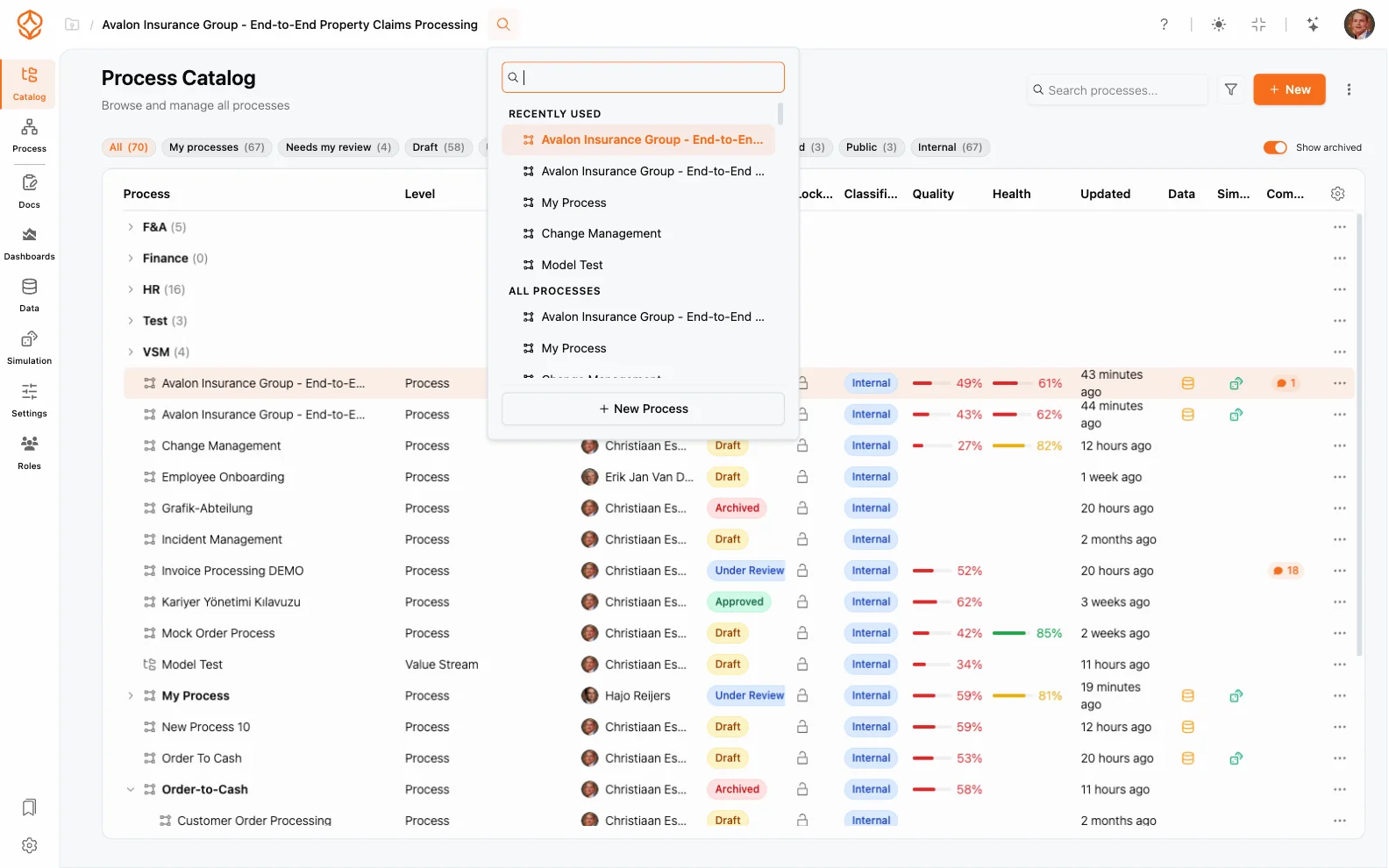
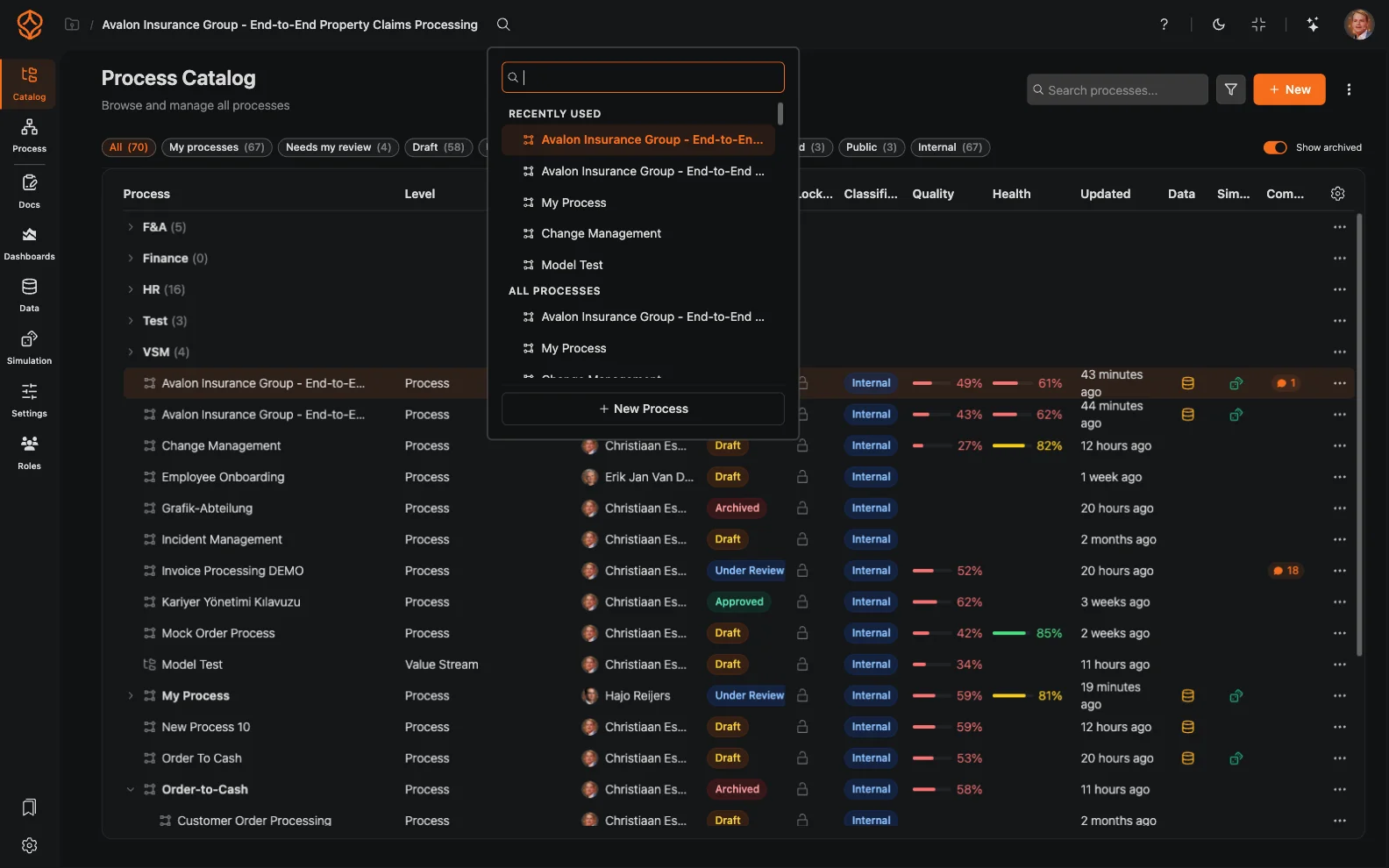
The catalog is where viewers browse the full published landscape. They see only published processes, organized by folder and level, with search and filters to find what they need.
Opening a process shows the published model in a read-only viewer. Viewers can zoom, pan, and explore the model, but they cannot edit it.
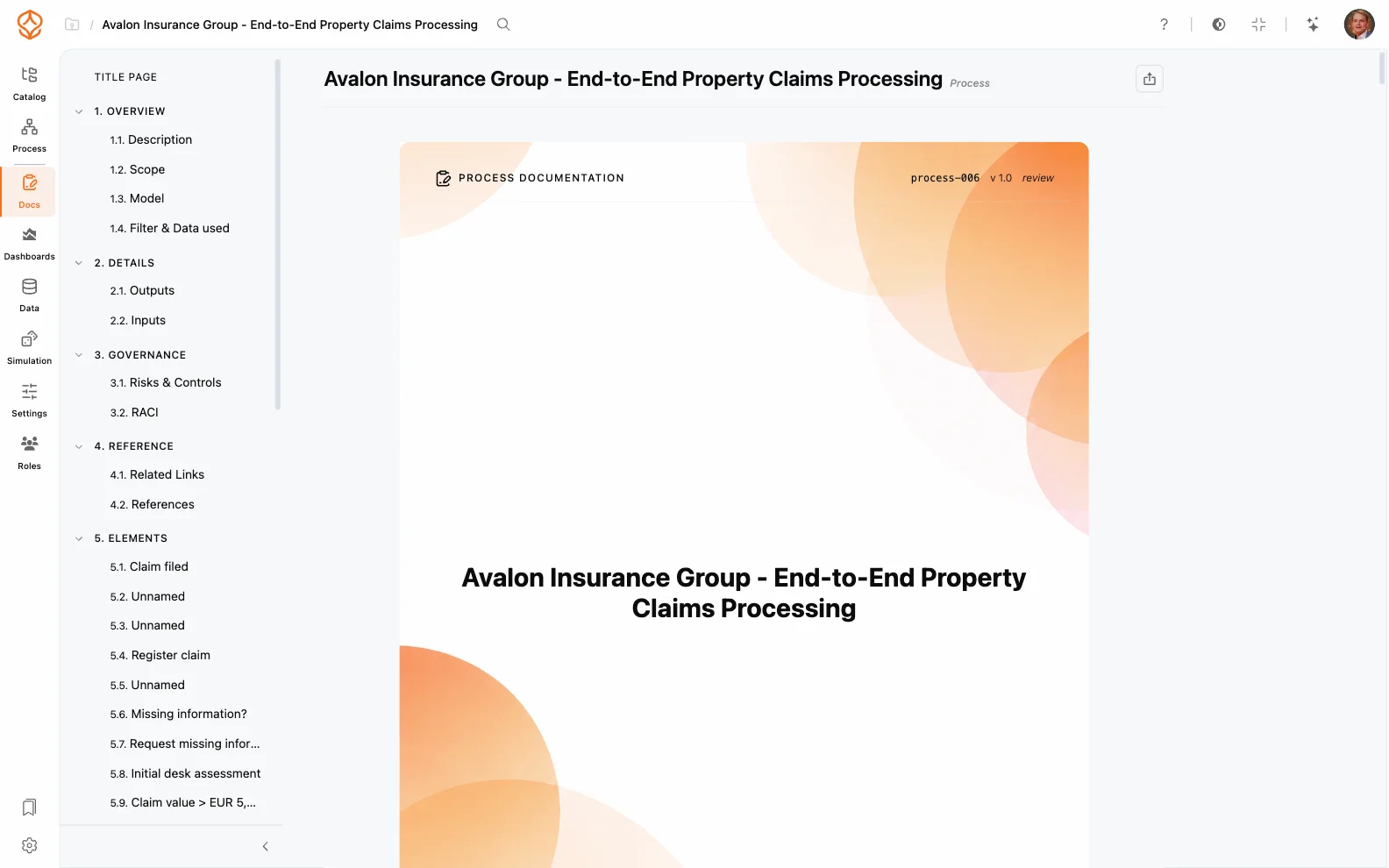
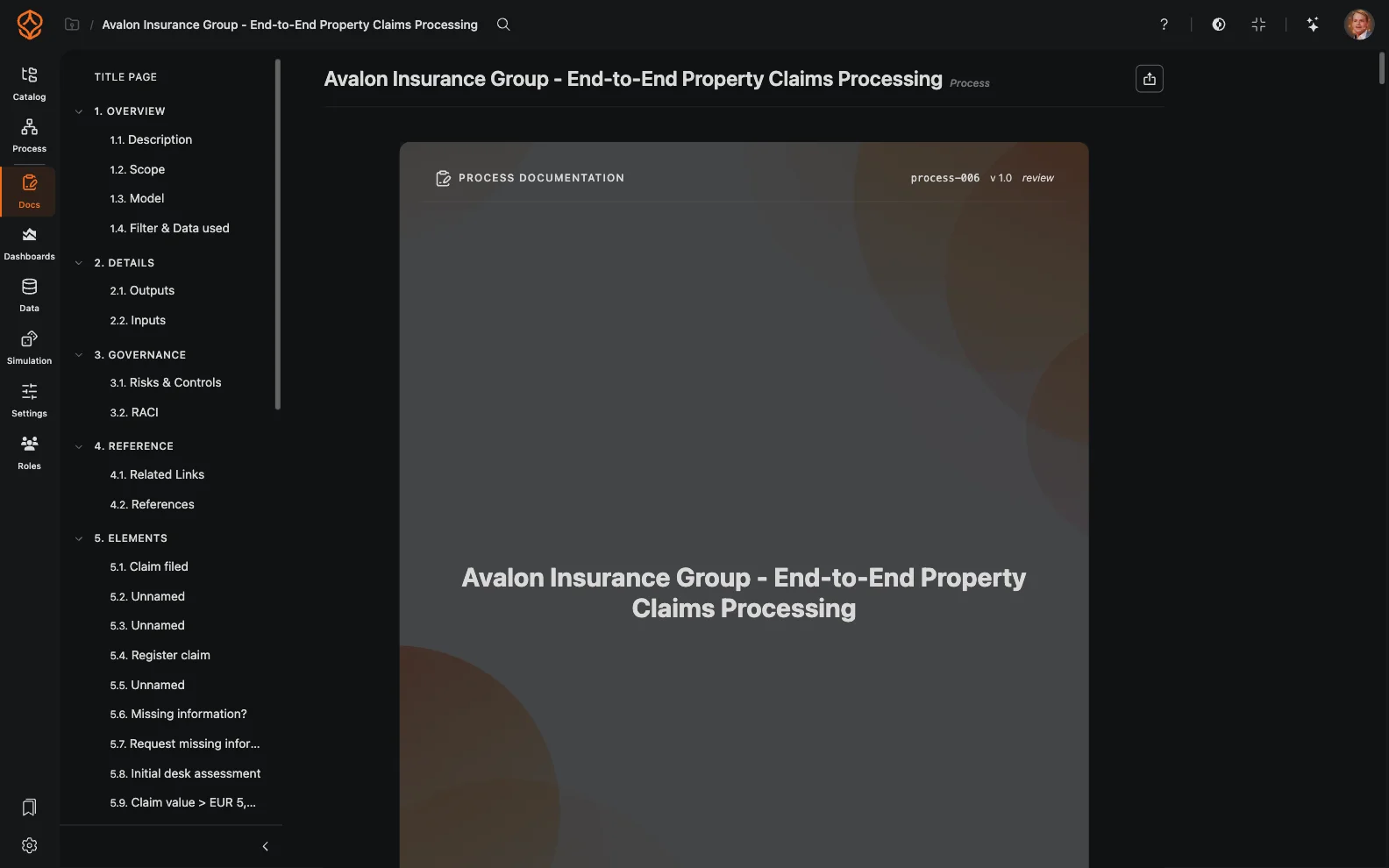
Every published process includes its documentation. Viewers read the rendered sections, including the RACI matrix, and can export the document as Word or Markdown, or print it.
Get instant access with no credit card and no waiting. Turn the way your organization works into clear, connected process designs.
Build your process architecture, define ownership and controls, and align roles and responsibilities across every level.
Start your free trial and create one reliable foundation for governing, managing, and continuously improving your processes.
We use cookies to improve your experience, personalize content, and analyze traffic. Anonymous page measurement happens without them; analytics consent adds an identifier that links your visits. By clicking "Accept All," you consent to our use of cookies.