Enterprise Process Architecture

Build your first landscape level

Included in Process Architecture · No credit card required · Works in your browser · BPMN 2.0 compliant
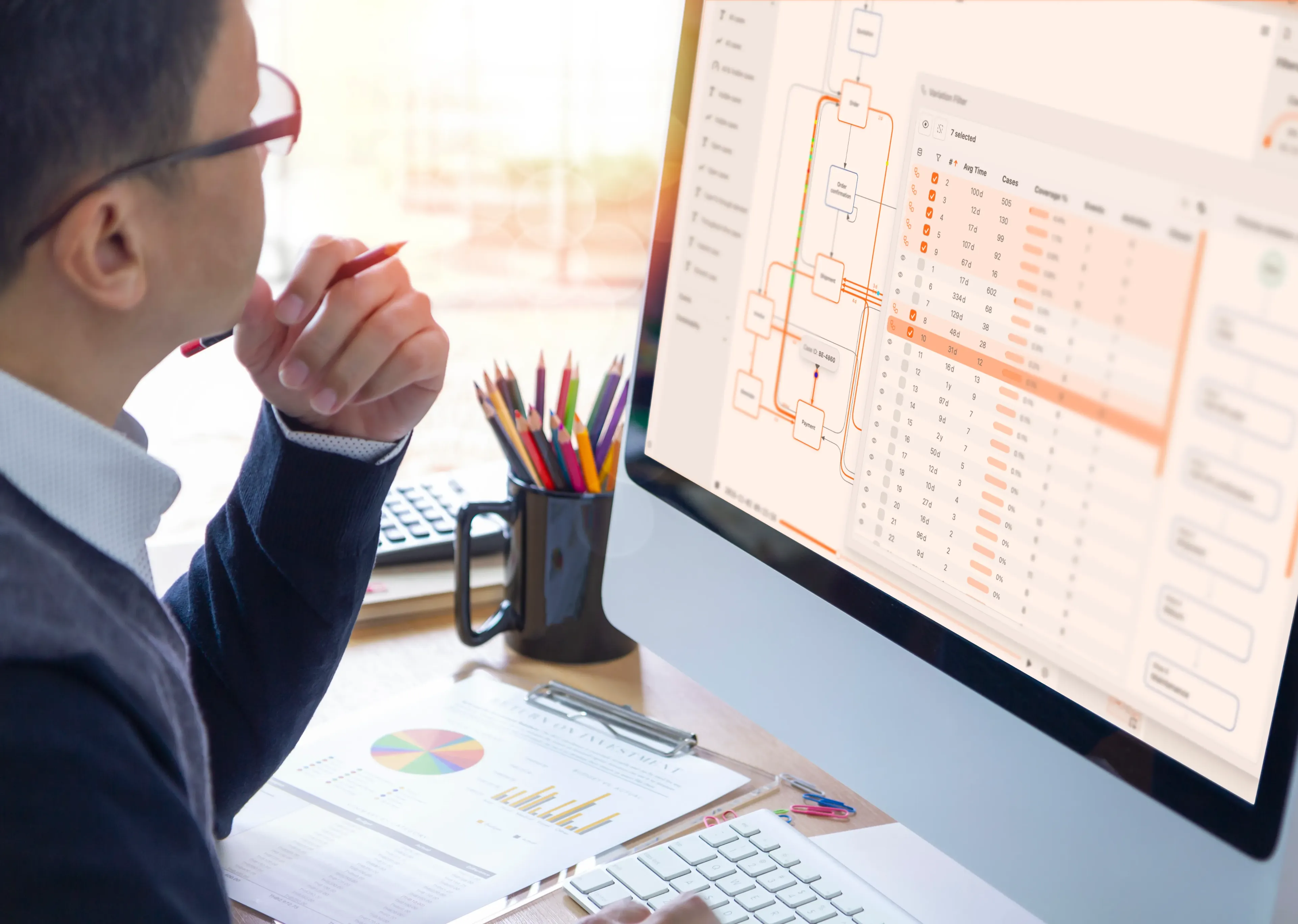
Enterprise Process Architecture

How the architecture works

Connect process levels, ownership, and change

ProcessMind gives you a structured process catalog to document and govern work across your organization. Link each process to its owners and related capabilities, applications, and risks, then manage changes through review and approval.

A practical, configurable process hierarchy

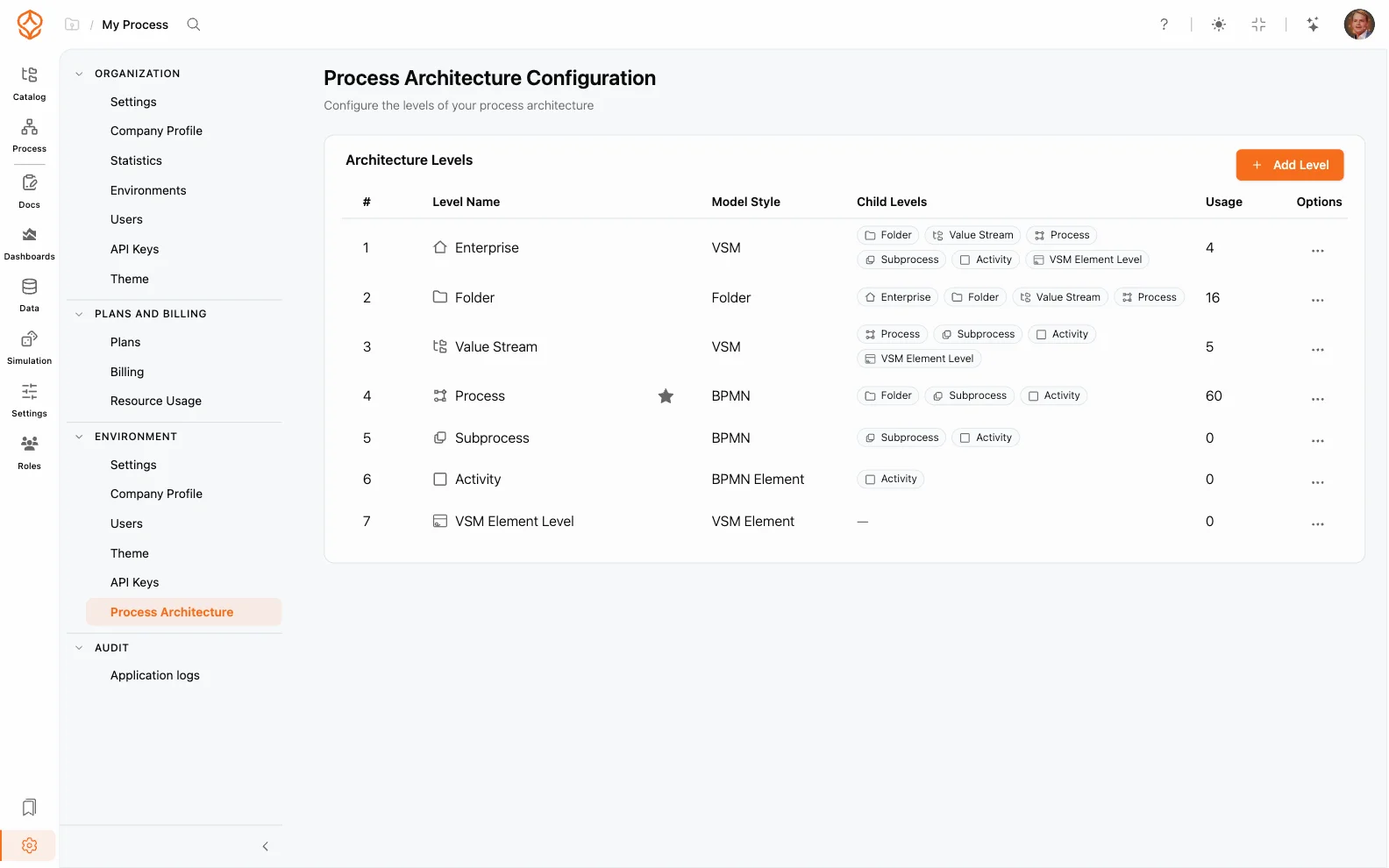
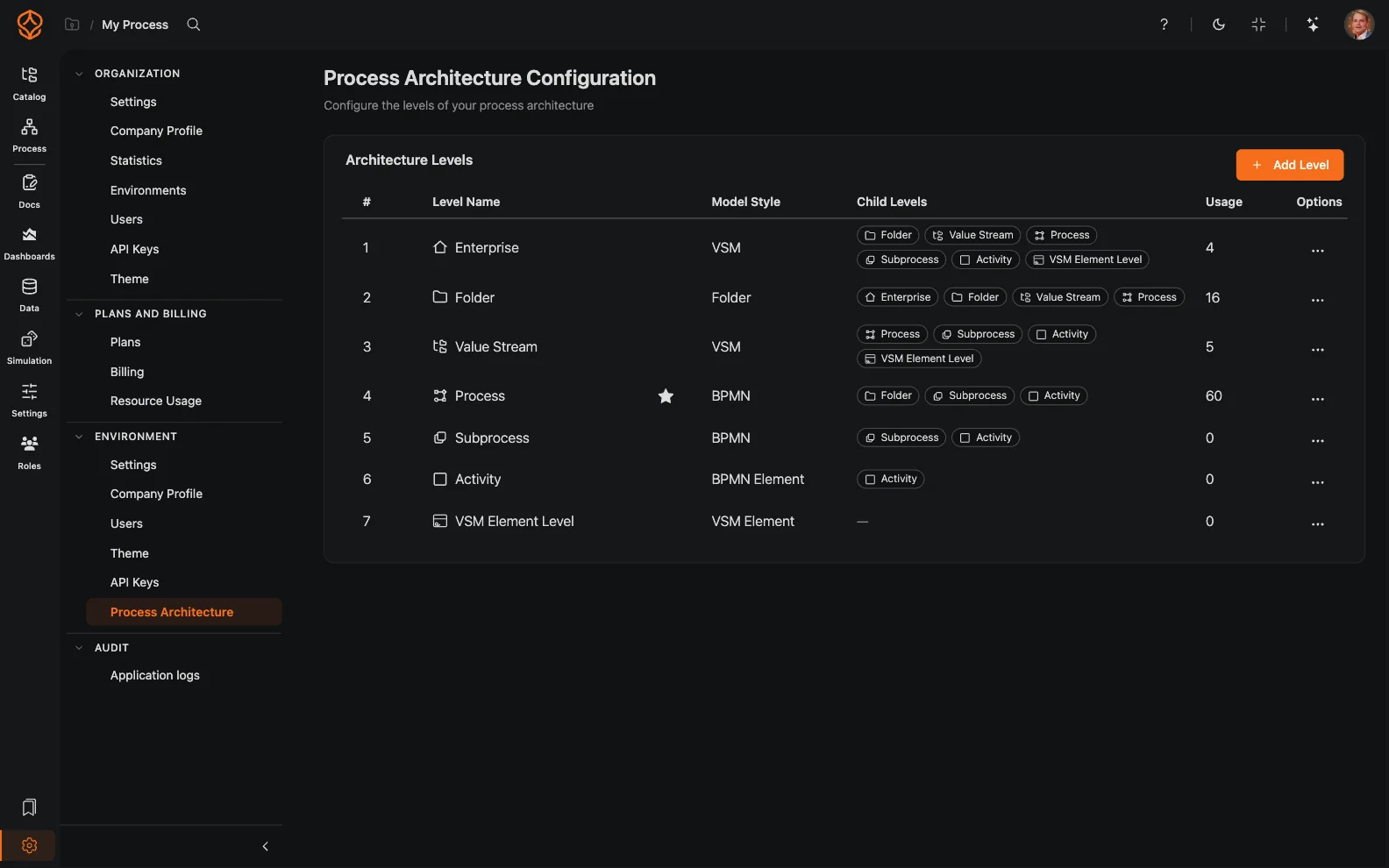
Use a consistent hierarchy to move from an organization-wide view to the work people perform. A typical framework runs five levels, and you can rename, add, or remove levels to match your organization:

  • L1, Value chains: the major end-to-end areas that deliver value.
  • L2, Process groups: related processes within a value chain.
  • L3, Processes: the defined business processes within a group.
  • L4, Activities: the main steps that make up a process.
  • L5, Tasks: the detailed work instructions for carrying out an activity.
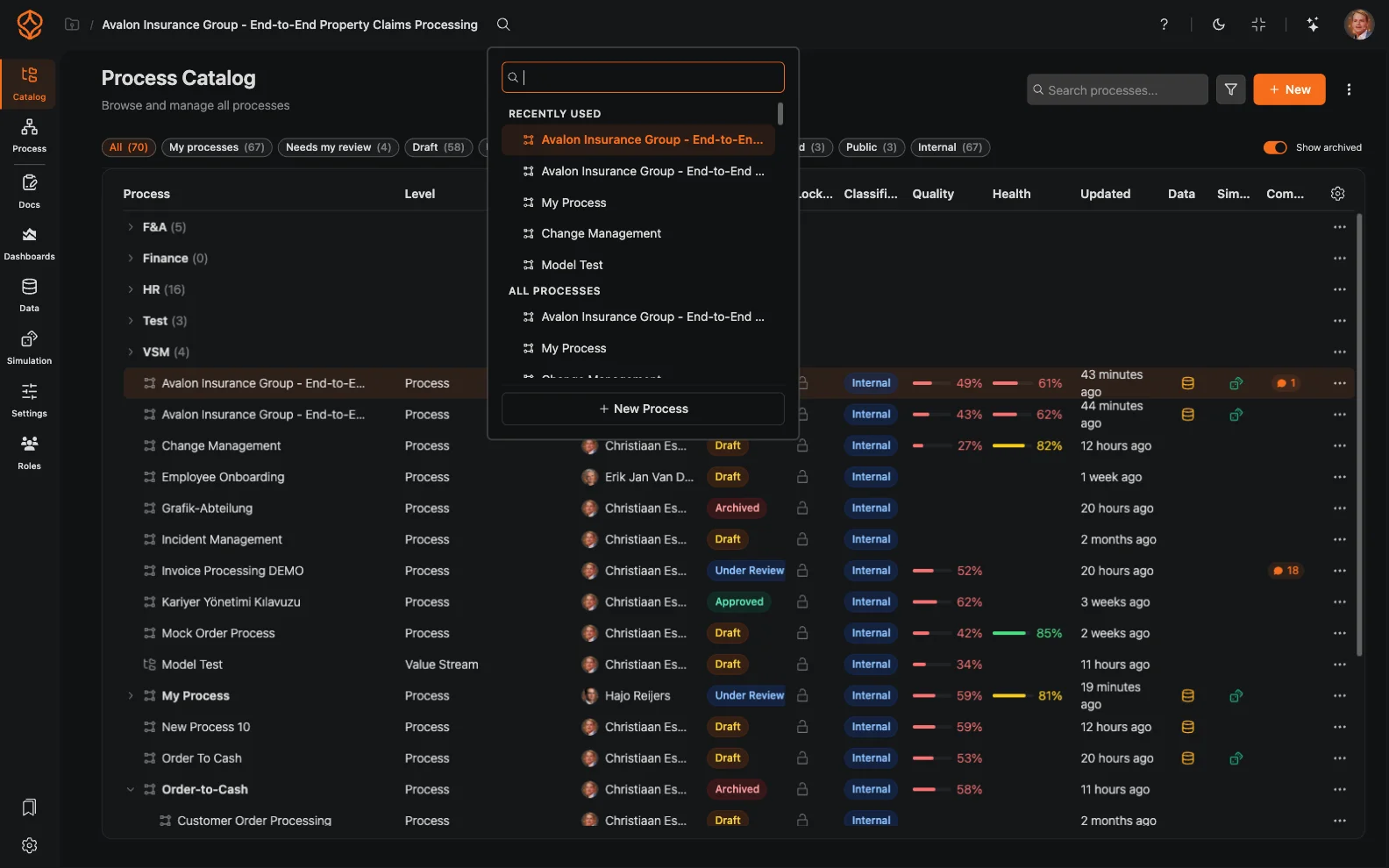
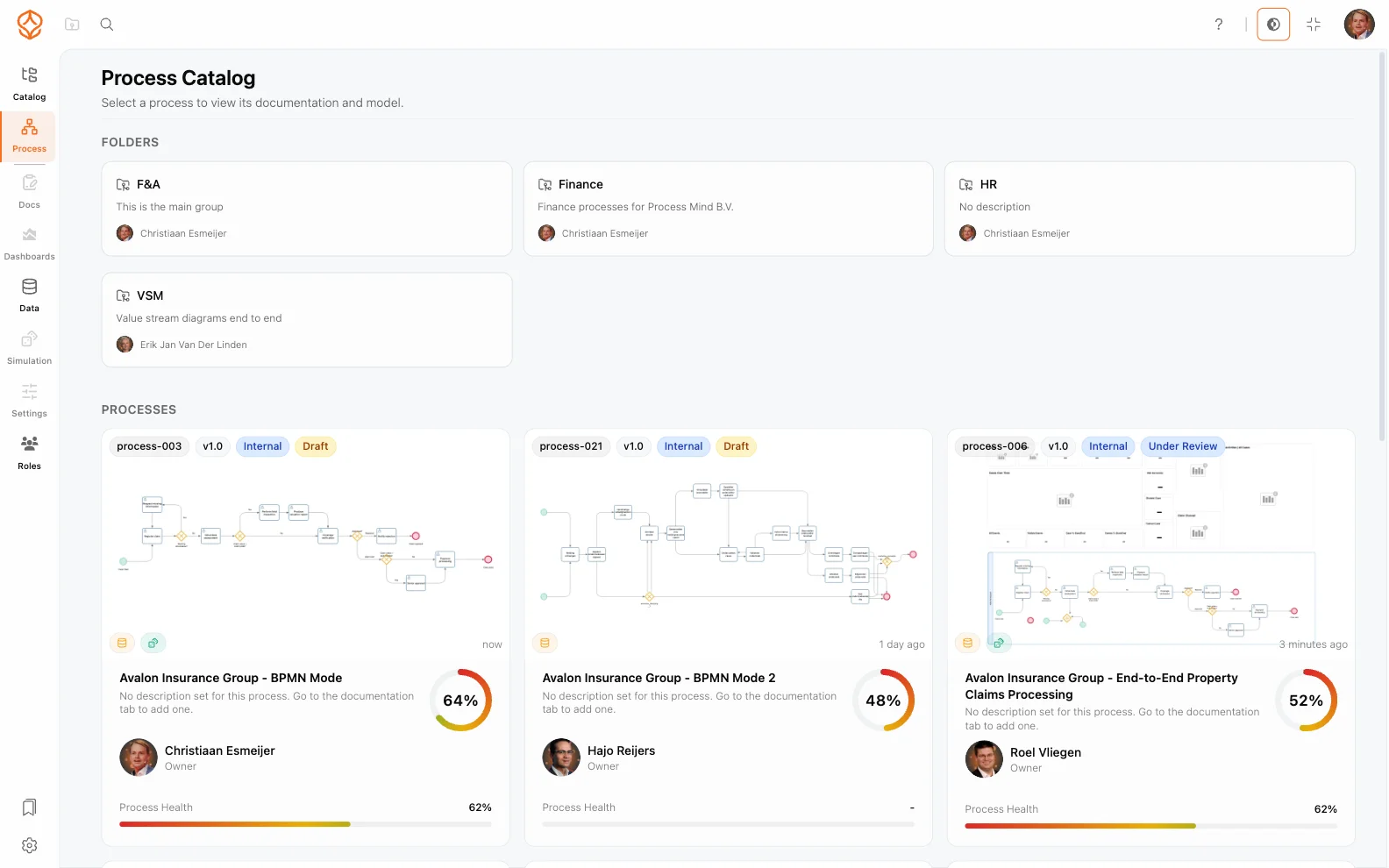
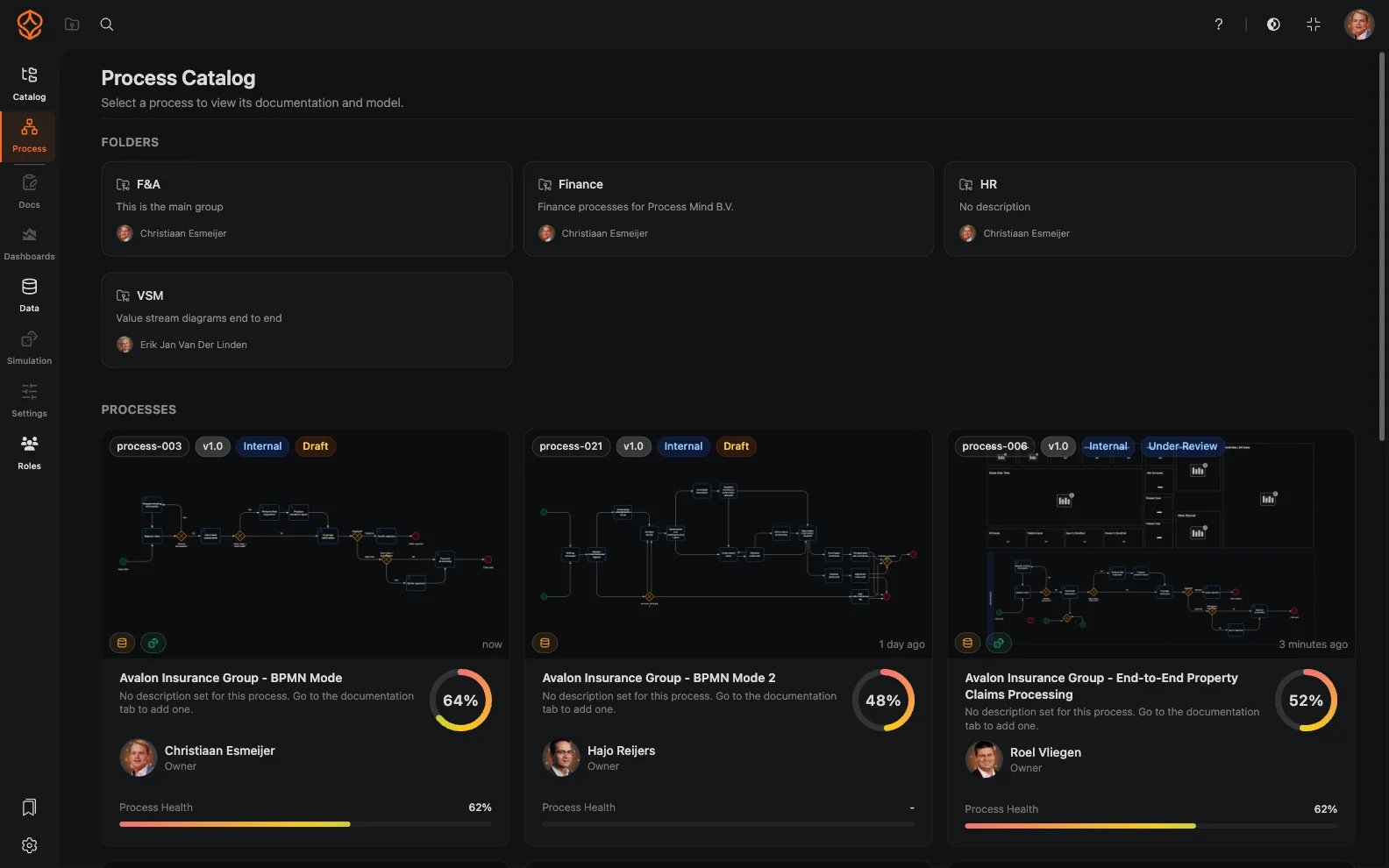
    Build a living process catalog instead of relying on disconnected folders and diagrams. Start with a description, CSV, BPMN import, or your own documents as context, then review and refine the generated structure. Connect processes to capabilities, organizational units, applications, and risks. Give employees an interactive portal where they can find the information they need, and customize the hierarchy to fit your organization.
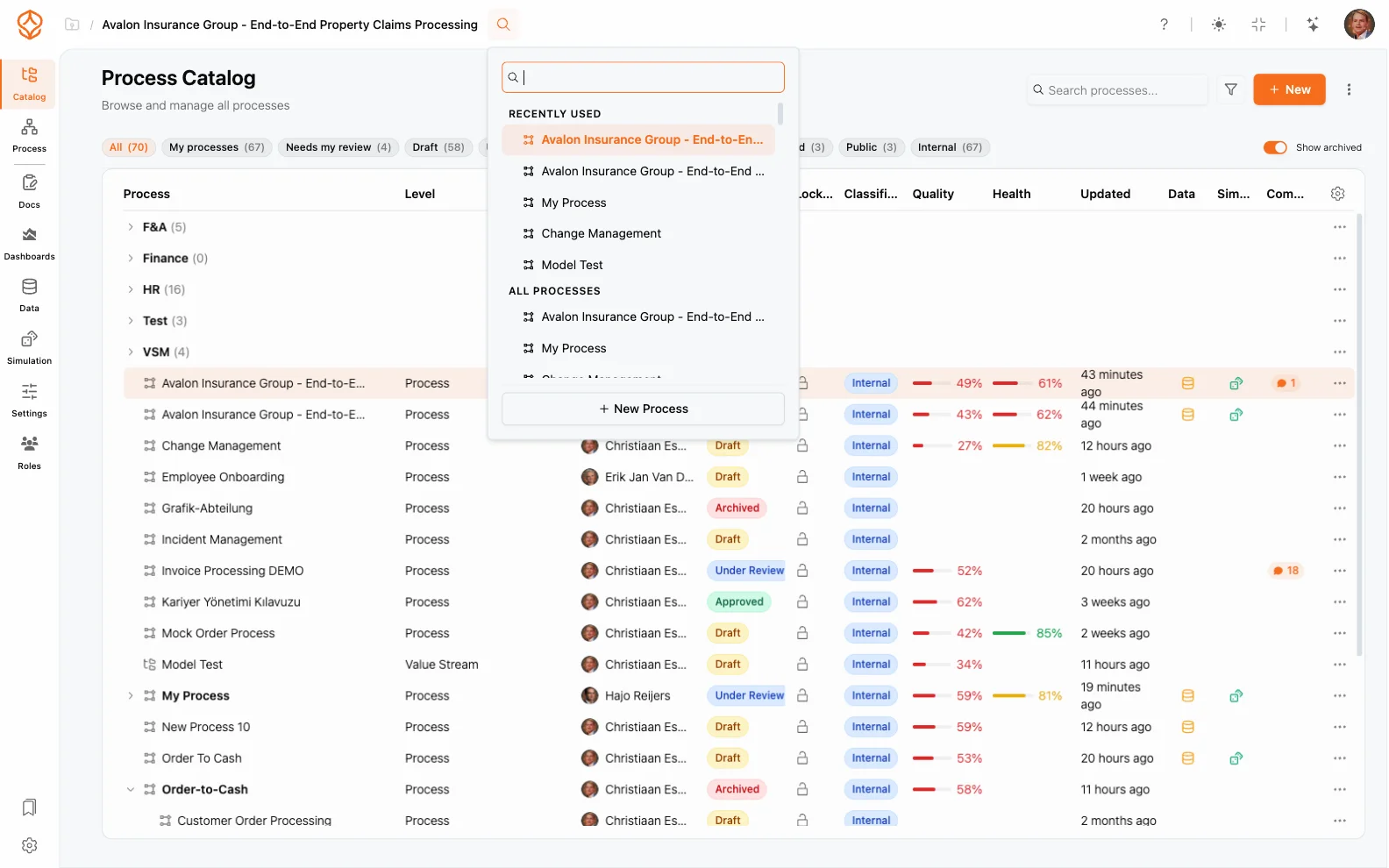
Multi-level process hierarchy
Process catalog navigation

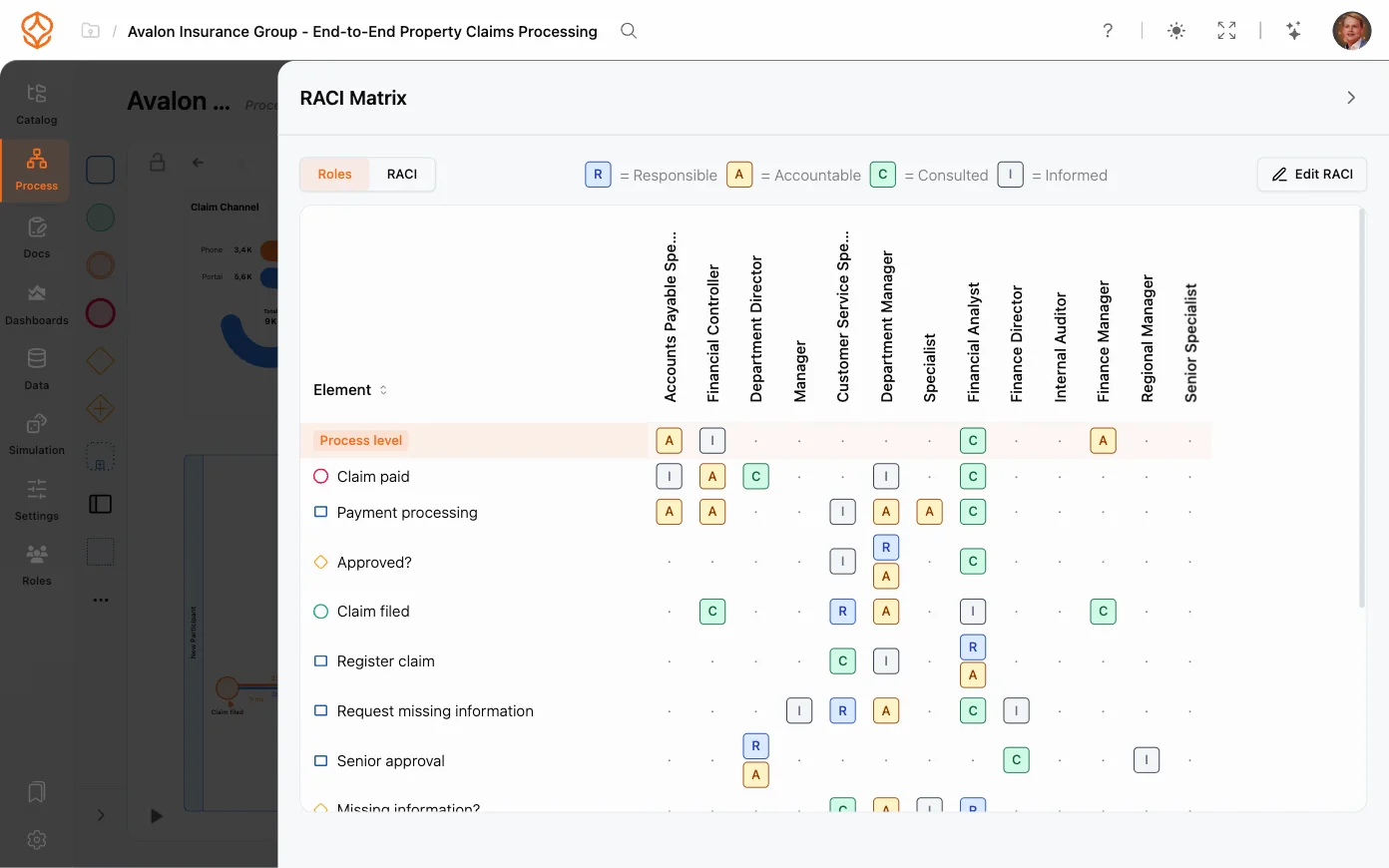
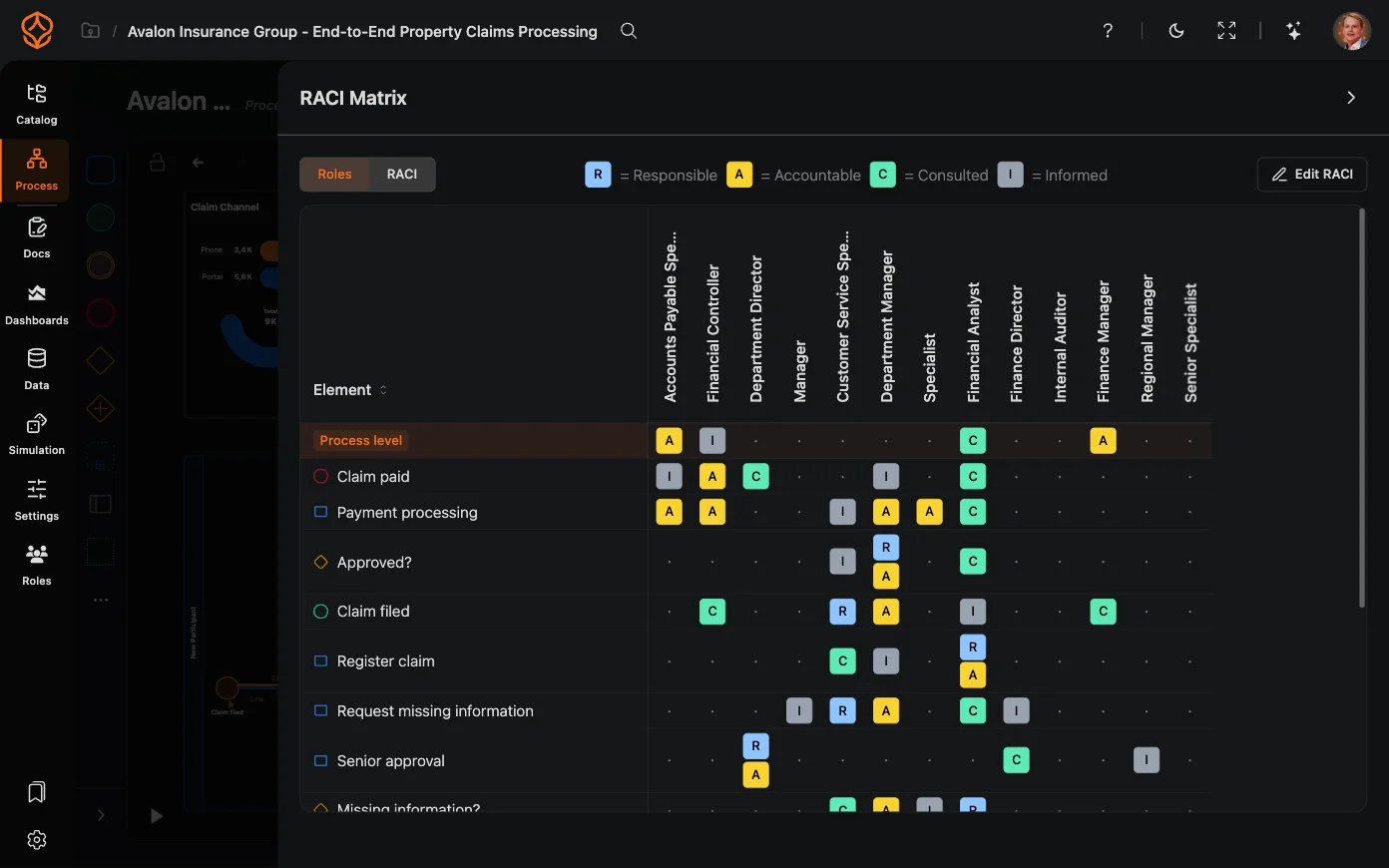
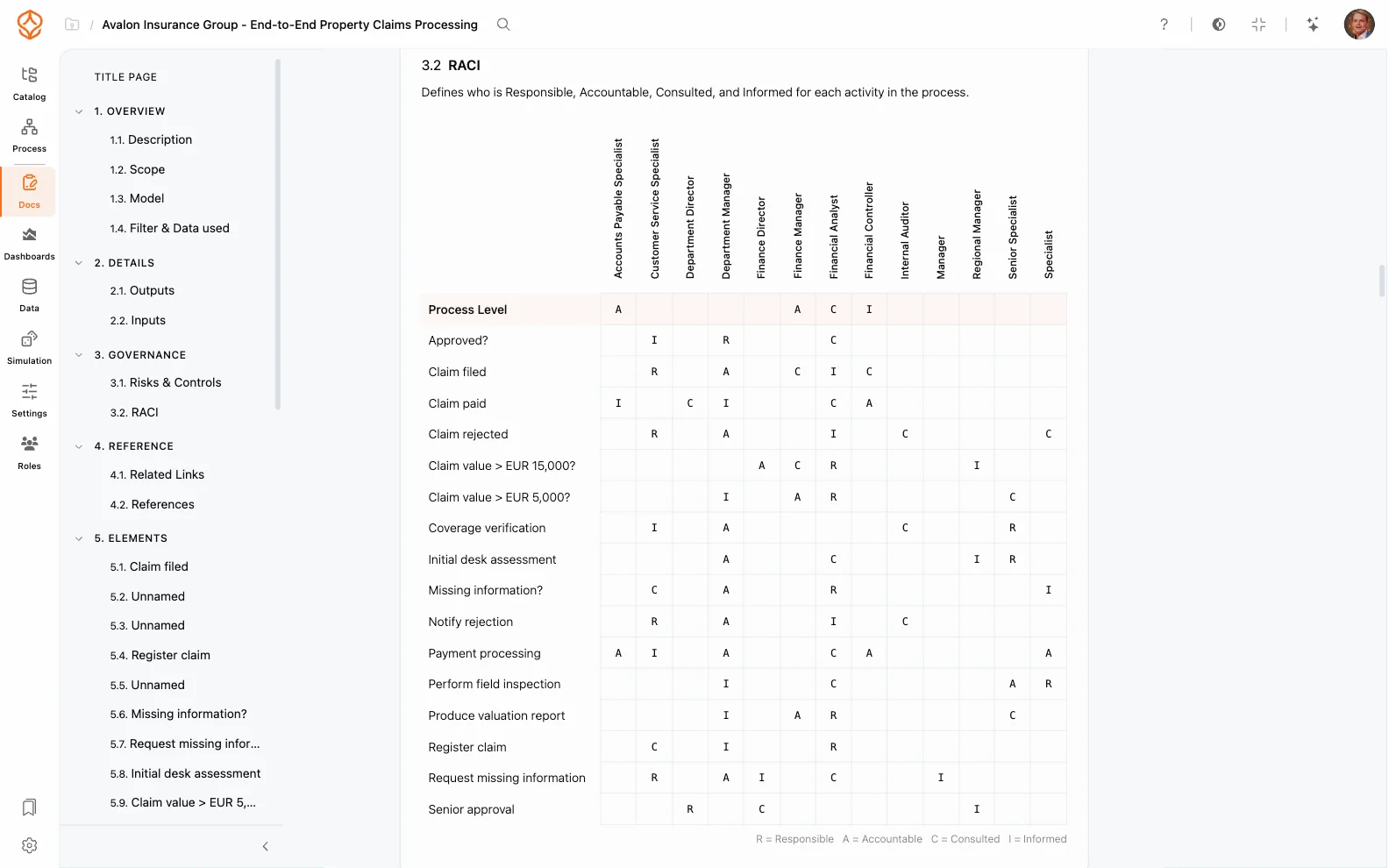
RACI and process governance

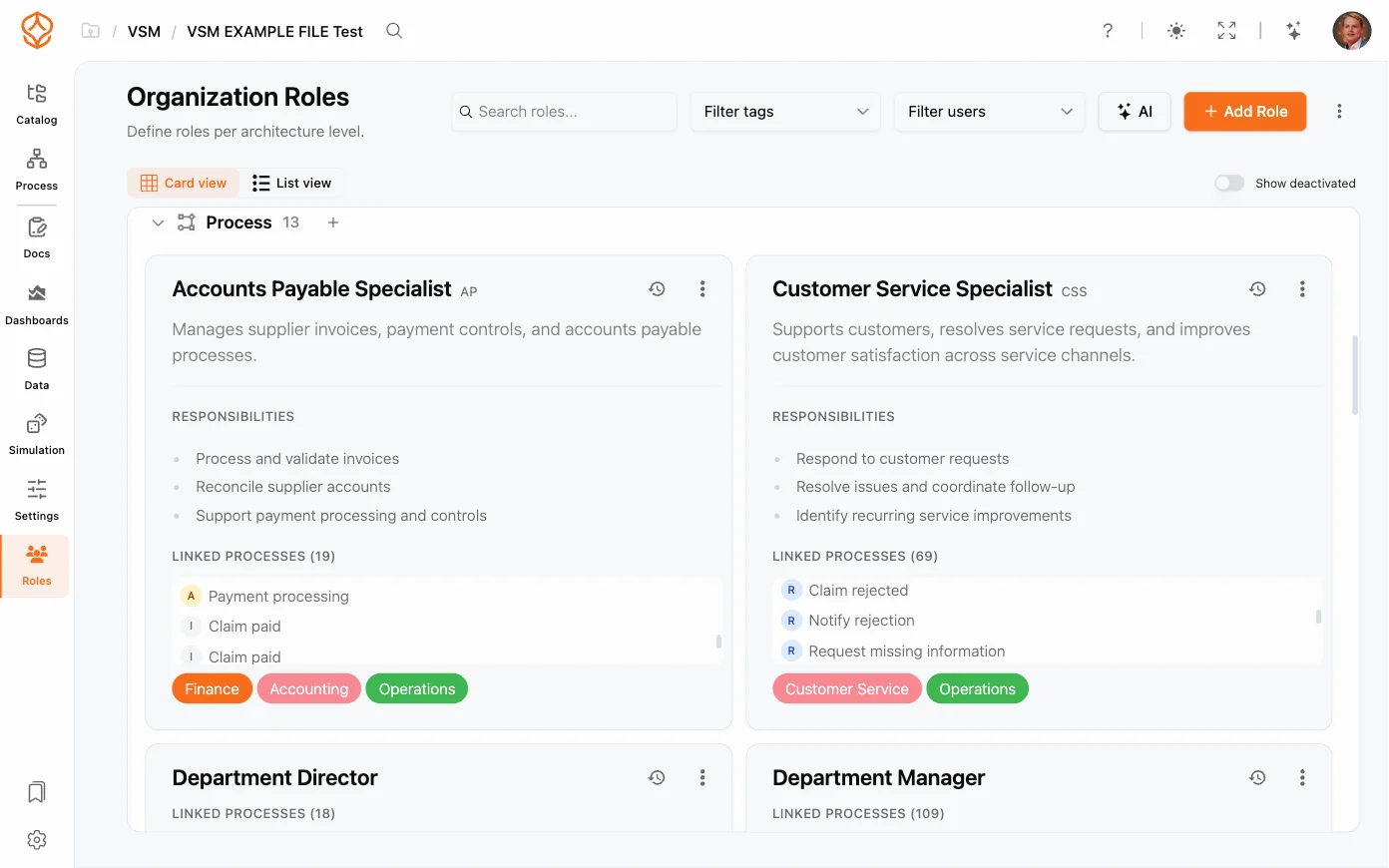
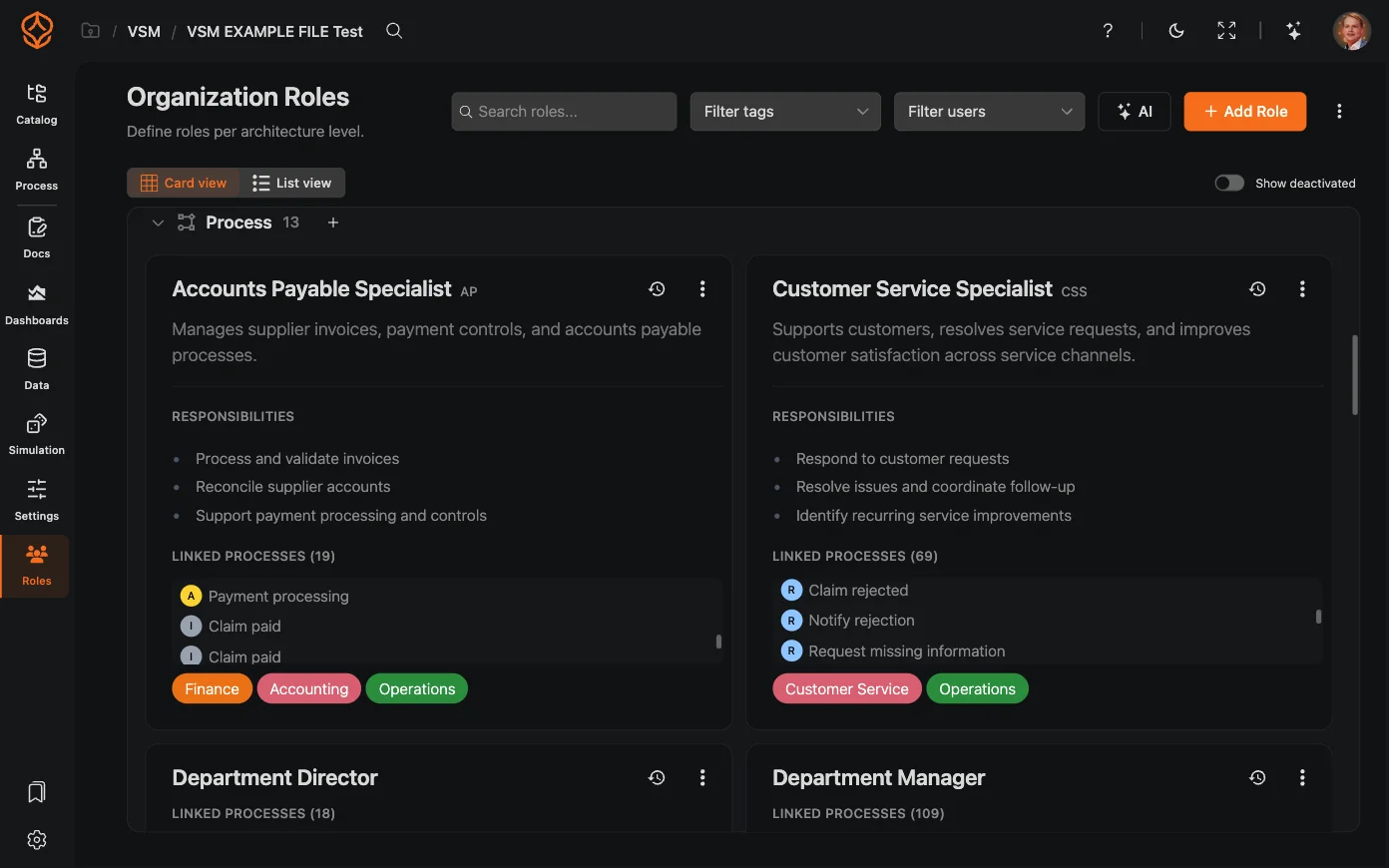
Define who is responsible for each process and keep ownership visible as your organization changes.

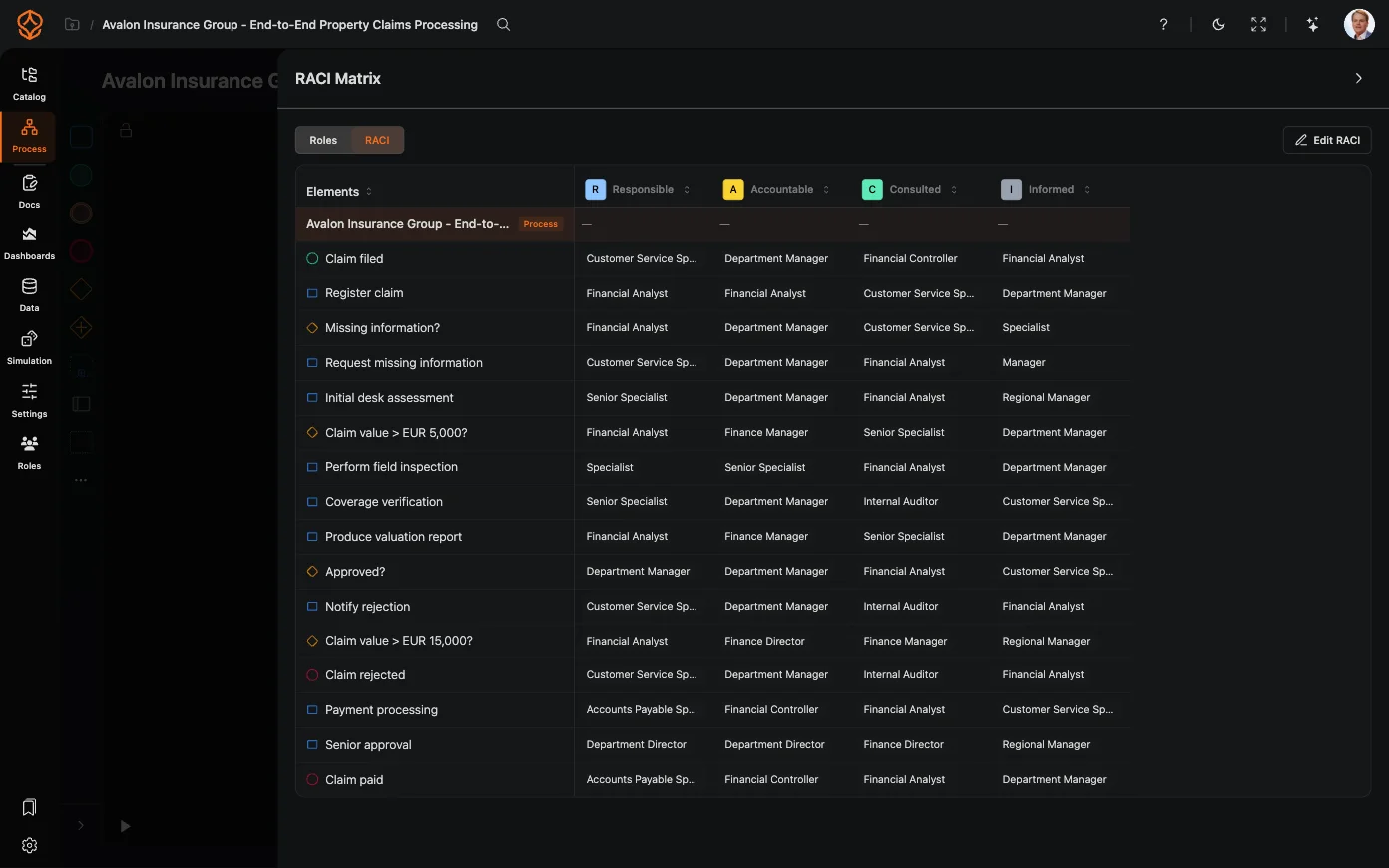
  • Assign Responsible, Accountable, Consulted, and Informed roles to each process.
  • Import and export roles and RACI assignments in CSV or JSON to work with your own matrices.
  • Set role-based access based on your organizational structure.
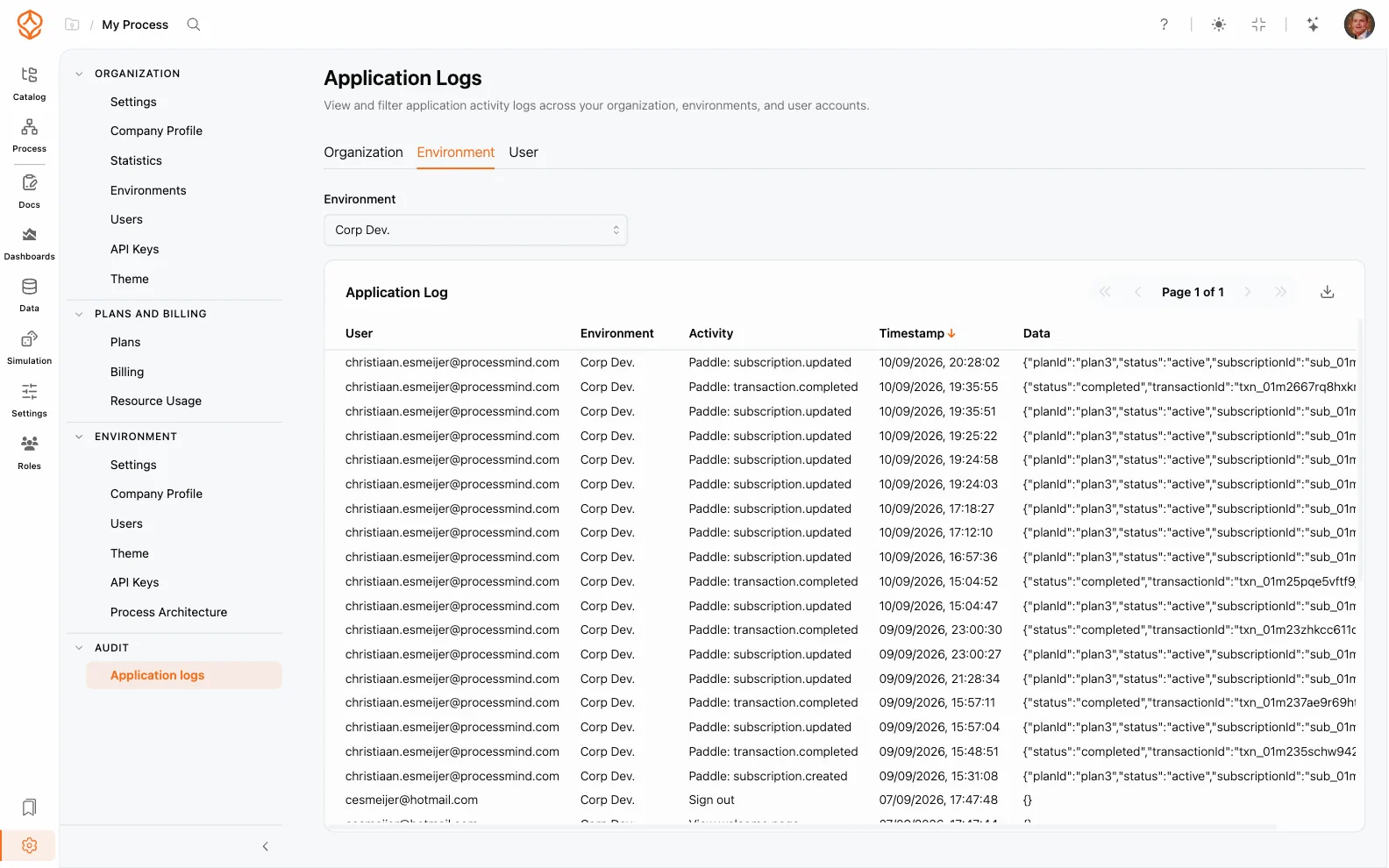
  • Track process ownership with version history and audit trails.
  • Notify owners when processes are due for review.
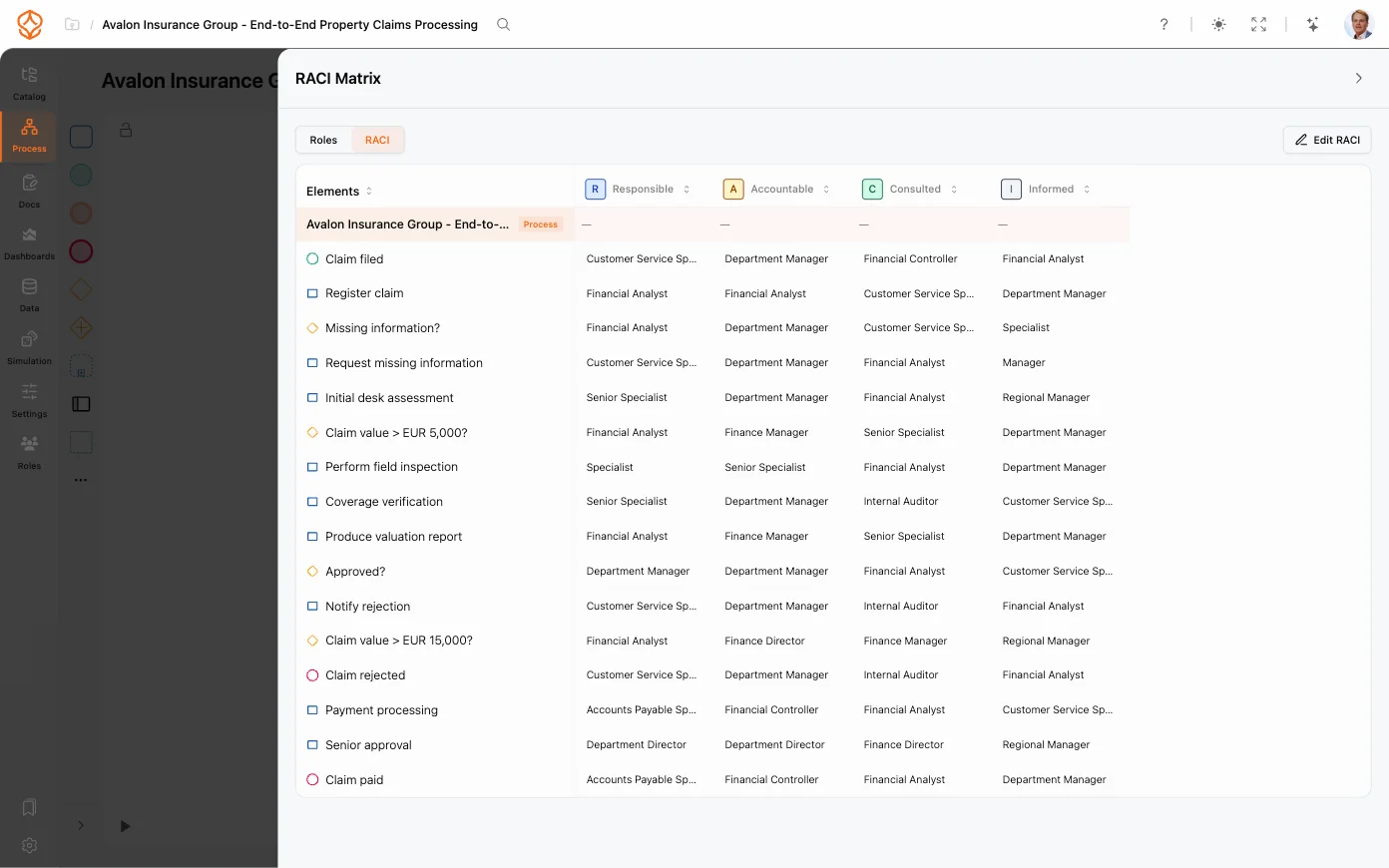
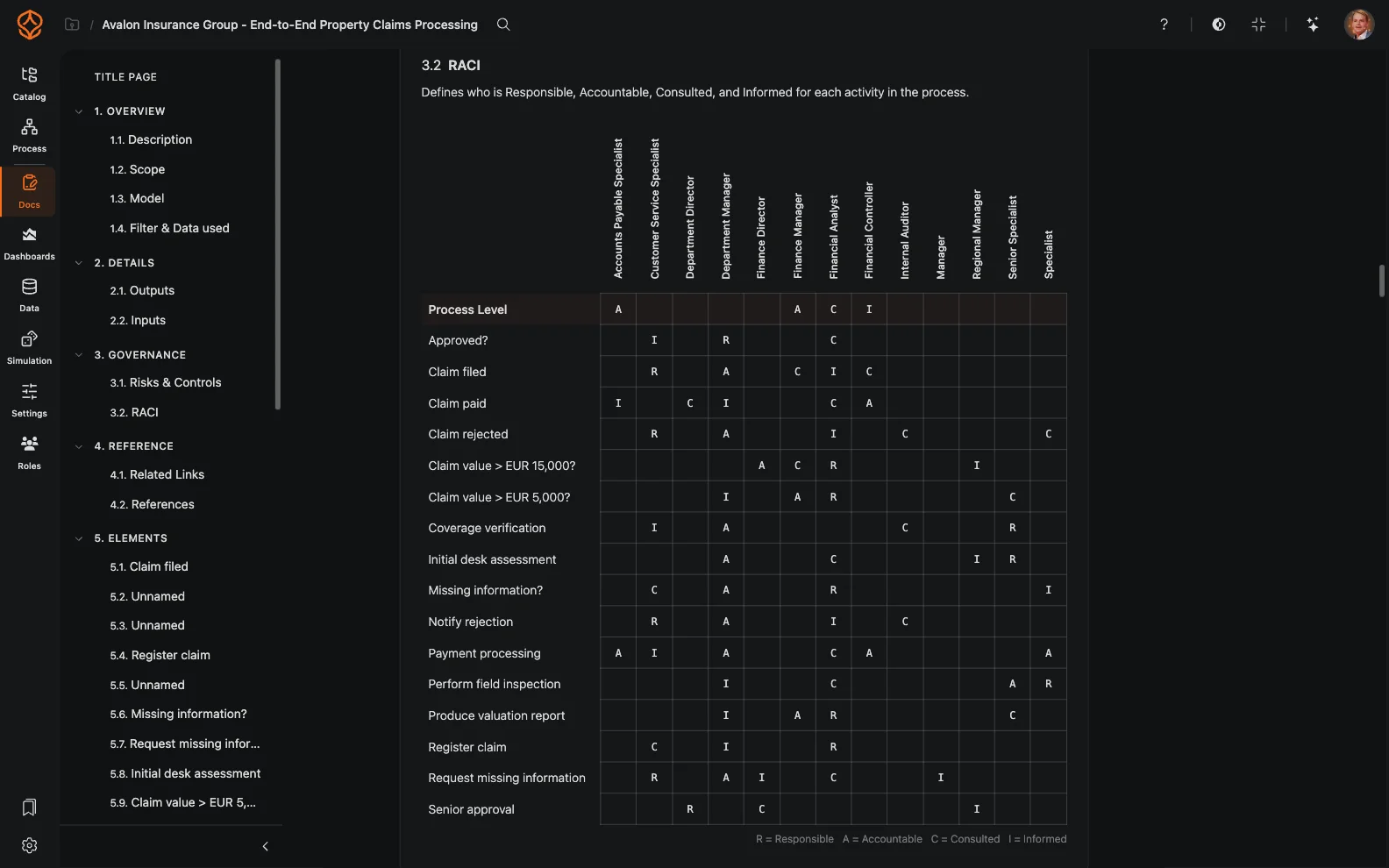
RACI process governance
RACI role assignments
Process roles and ownership

Review, approve, and publish changes

Keep process changes controlled and traceable from draft to publication.

  • Use a draft, review, approve, and publish lifecycle for each process.
  • Customize approval chains based on process criticality.
  • Compare changes in a side-by-side diff view.
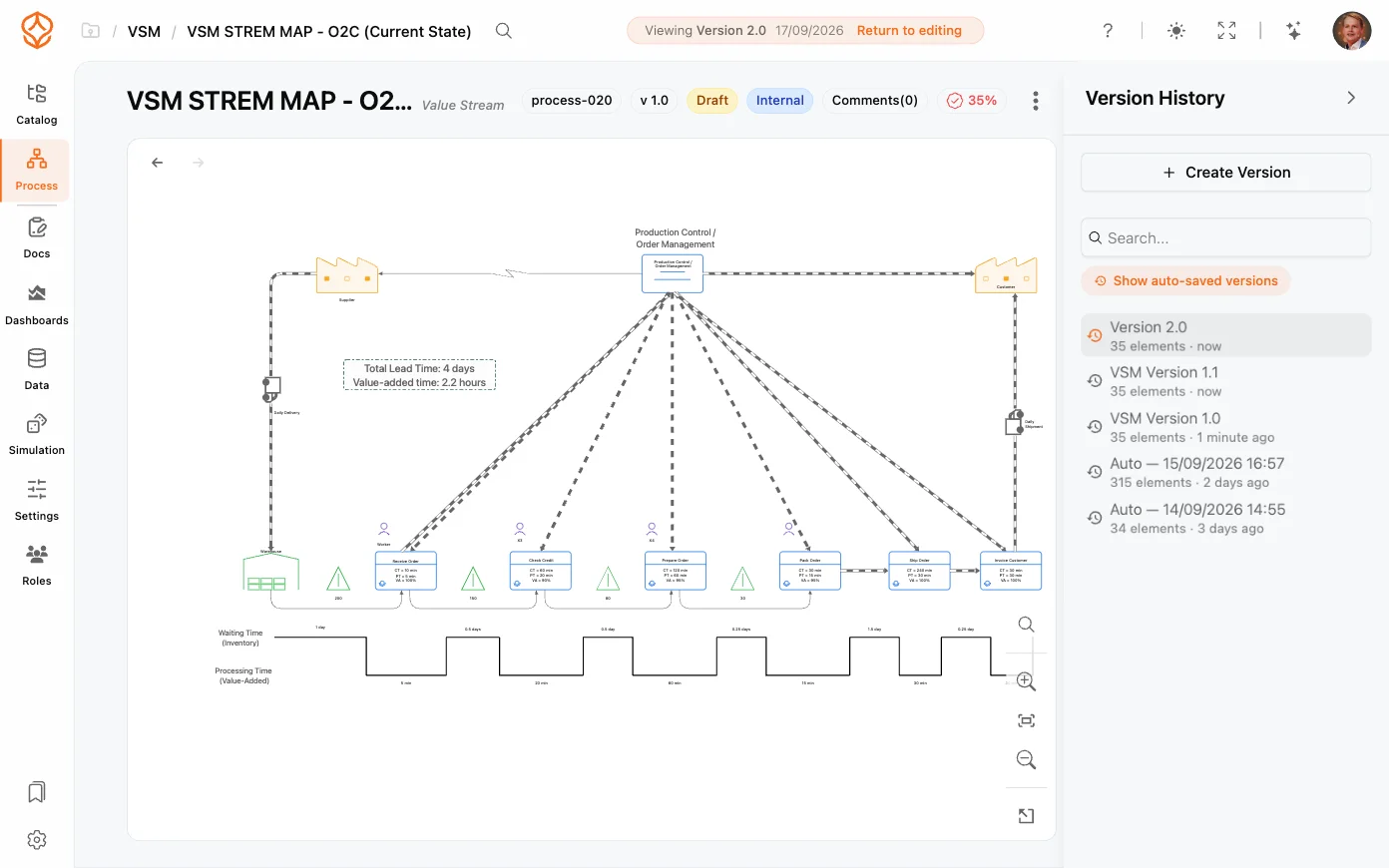
  • Review version history and roll back when needed.
  • Publish version snapshots so viewers see the released version, not a working draft.
  • Use review queues to see processes awaiting your review, under review, or approved.
  • Archive and restore processes instead of deleting them, with public, internal, or confidential classification.
  • Lock approved processes to prevent unintended edits.
Governance review workflow
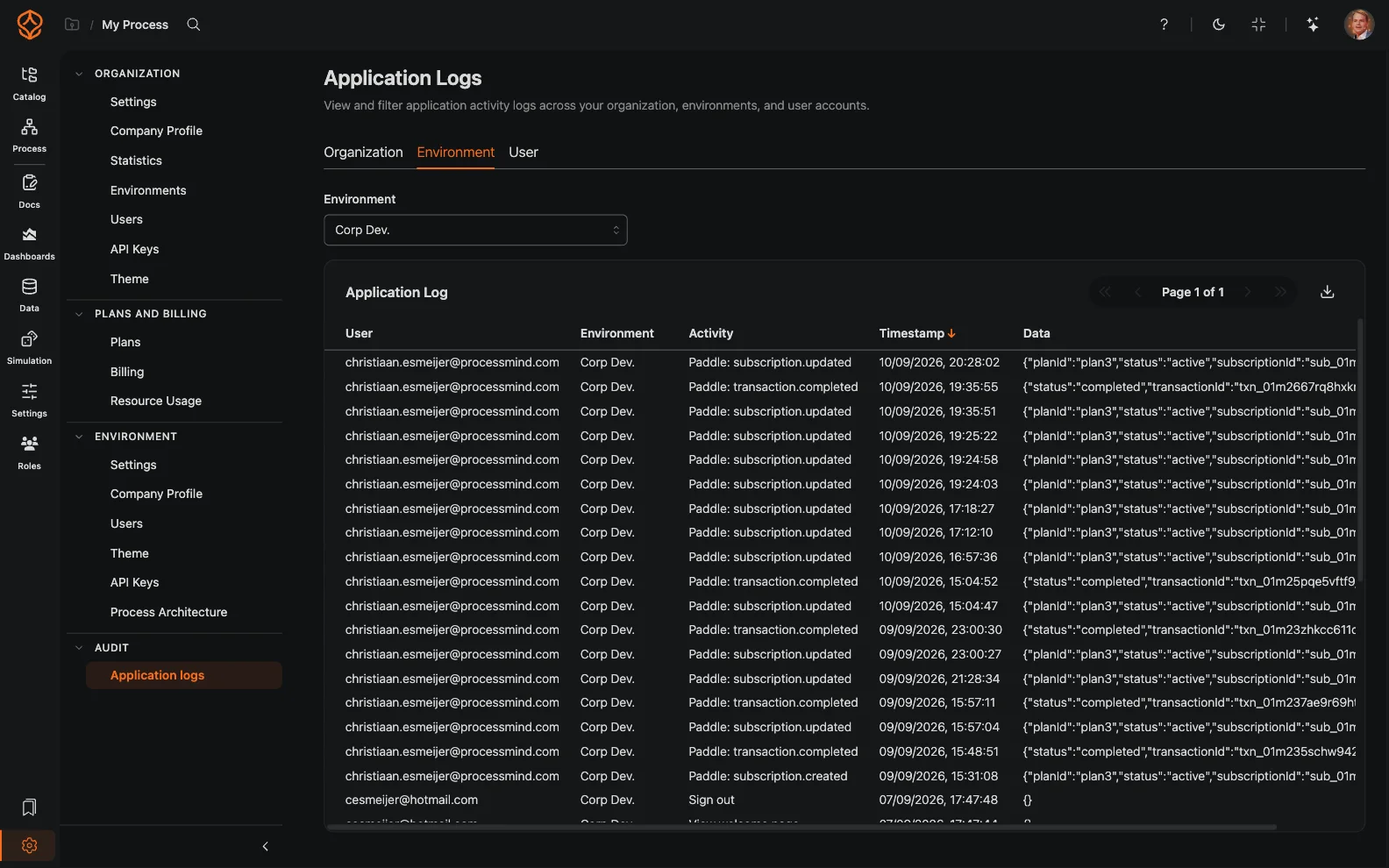
Application audit logs
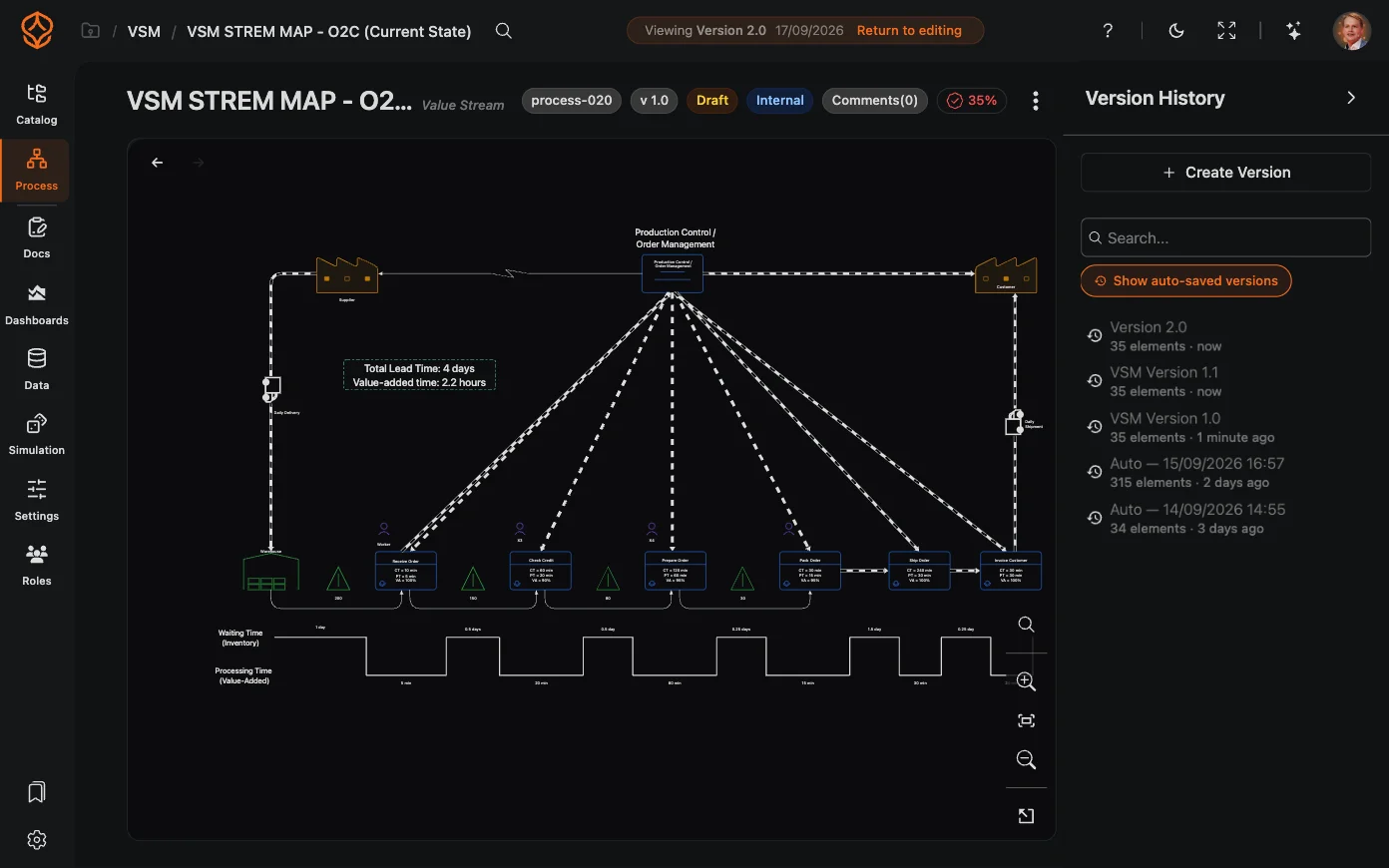
Version history and rollback
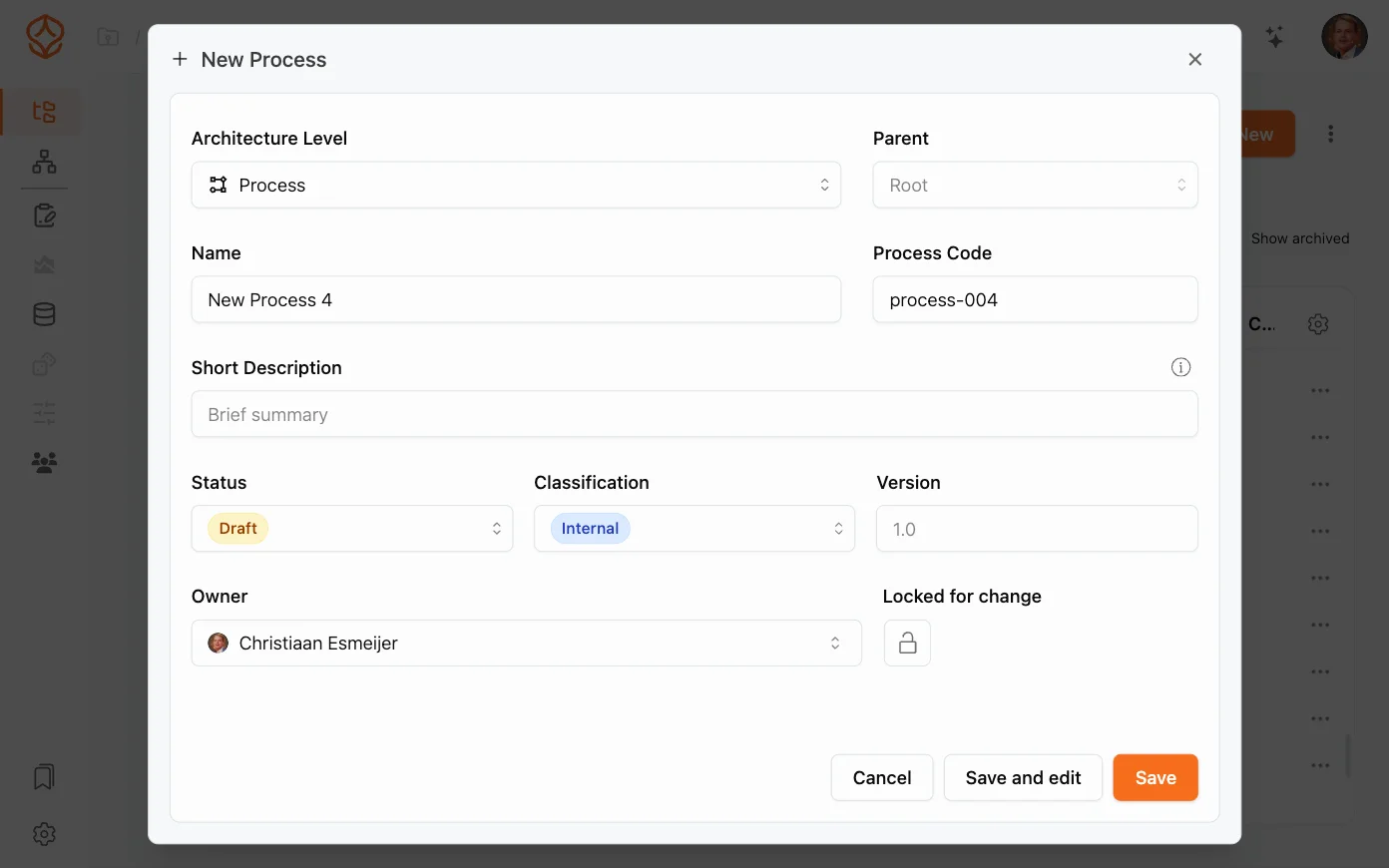
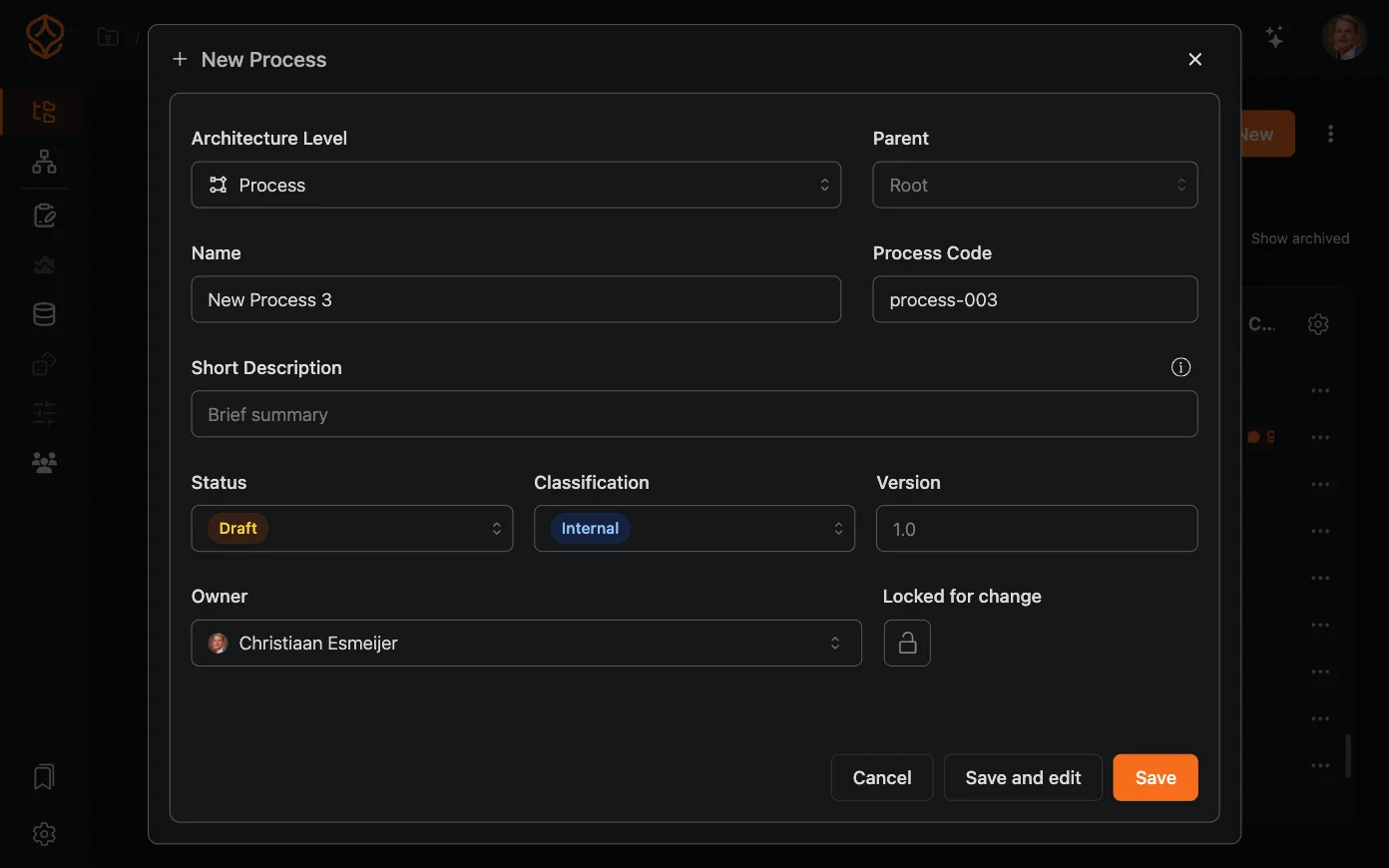
New process setup
New process setup

Documentation from process models

Create operational documentation from BPMN models and keep it connected to the process as it changes.

  • Generate SOPs, work instructions, and process narratives with AI.
  • Keep documentation in sync as processes evolve.
  • Export to PDF or Word, or publish to your process portal.
  • Support multiple languages for global teams.
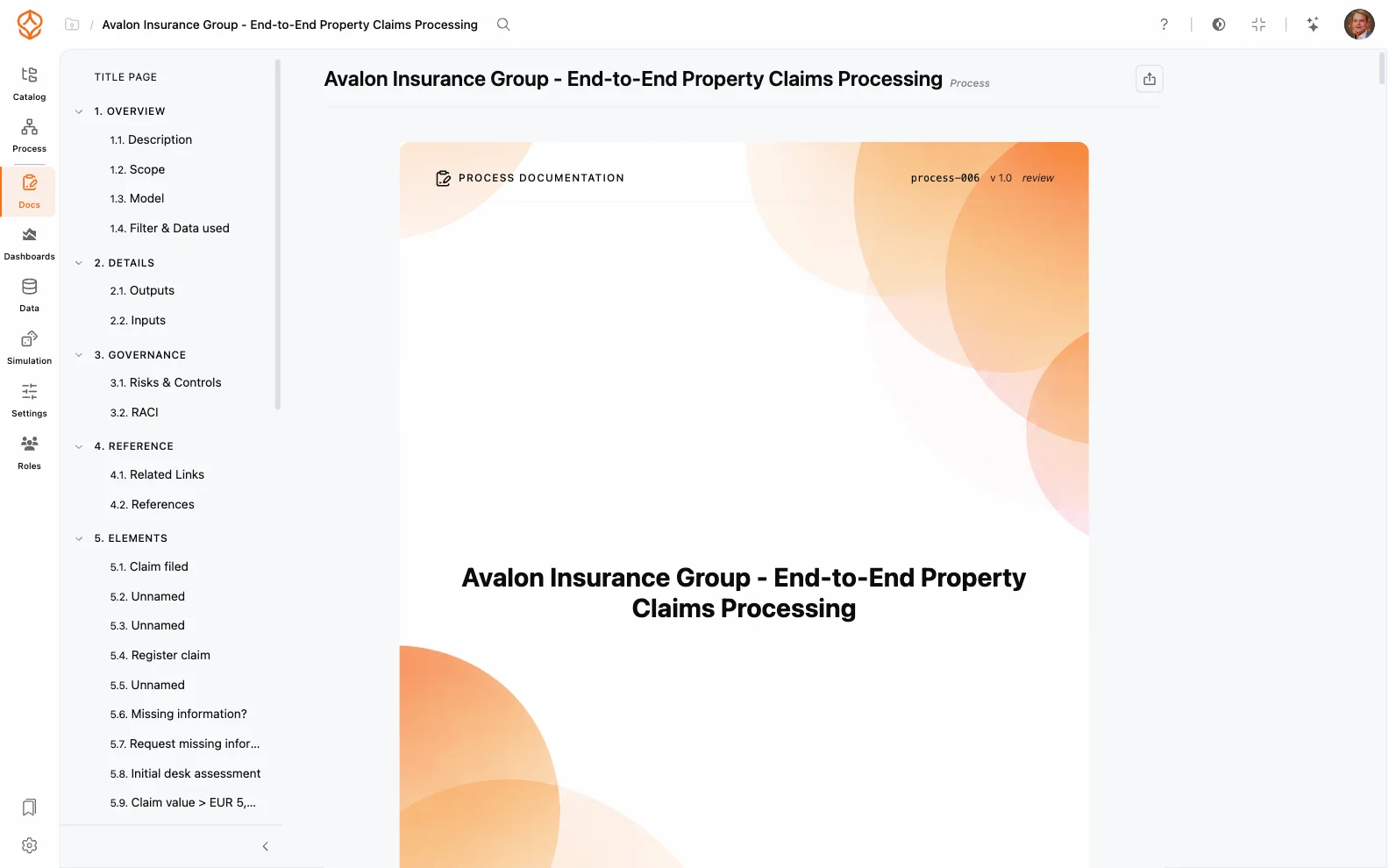
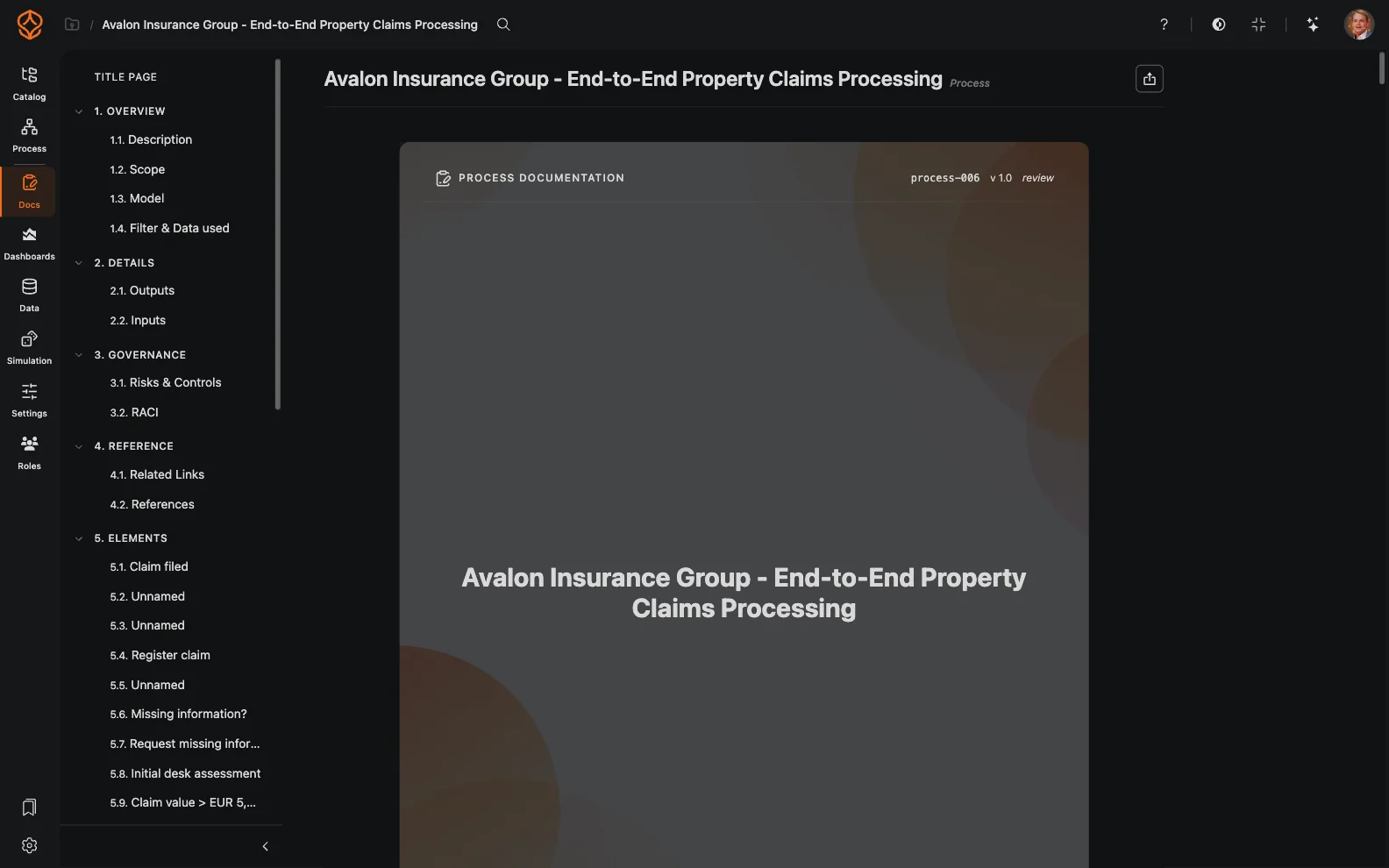
AI-generated SOPs
AI-generated SOPs
RACI documentation
RACI documentation
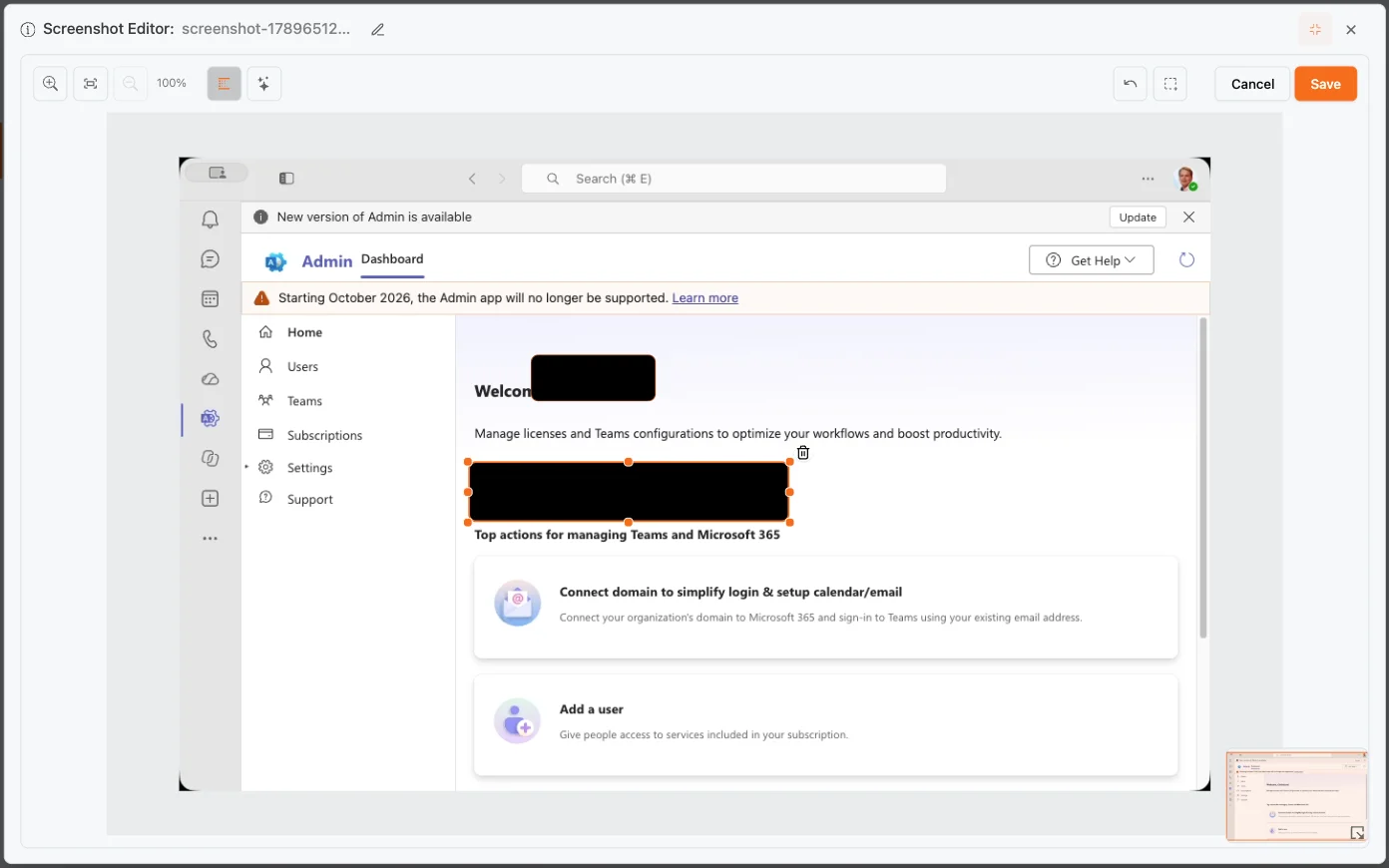
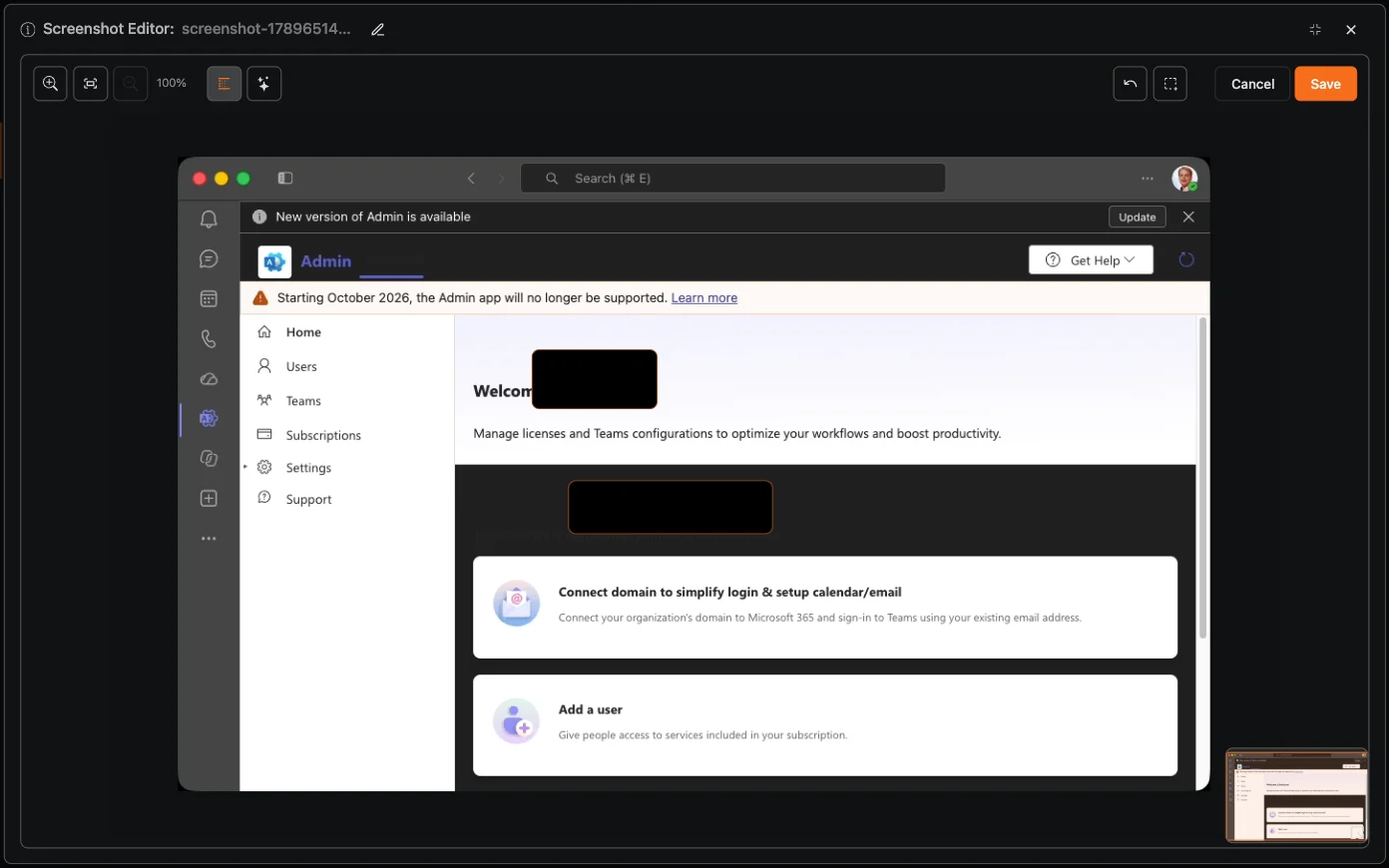
Screen capture artifacts

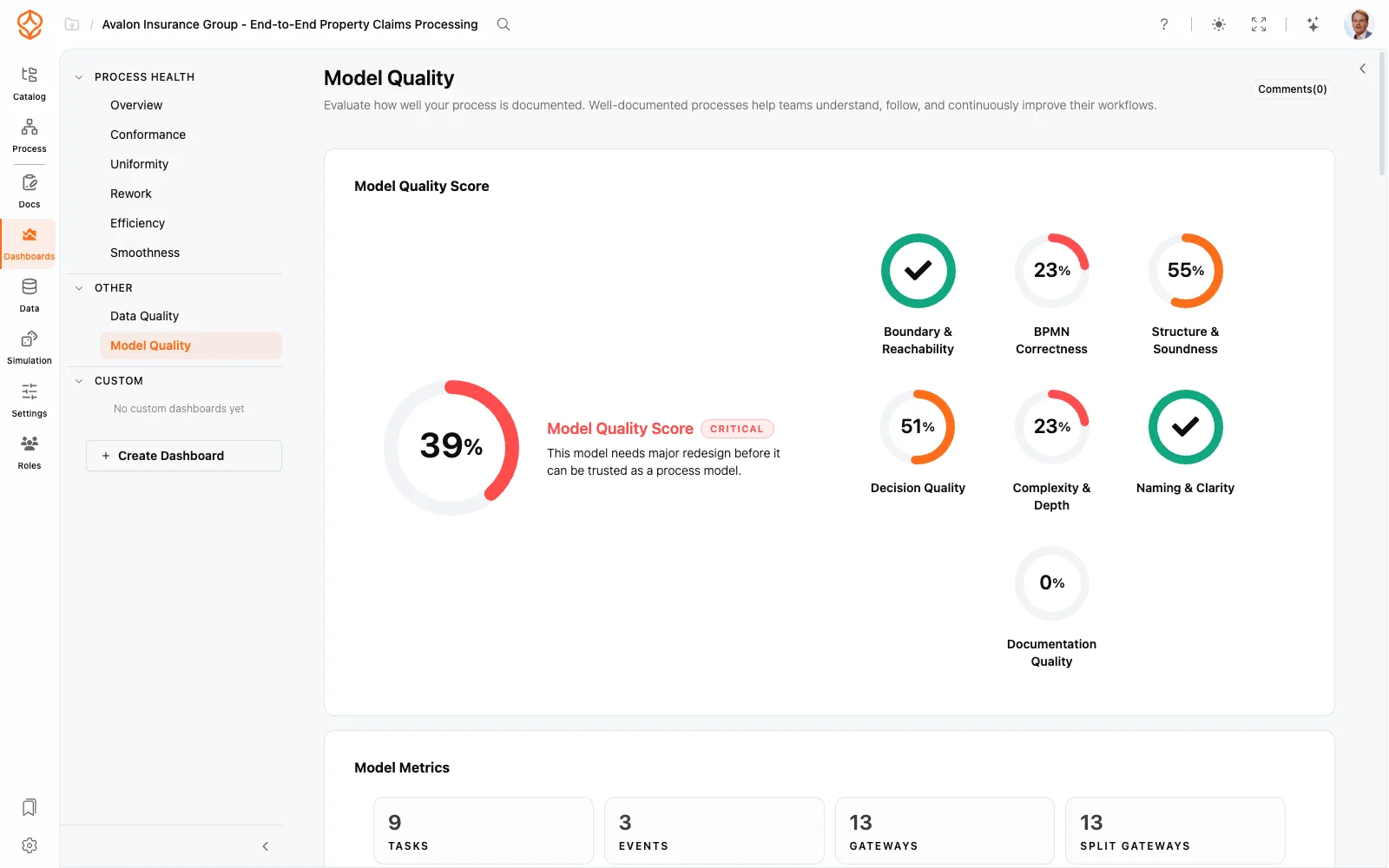
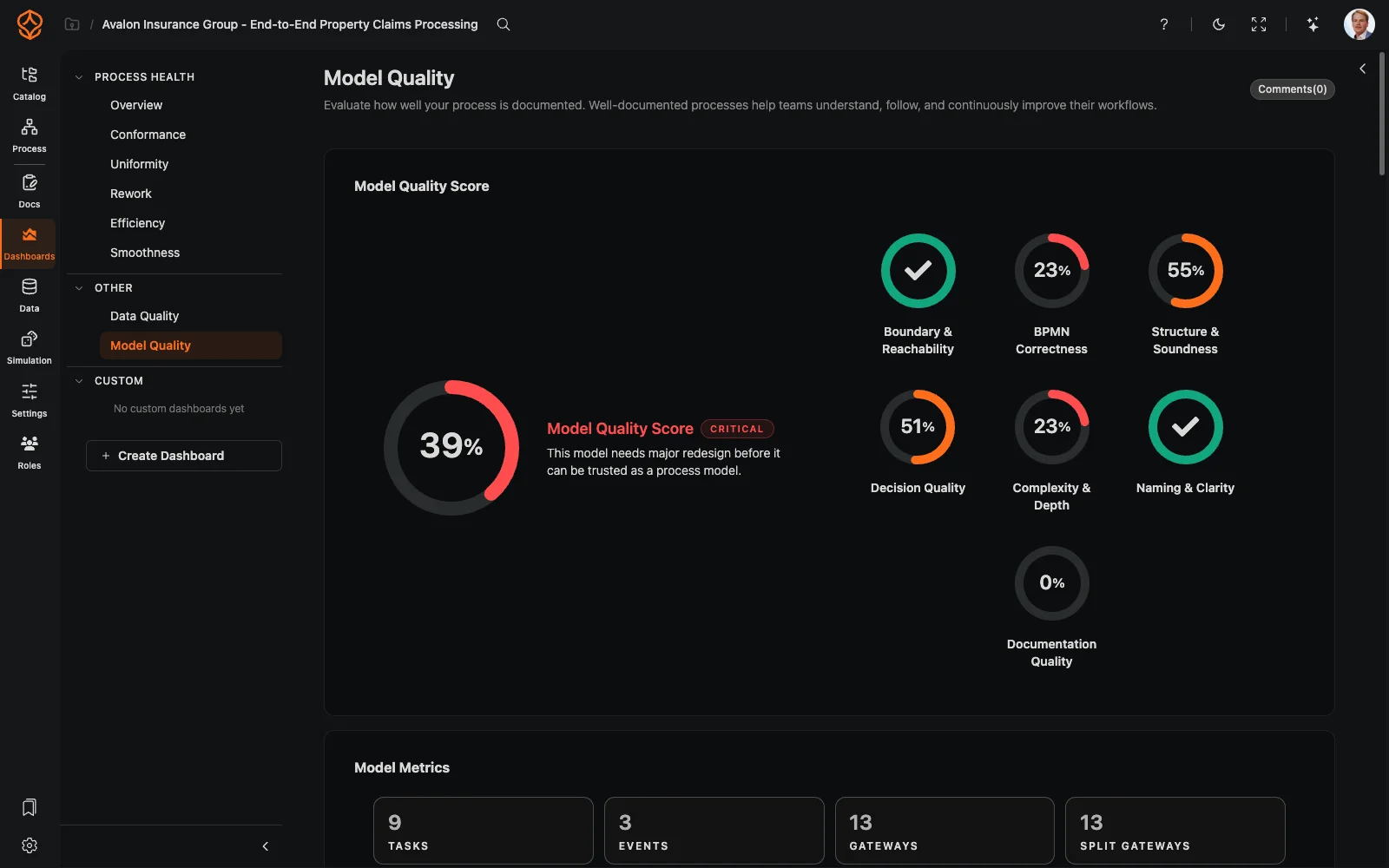
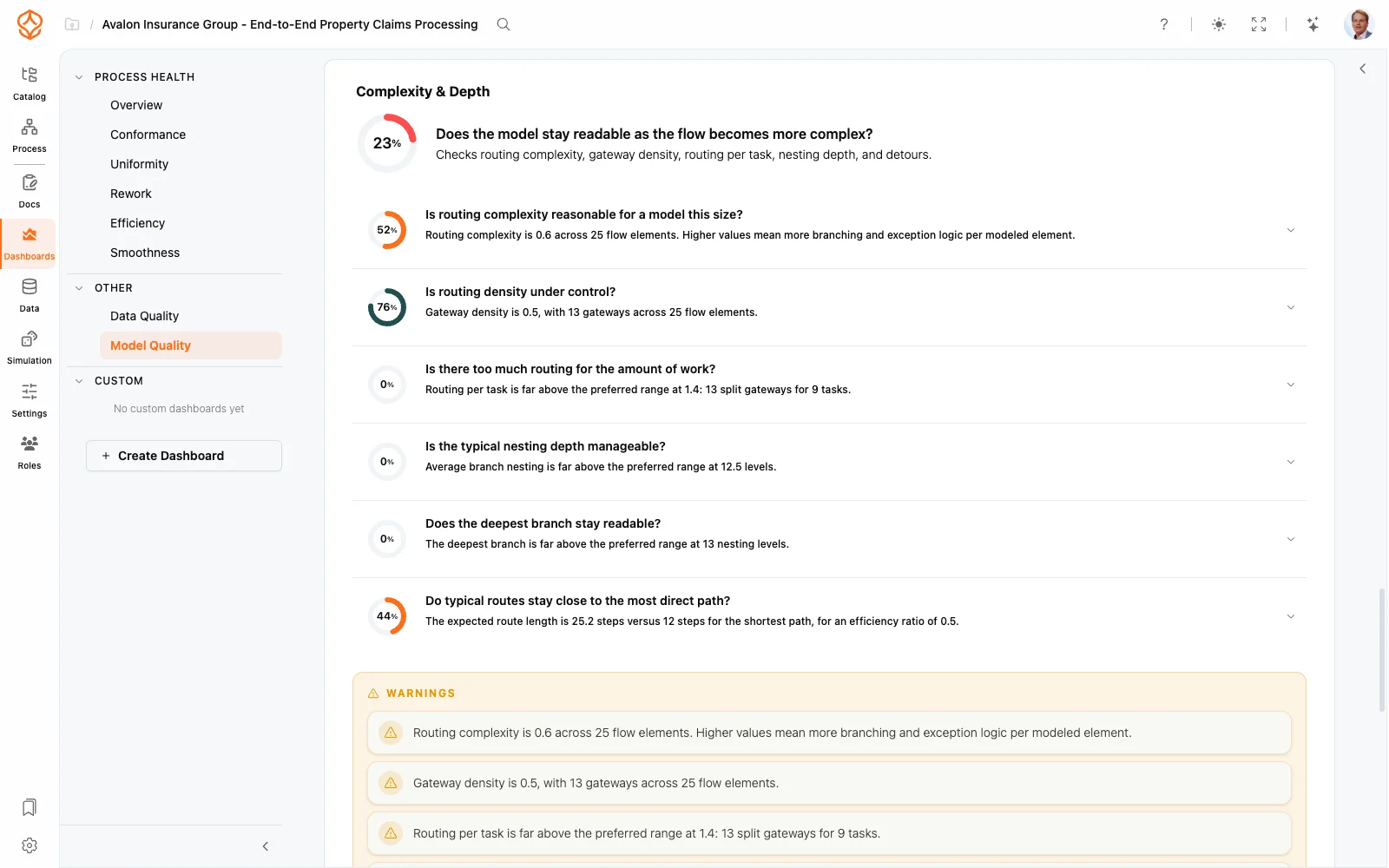
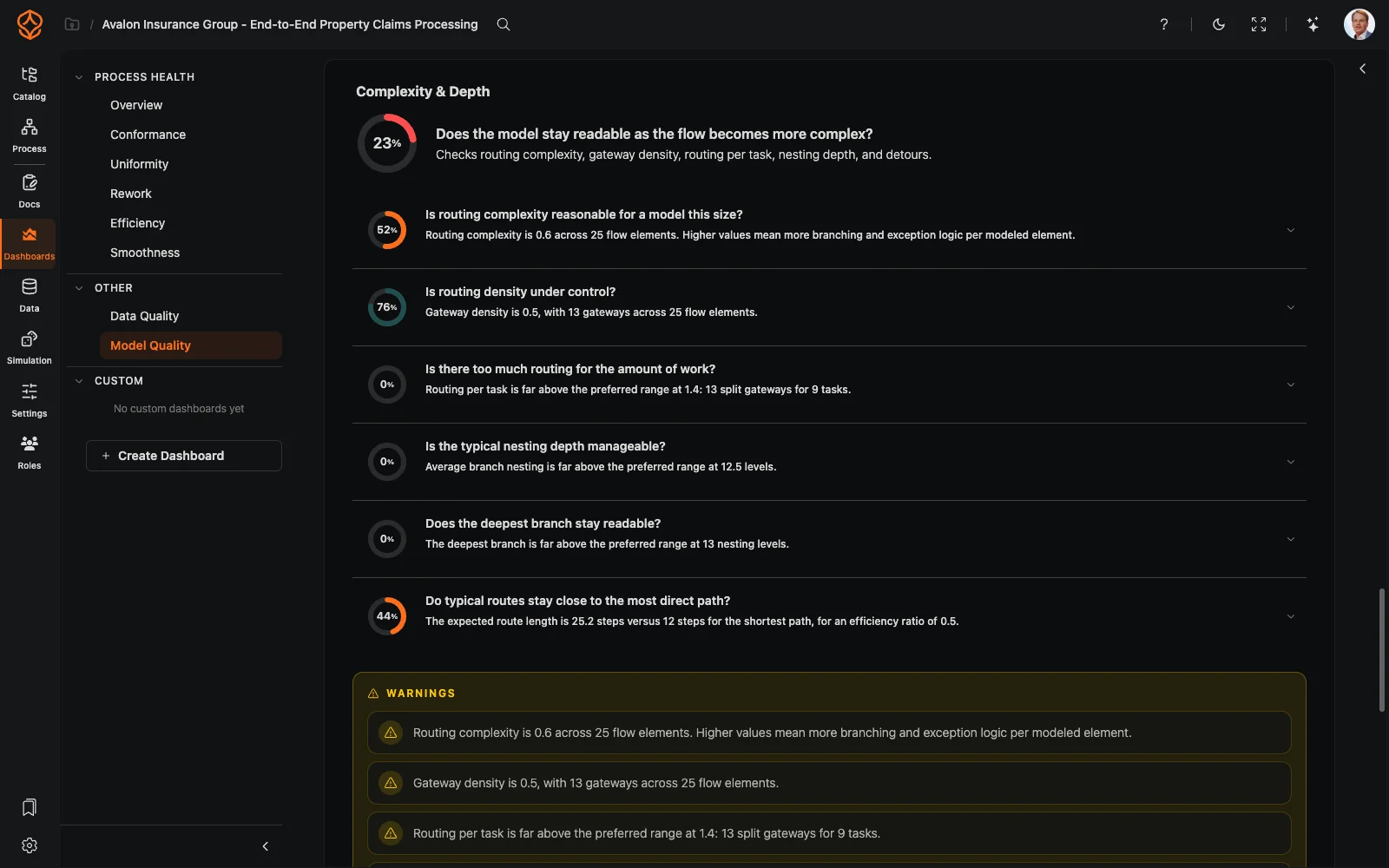
Model quality and standards

Keep your process landscape consistent and review-ready with structural quality checks.

  • Review model quality, complexity, and documentation coverage.
  • Find undocumented processes and gaps in existing documentation.
  • Track documentation coverage for ISO, SOX, and GDPR programmes.
  • Schedule assessments and keep the results with the model. Event-data Process Health scores come with Process Intelligence.
Model quality dashboard
Model complexity and depth
Build your process catalog in a free trial

Enterprise Process Architecture

A process catalog you can govern

A clear process hierarchy

Organize your landscape from top-level value chains down to individual tasks. Connect processes to capabilities, departments, and systems.

Give teams a shared view of how their work fits together.

RACI ownership

Assign Responsible, Accountable, Consulted, and Informed roles to processes. Keep ownership and changes traceable.

Make accountability clear across your process landscape.

Connected process views

Map value streams across departments and show how work moves between teams.

See cross-functional work, not just separate department diagrams.

Governed change

Move processes through draft, review, approval, and publication. Keep a version history and audit trail.

Give process changes a clear path from proposal to published version.

Documentation from BPMN

Generate standard operating procedures and work instructions from BPMN models with AI.

Create documentation from process models instead of starting with a blank page.

Process quality visibility

Check model quality, completeness, and documentation coverage to find gaps and areas that need attention.

See where your process catalog needs review.
Build your process catalog in a free trial

Process architecture capabilities

Multi-level process hierarchy (configurable; typically L1–L5)
AI-generated architecture from a description, CSV, or BPMN
Configurable architecture levels and sections
RACI role assignment and ownership
Governance workflows: draft, review, approve, publish
Publish and unpublish with version snapshots
Review queues and approvals
Archive and restore processes
Classification and edit locking
RACI and role import/export (CSV/JSON)
AI-generated SOPs and work instructions
Model quality checks and standards
Value stream and capability mapping
Interactive process portal for employees
Embedded models and documentation for intranets (Enterprise)
Version control with audit trails
Organizational unit, application, and risk linking
Two environments from Architecture; many on Enterprise

Maturity stage

Where process architecture fits

Process architecture connects process design with data-driven intelligence. It gives you a structured way to document work, assign ownership, and govern changes, while process mining can help you understand how work runs in practice.

Frequently asked questions

A process hierarchy takes you from a broad view of the business to the specific work people perform. A typical framework runs five levels; adapt the names and the count to your organization:

Level 1: Value chains (major end-to-end areas that deliver value). Level 2: Process groups (related processes within a value chain). Level 3: Processes (defined business processes within a group). Level 4: Activities (main steps that make up a process). Level 5: Tasks (detailed work instructions for carrying out an activity).

You can customize the hierarchy to match your organization. The goal is a shared structure that helps architects, process owners, and employees find the right level of detail without maintaining disconnected folders of diagrams.

Process knowledge changes as teams, systems, and policies change. A useful process catalog clarifies ownership, gives updates a review path, and distinguishes published processes from work in progress.

Connect processes to capabilities, organizational units, applications, and risks. You can import and export RACI roles and assignments in CSV or JSON to work with existing matrices and governance practices. For more on assigning responsibilities, read the RACI matrix guide.

A defined review path makes process changes traceable. ProcessMind supports a draft, review, approve, and publish lifecycle, with approval chains you can configure based on process criticality. Review queues show what needs your attention, and a side-by-side diff helps you inspect changes.

Published version snapshots distinguish released processes from working drafts. You can review version history, roll back when needed, archive and restore processes, and lock approved processes to prevent unintended edits. Audit trails record changes for review.
RACI makes process responsibilities explicit:

Responsible: carries out the work. Accountable: owns the outcome. Consulted: provides input. Informed: receives updates.

Assign these roles to processes and connect them to your organizational structure. Version history and audit trails help you review how ownership changes over time.

Process visualization helps you see how work connects across teams and levels. A process catalog links value chains, process groups, processes, activities, and tasks. Value stream mapping shows how work crosses department boundaries.

An enterprise architecture process model can also connect processes to capabilities, organizational units, applications, and risks. These relationships help you move from a business view to the process detail you need to address a governance or improvement question.

See the architecture use case

BPMN models provide a structured view of process steps. ProcessMind can use those models to generate SOPs, work instructions, and process narratives with AI. You can export documentation to PDF or Word, or publish it to your process portal.

This connects process visualization with the written guidance people need to carry out work. As the process changes, its documentation can stay in sync. See how process documentation works.

Model quality indicators help you identify processes that may need review. ProcessMind checks completeness, complexity, naming, and documentation coverage, and highlights undocumented processes or gaps in existing documentation. You can schedule assessments and keep the reports with the model.

Use these indicators to prioritize catalog maintenance. They do not replace your organization's compliance review or establish that a process meets a particular standard. Event-data Process Health scores, such as conformance and efficiency, come with a Process Intelligence seat.

Your architecture describes how work is intended to fit together. Process Mining uses event data to show how work runs in practice. Comparing the two can help you investigate differences and decide which process to review.

You can also use dashboards and KPIs to monitor performance, and process simulation to explore proposed changes before deciding whether to make them. For a closer look at the architecture use case, see how teams connect process architecture with process intelligence.

Start with a clear process hierarchy

Build your process landscape, assign RACI ownership, and manage process changes through review and version history. Start your free trial with no credit card required.