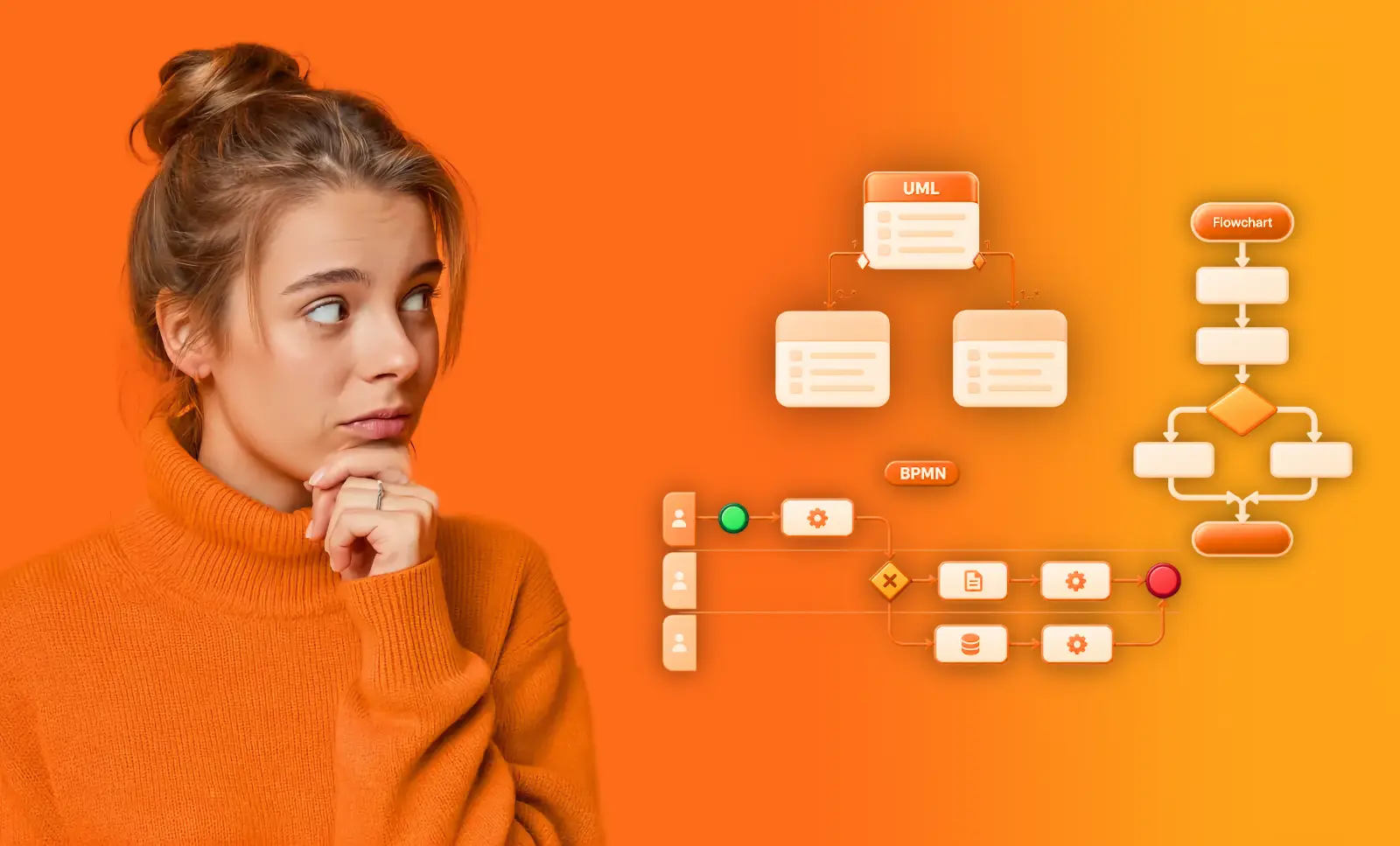

BPMN Tools: Choose the Right Modeler for the Job
Compare BPMN tools by the job they do: a seven-check matrix, where free modelers stop, and a free tier you can grow from.

A bpmn tool can do much more than draw a process diagram. Some tools validate BPMN 2.0 notation, some support collaborative workshops, some connect a model to the work a system will run, and others hold a whole architecture and compare the model with the data your systems recorded. Choose based on what you need the model to do next, not on how many shapes the palette offers.
That choice also has a price ladder, and it starts at zero. You can keep valid BPMN 2.0 models in a shared catalog without paying for a seat, and move up only when the job turns into architecture, governance or process data. This guide covers the five kinds of tool, the seven checks that separate them, a matrix of what each one can do, and where the free options stop.
What does a BPMN tool do?
The term covers five kinds of business process modeling tools. They can all produce diagrams, but they solve different problems.
- Notation modelers create and validate BPMN 2.0 diagrams. Examples include Camunda Modeler, the bpmn.io library it is built on, Bizagi Modeler and Signavio Process Manager in its modeler role.
- Diagramming canvases support collaborative workshops and visual communication. Examples include Visio, Lucidchart, Miro and draw.io. Their shapes are flexible, but they do not have to follow BPMN rules.
- BPM suites connect models to process execution. Examples include Camunda Platform, Appian, Pega and Bizagi Suite. A model becomes a specification for an engine.
- Enterprise architecture suites hold processes inside a wider architecture. Examples include ARIS, SAP Signavio, LeanIX and Bizzdesign. They cover governance and the portfolio layer around the process.
- Process intelligence platforms keep the model, the architecture and the evidence together. Examples include ProcessMind, Celonis and Signavio Process Intelligence. You can compare a model with what your systems recorded.
The main selection mistake is choosing a tool for one job and expecting it to do another. If you need a governed process landscape, a diagramming canvas may leave you with a folder of pictures. If you need a quick workshop, an enterprise suite may add more implementation work than the task calls for.
The second mistake is paying enterprise prices for a job you could start free. ProcessMind sits in the last category and covers the first as well: model and validate BPMN 2.0, keep the models in a catalog, then add architecture levels and event data when the work asks for them.
What should you check before choosing BPMN software?
Use these seven checks to compare BPMN modeling tools. Your priorities depend on how the model will be used after it is drawn.
- BPMN 2.0 compliance. Does the editor validate the notation as you draw? This is the first check because everything else depends on it. A model that fails validation cannot be exported as meaningful BPMN XML, cannot be simulated and cannot be compared with an event log. Without compliance you have a picture that happens to look like a process.
- Collaboration. Can people edit, comment and review together? Can someone view or contribute without a full license?
- Architecture. Can you organize processes into levels, with parent and child processes, or does each diagram live in a separate file? This is the difference between a modeler and a repository.
- Simulation. Can you test a proposed change, such as changing a service time or adding a reviewer, and see its effect on cycle time?
- Process data. Can you compare the model with an event log to see whether the process runs as documented?
- Interoperability. Can you import and export standard BPMN XML? Is there an API? Make sure you can take your files with you, which is another way of asking whether the model is really BPMN 2.0.
- Governance. Can you track versions, assign owners and control who can make changes? Governance helps an architecture stay useful as processes evolve.
Cost matters, but the license is rarely the largest number. The cost that grows is the work the tool does not do for you, which is why two tools with the same feature list feel so different in daily use. Compare what each kind of tool can do first.
If you want to understand how models are organized and maintained, read about process governance. For the notation itself, see what BPMN 2.0 requires and which notation the job needs.
Which BPMN modeling tools fit each job?
Compare business process modeling software by the work you need to do, not by how many shapes a business modeling tool offers. The matrix below runs the seven checks down the side and the five kinds of tool across the top.
| Check | Notation modelers | Diagramming canvases | BPM suites | Enterprise architecture suites | ProcessMind |
|---|---|---|---|---|---|
| BPMN 2.0 compliance | Yes | Stencils only | Yes | Yes | Yes, validated as you draw |
| Collaboration | One editor per file | Real time in one canvas | Roles inside the platform | Roles, review and approval | Editor, reviewer and viewer seats |
| Architecture levels | No | No | Rarely | Yes | Yes, configurable levels |
| Simulation | No | No | In some suites | In some suites | Yes |
| Process data | No | No | Only its own runtime | In a separate mining product | Mining in the same workspace |
| BPMN 2.0 import and export | Yes | Depends on the stencil | Yes | Yes | Yes |
| Governance | No | No | Versioning per project | Yes | Versioning, owners and approval |
| Cost to start | Free | Free tiers | License plus implementation | Enterprise license | Free plan, then €29, €99 or €299 per seat |
Read the matrix by column. A No in a column is not a fault in the tool; it is a tool built for a different job.
- Notation modelers (Camunda Modeler, bpmn.io, Bizagi Modeler). Free and genuinely good at drawing valid BPMN. There is no repository, no architecture and no data, which is fine when one person owns a few diagrams. If you already use one, you can carry the models across, because they are standard BPMN XML.
- Diagramming canvases (Visio, Lucidchart, Miro, draw.io). The general business modeling tools most teams already have on a laptop. Excellent for a workshop and for explaining a process to people who will never open a modeler. The shapes do not enforce the standard, so the file stays a picture, and leaving a stencil-based canvas is mostly about that one difference.
- BPM suites (Camunda Platform, Appian, Pega, Bizagi Suite). Buy them when the model has to run. The model then lives inside the vendor’s runtime, which is a different decision from choosing where process knowledge lives, as what a BPMS is explains.
- Enterprise architecture suites (ARIS, SAP Signavio, LeanIX, Bizzdesign). Strong where the architecture is wider than process, because they also hold application and capability portfolios. Read how enterprise architecture tools compare before you scope that project.
- Process intelligence platforms (ProcessMind). The model, the architecture around it and the event data from your systems live in one workspace. You validate BPMN 2.0 as you draw, lay a model out automatically, draft with AI, keep processes in levels with owners and approval, and then test the model with simulation and mining. If your work is about processes rather than the whole application landscape, this is the column that holds the whole job.
A useful bpmn tool comparison ends in a decision rather than a feature tally. For a team whose job is the process, the last column is where the work lives: start on the free plan, and add capabilities as the job grows instead of migrating to a second tool later.
Which jobs should a BPMN tool do for you?
Whichever column of the matrix fits your work, three jobs decide how much of the modeling day the tool gives back. All of them repeat as the model changes, and all of them are better done by the tool than by you.
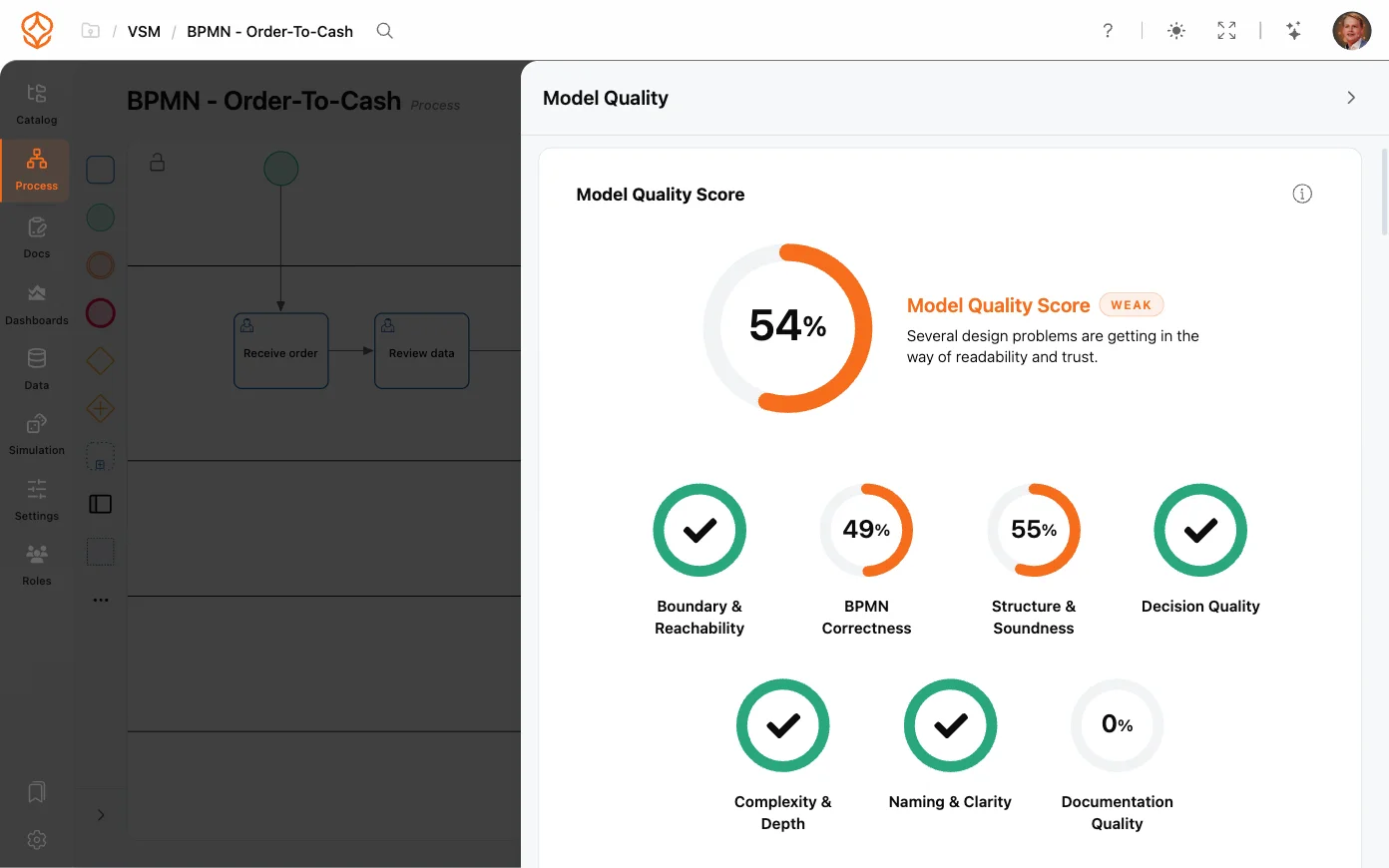
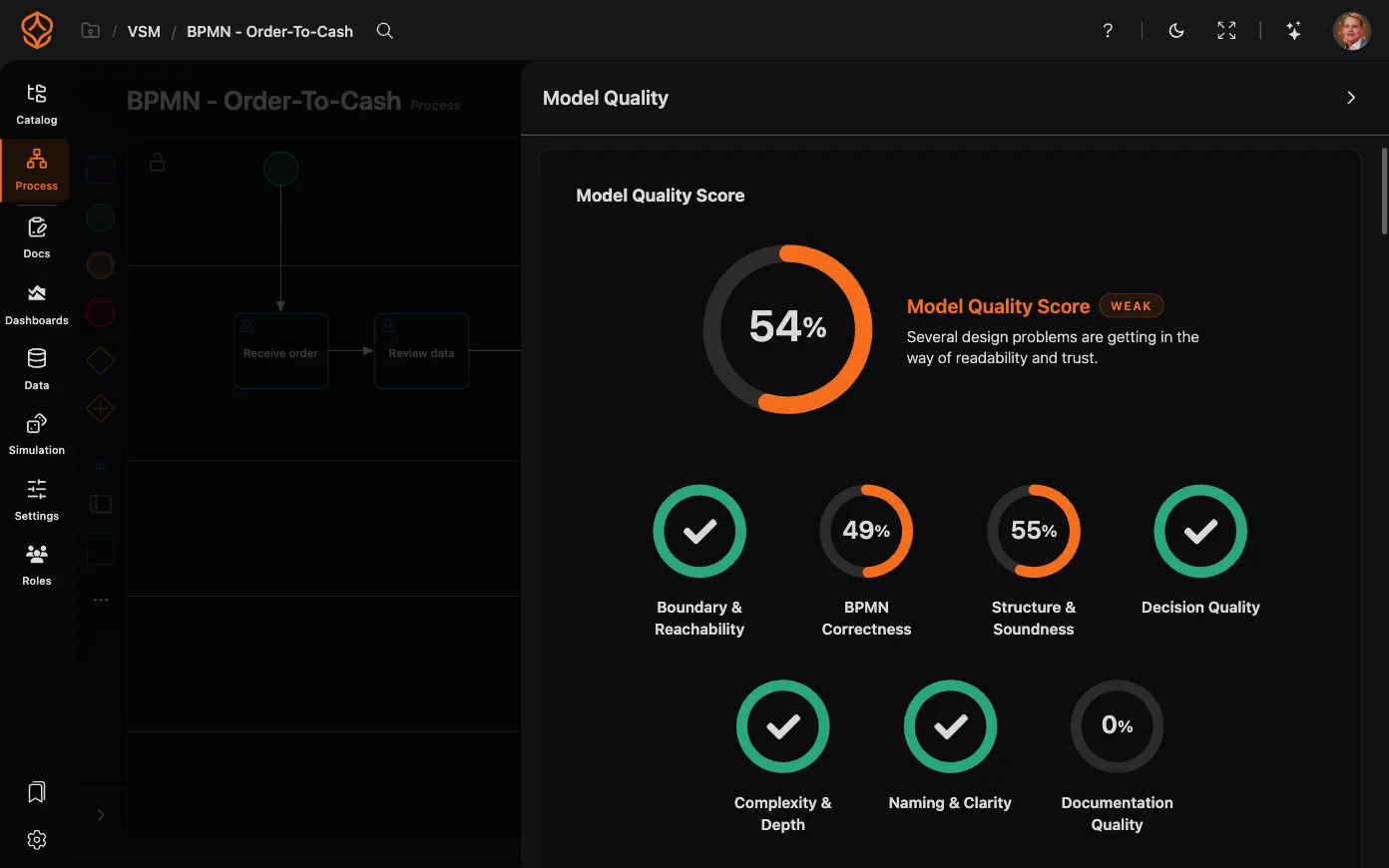
Quality. Compliance tells you the notation is valid. The next question is whether the model is any good: are the gateways balanced, is every element labelled, does the flow reach an end, does the process carry the documentation and the roles it needs? Model quality answers that while you draw. A badge on the canvas scores the model, lists the checks that failed and takes you to the element behind each one, so the fix is specific instead of a vague warning that something is wrong. That is the improvement direction a validator cannot give, because validity says nothing about whether the process is ready for somebody else to read.
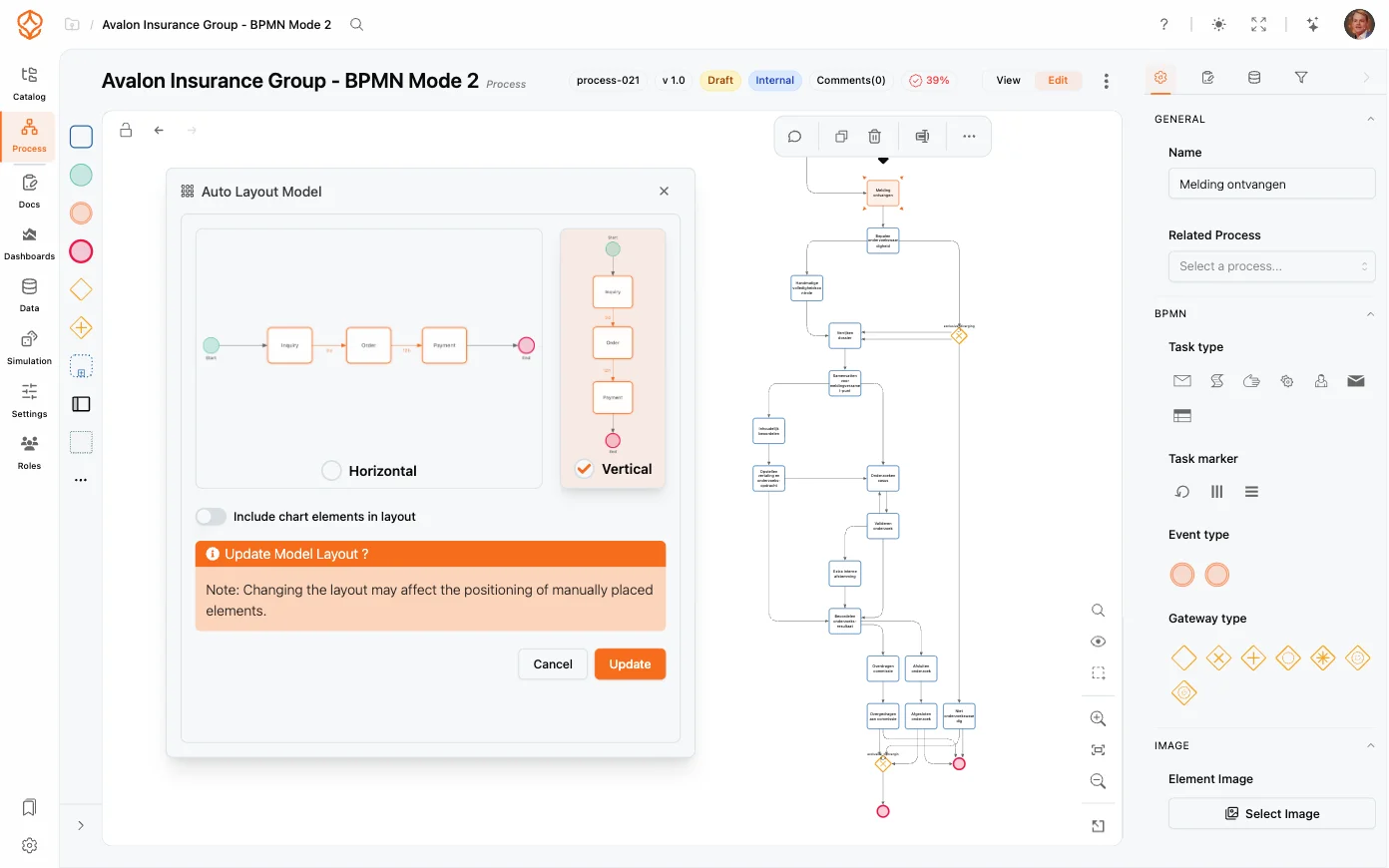
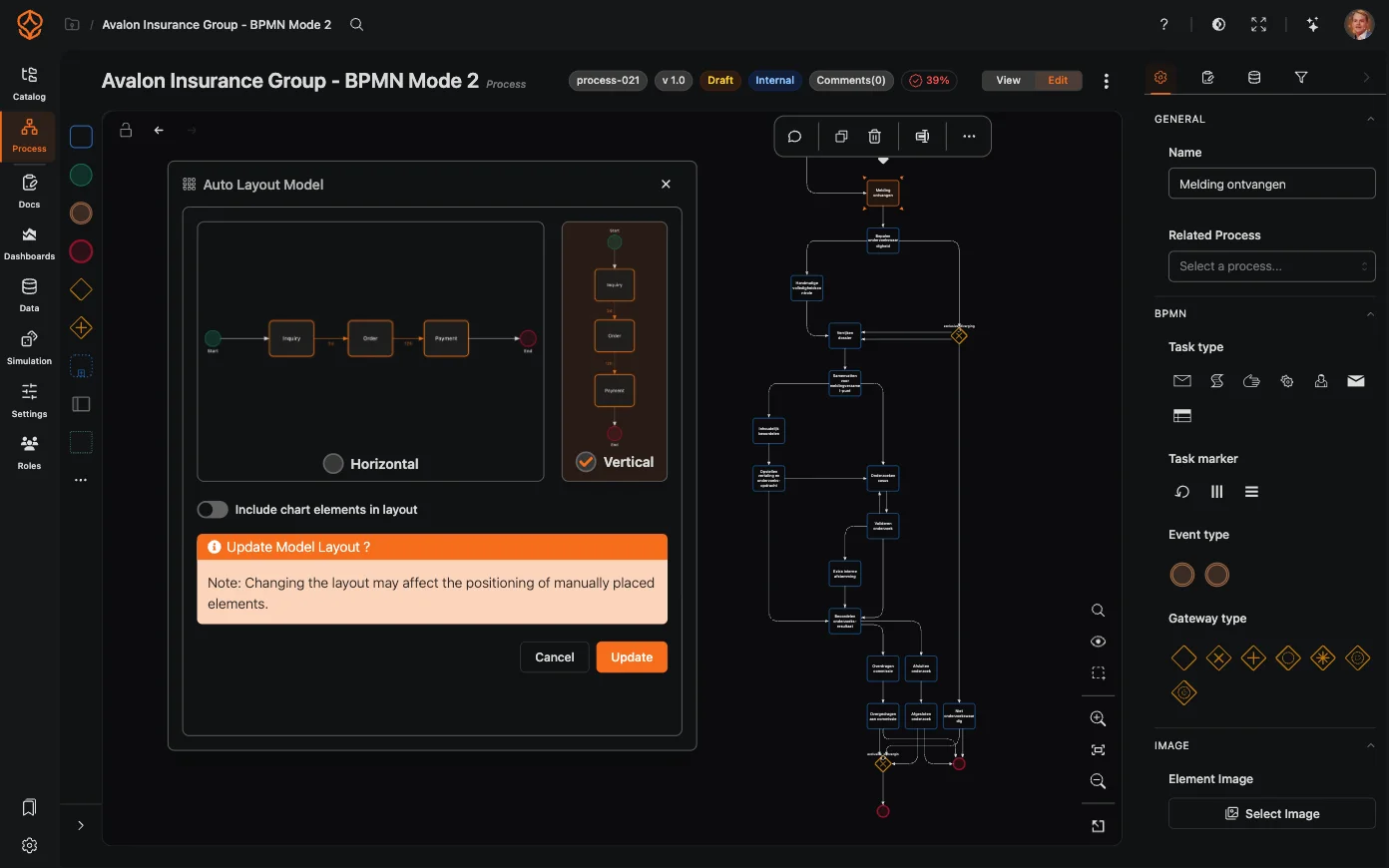
Layout. Adding one element, renaming a task or moving a gateway shifts everything around it, so somebody has to drag the shapes back into place. That is the slowest part of modeling, and it is why a model that was readable last month is unreadable now. Auto layout positions the elements after every change, so the diagram stays something a reviewer can read.
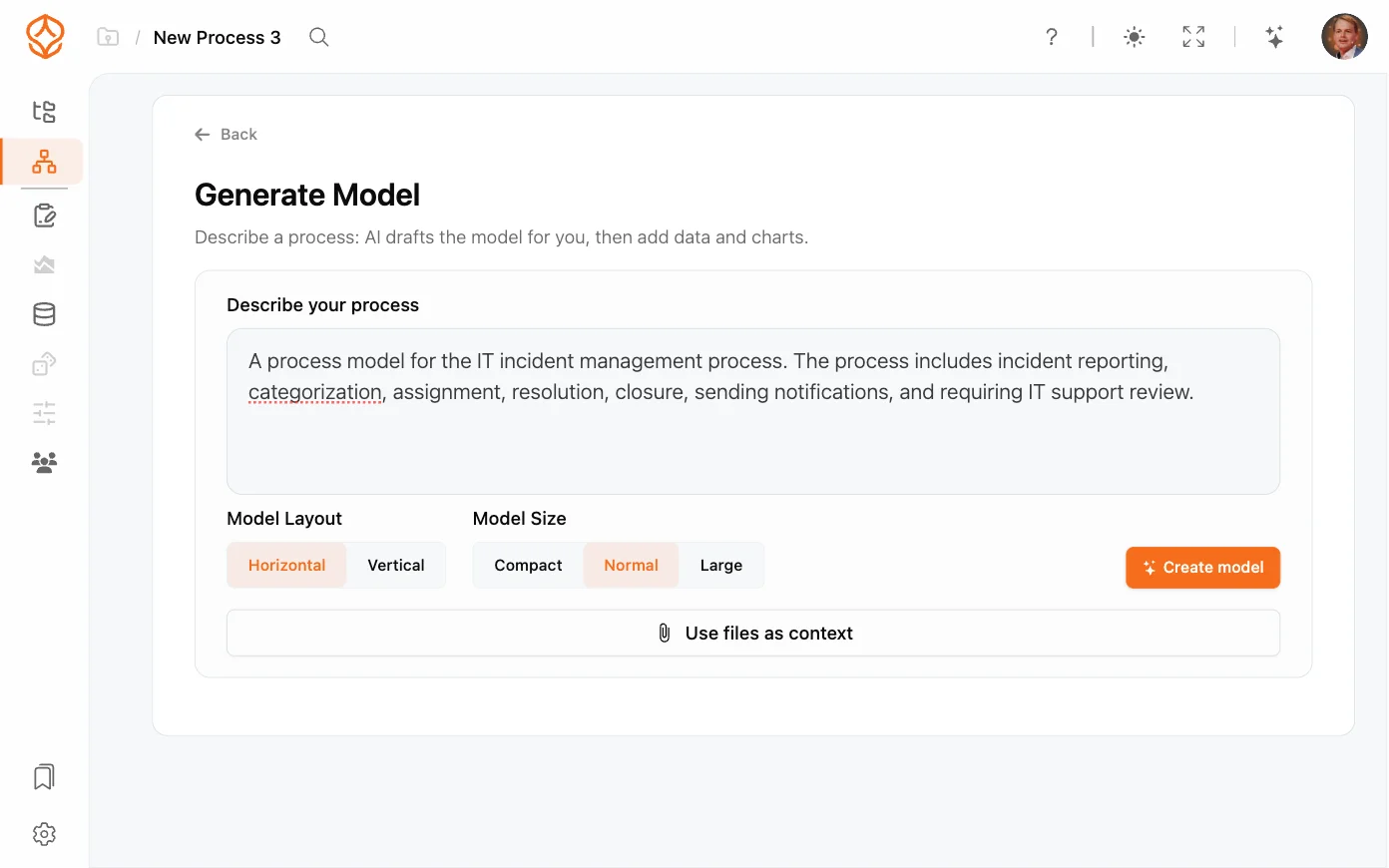
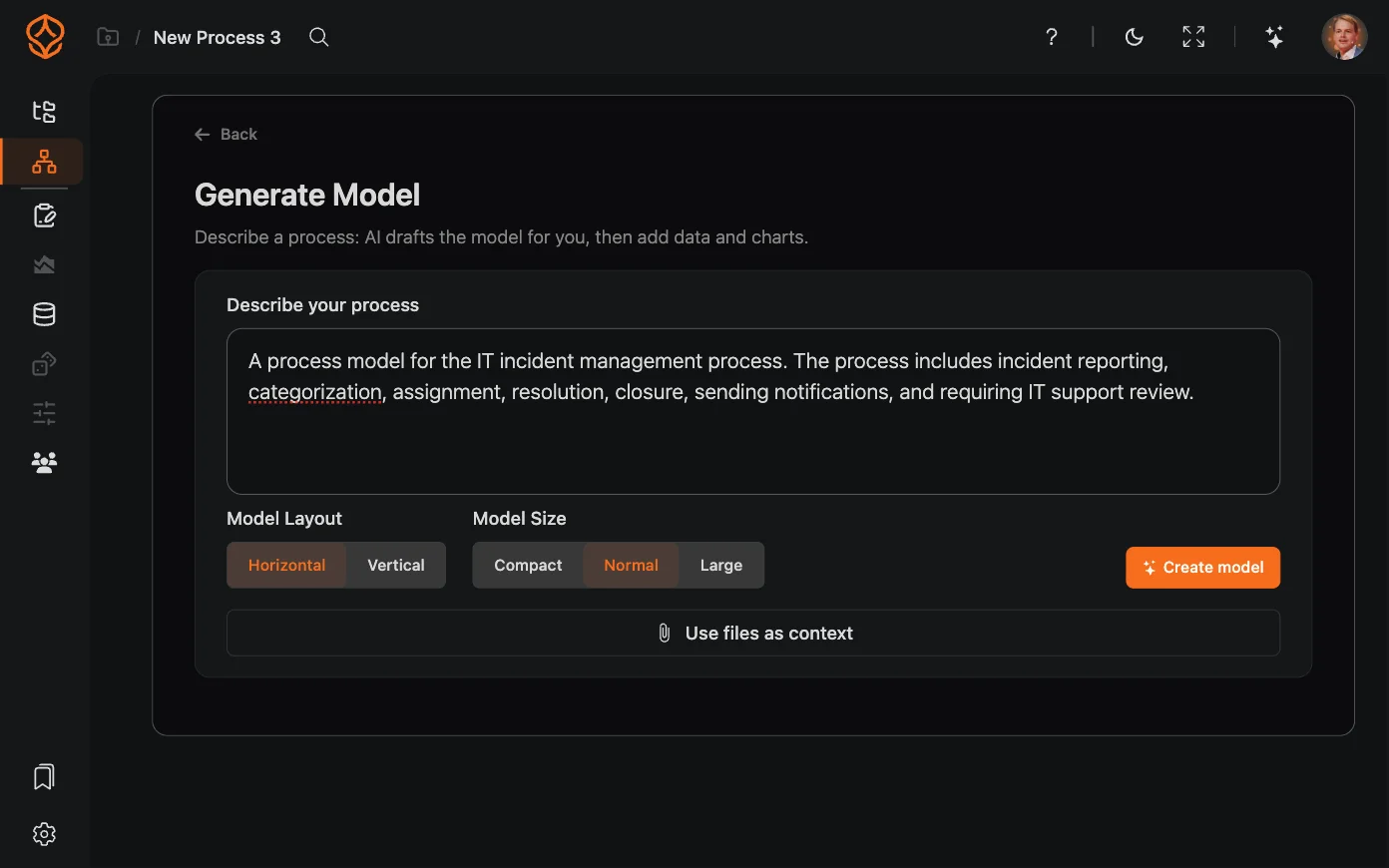
Drafting. Starting from an empty canvas is the other chore. AI process generation turns a written description of the process into a first draft you can correct, and the AI assistant proposes the next steps in a model you have already begun. The team still decides what the process is; the tool removes the blank page.
When is a free BPMN tool enough?
A free modeler is the right choice when one owner draws a few diagrams that nobody else maintains. You get validation and standard BPMN XML at no cost, and if the models are development artefacts for a team that works in code, a free notation modeler covers the job.
The limits appear when the models have to outlive the file. A diagram ends up in someone’s downloads folder, nobody can say which version is current, and it quietly stops matching the process. That is a repository problem, and a naming convention does not fix it.
It is also not a reason to buy an enterprise suite before you have a landscape. ProcessMind has a free plan: your workspace moves to it when the 14-day trial ends, your models and data stay, and one Process seat keeps you modeling. The paid tiers are a step up from there rather than a cliff, which makes the first decision a reversible one.
Signs you have outgrown a free BPMN editor
- Two people need to change the same process and you are emailing files around.
- Nobody can say which version of a diagram is the current one.
- A reviewer asks about a process you cannot find.
- You want to know whether the process runs the way the model says.
- The diagrams need to sit in an architecture instead of a folder.
Two or more of those is a repository question, and the answer does not have to be an enterprise license.
How is process modeling different from process architecture?
A process diagram shows how one process works. A process architecture shows which processes your organization has, how they relate and where each one fits.
An architecture needs more than a set of diagrams:
- Levels: Organize business processes, subprocesses and activities, with a way to move between levels instead of duplicating content.
- Relationships: Show which processes call on others, which capabilities they support and where steps are shared.
- A shared source: Keep one entry for each process so the same process does not appear under different names.
If your tool cannot represent a hierarchy, you fall back on folders and naming conventions. Those can work, but they depend on everyone following the same rules, and they break the first time somebody new joins.
ProcessMind covers this side of the work rather than leaving it to another category of tool: configurable architecture levels, the relationships between processes, RACI ownership, governance workflows that run from draft to published, and a portal where viewers read the processes they need. See how enterprise process architecture keeps the landscape current in one catalog, and how RACI roles connect people to processes.
Where an enterprise architecture suite reaches further is the layer around the process, such as application and capability portfolios. That is a wider scope than process architecture rather than a prerequisite for it, which is why a process team rarely needs it to get the process knowledge right.
What will you need the model to do?
Four questions decide which column of the matrix you are buying from.
- Who else has to read or edit this model in six months?
- Do you need to prove the process runs the way the model says?
- Will the models hang together as one architecture, or stand alone?
- Does the model have to open in another tool without losing its meaning?
Those answers pick the category for you: a canvas, a free modeler, a suite with an engine, or a platform that keeps the model, the architecture and the data together.
The rest is a question of how much of the ladder you take now, and the answer can be the bottom rung.
Choose a tool for where you want to end up, not only for the first diagram. As soon as your models have to hang together as one architecture, you need support that a folder of files cannot give you. Past a certain size, juggling every model by hand simply stops working.
How should you choose a BPMN tool?
Start with what the model has to do after you create it, then decide how far up the ladder to go.
- One diagram for a meeting or a document: a canvas, or the free modeler you already have, may be all you need.
- Developers or an execution engine will run the model: choose a validating notation modeler, or use the suite you already run.
- The model has to stay true and support decisions: look for BPMN 2.0 validation, a repository, a hierarchy and a way to compare models with system data.
ProcessMind is built as that ladder, and every step keeps the work you already did:
| Plan | Price | What it adds | Start here when |
|---|---|---|---|
| Free | No license | Your workspace continues after the 14-day trial, with the models in the catalog and one Process seat | You need a shared home for valid models and nothing more yet |
| Process Foundation | €29 per seat / month | AI process generation, the AI assistant, the auto layout engine, collaboration, versioning, SSO, 10 free viewer seats per paid seat | A team models together and the diagram has to stay readable as it changes |
| Process Architecture | €99 per seat / month | Architecture levels, value streams, documentation and artifacts, RACI ownership, model quality, governance workflows, an interactive portal | Processes are shared across the organization and need owners, review and approval |
| Process Intelligence | €299 per seat / month | Process mining, dashboards, variant analysis, process compare, simulation, health scores | You want to test the model against event data before you change anything |
| Enterprise | On request | APIs and integrations, multi-tenant environments, an MCP server, bring your own AI, unlimited viewer seats | You need integrations, isolation and organization-wide governance |
You can start anywhere on it and grow. A team that begins on the free plan with a validated model does not repeat the work when it later needs architecture levels or mining, because it is the same model in the same place. That is the argument for choosing a platform now rather than a drawing tool today and a suite next year.
The plans and prices page lists what each tier includes, and the BPMN modeling page shows the editor itself.
Where to Go From Here
You have the checks, the matrix and a place to start. The quickest way to judge the modeling side is to put one real process into it.