Business Process Design | ProcessMind

Design a process in your browser

No credit card required · Works in your browser · BPMN 2.0 compliant
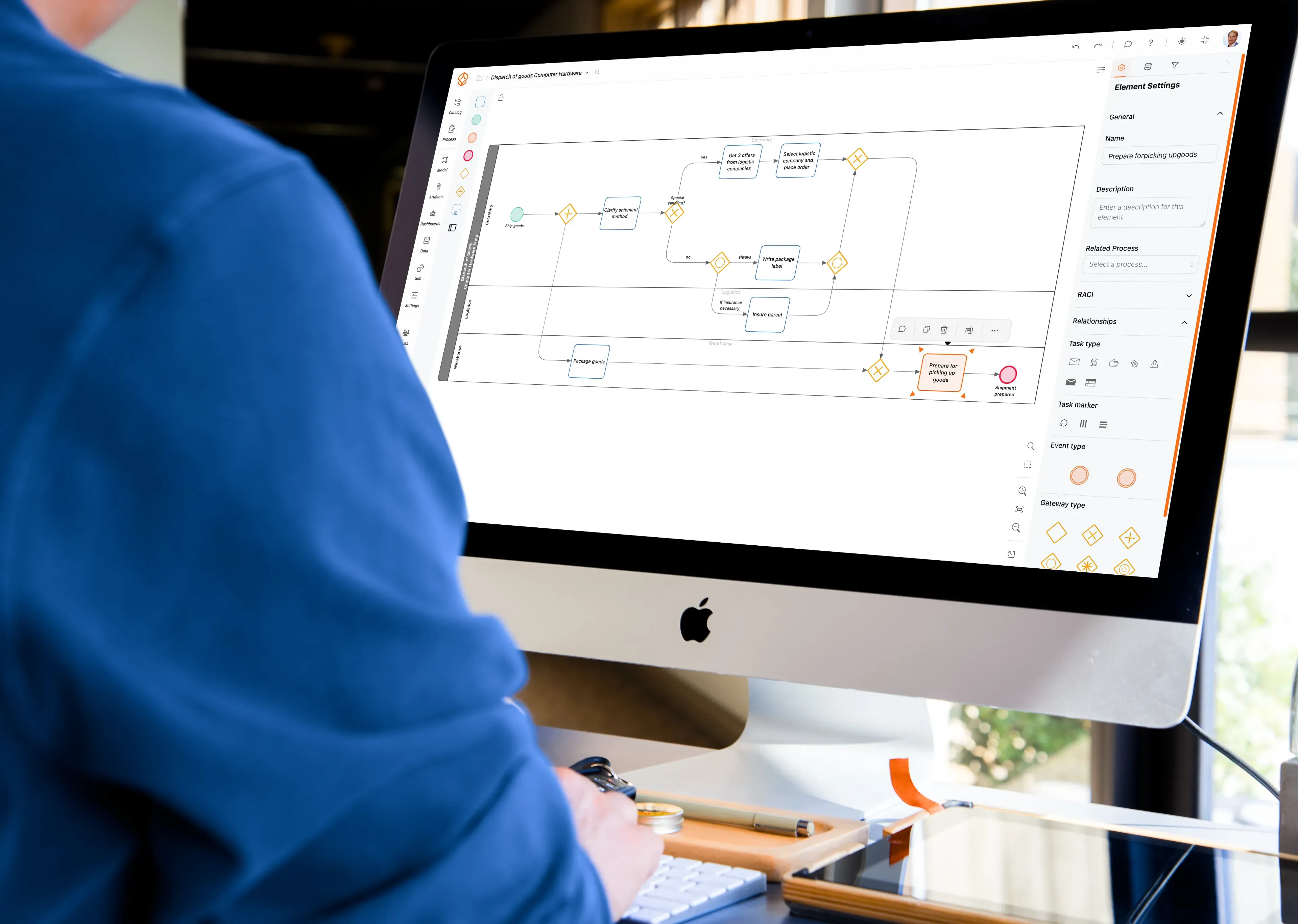
Business Process Design | ProcessMind

What's included

Design and standardize processes

Create BPMN 2.0 models, agree on how to represent work, and keep process knowledge in one place. You can start without event data.

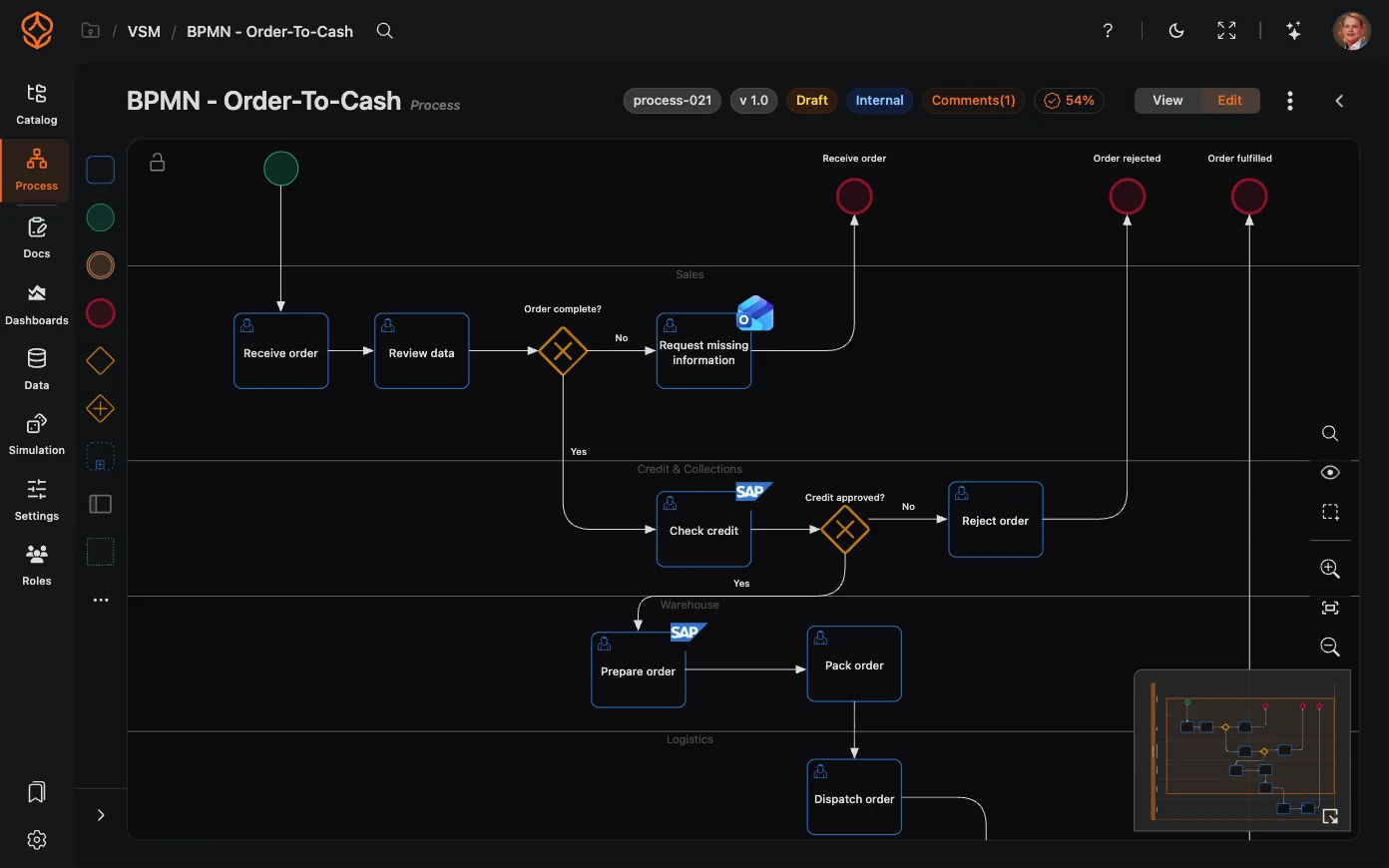
Model processes in BPMN 2.0

Map how work should happen in a browser-based BPMN 2.0 editor.

  • Use standard BPMN elements, including tasks, gateways, events, pools, lanes, and subprocesses.
  • Build models with drag and drop.
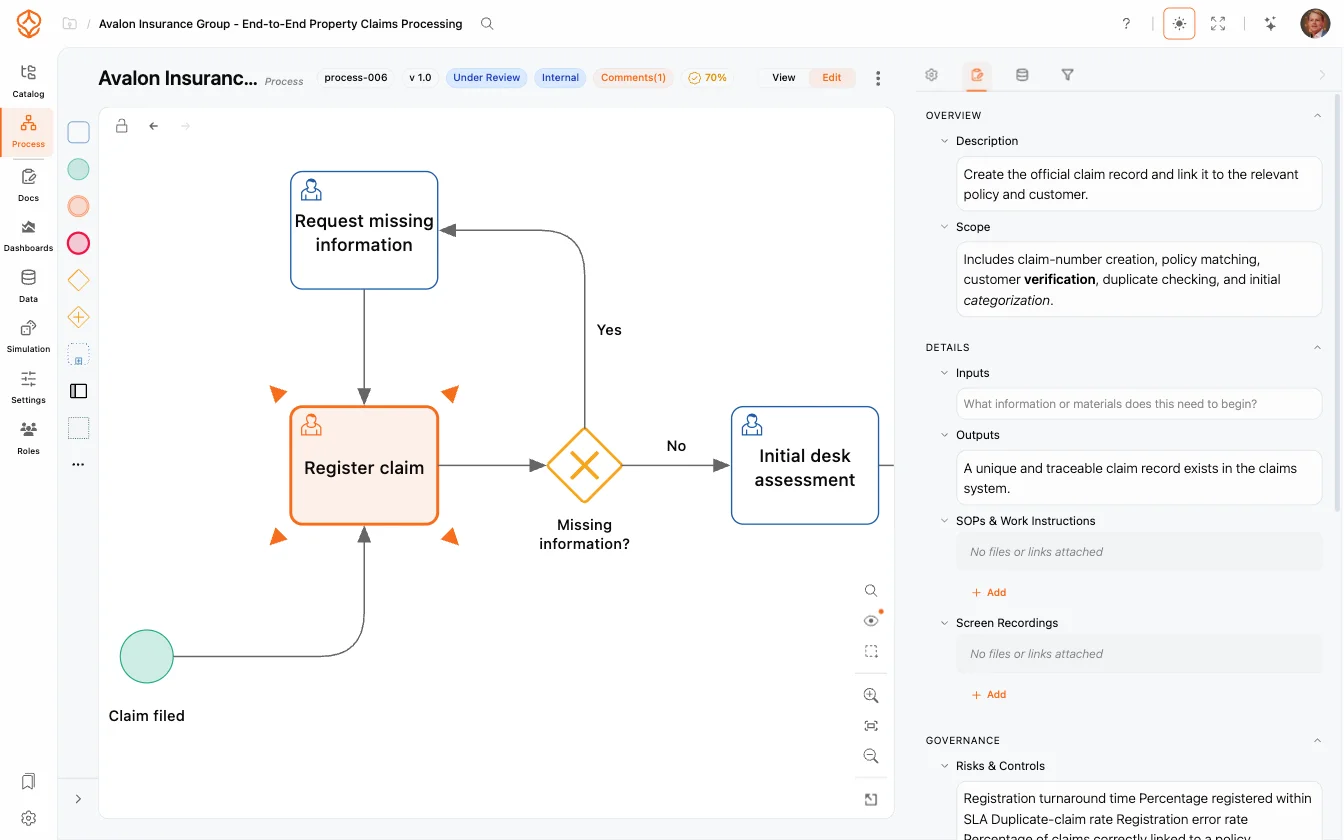
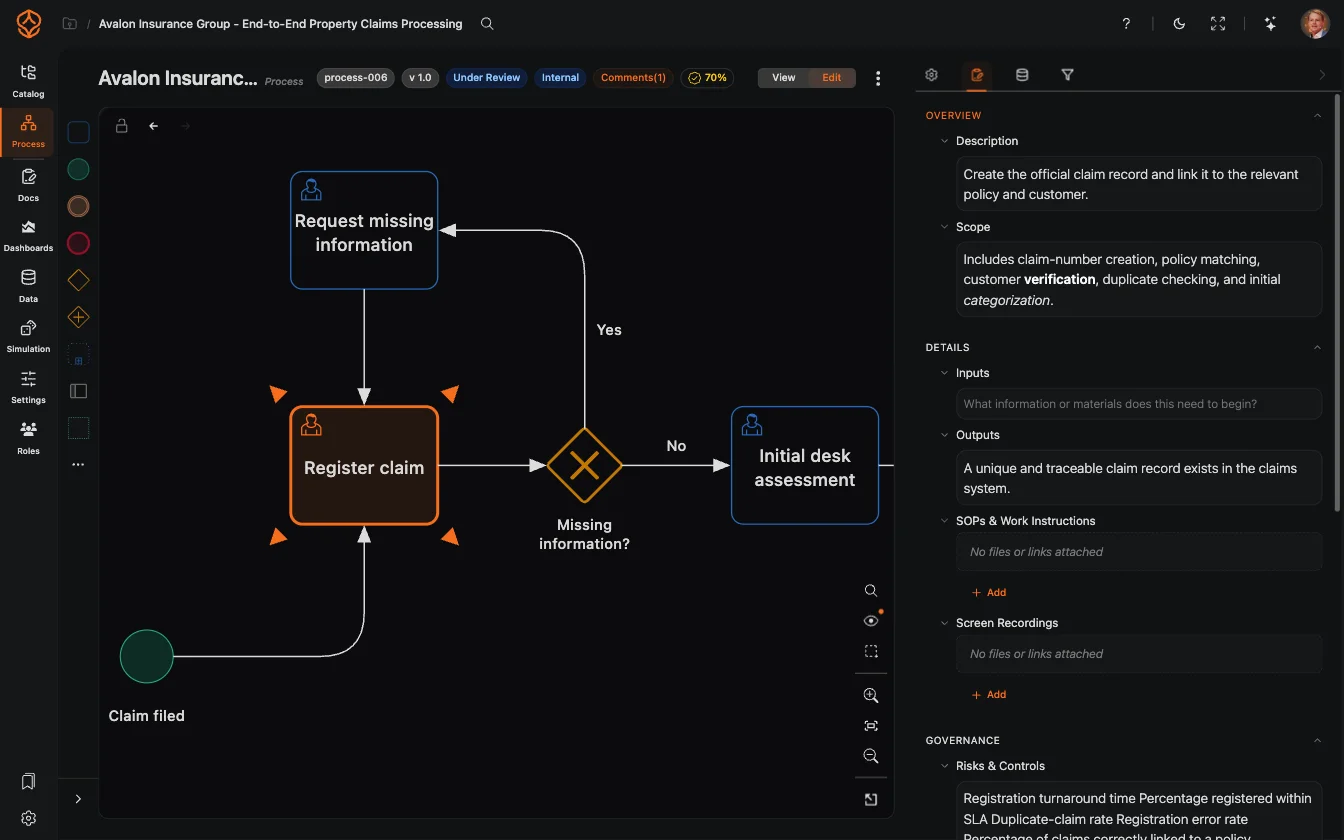
  • Set element properties, such as descriptions, roles, and attachments.
  • Navigate larger diagrams with keyboard shortcuts, a minimap, and undo and redo.
  • Start modeling in your browser without installing software.
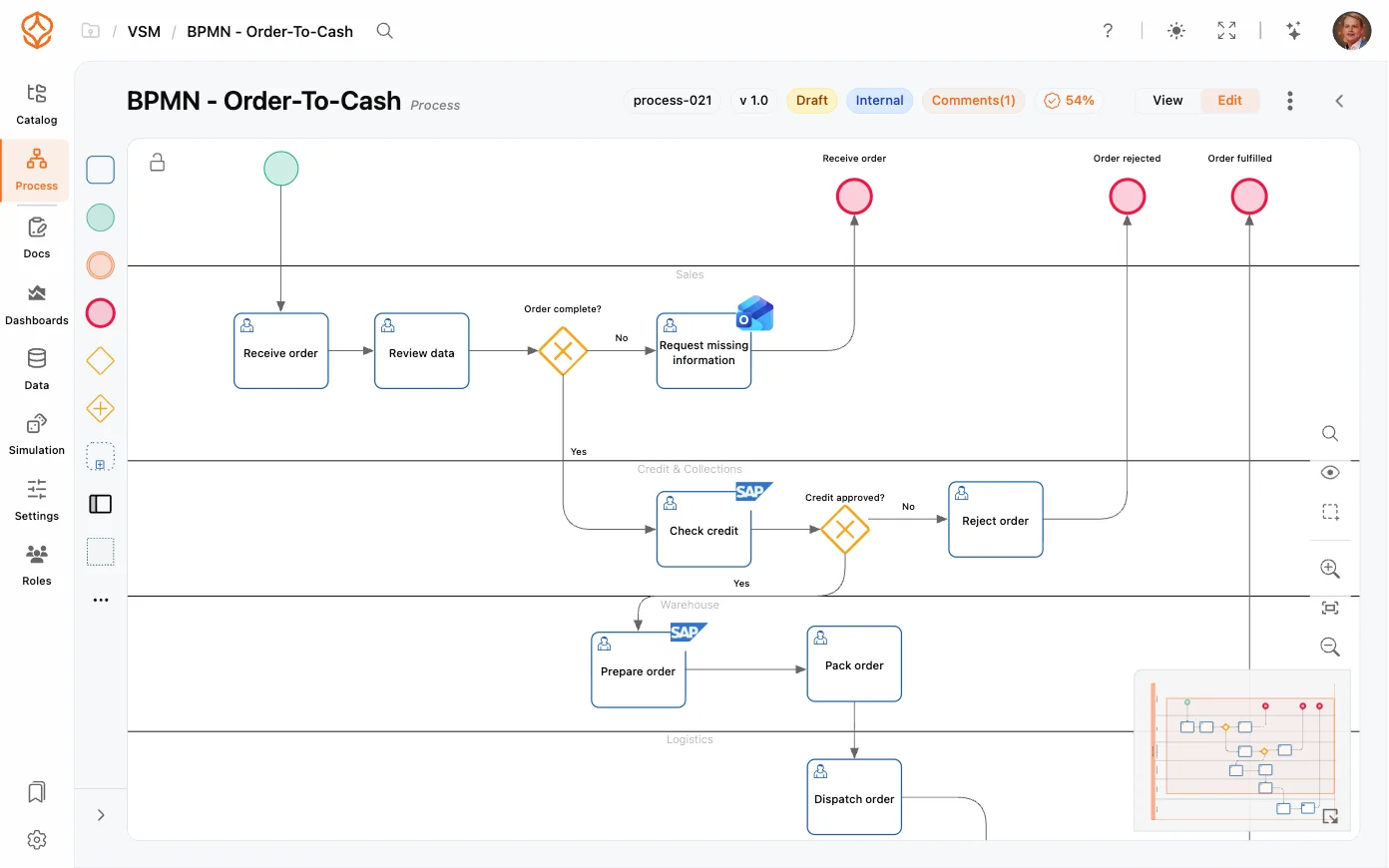
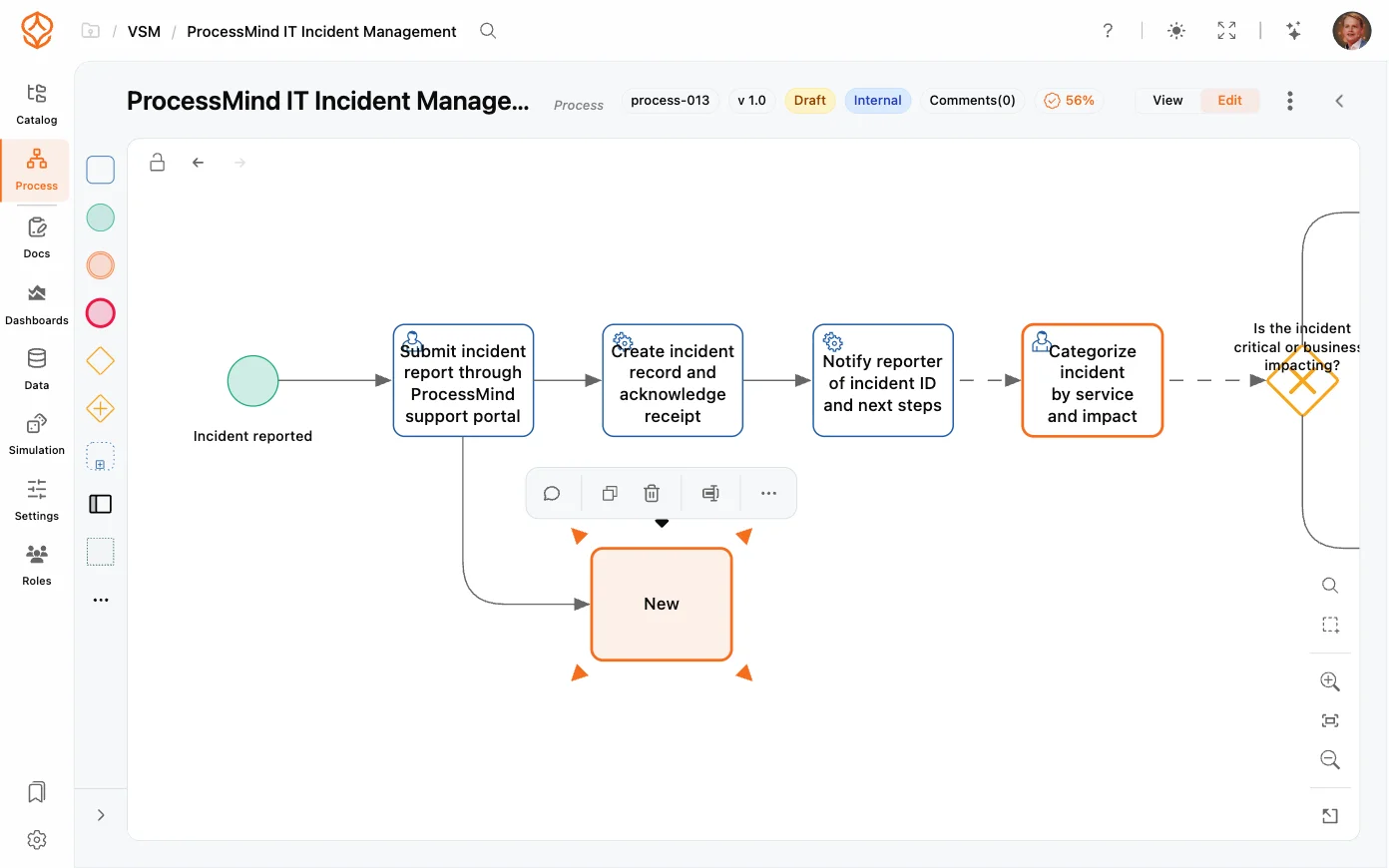
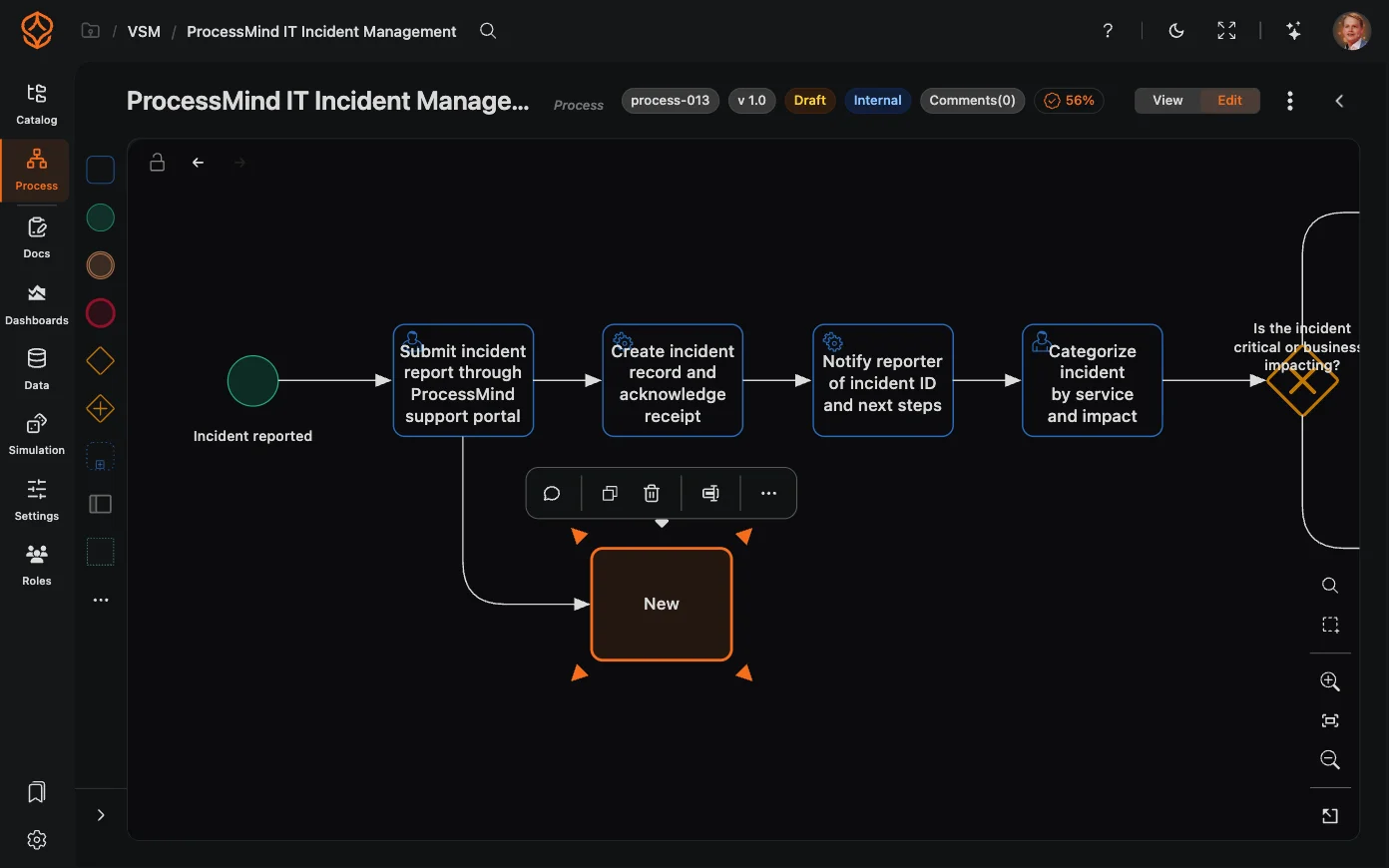
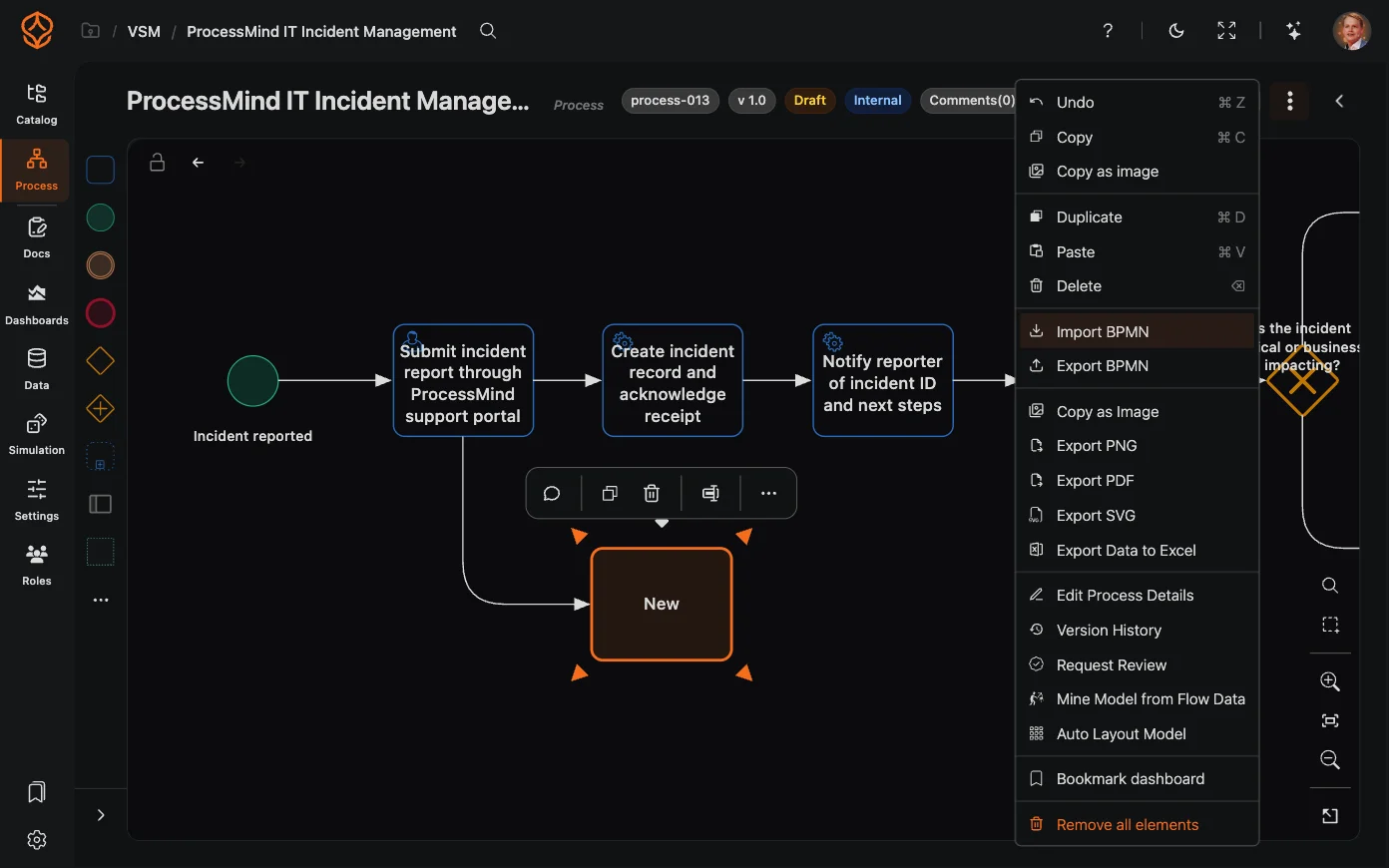
Modern BPMN 2.0 modeler
Process documentation in the modeler
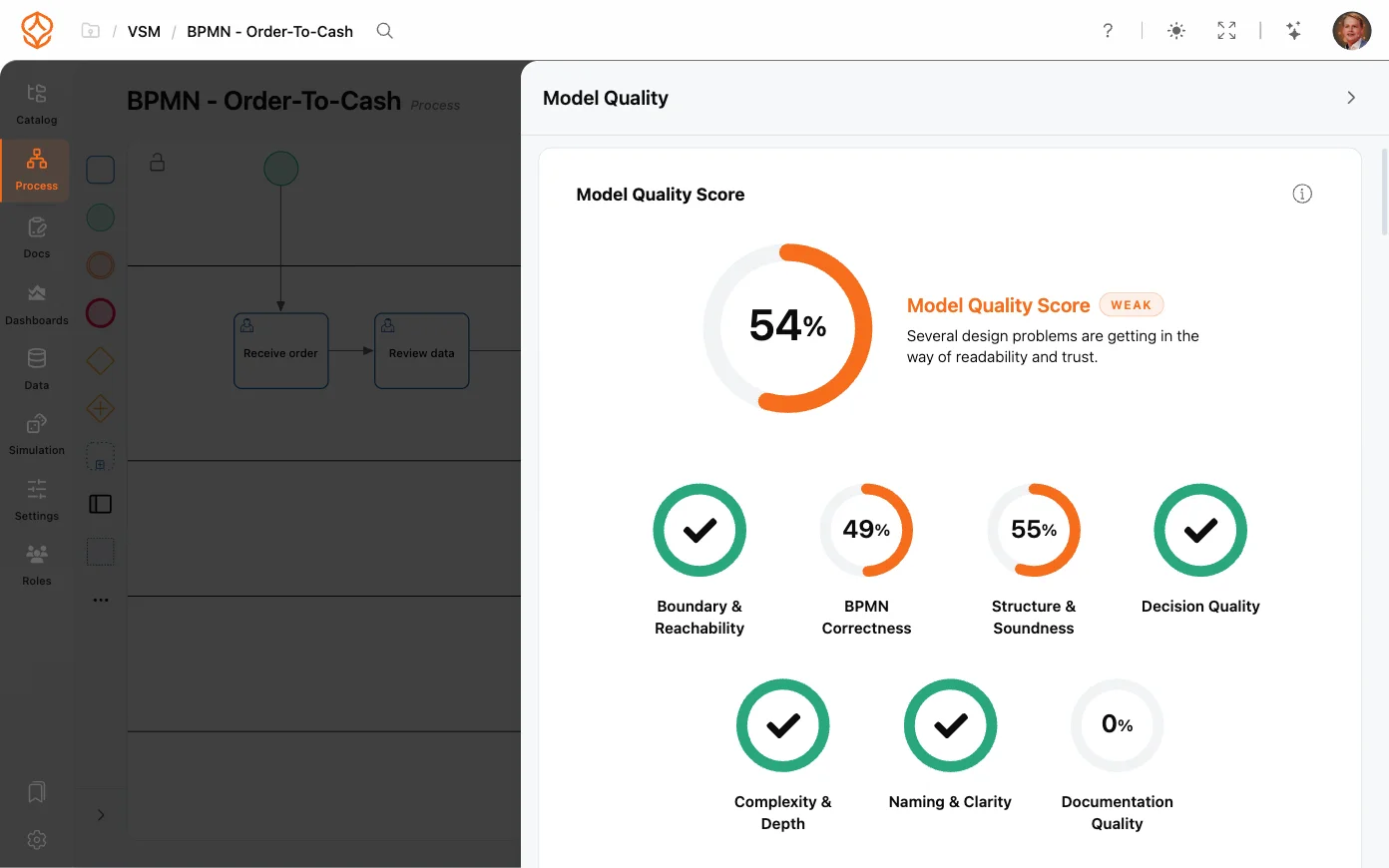
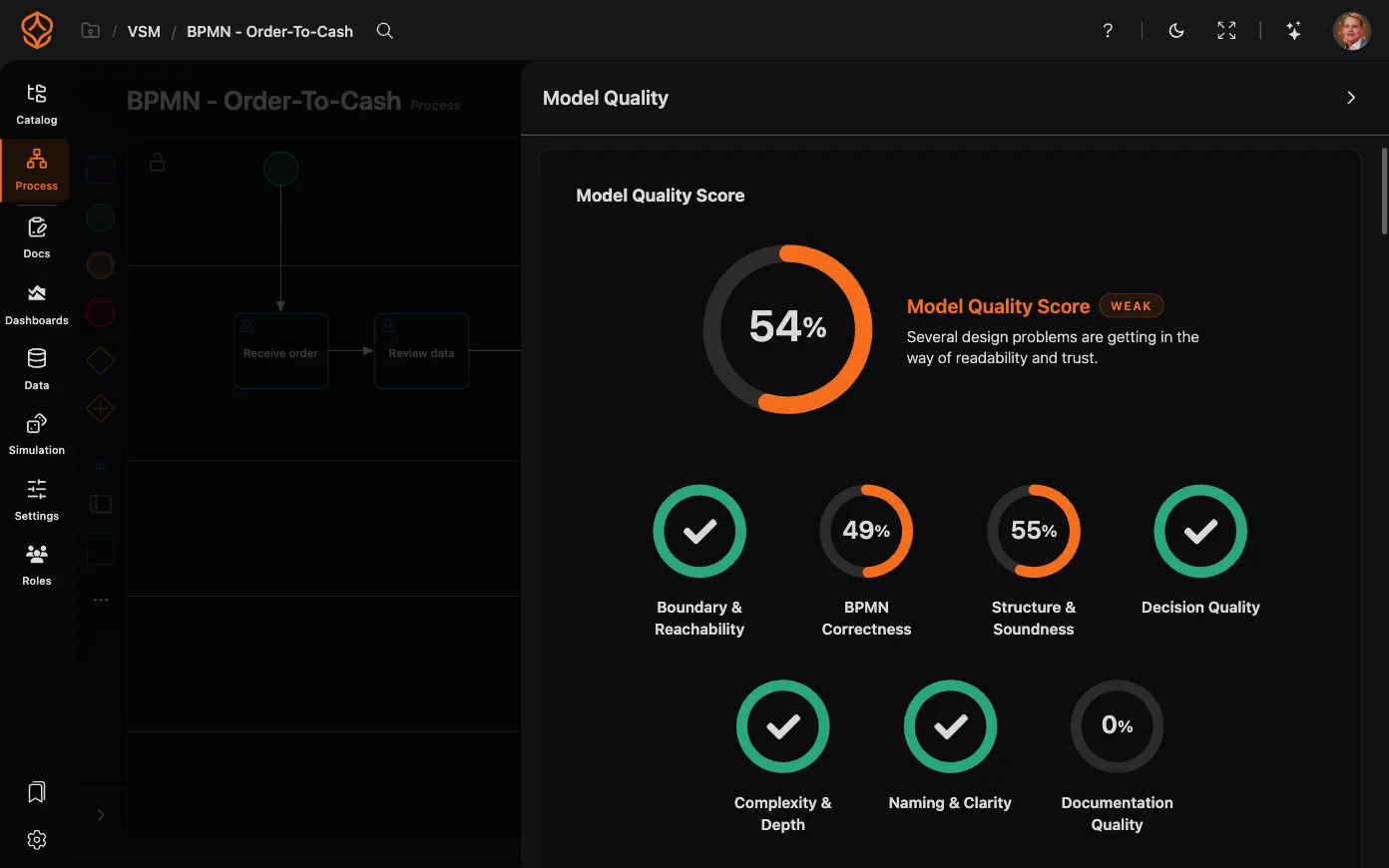
Model quality checks (Process Architecture)

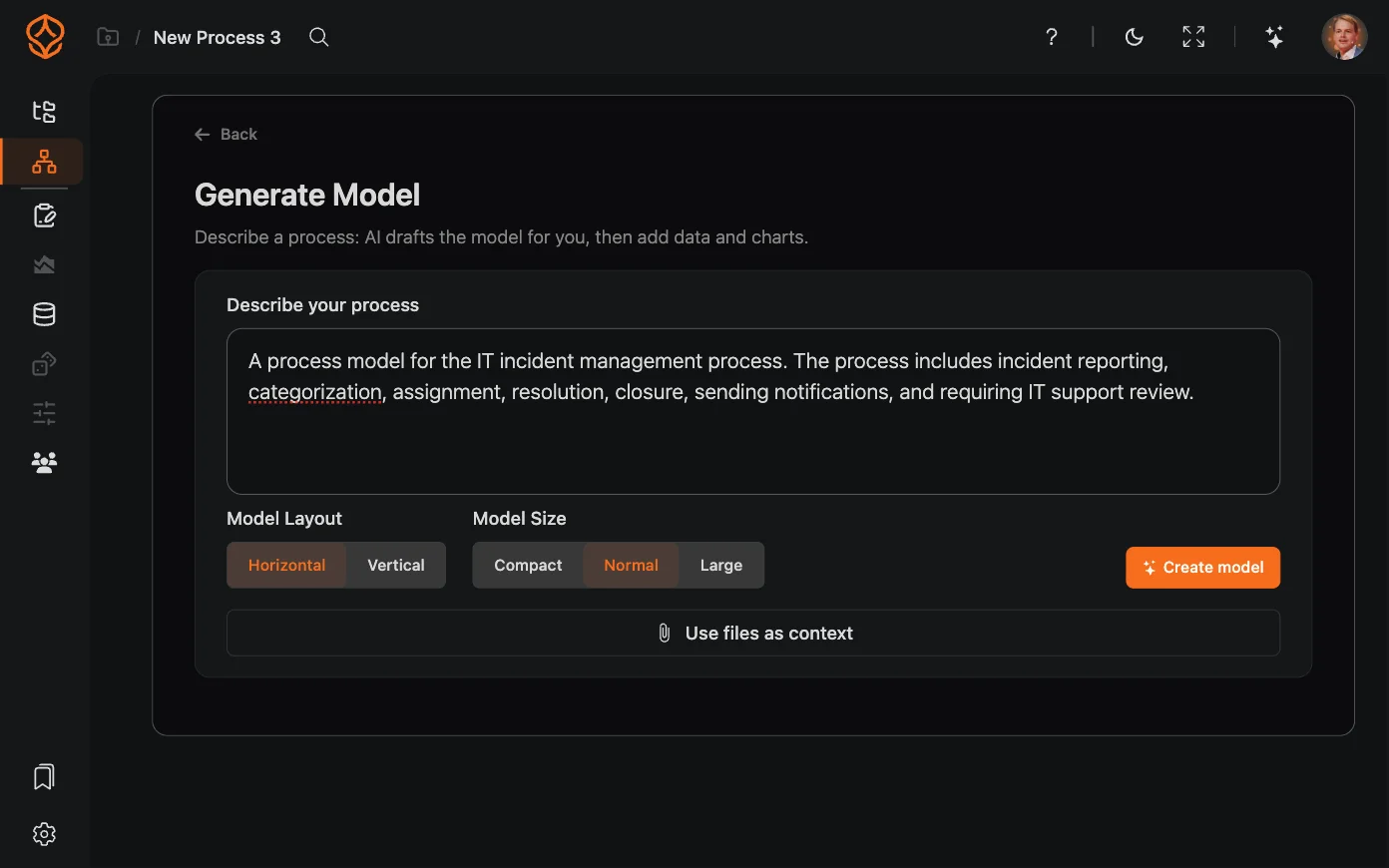
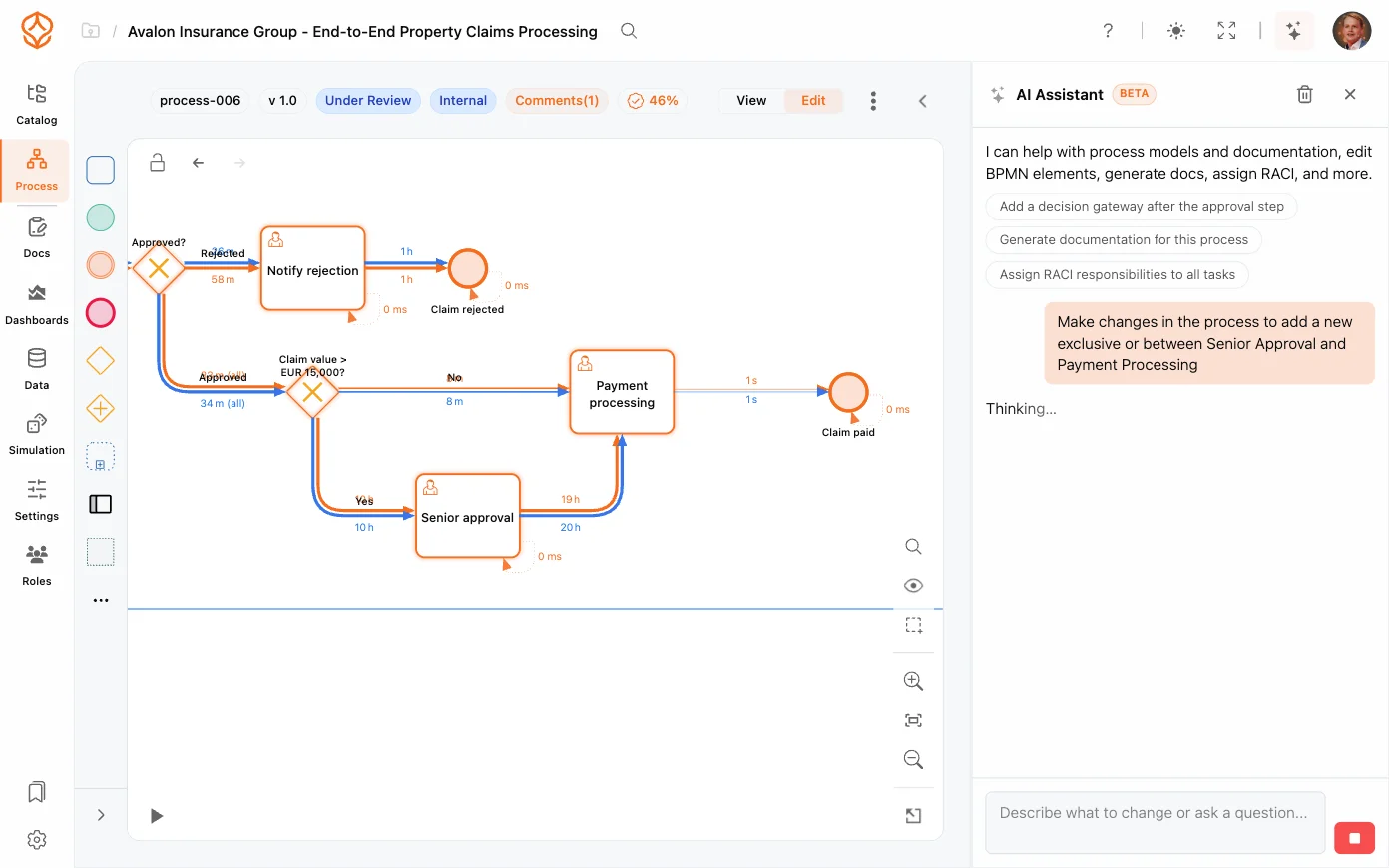
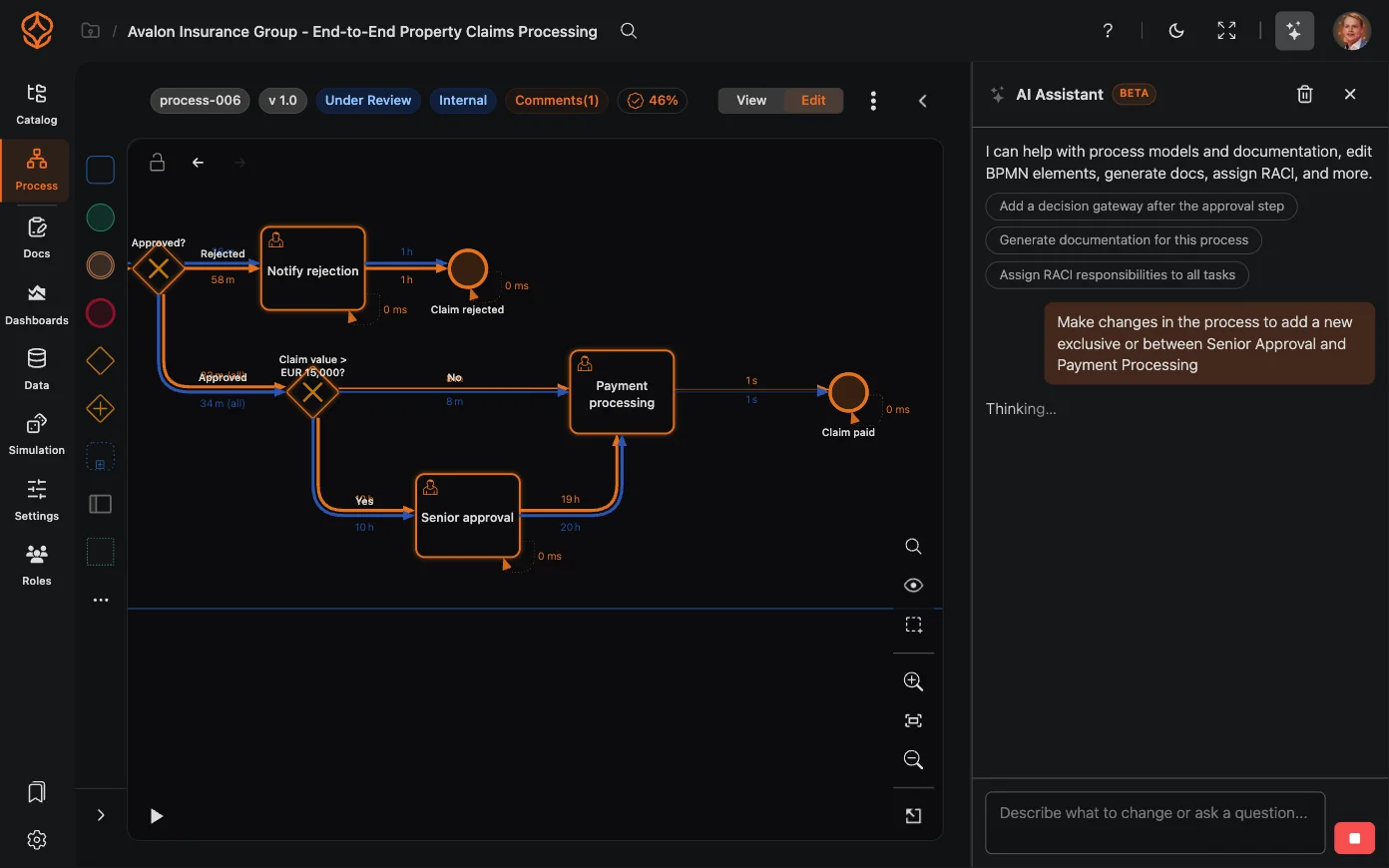
Draft a model from a description

Describe a process in plain language, then use AI to generate a BPMN model for review.

  • Create a draft model from a natural-language description.
  • Get started without BPMN expertise.
  • Review and edit the generated model in the editor.
  • Use it as a starting point for documentation or discussion.
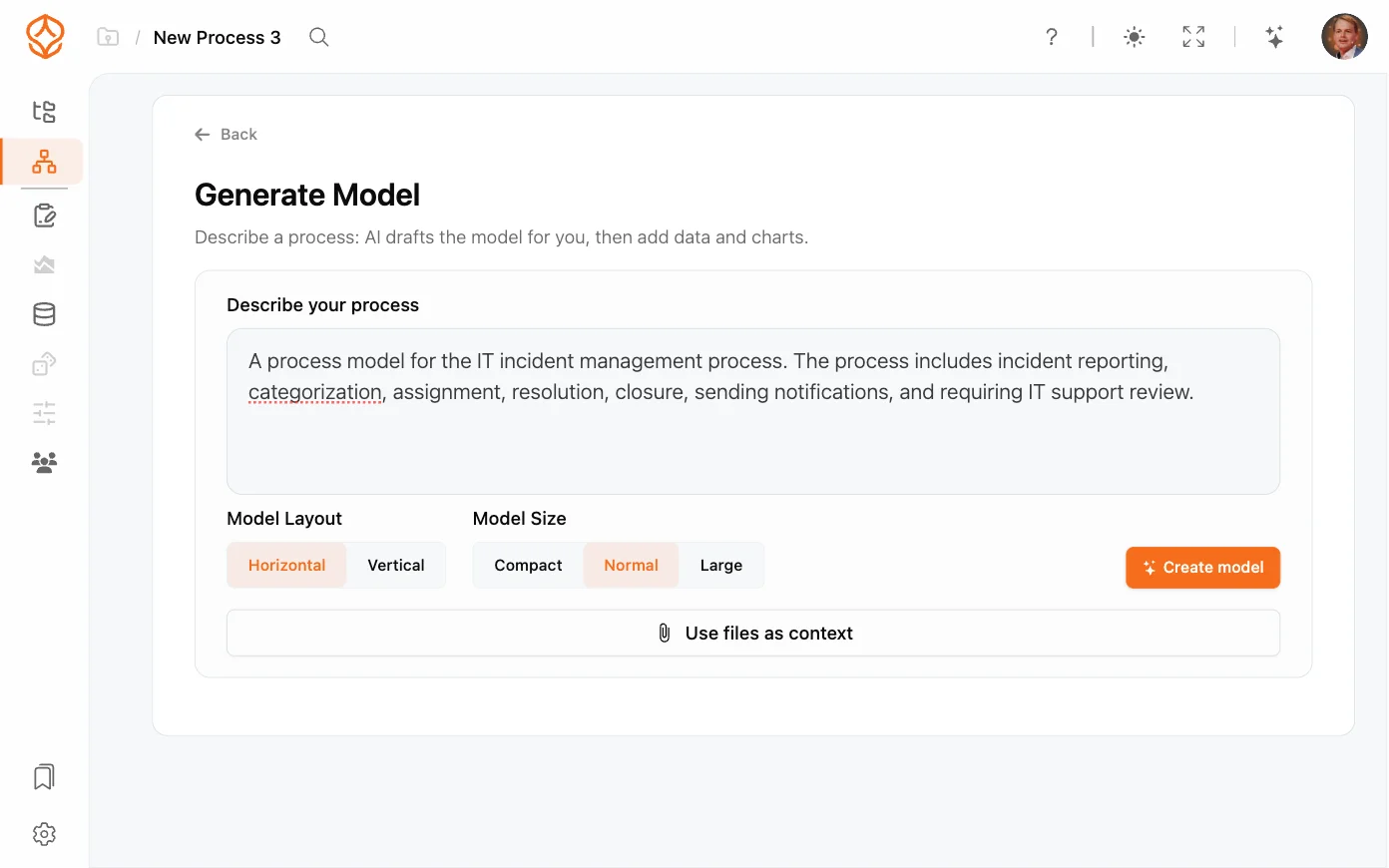
AI process generation
Editing an AI-generated model
AI-assisted process changes

Keep diagrams readable

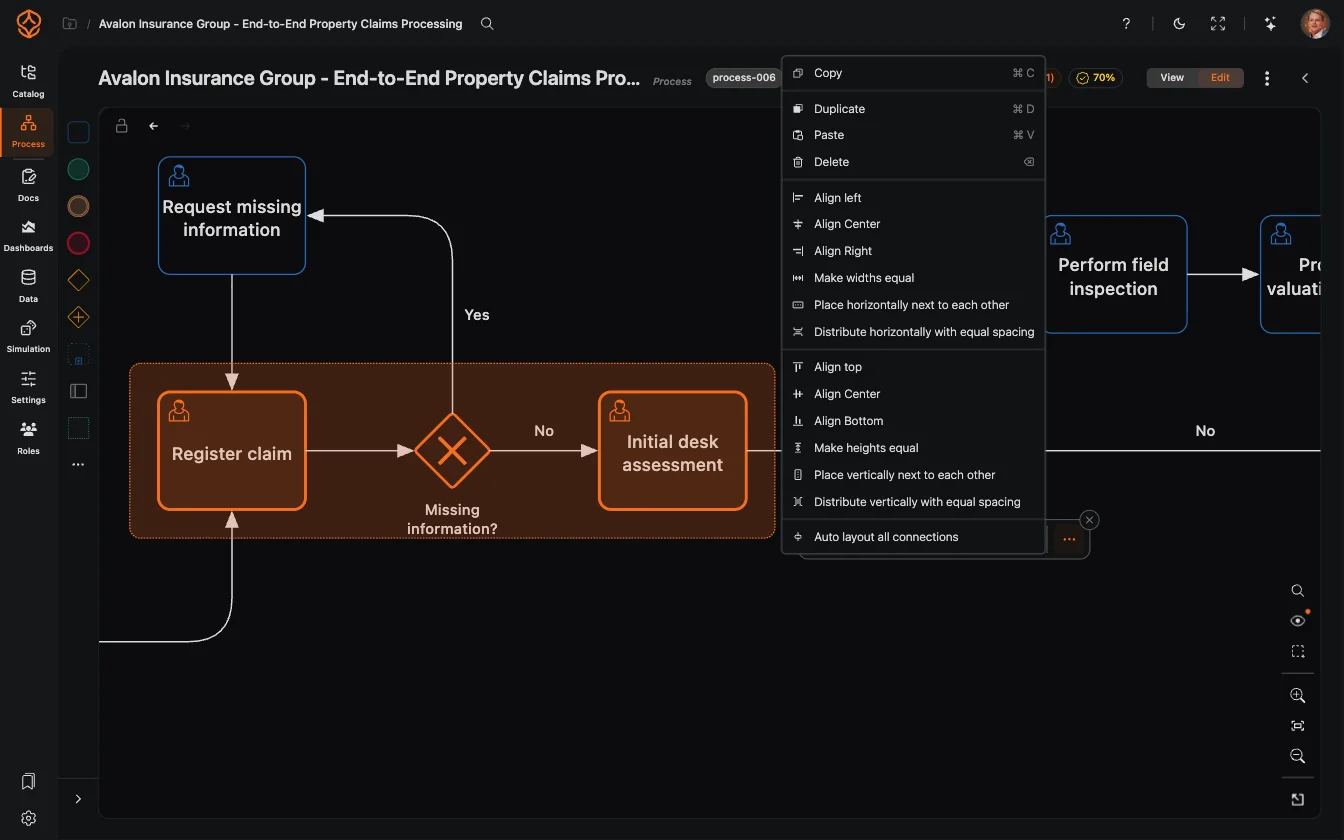
Arrange a model to make its flow easier to review.

  • Apply a horizontal or vertical layout.
  • Organize diagrams with many activities.
  • Reapply a layout as the model changes.
  • Spend less time aligning elements by hand.
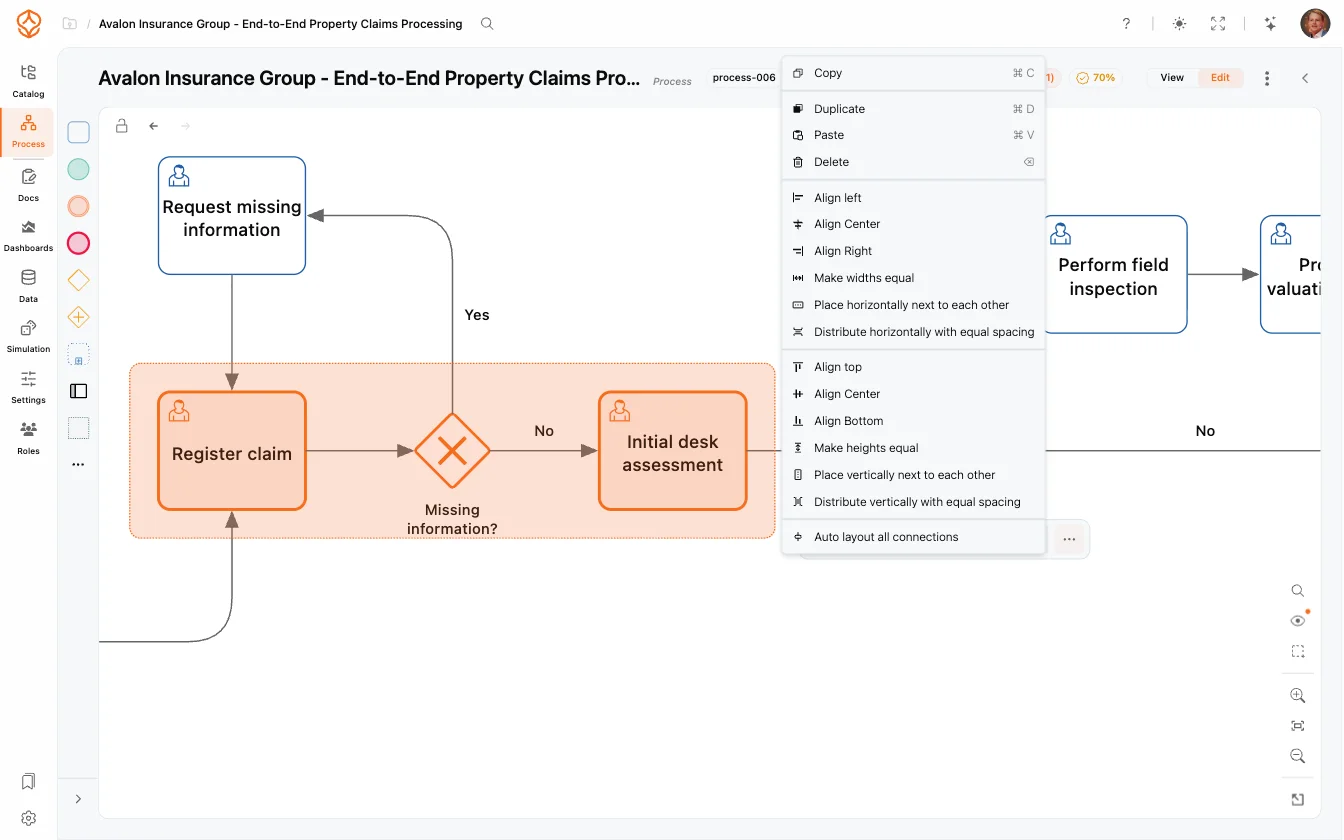
Automatic BPMN layout

Review models together

Bring process owners, analysts, and IT into the same design and review process.

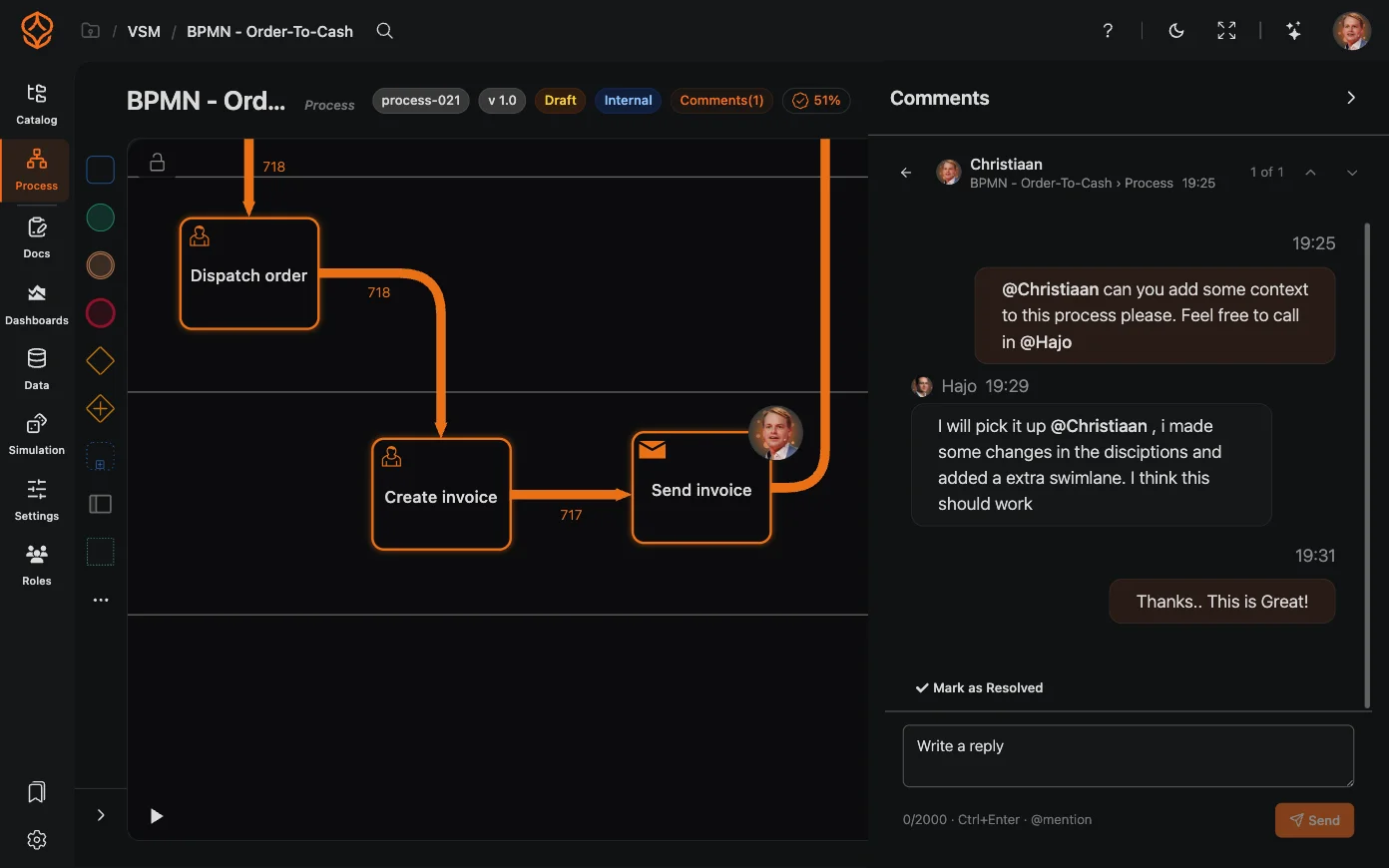
  • Edit models together in real time.
  • Keep comments, mentions, replies, and resolutions with the model.
  • Share read-only links with stakeholders.
  • Keep review feedback out of email attachments.
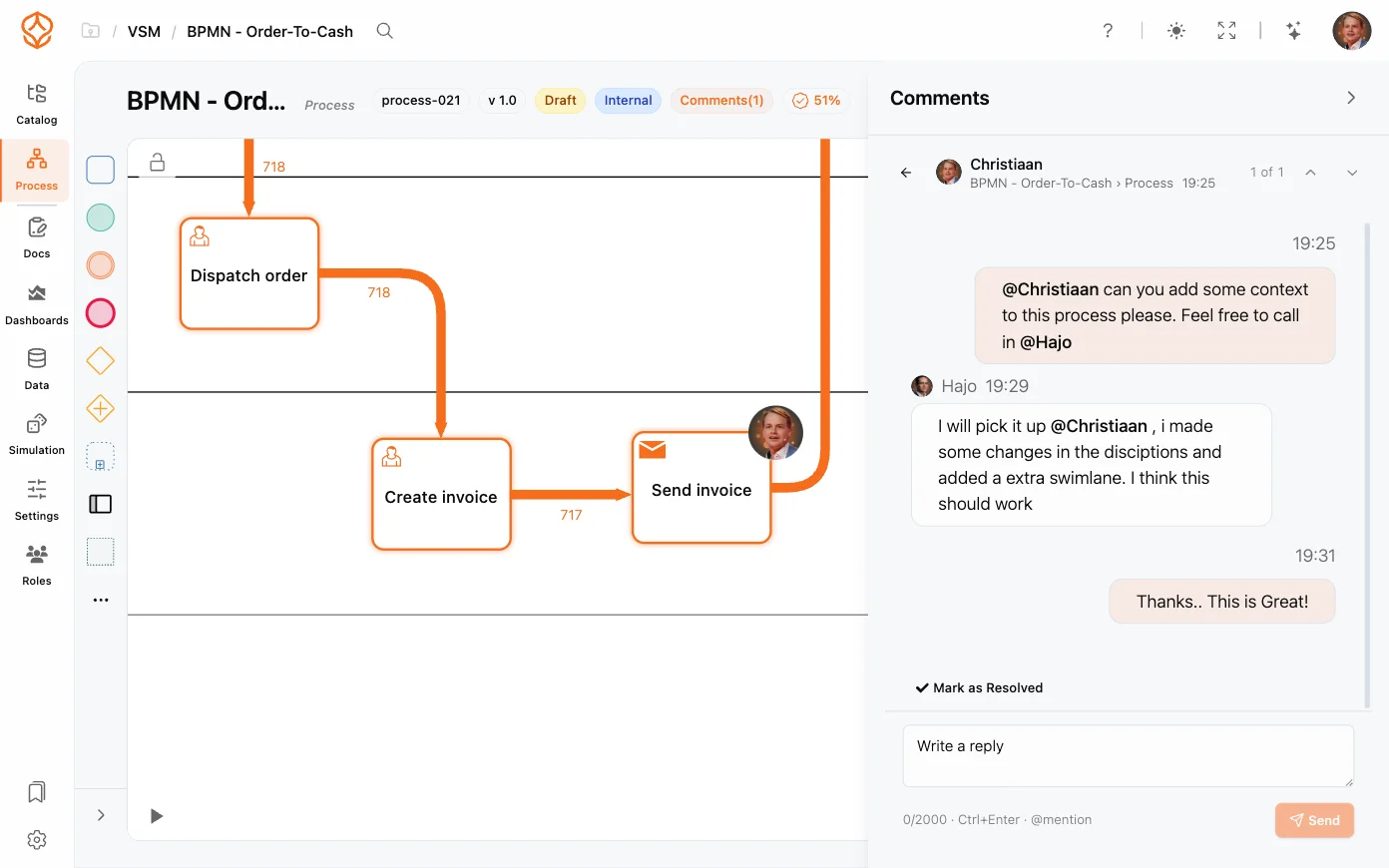
Real-time collaboration

Keep models portable

Use BPMN 2.0 files to move models between tools.

  • Import existing models from Camunda, Signavio, and other tools.
  • Export to BPMN 2.0, PDF, and PNG.
  • Share models across teams without tying them to one tool.
  • Keep your process models in a standard format.
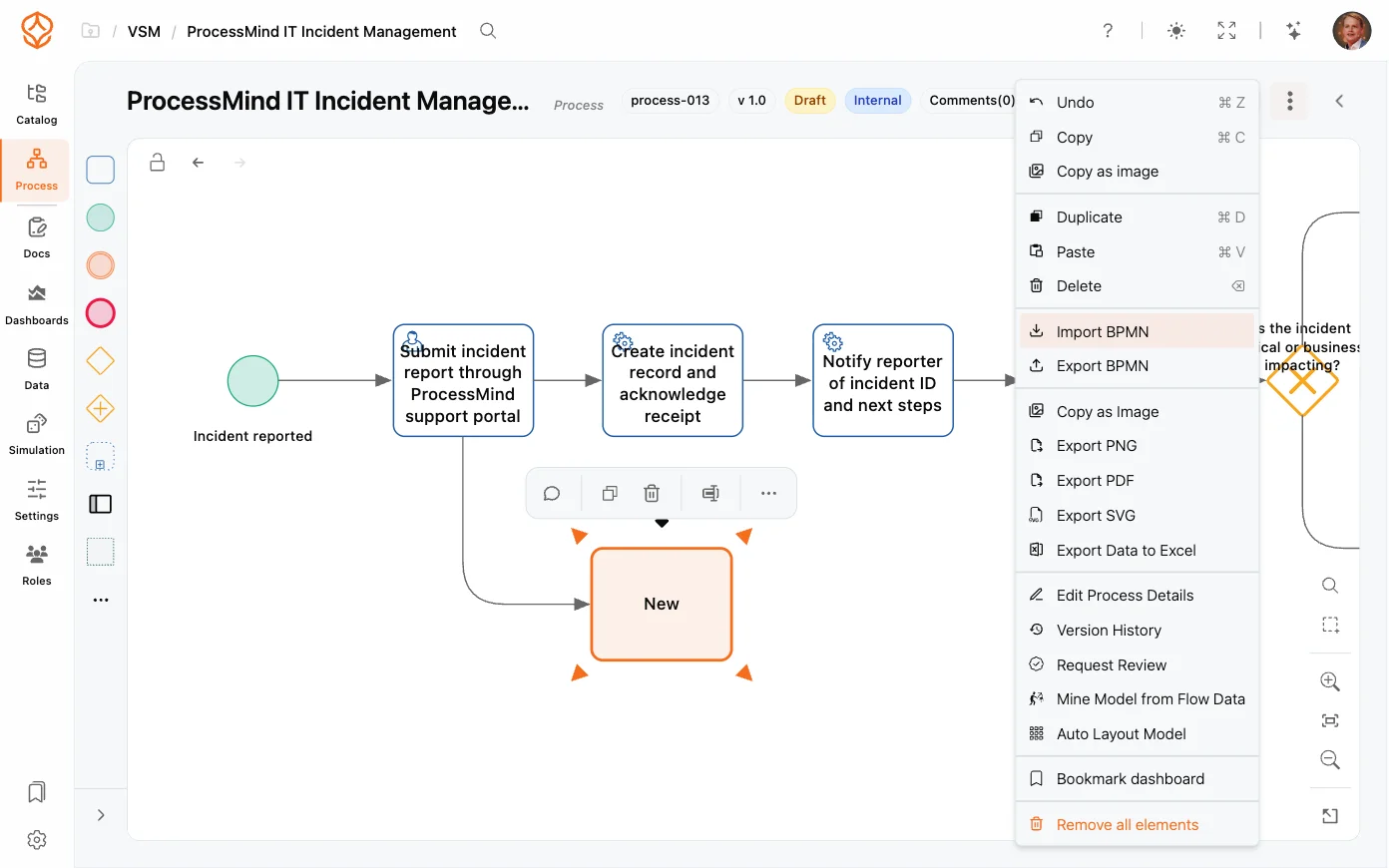
BPMN import and export

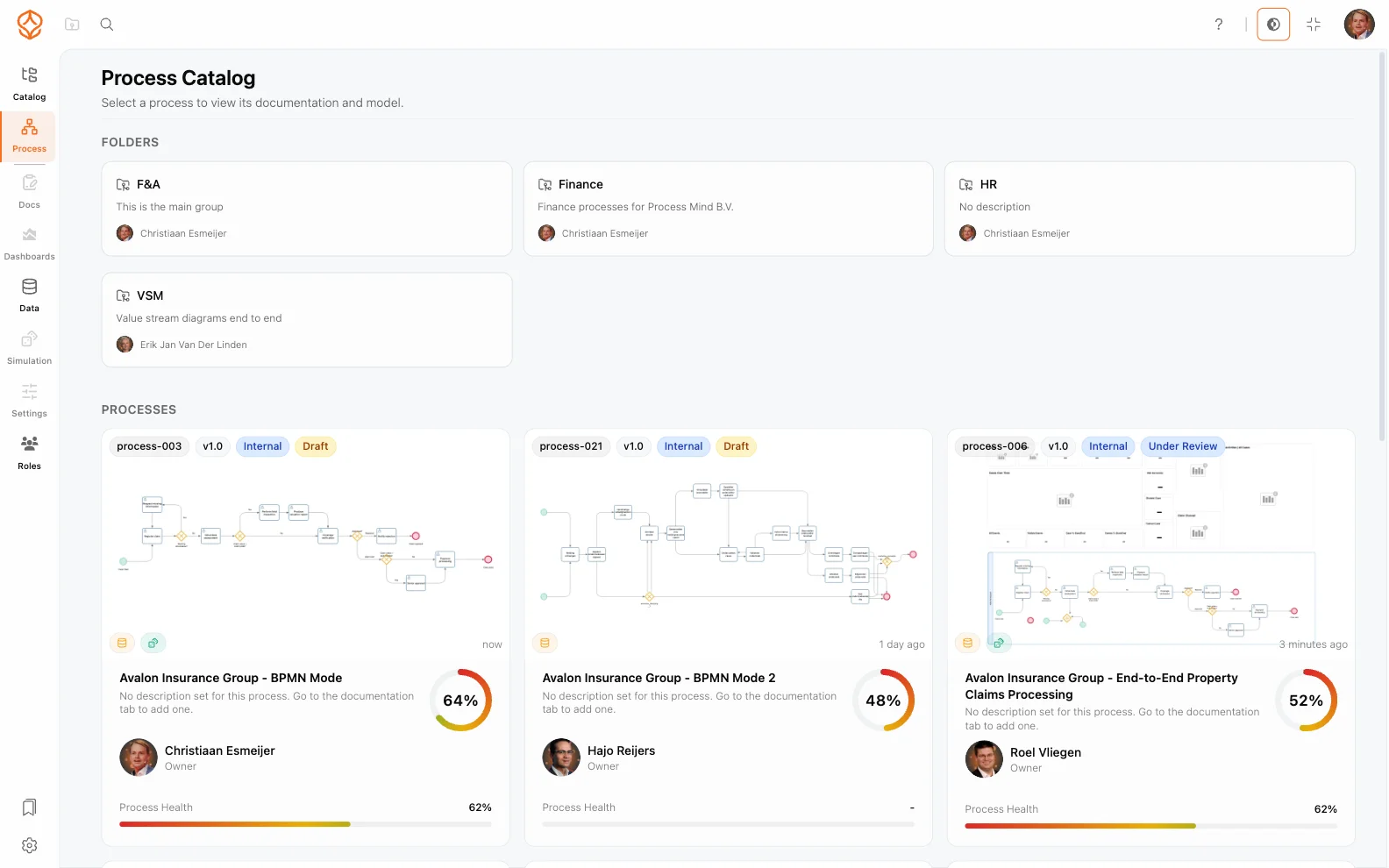
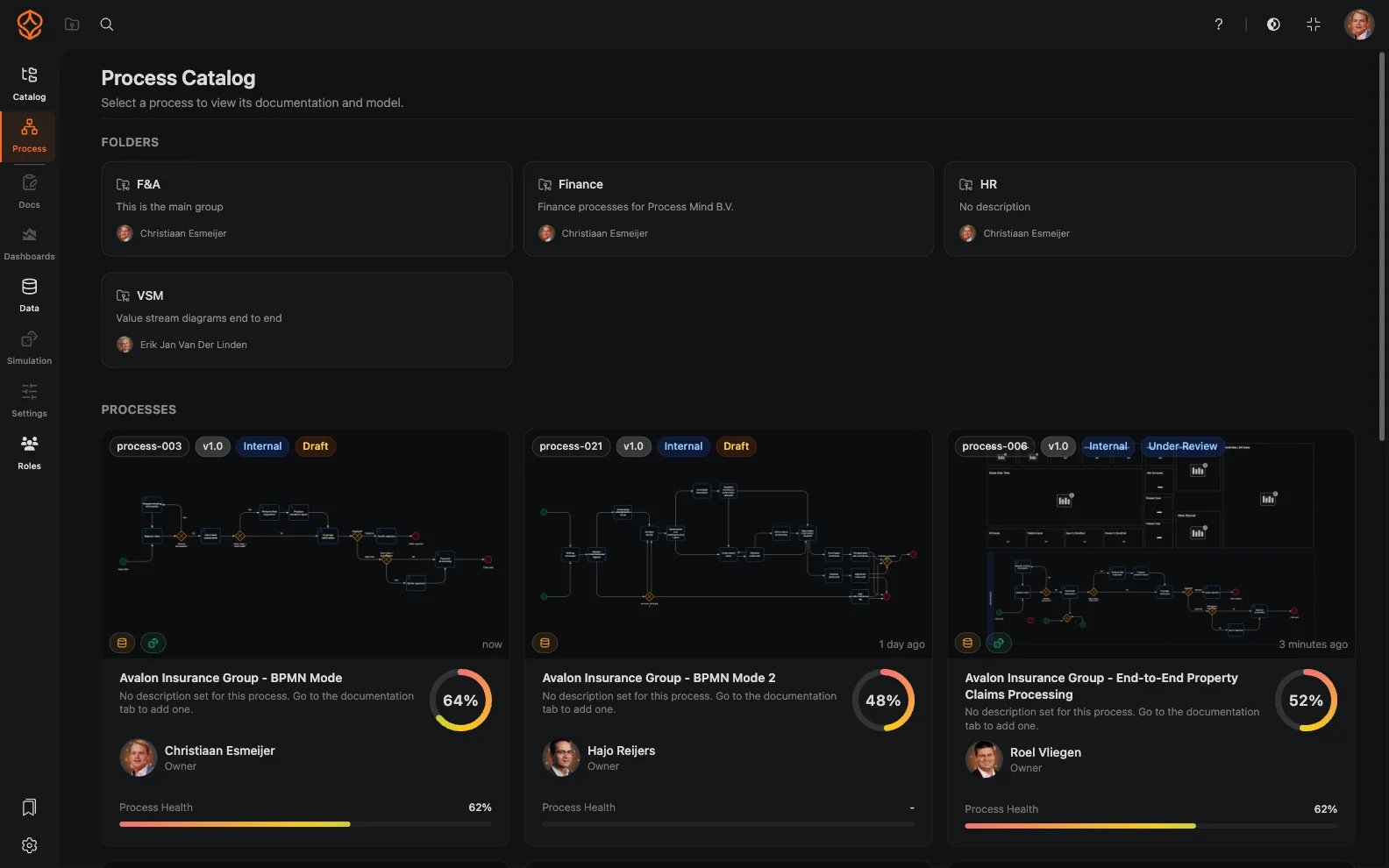
Organize your process library

Keep process models easy to find and maintain.

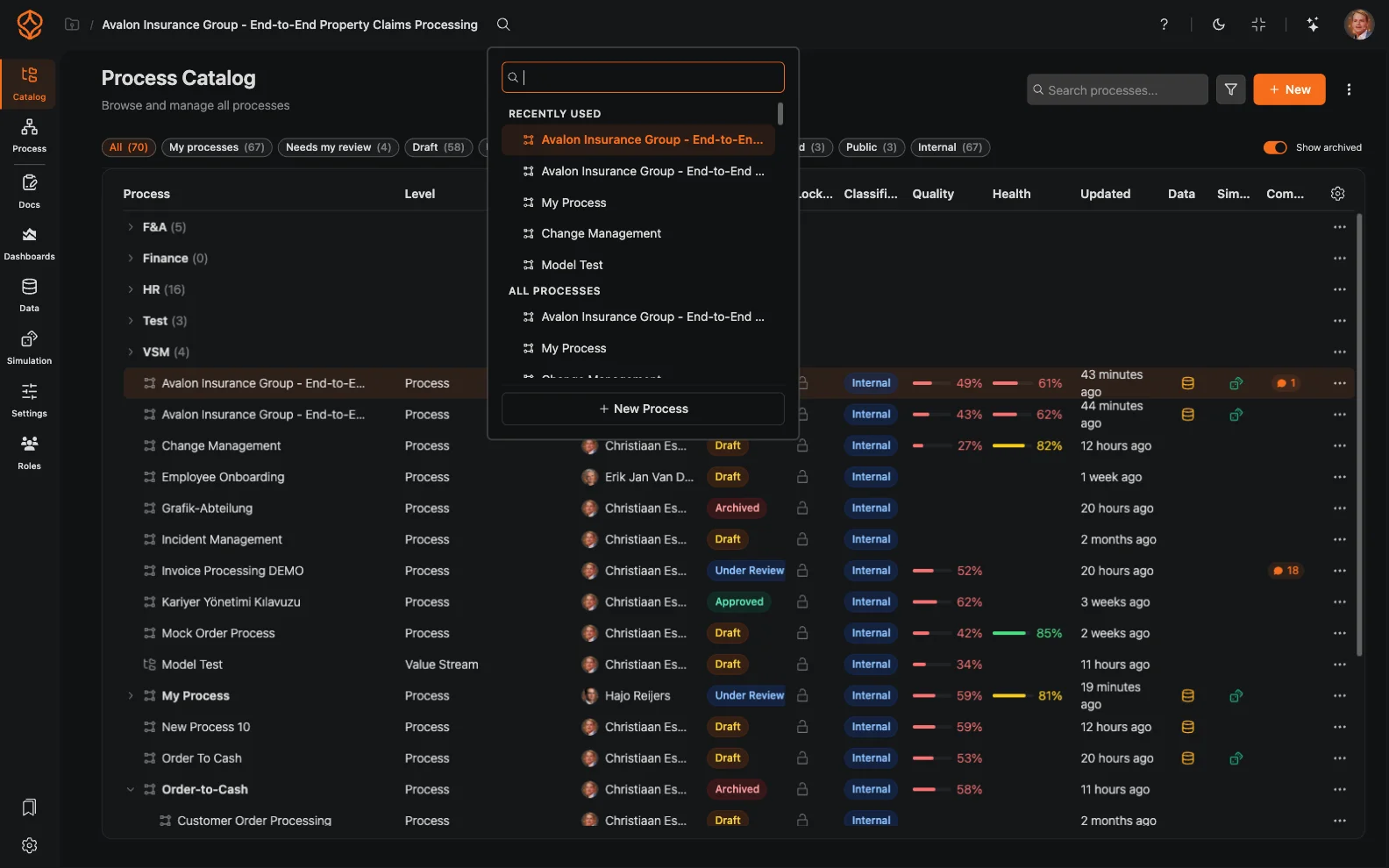
  • Organize processes in folders and projects.
  • Track versions across your process library.
  • Search for processes across your organization.
  • Use Single Sign-On (SSO) with Microsoft, Google, or LinkedIn.
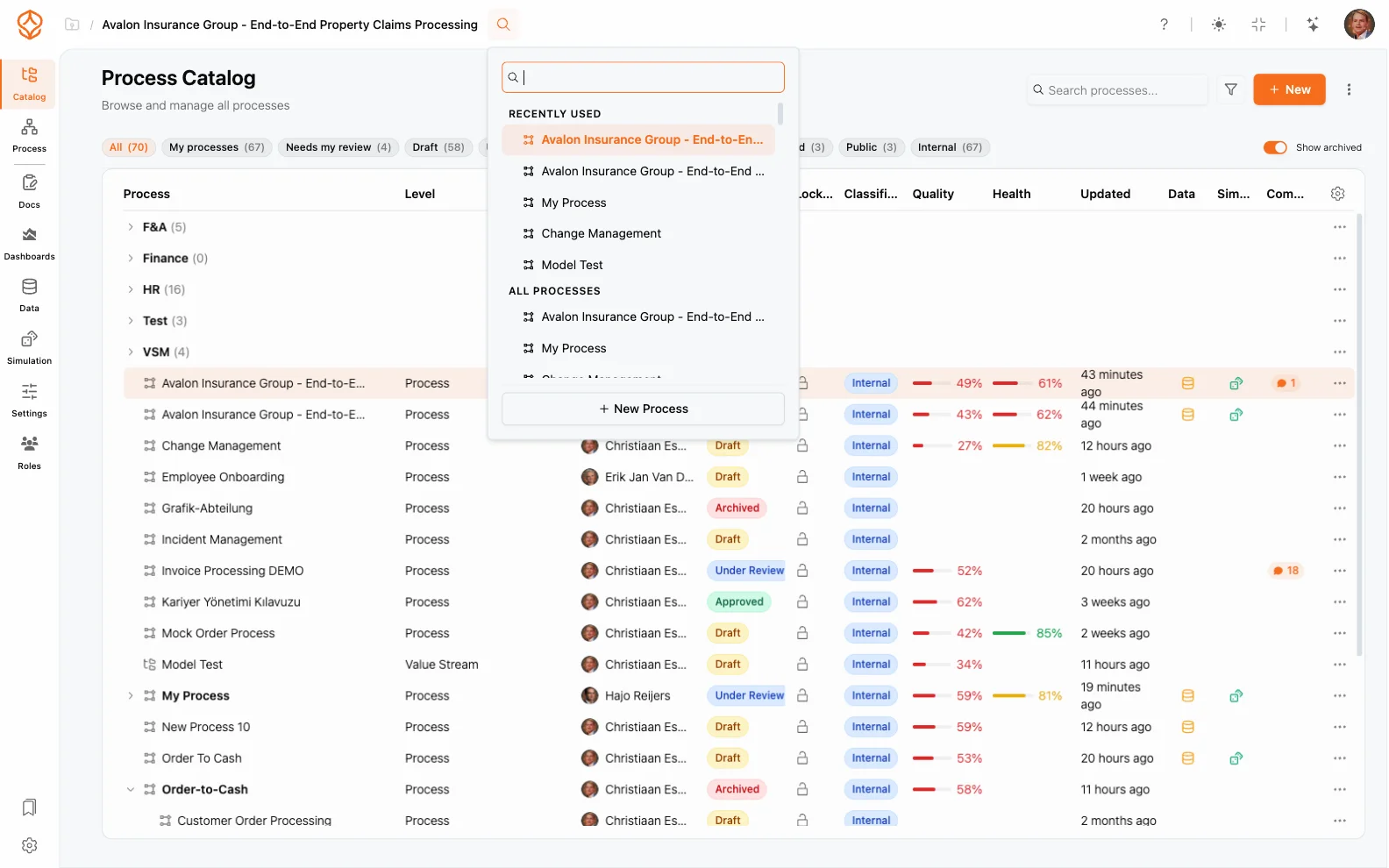
Process catalog and library
Organized process library
Design your first BPMN model in your browser

Start with clarity

Every process improvement effort starts with a process people can understand. Map workflows in BPMN 2.0 to give teams a shared view of how work gets done. Document today’s processes before deciding what to change. Work with stakeholders in real time to capture the full picture.
MATURITY LEVEL 1

Process Foundation

Model and document your processes to give teams clarity and a shared understanding.

Business Analyst Creates and maintains process documentation and BPMN models.
Process Owner Defines how work should be performed and ensures process standardization.
MATURITY LEVEL 2

Process Architecture

Define and manage your process landscape to align operations with strategy and compliance.

Process Architect Designs the enterprise process landscape, governance structure, and ownership model.
Transformation Manager Aligns processes with strategy, compliance requirements, and business change initiatives.
MATURITY LEVEL 3

Process Intelligence

Use data and AI to understand performance, anticipate outcomes, and improve continuously.

Operational Excellence Manager Uses data to identify bottlenecks, monitor KPIs, and drive continuous improvement.
Process Mining Analyst Analyzes actual process execution, discovers inefficiencies, and validates improvements.

Agree on how work should happen before analyzing how it happens

Why start with process design?

Process knowledge stays with people

When process knowledge lives in people's heads, teams have to keep asking how work gets done. Role changes can make that knowledge even harder to find.

Capture what your team knows in a shared process model.

Documents become outdated

A diagram captures one point in time. As work changes, teams may stop trusting it and develop their own ways of working.

Keep process discussions and models together so you can update them as work changes.

Teams work in different ways

Without shared names and modeling conventions, teams may describe similar work differently.

Use BPMN 2.0 and agreed naming and level conventions to make models easier to compare.

Reviews take coordination

Process owners, analysts, and IT need a shared view to confirm what a process covers and who is responsible for each part.

Work together on process models and keep feedback in context.

Analysis needs a reference point

Process Mining shows what event data records, but it does not replace agreement on how a process is meant to work.

First, design and agree on the intended process. When you are ready to mine, compare it with execution data.

Process knowledge needs a home

Models are harder to maintain when teams cannot find the latest agreed version.

Organize process models in a shared library and use it as your source of truth.
Design your first BPMN model in your browser

Process Foundation features

Modern BPMN 2.0 modeler
Automatic BPMN Layout
BPMN import/export round trips
AI process generation AI
Collaborative editing
Versioning
Global process search
Export to BPMN, PDF & Images
Process Catalog / Library
Storage
Viewer access & collaboration hub
Real-time live collaboration
Language support (10 languages)

Design before analysis

A clear starting point for process design

Starting without shared conventions

Process knowledge spread across documents and teams

People may have different views of how work is meant to happen.

ProcessMind

A shared process library

Organize models so teams can find and review them.

Starting without shared conventions

Different names and levels

Teams may model similar work in different ways.

ProcessMind

Agree on naming and level conventions

Use shared conventions to make process models easier to understand.

Starting without shared conventions

Manual diagram formatting

Arranging shapes by hand takes attention away from the process itself.

ProcessMind

Automatic layouts

Arrange diagrams with a horizontal or vertical layout.

Starting without shared conventions

Starting from a blank canvas

Teams may need to agree on the process before modeling it.

ProcessMind

AI-generated draft models

Create a draft from a plain-language description, then review and edit it.

Starting without shared conventions

Feedback scattered across channels

Review comments can be hard to tie to the right model.

ProcessMind

Collaboration in context

Discuss and review process models together.

Starting without shared conventions

Design disconnected from analysis

A model describes intent, while event data shows how work was recorded.

ProcessMind

Design, mine, and simulate in one platform

Agree on the design first, then connect it to analysis when you are ready.

Next level

Ready to go further?

"Once you have agreed on how a process should work, add it to your wider process architecture. Define ownership and shared standards across processes so your teams can govern and improve them using a consistent view."
THE LANGUAGE OF PROCESS

BPMN 2.0: a standard for process modeling

BPMN 2.0 gives your team a shared visual language for describing processes. Its elements represent activities, events, decisions, and the flows between them, so process owners, analysts, and IT can review the same model.

Start modeling
Works in your browser, with no installation.

Learn more about the BPMN 2.0 standard.

What is BPMN 2.0?

Frequently asked questions

A process model makes the intended flow of work visible. It gives your team a shared reference for discussing activities, decisions, handoffs, and responsibilities.

That reference is useful even before you have data to analyze. It helps you capture what your team knows, identify questions to resolve, and agree on what the process covers. The model records the agreed design; it does not claim that every case follows it exactly.

Bring together the people who understand the work and the systems behind it:

Process owner: Sets the scope, confirms the intended process, and resolves questions about ownership and standards. Analyst: Facilitates the discussion, captures the flow, and keeps the model clear and consistent. IT: Explains the system steps, data, and technical constraints that affect how work happens.

Include other subject-matter experts when the process crosses teams or depends on specialist knowledge. You can agree on a useful model without documenting every exception in the first session.

Start with design when you need to establish how a process should work. Agree on its scope and conventions, then create and review the model. Turn to Process Mining when you have event data and want to compare recorded work with the intended flow.

The two approaches answer different questions:

Process design: How should the process work? Process Mining: What does the available event data show about how it worked?

You do not need event data to create your first model. When you are ready to analyze execution, the agreed design gives your team a clear reference point.

Agree on a few conventions before building a large library. Keep them aligned with your process architecture and documentation standards.

Use BPMN 2.0 consistently. Give activities, events, decisions, and flows the same meaning across models. Choose clear names. Follow your organization’s naming convention and apply it consistently. Set the right level of detail. Keep high-level models focused on the main stages. Add detail in lower-level models when readers need it. Define the process boundary. Make clear where the process starts and ends, and what falls outside its scope. Show ownership and handoffs. Use lanes and other relevant BPMN elements to make responsibilities visible. Review with the people who do the work. Confirm the model reflects the agreed intent before using it as a reference. Maintain the model as work changes. Assign responsibility for updates so the shared view stays current.

Start with one process and a focused discussion. Capture the main flow, then refine the model with the people who own, analyze, and support the work.

Set the scope. Agree on the process name, start and end points, and level of detail. Map the main flow. Identify the core activities, decisions, events, and handoffs. Apply shared conventions. Use the naming and level standards your organization has agreed on. Review the model. Ask the process owner, analyst, IT, and relevant subject-matter experts to resolve gaps or disagreements. Store the agreed version. Keep the model where your team can find it, and update it as the process changes.

ProcessMind provides a browser-based BPMN 2.0 modeler for creating and reviewing models. You can also import and export BPMN 2.0 files.

See the BPMN modeler capability

Standardization starts with shared choices: how you name processes, how much detail each model should include, and which BPMN 2.0 elements you use to describe the work.

When teams apply those choices consistently, they can compare models and find related processes more easily. A shared process library gives your team one place to find the latest agreed version, rather than relying on separate copies or personal notes.

Standardization does not mean every team must work in exactly the same way. It gives teams a common structure for documenting differences and deciding which practices to share.

Once the process owner and team agree on the design, you can maintain the model in a wider process library. If you later have event data, use Process Mining to compare execution with the intended process. Dashboards and KPIs can help you review performance, while simulation can help you explore scenarios.

Start with design alone, then add analysis when you are ready.

Explore enterprise process architecture

For a practical introduction to BPMN 2.0, see what BPMN 2.0 means for process modeling. You can also review the steps for constructing a BPMN diagram before creating your first model.

Design a process in your browser

Start with one process, agree on how it should work, and create a BPMN 2.0 model in your browser. You can begin without an event log.