BPMN Modeler for Process Modeling
Create BPMN 2.0 diagrams in your browser, bring in existing diagrams, and collaborate in real time. Generate a model from a text description, arrange it with auto-layout, or import and export standard BPMN 2.0 XML.
Draw your first model in the browserIncluded in Process Foundation · No credit card required · Works in your browser · BPMN 2.0 compliant

Modeling tools
Create and maintain BPMN models online
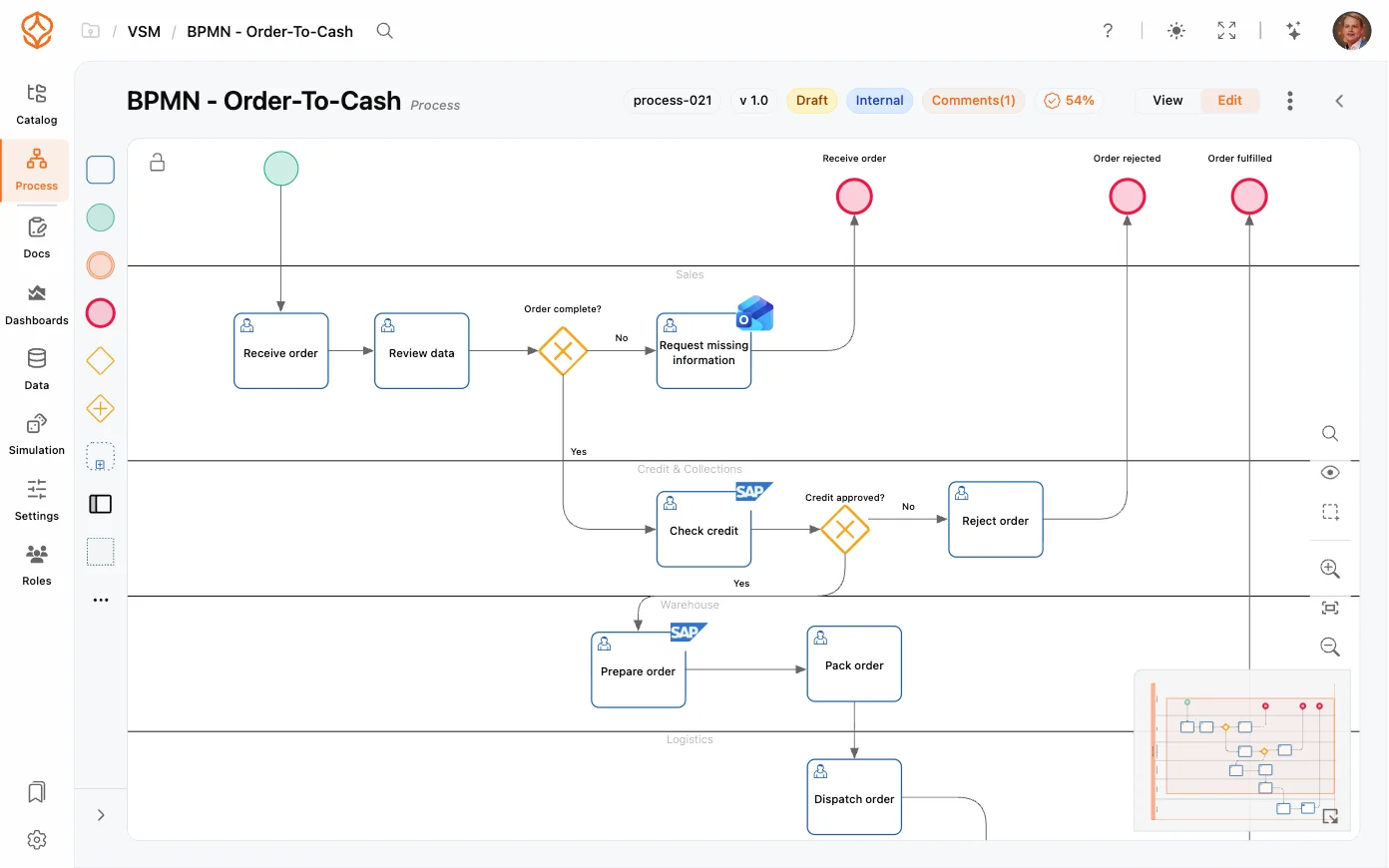
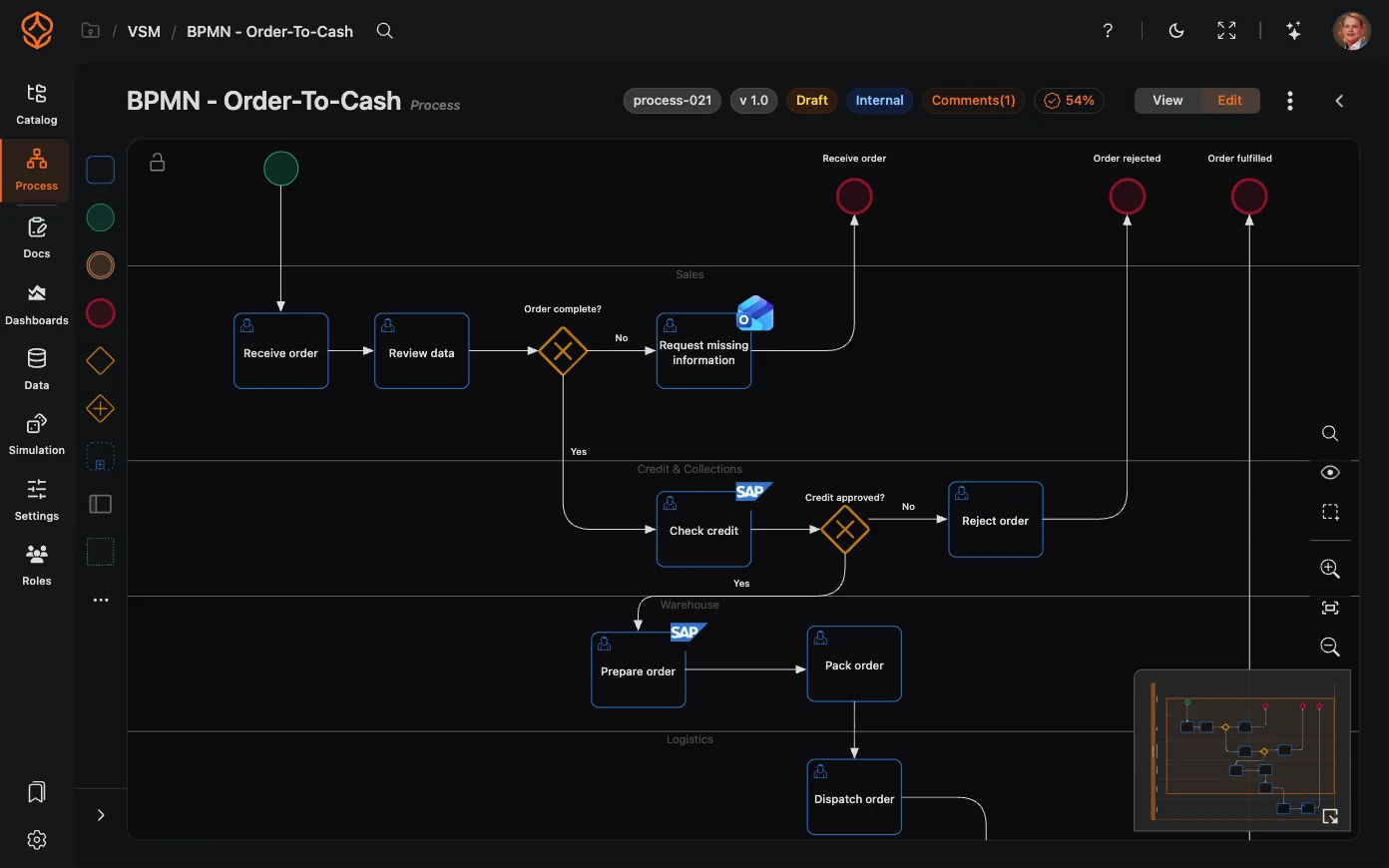
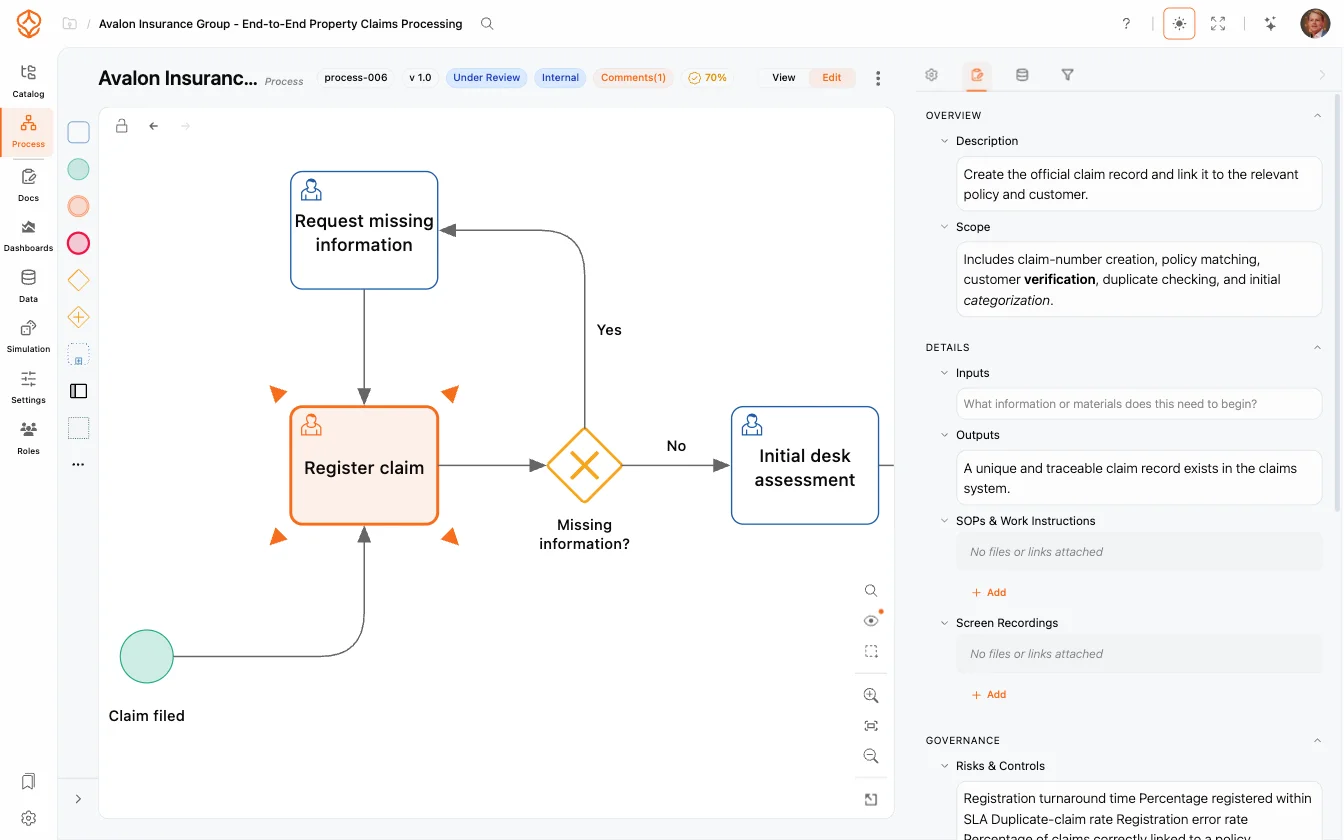
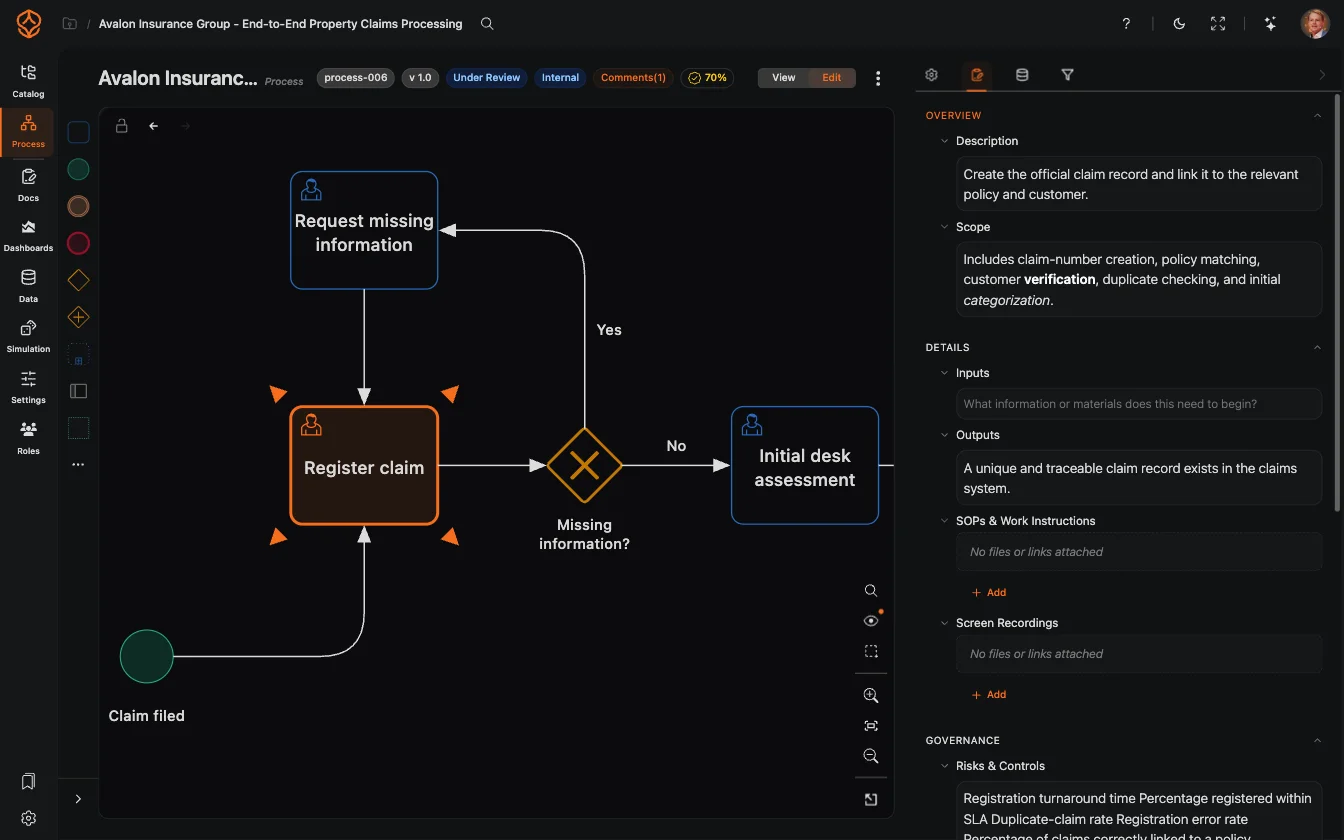
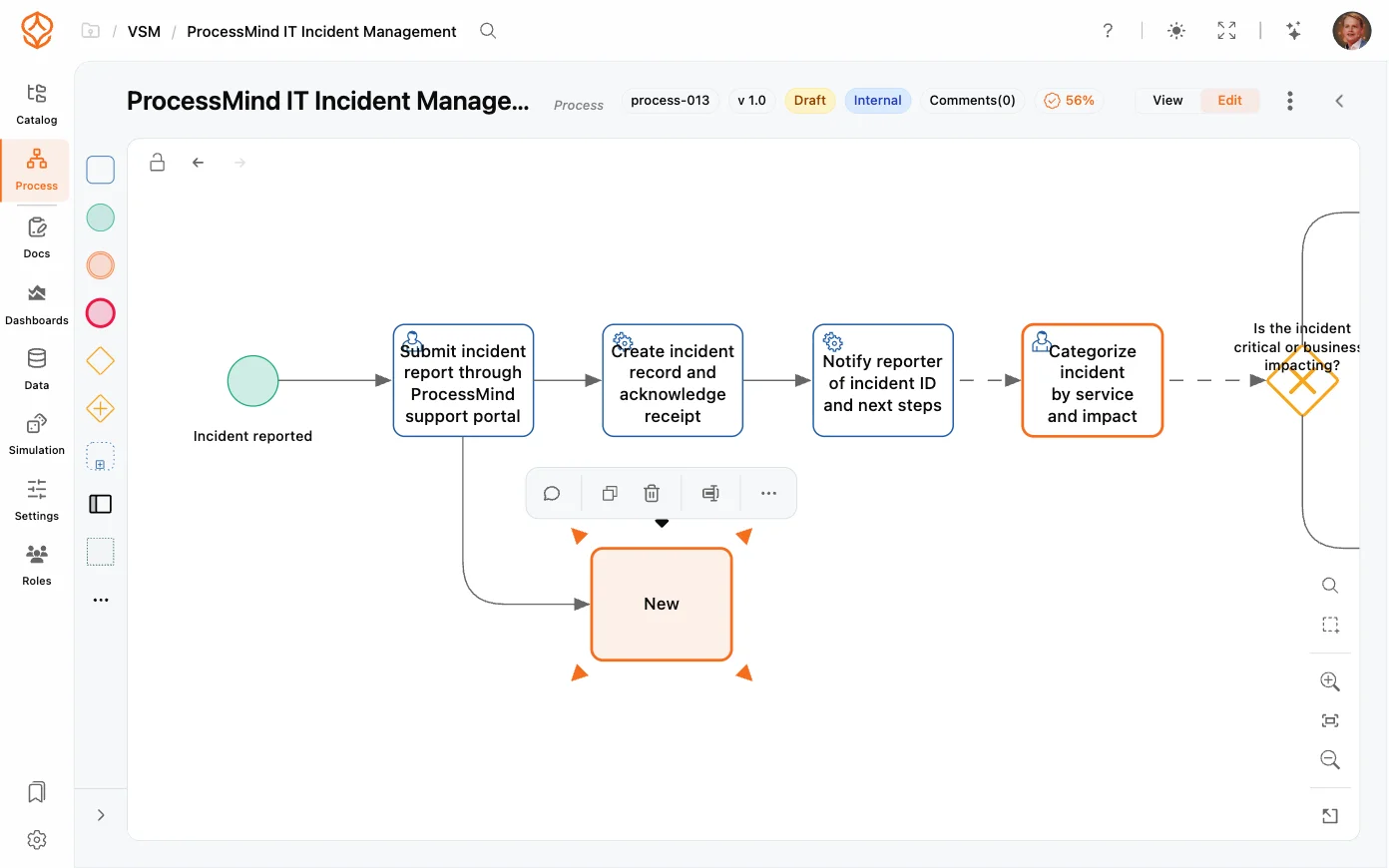
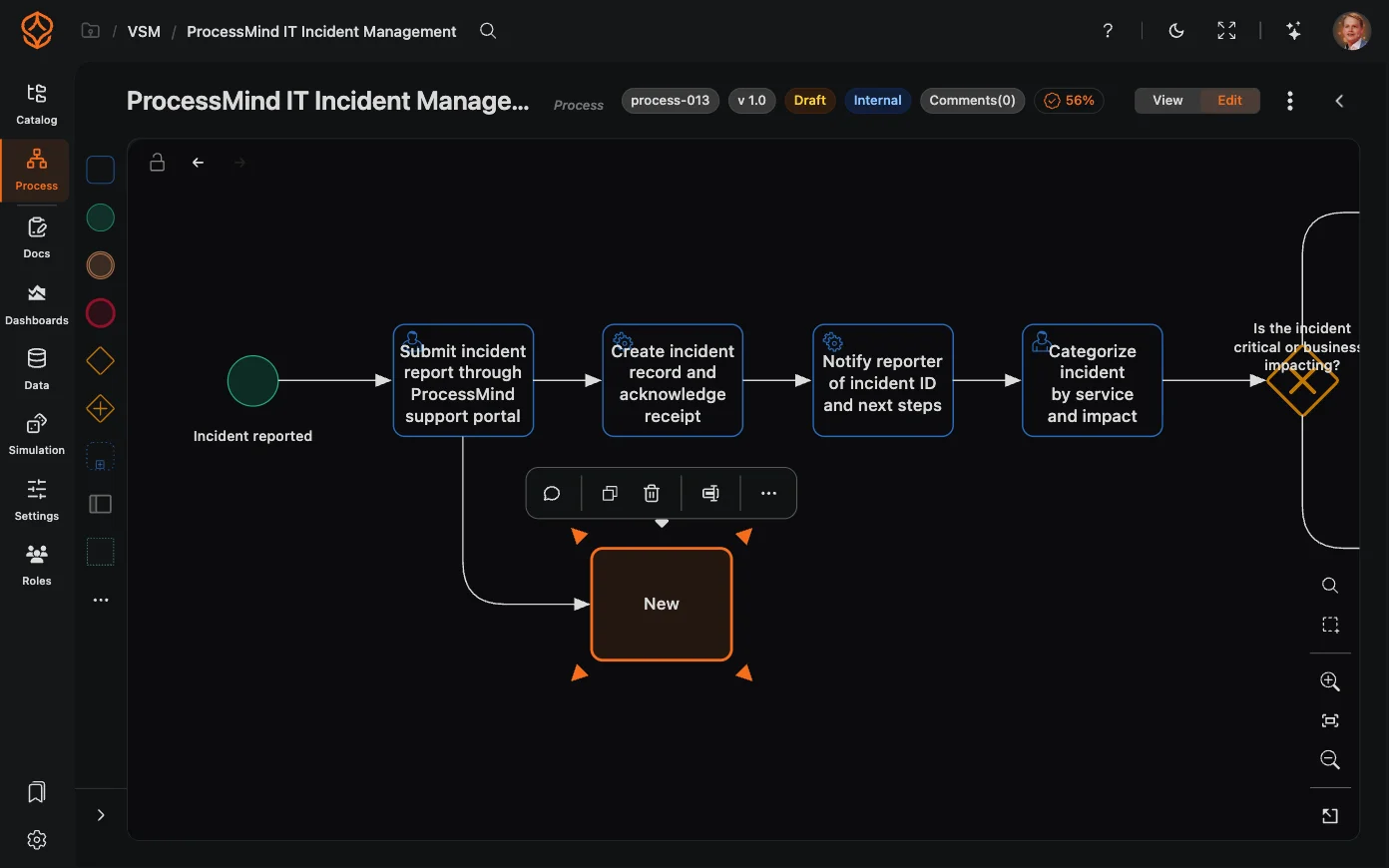
A BPMN editor in your browser
Build and edit BPMN 2.0 diagrams with a drag-and-drop editor.
- Use the BPMN element palette, including tasks, gateways, events, pools, and swimlanes.
- Configure elements in the properties panel.
- Copy diagrams as images or export them as PNG or PDF.
- Use keyboard shortcuts, in-model search (Ctrl+F), minimap navigation, and undo and redo.
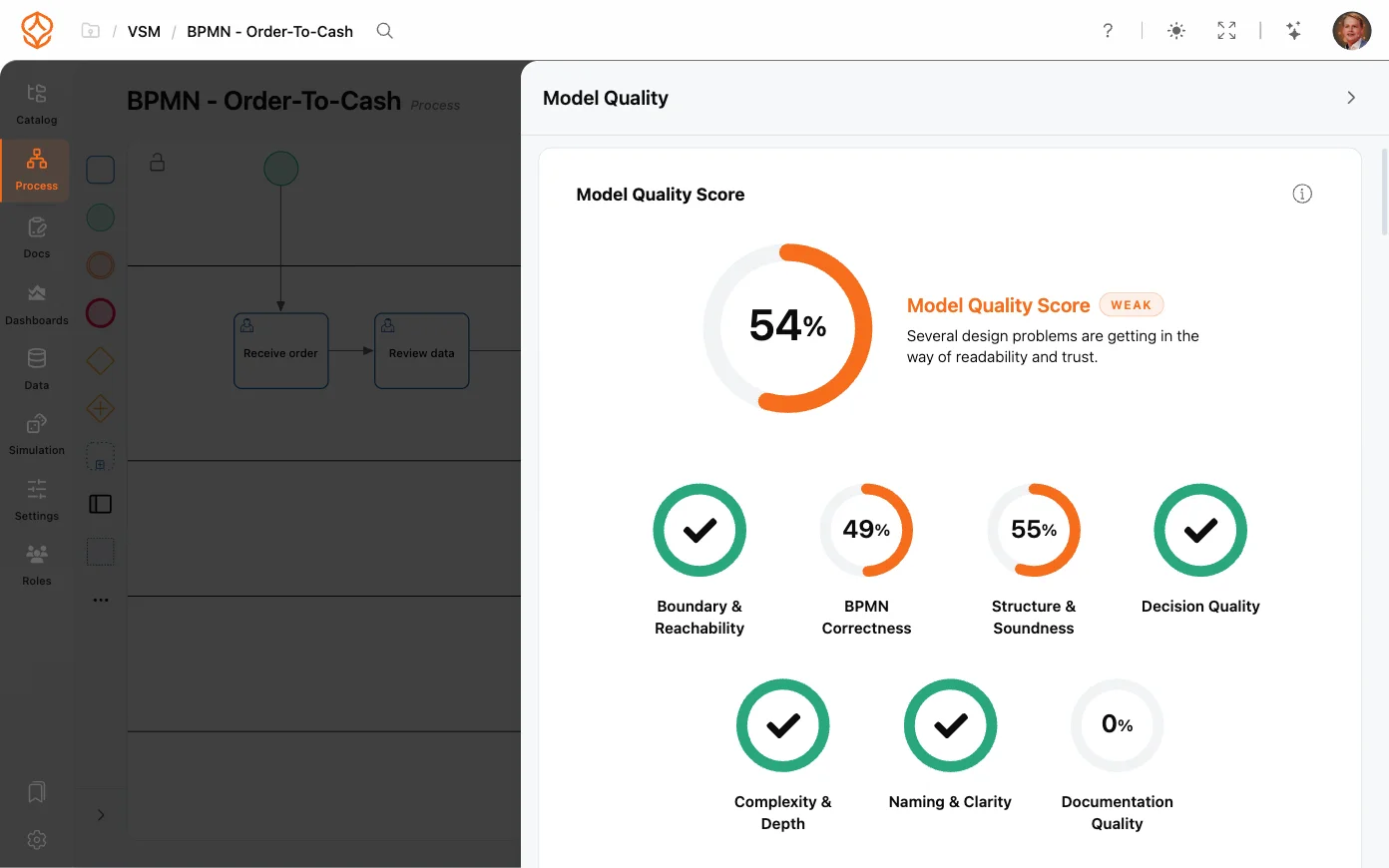
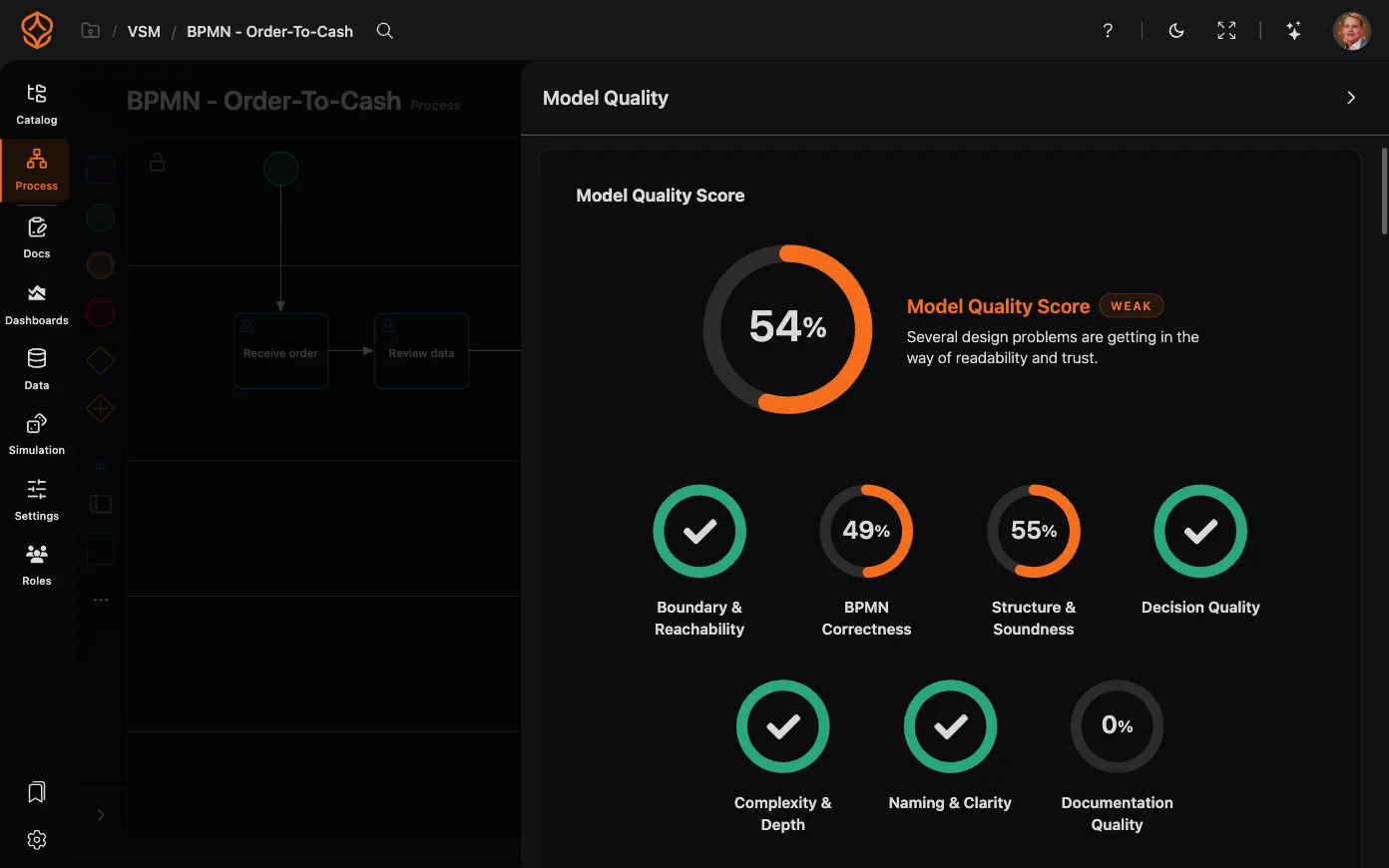
- Add charts, filters, and AI report elements to the canvas, and toggle charts, unmapped activities, or model-only elements.
- Work in your browser without installing desktop software.
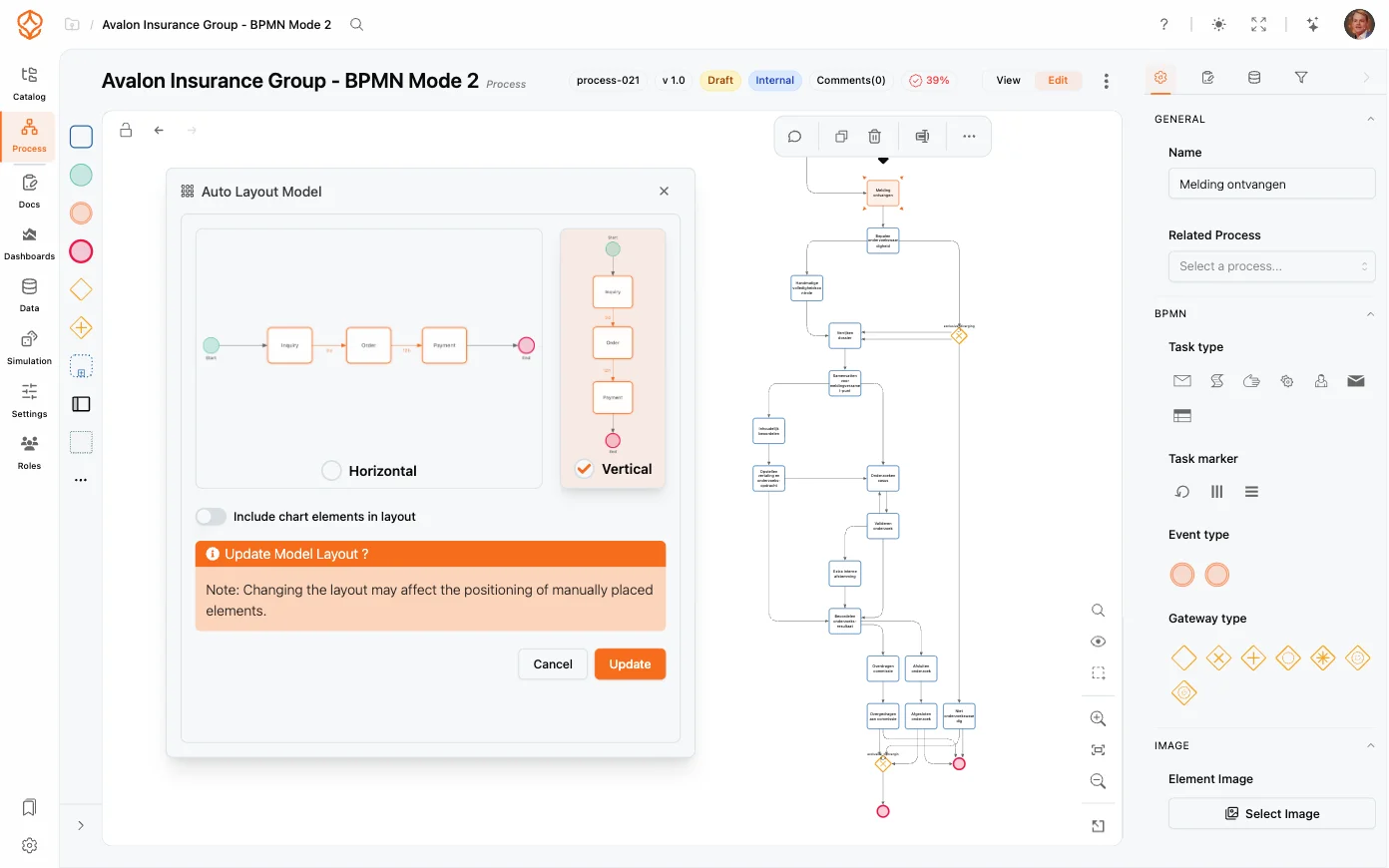
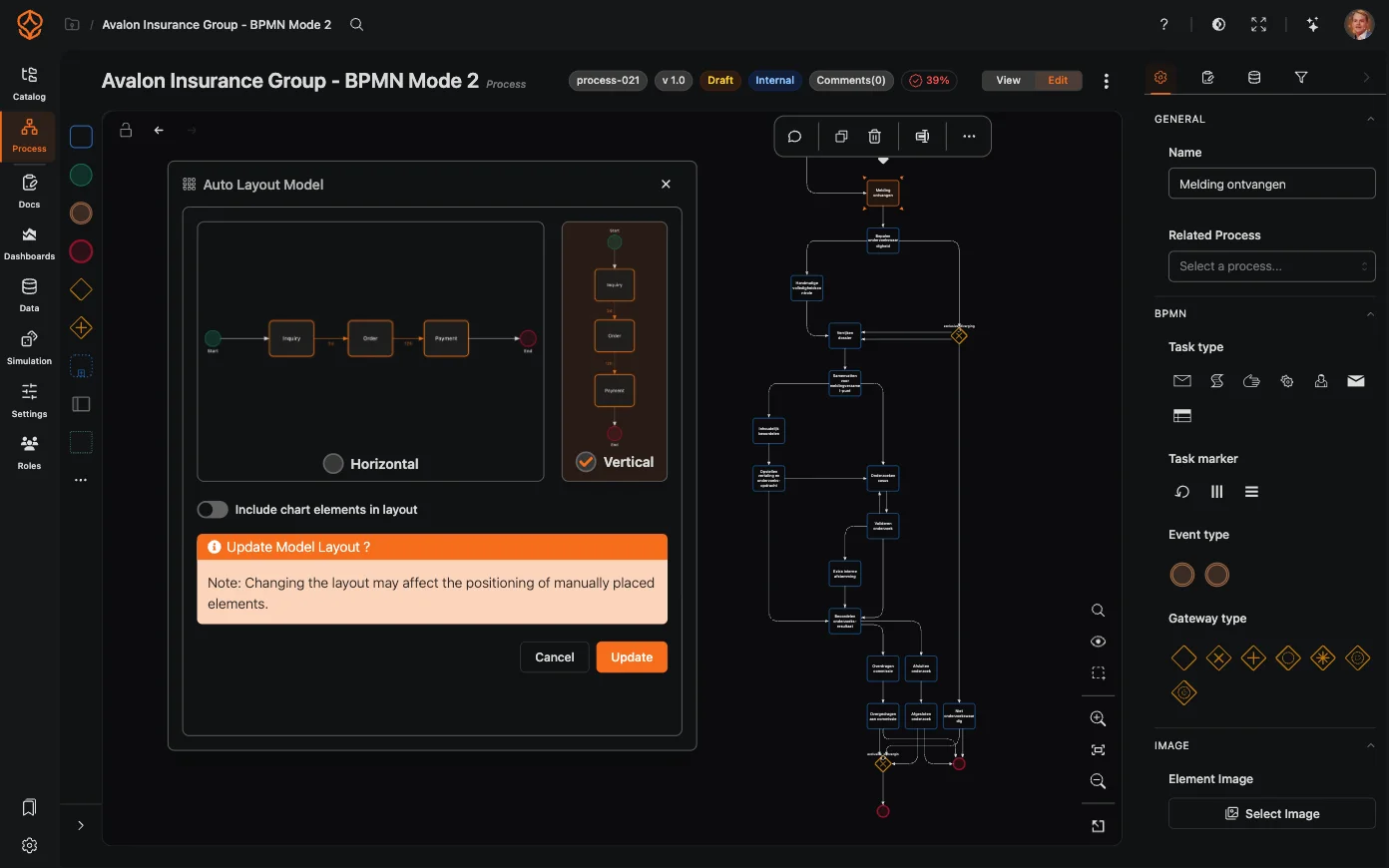
Arrange diagrams with auto-layout
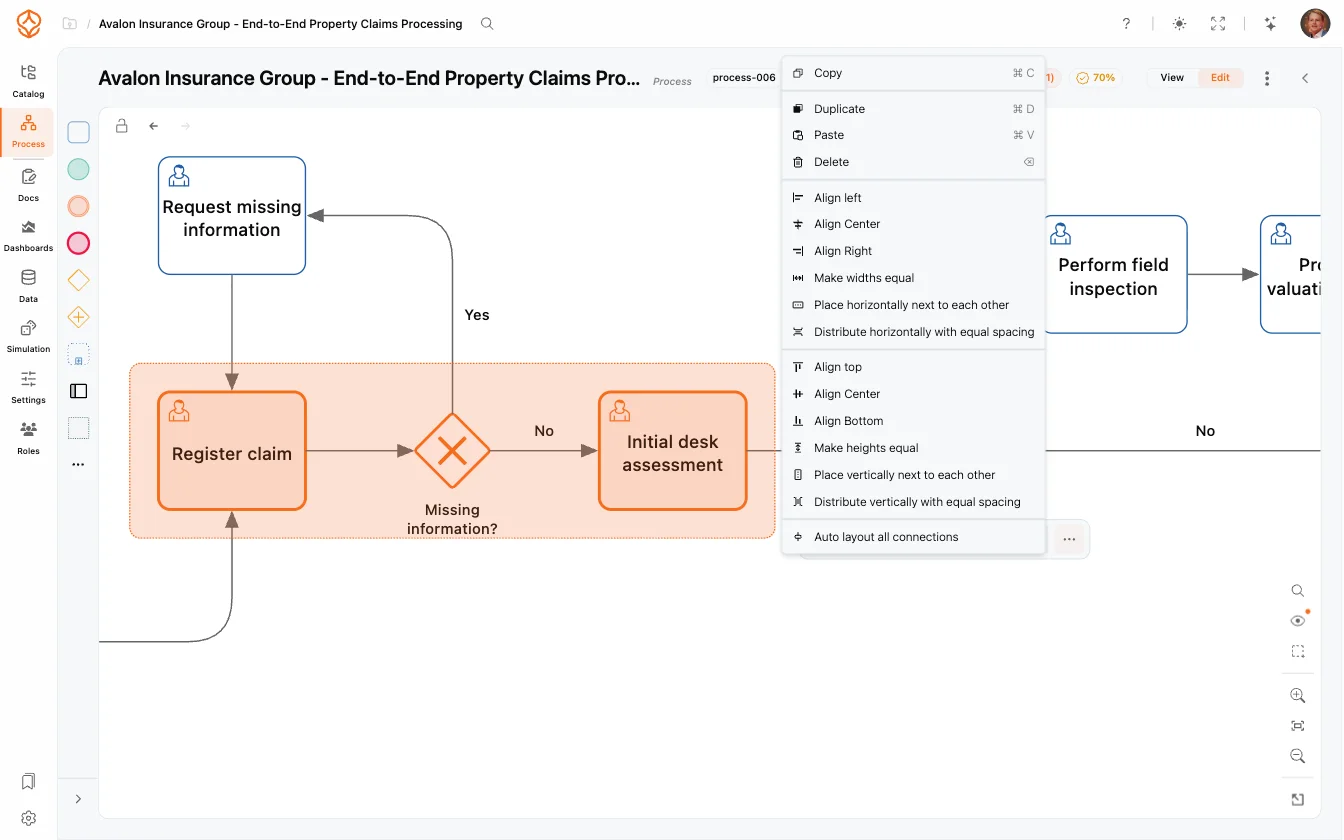
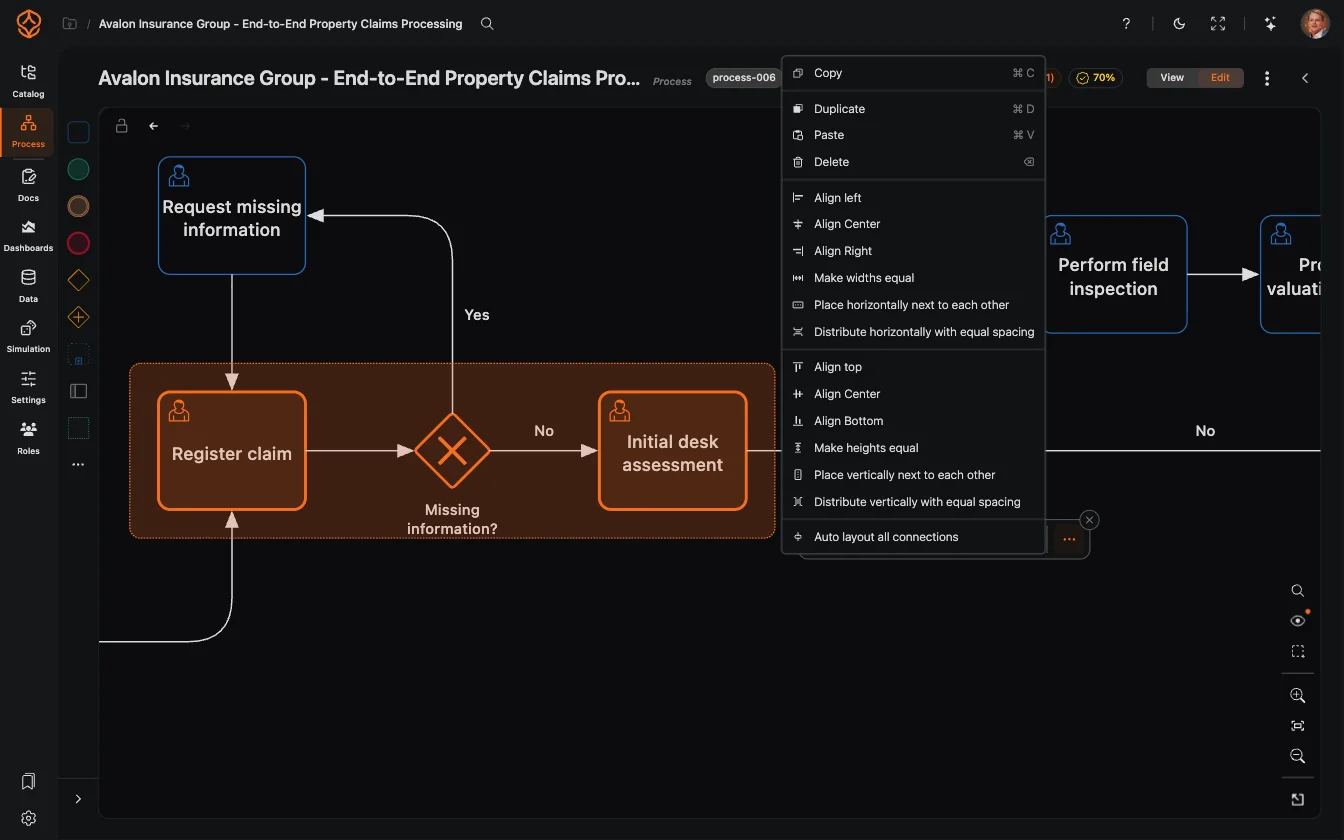
Keep diagrams readable as you create and update them.
- Apply a horizontal or vertical BPMN layout with one click.
- Arrange models with dozens of activities.
- Use alignment and distribution tools to adjust the layout yourself.
- Reapply auto-layout as the process changes.
Generate a first draft with AI
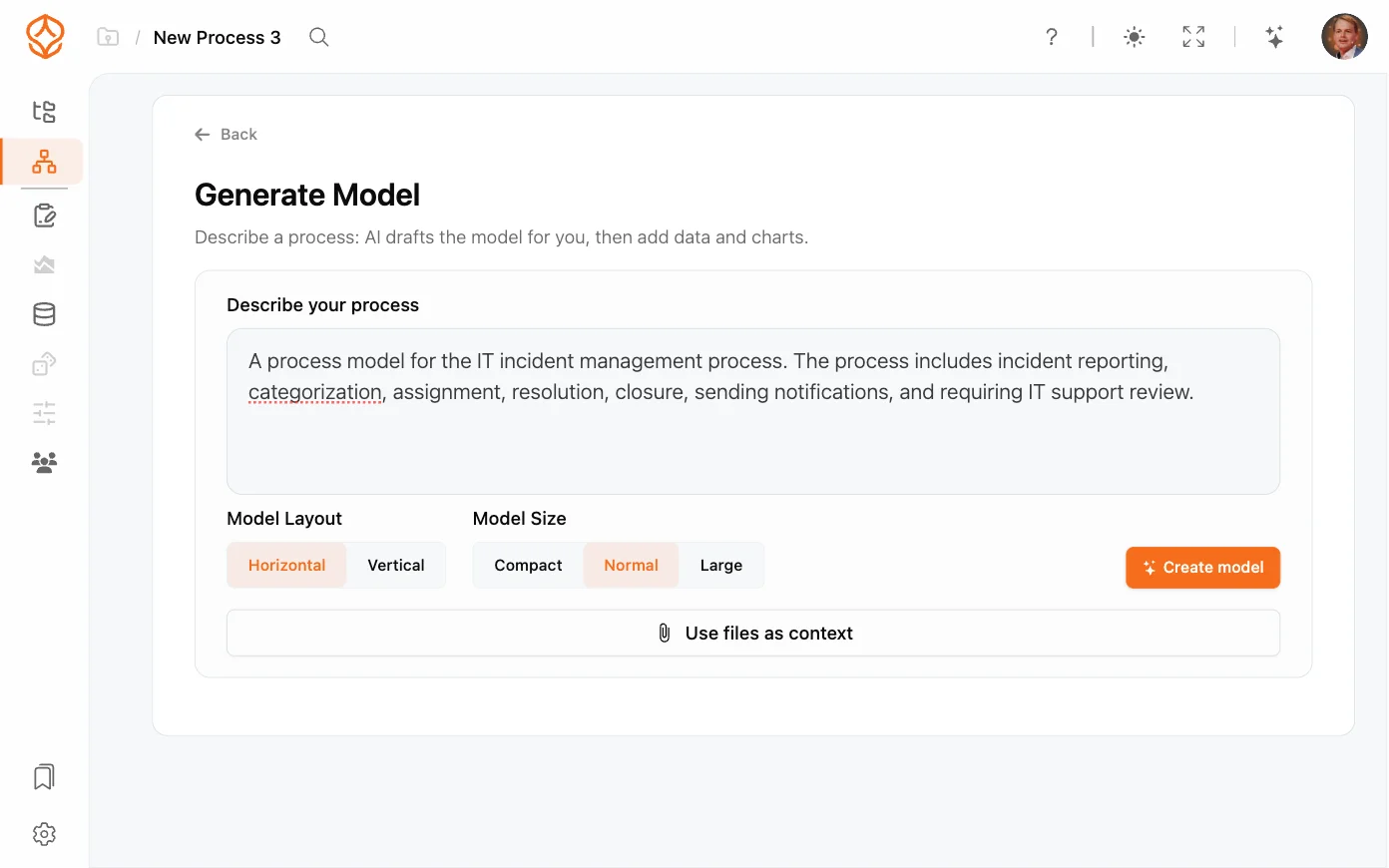
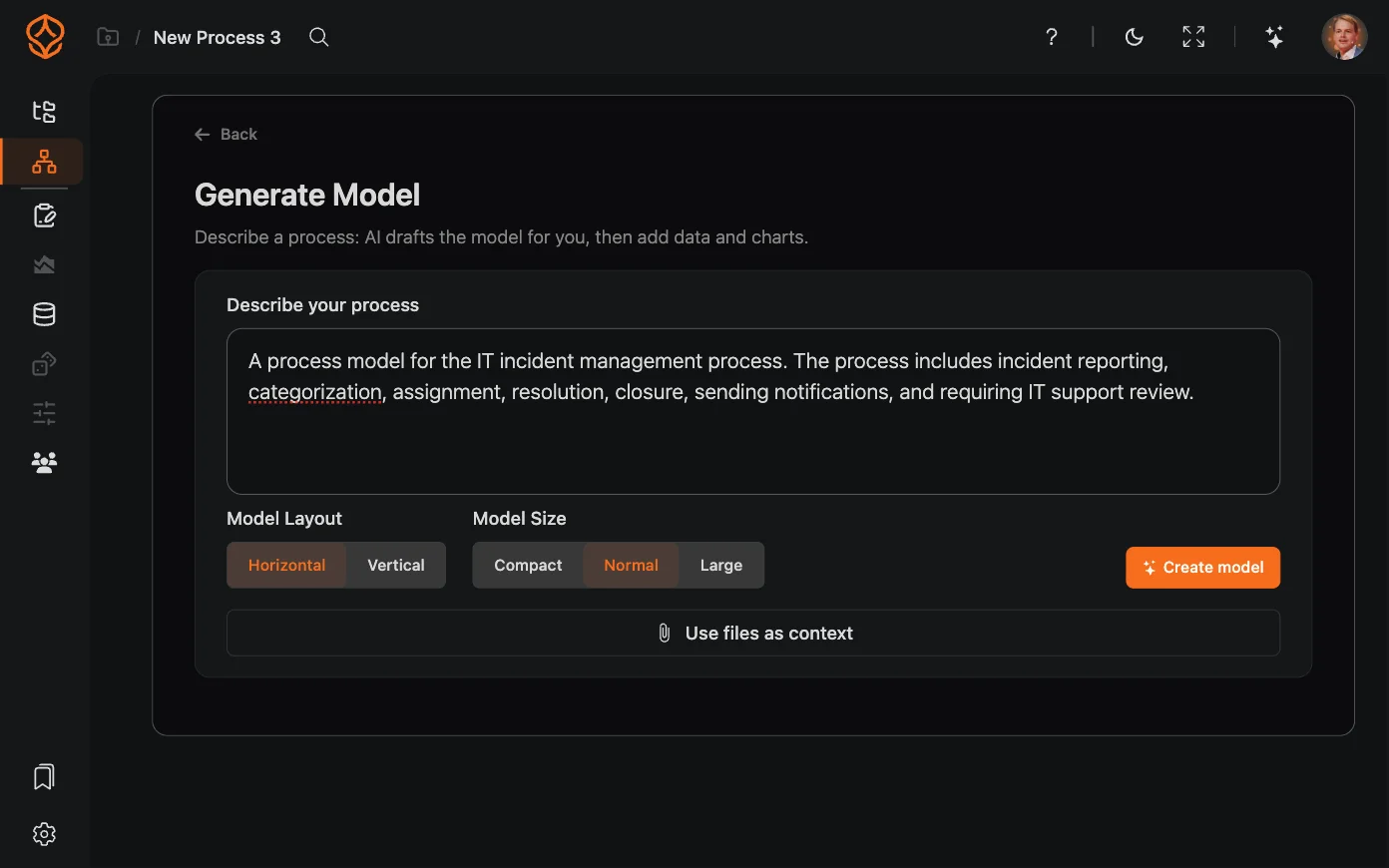
Describe the process in plain language to generate a BPMN 2.0 model.
- Start with a text description instead of a blank canvas.
- Review the generated tasks, gateways, and flows.
- Edit the model in the drag-and-drop editor.
- Use the generated draft for process documentation or brainstorming.
What is BPMN 2.0?
BPMN 2.0 is a standard notation for describing business processes with diagrams. It gives analysts, modelers, and technical teams a shared way to read and discuss how work flows.
Need a reference while you model? See which BPMN elements ProcessMind supports.
BPMN 2.0 modeling
Model processes together
BPMN modeling features
What changes when you model online
A shared workspace for process models
Install and configure desktop software
Getting started may require local installation and IT support.
Work in your browser
Open the modeler without installing desktop software.
Work through files
Sharing files can make it harder to track model changes.
Collaborate on models
Edit together and discuss changes in comment threads.
Arrange diagrams manually
Formatting and alignment can take time as a model changes.
Use auto-layout
Arrange a diagram with one click, then adjust it as needed.
Start with a blank canvas
Build each diagram element by element.
Generate a draft from text
Describe the process in plain language, then review and edit the generated model.
Keep versions in separate files
Comparing changes can mean tracking down the right file.
Use version history
Review model versions and restore an earlier one when needed.
Model processes in a separate tool
A diagram alone does not show how the process runs in practice.
Compare models with mined process data
Use Process Mining to compare event data with your process model.
Build a process foundation
Start with process modeling
Process Foundation
Model and document your processes to give teams clarity and a shared understanding.
Process Architecture
Define and manage your process landscape to align operations with strategy and compliance.
Process Intelligence
Use data and AI to understand performance, anticipate outcomes, and improve continuously.
Frequently asked questions
Draw your first model in the browser
Open the browser-based BPMN modeler, create a diagram, and export standard BPMN 2.0 XML. No installation or credit card required.