AI Process Automation with ProcessMind
Use AI to draft BPMN models, map data, explain bottlenecks, and share process context with external AI tools. You stay in control: AI proposes, and you decide what to use.
Generate a model from a descriptionNo credit card required · AI assistant included with every plan · Get results quickly after upload

AI Features
Where AI Helps with Process Work
AI-Assisted Process Discovery
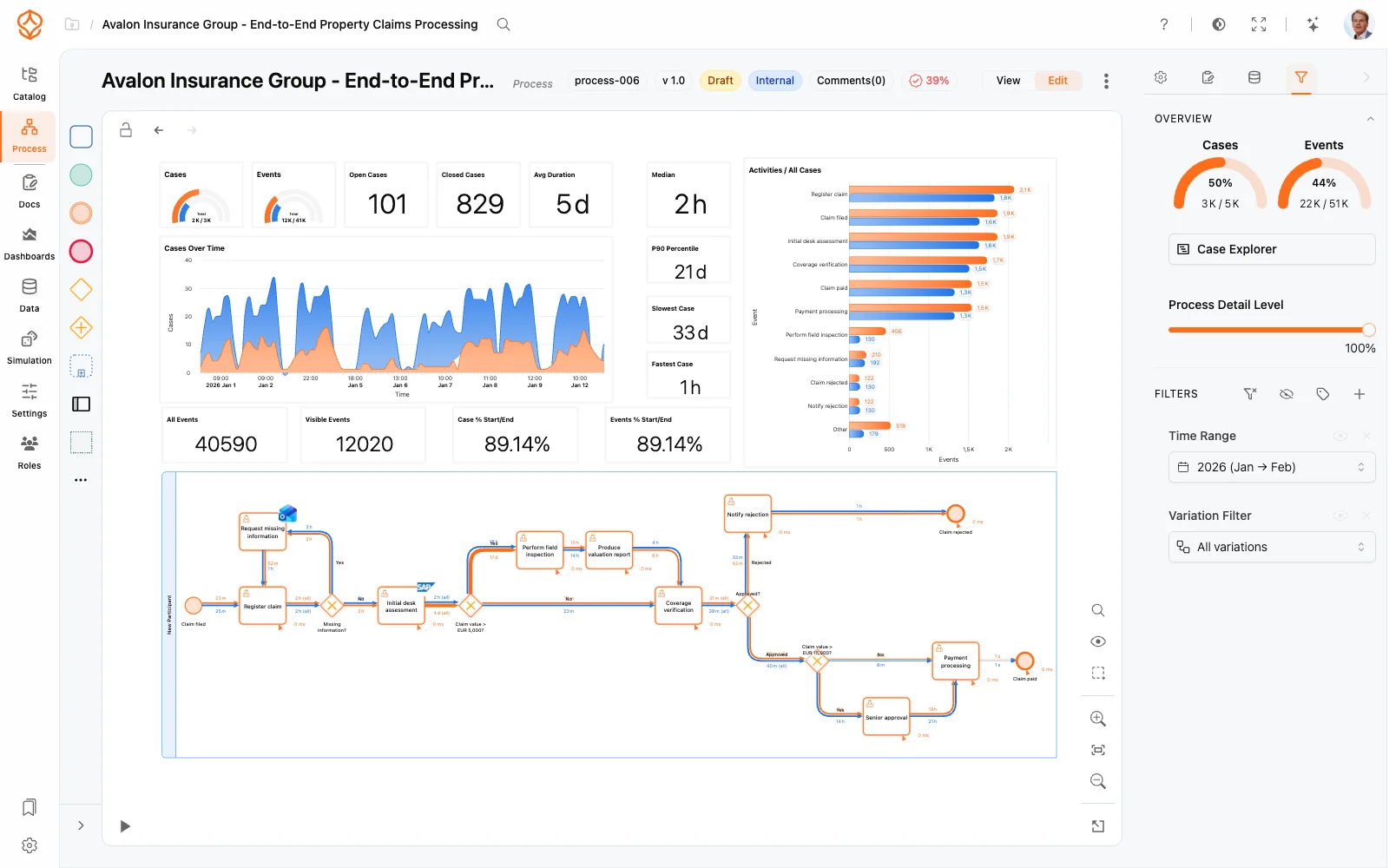
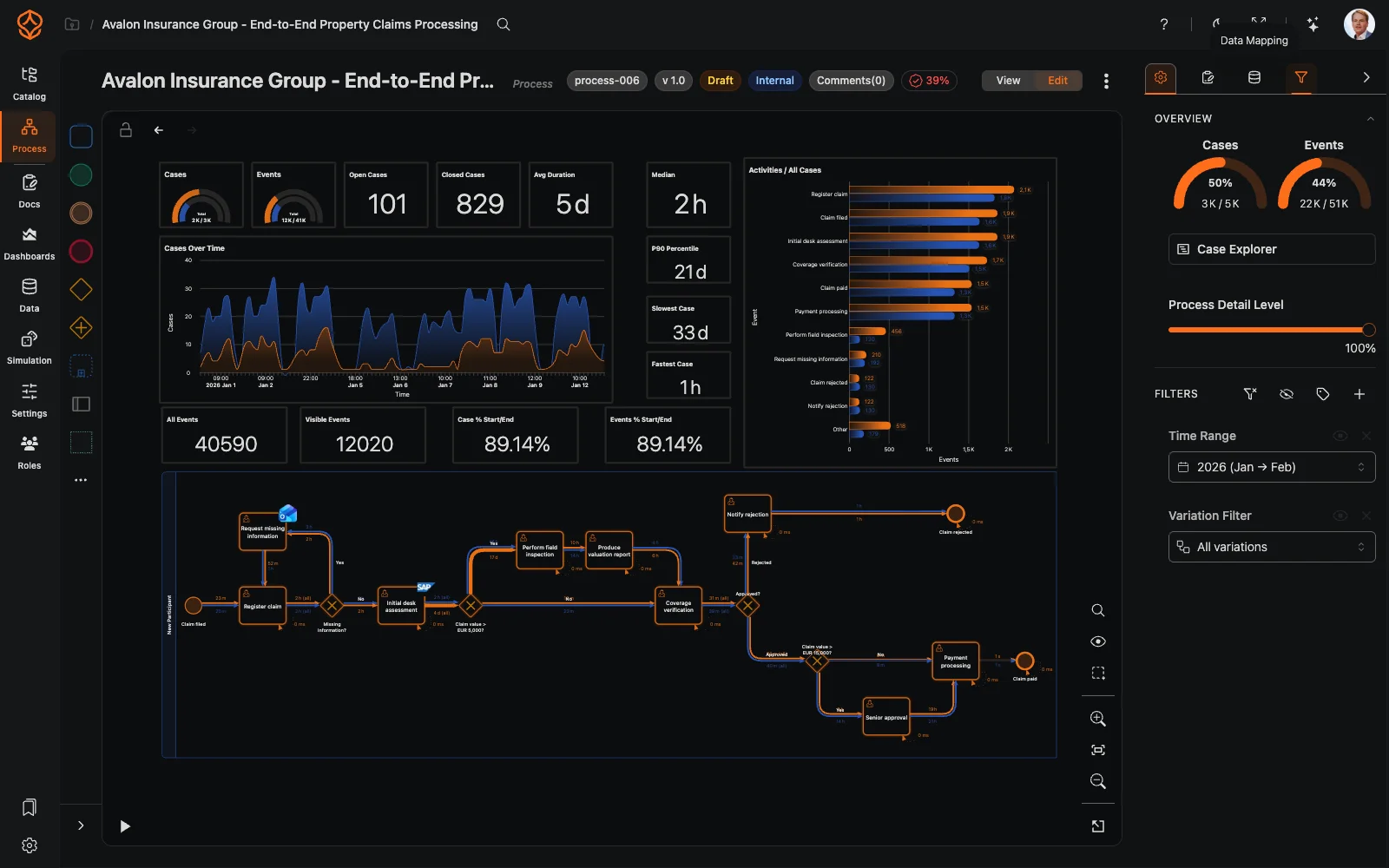
Use event log data to explore how your process runs.
- Review process models and variants derived from event data.
- Examine process flows alongside performance information.
- Investigate bottlenecks and delays in the process.
- Use the findings as a starting point for analysis, not as a substitute for your review.
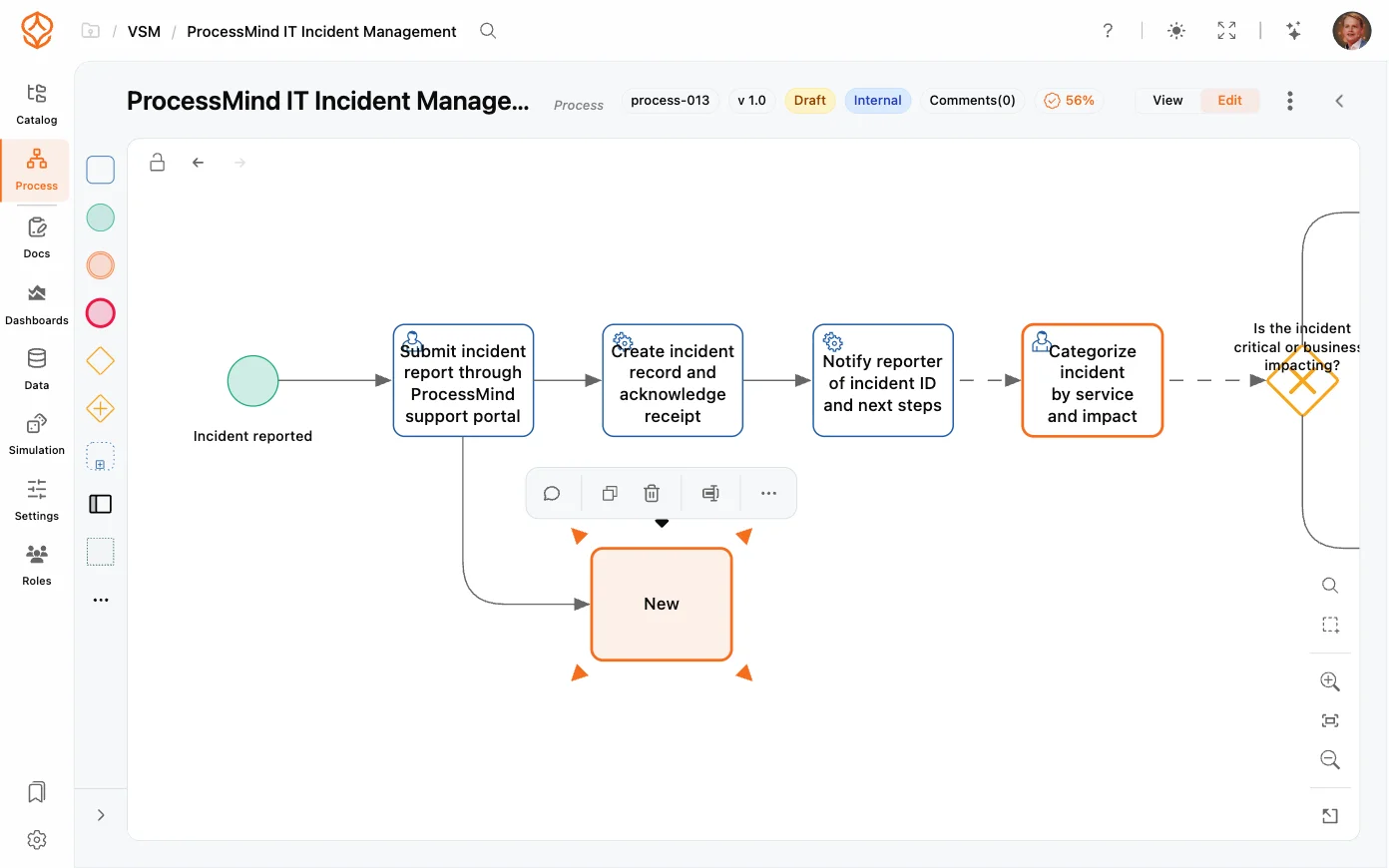
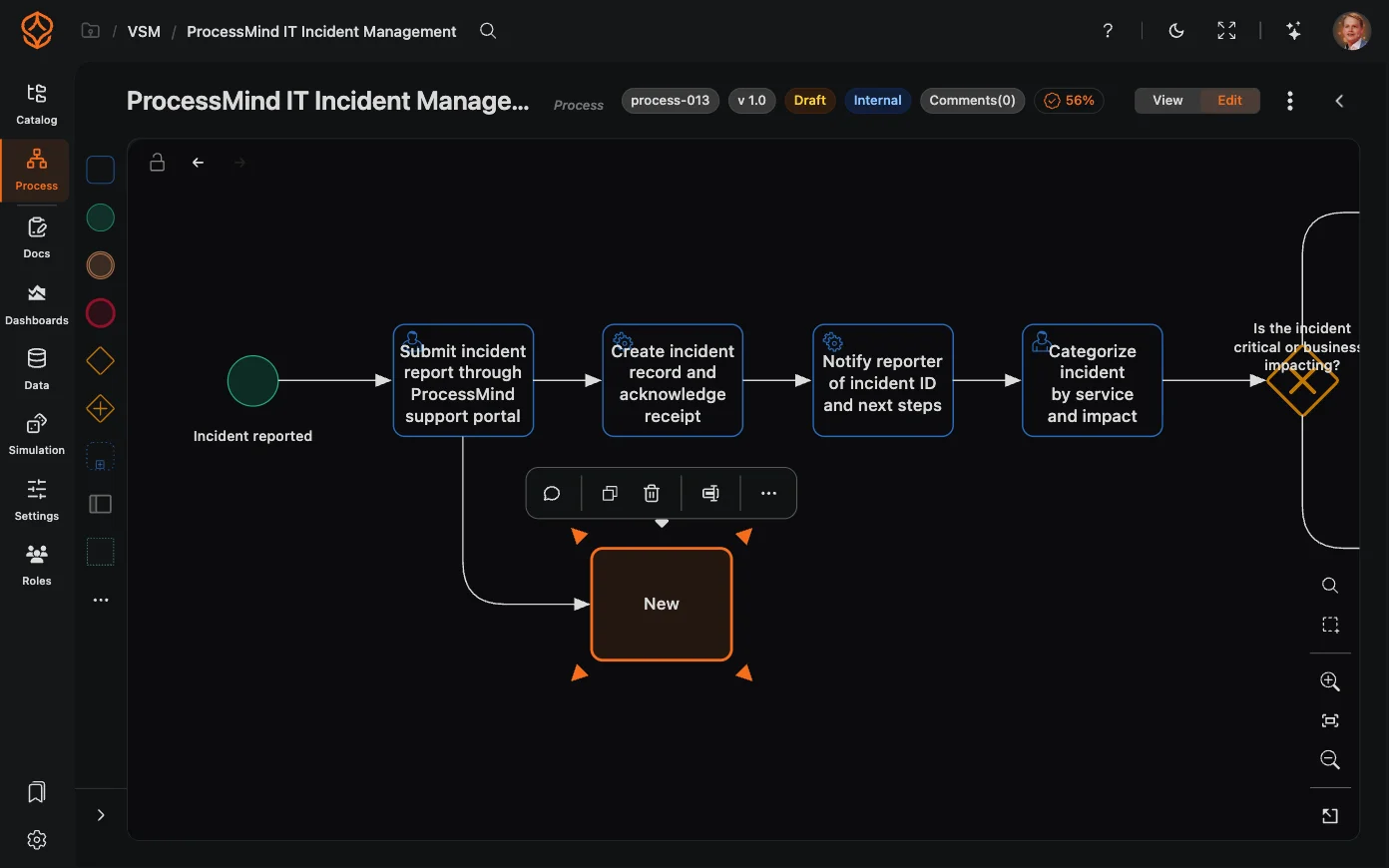
AI-Generated BPMN
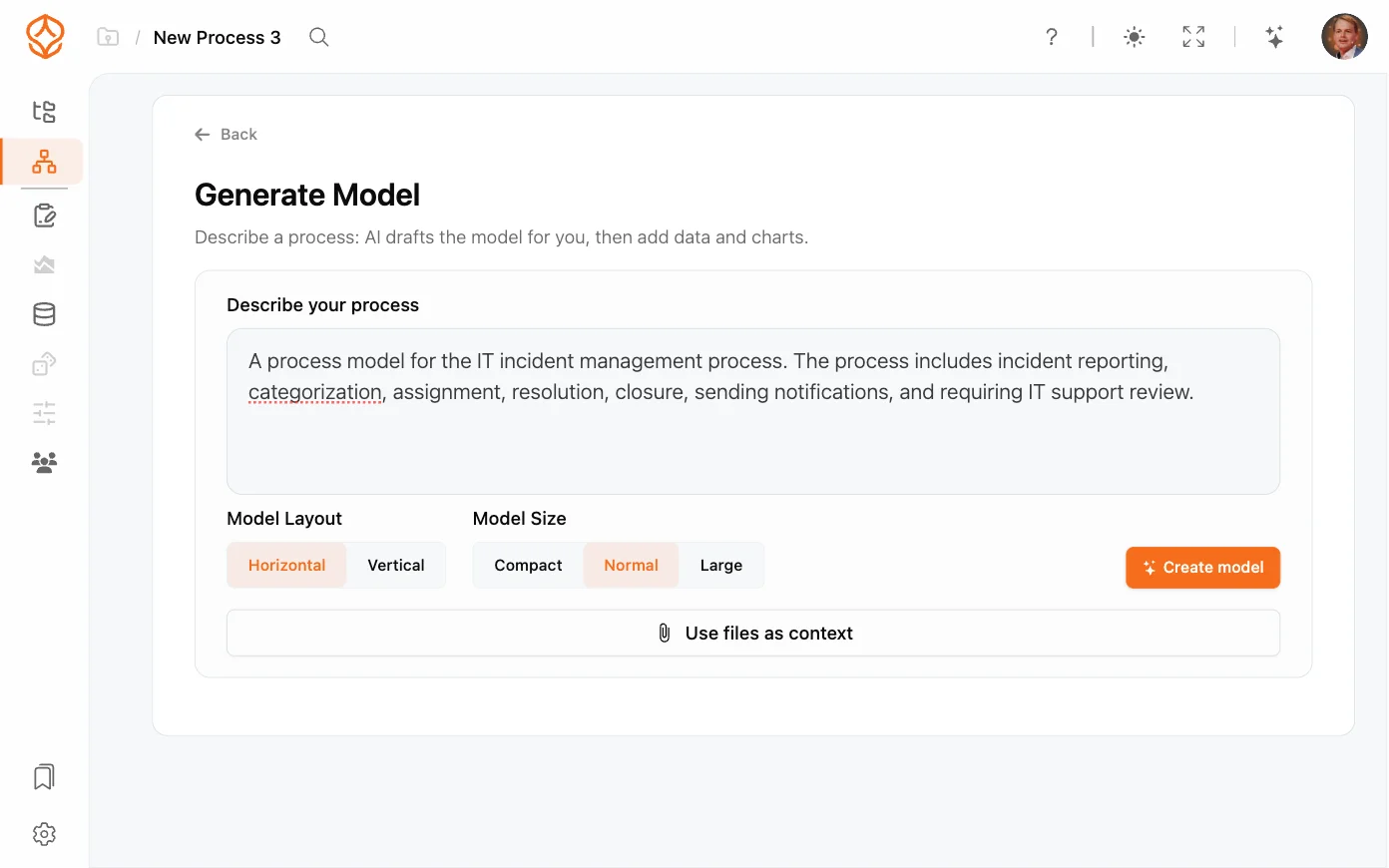
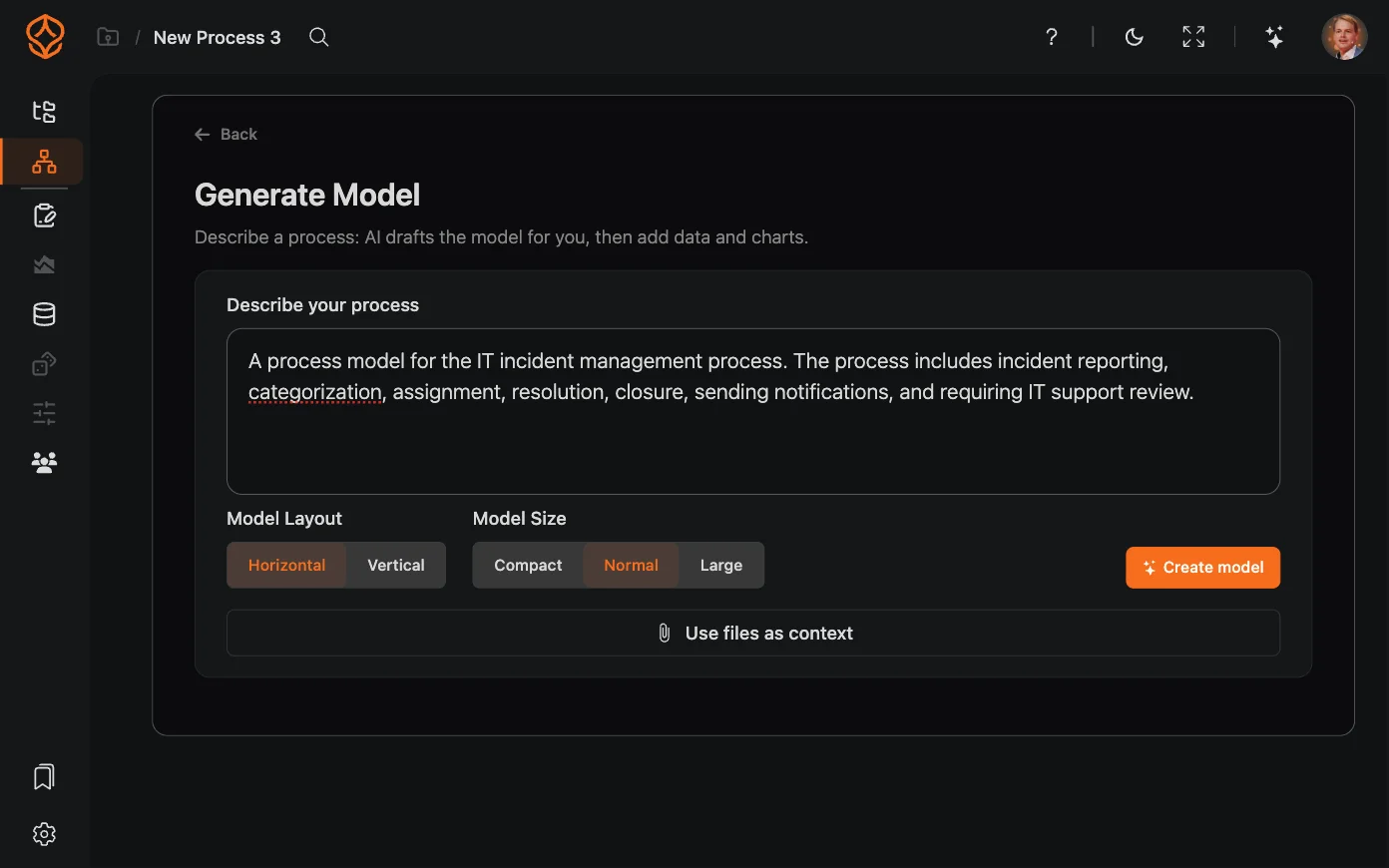
Describe a process in plain language and generate a BPMN model to review.
- Start with a written description, such as how an invoice moves from receipt to approval and payment.
- Generate a BPMN 2.0 model with tasks, gateways, and flows.
- Refine the draft with drag-and-drop editing.
- Use the model for documentation or as a starting point for process design.
- Review the generated model before sharing or using it.
Bottleneck Analysis and Improvement Suggestions
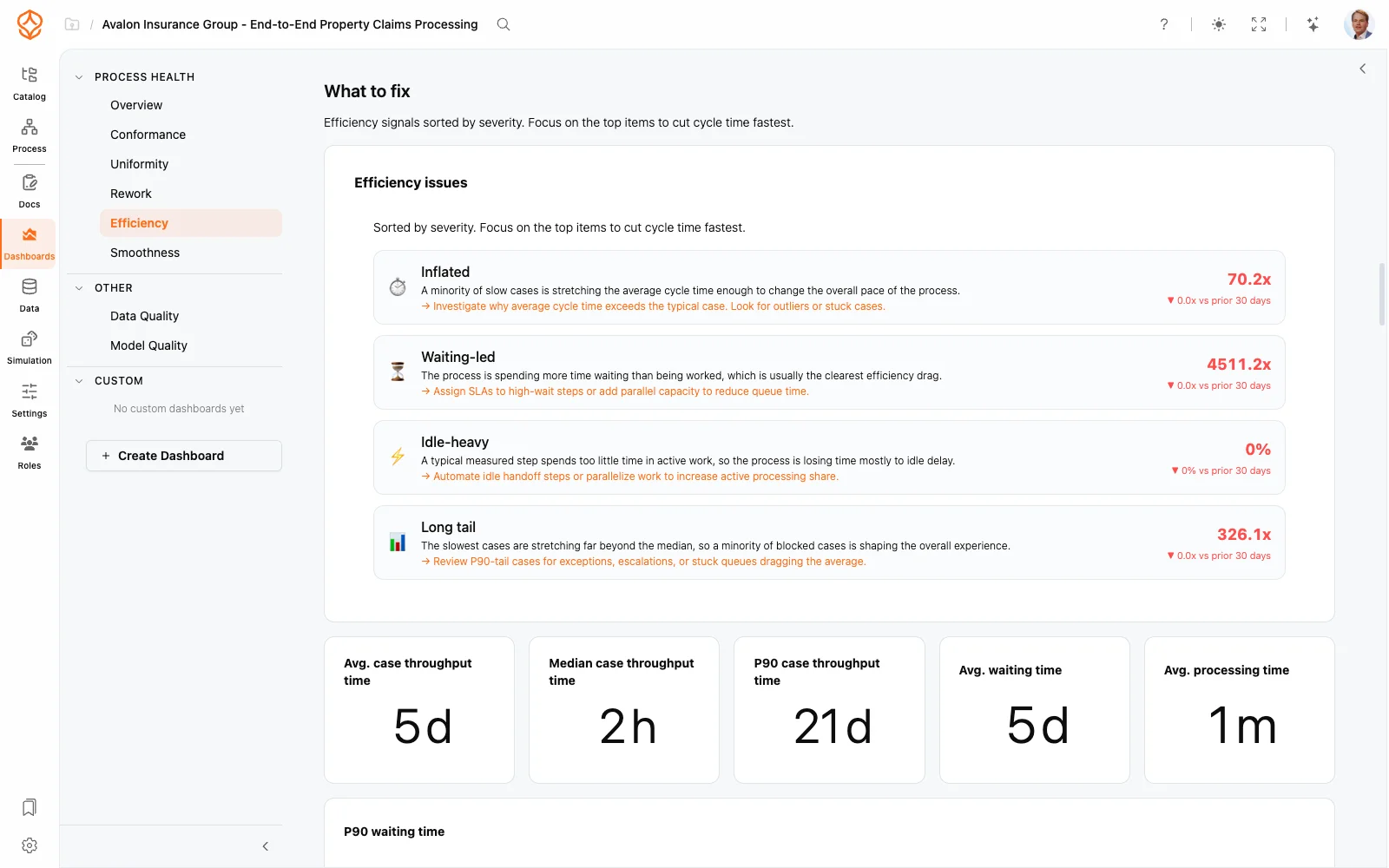
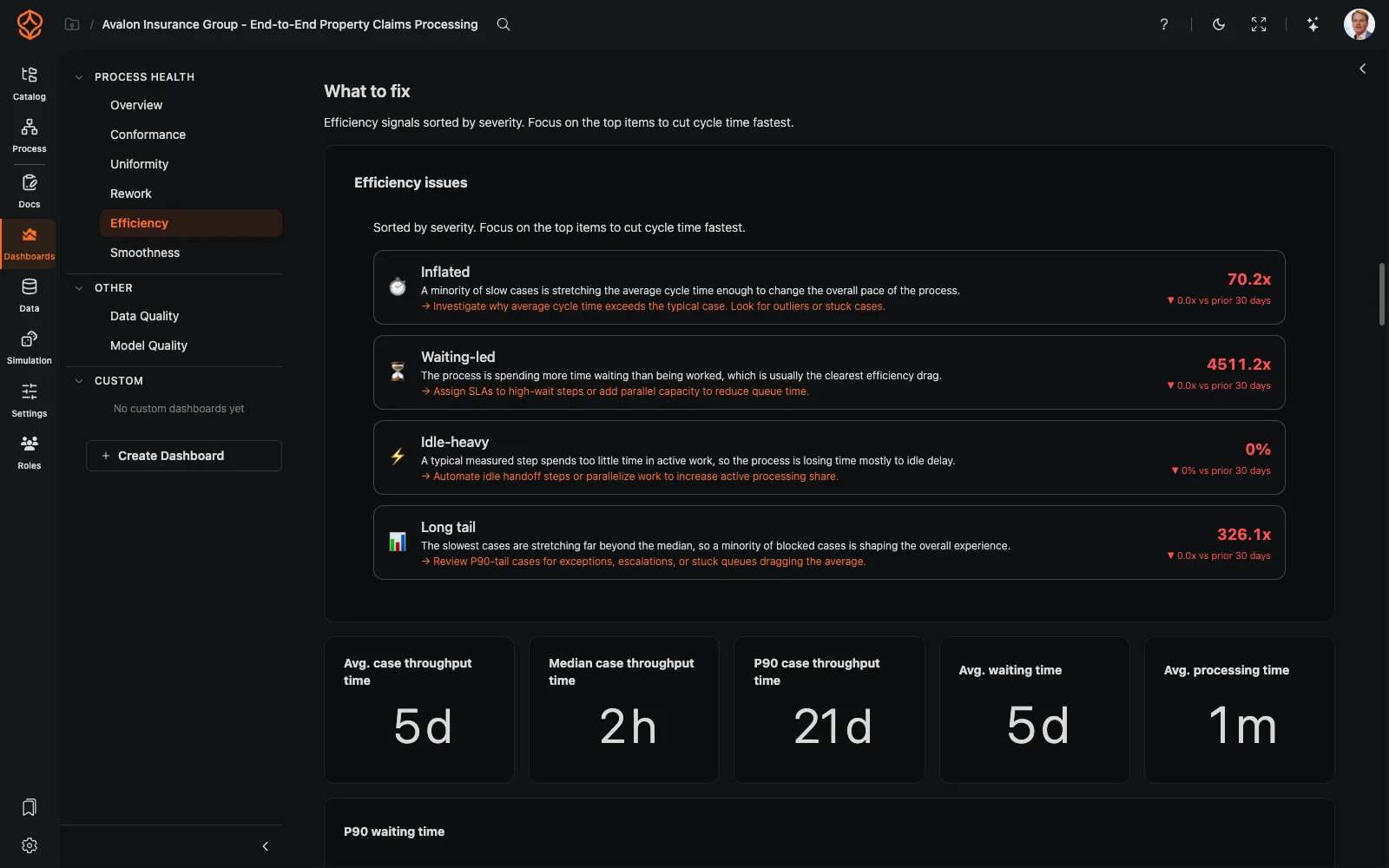
Use AI to interpret process performance and identify areas to investigate.
- Review summaries and suggestions based on your process data.
- Examine bottlenecks, rework loops, and delays.
- Place summaries and report elements on the canvas beside the process they describe.
- Treat recommendations as proposals for the process owner to assess, not automatic decisions.
- Revisit findings after uploading new data or applying filters.
AI for Process Management
AI can help you create process models, prepare data, and understand performance, all in one place. ProcessMind brings these capabilities together with process discovery, modeling, and analysis.
AI DISCOVER
Use event log data to explore process flows, variants, and bottlenecks.
How it works
- Upload event logs from your systems
- Use AI to help identify case IDs, activities, and timestamps
- Review the process model and its variants
What you get
A view of how your process runs in the data you provide.
AI GENERATE
Describe a process in plain language to generate a BPMN model you can review and edit.
How it works
- Enter a process description
- Generate BPMN with tasks, gateways, and flows
- Review and edit the model with drag-and-drop
- Ask the built-in AI assistant to add, change, or explain elements and expressions
What you get
A draft model you can refine for documentation or process design.
AI ANALYZE
Use AI-assisted analysis to understand bottlenecks, delays, and process performance.
How it works
- Review process data for patterns and outliers
- Examine bottlenecks and delays
- Use the findings to decide where to investigate
What you get
Clearer evidence to guide your improvement work.
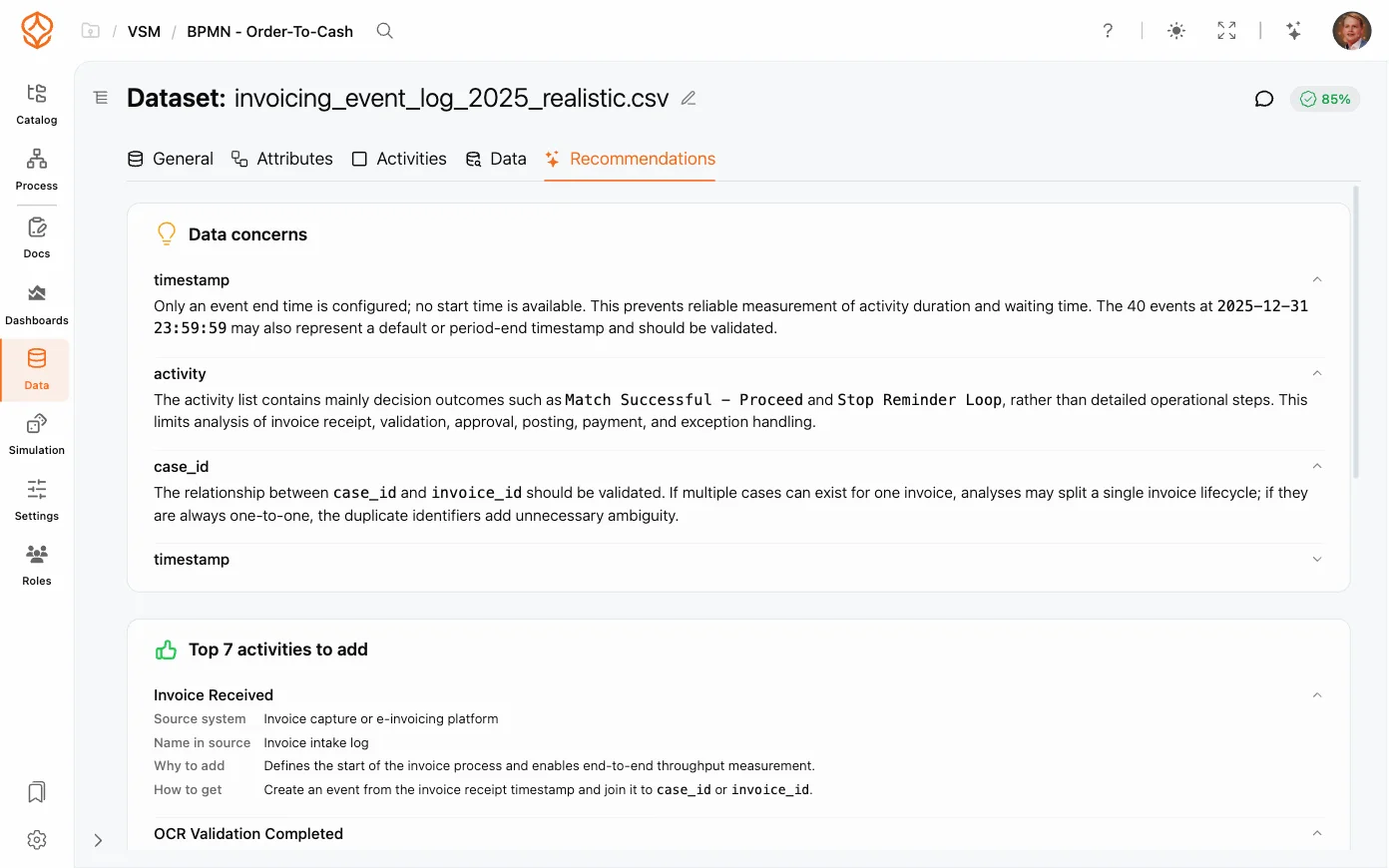
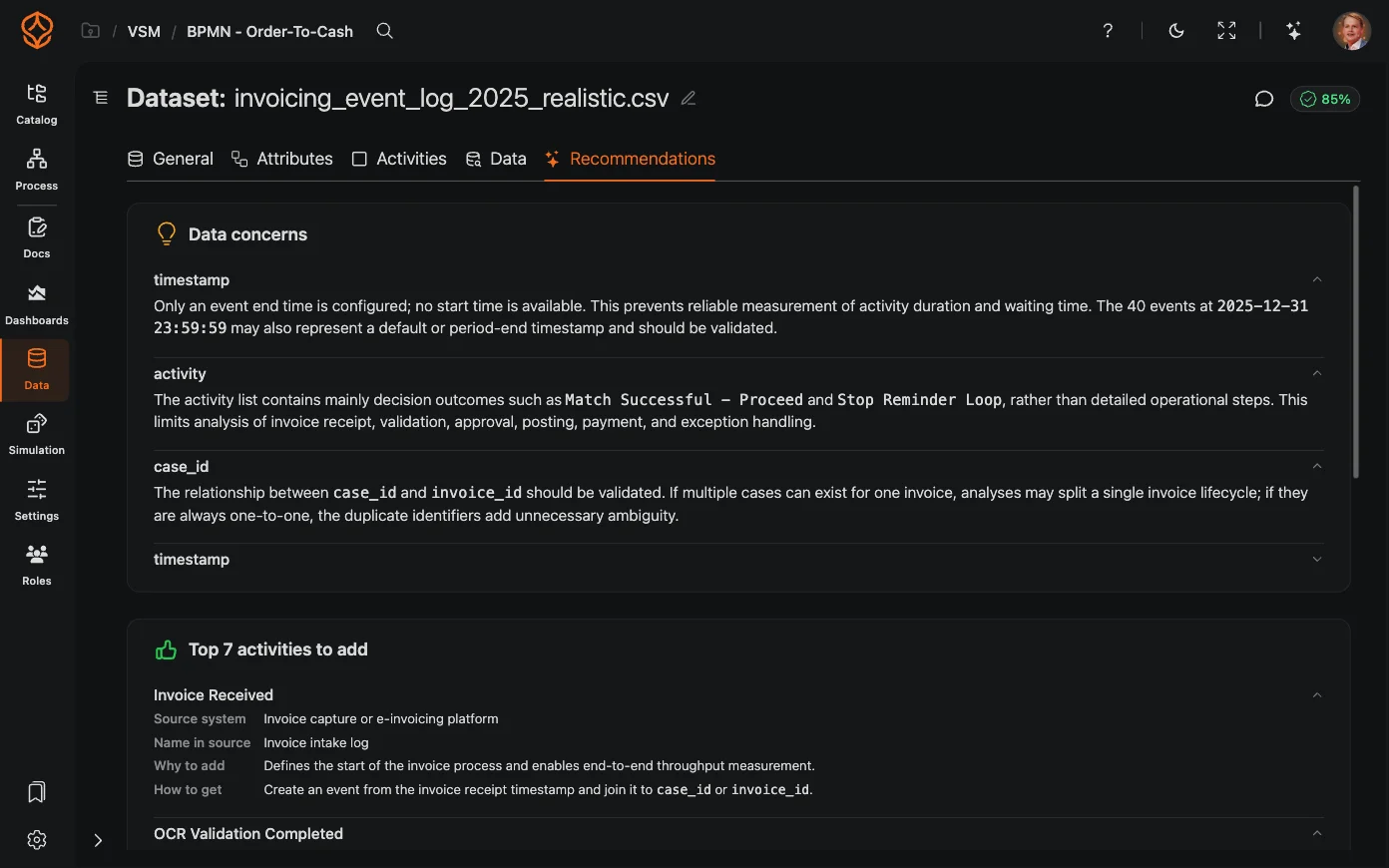
AI RECOMMEND
Review AI-generated summaries and suggestions based on your process data.
How it works
- Review summaries and recommendations
- Consider suggestions for addressing bottlenecks, rework, and delays
- Revisit the analysis after uploading new data
What you get
Suggestions for your process owner to assess and approve.
AI SIMULATE
Use AI-suggested scenarios and parameters to support what-if analysis.
How it works
- Review suggested simulation scenarios
- Test possible changes in a simulation
- Compare simulated results with actual performance
What you get
A way to explore possible changes before deciding what to do.
AI THROUGHOUT PROCESS WORK
Part of the platform
Use AI alongside process discovery, modeling, and analysis.
Start with your data
Upload process data to explore flows, variants, and performance.
Keep the process owner in control
AI proposes models and suggestions. You review them and decide what to adopt.
Control access to process knowledge
On the Enterprise plan, external AI access through MCP follows the security approach outlined in the MCP guide.
MCP Server
Connect MCP-compatible AI tools to process context through the Model Context Protocol. Available on the Enterprise plan.
AI Context API
Use the REST and Data API, available on every plan, to provide AI tools with process context, documentation, and operational insights.
Choose Your AI Tools
Connect an AI assistant or build tools that use ProcessMind process knowledge.
Permission-Aware Access
External AI access follows the roles and permissions outlined in the MCP guide.
Process Knowledge
Make process descriptions, instructions, governance rules, and operational documentation available as context.
BPMN Model Context
Provide access to BPMN 2.0 models, including process flows, gateways, and decision logic.
Documentation Context
Use SOPs, work instructions, compliance policies, and process guides as context for AI tools.
Roles and Responsibilities
Include process ownership and responsibility information, including RACI models.
Process Mining Insights
Make process performance data, bottleneck analysis, variants, and improvement suggestions available as context.
Custom API Endpoints
Define API endpoints for specific process knowledge or analytics.
Maturity Stage
Where AI Fits in Process Management
Process Foundation
Model and document your processes to give teams clarity and a shared understanding.
Process Architecture
Define and manage your process landscape to align operations with strategy and compliance.
Process Intelligence
Use data and AI to understand performance, anticipate outcomes, and improve continuously.
Frequently asked questions
Try AI with a Process You Know
Describe a process from your own work and review the BPMN model AI generates. Start your free trial with no credit card required.