HR
Recruitment and selection
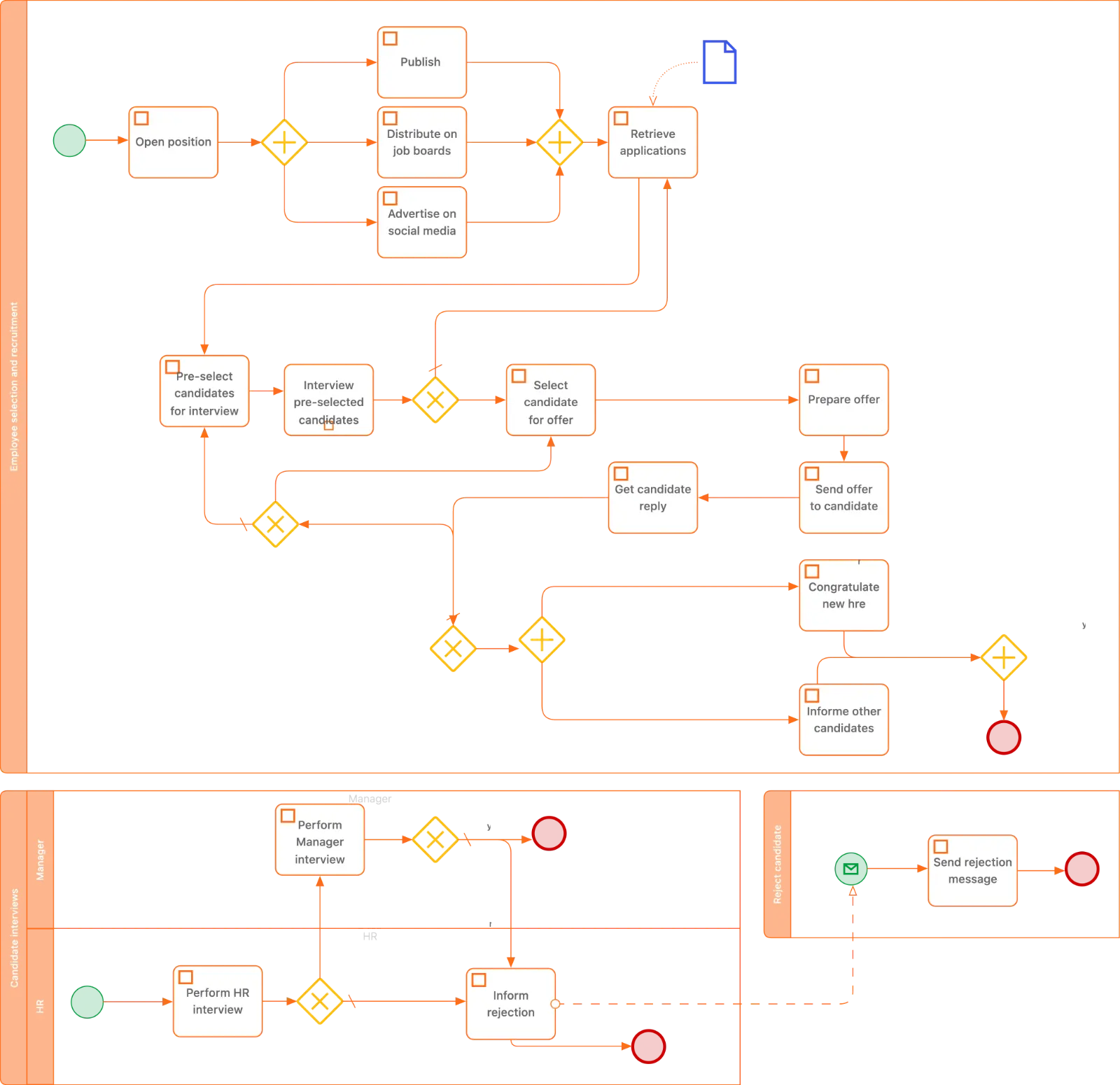
Recruitment and selection: post the vacancy, shortlist candidates, run two interview rounds, check references and send an offer.
Type how a process works in plain language and ProcessMind's AI turns it into a BPMN model with tasks, gateways, events and flows, ready to edit, auto-layout, simulate and share.
Real BPMN 2.0 models built in ProcessMind. Describe one of these processes and the generator gives you the same kind of editable model.
Recruitment and selection: post the vacancy, shortlist candidates, run two interview rounds, check references and send an offer.
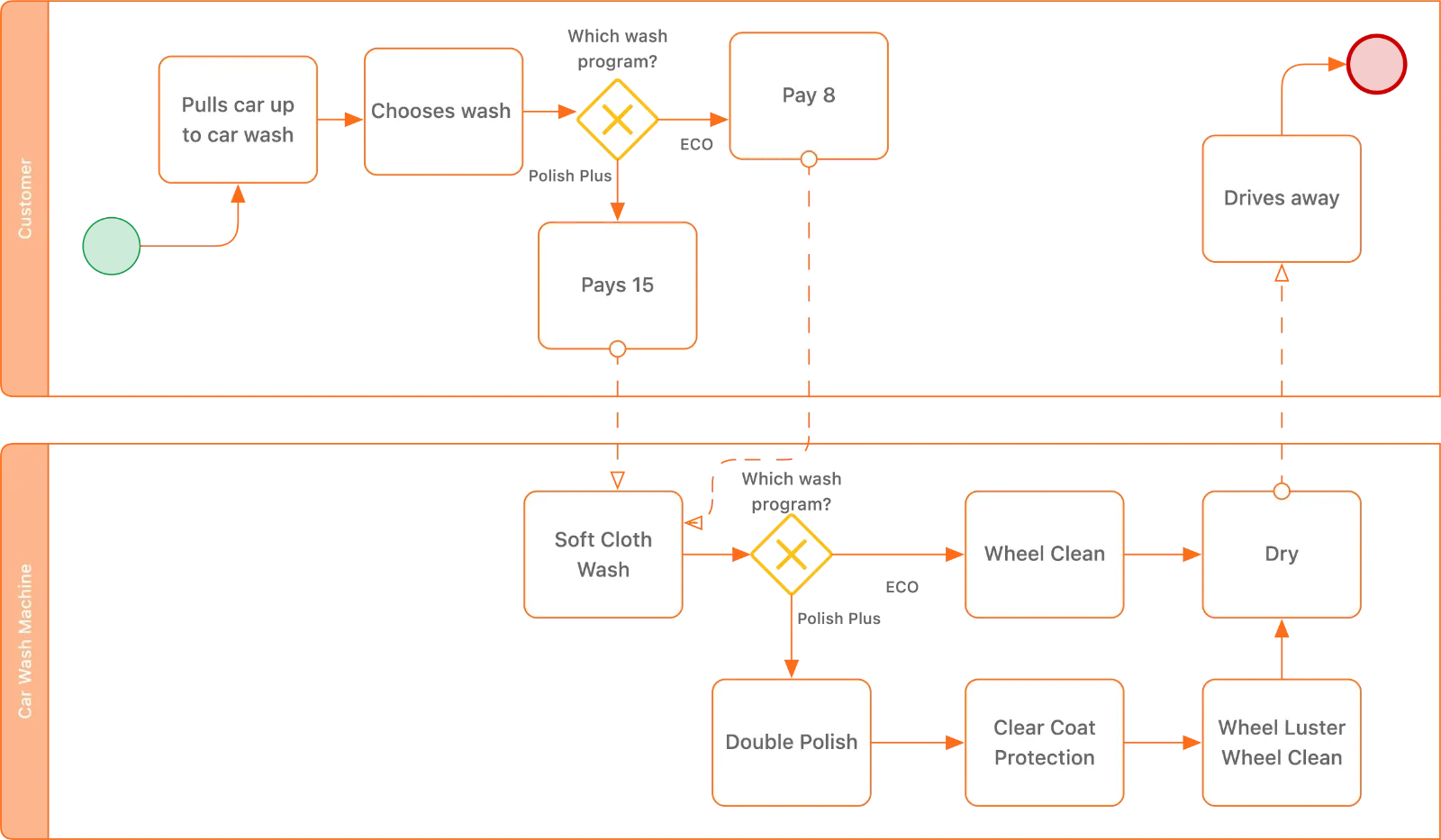
Car wash: check the car in, wash it, dry it, wax it, take payment and hand the keys back.
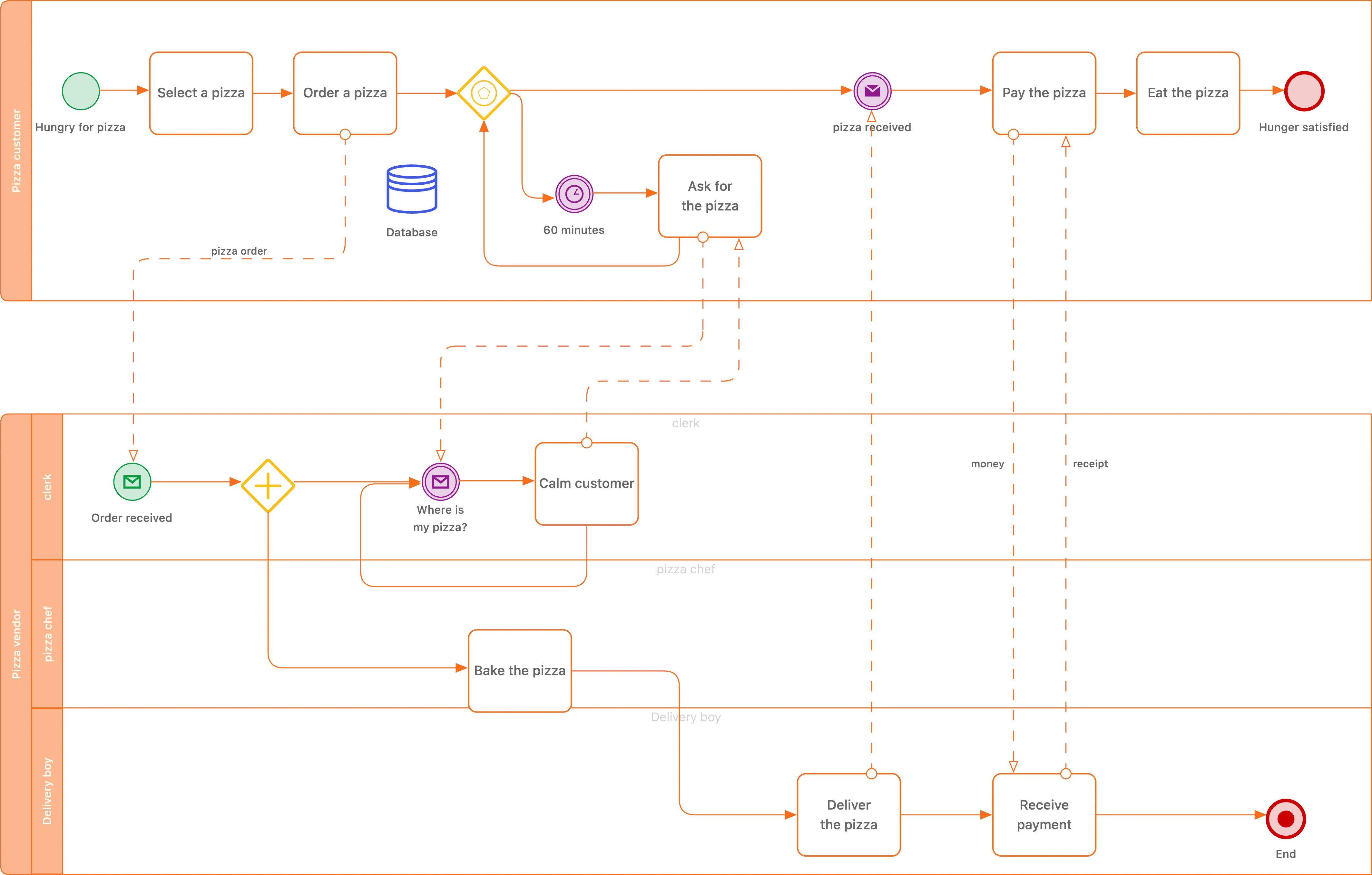
Pizza store: take the order, prepare the dough and toppings, bake it, box it and deliver the order.
From a sentence to a model in three steps.
Write the steps, the decisions and the exceptions in everyday language. You do not need to know BPMN notation.
Write the steps, the decisions and the exceptions in everyday language. You do not need to know BPMN notation.
The generator maps your description to BPMN 2.0 elements: activities, gateways, events, lanes and sequence flows, then lays them out.
The generator maps your description to BPMN 2.0 elements: activities, gateways, events, lanes and sequence flows, then lays them out.
Rename activities, connect what the draft missed, switch the layout, run a what-if simulation and export the BPMN file.
Rename activities, connect what the draft missed, switch the layout, run a what-if simulation and export the BPMN file.
Two settings decide how the first draft reads.
Horizontal reads left to right, like most process diagrams. Vertical is easier to print in portrait and to scan on a phone. You can switch later with auto-layout.
How auto-layout works →
Compact aims for about ten activities. Normal balances steps and decisions. Large spells out roughly twenty activities, including the exception paths.
BPMN 2.0
The full set ProcessMind supports, and exports.
ProcessMind exports standard BPMN 2.0 XML, so a generated model opens in other BPMN tools as well.
The draft is the part that takes time. Editing is the part you should spend it on.
An AI BPMN generator turns a written process description into a BPMN 2.0 model. Instead of dragging tasks, gateways and events onto a canvas, you describe what happens and the generator picks the elements, connects them and lays them out. The result is a normal BPMN file, not a picture: you can edit it, validate it, export it and import it elsewhere.
This page is the generator itself. Type a process, choose how detailed the first draft should be, and ProcessMind builds the model in your workspace.
BPMN 2.0 has a precise vocabulary: which gateway splits, which event catches, when a lane changes the meaning of a hand-off. The generator handles that mapping, so the first version of a process model comes from the knowledge you already have, not from notation training.
You still decide. The AI proposes a structure; you rename activities to your own terms, remove steps that do not belong and add the exceptions the description left out.
Use it when a process exists in someone's head, in a workshop transcript or in a procedure document and you need a model to react to. It is also the fastest way to compare two variants of a process before committing to a redesign.
For processes where the data already exists, process mining discovers the model from an event log instead. Both routes end on the same canvas, so you can start with a description and later compare it with what your systems actually do.
Check the decisions first: every gateway should ask a question the process really asks, and every outgoing path should be possible. Then check the participants: lanes should match who actually performs each task, not who owns the process.
Finally, check the edges. A missing sequence flow or an end event in the middle of a path is easier to see once the model is laid out; auto-layout re-arranges the diagram after every change without touching the logic.
Create a free account, describe the process, and get an editable BPMN 2.0 model in under a minute.
We use cookies to improve your experience, personalize content, and analyze traffic. Anonymous page measurement happens without them; analytics consent adds an identifier that links your visits. By clicking "Accept All," you consent to our use of cookies.