Process Mining Software
Upload an event log to see how work actually flows. Find variants, bottlenecks, and conformance gaps, then explore KPI insights without building a process map by hand.
Upload an export to see your process Watch the demoIncluded in Process Intelligence · No credit card required · Explore process insights after upload · Free trial included

Features in Depth
How Process Mining Works
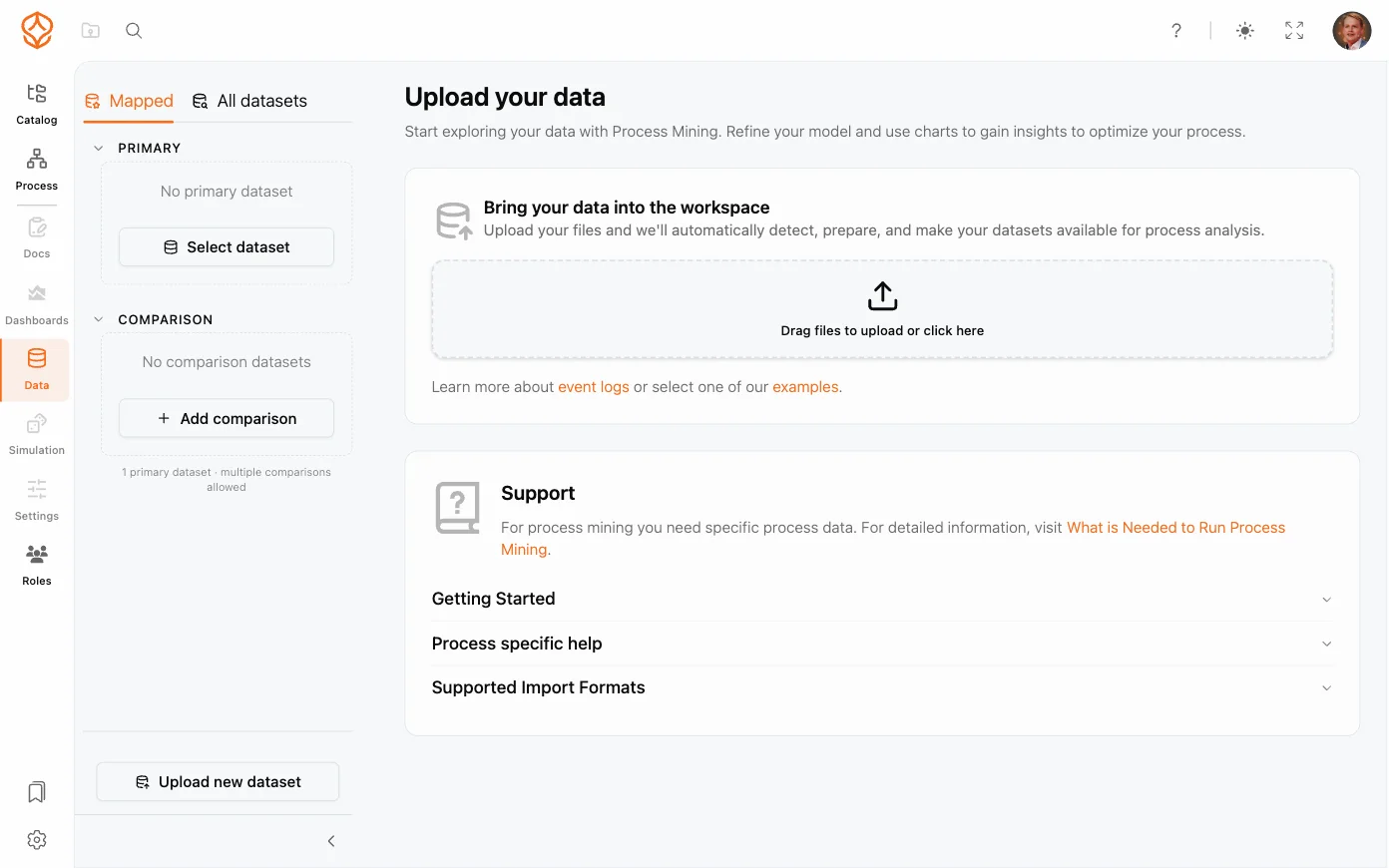
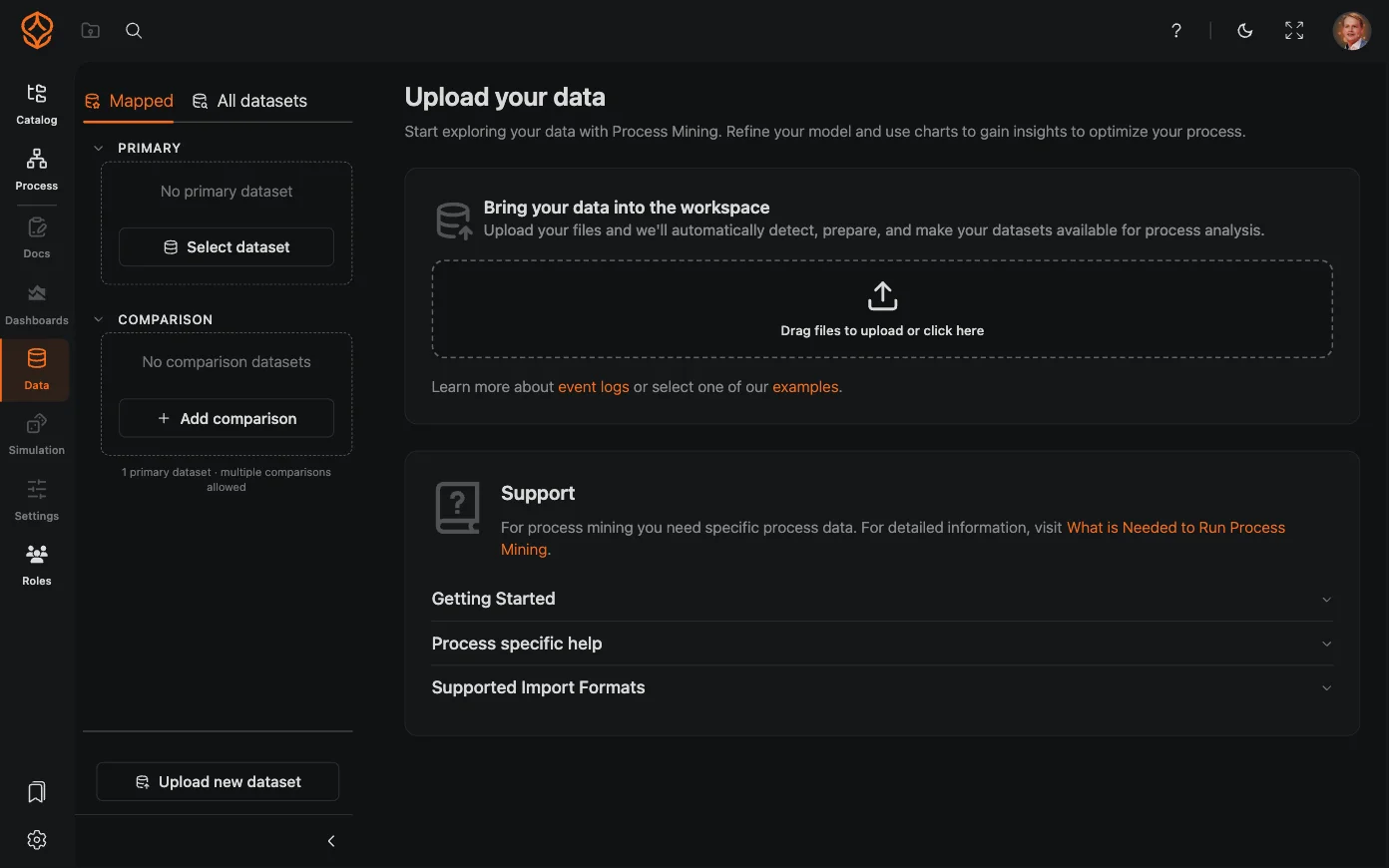
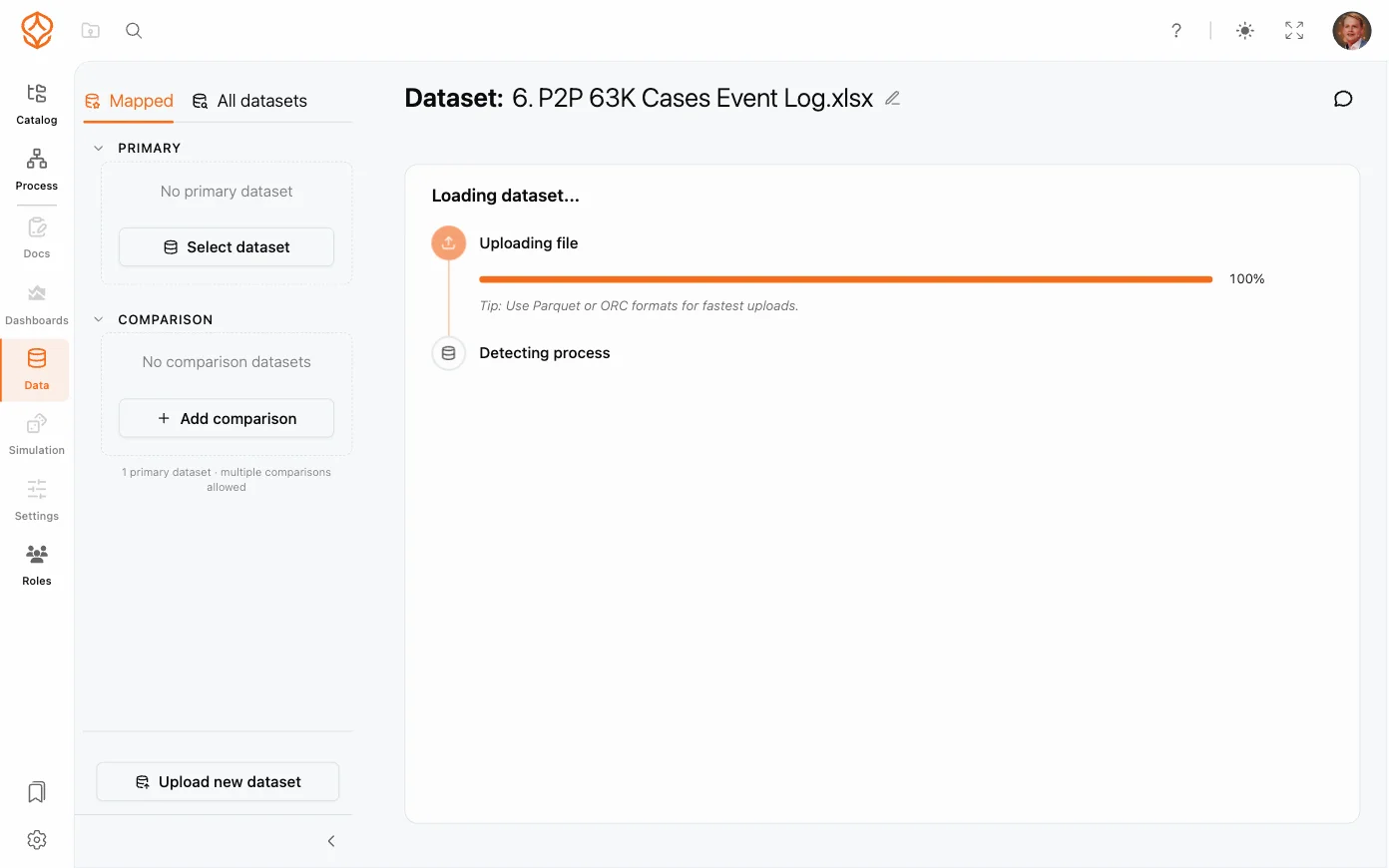
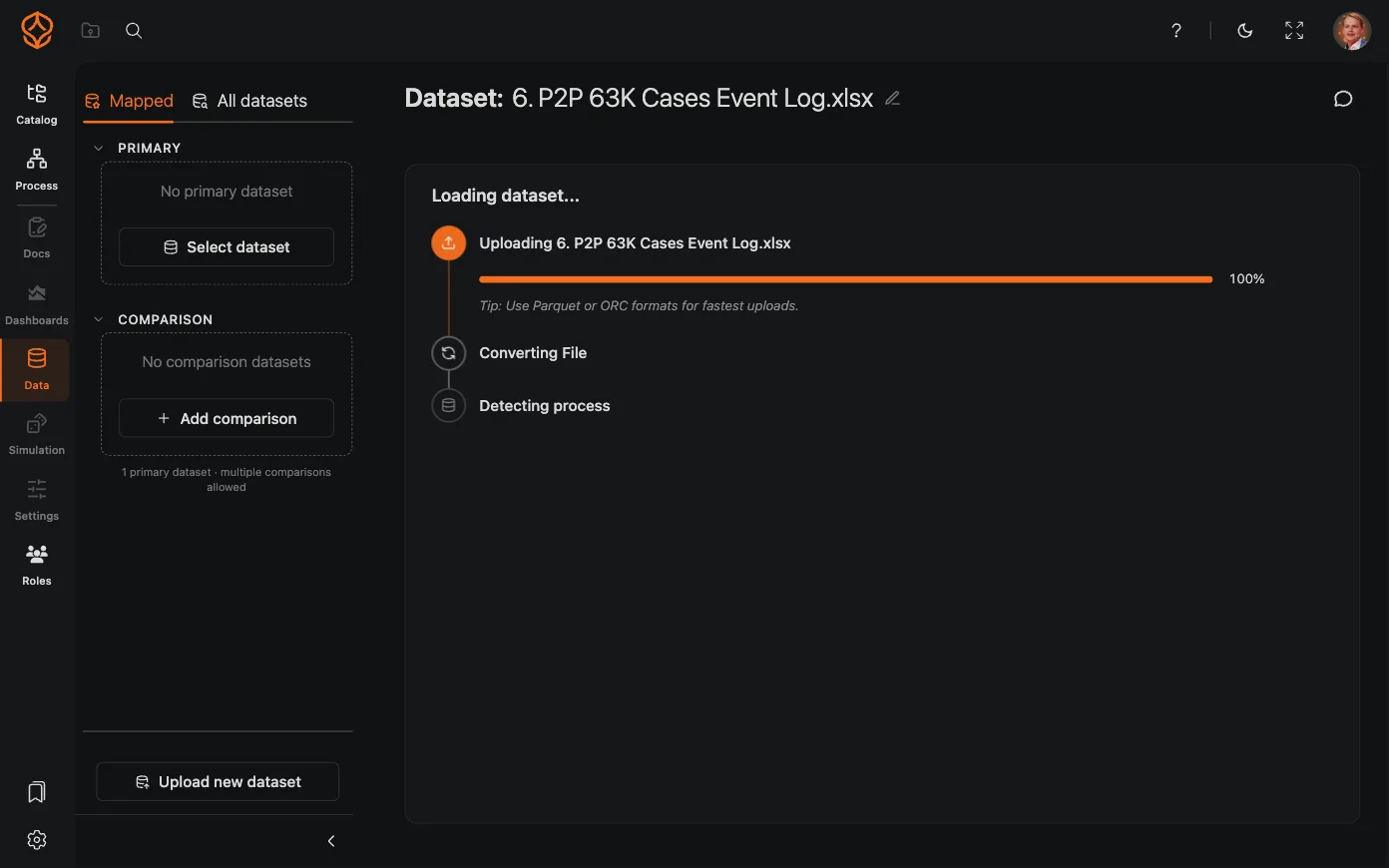
Step 1: Prepare and Upload an Event Log
You do not need a finished data project to try process mining in ProcessMind. Start with an export from a system that records process activity.
- Upload a CSV or Excel file with a case ID, activity, and timestamp for each event.
- Use the event-log guide to learn which fields your first analysis needs.
- Follow a data template to prepare information from a process or system.
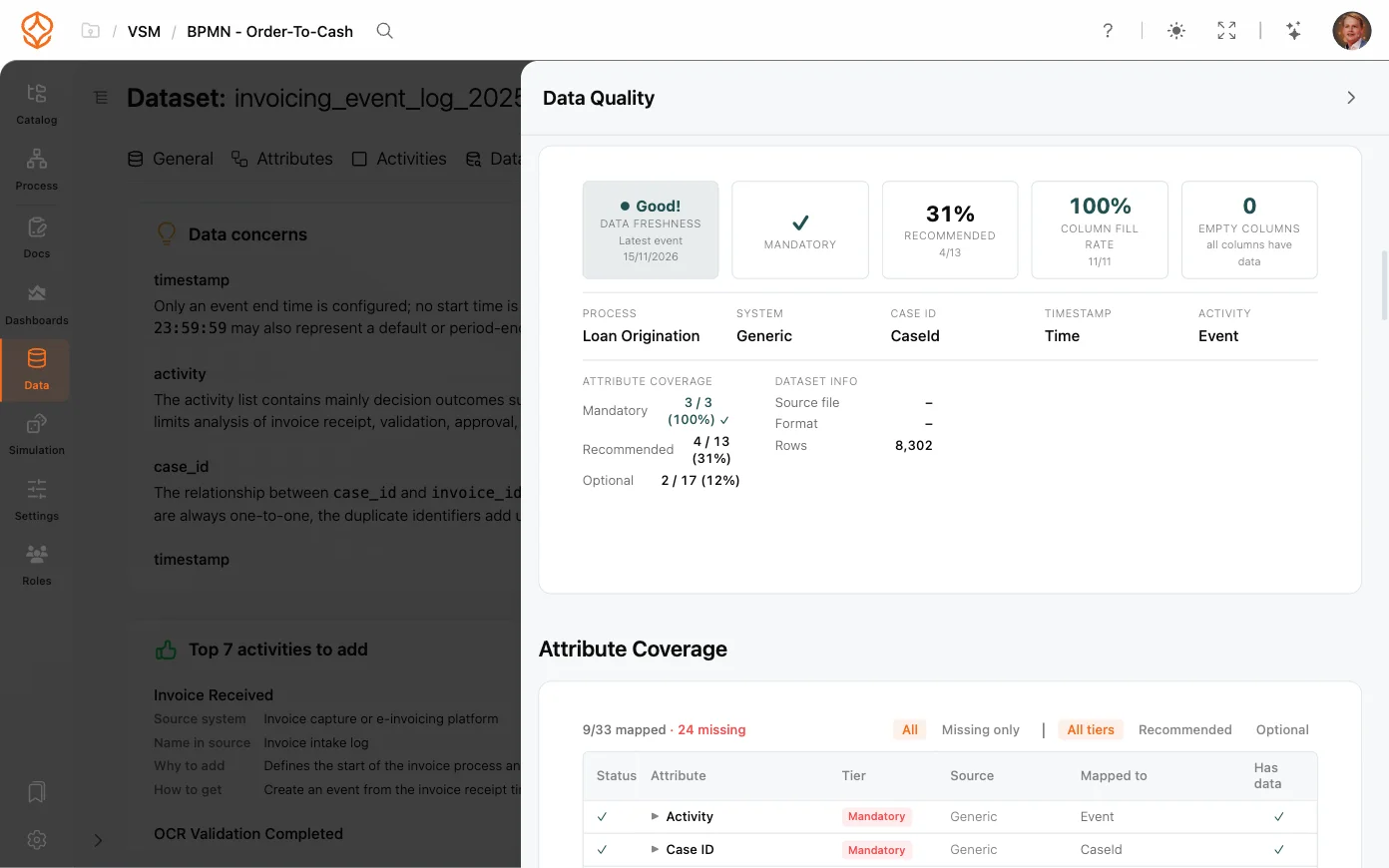
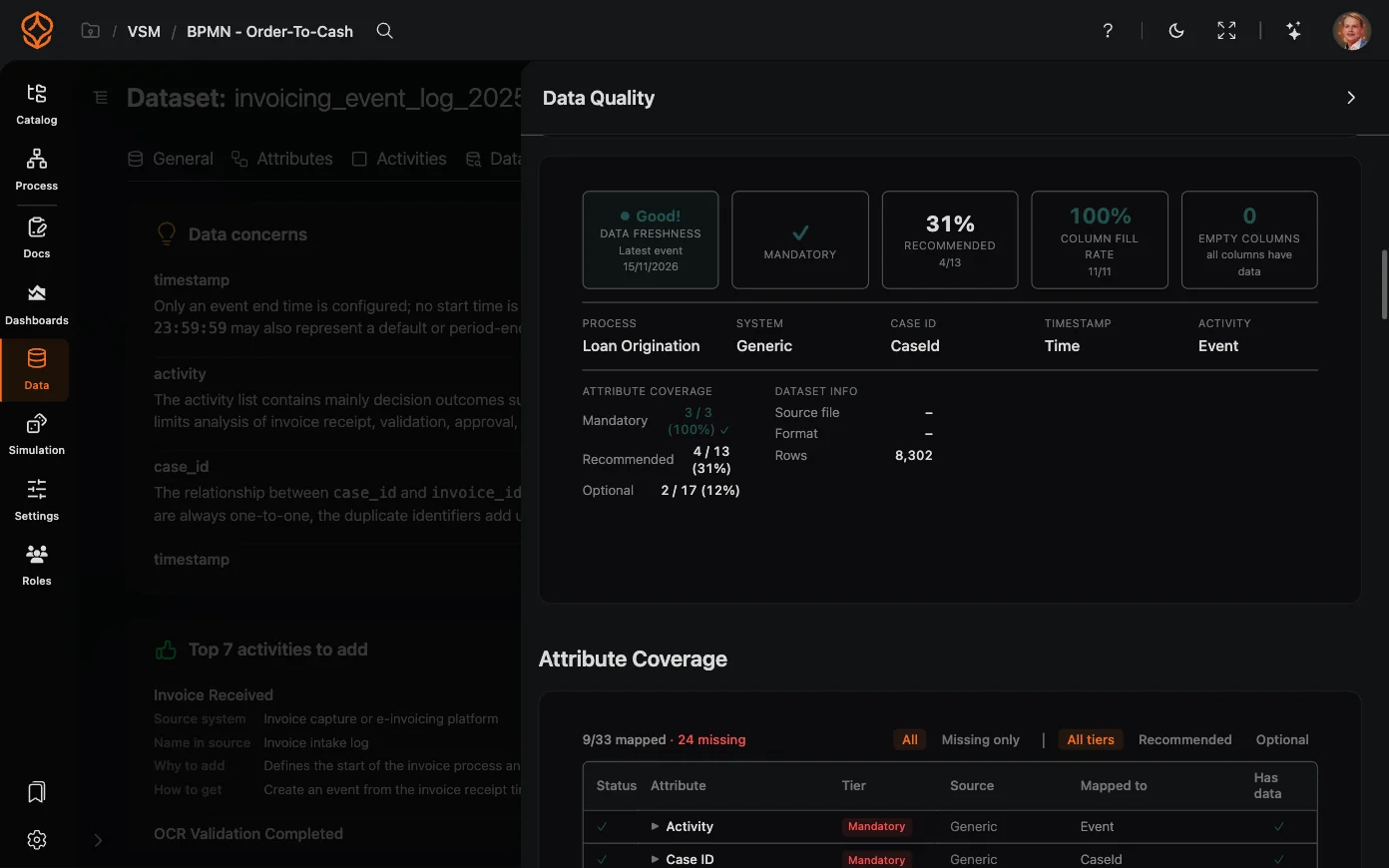
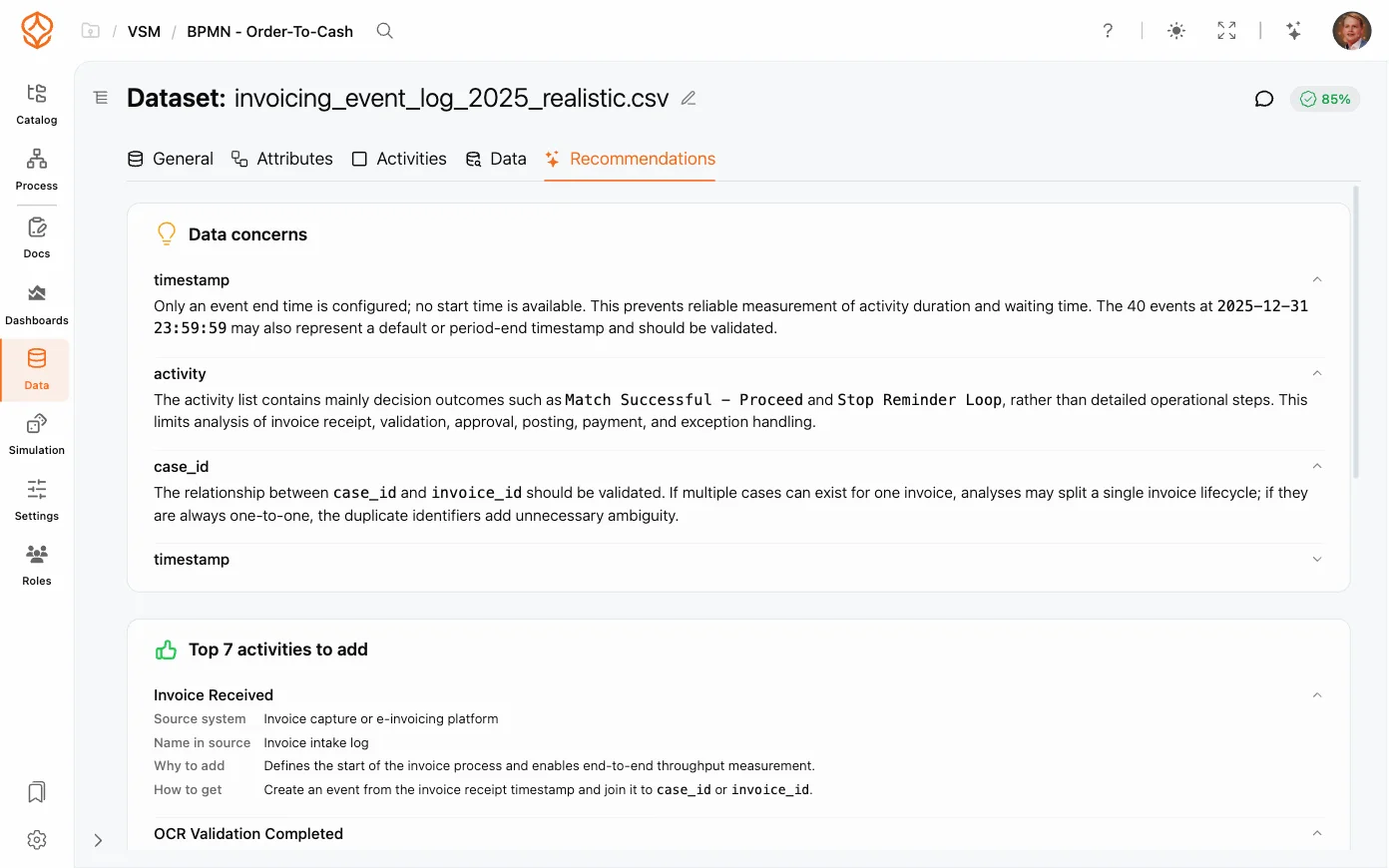
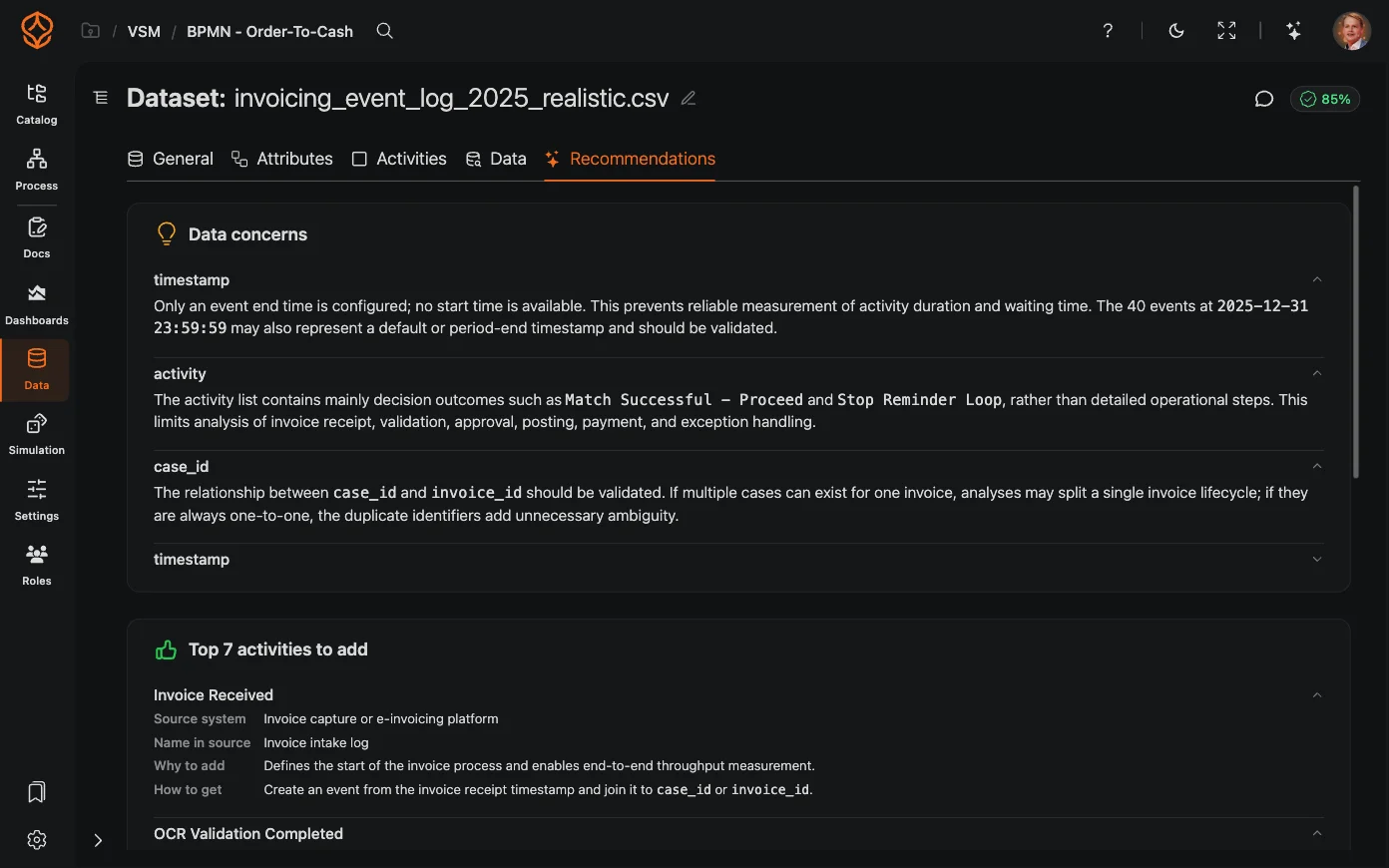
- Review data quality and mapping before analyzing your data.
- Append new data or replace a dataset as your analysis develops.
- Adjust data types and timestamp formats as needed.
- Combine data sources when they describe the same process and can be aligned.
Step 2: Map and Analyze the Process
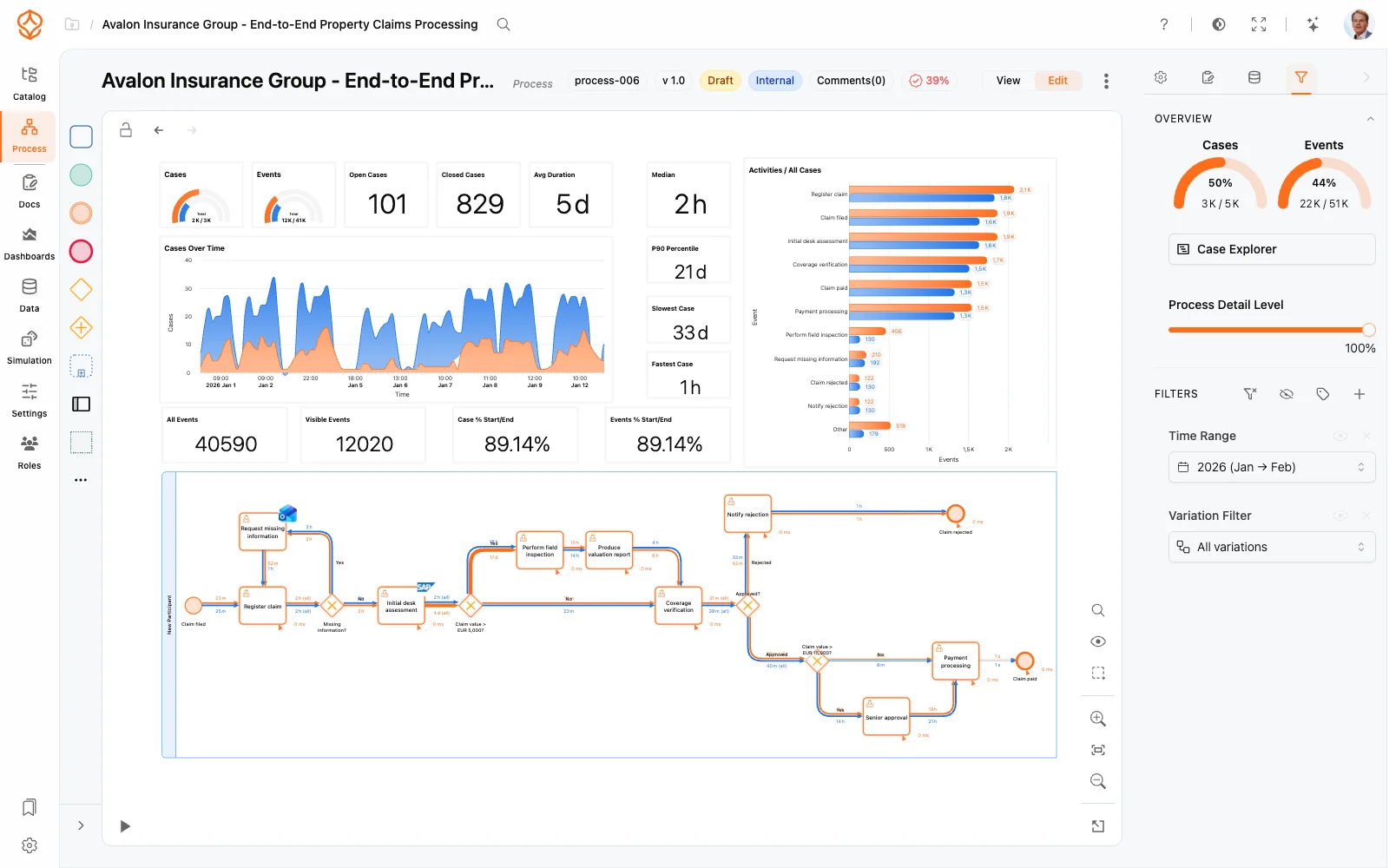
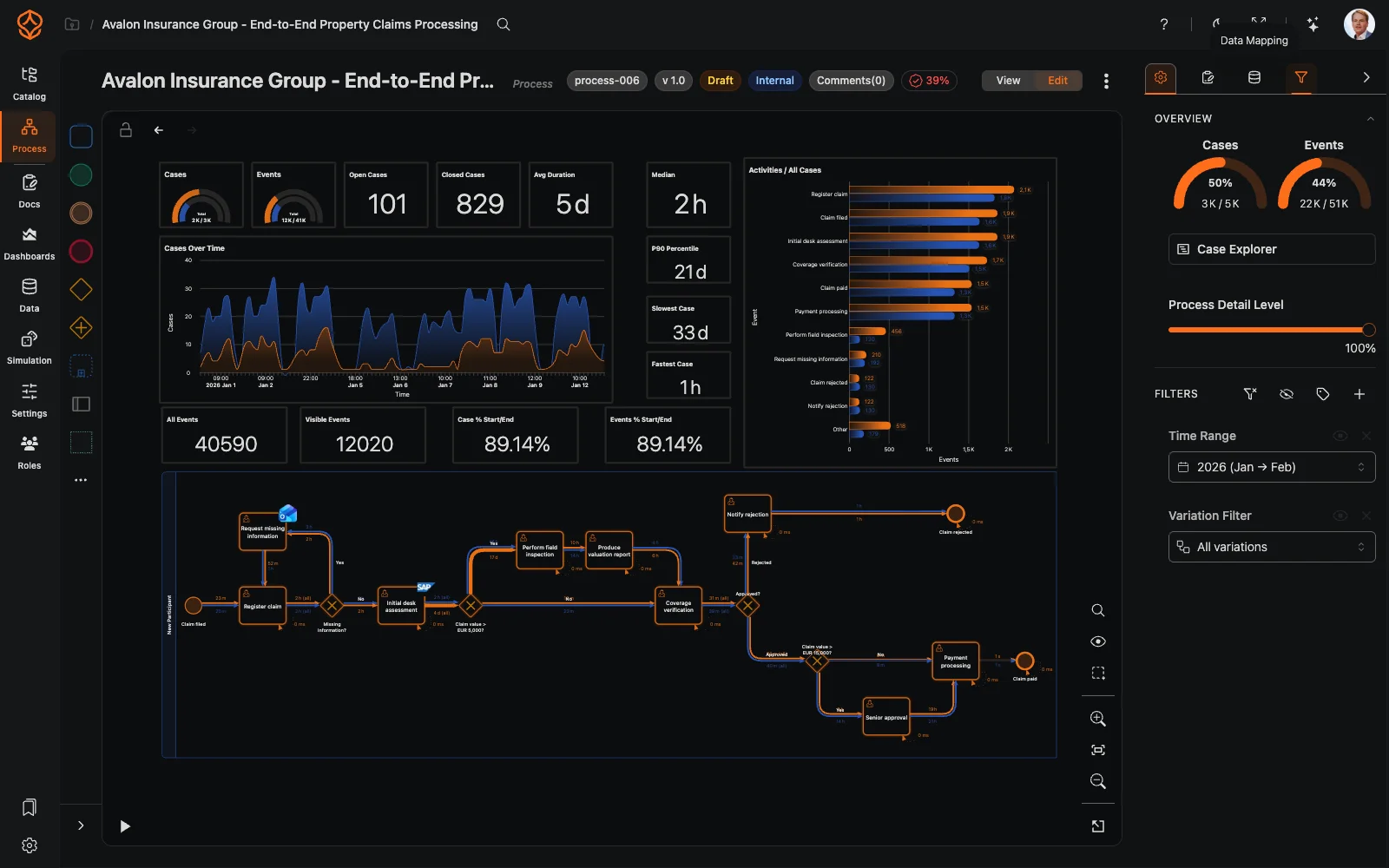
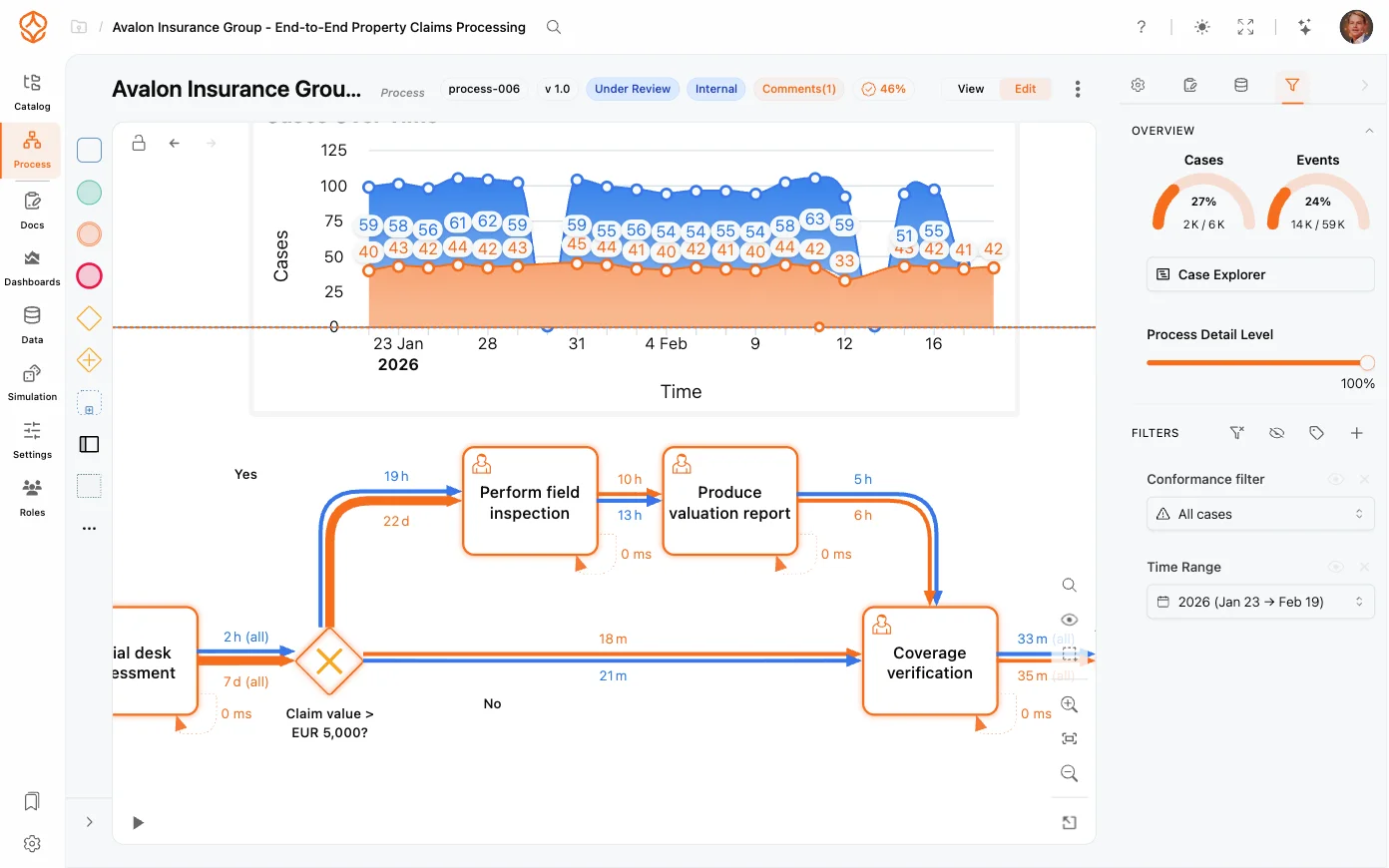
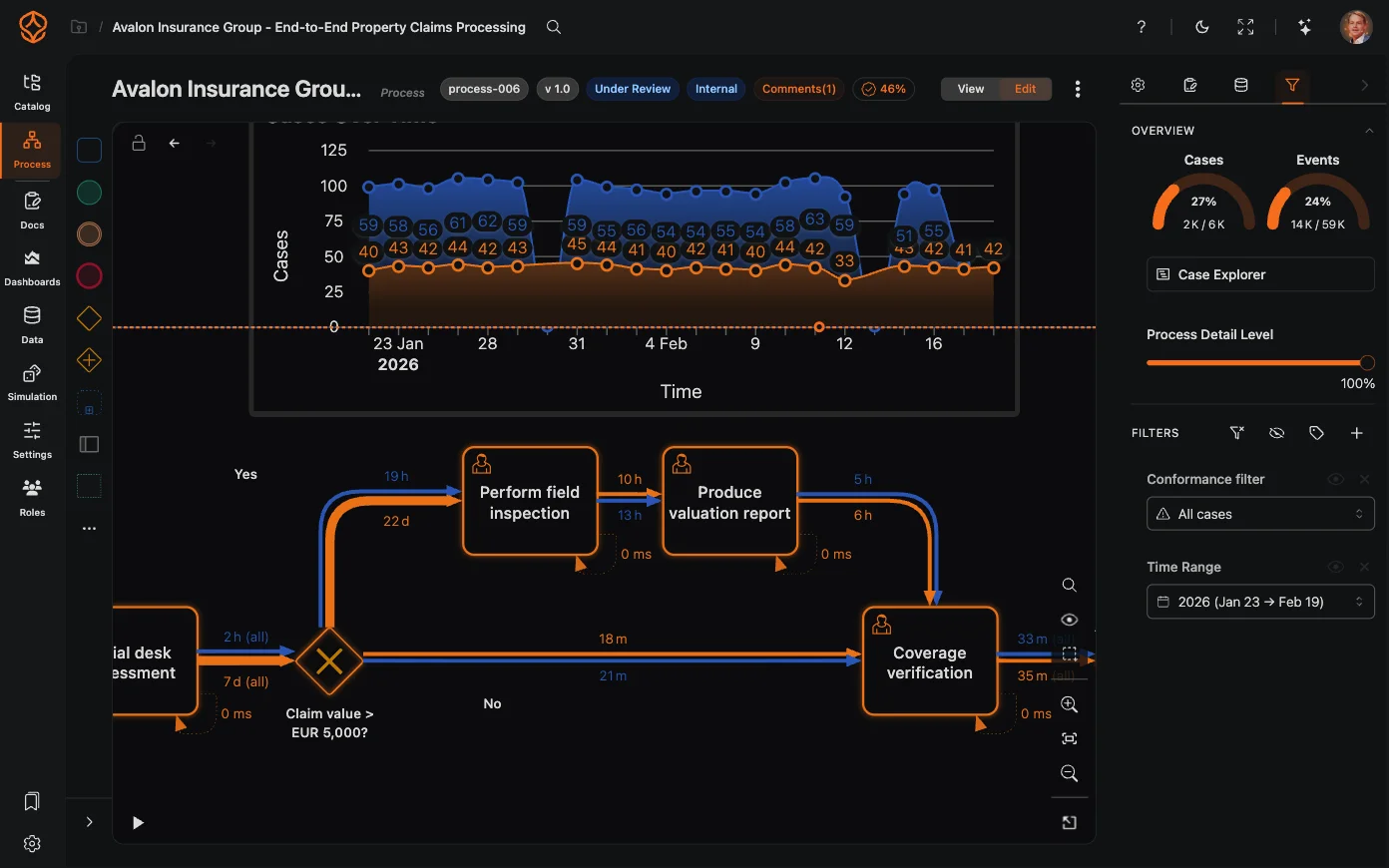
ProcessMind uses your event log to show the paths cases actually take.
- View the process flow and activity sequence.
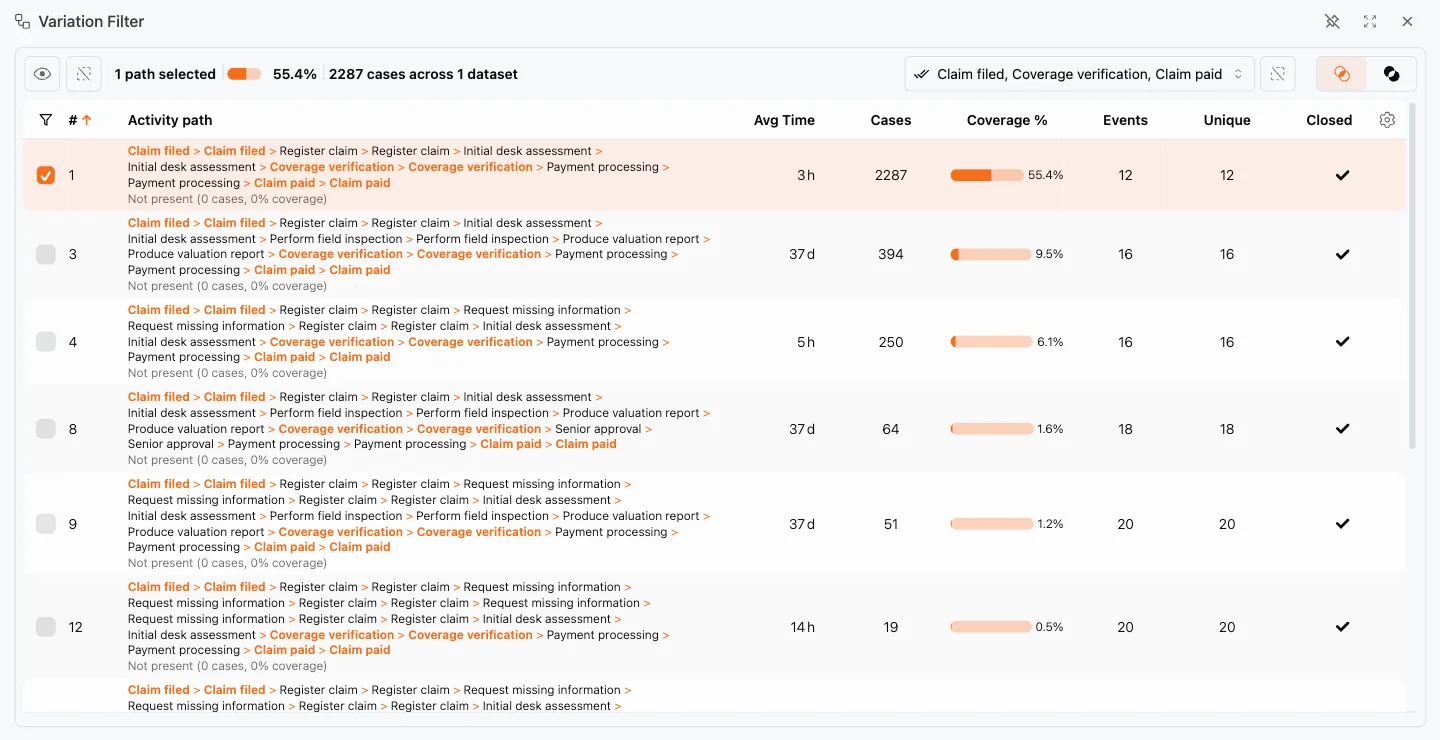
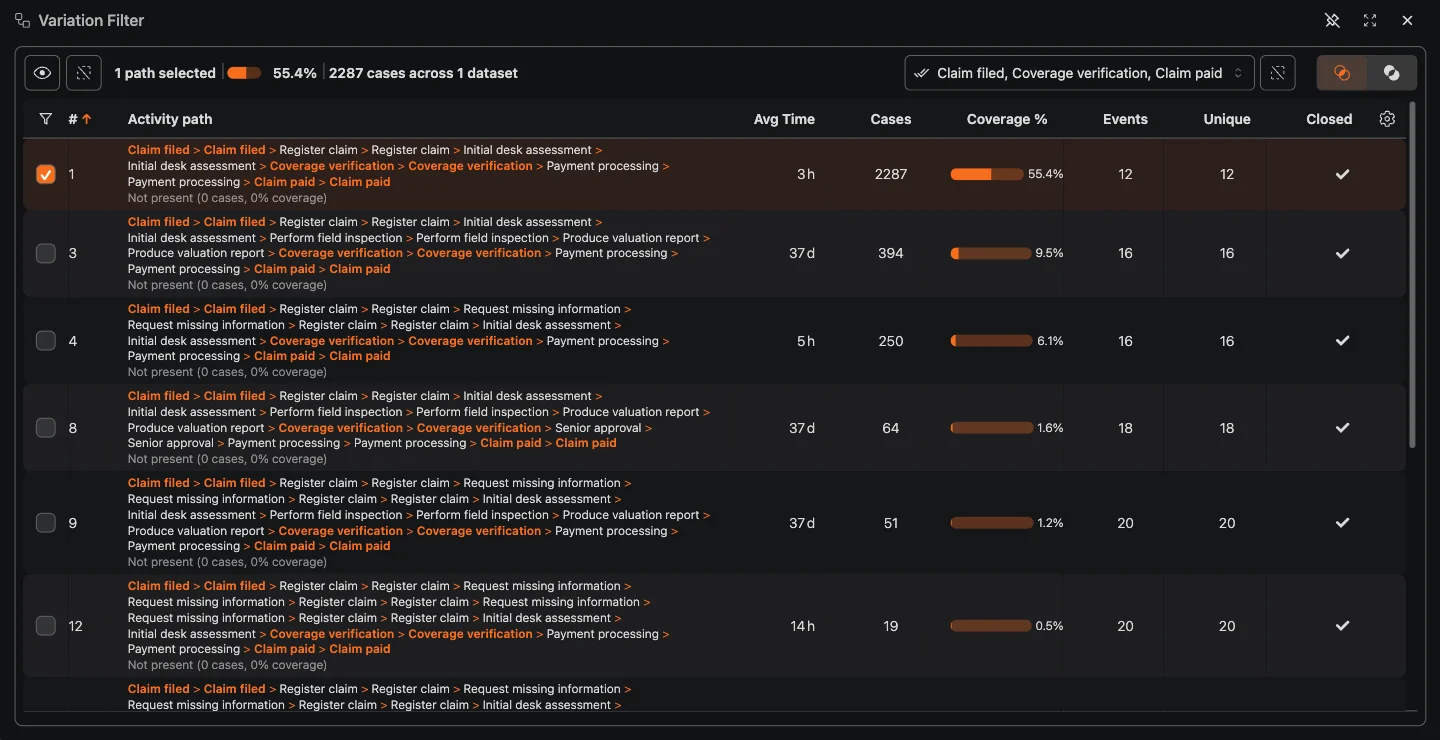
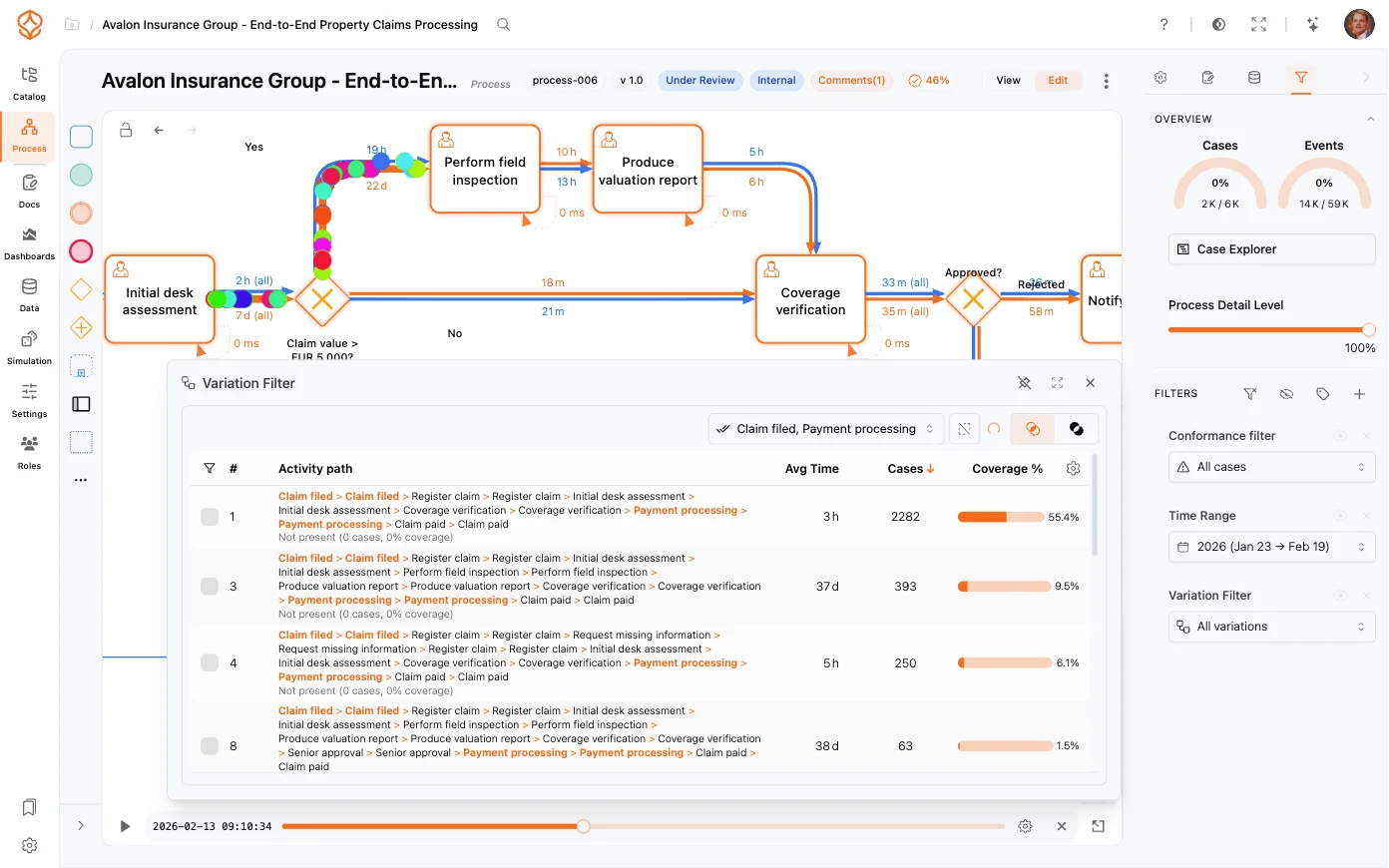
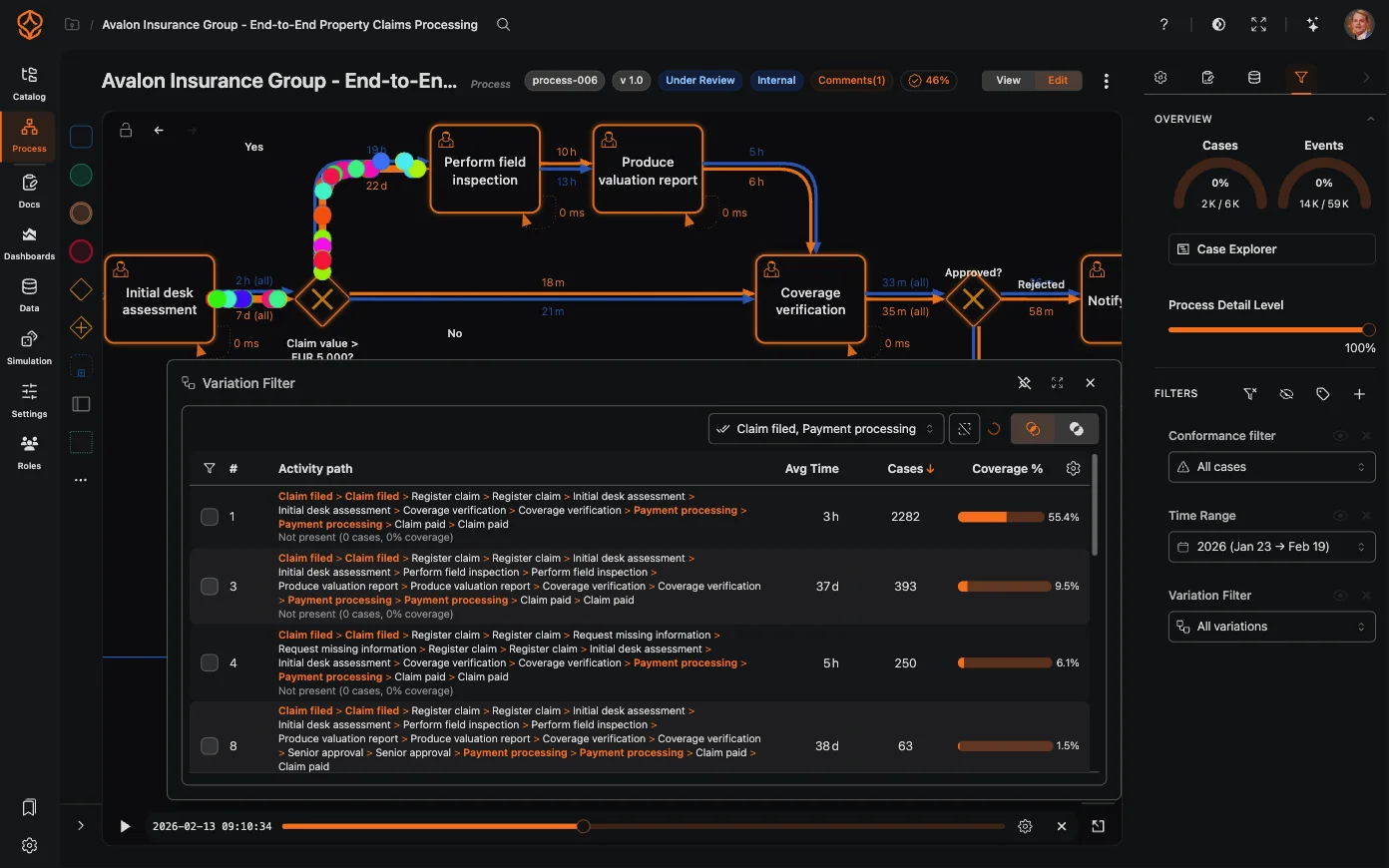
- Compare variants to see how often each path occurs and how it performs.
- Review frequency and performance measures on the process map.
- Filter by variant, time period, or performance to focus your analysis.
- Compare datasets to examine differences between teams, systems, or periods.
- Use the Clarity Engine to make complex process maps easier to read.
- Refresh your analysis when your data changes.
- Share a summary of your findings with colleagues.
Step 3: Check Conformance
Compare actual process behavior with a BPMN model to find where cases deviate from the expected path.
- Run conformance checking to identify differences between your model and event-log data.
- Review deviations, unexpected variants, and rework loops.
- Open non-conforming cases to investigate where their paths differ.
- Use your findings to support audit and process-improvement work.
Process Mining
From Event Log to Process Insight
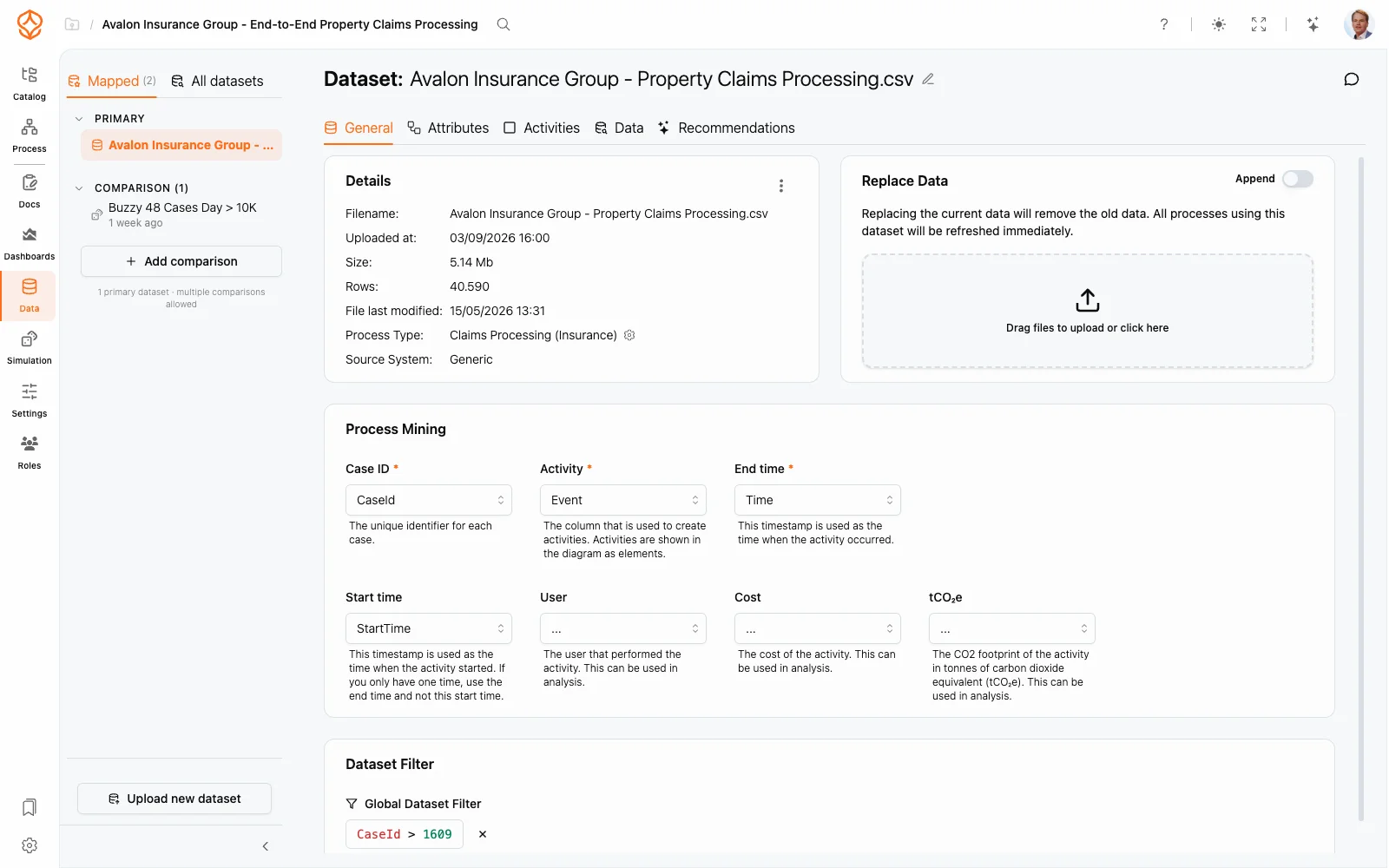
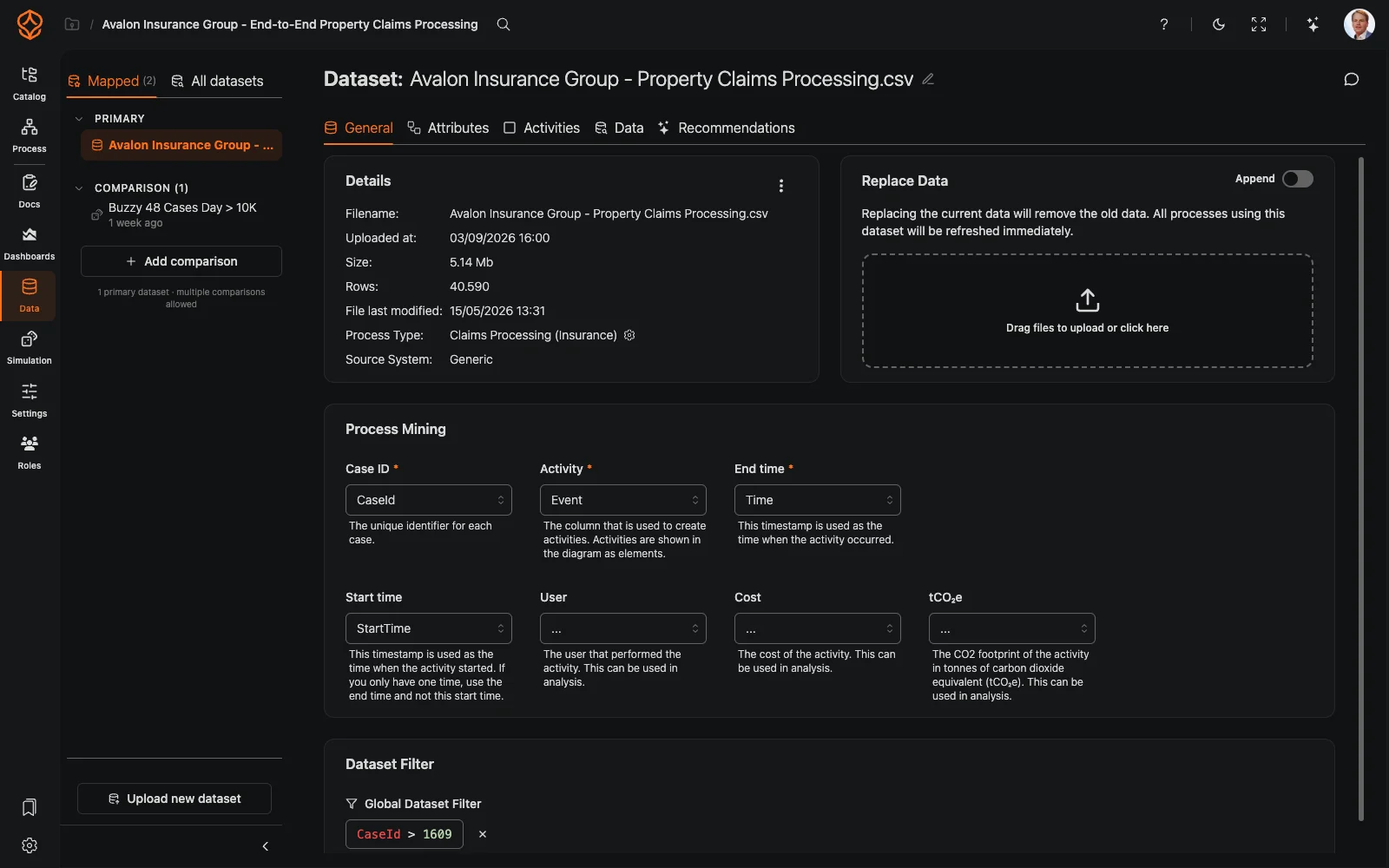
Prepare an Event Log
Start with an export that includes a case ID, activity, and timestamp. Use a data template or the event-log guide to check what your first analysis needs.
Map the Actual Flow
ProcessMind uses event-log data to show the paths cases take through your process.
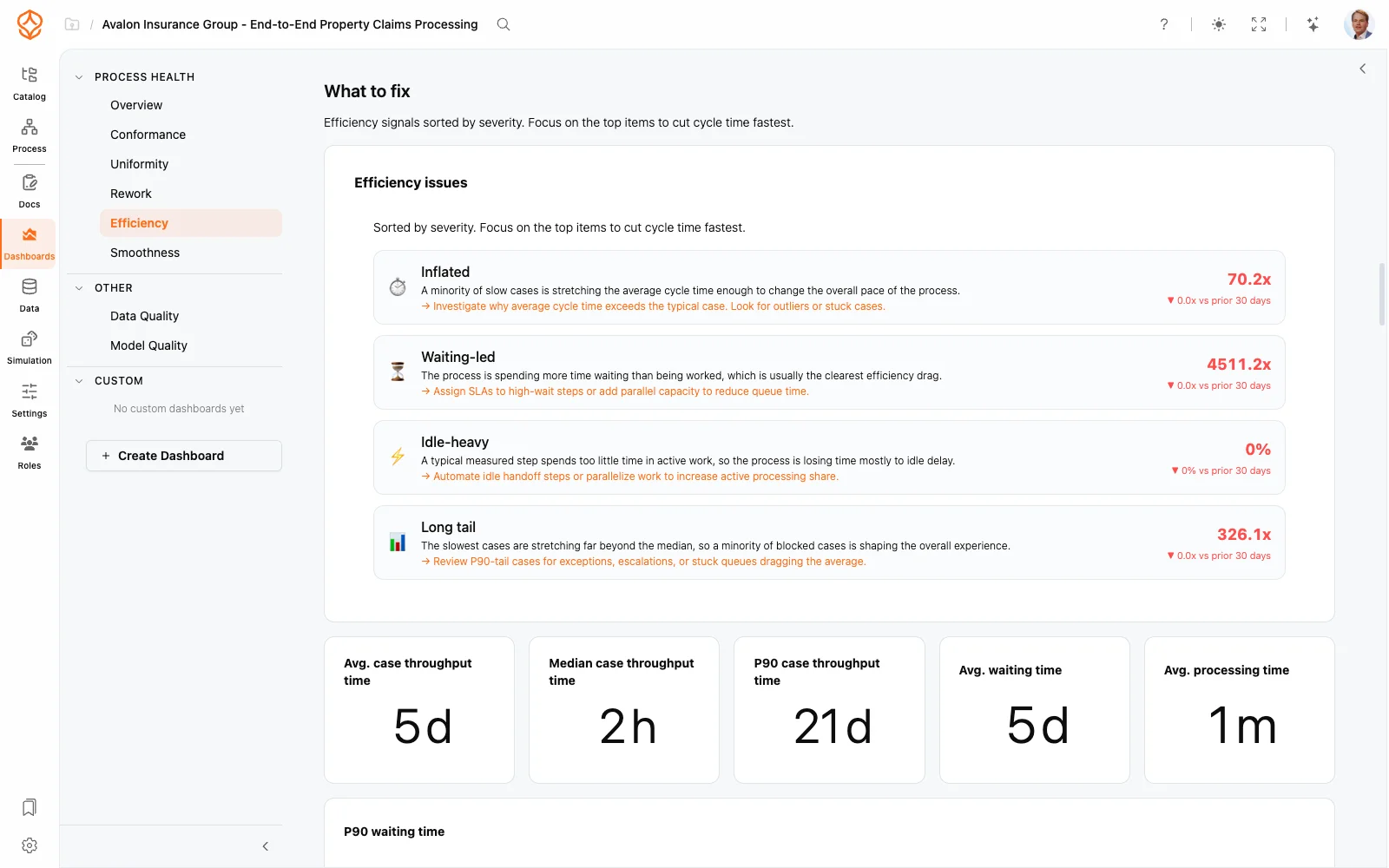
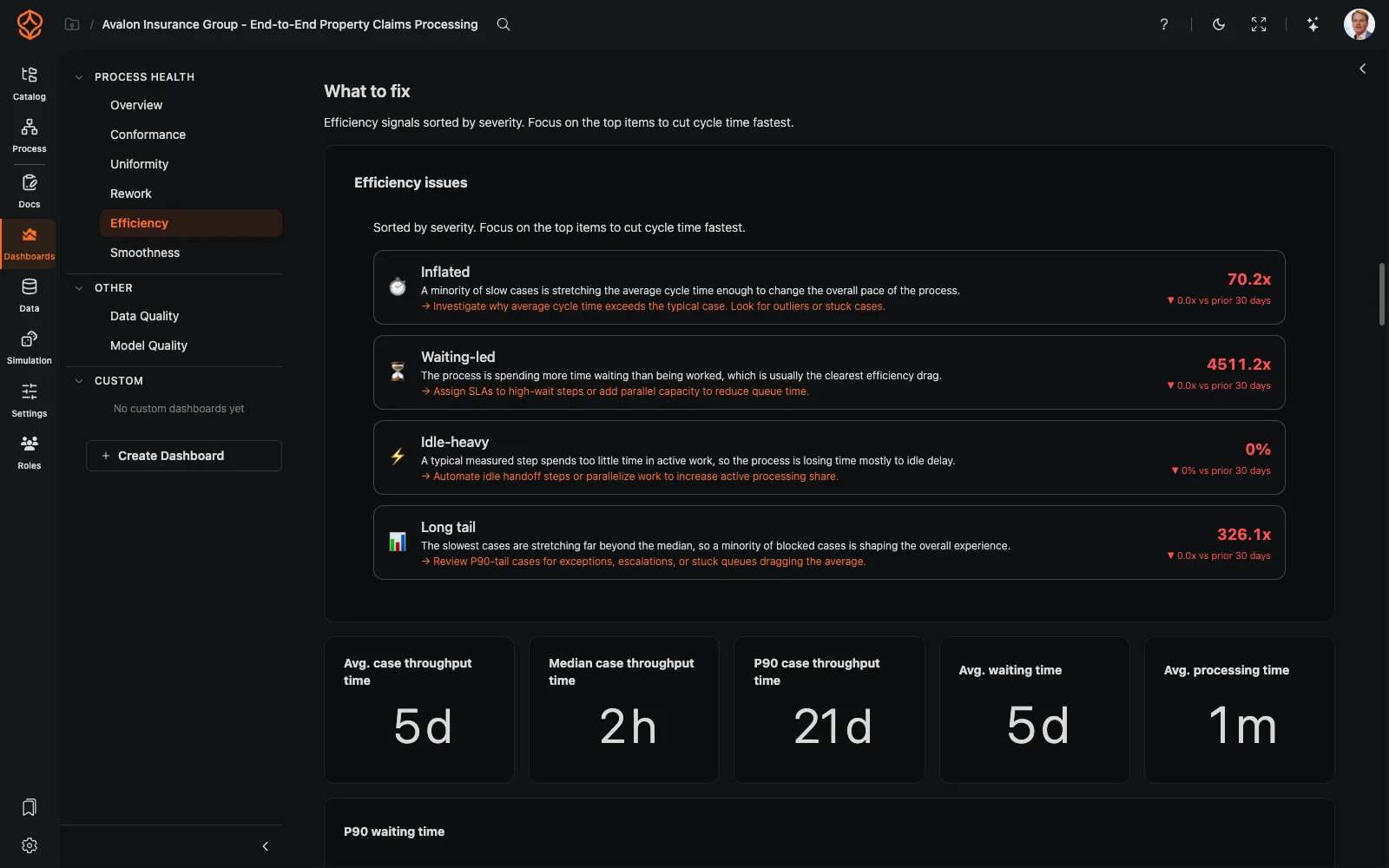
Investigate Performance
Compare variants and review cycle time and other process measures to find bottlenecks and differences between paths.
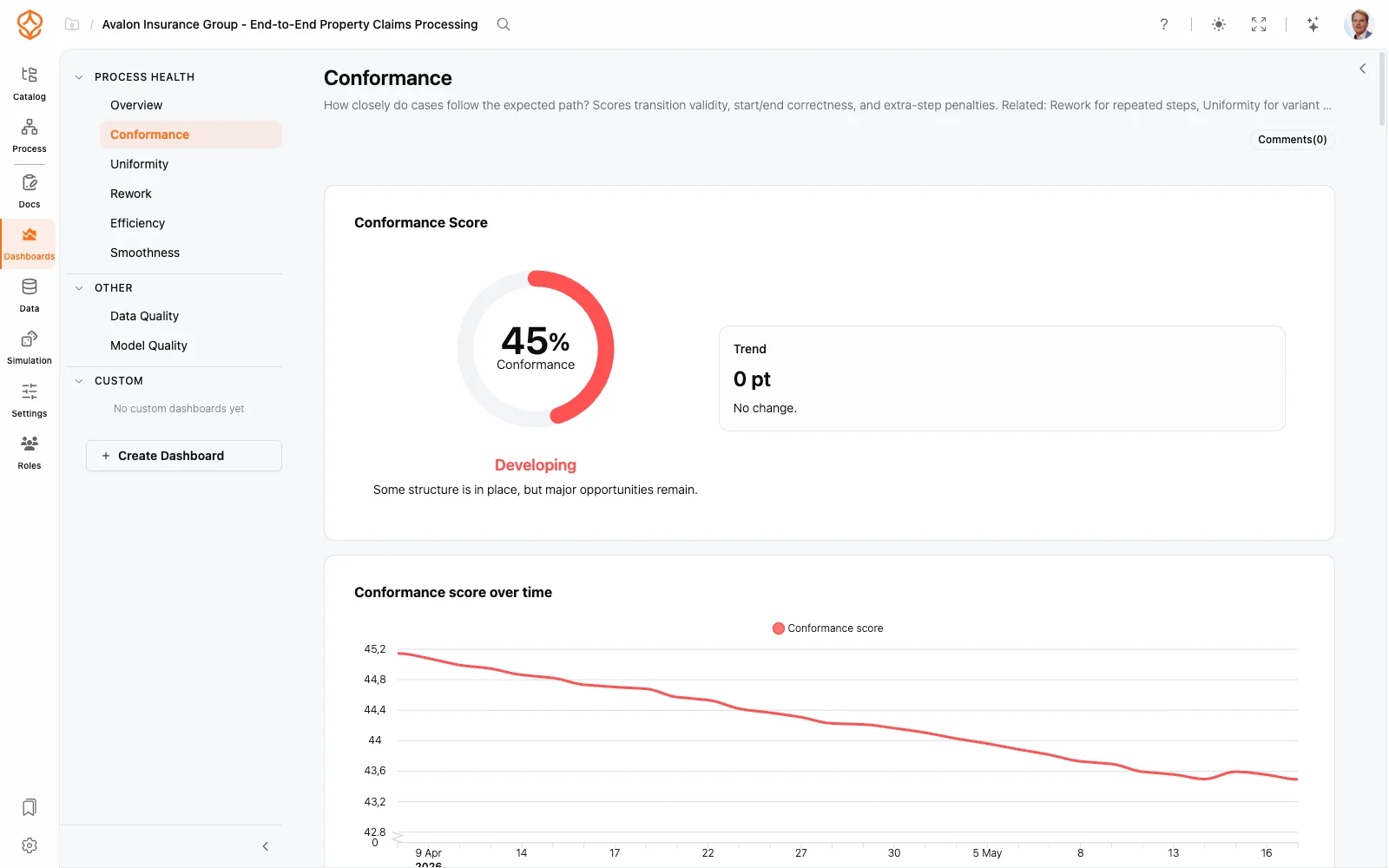
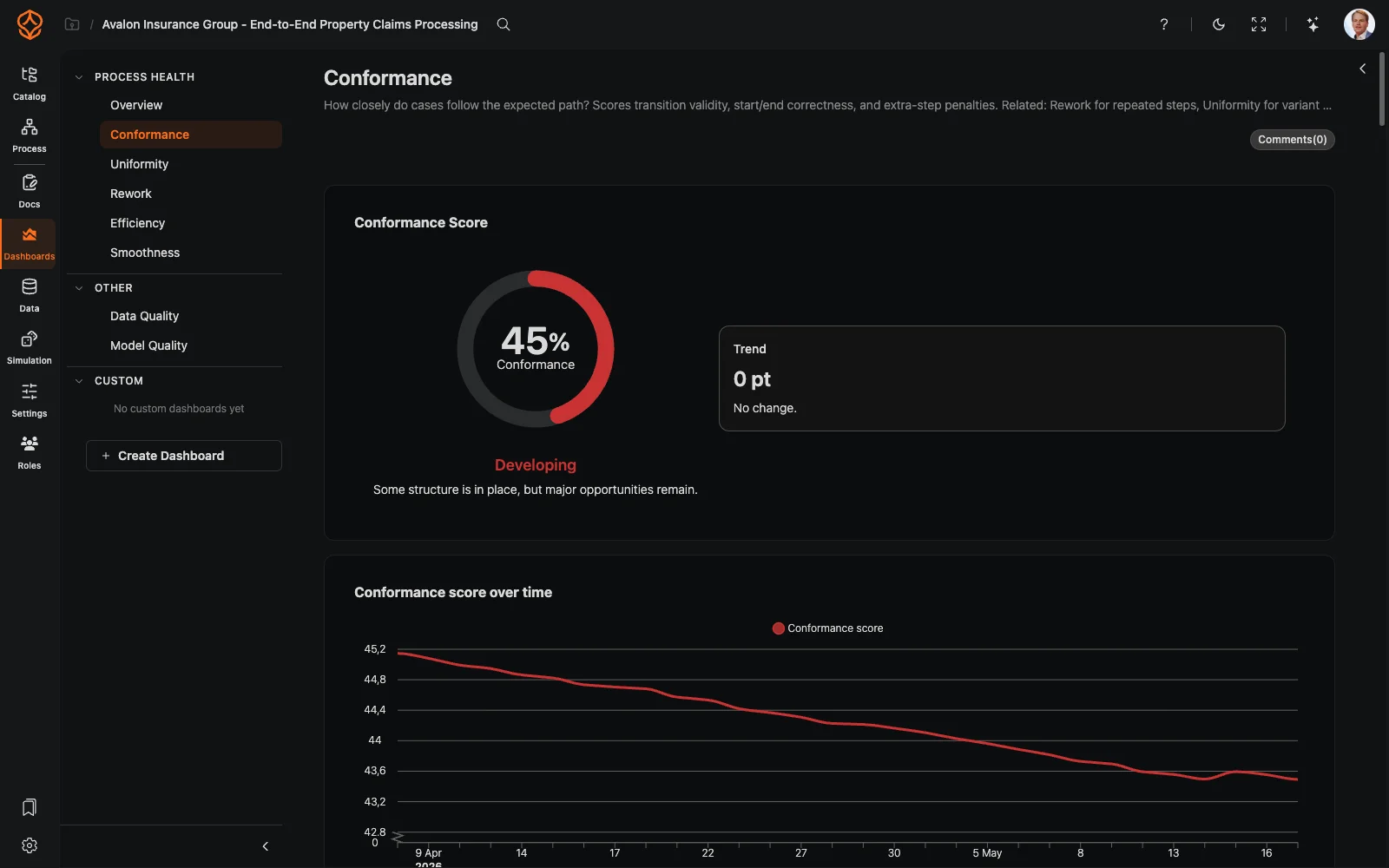
Check Conformance
Compare event-log behavior with a BPMN model to investigate deviations from the expected process.
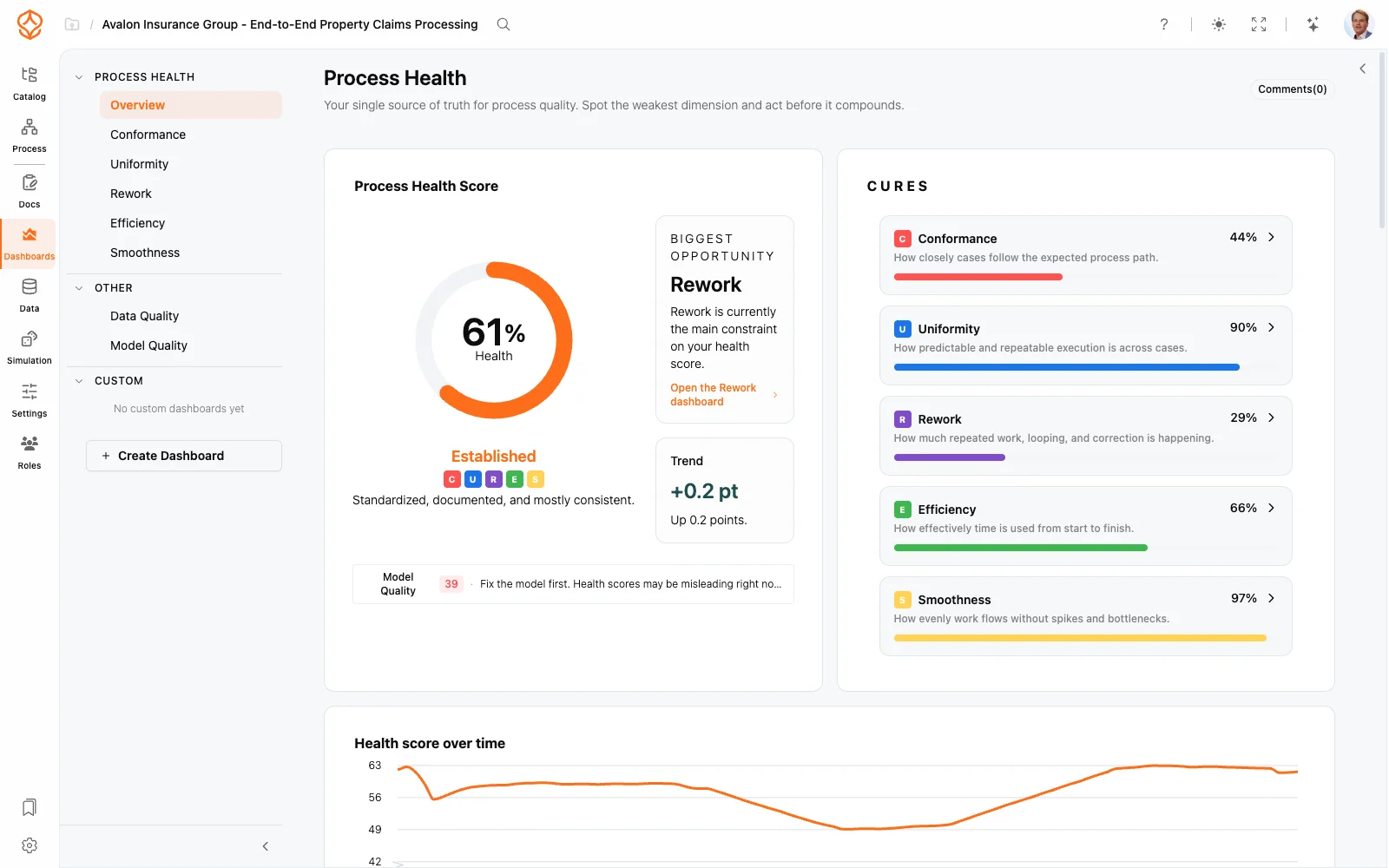
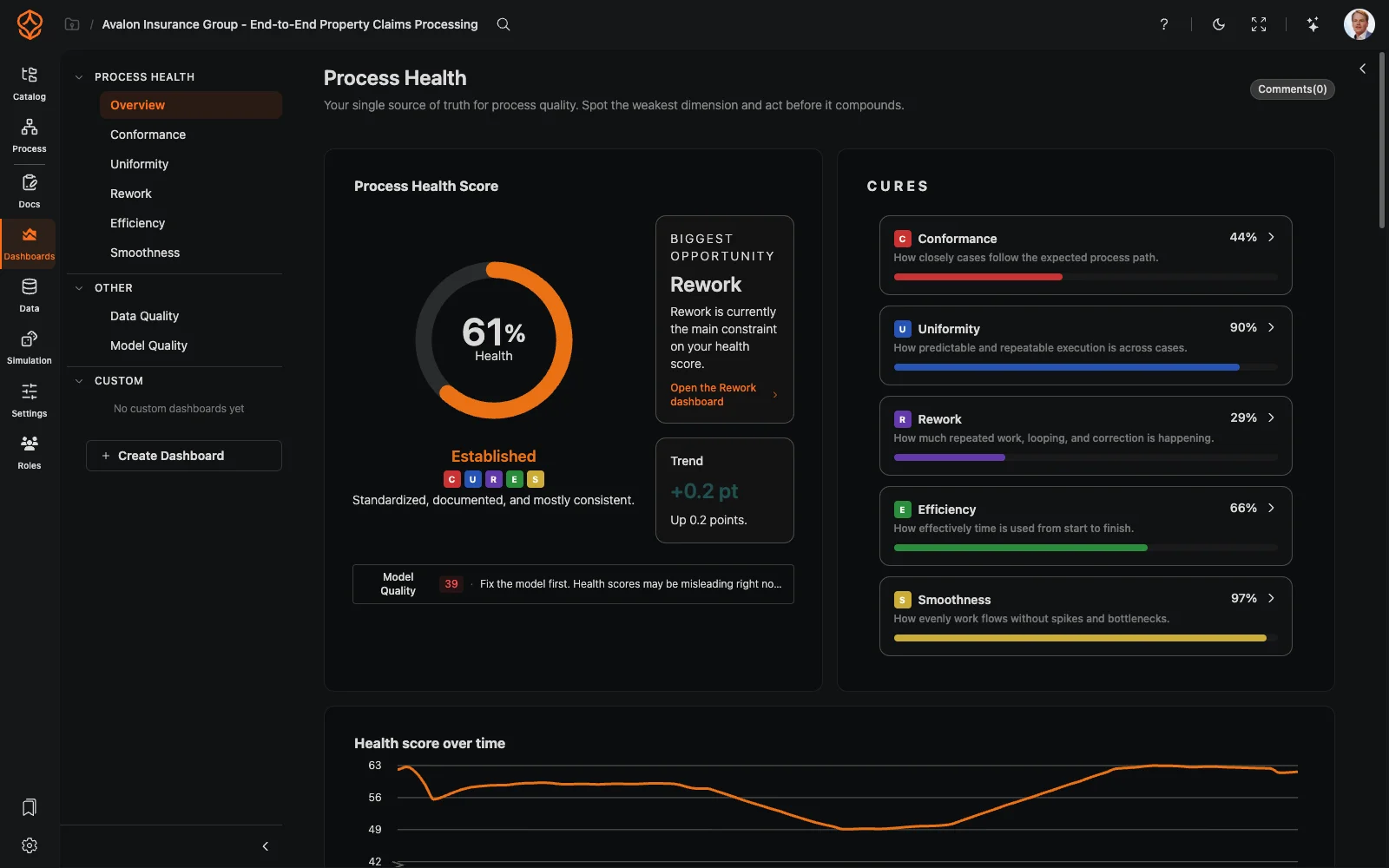
Monitor and Improve
Use dashboards to track process KPIs and review performance as your process and data change.
New to Process Mining?
Process mining uses event data from business systems to show how work actually happens. Examine process flows, variants, and performance using recorded activity rather than assumptions.
Want to know what data you need for a first analysis?
Process Mining
What You Can Analyze
Process Mining Features
Product Tour
See Process Mining in Action
See how ProcessMind maps process flows from event-log data and helps you explore variants and performance.
Maturity Stage
Where Does Process Mining Fit?
Process Foundation
Model and document your processes to give teams clarity and a shared understanding.
Process Architecture
Define and manage your process landscape to align operations with strategy and compliance.
Process Intelligence
Use data and AI to understand performance, anticipate outcomes, and improve continuously.
Frequently asked questions
See How Your Process Actually Works
Upload a CSV or Excel export to map your process and explore its variants, bottlenecks, and performance. Start with one export, without a connector or data project.