Process Simulation for What-If Analysis
Model case flows, resources, and queues, not fluids. Compare what-if scenarios with your mined baseline to see how a proposed change could affect time, capacity, and queues.
Simulate a change in your own processNo credit card required · Included with a Process Intelligence seat · Get results quickly after upload

How simulation informs decisions
Compare process changes with a mined baseline
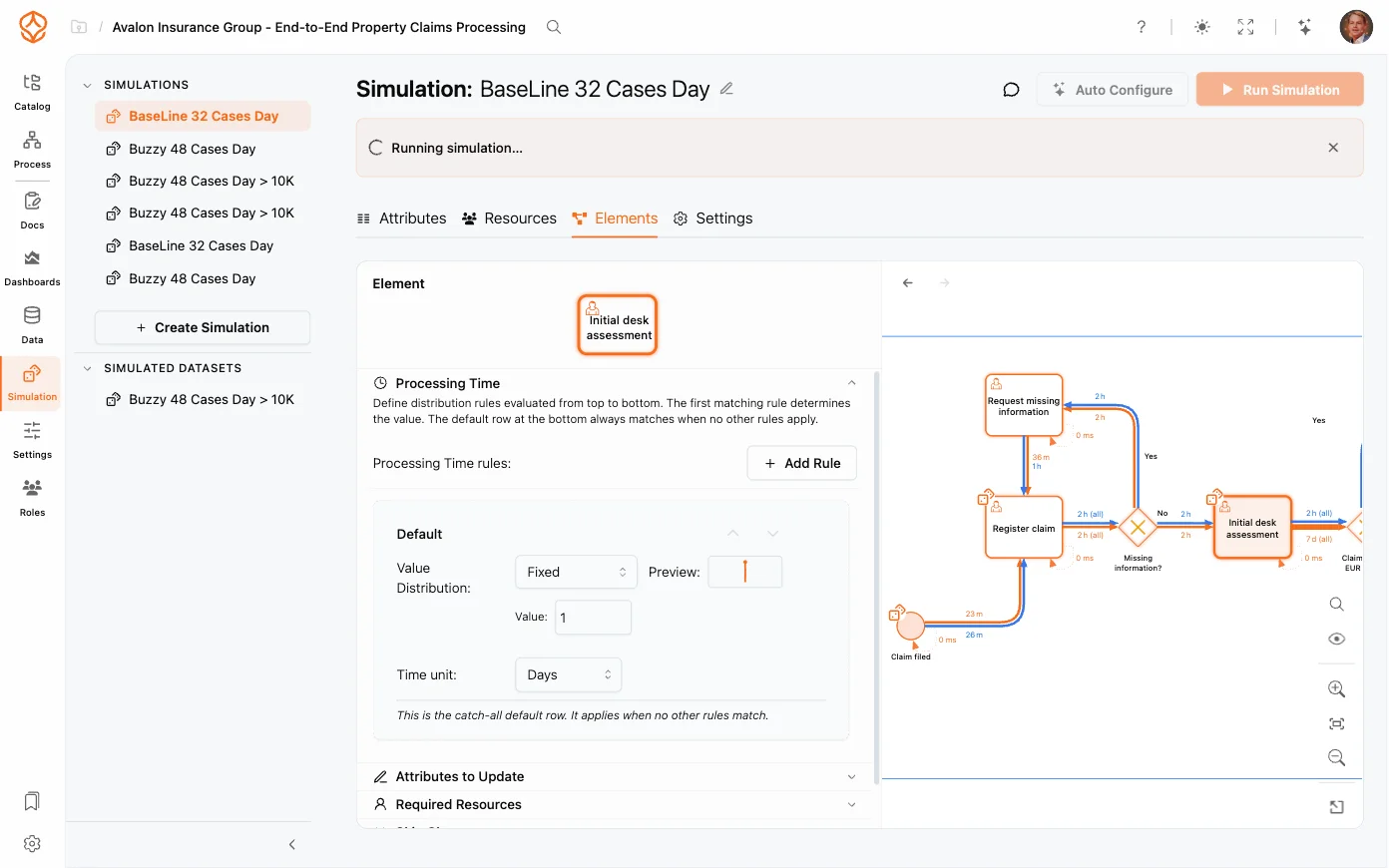
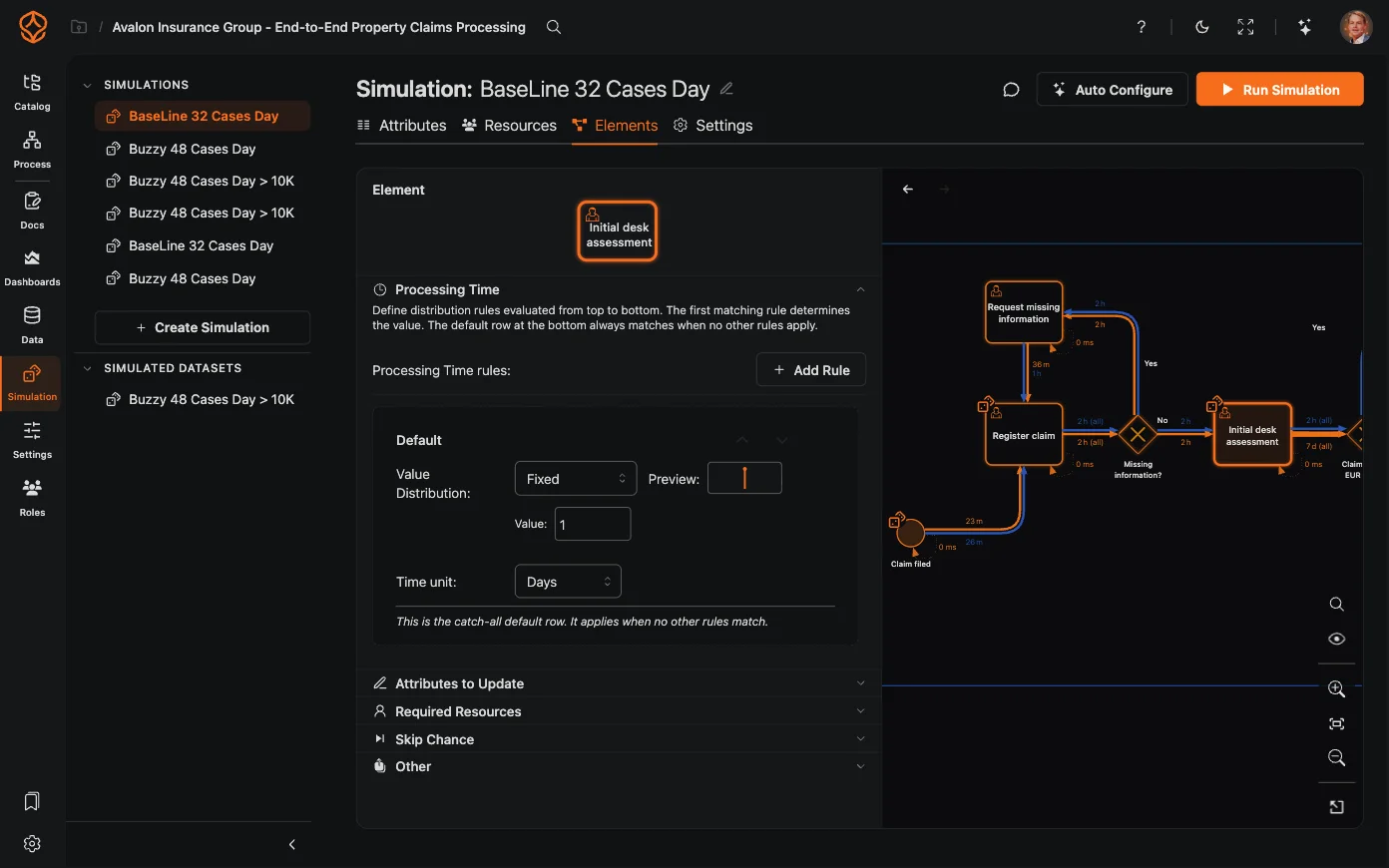
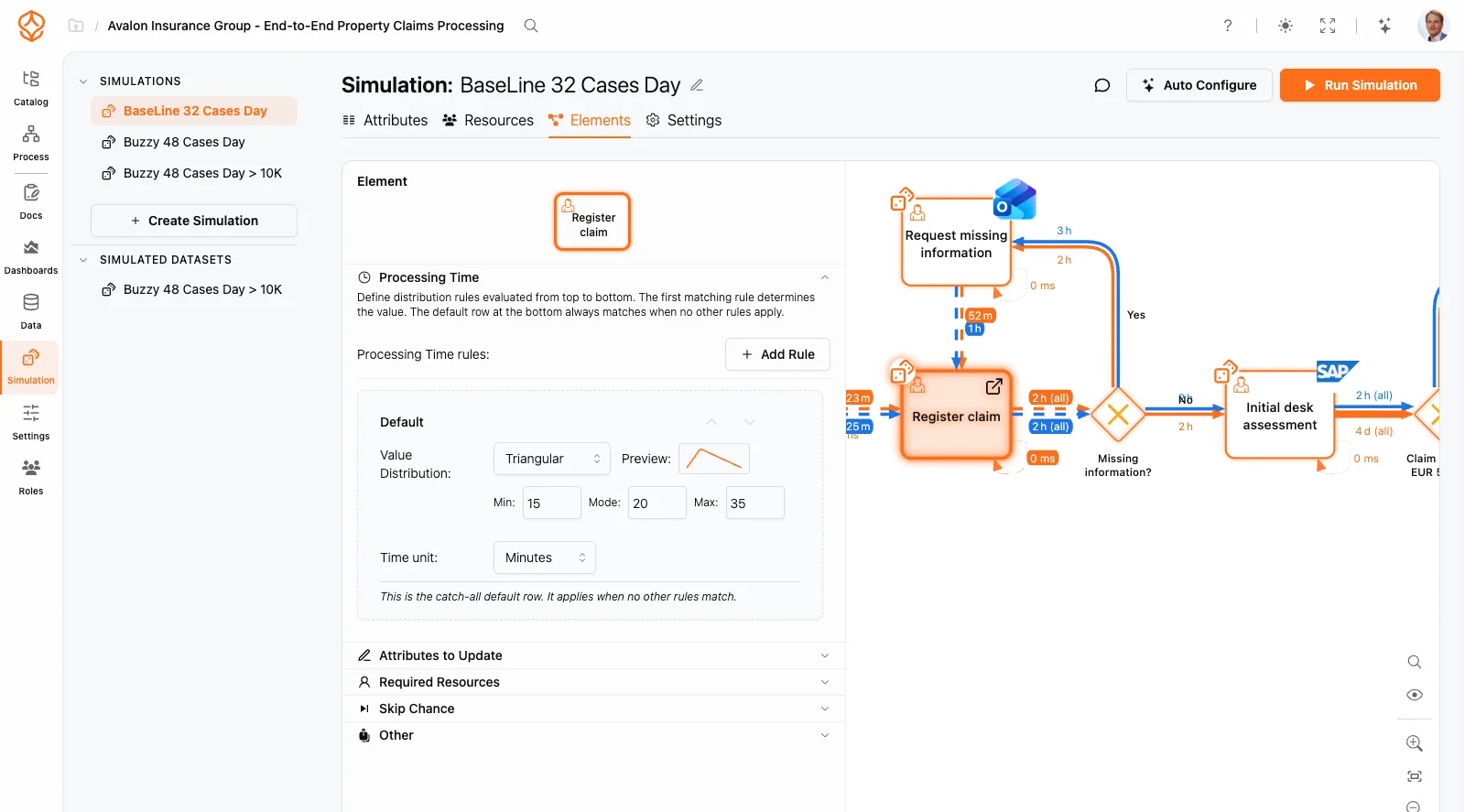
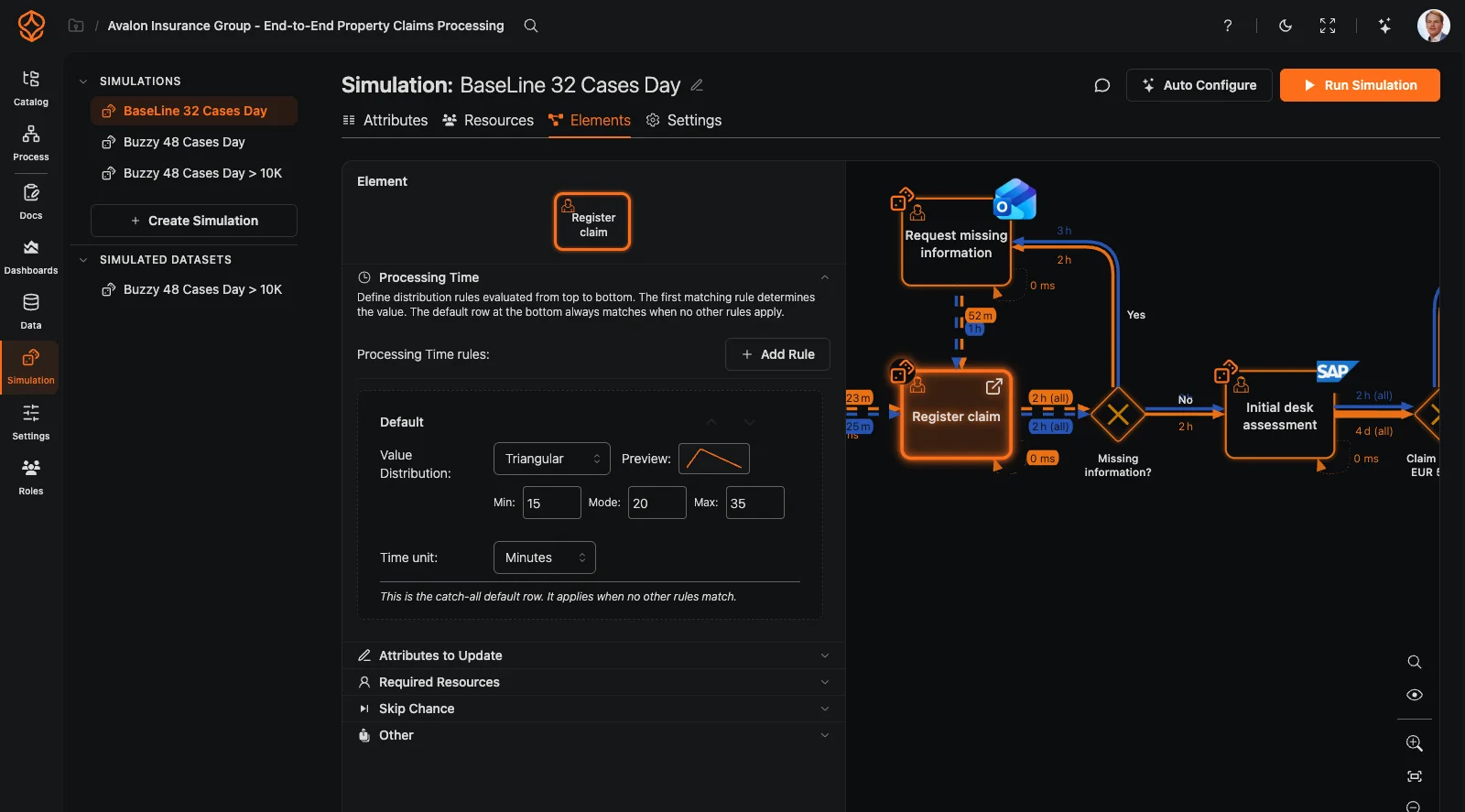
What-if scenario analysis
Set up scenarios and compare their results side by side.
- Adjust resource levels, arrival rates, routing probabilities, and queue strategies.
- Compare multiple scenarios with your current baseline.
- Use waiting time, queue length, and throughput to compare each scenario.
- Set a simulation date range and warm-up period for comparable results.
Resource and capacity planning
Model resource availability and compare how different plans could affect process performance.
- Define roles, schedules, and resource availability.
- Set working hours, shifts, and periodicity to reflect calendars and demand.
- Model capacity constraints to see where queues could build.
- Identify where waiting times and queues build up when capacity is tight.
- Compare the trade-off between speed and waiting time across scenarios.
Data- and model-driven simulation
Use process mining data to inform your simulation model.
- Extract arrival rates and durations from event logs.
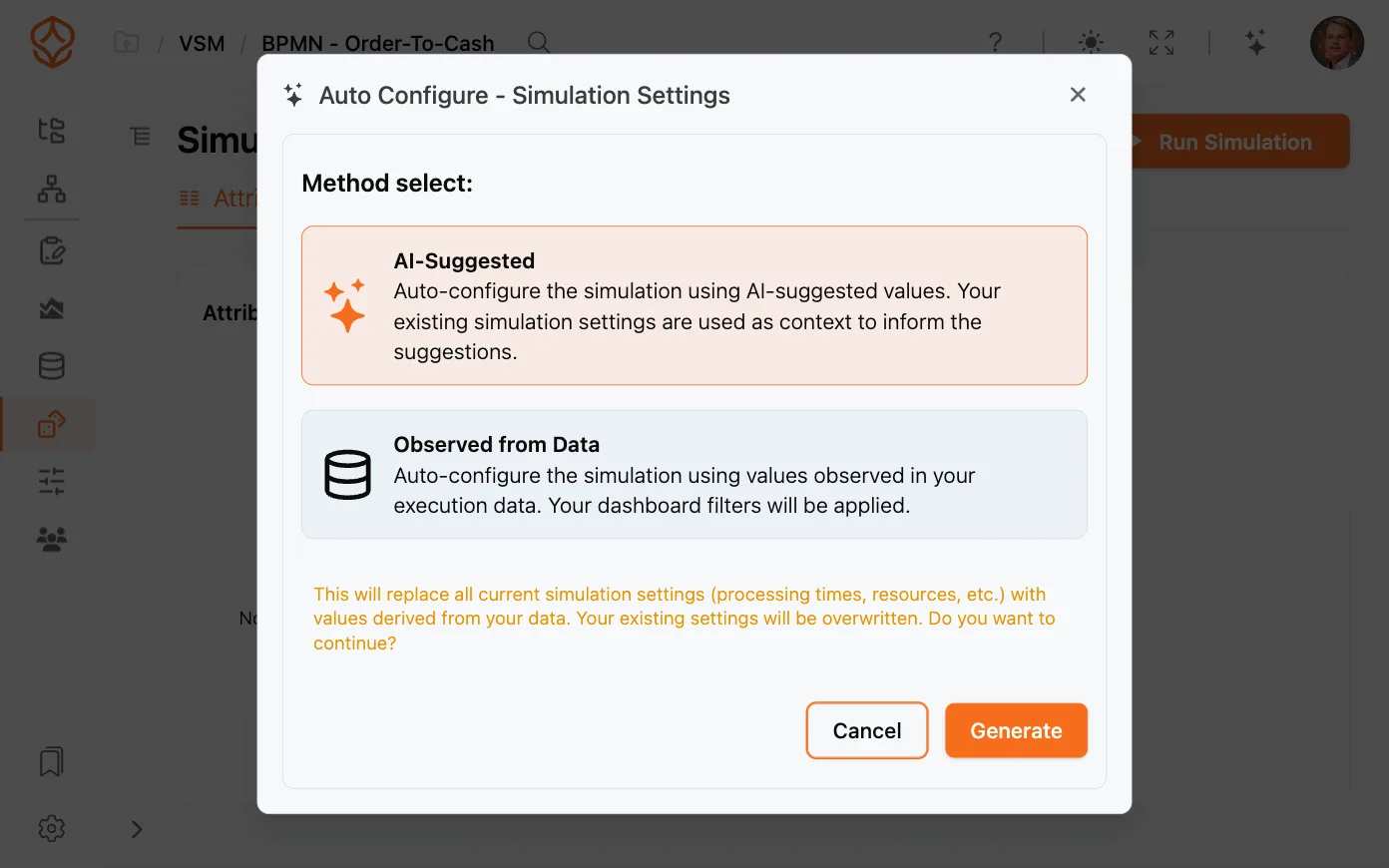
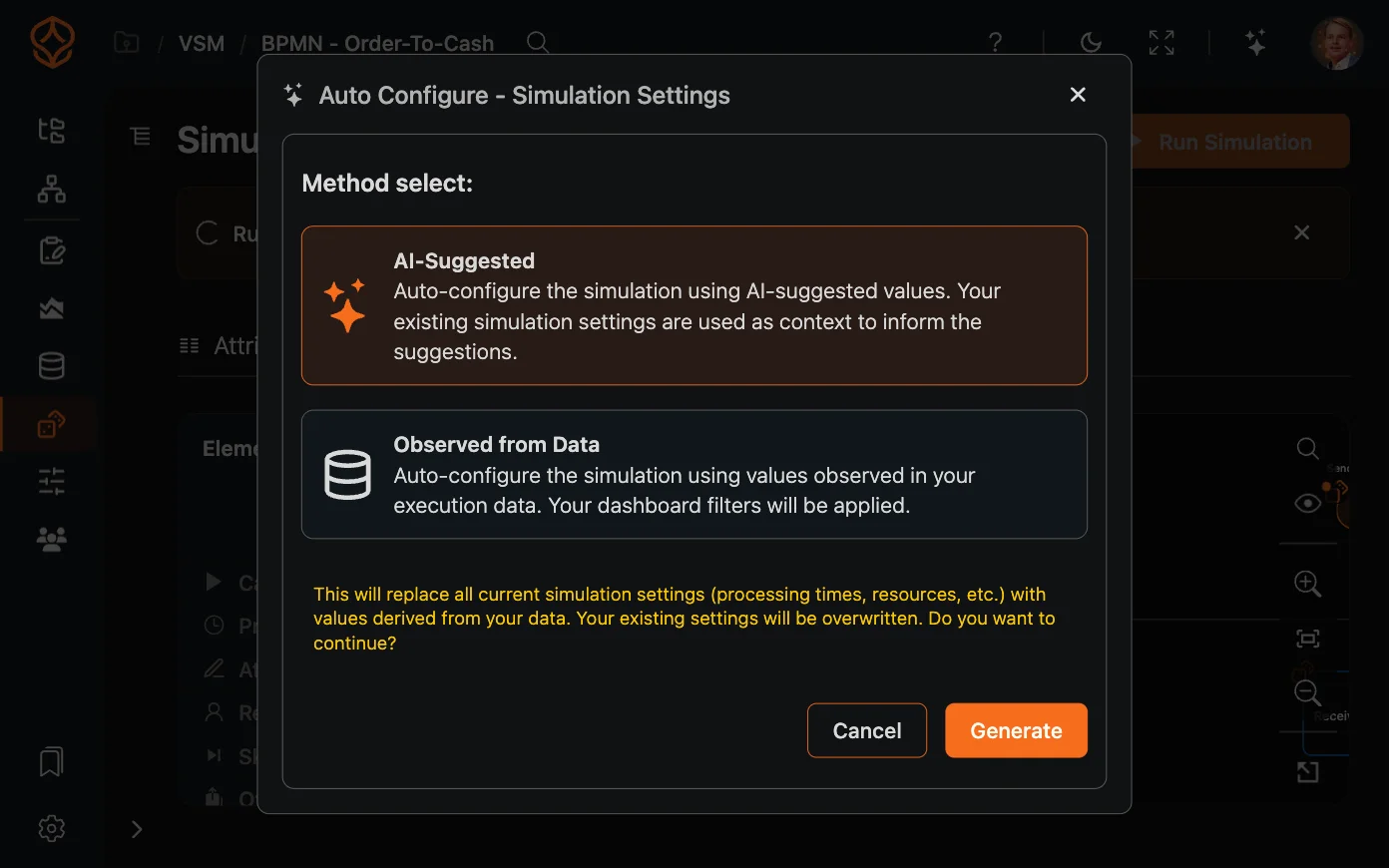
- Use AI suggestions to help configure simulation parameters.
- Model custom attributes and conditional routing.
- Export simulation results as a data table for further analysis.
Process Simulation
What you can model
Simulation capabilities
How ProcessMind fits
Simulation connected to process data
Parameters entered manually
You enter model parameters yourself.
Parameters from process data
Use process data to inform simulation parameters.
Separate from process mining
You manage simulation models separately from process mining data.
Mine, model, and simulate in one platform
Start your simulation with discovered process data.
Desktop installation
Some tools require local installation and setup.
Browser-based
Run simulations in a browser without installing desktop software.
Scenarios configured manually
You define simulation parameters and scenarios yourself.
AI-suggested scenarios and parameters
AI suggestions can help you identify and configure scenarios to test.
Models built separately
You build a process model for simulation.
Simulate a model informed by discovered processes
Use process discovery data to inform your simulation model.
Separate simulation licensing
Licensing depends on the simulation tool and plan you choose.
Included with a Process Intelligence seat
Process simulation is included with a Process Intelligence seat.
Maturity stage
When is process simulation useful?
Process Foundation
Model and document your processes to give teams clarity and a shared understanding.
Process Architecture
Define and manage your process landscape to align operations with strategy and compliance.
Process Intelligence
Use data and AI to understand performance, anticipate outcomes, and improve continuously.
Frequently asked questions
Simulate a change in your own process
Use the trial to model your process and compare scenarios with familiar data. Results help you assess options, but they do not guarantee what will happen after implementation.