Process Simulation Software

No credit card required · Included with a Process Intelligence seat · Get results quickly after upload
Process Simulation Software

How simulation informs decisions

Compare process changes with a mined baseline

Process simulation lets you test what-if scenarios with a model based on your process data. Compare options before deciding which change to make.

Discrete event simulation for business processes

Discrete event simulation models each case as it moves between activities, waits in queues and takes a resource. The process changes state only when an event happens: a case arrives, an activity starts or finishes, or a resource becomes free.

  • Model individual cases rather than averages, so queues and waiting times emerge from the simulation.
  • Compare throughput, waiting time and resource use across scenarios on the same mined baseline.
  • Use it for capacity planning, staffing decisions, or testing a process change before you implement it.
  • Start from arrival rates and activity durations taken from your event data instead of entering every parameter by hand.
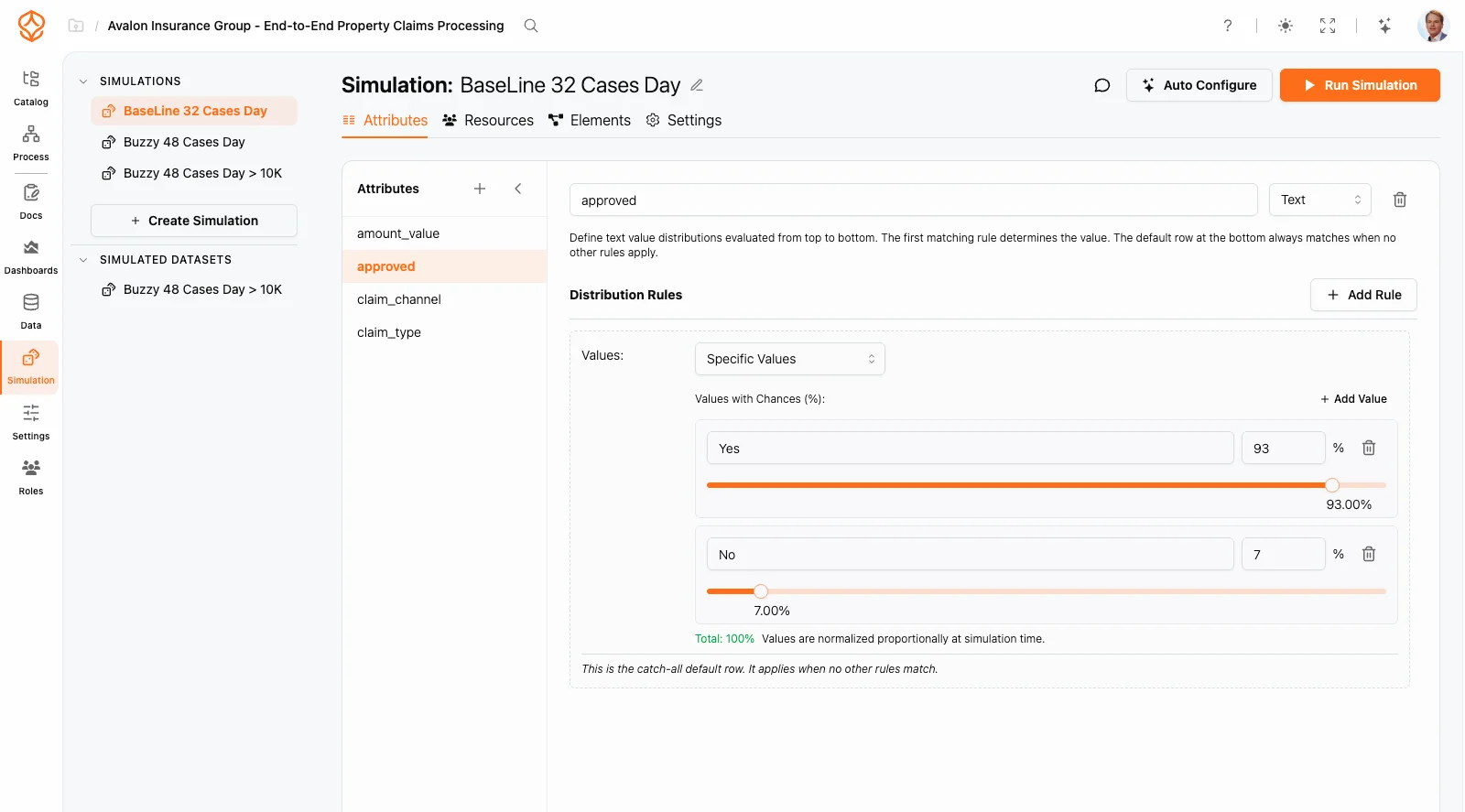
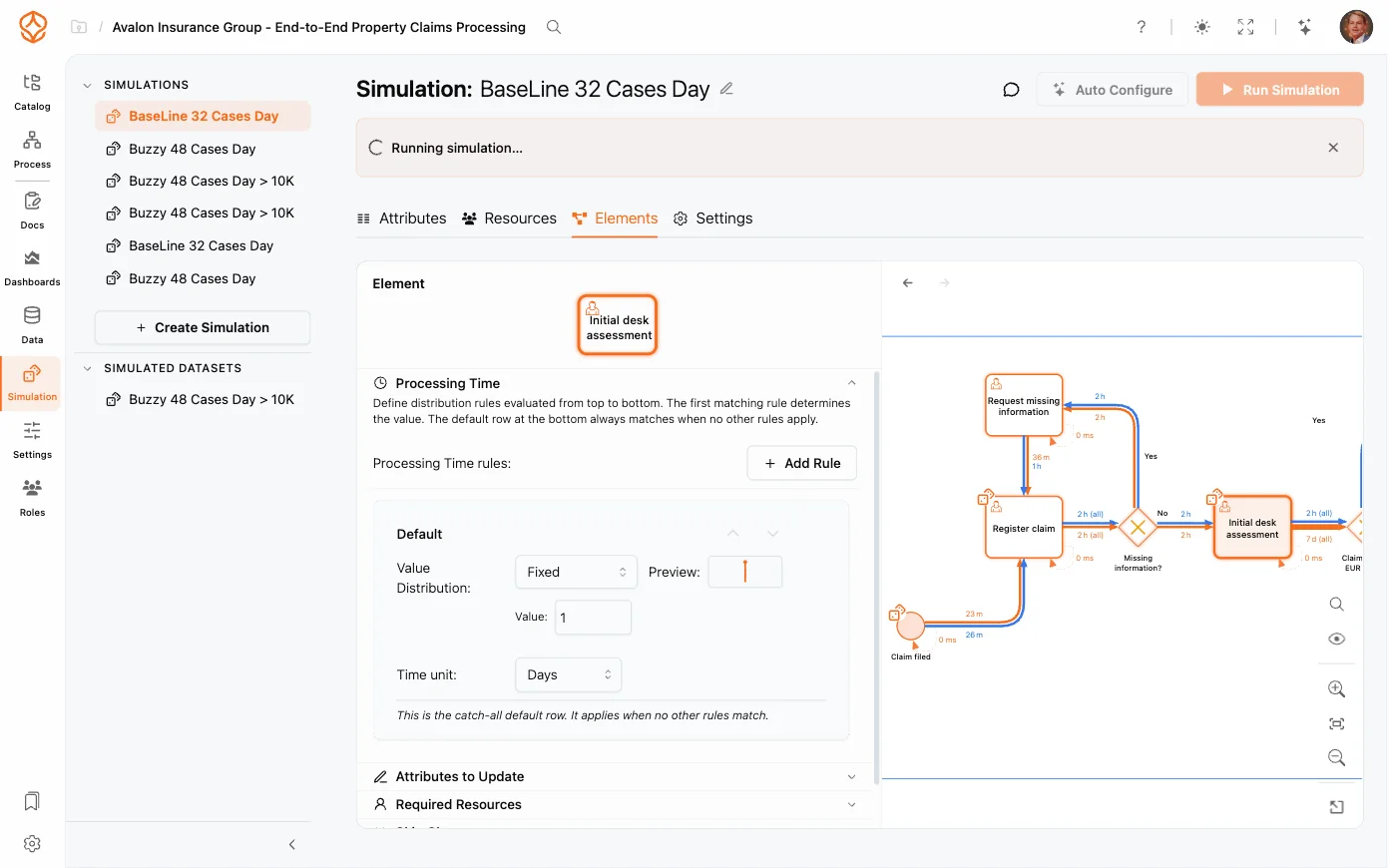
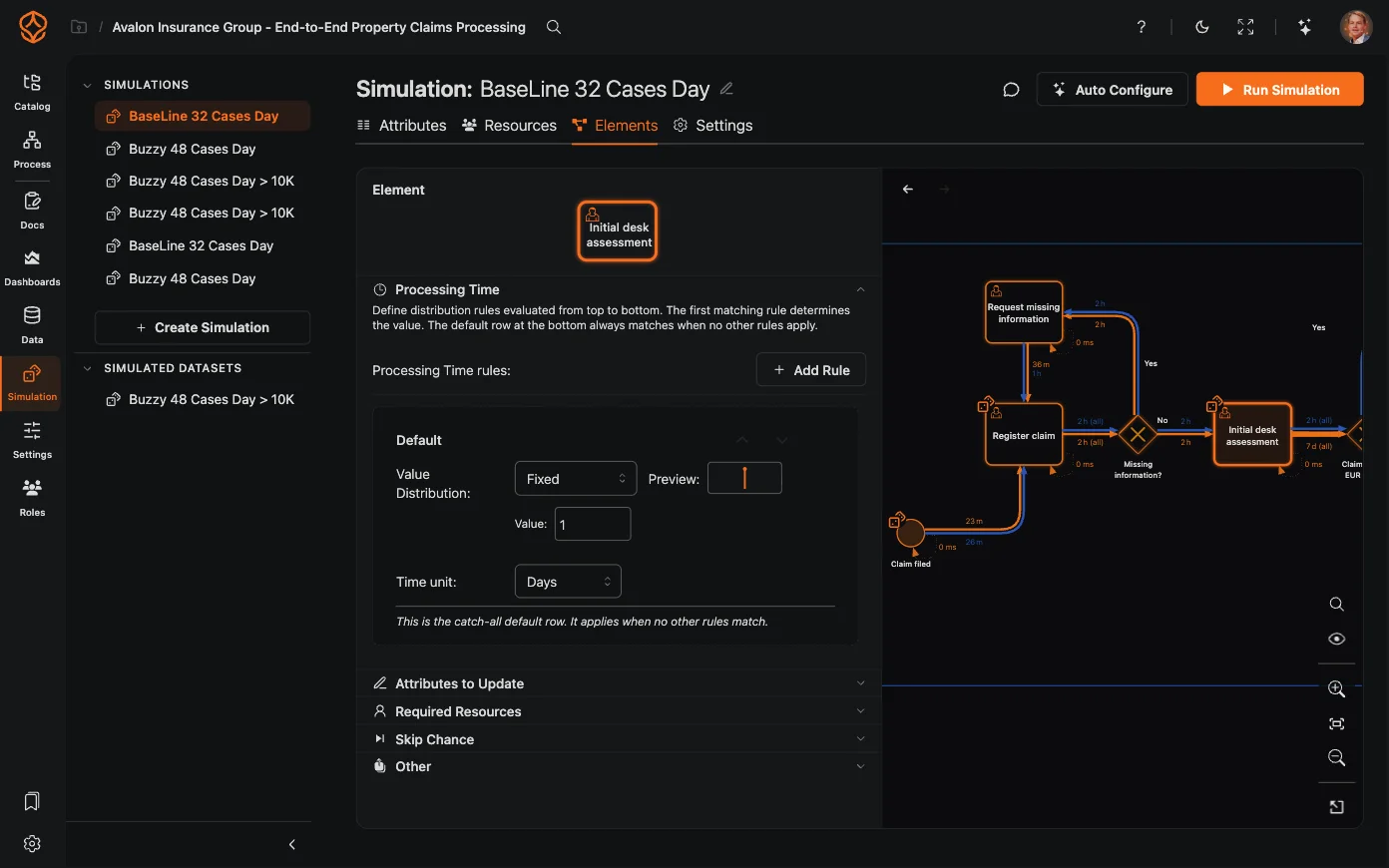
Configure simulation attributes and distribution rules

What-if scenario analysis

Set up scenarios and compare their results side by side.

  • Adjust resource levels, arrival rates, routing probabilities, and queue strategies.
  • Compare multiple scenarios with your current baseline.
  • Use waiting time, queue length, and throughput to compare each scenario.
  • Set a simulation date range and warm-up period for comparable results.
Compare simulation results with observed process data
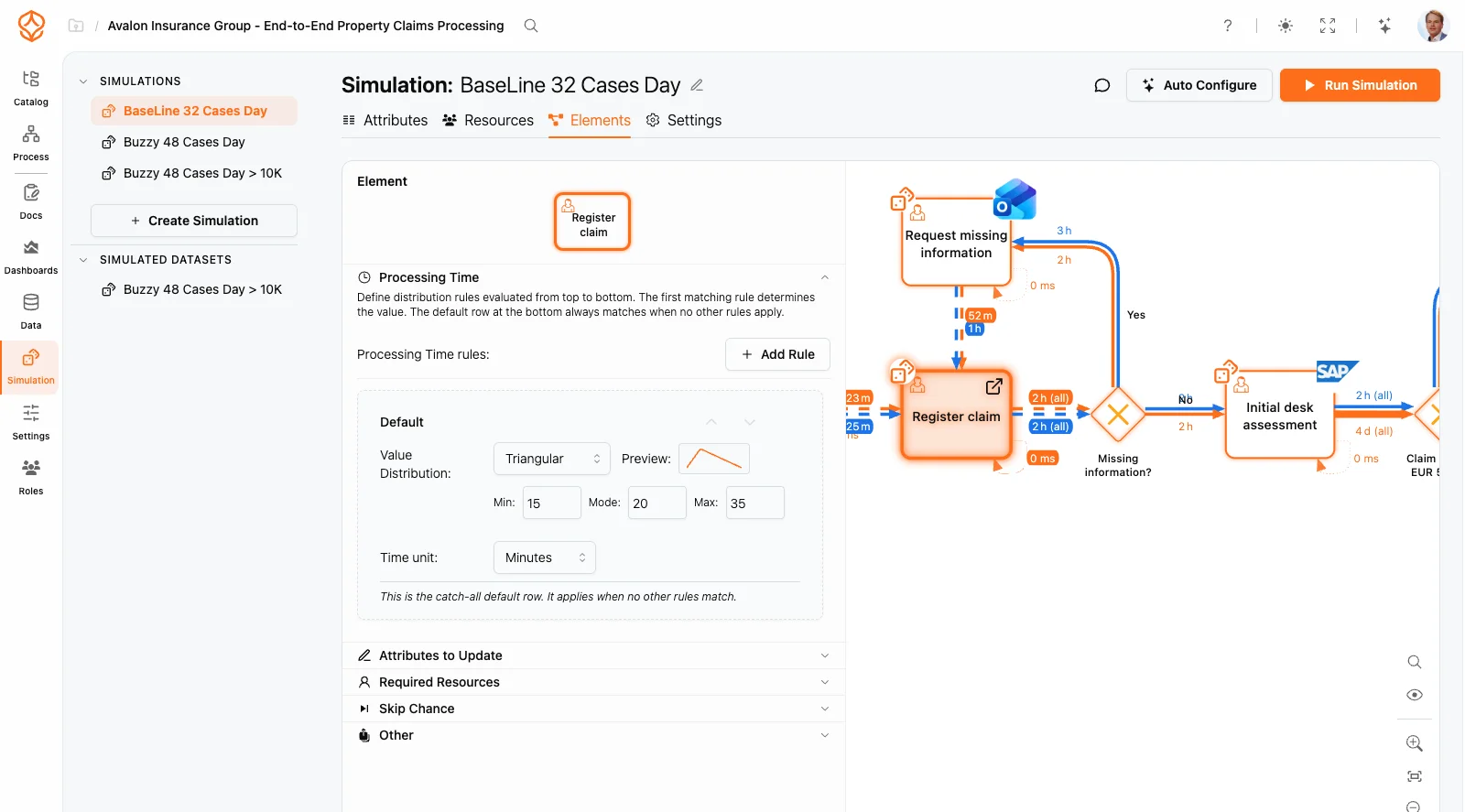
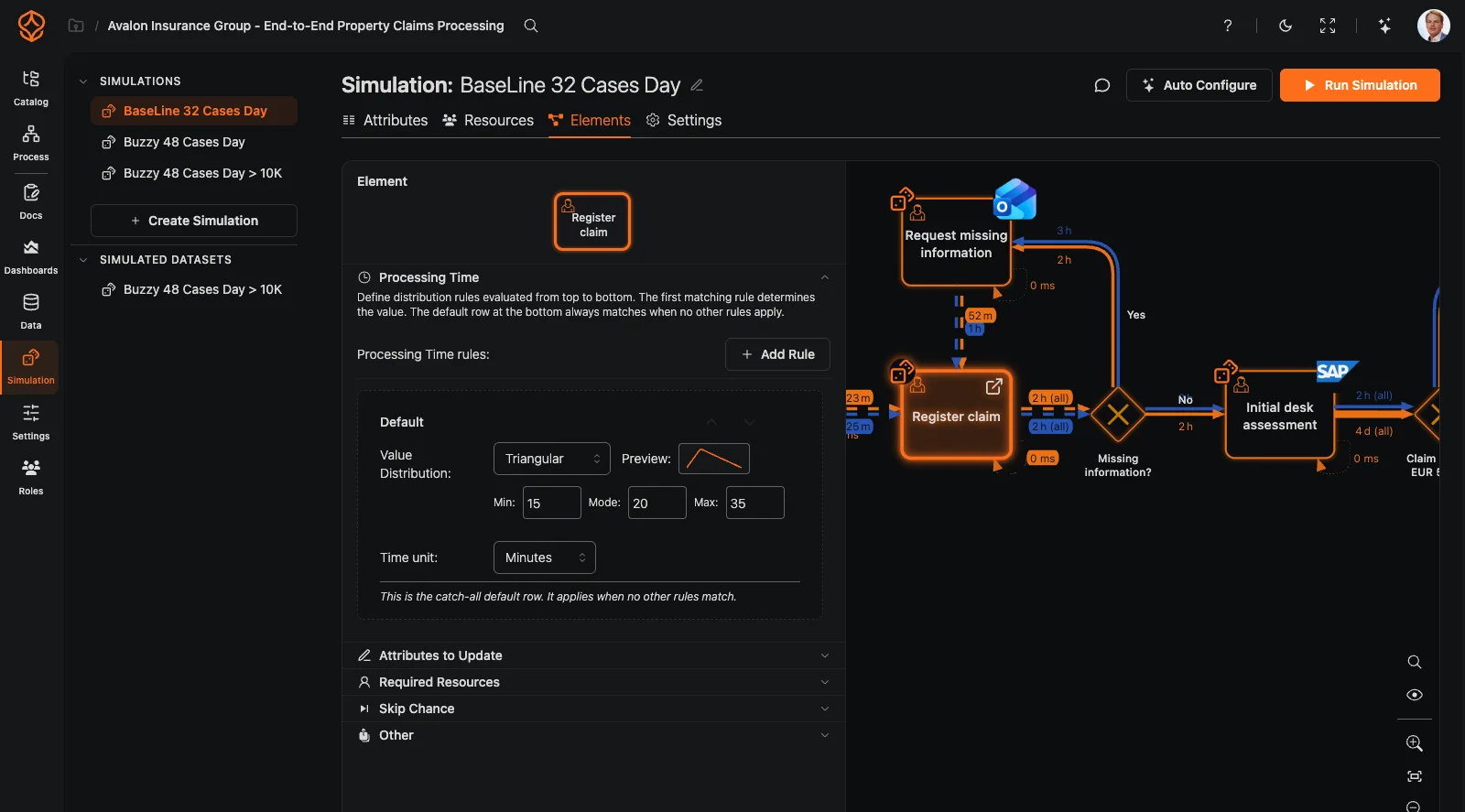
Configure simulation elements and settings

Resource and capacity planning

Model resource availability and compare how different plans could affect process performance.

  • Define roles, schedules, and resource availability.
  • Set working hours, shifts, and periodicity to reflect calendars and demand.
  • Model capacity constraints to see where queues could build.
  • Identify where waiting times and queues build up when capacity is tight.
  • Compare the trade-off between speed and waiting time across scenarios.
Configure resource availability and capacity

Data- and model-driven simulation

Use process mining data to inform your simulation model.

  • Extract arrival rates and durations from event logs.
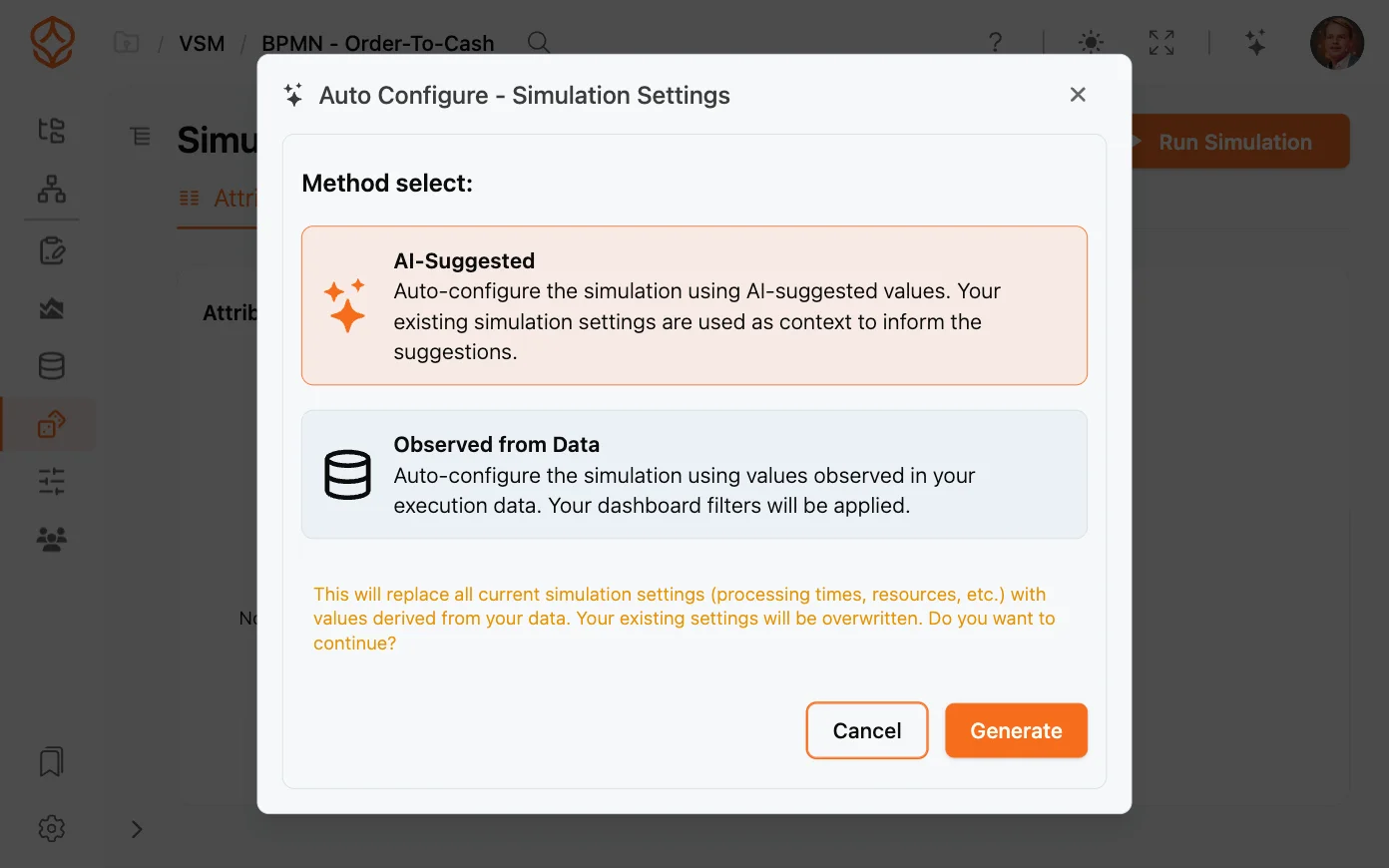
  • Use AI suggestions to help configure simulation parameters.
  • Model custom attributes and conditional routing.
  • Export simulation results as a data table for further analysis.
Configure a simulation using process data
Compare a process change with your own data

Process Simulation

What you can model

Discrete-event simulation

Model individual cases as they move through activities over time. Compare throughput, wait times, and resource use across scenarios.

See how a proposed change could affect process performance before you make it.

Resource planning

Set roles, schedules, and resource availability. Compare how staffing changes could affect cycle times, queues, and capacity.

Compare staffing options against the same process baseline.

Timing variability

Use normal, exponential, uniform, triangular, and other distributions to represent variation in activity timing.

Compare scenarios that account for variation in your process.

Capacity constraints

Set capacity limits for activities and resources to see where queues could form under different workloads.

Identify potential bottlenecks before changing the process.

AI-suggested scenarios

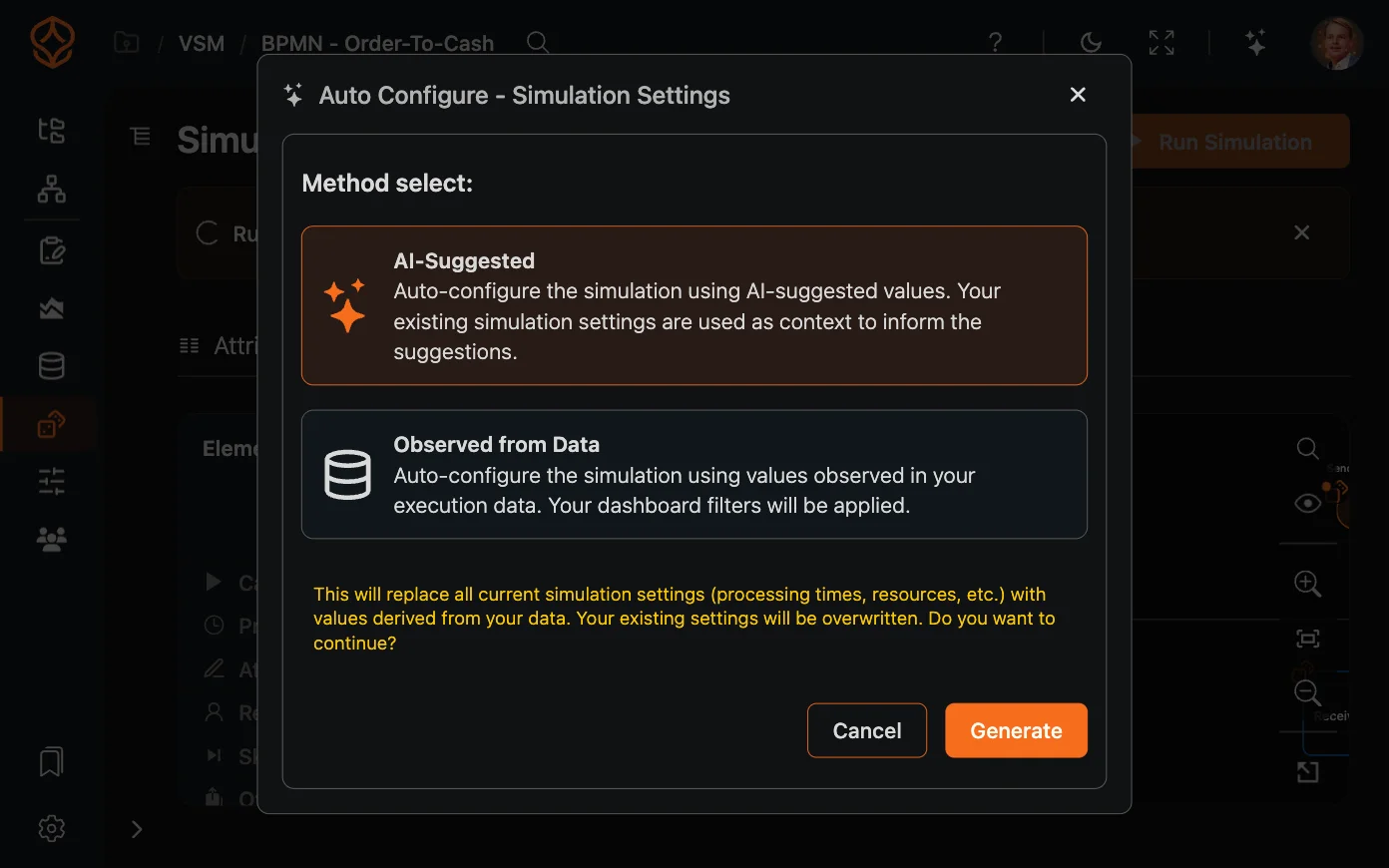
AI can suggest simulation scenarios and parameters based on your process data. Review the suggestions and choose what to test.

Use data-informed suggestions to shape your scenario analysis.

Parameters from process data

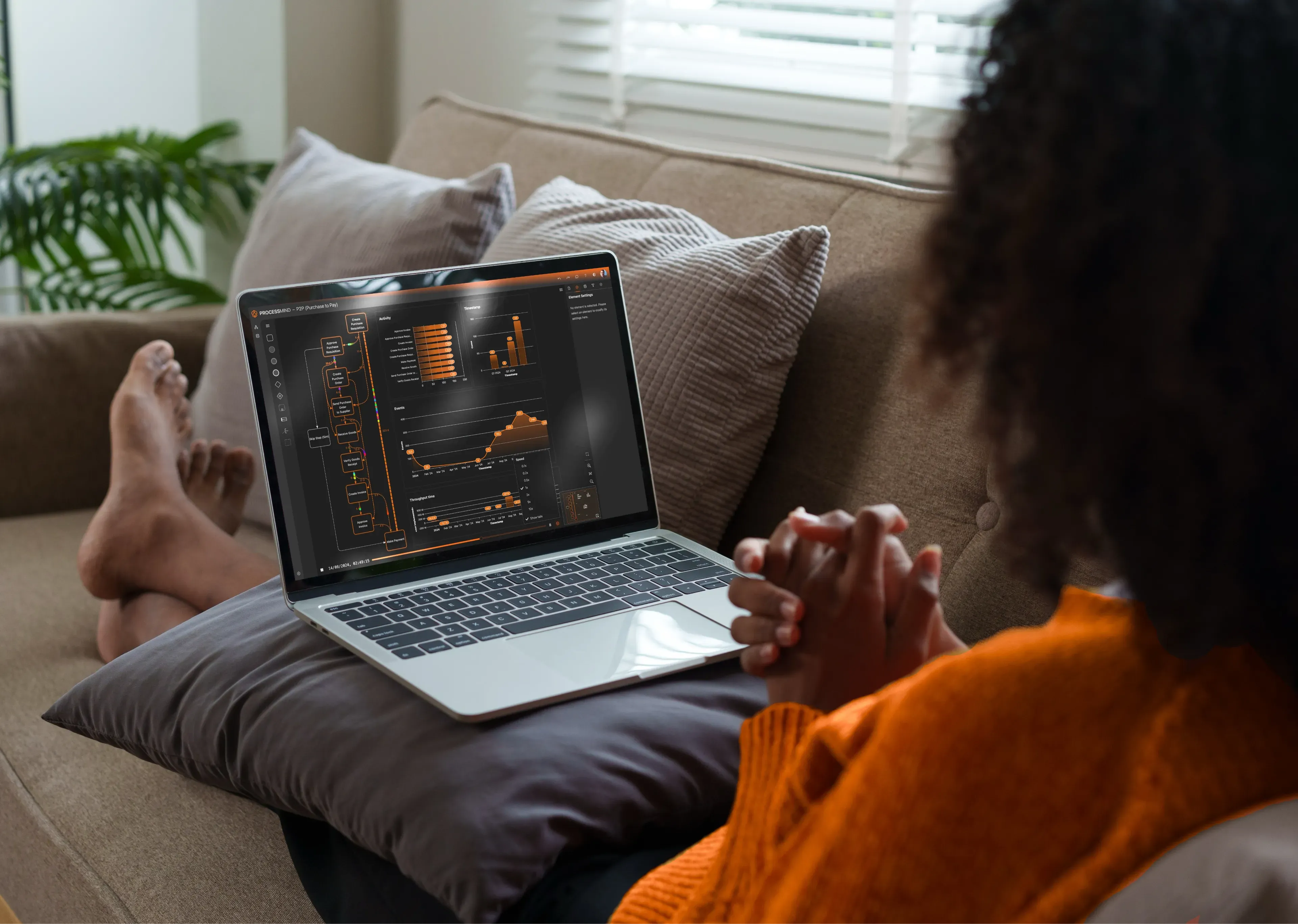
Extract parameters such as arrival rates and durations from process mining data to build a digital twin of your process.

Start with observed process data instead of entering every parameter by hand.
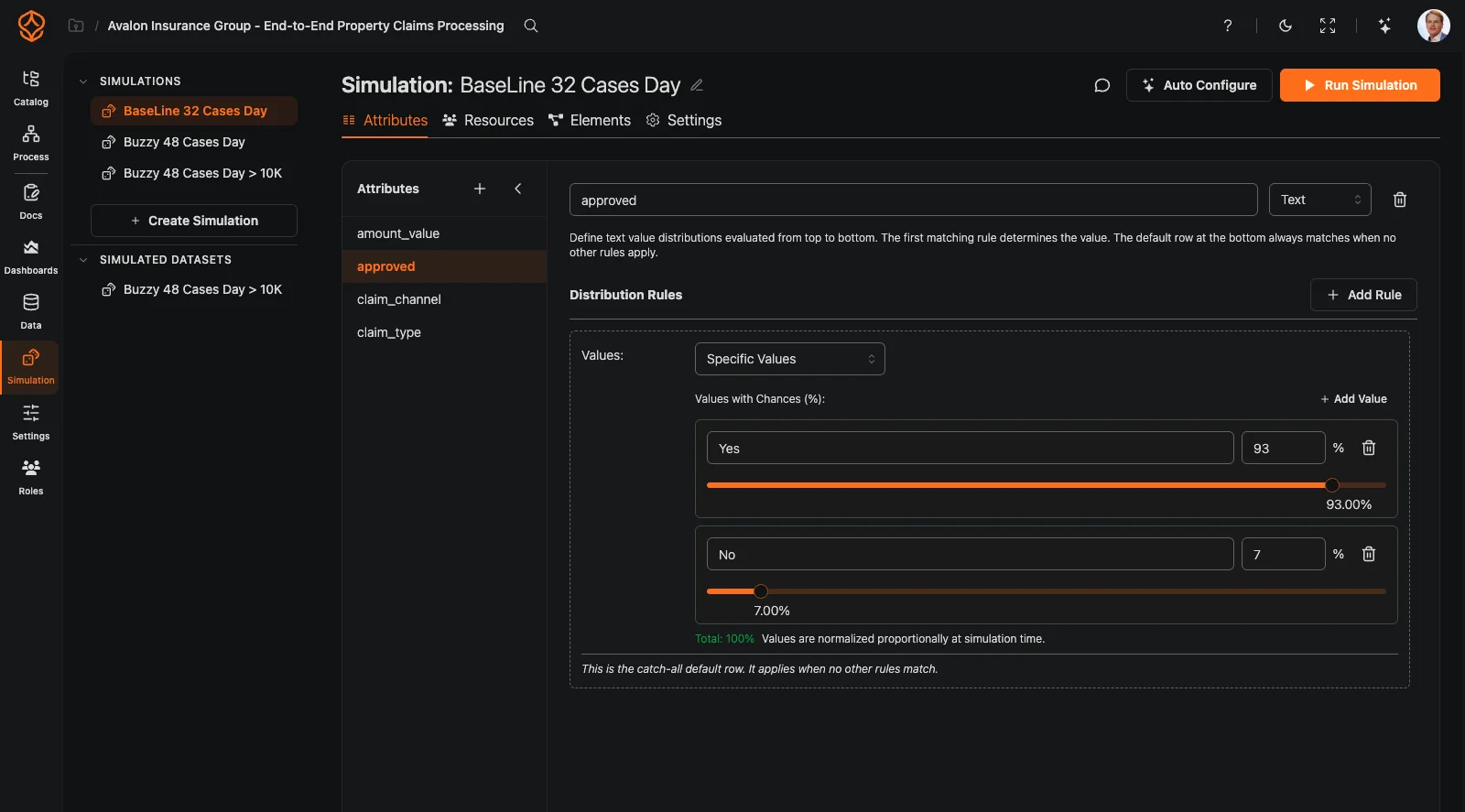
Compare a process change with your own data

Process simulation tools and capabilities

Discrete-event simulation
Distribution algorithms
Resource and capacity modeling
Queue strategies and working calendars
Simulation date ranges and warm-up periods
AI-generated simulation settings AI
Compare simulation results with observed process data

How ProcessMind fits

Simulation connected to process data

Standalone simulation tools

Parameters entered manually

You enter model parameters yourself.

ProcessMind

Parameters from process data

Use process data to inform simulation parameters.

Standalone simulation tools

Separate from process mining

You manage simulation models separately from process mining data.

ProcessMind

Mine, model, and simulate in one platform

Start your simulation with discovered process data.

Standalone simulation tools

Desktop installation

Some tools require local installation and setup.

ProcessMind

Browser-based

Run simulations in a browser without installing desktop software.

Standalone simulation tools

Scenarios configured manually

You define simulation parameters and scenarios yourself.

ProcessMind

AI-suggested scenarios and parameters

AI suggestions can help you identify and configure scenarios to test.

Standalone simulation tools

Models built separately

You build a process model for simulation.

ProcessMind

Simulate a model informed by discovered processes

Use process discovery data to inform your simulation model.

Standalone simulation tools

Separate simulation licensing

Licensing depends on the simulation tool and plan you choose.

ProcessMind

Included with a Process Intelligence seat

Process simulation is included with a Process Intelligence seat.

Maturity stage

When is process simulation useful?

Process simulation is useful when you have a process baseline and want to compare proposed changes to resources, capacity, or routing.

Frequently asked questions

A process simulation estimates how a process could behave under defined conditions. It models cases moving through activities, including activity durations, how work is routed, and where resources or capacity are limited.

The results compare scenarios; they are not guarantees. Use them to assess options before committing to a change.

A mined baseline gives you a data-based view of how your process currently runs. ProcessMind can extract arrival rates and activity durations from process mining data, then use those parameters to inform a simulation model.

This connection gives you a practical starting point for what-if analysis: a model based on observed process behavior. Review and adjust the assumptions, then compare proposed scenarios with the baseline.

To see how the baseline is created, read process mining.

Adjust the inputs that shape case flow and resource use, then compare the resulting scenarios:

Resources: change roles, availability, schedules, working hours, and shifts. Capacity: set limits for activities and resources to see where queues may form. Routing: change routing probabilities and queue strategies. Demand and timing: adjust arrival rates and use statistical distributions to represent timing variability. Simulation period: set a date range and warm-up period to support comparable results.

These options support resource planning and capacity analysis. They help you explore trade-offs, not predict a guaranteed outcome.

ProcessMind brings process discovery, process analysis, and simulation together. Start with a discovered process, use its data to inform your model, and compare scenarios without rebuilding the process model in a separate tool.

You can also export simulation results as a data table for further analysis. For a broader view of how discovery and modeling work together, read process modeling and process mining.
A digital twin of a process is a model informed by data about how the process runs. It represents case flows, timing, routing, resources, and constraints so you can explore how different assumptions could affect results.

It is a model for analysis, not a live copy of your operation. Simulation results depend on the data, parameters, and assumptions you provide.

Use scenario comparisons to inform a decision, not replace operational judgment. Review each scenario's assumptions, compare its results with the mined baseline, and consider whether the modeled conditions reflect the change you are evaluating.

For a practical overview of process analysis, see how to analyze your process. To explore what a digital twin means in a broader context, read what is a digital twin.

Simulation supports methods such as Lean Six Sigma and DMAIC: it helps compare changes during the Improve phase and set a baseline you can control afterwards. The Lean Six Sigma and DMAIC guide explains the method, and the continuous process improvement guide walks through process-by-process examples and data templates.

Start with the question you need answered. Business process simulation software usually serves one of three jobs: capacity planning, resource scheduling, or testing a process change. The tool that fits is the one whose output answers your question without a modeling project first.

When you shortlist the best process simulation software, ask where the parameters come from. A standalone business process simulation tool expects you to enter arrival rates and activity durations by hand; a platform that mines the process can derive them from event data and keep the simulation connected to the baseline.

ProcessMind includes simulation in the Process Intelligence seat, with parameters taken from mined process data and results compared against the same baseline.

Simulate a change in your own process

Use the trial to model your process and compare scenarios with familiar data. Results help you assess options, but they do not guarantee what will happen after implementation.