BPMN Modeler and Process Mapping Software
Business process modeling in the browser: draw BPMN 2.0 diagrams with a process modeller built for process work. Bring in existing BPMN diagrams, generate a BPMN model from a text description, arrange it with auto-layout, and import or export standard BPMN 2.0 XML.
Free plan for one user · No credit card required · Self-serve from one seat · BPMN 2.0 XML in and out

Modeling tools
Create and maintain BPMN models online
A BPMN editor in your browser
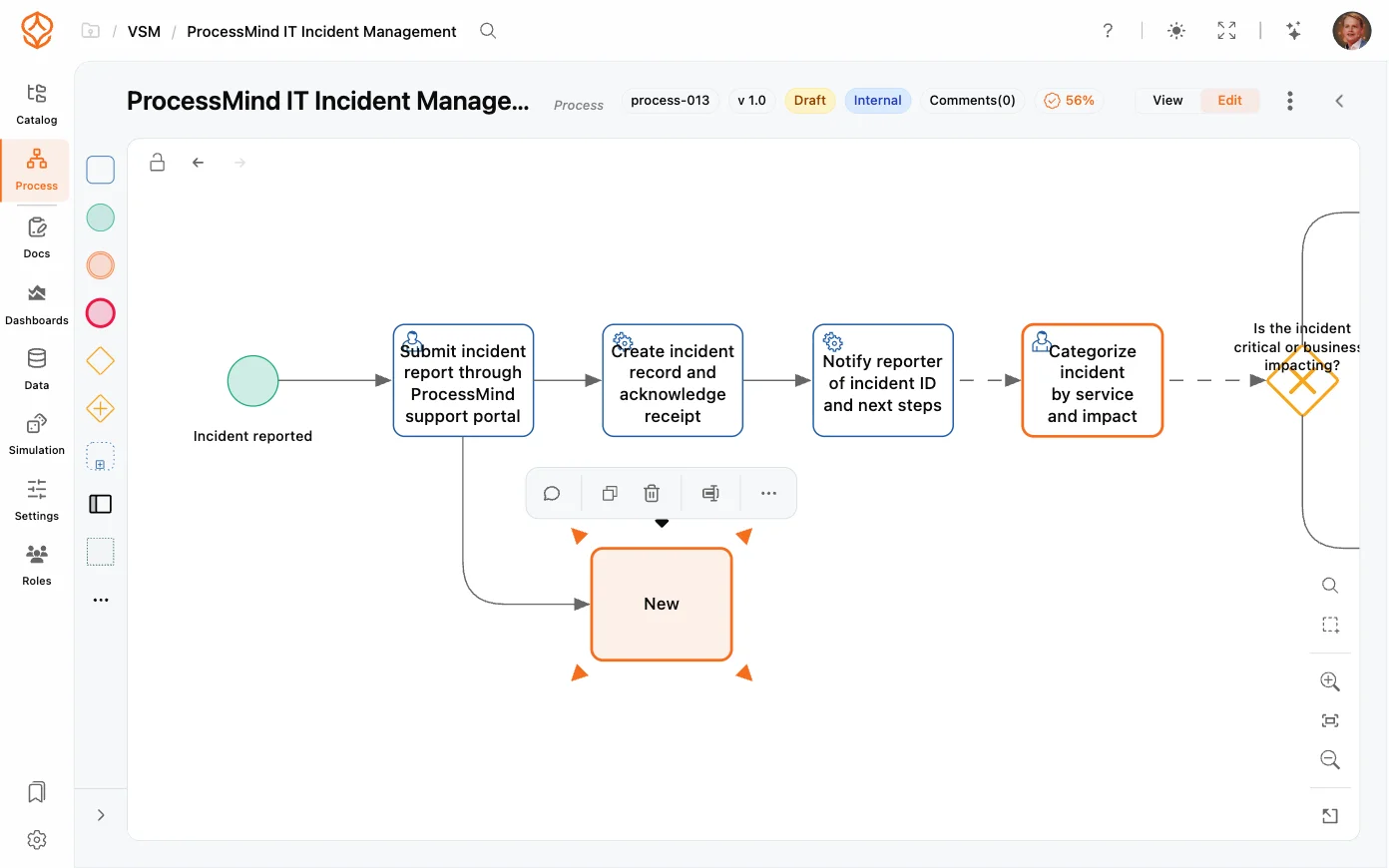
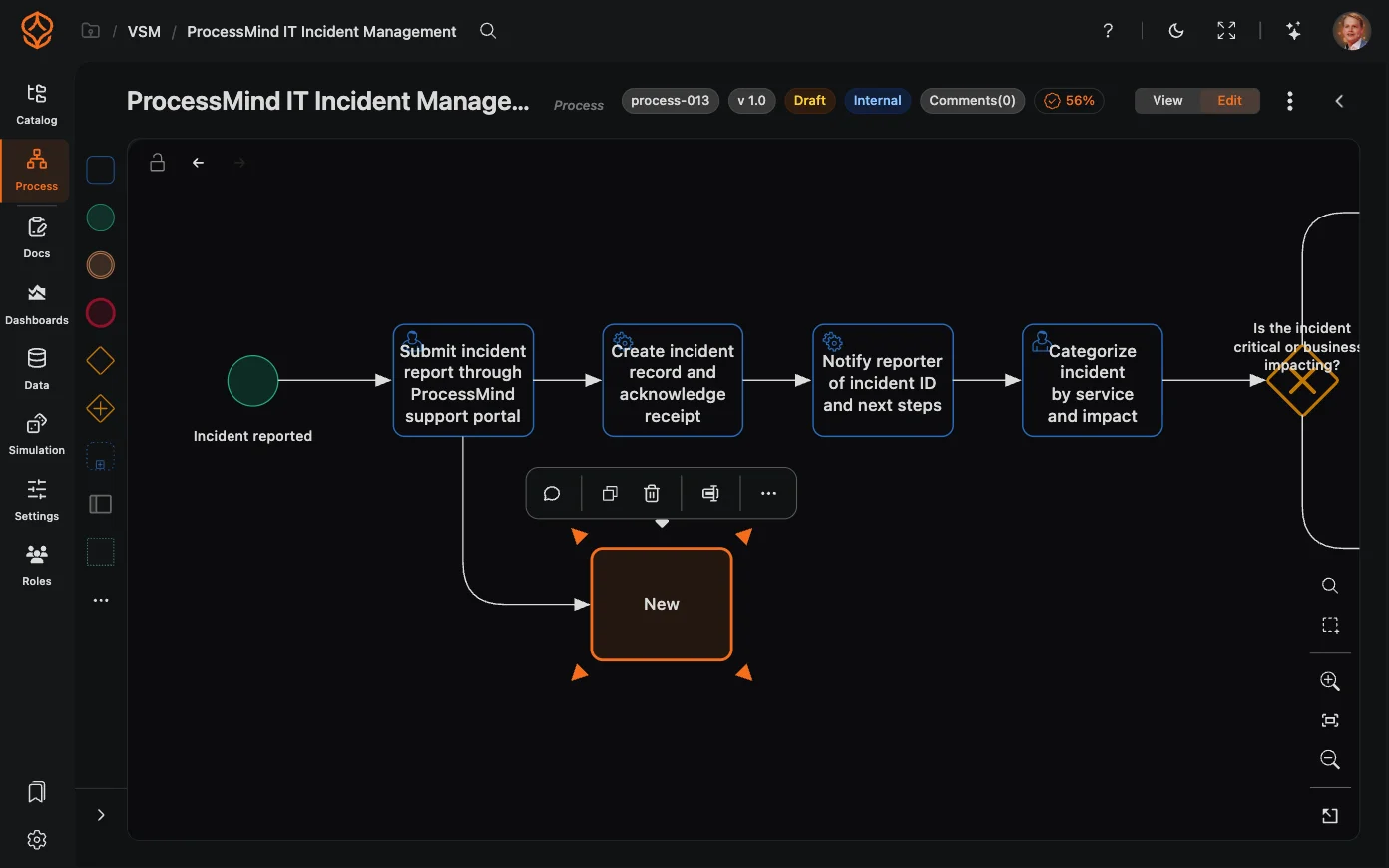
Build and edit BPMN 2.0 diagrams in a business process modeler that runs in the browser.
- Use the BPMN element palette, including tasks, gateways, events, pools, and swimlanes.
- Configure elements in the properties panel.
- Copy diagrams as images or export them as PNG or PDF.
- Use keyboard shortcuts, in-model search (Ctrl+F), minimap navigation, and undo and redo.
- Add charts, filters, and AI report elements to the canvas, and toggle charts, unmapped activities, or model-only elements.
- Work in your browser without installing desktop software.
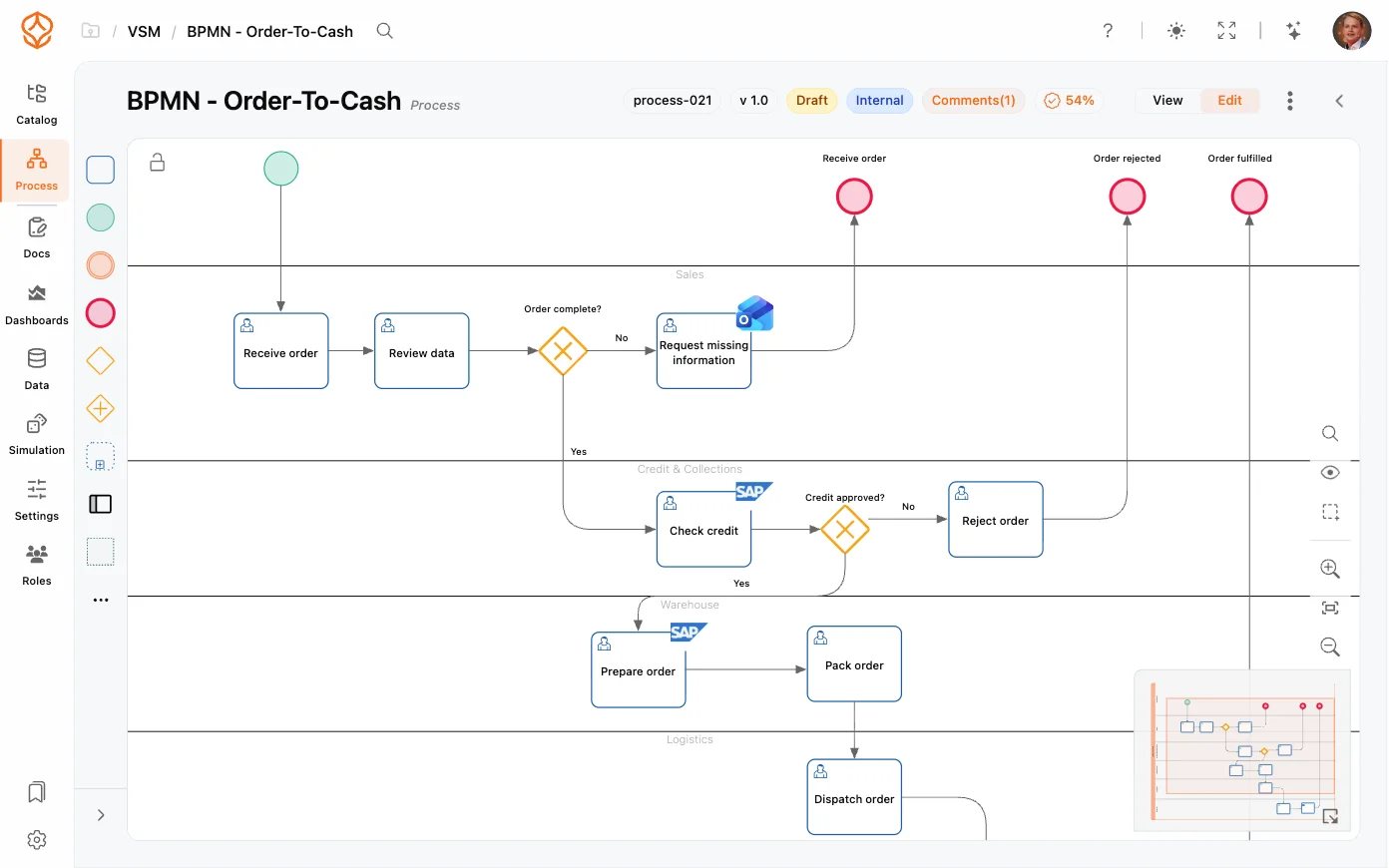
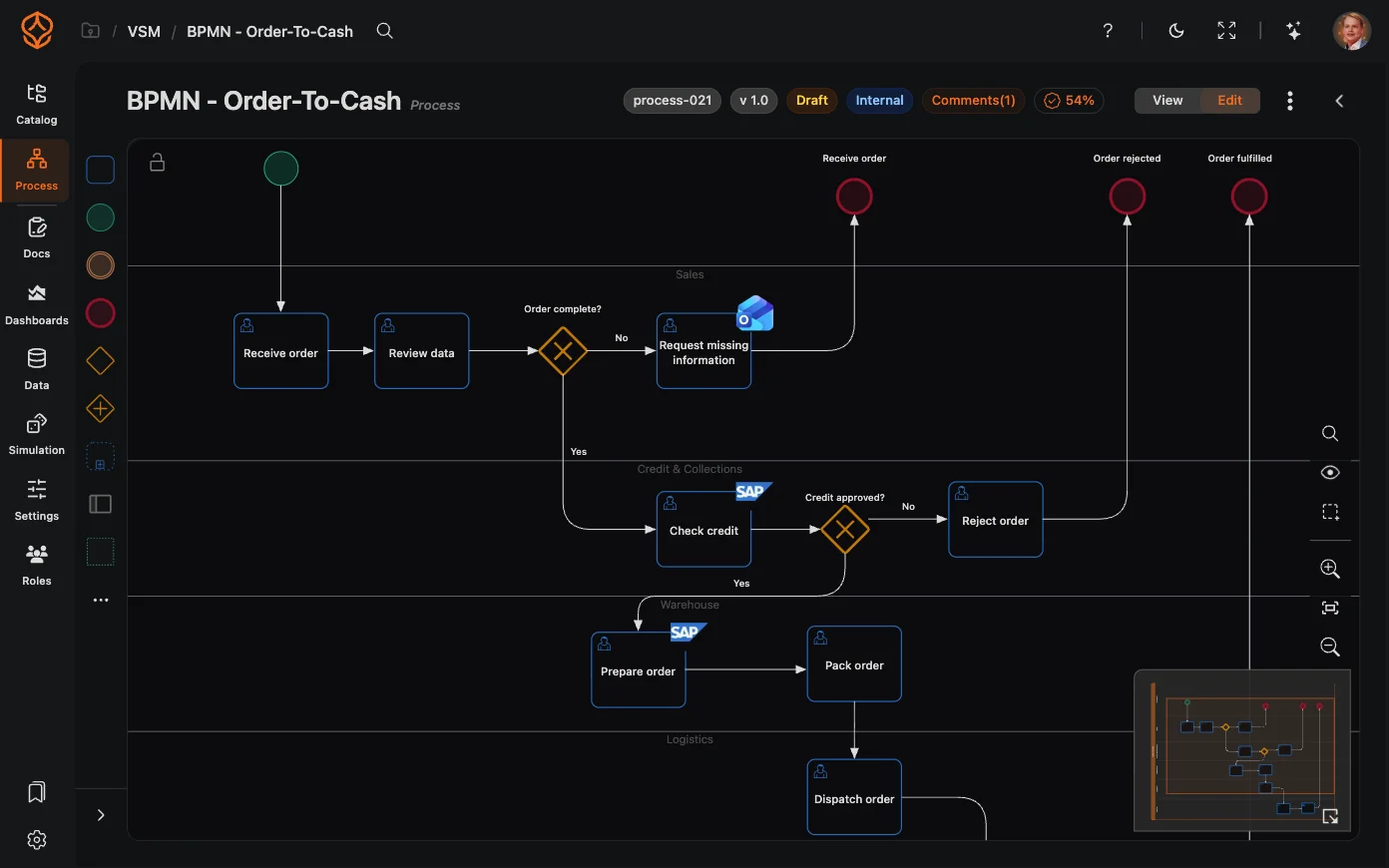
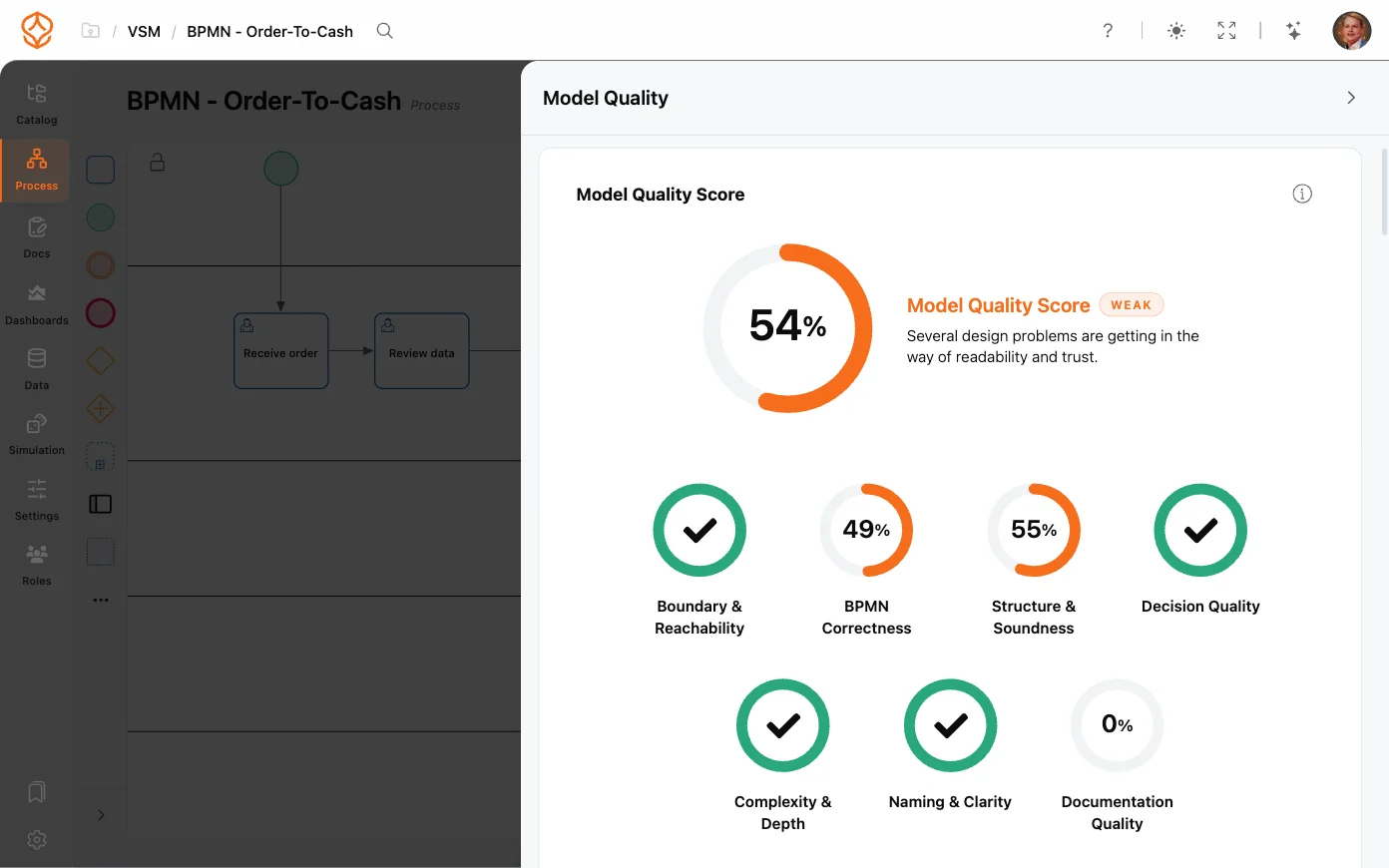
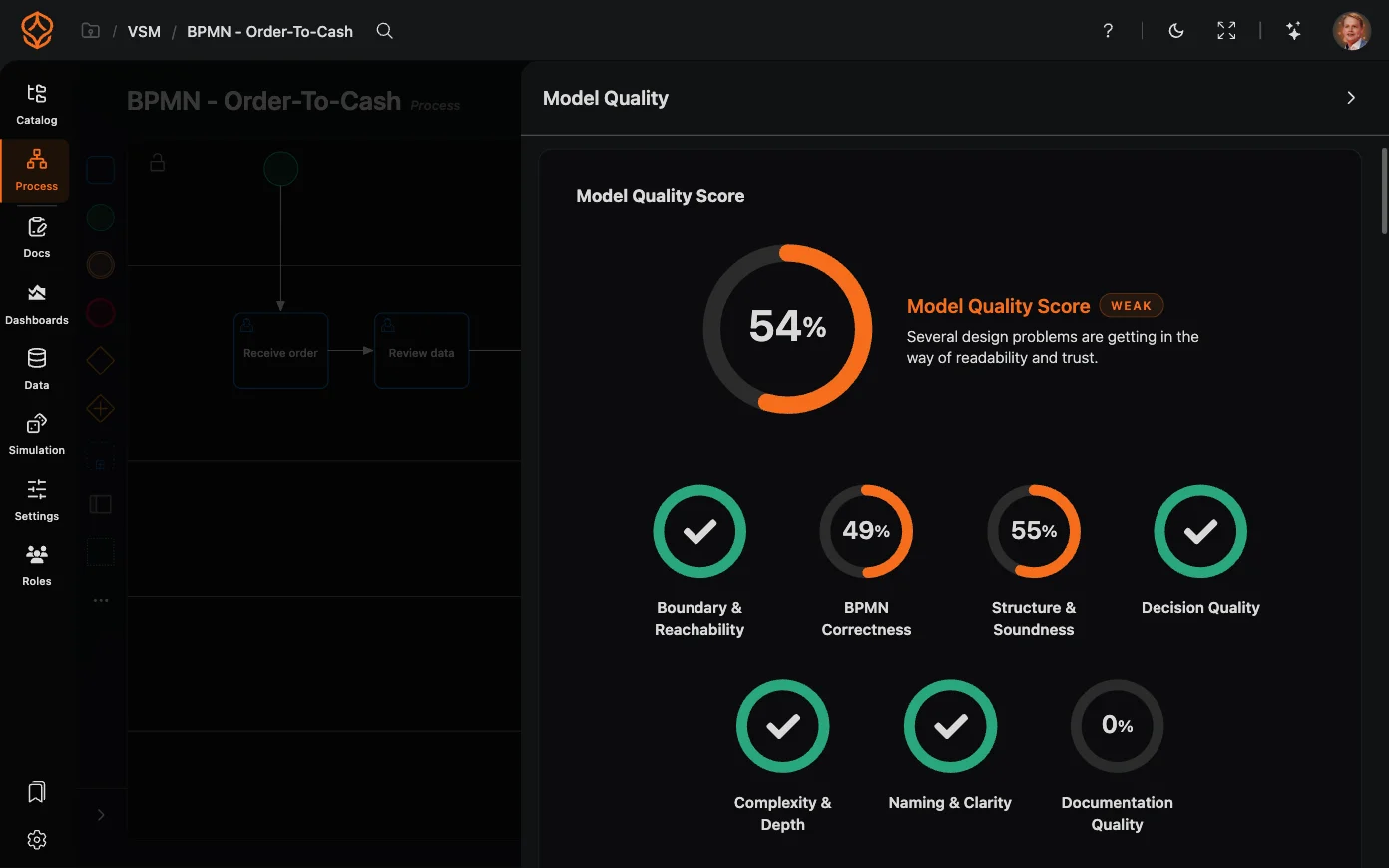
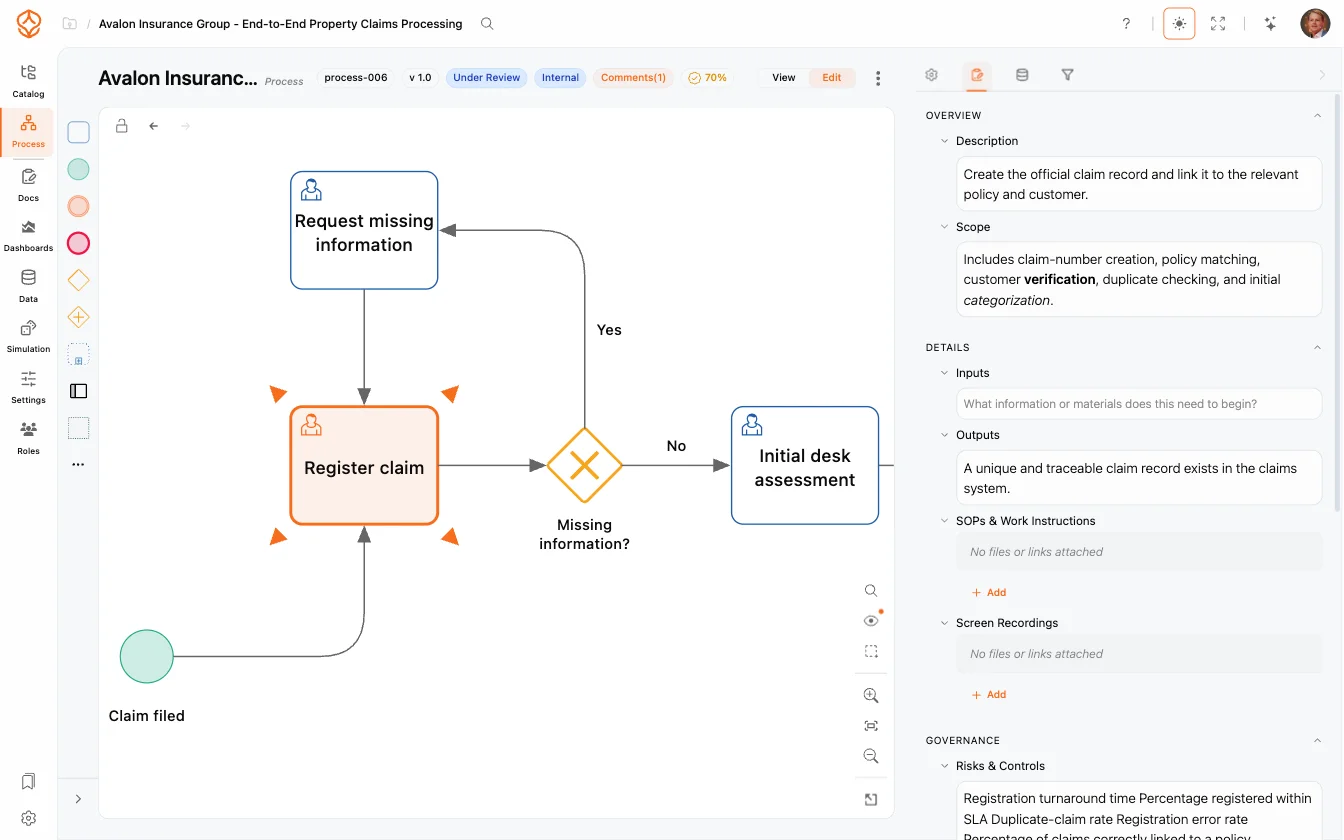
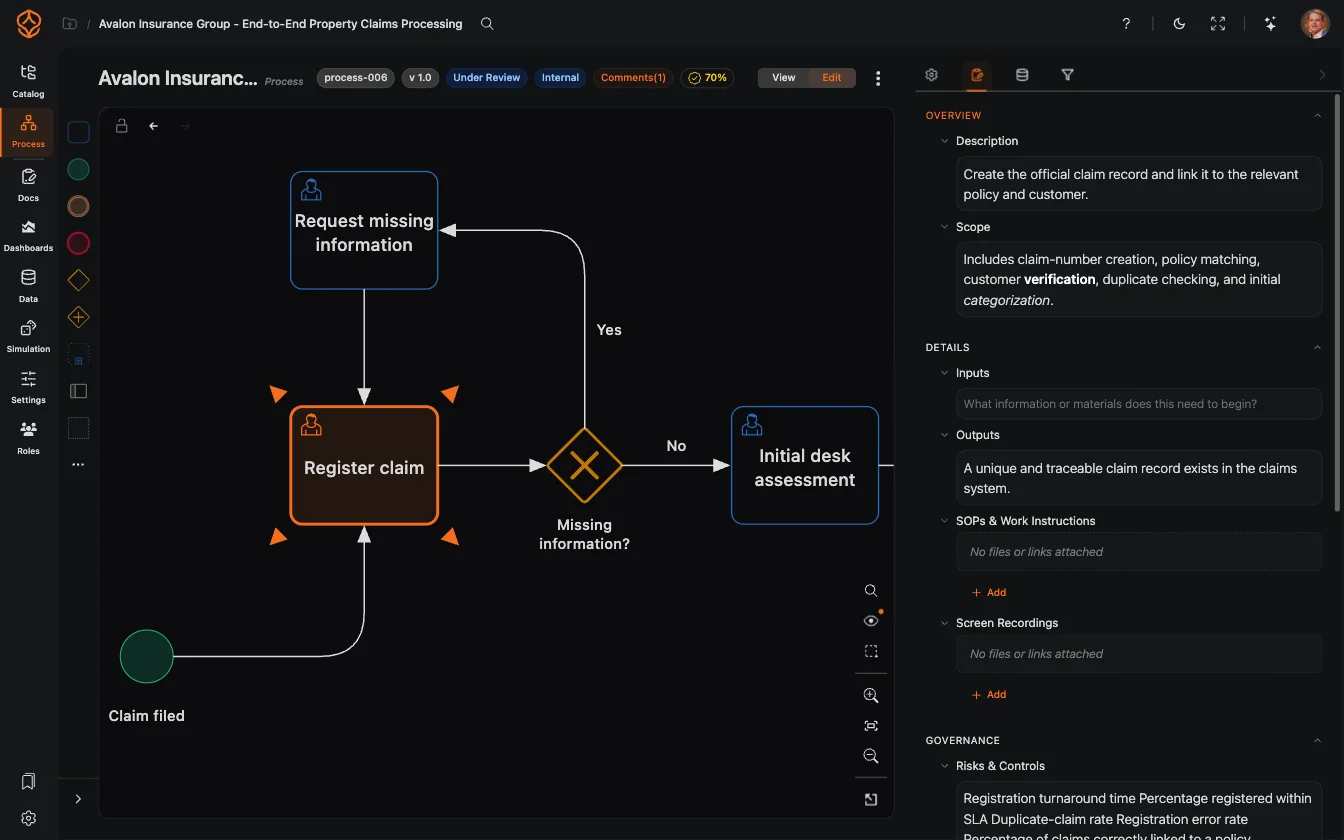
BPMN swimlane diagrams and subprocess depth
A BPMN diagram has to answer two questions at once: who performs each step, and how much detail belongs on this canvas. Pools, lanes and subprocesses keep both readable.
- Put each participant in a pool and each role, team or system in a lane.
- Use message flows between pools for the handoffs that cross an organization or system boundary.
- Collapse a subprocess when its detail belongs to another diagram, and open the linked process from the model instead of copying its steps.
- Expand a subprocess or jump into it to work on its detail, then return to the overview.
- Keep a model readable when it outgrows one canvas: move a level of detail into a subprocess or a linked process, not into a smaller font.
- Keep gateway types explicit — exclusive, parallel or event-based — so the decision logic is unambiguous for reviewers.
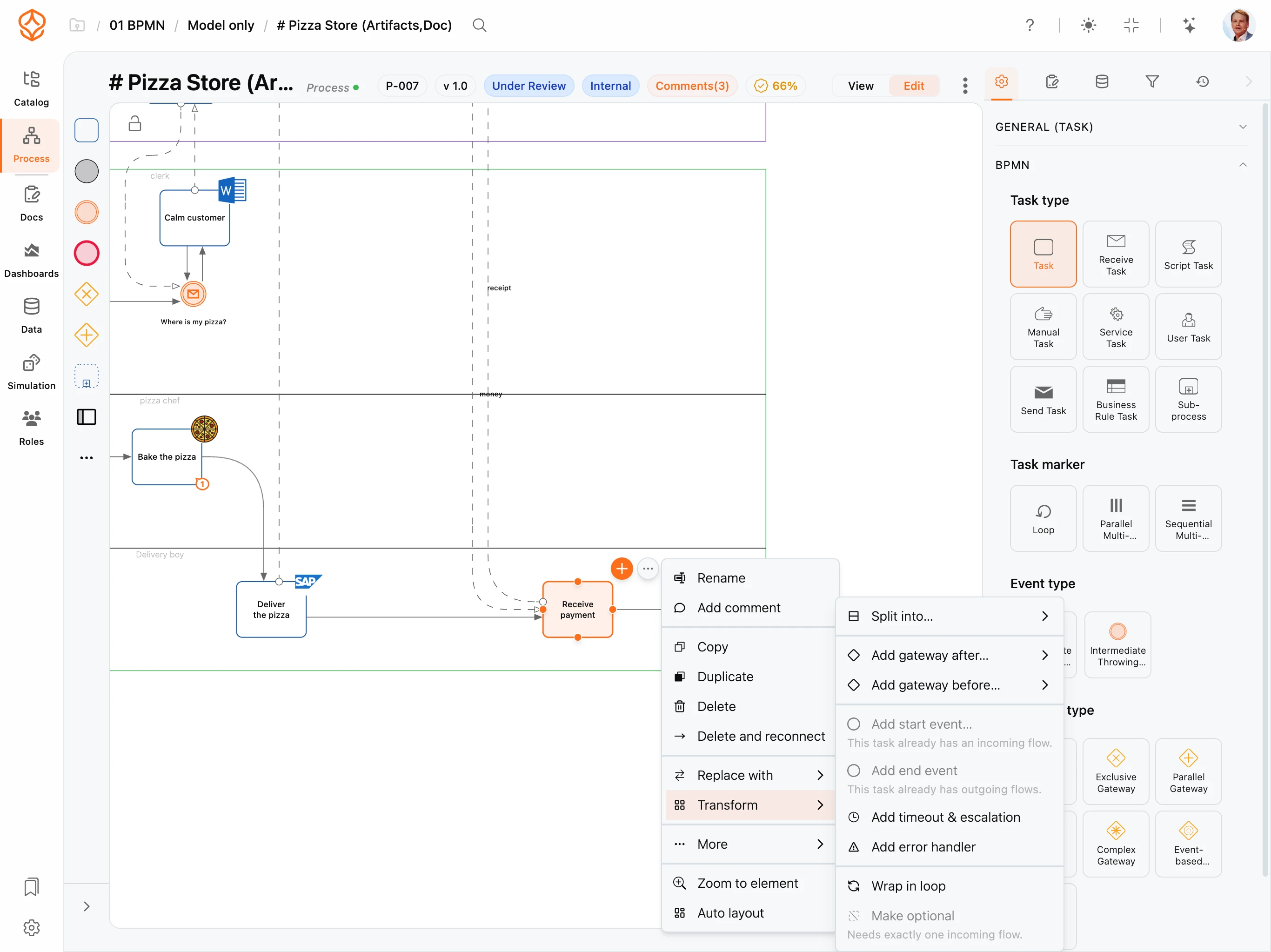
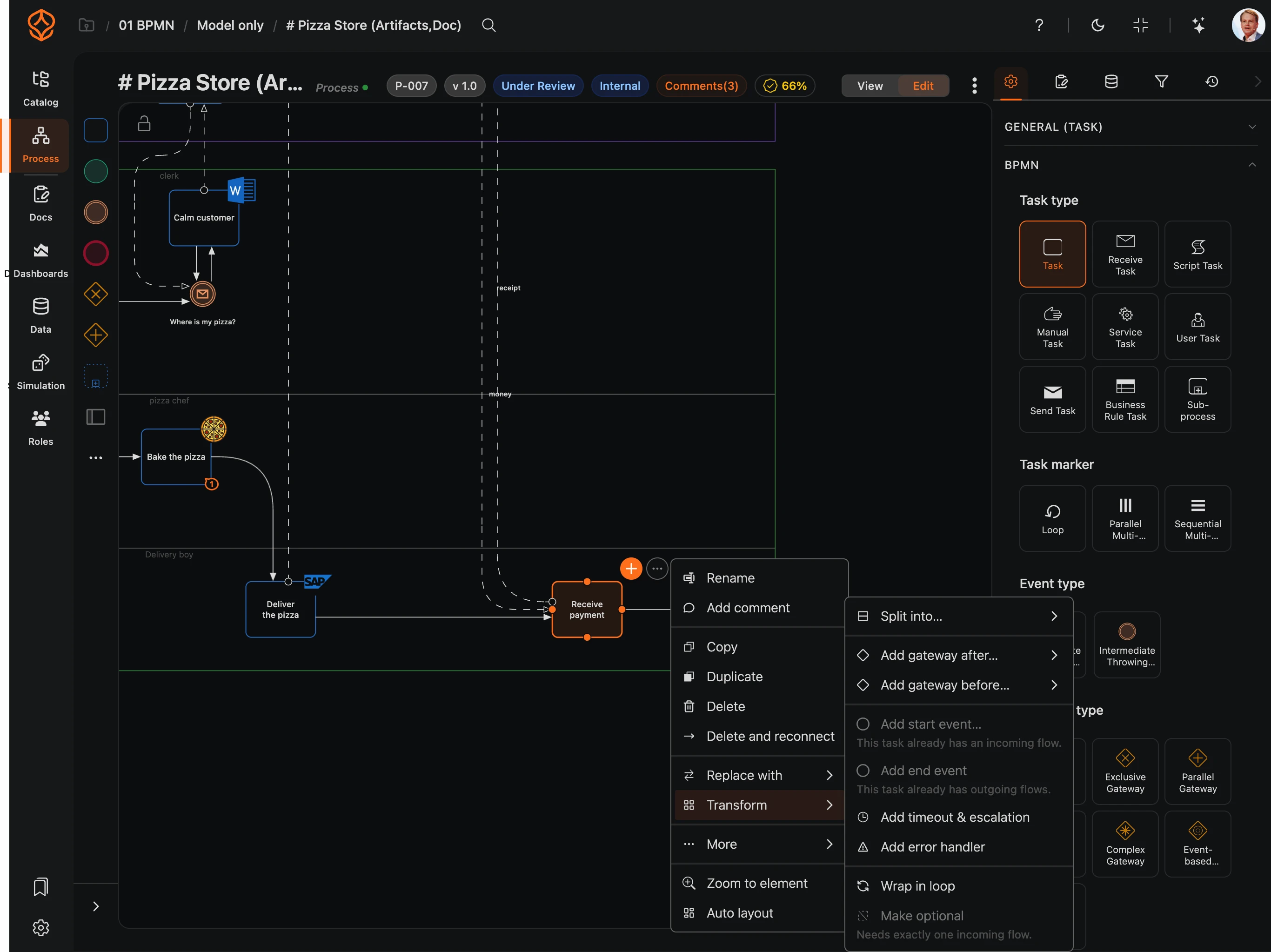
Arrange diagrams with auto-layout
Keep diagrams readable as you create and update them.
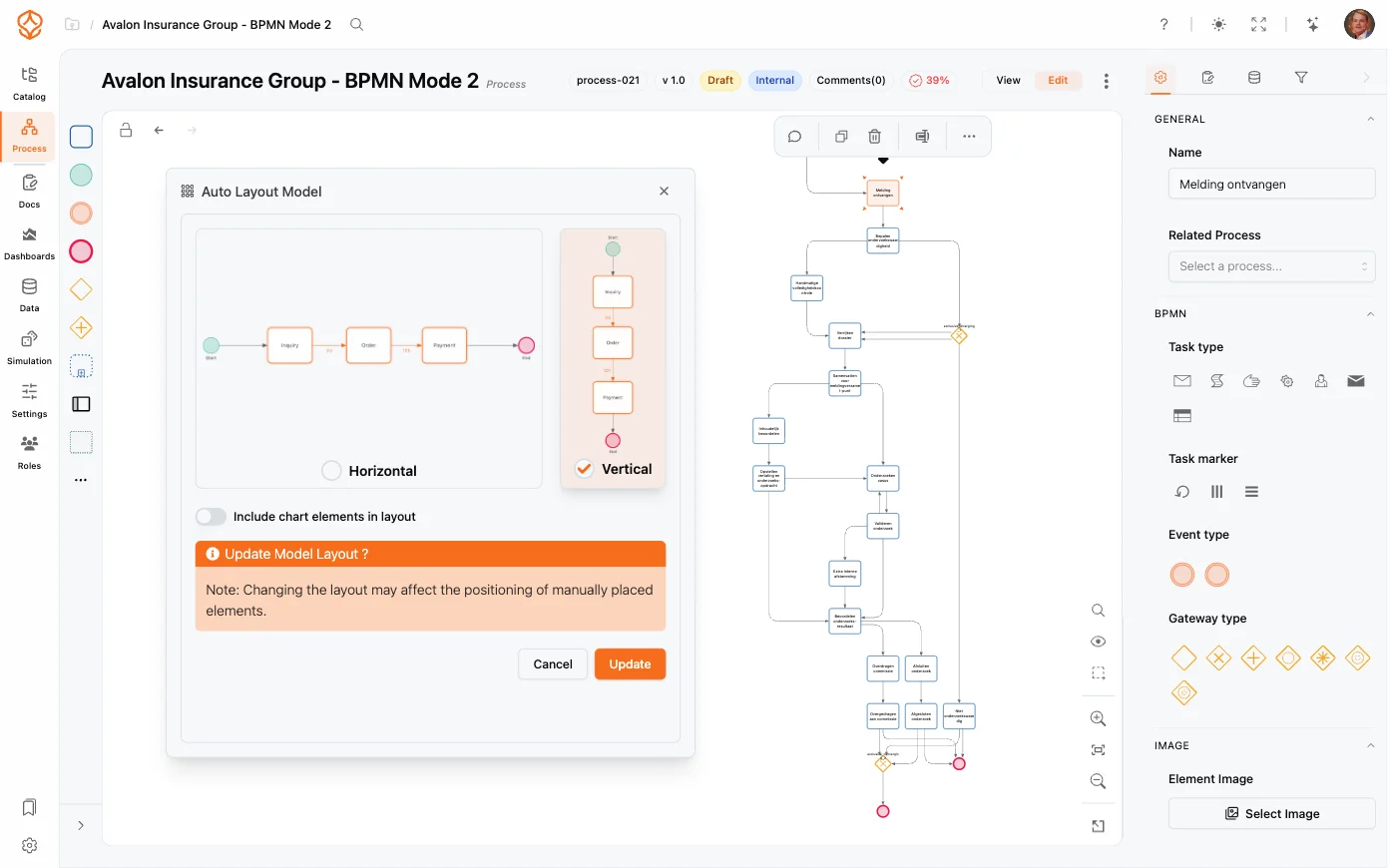
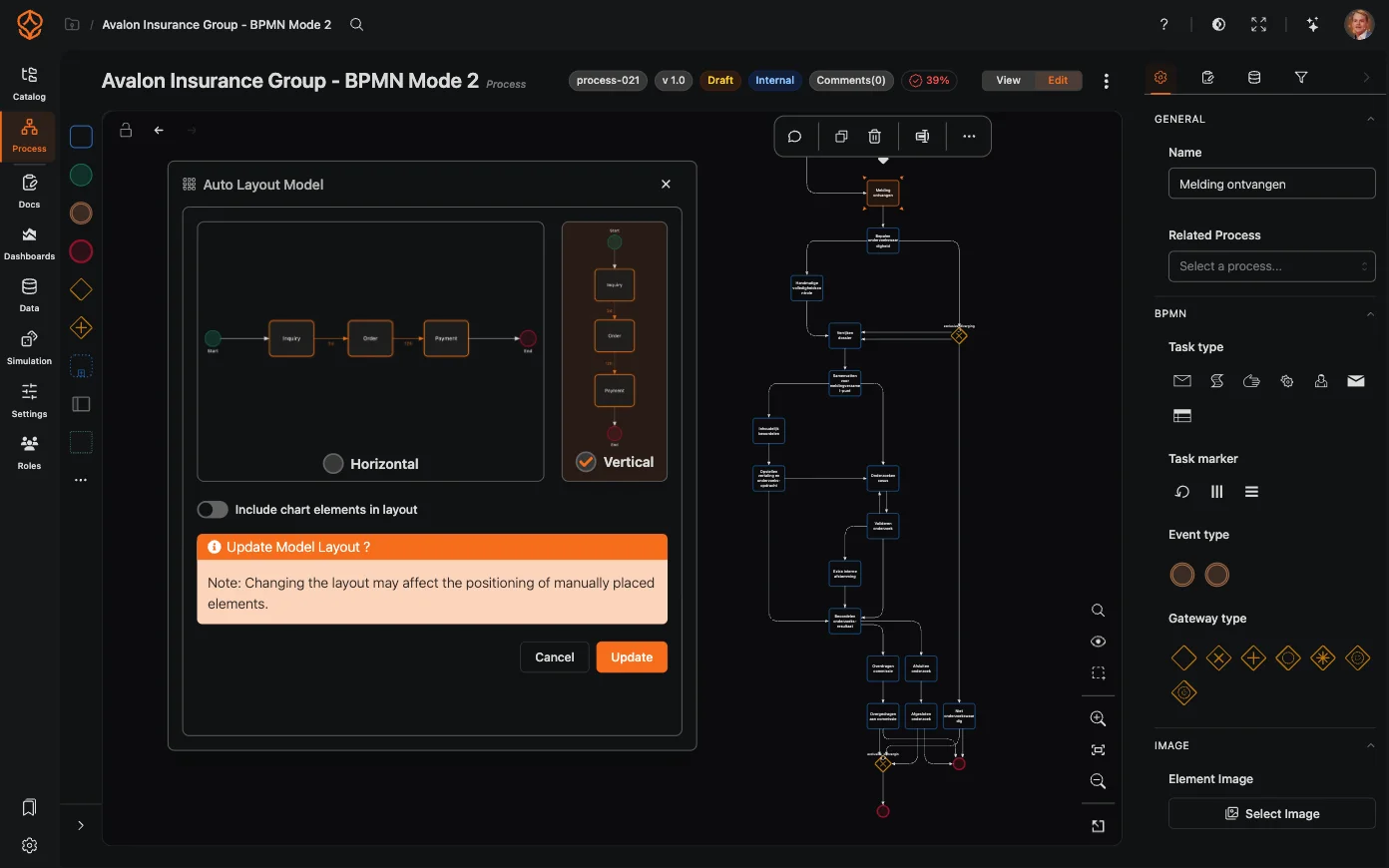
- Apply a horizontal or vertical BPMN layout with one click.
- Arrange models with dozens of activities.
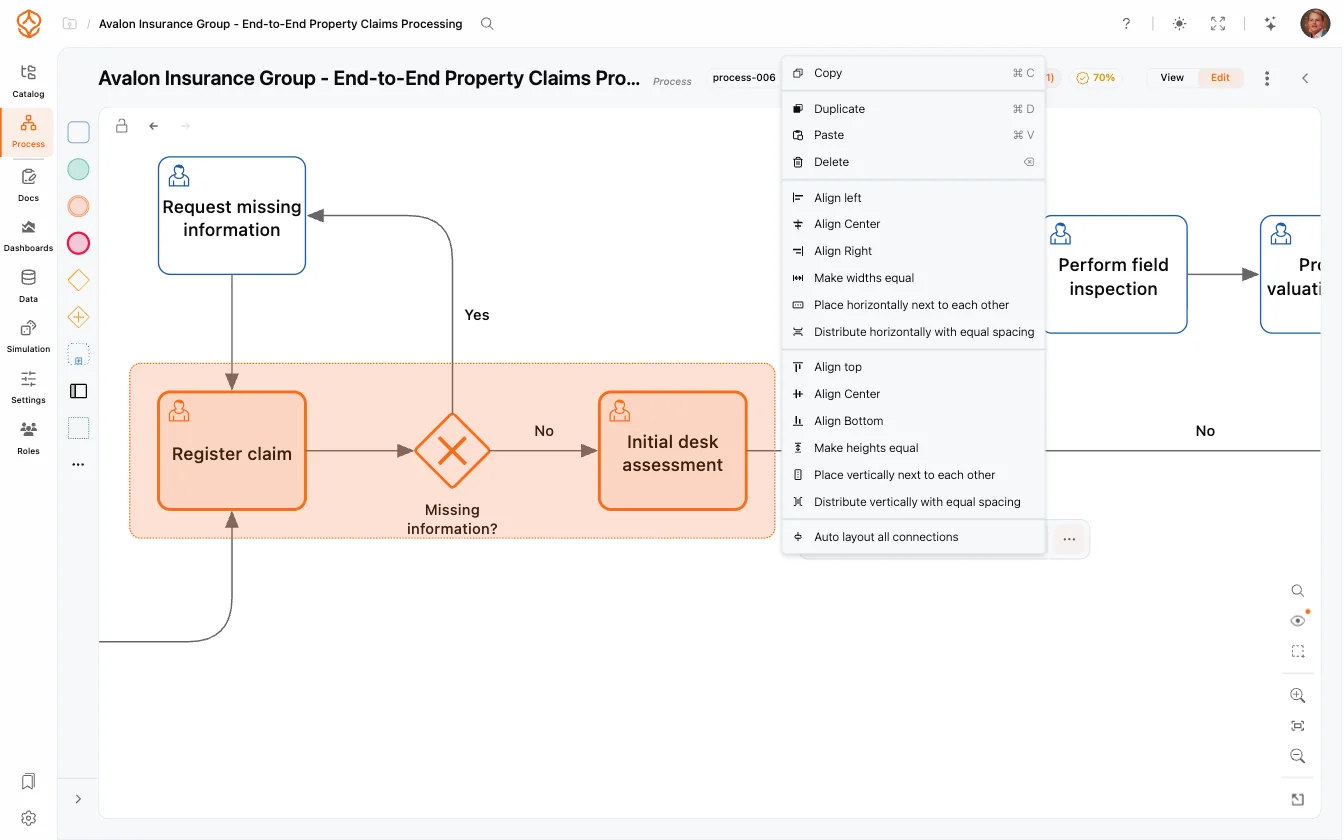
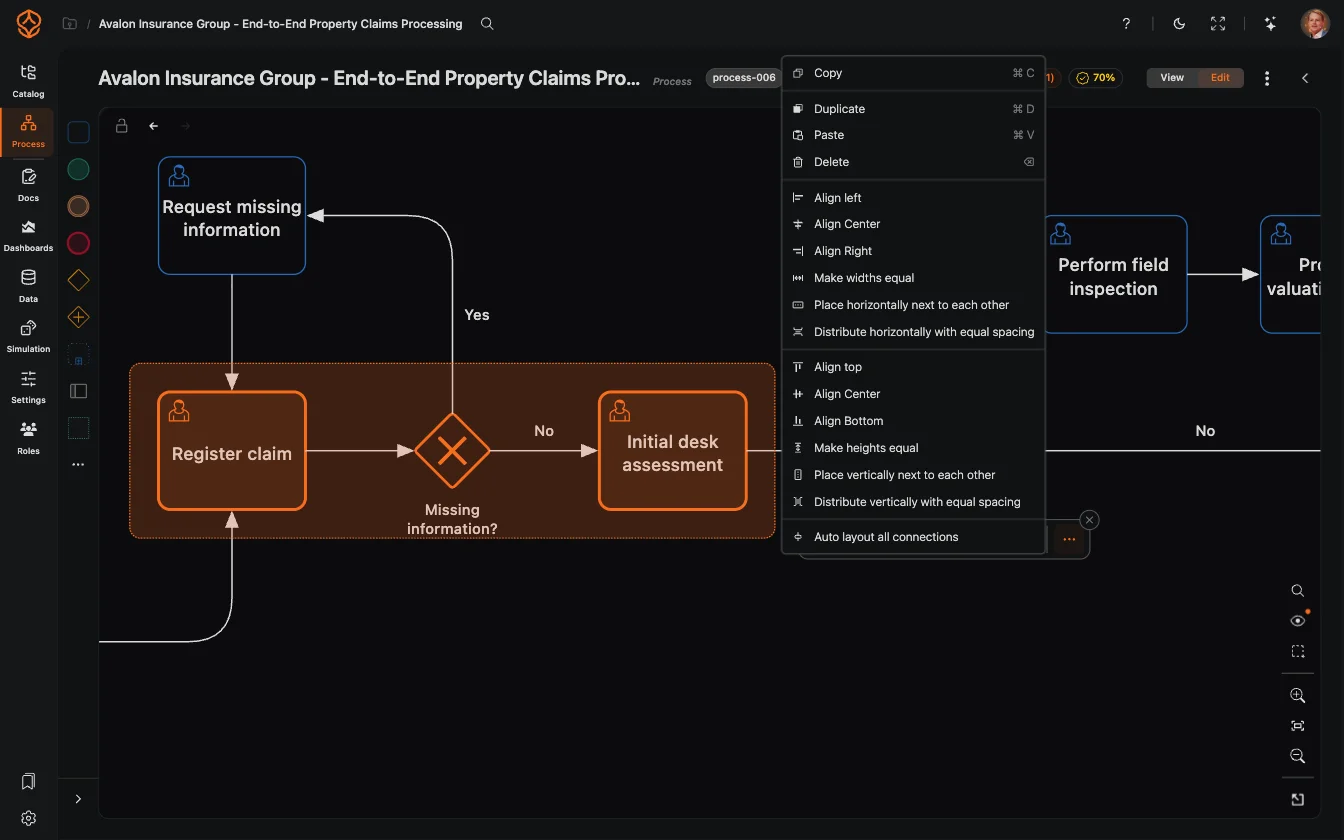
- Use alignment and distribution tools to adjust the layout yourself.
- Reapply auto-layout as the process changes.
Generate a first draft with AI
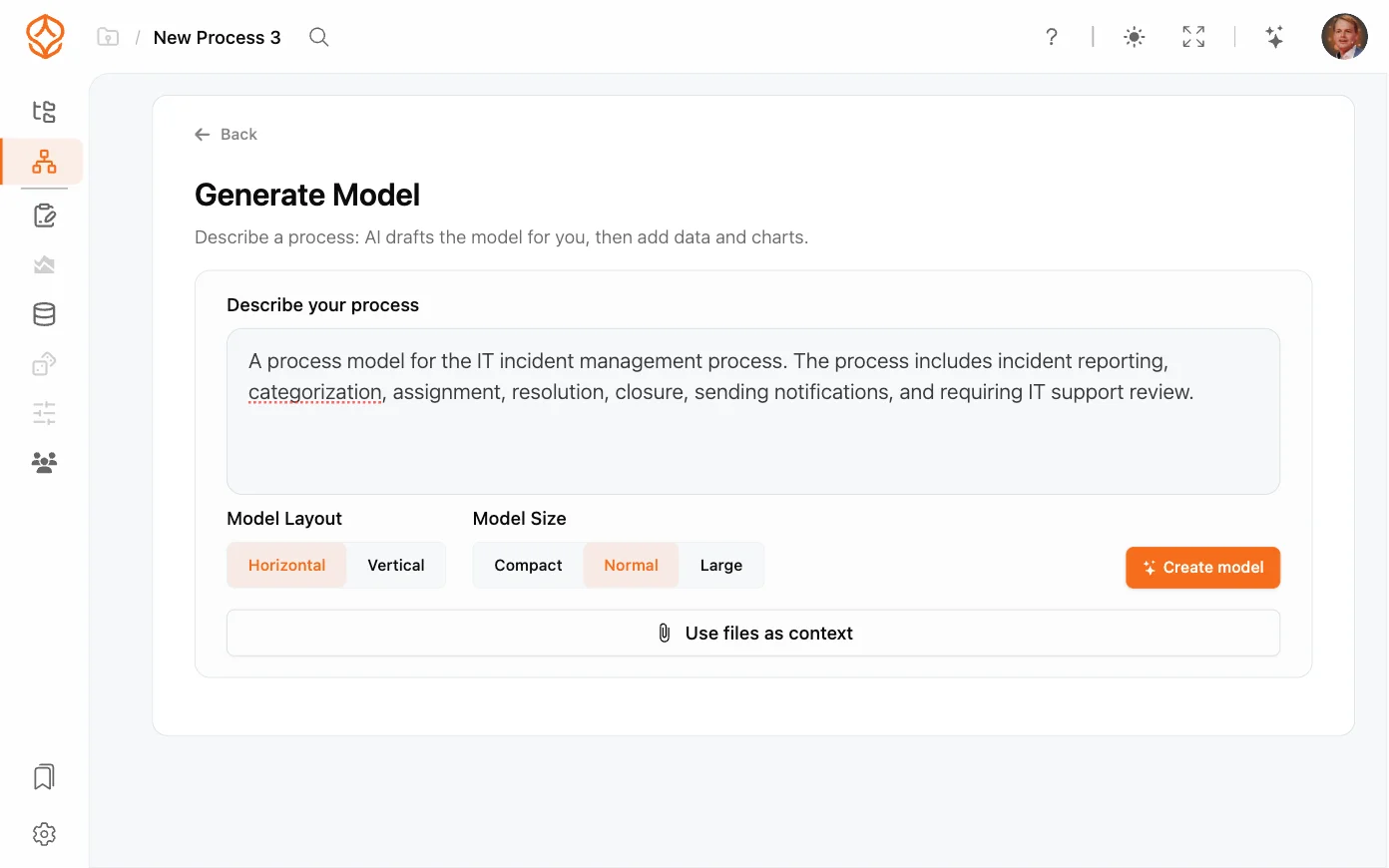
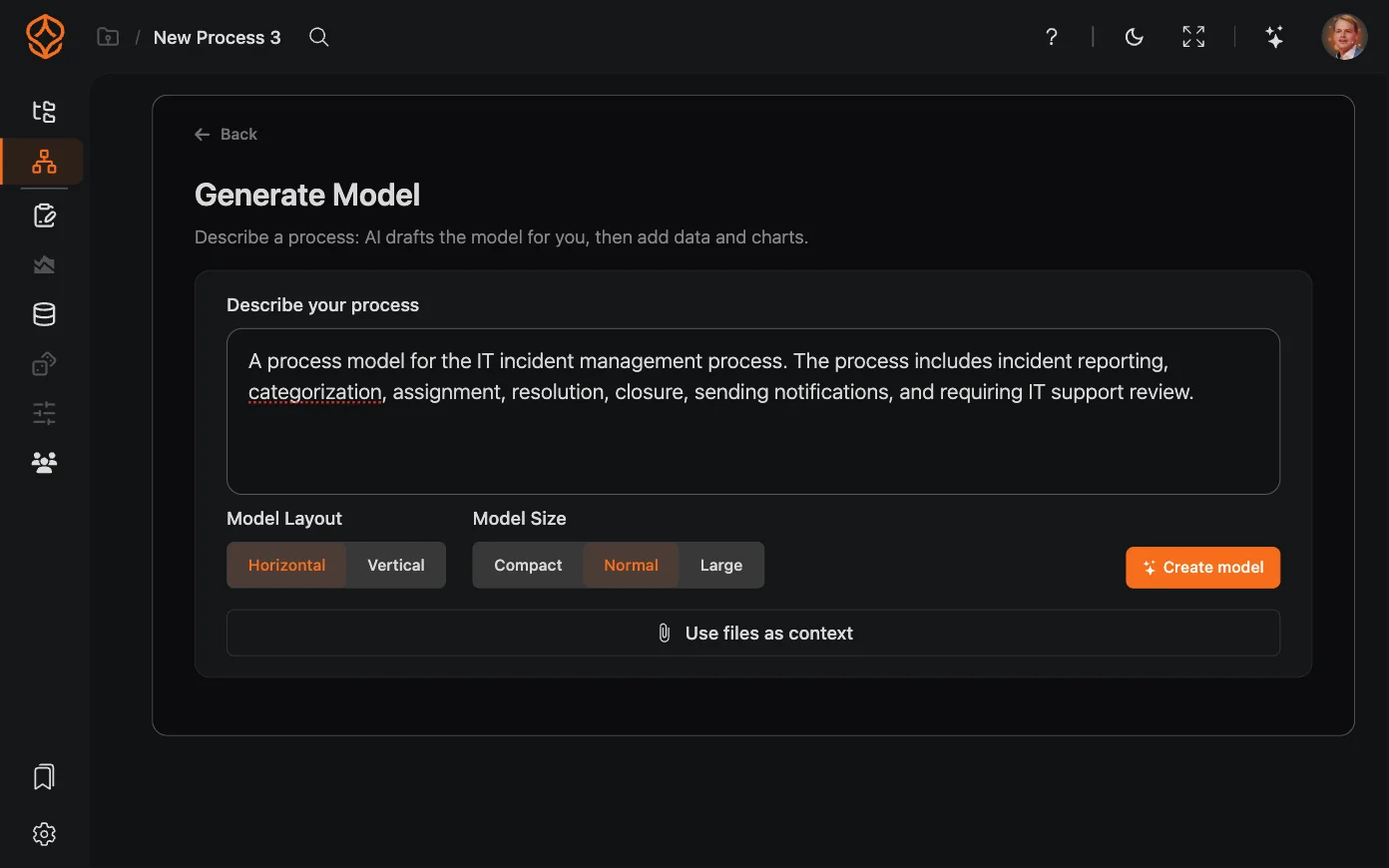
Describe the process in plain language to generate a BPMN 2.0 model.
- Start with a text description instead of a blank canvas.
- Say who performs each step in the description, then keep Swimlanes on: the draft gets one pool per participant and a lane per role, team or system.
- Review the generated tasks, gateways, and flows, and check that every lane holds the steps that role actually performs.
- Turn Swimlanes off for a flat sequence diagram, or add and split lanes yourself afterwards with the Lanes menu.
- Edit the model in the drag-and-drop editor.
- Use the generated draft for process documentation or brainstorming.
What is BPMN 2.0?
BPMN 2.0 is a standard notation for describing business processes with diagrams. It gives analysts, modelers, and technical teams a shared way to read and discuss how work flows.
Need a reference while you model? The cheat sheet lists every BPMN 2.0 symbol with its notation and when to use it.
BPMN 2.0 modeling
Model processes together
BPMN modeling features
What changes when you model online
A shared workspace for process models
Install and configure desktop software
Getting started may require local installation and IT support.
Work in your browser
Open the modeler without installing desktop software.
Install and configure desktop software
Getting started may require local installation and IT support.
Work in your browser
Open the modeler without installing desktop software.
Work through files
Sharing files can make it harder to track model changes.
Collaborate on models
Edit together and discuss changes in comment threads.
Work through files
Sharing files can make it harder to track model changes.
Collaborate on models
Edit together and discuss changes in comment threads.
Arrange diagrams manually
Formatting and alignment can take time as a model changes.
Use auto-layout
Arrange a diagram with one click, then adjust it as needed.
Arrange diagrams manually
Formatting and alignment can take time as a model changes.
Use auto-layout
Arrange a diagram with one click, then adjust it as needed.
Start with a blank canvas
Build each diagram element by element.
Generate a draft from text
Describe the process in plain language, then review and edit the generated model.
Start with a blank canvas
Build each diagram element by element.
Generate a draft from text
Describe the process in plain language, then review and edit the generated model.
Keep versions in separate files
Comparing changes can mean tracking down the right file.
Use version history
Review model versions and restore an earlier one when needed.
Keep versions in separate files
Comparing changes can mean tracking down the right file.
Use version history
Review model versions and restore an earlier one when needed.
Model processes in a separate tool
A diagram alone does not show how the process runs in practice.
Compare models with mined process data
Use Process Mining to compare event data with your process model.
Model processes in a separate tool
A diagram alone does not show how the process runs in practice.
Compare models with mined process data
Use Process Mining to compare event data with your process model.
BPMN 2.0 overview
Understand the notation before you model
Learn the core BPMN 2.0 building blocks before creating your own process model in ProcessMind.
Build a process foundation
Start with process modeling
Process Foundation
Model and document your processes to give teams clarity and a shared understanding.
Process Architecture
Define and manage your process landscape to align operations with strategy and compliance.
Process Intelligence
Use data and AI to understand performance, anticipate outcomes, and improve continuously.
Frequently asked questions
Implementation & delivery partners
All partners →ProcessMind is delivered and supported by consultancies and system integrators. These firms implement the platform for their own clients.















Draw your first model in the browser
Open the browser-based BPMN modeler, create a diagram, and export standard BPMN 2.0 XML. No installation or credit card required.