01
The outline decides the family
A circle is an event, a rounded rectangle an activity, a diamond a gateway. Read the outer shape before anything else.
BPMN 2.0 reference
Every BPMN 2.0 symbol you need to read or draw a process, grouped the way a model is built: events, activities, gateways, connections, swimlanes and artifacts. Each row gives the shape, what it means and when to use it.
Free BPMN 2.0 poster. No signup.
Draw a model with these symbols →Read the notation column before the shape: BPMN distinguishes an event from an activity by the outline, and one gateway from another by the marker inside the diamond. The four rules below cover most of what the rest of the sheet lists in detail.
The outline decides the family
A circle is an event, a rounded rectangle an activity, a diamond a gateway. Read the outer shape before anything else.
The marker decides the behaviour
The same outline can mean different things. The symbol inside turns a plain task into a user task, or a plain gateway into an exclusive or parallel split.
The line style decides the relationship
A solid arrow is sequence inside one process. A dashed arrow with an open circle is a message between participants.
The container decides the owner
A pool is one participant, usually an organisation. The lanes inside it are the roles that hand work to each other.
Something that happens. The outline tells you where it sits in the process; the marker inside tells you what kind of trigger it is.
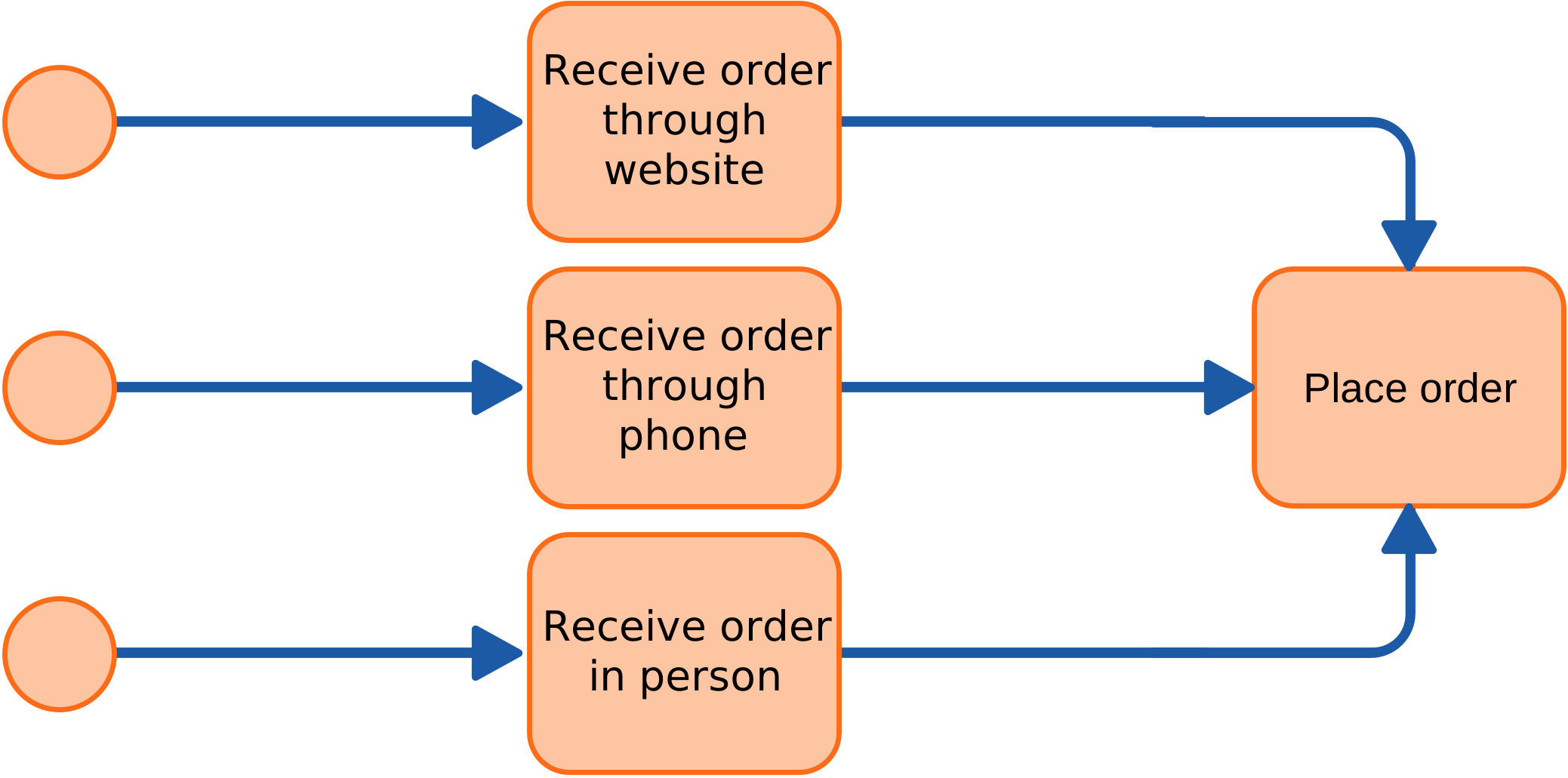
Thin single circle
Where a process instance begins. A plain start event is triggered manually; a marker inside turns it into a message, timer, signal or conditional start.

Double thin circle
Something that happens between start and end: a wait (catching) or a notification (throwing). Attach it to a boundary to model an exception on an activity.
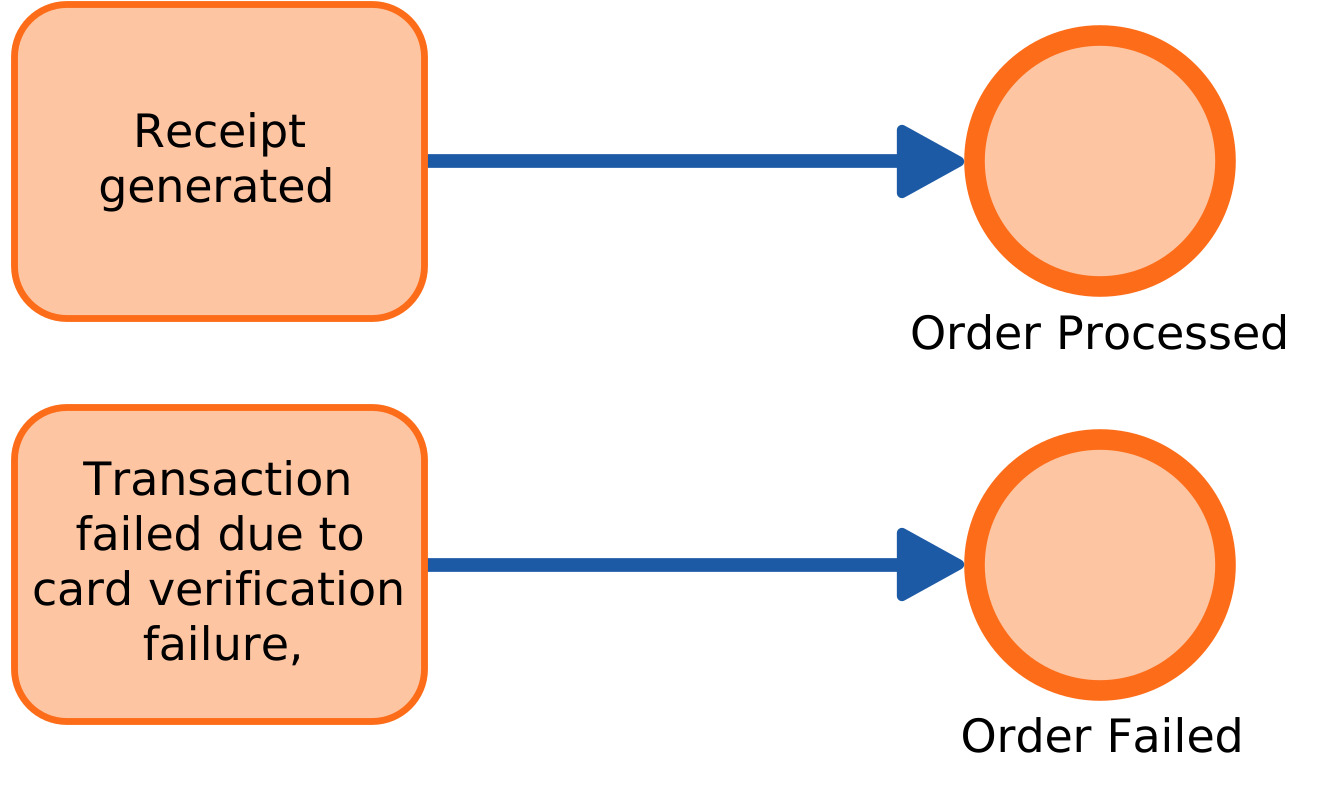
Thick single circle
Ends one path or the whole instance. A terminate end event stops every parallel path; a plain end event only ends its own path.
The work. A rounded rectangle is a task; the marker in the corner says who or what performs it.

Rounded rectangle
A unit of work at the lowest level of detail. Use it when the type of performer is not yet known or not relevant.

Rounded rectangle with a person marker
Work a human performs, usually through a form or an inbox. The task waits until that person completes it.

Rounded rectangle with a gear marker
Work the system performs without a person: an API call, a calculation or a sync with another application.

Rounded rectangle with a script marker
An automated step the process engine executes from a script. Use it for small rules, not for integrations.

Rounded rectangle with a table marker
A decision delegated to a rules engine, such as an eligibility or scoring table. The rule stays maintainable outside the diagram.
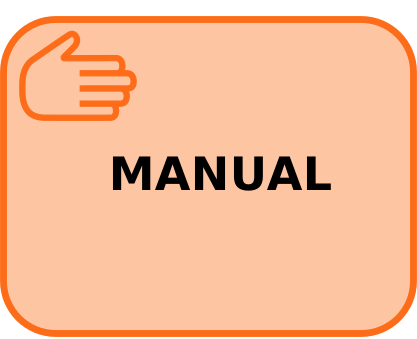
Rounded rectangle with a hand marker
Work done without system support. Model it when the step matters to cycle time but leaves no system trace.

Rounded rectangle with an envelope marker
Waits for an external message before the process continues. Distinct from a message start event, which begins a new instance.

Rounded rectangle with a filled envelope marker
Sends a message to another participant and continues. Use it for a hand-off you want visible on the diagram.

Rounded rectangle with a [+] marker
A collapsed group of activities. It keeps the top level readable while the detail stays available one level down.

Activity with a circular arrow
Repeats while or until a condition holds. Use it for rework and retry logic rather than drawing the arrow back by hand.

Activity with three vertical bars
Runs once per item in a collection, in parallel or in sequence. The honest notation for "for each line item or approver".

Activity with a rewind marker
The handler that undoes work already done, such as a refund after a failed shipment. It is not an error path.
The decisions and splits. The diamond is always the shape; the marker inside decides the behaviour.

Diamond with an X
Exactly one outgoing path. This is the default choice for an if/else decision, and the only one where the conditions must be mutually exclusive.

Diamond with a circle
One or more outgoing paths, depending on the conditions. Use it when several branches can run at the same time.

Diamond with a plus
Every outgoing path runs, with no condition. The matching join waits for all incoming paths before continuing.

Diamond with a pentagon inside
The next step is decided by whichever event happens first, such as a message or a timeout. Use it for race conditions, not for data decisions.
How elements relate. The line style separates sequence inside a process from communication between processes.

Solid arrow
The order of activities inside one process or pool. It cannot cross a pool boundary.

Dashed arrow with an open circle
Communication between two participants, such as a customer and a supplier. It never replaces a sequence flow inside one process.

Dotted line
Links an artifact, such as a data object or an annotation, to the element it describes. It carries no sequence.
Who does the work. Pools separate organisations; lanes separate roles inside one organisation.

Rectangle divided into horizontal lanes
A participant and its internal responsibilities. Put the hand-offs between roles on the lane boundaries, where delays usually appear.

Plain black-box rectangle
A participant you do not model internally, such as a customer or an external system. Keep it visible for the message flow.
Supporting information. Artifacts add context; they never change the process logic.
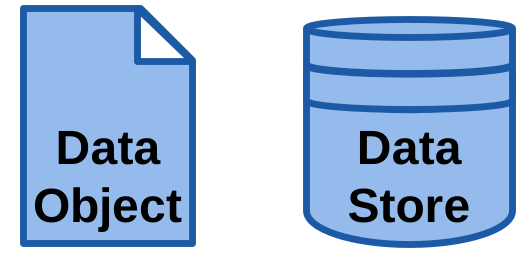
Page icon
Data the process reads or produces, such as an invoice or a request. Use it to show what a hand-off actually moves.

Cylinder
Persistent storage the process reads from or writes to, such as a database or a case system.

Rounded dashed rectangle
A visual grouping for readability. It has no execution semantics, so do not use it to model a sub-process.

Text with a bracket
A comment for the reader: a rule, an assumption or a note on why the step exists. It is not executed.
The free BPMN 2.0 poster PDF puts every element family on one sheet, with the same symbols this page explains: events, activities, gateways, connections, swimlanes, data and artifacts. Download it and keep it next to the model you are drawing.
See how ProcessMind draws these symbols →Describe a process and the AI drafts a BPMN 2.0 model with these elements. You edit it, review it with the process owner and export standard BPMN XML.
We use cookies to improve your experience, personalize content, and analyze traffic. Anonymous page measurement happens without them; analytics consent adds an identifier that links your visits. By clicking "Accept All," you consent to our use of cookies.