Process Simulation Software for What-If Analysis
Test changes before you invest. Run what-if simulation scenarios with cost and capacity constraints to predict outcomes with confidence.
No credit card required · Included with a Process Intelligence seat · Fast results after upload

Features in Depth
Business Process Simulation That Drives Decisions
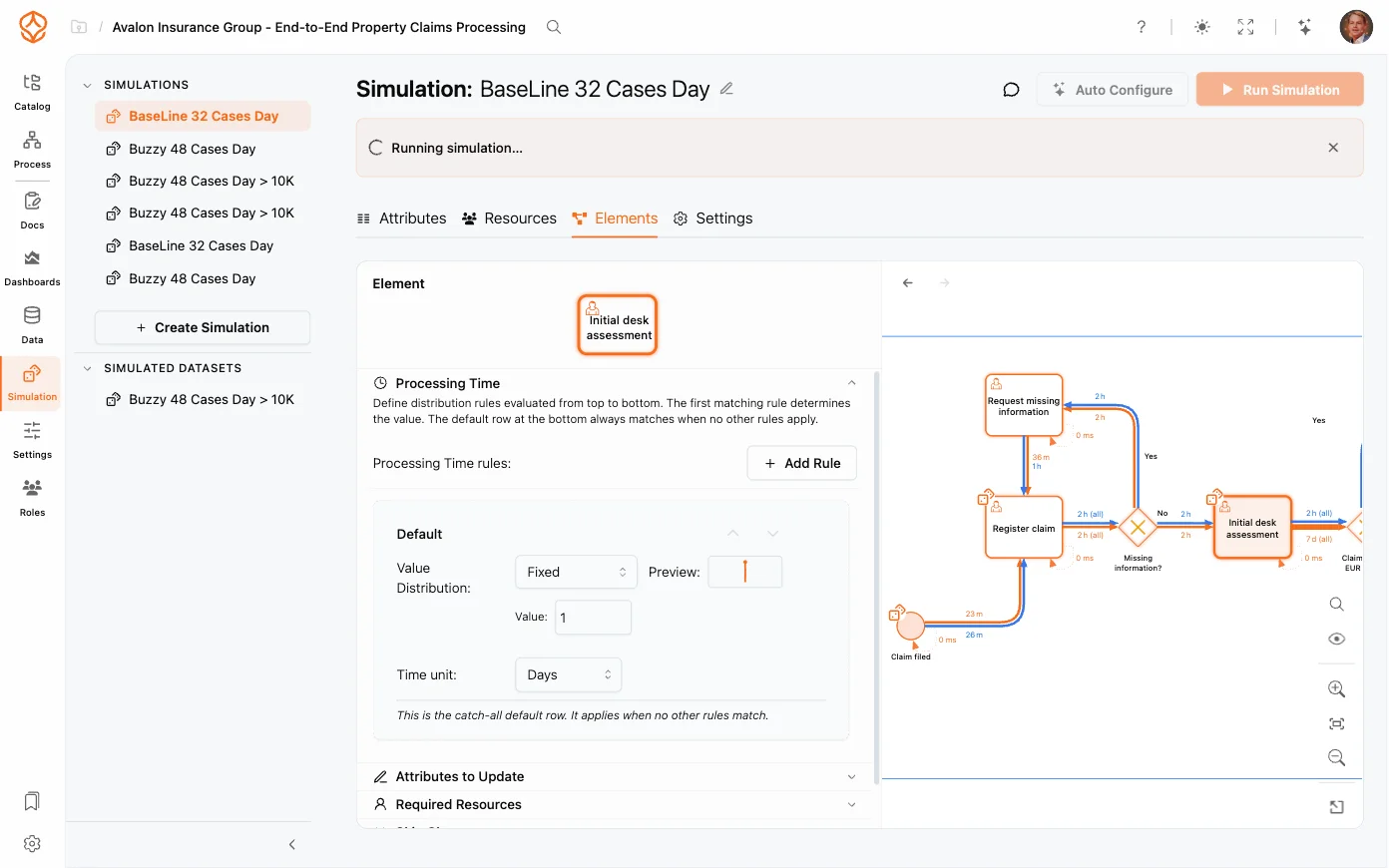
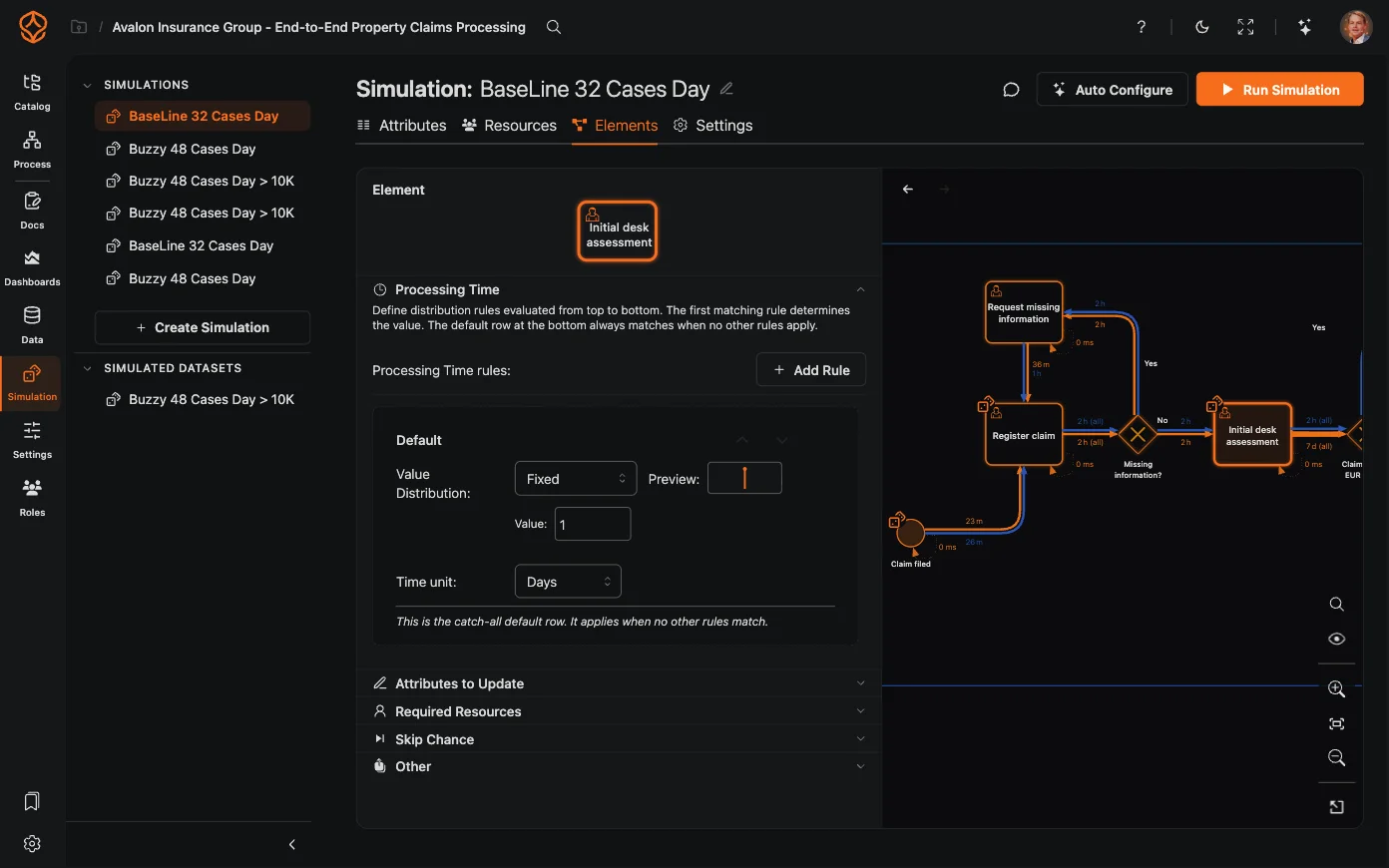
What-If Scenario Modeling
Define scenarios and compare outcomes side by side.
- Adjust resource levels, costs, arrival rates, routing probabilities, and queue strategies.
- Compare multiple scenarios with your current baseline.
- Cost models show the financial impact of each change.
- Choose the simulation date range and warm-up period for stable, comparable results.
Resource & Cost Planning
Model your team and see how changes affect performance.
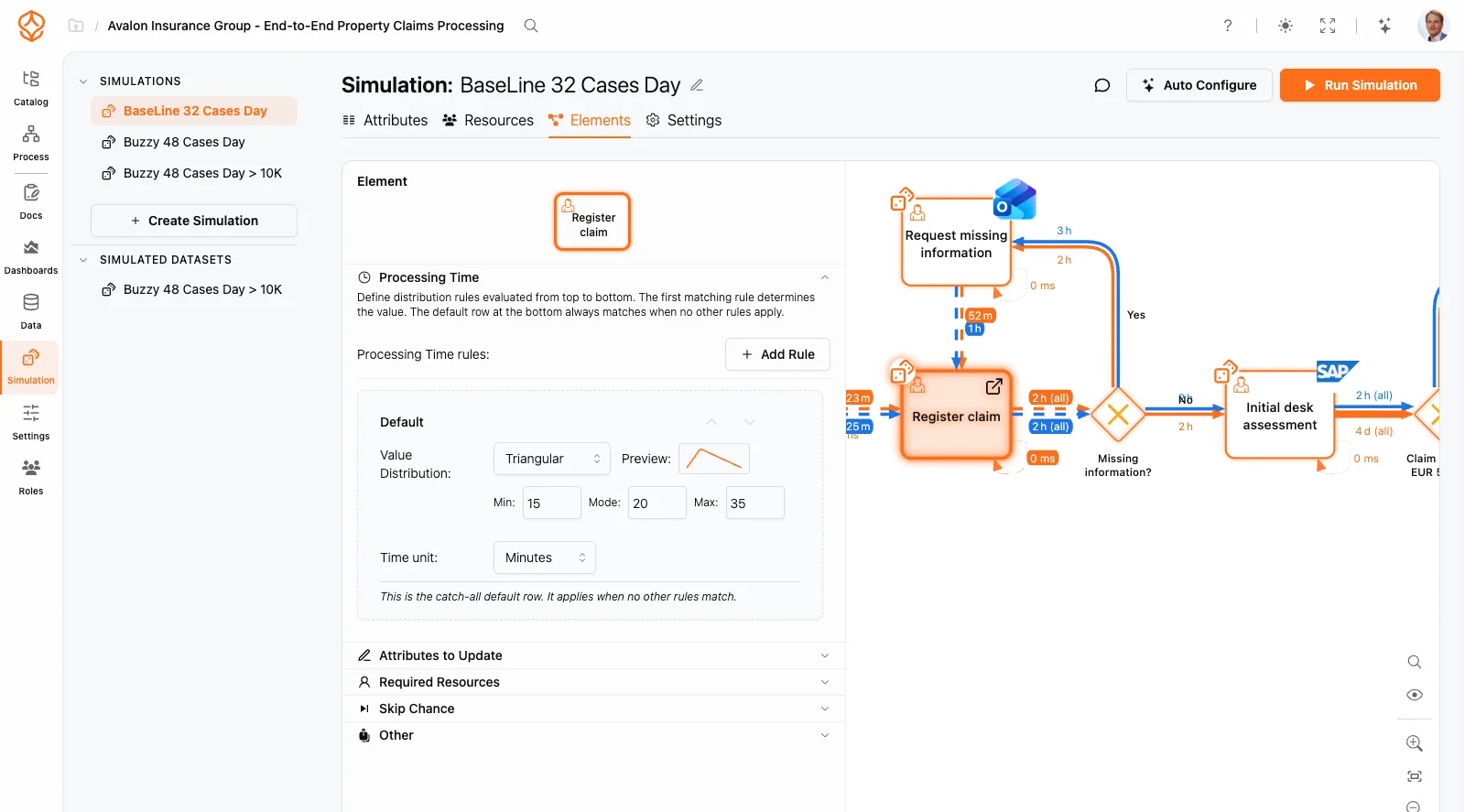
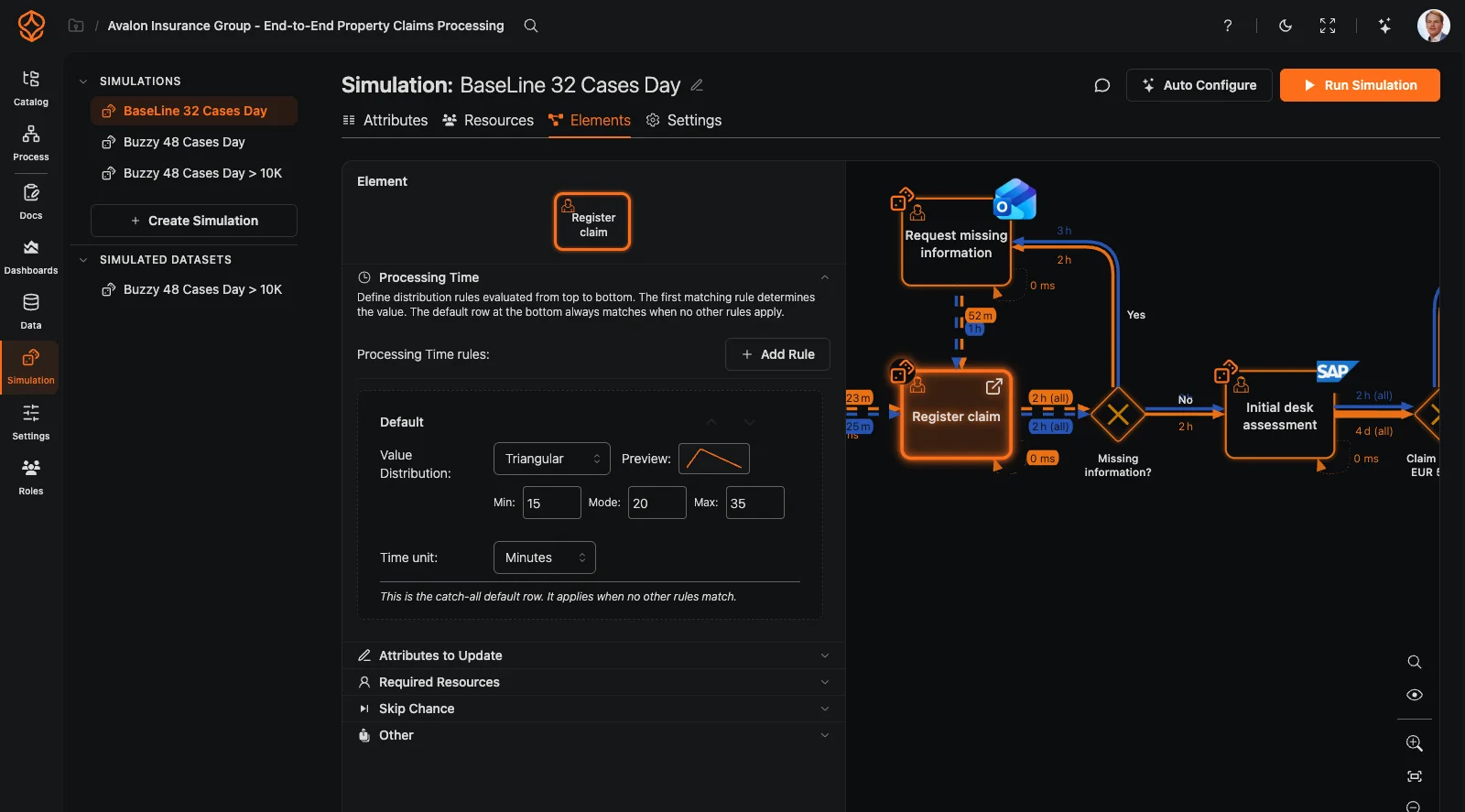
- Define roles, schedules, and resource availability.
- Working hours, shifts, and periodicity keep calendars and demand realistic.
- Capacity constraints reveal where queues will build.
- Cost-per-activity and cost-per-resource calculations.
- Find the optimal balance between speed and cost.
Data/Model Driven Simulation
Bridge the gap between process mining and simulation.
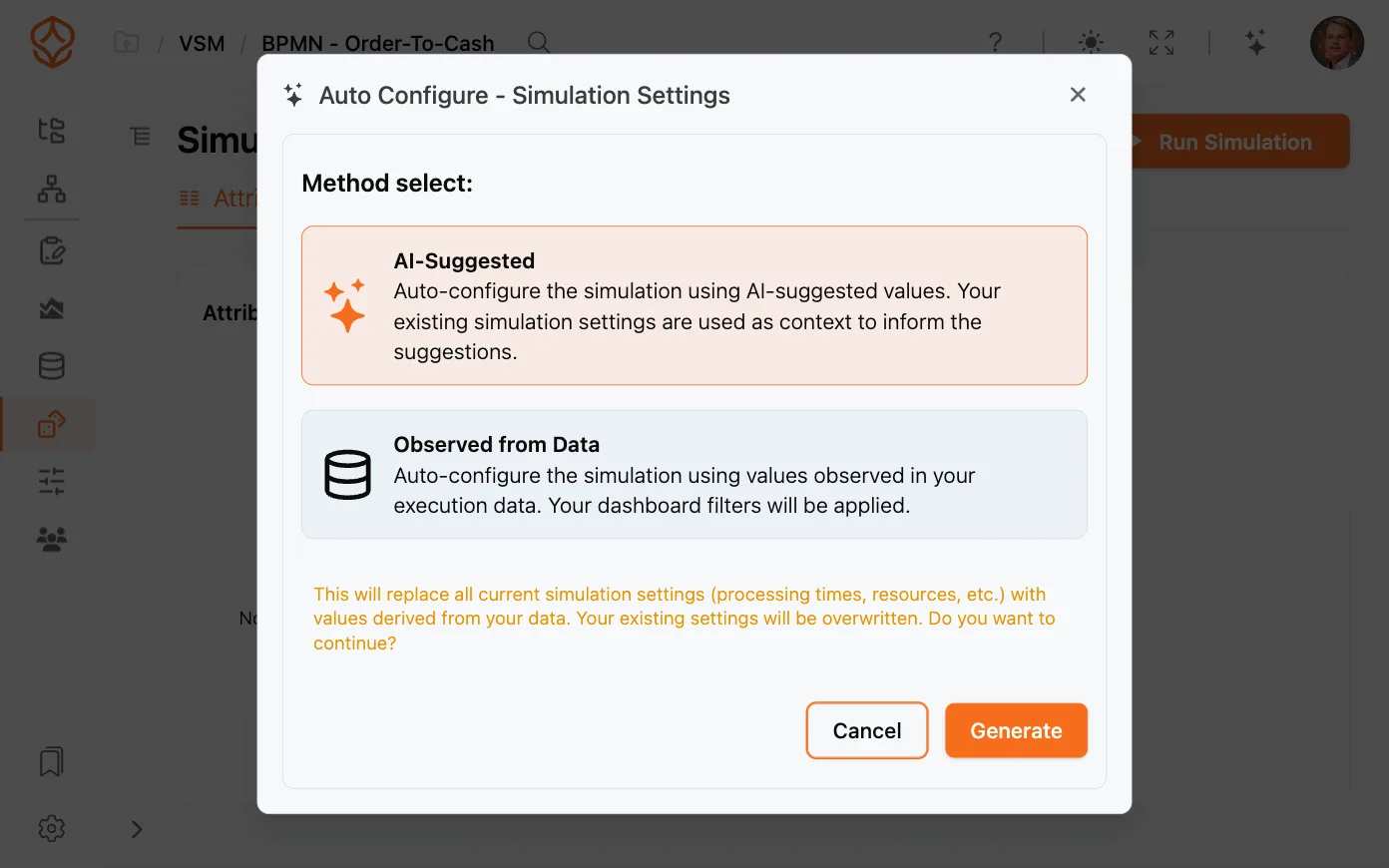
- Auto-extract arrival rates, durations, and routing from your event logs.
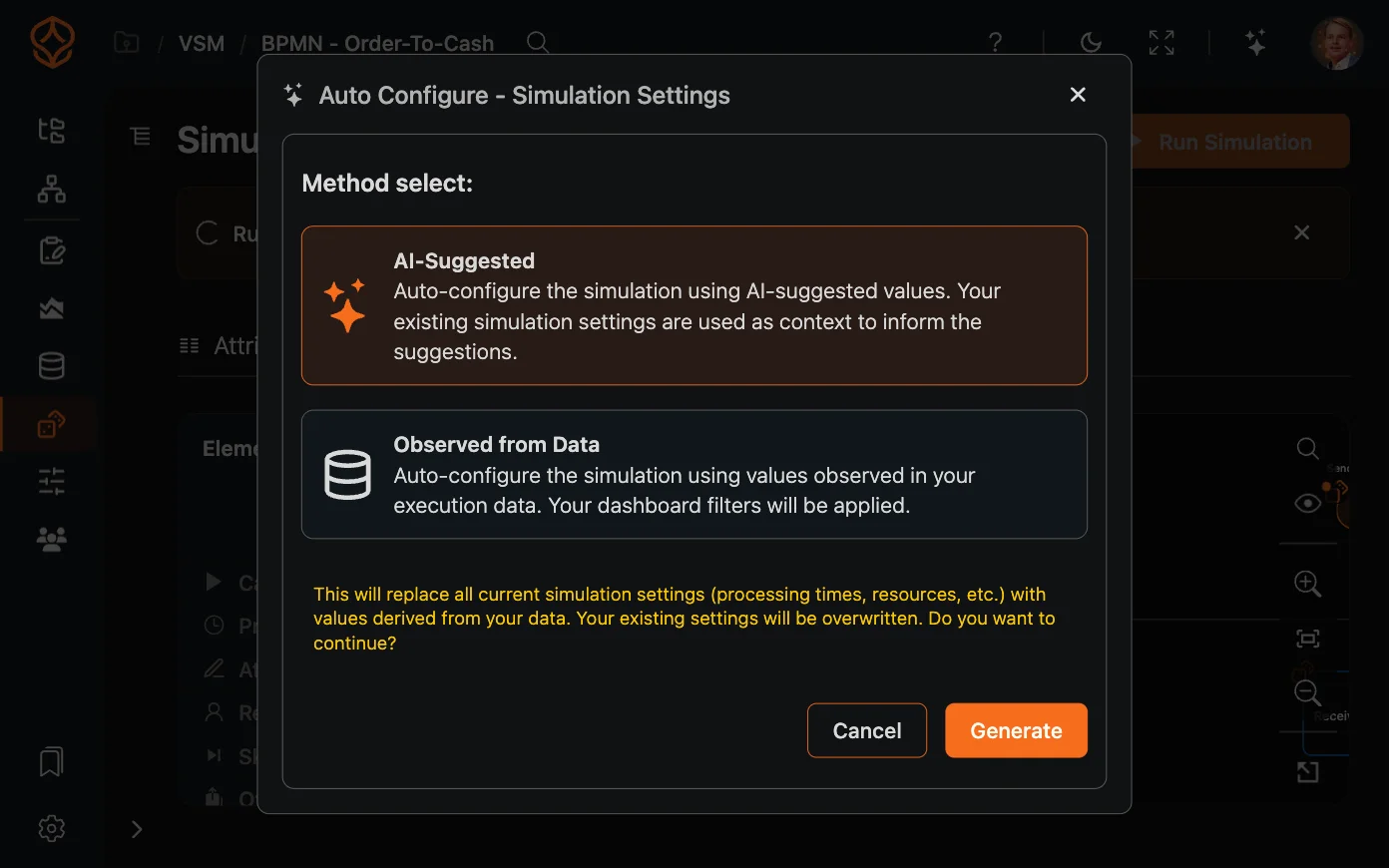
- Our AI suggests optimal simulation parameters based on your model.
- Custom attributes and conditional routing support detailed modeling.
- Export simulation results as synthetic event logs for further analysis.
Process Simulation
Key Features
All Simulation Features
The difference
Simulation That Works With Your Data
Manual parameter entry
Time-consuming manual data entry prone to human error.
Auto-extract from your real process data
Parameters are automatically extracted from your actual process data.
Separate from process mining
Simulation models are disconnected from real process data.
Integrated: mine, model, and simulate in one platform
Simulate your discovered processes without data transfer.
Desktop-only, complex setup
Requires powerful local hardware and complex installation.
Browser-based, nothing to install
Run complex simulations from any browser, anywhere.
No AI assistance
You must manually define all simulation parameters and scenarios.
AI-suggested scenarios and parameters
AI helps identify and configure the most relevant scenarios.
Generic process models
Simulations use abstract models that may not reflect reality.
Simulate your actual discovered processes as a digital twin
Simulate your real processes with accurate digital twins.
Expensive licenses
High license costs make simulation inaccessible for most teams.
Included with a Process Intelligence seat
No additional cost: simulation is built into your plan.
Maturity Stage
Where Does Simulation Fit?
Process Foundation
Model and document your processes to create clarity and shared understanding.
Process Architecture
Define and manage your process landscape to align operations with strategy and compliance.
Process Intelligence
Use data and AI to understand, predict, and continuously improve performance.
Test Your Process Improvements Safely
Upload your data, discover your process, and simulate changes in one platform. Start your free trial today.