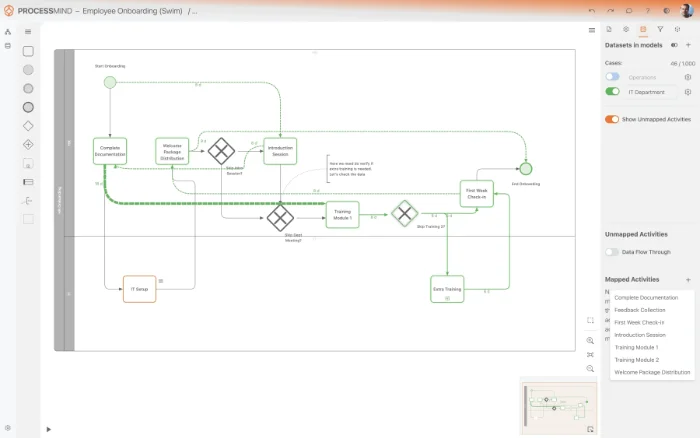
BPMN Process Modeling

Create Your First Diagram Free

No credit card ·Works in your browser ·BPMN 2.0 compliant

BPMN Process Modeling

Process Modeling

Key Features

BPMN Import & Export

Industry-standard .bpmn files. Import from and export to Camunda, Signavio, and more. Full BPMN 2.0 compatibility.

No vendor lock-in. Move diagrams freely between tools and teams.

Automatic Layouts

One-click auto-arrange for clean, readable diagrams at any complexity. Our Clarity Engine handles the positioning for you.

Get clean, professional diagrams instantly. No more manual alignment.

Real-Time Collaboration

Edit together in real-time with your team. Comments and annotations keep discussions in context.

Work together on process models without version conflicts or email attachments.

AI Model Generation

Describe your process in plain language. AI creates a complete BPMN diagram with tasks, gateways, and flows.

Create your first process diagram in seconds, even without BPMN experience.

Copy to PowerPoint

Copy your process diagrams directly to PowerPoint for presentations and stakeholder reviews. Also export as high-quality PNG images.

Present process models to stakeholders in the tools they already use.

Full BPMN 2.0 Support

All gateway types (XOR, AND, OR), pools, lanes, participants, annotations, sub-processes, and more. Complete BPMN 2.0 compliance.

Model any process, no matter how complex. Nothing is oversimplified.

Features in Depth

Professional BPMN Modeling

Everything you need to create, manage, and share process models without the complexity of traditional tools.

Intuitive design

Drag & Drop BPMN Editor

A full-featured BPMN 2.0 editor that anyone can use.

  • Complete BPMN 2.0 element palette: tasks, gateways (XOR, AND, OR), events, pools, lanes, and more.
  • Intuitive drag & drop interface with snap-to-grid.
  • Properties panel for detailed element configuration.
  • Copy to PowerPoint for presentations. Export as high-quality PNG images.
  • Works entirely in your browser, nothing to install.
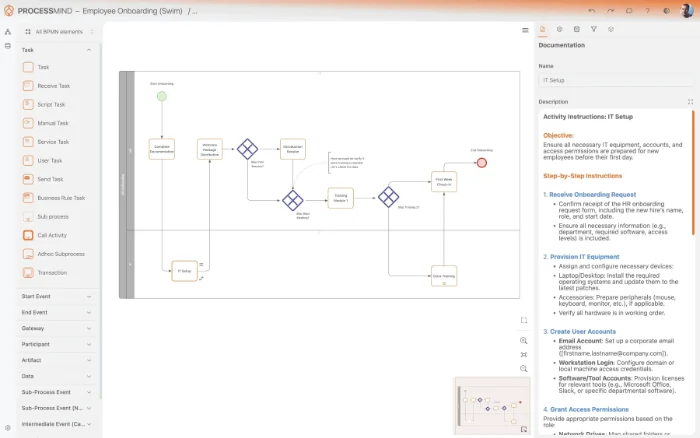
Drag & drop BPMN editor

One-click clarity

Automatic Layouts

Keep your diagrams clean and readable at any scale.

  • One-click auto-arrange with horizontal and vertical BPMN layouts.
  • Handles complex models with dozens of activities.
  • Maintains readability as processes evolve.
  • No manual alignment needed.
Automatic layouts
Automatic layouts

From text to diagram

AI-Powered Model Generation

Describe your process in plain language and let AI create the diagram.

  • Natural language input, no BPMN expertise needed to start.
  • Generates complete BPMN 2.0-compliant models.
  • Refine and edit the AI-generated model with drag & drop.
  • Perfect for rapid documentation or brainstorming.
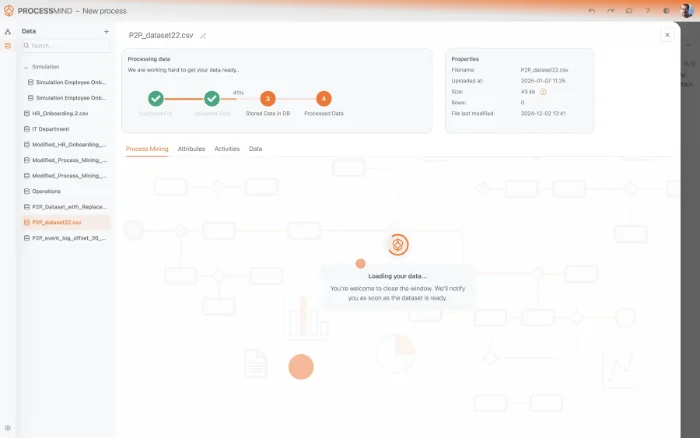
AI model generation
AI model generation
Build your first BPMN diagram, start your free trial

All Process Modeling Features

BPMN 2.0 diagram editor
Collaborative editing
Export to BPMN
Export to image (PNG)
Copy to PowerPoint
Import BPMN
Automatic layouts AI
Generate model using AI AI

The difference

Modeling Made Accessible

Traditional BPMN Tools

Desktop-only installation
Complex, steep learning curve
Manual layout & alignment
No AI assistance
Single-user or complex setup
Modeling only

ProcessMind

Browser-based, nothing to install
Intuitive drag & drop
Automatic layouts
AI generates complete BPMN diagrams from plain-language descriptions
Real-time collaboration built in
Model, mine, simulate, and present in one tool

Go further

Your Models + Real Data = Insights

Already modeling your processes? Import event logs to see how your real process compares to your model. Discover the gap between design and reality. Don't have data yet? Run simulations directly on your models to predict performance and test improvements.

Part of the Platform
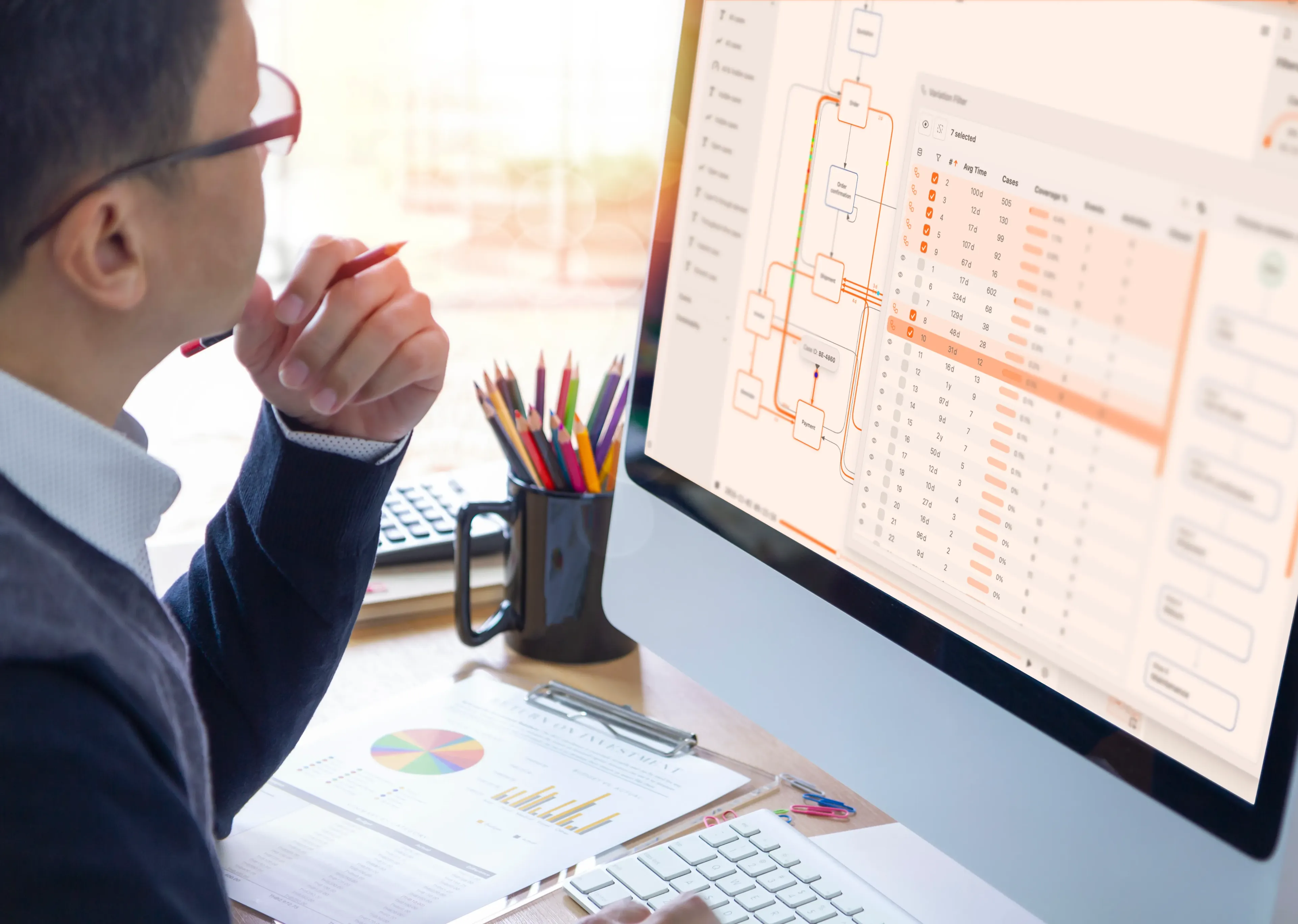

Create Your First Process Diagram

Open the browser-based BPMN editor and create your first diagram in seconds. No installation, no credit card. Start your free trial today.