Visualize & Animate

Start Visualizing Free

No credit card ·Instant animated replay ·Included in Standard & Premium
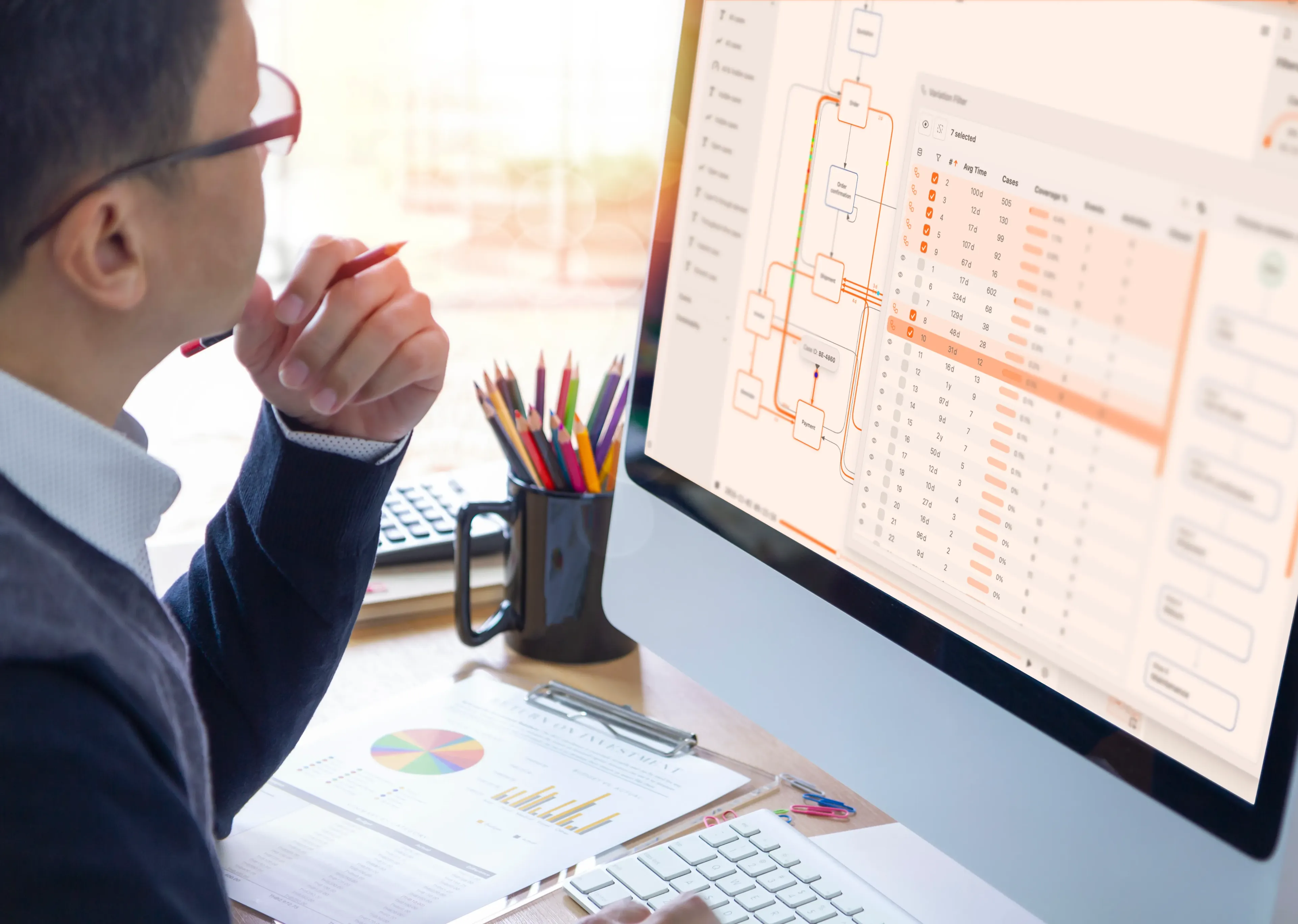
Visualize & Animate

Process Visualization

Key Features

Animation Replay

Watch cases flow through your BPMN model in real-time animation. Replay entire datasets or drill into individual cases.

Show stakeholders exactly where cases get stuck. One replay is worth a thousand reports.

Timeline Playback

Scrub through time to see how your process executes over hours, days, or weeks. Built-in speed controls for fast or slow replay.

Find time-based patterns like end-of-month spikes or Monday morning bottlenecks.

Path Highlighting & Trails

Color-coded paths highlight bottlenecks and delays. Fading trails show dominant process paths and where congestion builds.

Instantly see which paths dominate and where congestion builds up.

Interactive BPMN

Click any activity or gateway to see statistics, frequency, and performance. Zoom, pan, and explore your process visually.

Get detailed metrics on any activity with a single click. No separate reports needed.

Video Export

Export animated process replays as video files for stakeholder presentations, reports, and training materials.

Share process insights with anyone, even people who do not use ProcessMind.

Start All Cases Simultaneously

Replay all cases from a common starting point to clearly visualize flow intensity and identify congestion patterns.

Understand overall flow intensity and see where your process handles volume well or breaks down.

Features in Depth

See Your Processes Come to Life

Process visualization and animation help you understand how work actually flows through your organization.

See it in motion

Process Animation Replay

Watch your process execute in animated BPMN diagrams.

  • Cases flow through the model as animated tokens.
  • Speed controls let you fast-forward or slow down replay.
  • Color-coded paths highlight bottlenecks and delays.
  • Replay specific cases or watch the full dataset.
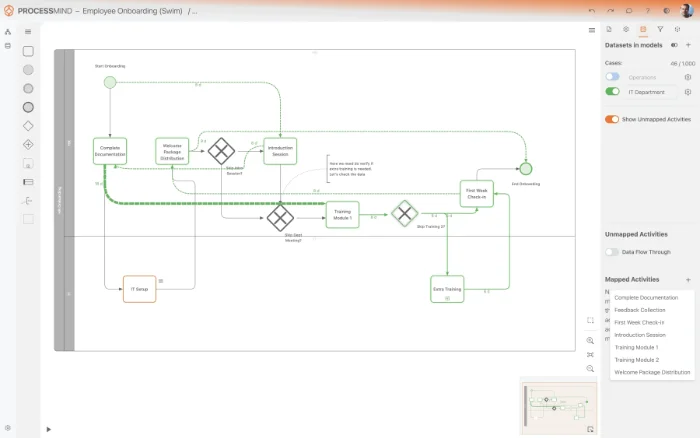
Process animation replay

Explore every detail

Interactive BPMN Diagrams

Click any element in your process model for instant insights.

  • Activity statistics: frequency, duration, cost.
  • Gateway analysis: which path is most common?
  • Resource utilization, waiting time, and cost at each step.
  • Filter and highlight specific process variants.
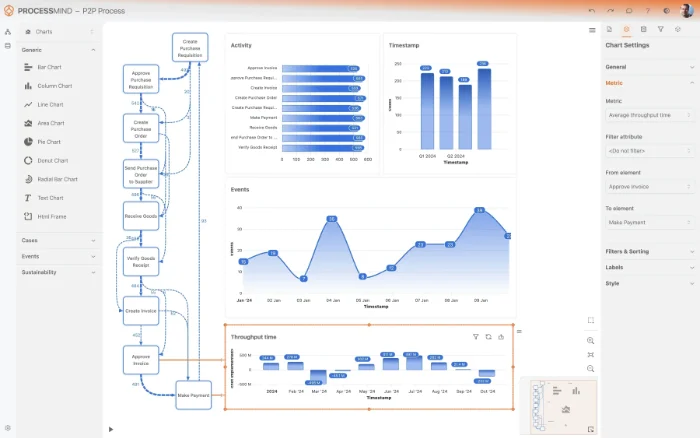
Interactive BPMN diagrams
See your processes in motion, start your free trial

All Visualization Features

Timeline scrubber
Playback speed control
Start all cases simultaneously
Visualize trails
Video export

Explore More Capabilities

Bring Your Processes to Life

Upload your data and watch animated BPMN replays in minutes. Start your free trial today, no credit card required.